




Content ITV PRO
This is Itvedant Content department
Understanding Containerization for OpsMate Platform
Pre-Lab Preparation
Task 1: Analyze Netflix Case Study and Evaluate Containerization Needs
Introduction
Before we start using Docker, it is important to understand why containerization became popular.
Imagine OpsMate is growing rapidly.
Initially:
One server hosts the application
Few users access the platform
Manual deployments are manageable
As the number of users increases:
More servers are required
Application updates become frequent
Different environments cause inconsistencies
Scaling becomes difficult
Netflix Transformation Journey
Netflix started as a traditional application running on a monolithic architecture.
As millions of users started streaming content:
Infrastructure requirements increased
Application updates became frequent
Service failures affected the entire platform
Scaling individual components became difficult
Instead of running one large application, Netflix divided its platform into multiple services.
Examples:
User Service
Recommendation Service
Billing Service
Streaming Service
Why Containerization Became Important
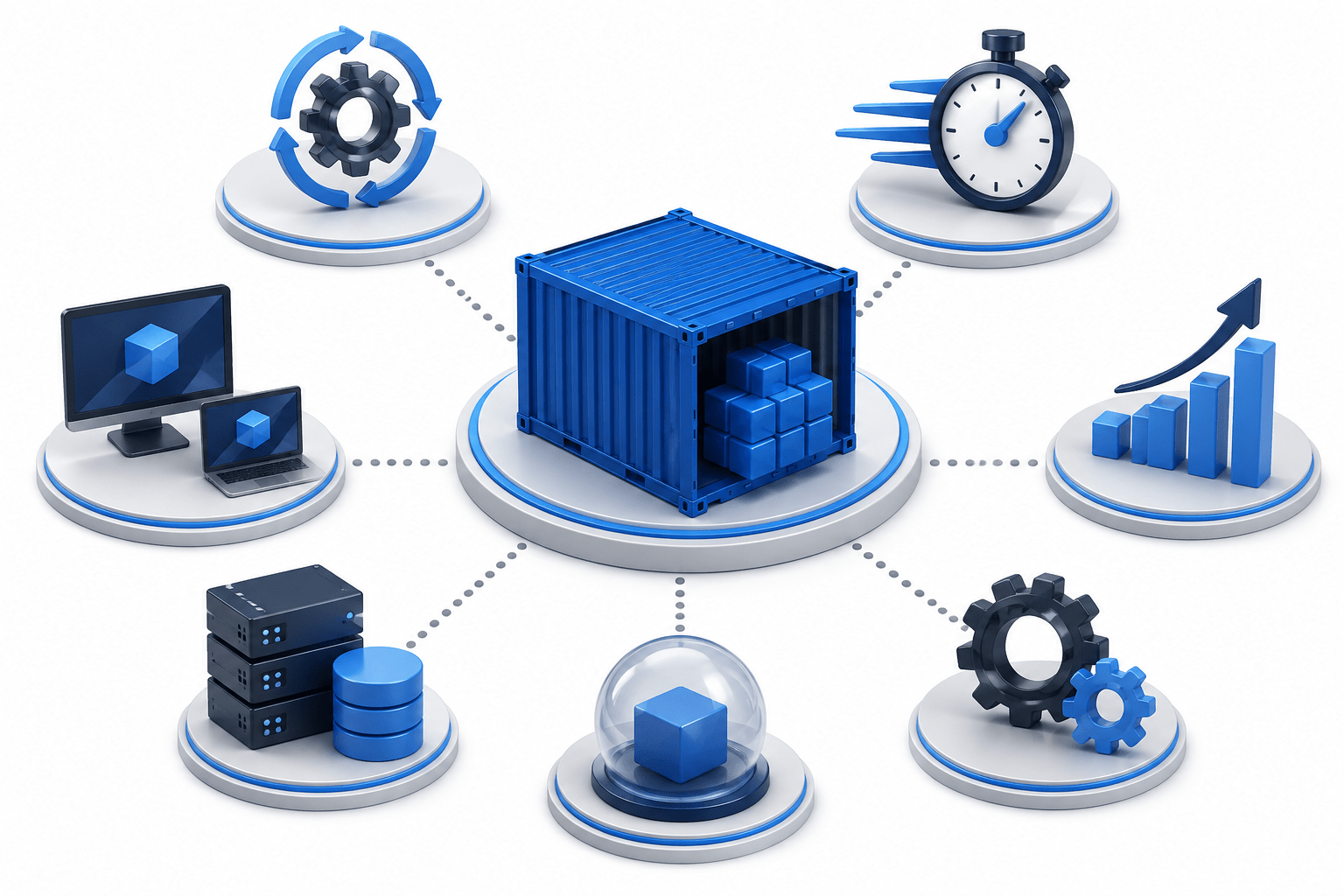
Containerization helped solve several problems:
Consistent environments
Faster deployments
Better resource utilization
Easy scalability
Application isolation
Simplified operations
OpsMate Connection
Now relate this to OpsMate.
As OpsMate grows, different services may exist:
Authentication Service
User Management Service
Monitoring Service
Notification Service
Reporting Service
Task 2: Docker Containers vs Virtual Machines for Microservices
Traditional Virtual Machine Approach
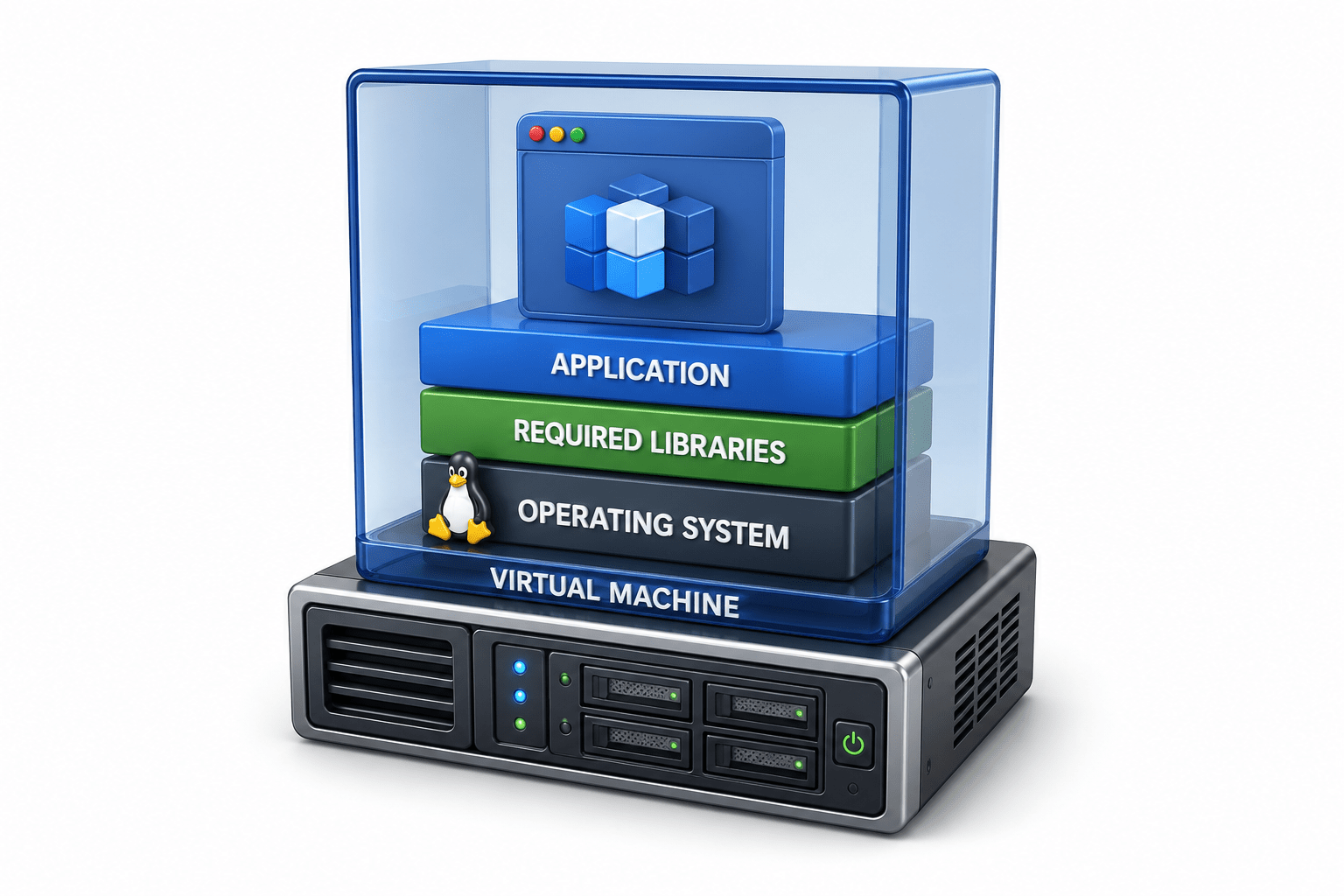
A virtual machine contains:
Operating System
Required libraries
Application
Example:
Physical Server
|
|-- Hypervisor
|-- VM 1 (OS + App)
|-- VM 2 (OS + App)
|-- VM 3 (OS + App)
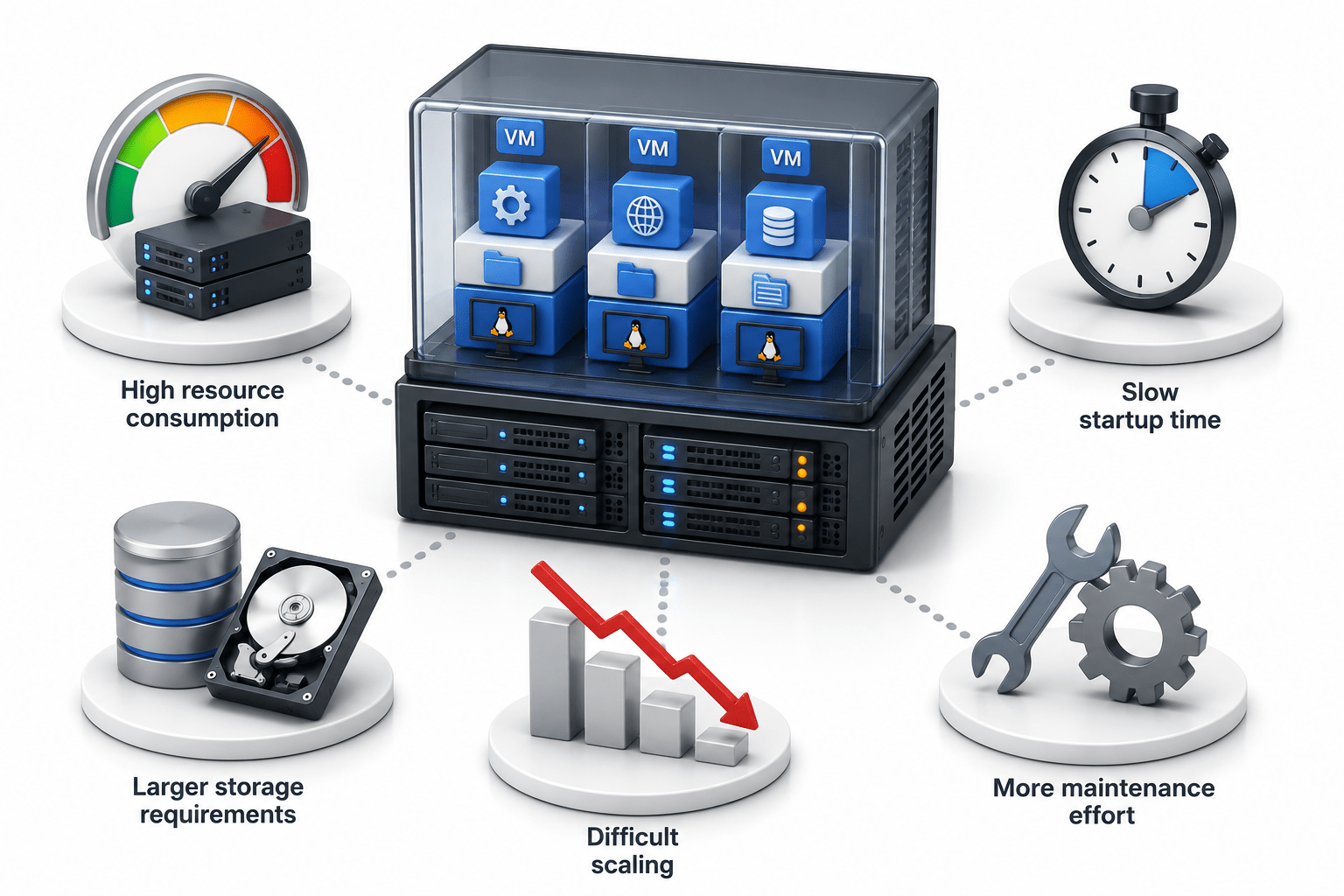
Challenges with Virtual Machines
High resource consumption
Slow startup time
Larger storage requirements
Difficult scaling
More maintenance effort
Docker Container Approach
Containers share the host operating system kernel.
Example:
Host OS
|
|-- Docker Engine
|-- Container 1
|-- Container 2
|-- Container 3
Benefits of Containers
Lightweight
Faster startup
Efficient resource usage
Easy portability
Rapid scaling
Simplified deployment
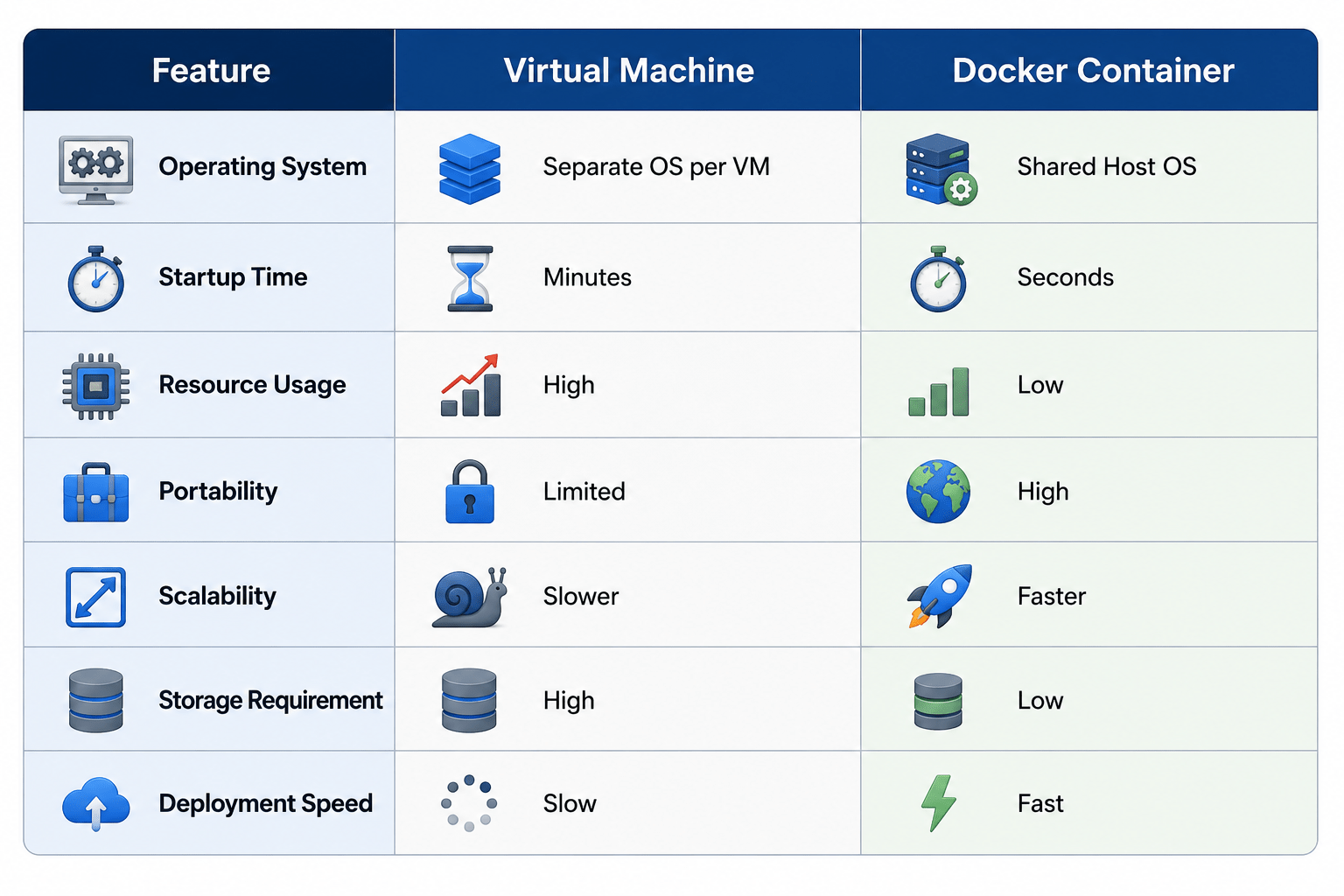
VM vs Docker Comparison
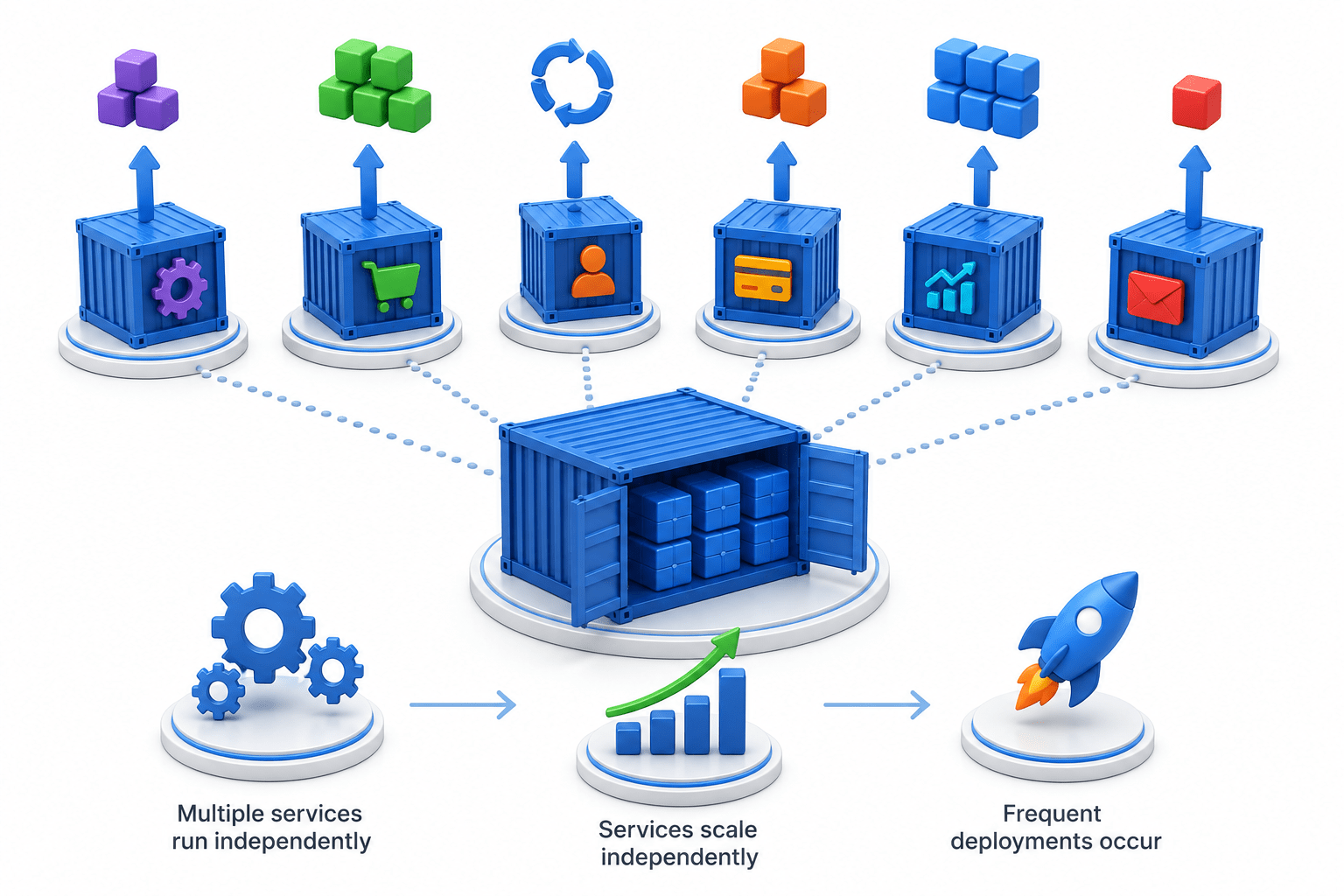
Why Containers Are Preferred for Microservices
In microservices architecture:
Multiple services run independently
Services scale independently
Frequent deployments occur
Containers provide:
Faster deployment
Better isolation
Consistent execution
Simplified management
Task 3 : Implement Docker for Scalable and Consistent Operations
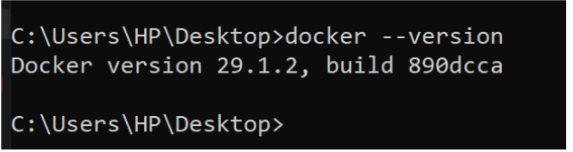
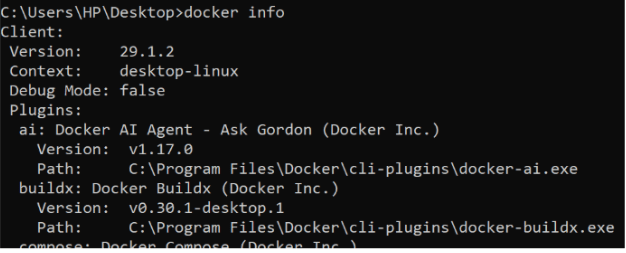
Verify Docker Installation
docker --versionVerify Docker Engine
docker info
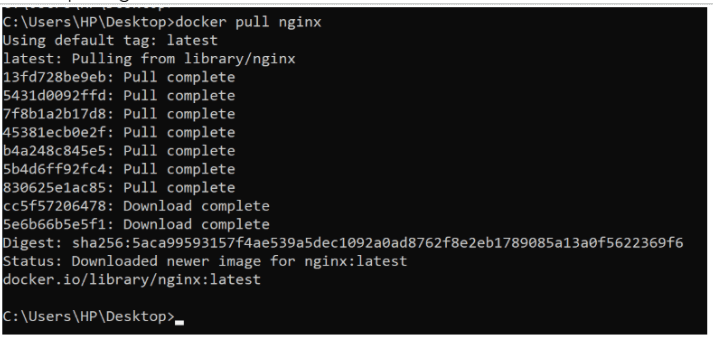
Download Nginx Image
docker pull nginx
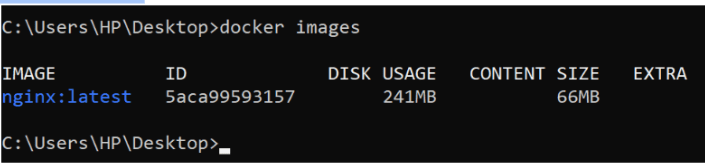
View Available Images
docker images
Run First Container
docker run -d --name web1 -p 8080:80 nginx
Verify Running Container
docker ps
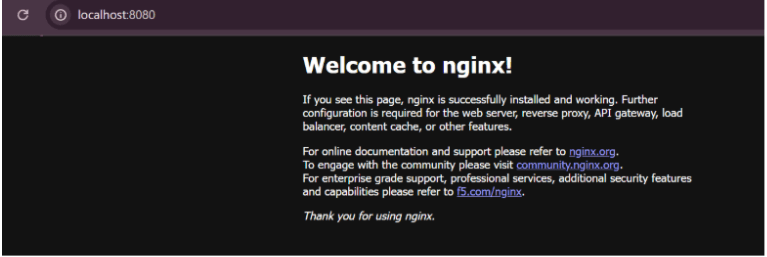
Access Application
Open browser: http://localhost:8080
Run Additional Containers
docker run -d --name web2 -p 8081:80 nginx
Verify Multiple Containers
docker ps
Monitor Resource Usage
docker stats
Great job!
Studied Netflix's adoption of containerization
Evaluated containerization requirements for OpsMate
Compared Docker containers with virtual machines
Implemented multiple Docker containers
Verified scalability and consistency using Docker
Checkpoint
By Content ITV