Understanding Containerization for OpsMate Platform

Pre-Lab Preparation
- Understand the fundamentals of containerization, Docker, and microservices architecture.
- Compare Docker Containers and Virtual Machines to understand their advantages for modern application deployment.
- Ensure Docker Desktop is installed, the Docker Engine is running, and basic Docker commands are available for the lab.

Task 1: Analyze Netflix Case Study and Evaluate Containerization Needs
Introduction
Before we start using Docker, it is important to understand why containerization became popular.
Imagine OpsMate is growing rapidly.
Initially:
-
One server hosts the application
-
Few users access the platform
-
Manual deployments are manageable
As the number of users increases:
-
More servers are required
-
Application updates become frequent
-
Different environments cause inconsistencies
-
Scaling becomes difficult
Netflix Transformation Journey
Netflix started as a traditional application running on a monolithic architecture.
As millions of users started streaming content:
-
Infrastructure requirements increased
-
Application updates became frequent
-
Service failures affected the entire platform
-
Scaling individual components became difficult
Instead of running one large application, Netflix divided its platform into multiple services.
Examples:
-
User Service
-
Recommendation Service
-
Billing Service
-
Streaming Service
Why Containerization Became Important
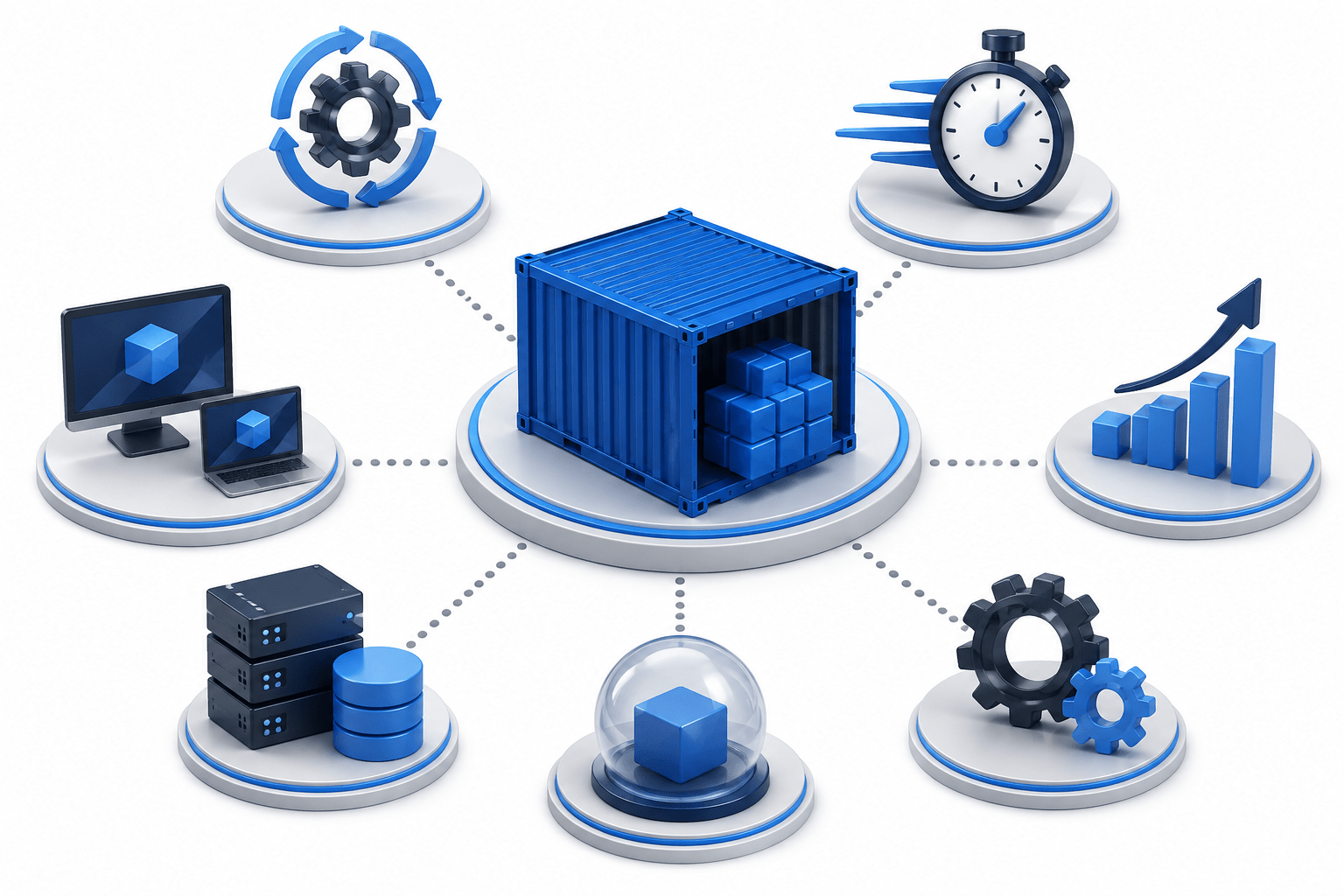
Containerization helped solve several problems:
-
Consistent environments
-
Faster deployments
-
Better resource utilization
-
Easy scalability
-
Application isolation
-
Simplified operations
OpsMate Connection
Now relate this to OpsMate.
As OpsMate grows, different services may exist:
-
Authentication Service
-
User Management Service
-
Monitoring Service
-
Notification Service
-
Reporting Service
Task 2: Docker Containers vs Virtual Machines for Microservices
Traditional Virtual Machine Approach
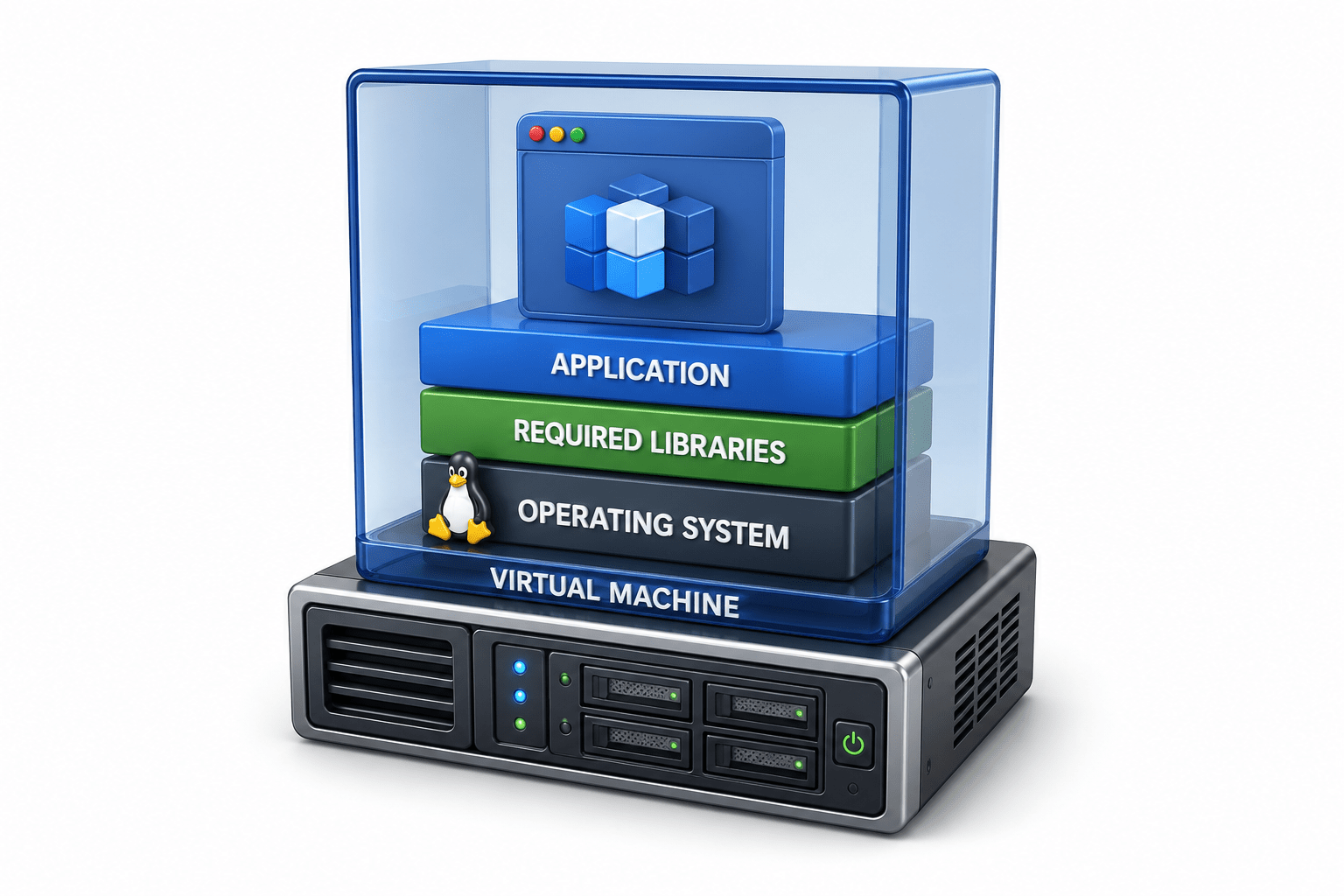
A virtual machine contains:
-
Operating System
-
Required libraries
-
Application
Example:
Physical Server
|
|-- Hypervisor
|-- VM 1 (OS + App)
|-- VM 2 (OS + App)
|-- VM 3 (OS + App)
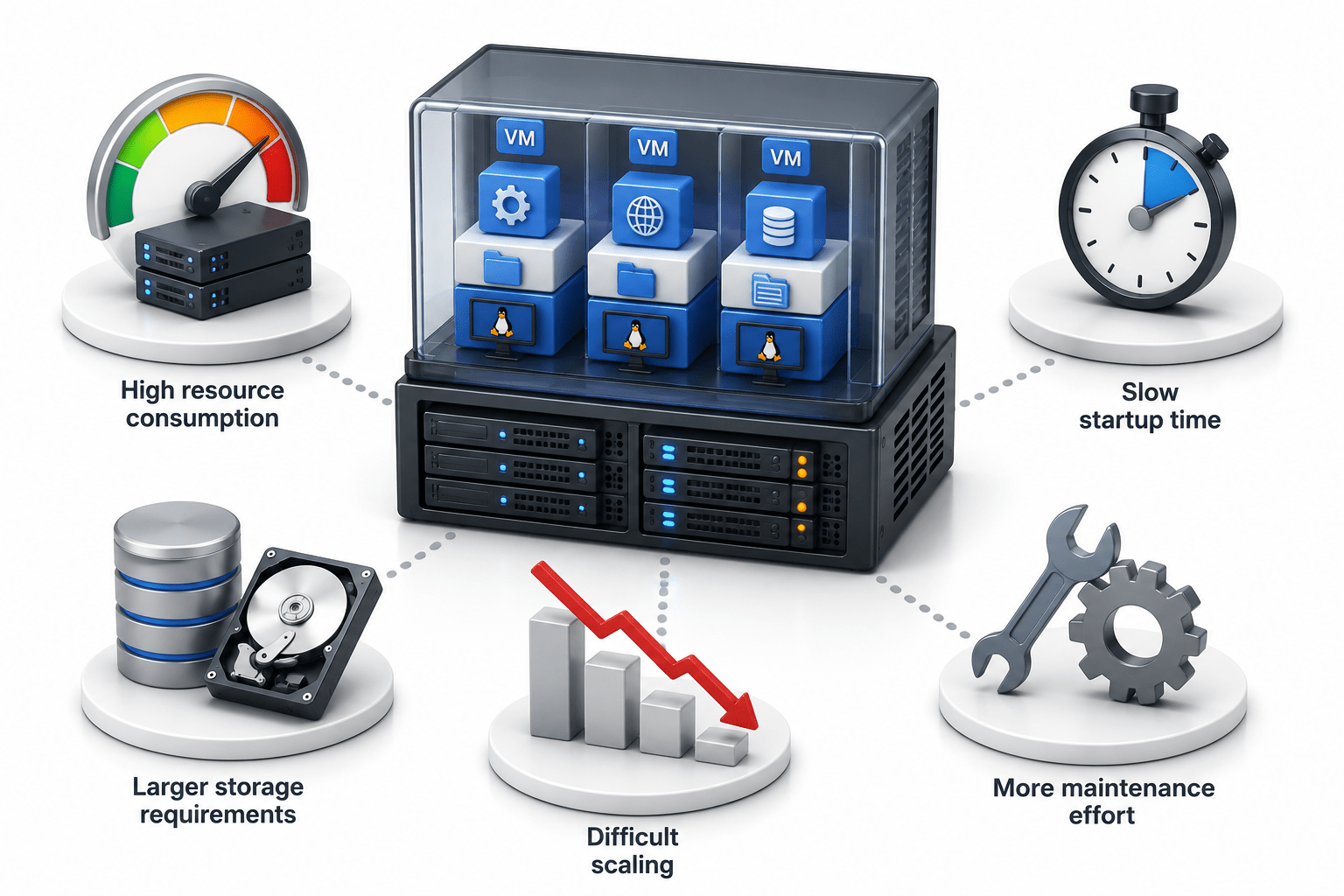
Challenges with Virtual Machines
-
High resource consumption
-
Slow startup time
-
Larger storage requirements
-
Difficult scaling
-
More maintenance effort
Docker Container Approach
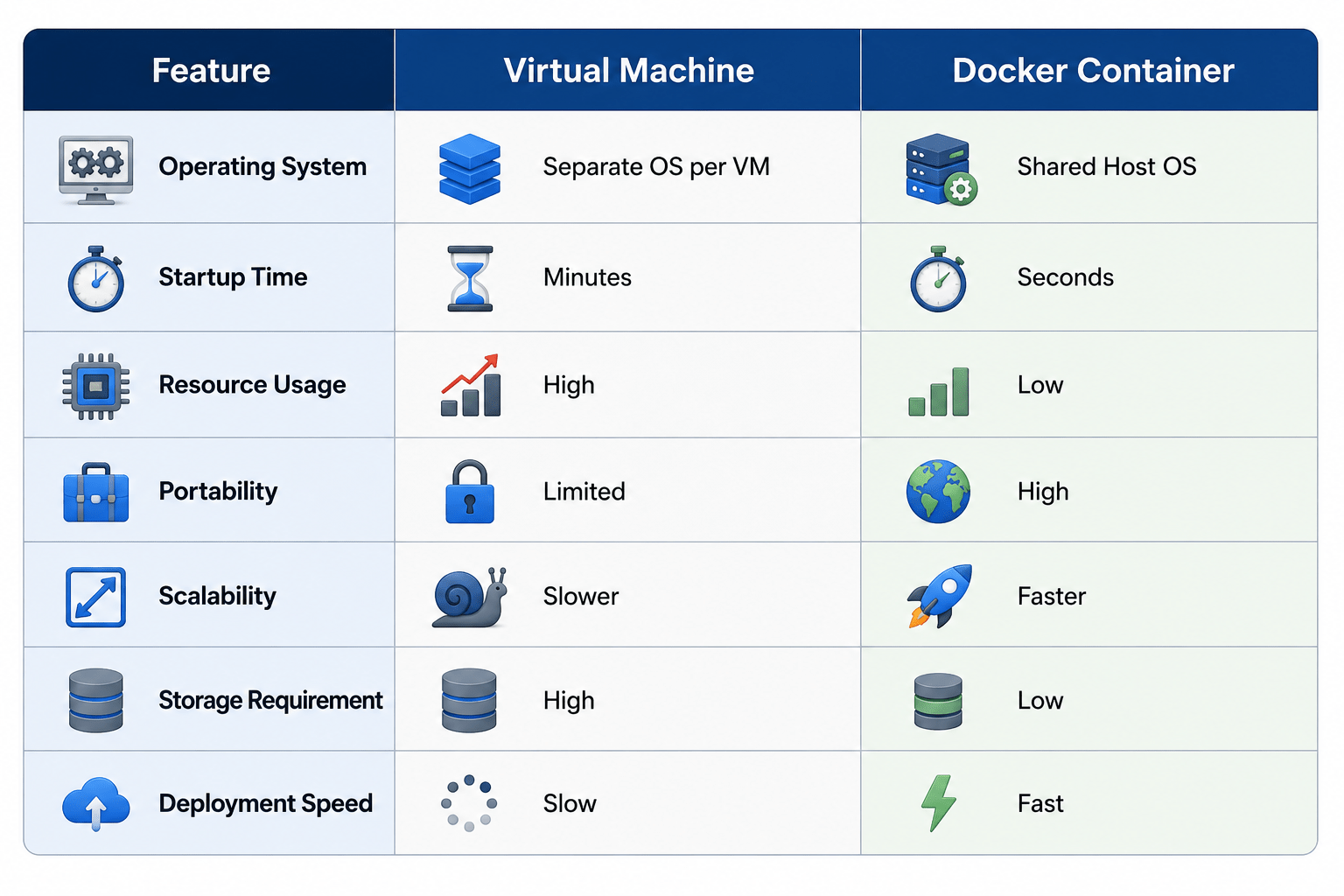
Containers share the host operating system kernel.
Example:
Host OS
|
|-- Docker Engine
|-- Container 1
|-- Container 2
|-- Container 3
Benefits of Containers
-
Lightweight
-
Faster startup
-
Efficient resource usage
-
Easy portability
-
Rapid scaling
-
Simplified deployment
VM vs Docker Comparison
Why Containers Are Preferred for Microservices
In microservices architecture:
-
Multiple services run independently
-
Services scale independently
-
Frequent deployments occur
Containers provide:
-
Faster deployment
-
Better isolation
-
Consistent execution
-
Simplified management
Task 3 : Implement Docker for Scalable and Consistent Operations
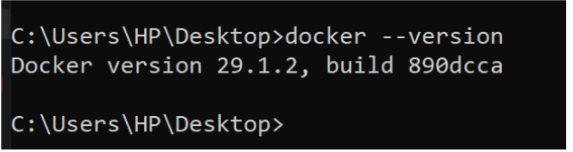
Verify Docker Installation
docker --version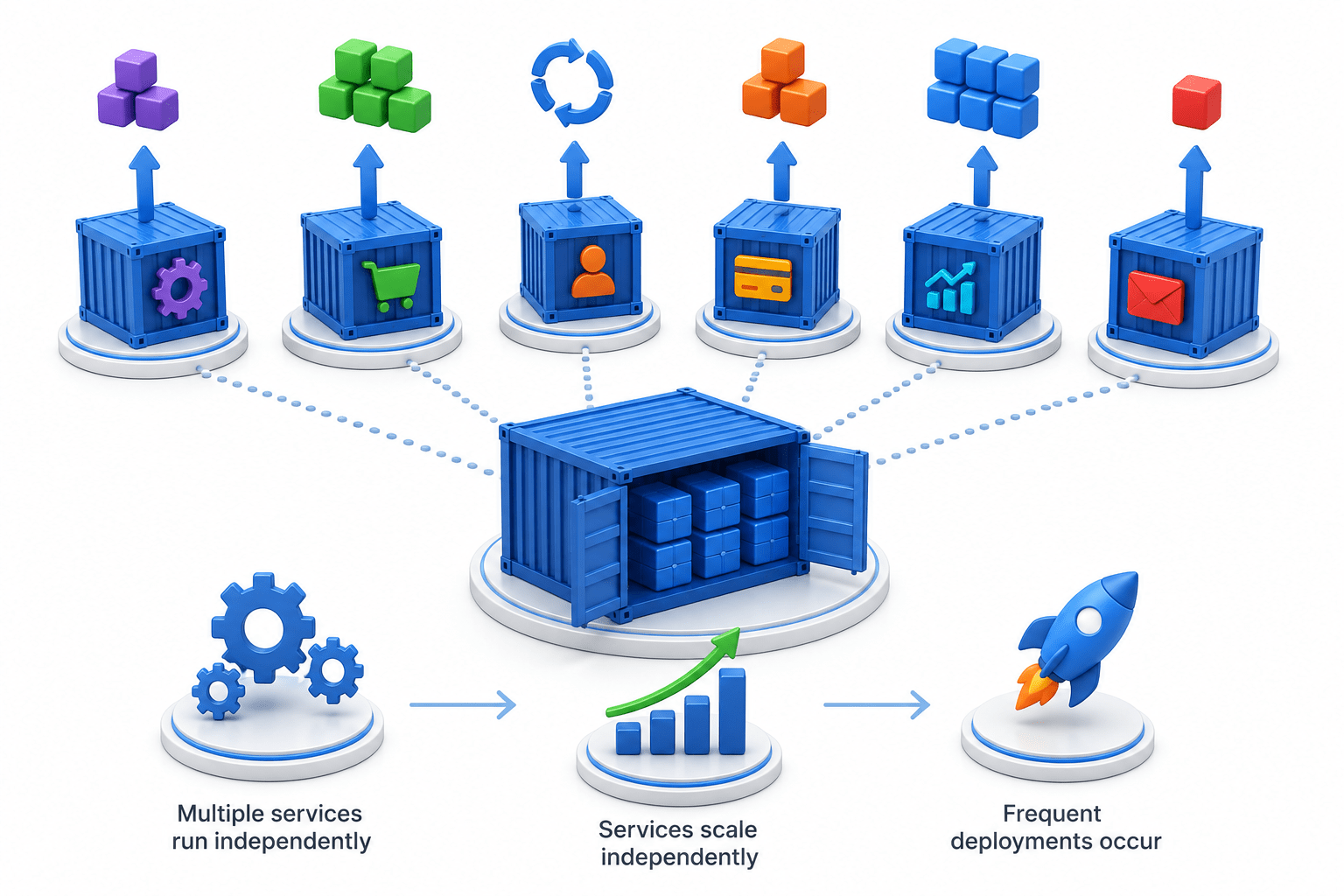
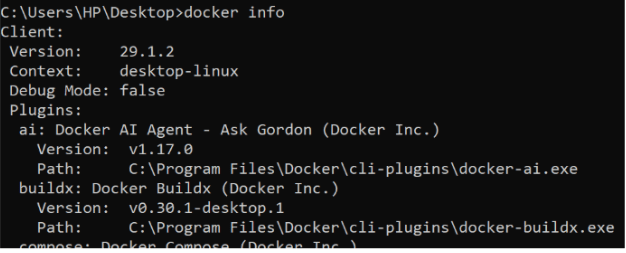
Verify Docker Engine
docker info
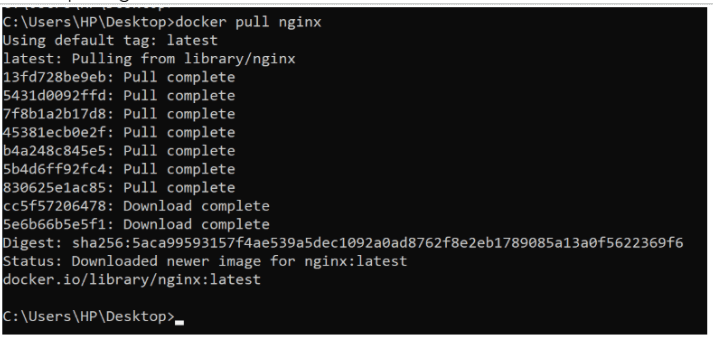
Download Nginx Image
docker pull nginx
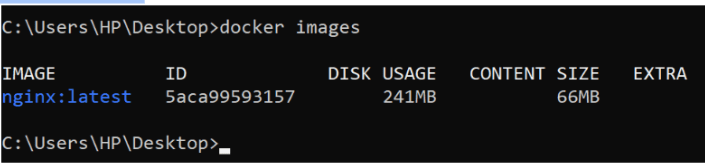
View Available Images
docker images
Run First Container
docker run -d --name web1 -p 8080:80 nginx

Verify Running Container
docker ps

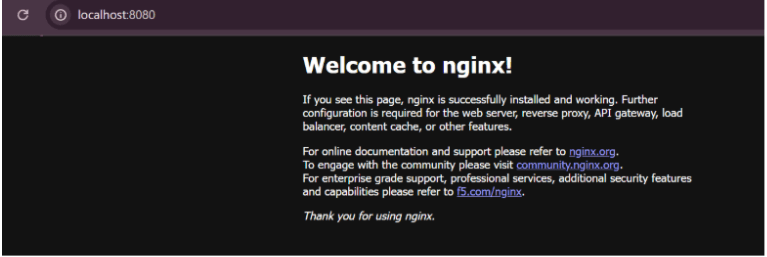
Access Application
Open browser: http://localhost:8080
Run Additional Containers
docker run -d --name web2 -p 8081:80 nginx
Verify Multiple Containers

docker ps

Monitor Resource Usage
docker stats

Great job!
-
Studied Netflix's adoption of containerization
-
Evaluated containerization requirements for OpsMate
-
Compared Docker containers with virtual machines
-
Implemented multiple Docker containers
-
Verified scalability and consistency using Docker
Checkpoint