




























Content ITV PRO
This is Itvedant Content department
Learning Outcome
4
Maintain evidence authenticity and integrity.
3
Understand ownership and access control.
2
Identify evidence handling procedures.
1
Explain the importance of Chain of Custody in digital forensics.
5
Explain evidence admissibility requirements.
Riya uses her laptop and mobile phone for work. She creates a document, sends an email, browses websites, takes a photo, and sends a WhatsApp message.
These activities create digital footprints such as files, emails, browser history, metadata, and chat records.
Later, an important file is deleted from the computer. An investigation begins to find out what happened.
Investigators look for digital evidence left behind by previous activities.
Investigators examine login records, file details, browser history, and messages to understand who accessed the computer and what actions were performed.
This process is called digital forensic analysis.
The digital records help investigators reconstruct the events and identify important clues.
Digital footprints can become digital evidence during an investigation.
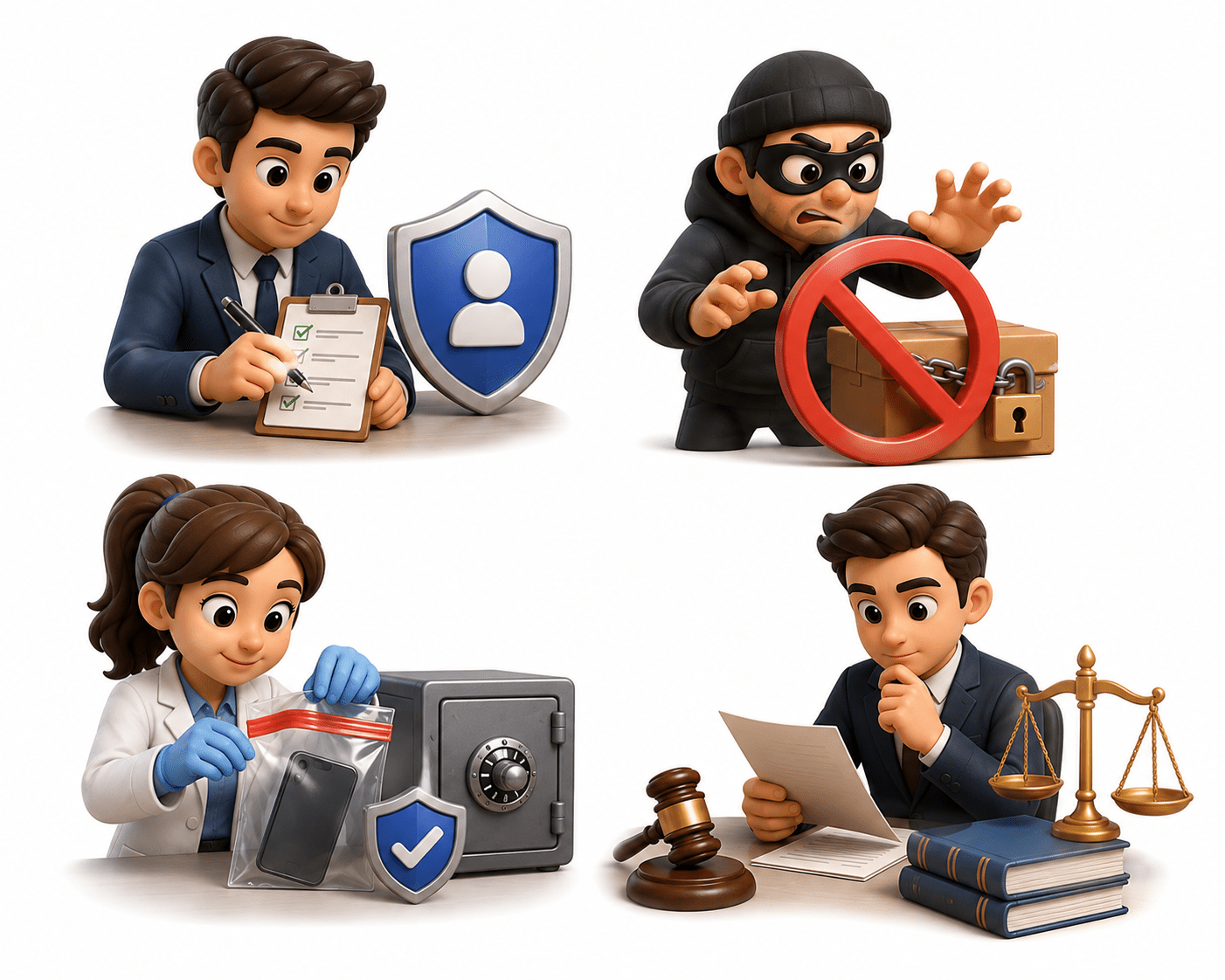
Chain of Custody Principles
Chain of Custody (CoC) is the documented process of collecting, handling, transferring, storing, and presenting evidence while maintaining its integrity until it is presented in court.
Purpose:
Maintains evidence integrity
Prevents tampering or contamination
Records everyone who handled evidence
Supports legal admissibility
Builds trust in investigations
Ownership and Responsibility Tracking
It records who is responsible for evidence during collection, transfer, examination, storage, and court presentation.
Importance:
Creates accountability
Prevents unauthorized handling
Maintains evidence integrity
Supports legal investigations
Information Recorded:
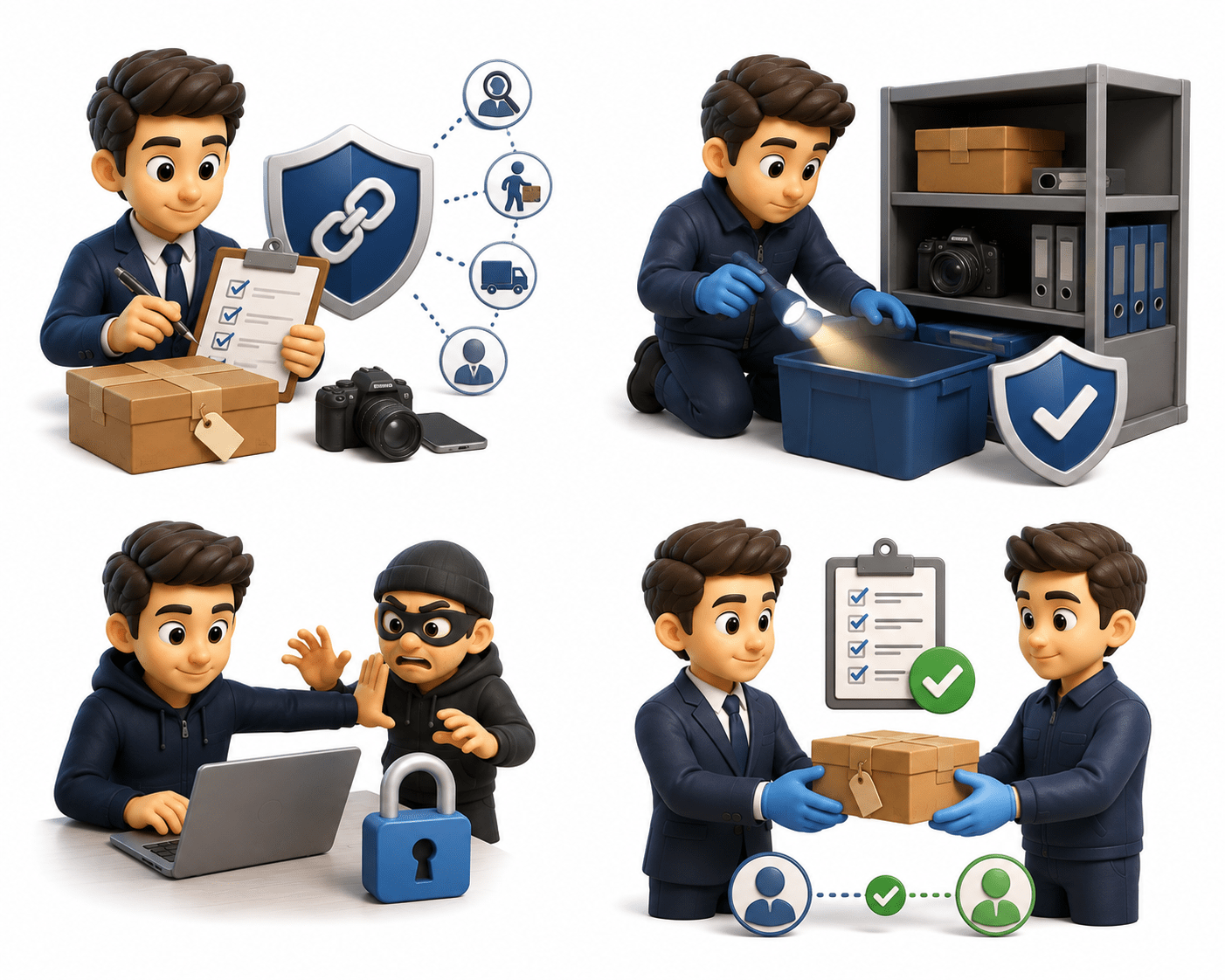
Evidence Transfer Procedures
Evidence Transfer is the controlled movement of evidence between authorized persons or locations while maintaining security and integrity.
Importance:
Maintains Chain of Custody
Prevents loss or misplacement
Protects against unauthorized access
Allows transfers to be verified
Best Practices:
Transfer only when necessary
Seal evidence before transport
Verify labels and evidence numbers
A complete record of all activities performed on evidence, including collection, transport, examination, storage, and court presentation. It proves that evidence was handled properly and maintains transparency.
Custody Documentation
Importance:
Provides evidence history.
Supports legal verification.
Shows proper procedures were followed.
Helps review previous activities.
Reduces documentation errors.
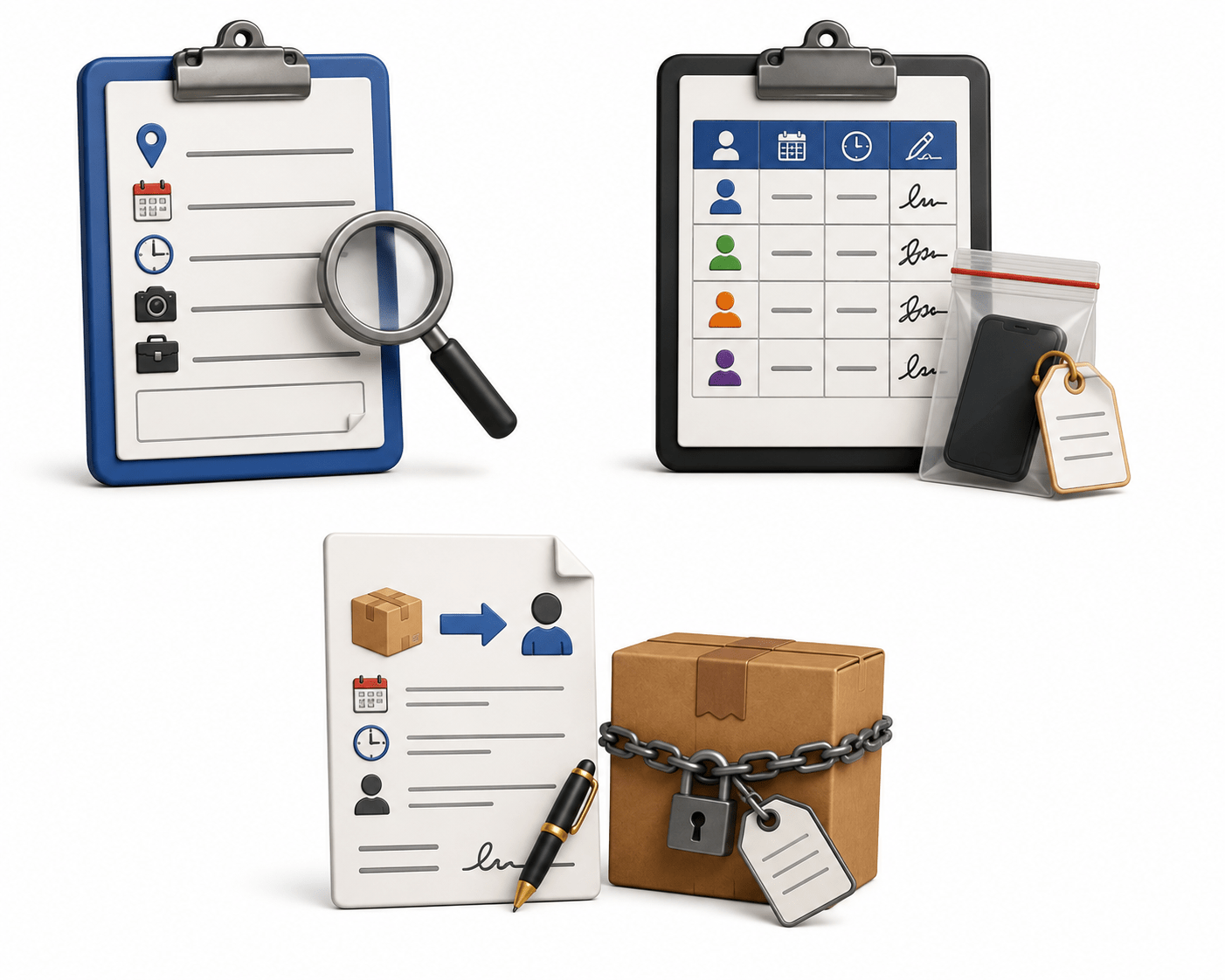
Evidence Collection Form:
Records where, when, and how evidence was collected.
Chain of Custody Form:
Tracks everyone who handled the evidence.
Transfer Records:
Document evidence transfers.
Evidence Labeling Standards
Attaching a unique label to each evidence item immediately after collection to identify and track it throughout the investigation.
Importance:
Computer System Evidence
Documents
Installed software
User accounts
Browser history
Computers store a large amount of digital evidence.
Common evidence includes:
Mobile Device Evidence
Contacts
SMS messages
Call history
Photos
Smartphones and tablets contain valuable personal and business information.
Examples
Mobile devices often provide detailed information about user activities.
Computer evidence often forms the foundation of digital forensic investigations.
Network-Based Evidence
Whenever devices communicate over a network, digital evidence is generated.
Examples
Network packets
Firewall logs
Router logs
Switch logs
Network evidence helps investigators trace communication between devices.
Cloud-Based Evidence
Cloud services store information on remote servers connected through the internet.
Common Cloud Services
Google Drive
Microsoft OneDrive
Evidence May Include
Documents
Photos
Cloud evidence is becoming increasingly important in modern investigations.
Email and Communication Evidence
Electronic communication often contains valuable investigative information.
Emails
SMS messages
WhatsApp chats
Examples:
Investigators examine communication records to determine who communicated, when, and about what.
Web Browser Artifacts
Web browsers automatically store information about user activity.
Browsing history
Cookies
Cached files
Examples:
Browser artifacts help investigators understand internet usage.
Social Media Evidence
Social media platforms contain valuable user-generated information.
Posts
Comments
Messages
Examples:
Social media evidence may help verify user activities and locations.
Log File Analysis
Log files automatically record activities performed by users, applications, and systems.
System logs
Security logs
Application logs
Common Logs:
Log analysis helps investigators reconstruct the sequence of events during an incident.
Multimedia Evidence (Images, Audio, Video)
Multimedia files are frequently examined during investigations.
Image Evidence
Photographs
Screenshots
Scanned documents
Examples:
Audio Evidence
Voice recordings
Phone calls
Voice notes
Video Evidence
CCTV footage
Mobile videos
Security camera recordings
Portable storage devices are commonly used for transferring digital information.
USB flash drives
External hard drives
Memory cards
Portable SSDs
Examples:
Removable Media Evidence
Documents
Malware
Backup files
Deleted data
Evidence may include:
IoT Device Evidence
Internet of Things (IoT) devices automatically collect and exchange data.
Examples:
Smart watches
Smart TVs
Smart speakers
Smart speakers
Fitness trackers
A Virtual Machine (VM) is a software-based computer running inside another computer.
Virtual machines create their own digital evidence.
Virtual Machine Artifacts
Examples:
Virtual hard disks
VM configuration files
Snapshots
System logs
Metadata Analysis
Metadata means "data about data."
It provides additional information about digital files.
Metadata May Include
Author
Creation date
Last modified date
File size
Camera model
GPS location
Software used
Deleted and Hidden Data Sources
Deleting a file does not always remove it permanently.
Investigators can often recover:
Deleted files
Hidden files
Temporary files
Recycle Bin contents
Unallocated space
These sources may contain valuable evidence.
Encrypted Data Sources
Encryption protects digital information from unauthorized access.
Examples:
Encrypted hard drives
Password-protected files
Encrypted USB drives
Secure messaging applications
Although encryption improves security, it can make forensic investigations more challenging.
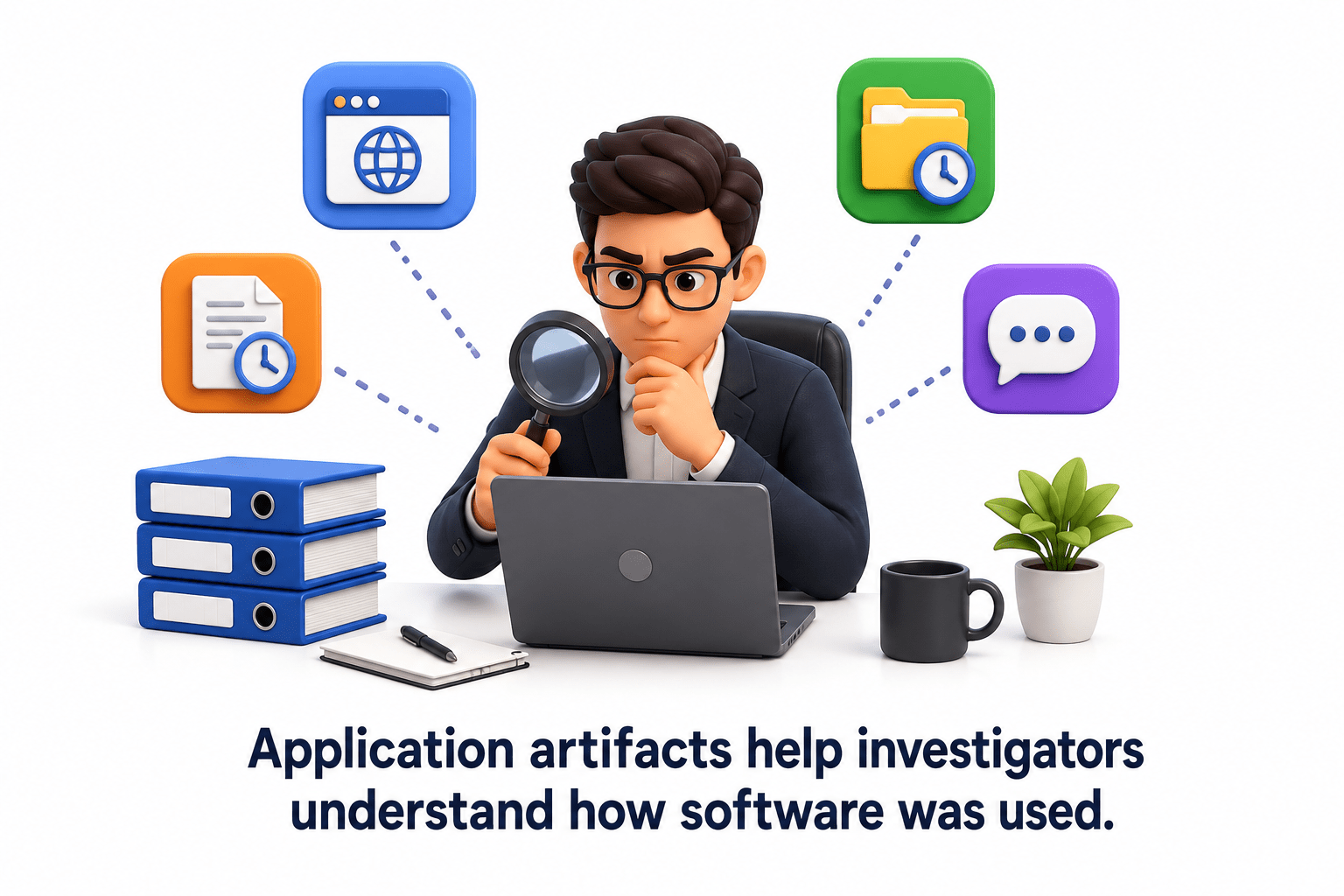
Application Artifacts
Applications create records during normal use.
Example
Configuration files
Activity logs
Cache files
Temporary files
Application artifacts help investigators understand how software was used.
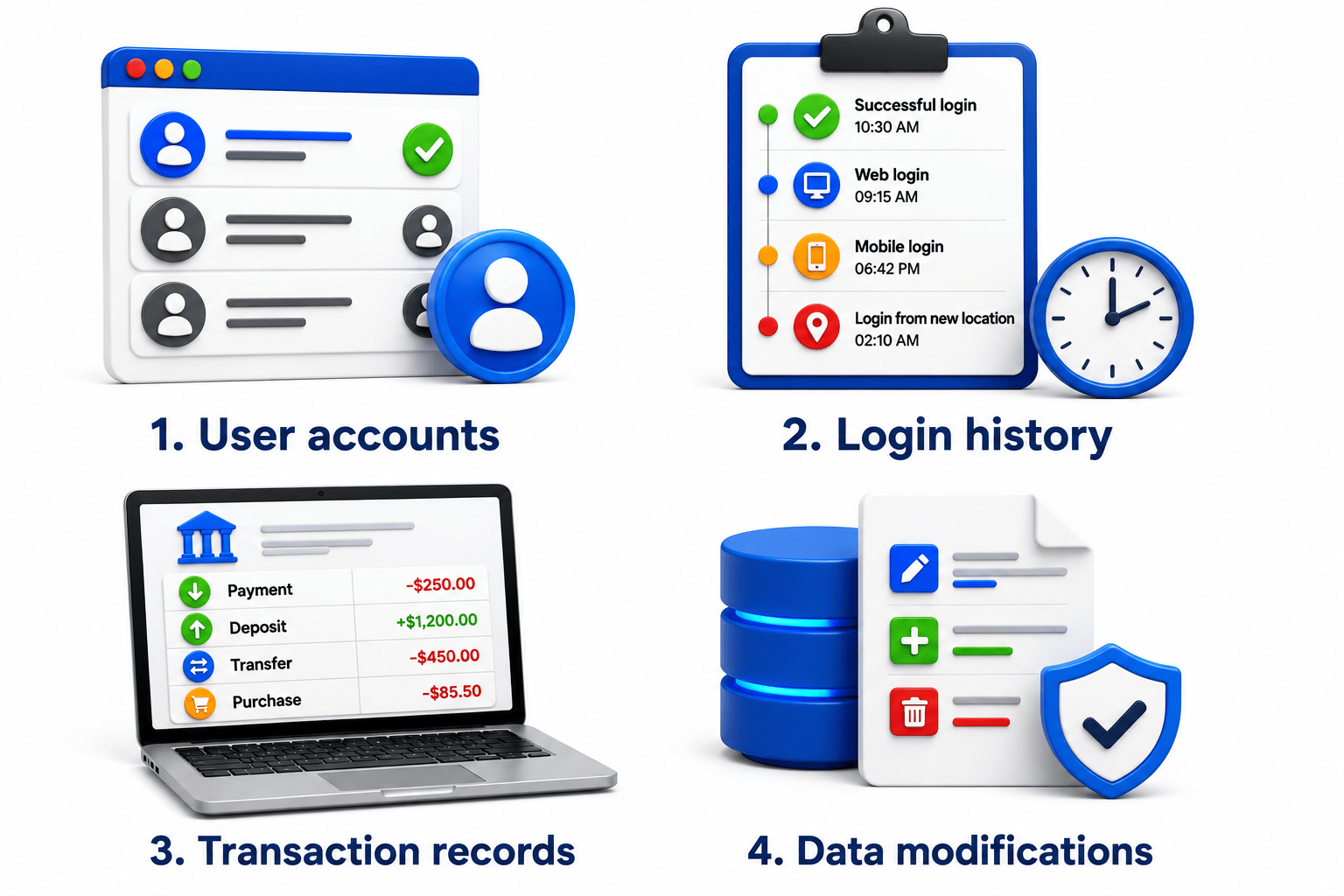
Database Evidence
Organizations store important information in databases.
Example
Customer records
Banking transactions
Employee information
Hospital records
Database evidence includes
Digital Evidence Classification Techniques
Based on Storage
1
Based on Device
2
Based on Data Type
3
Based on Accessibility
4
Summary
5
Cloud, databases, removable devices, and IoT hold evidence.
4
Proper handling maintains evidence integrity and reliability.
3
Deleted or hidden files can be recovered using forensic techniques.
2
Metadata provides details like date, author, and location.
1
Digital activities leave traces that can become valuable evidence.
Quiz
Metadata mainly provides information about:
A. Network speed
B. Computer hardware
C. Details related to a digital file
D. Internet connection
Quiz-Answer
Metadata mainly provides information about:
A. Network speed
B. Computer hardware
C. Details related to a digital file
D. Internet connection
By Content ITV