




Content ITV PRO
This is Itvedant Content department
Learning Outcome
4
Combine controls for better outputs.
3
Apply controls for desired results.
2
Identify key output control techniques.
1
Understand how to control AI responses.
Before we begin, let's quickly recall:
Quick Recall
Prompt Components
--- Instruction, Context, Role, Format, Constraints, Examples.
Prompt Comparison and Evaluation
--- testing multiple prompt versions against clear criteria to find the best one.
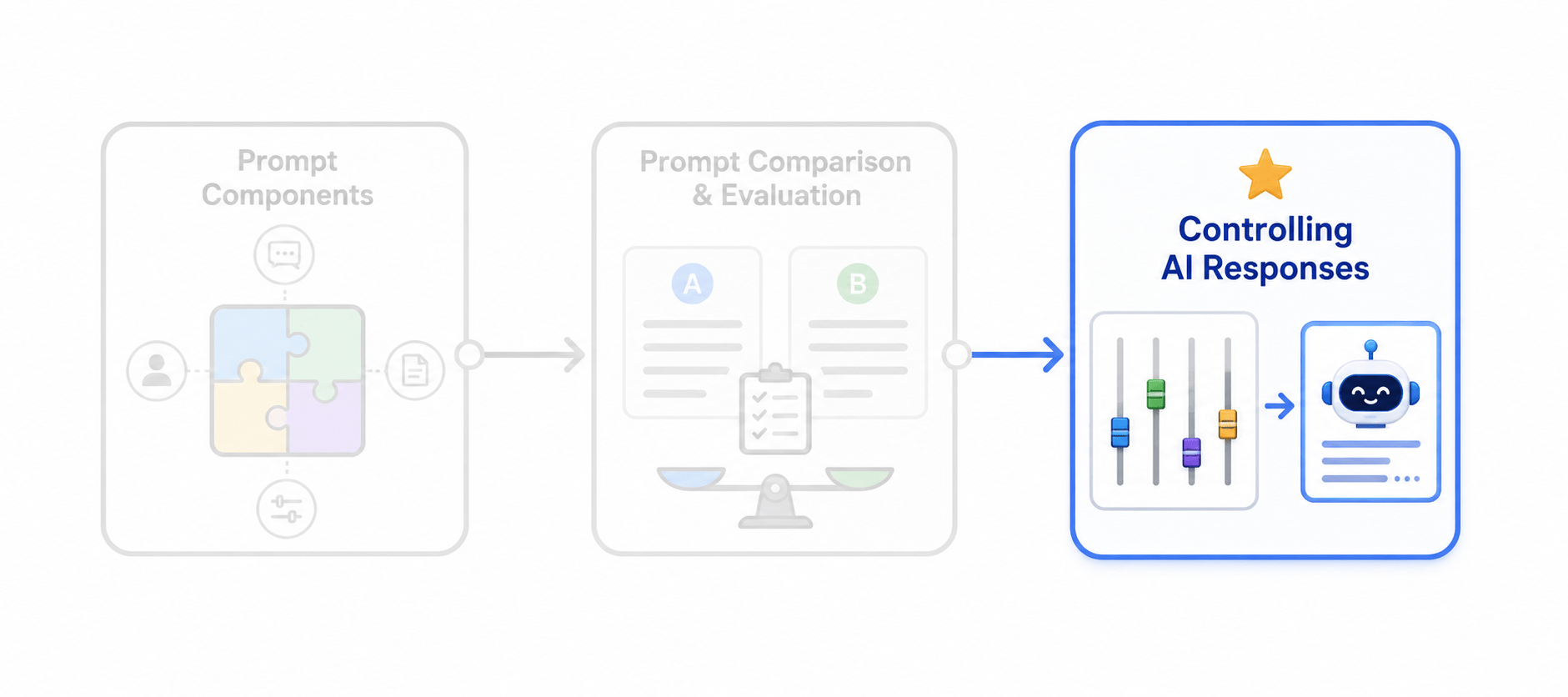
We've learned to build and evaluate prompts. Now, let's see how to fine-tune them for the perfect length, tone, and format.
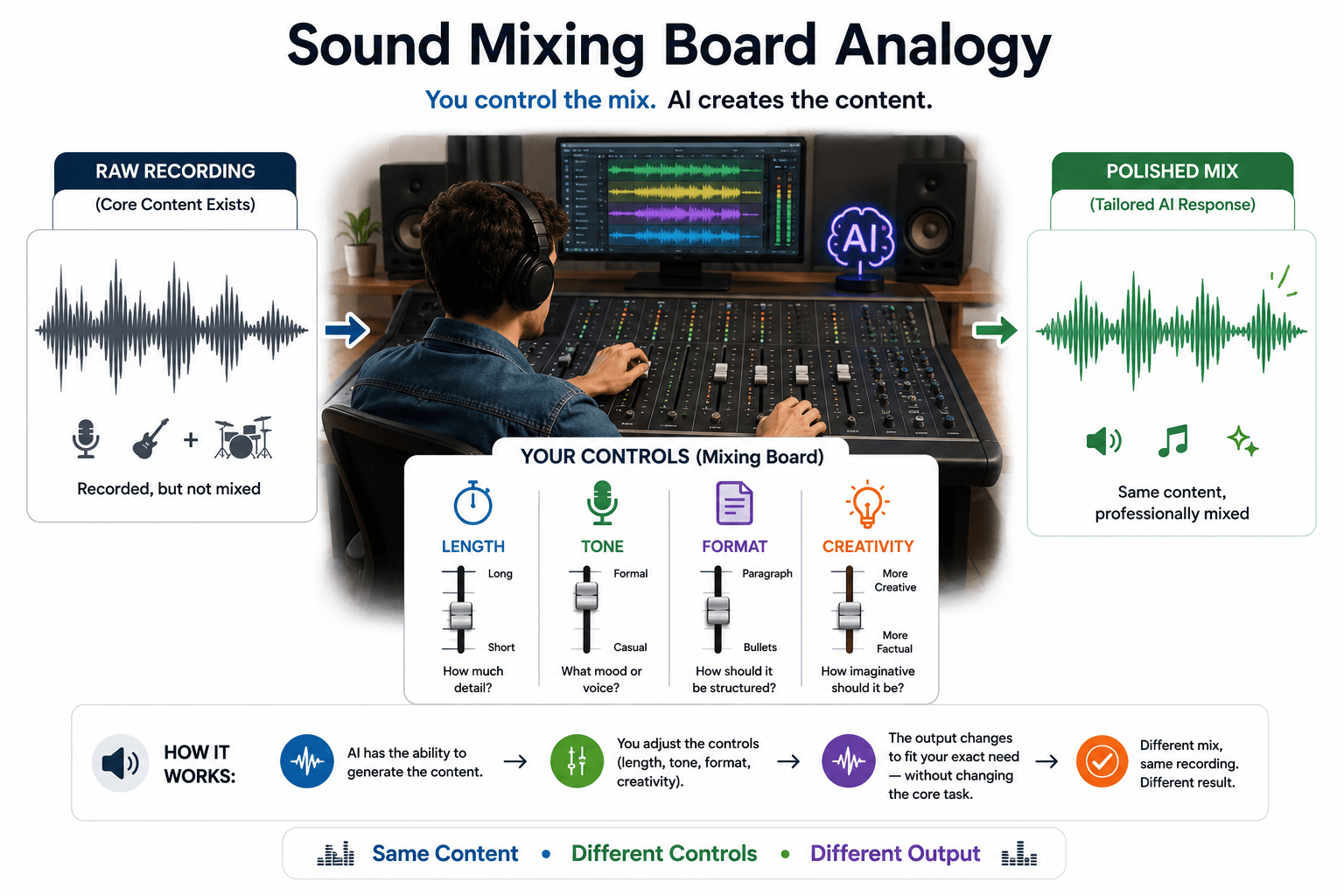
Imagine a music producer in a studio.
The raw vocal track and instruments are already recorded — the "content" exists. But the producer doesn't just play it as-is.
They use a mixing board:
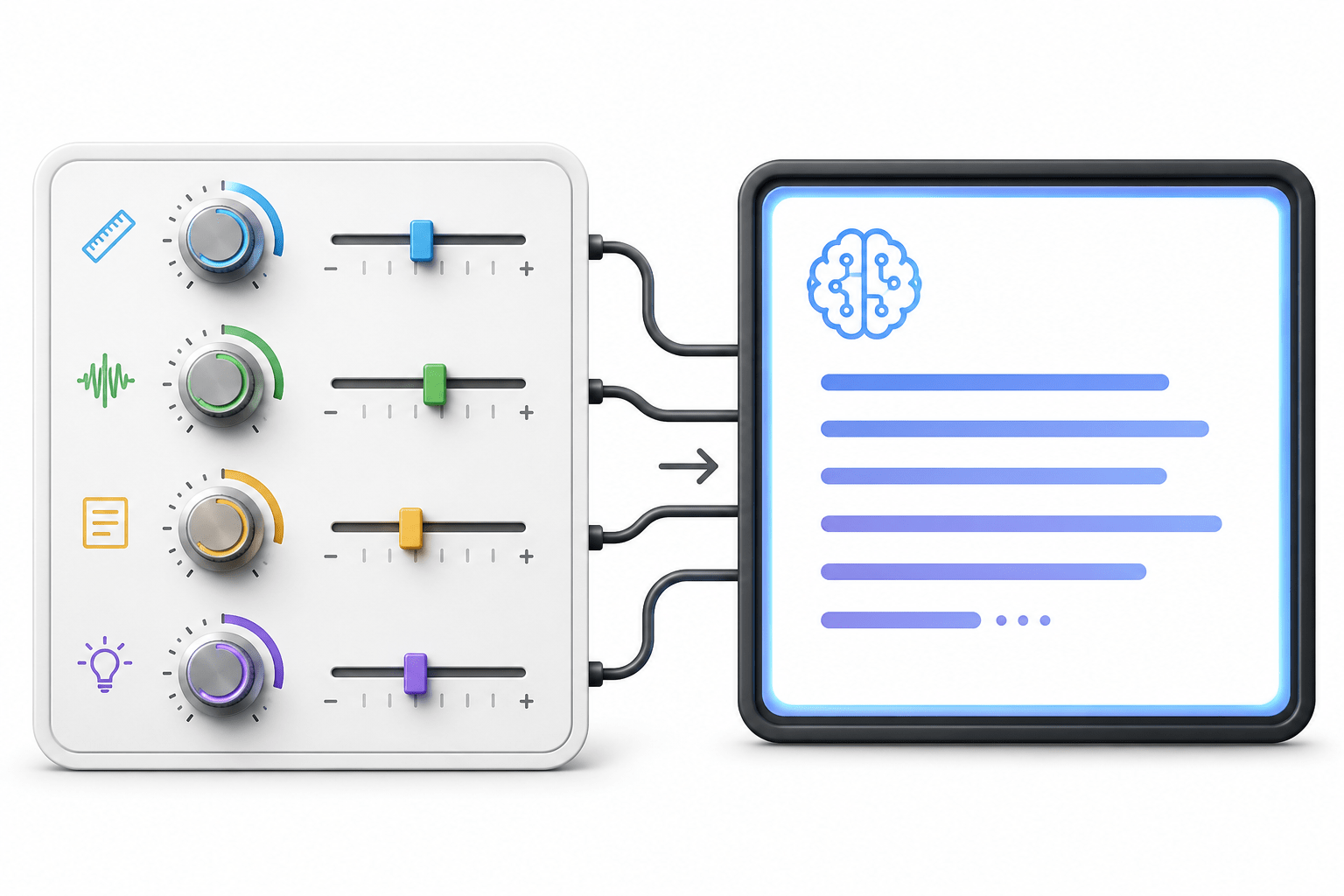
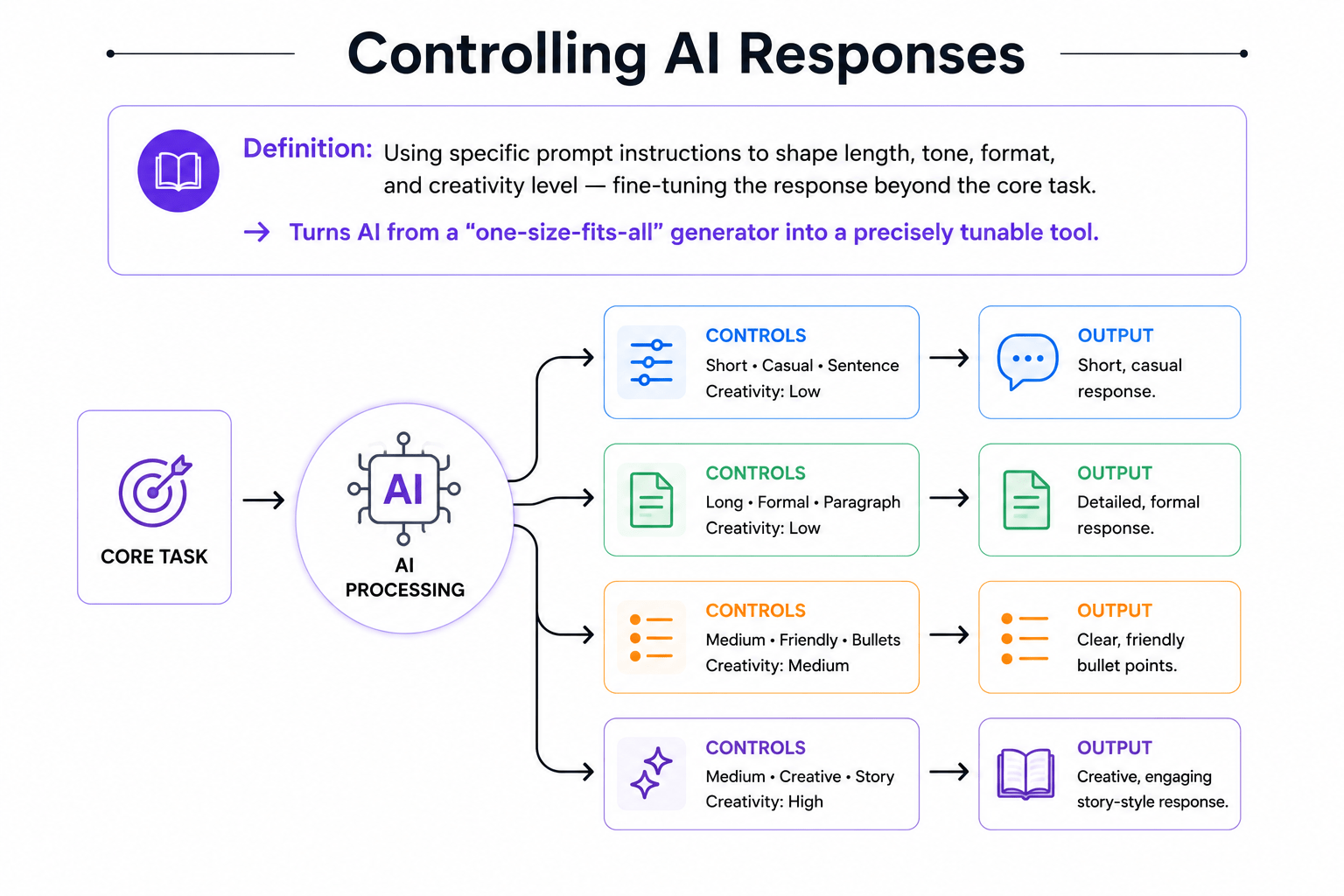
Controlling AI Responses works the same way. Instead of changing the task, you adjust length, tone, format, and creativity to get the desired output.
The same recording can sound different by simply adjusting the mixing controls.
Think About It
Previously, we imagined a music producer using a mixing board to shape a recording's sound — without re-recording anything, just adjusting the controls.
Is a single well-written instruction always enough to get the exact length, tone, and style you want from AI, every time?
A small thought before we go technical
Expected Answer
No
Exactly! Just like a mixing board, AI responses can be fine-tuned using specific controls — even after the core task is already correct.
Now let's understand how to control AI responses in detail.
What Does It Mean to Control AI Responses?
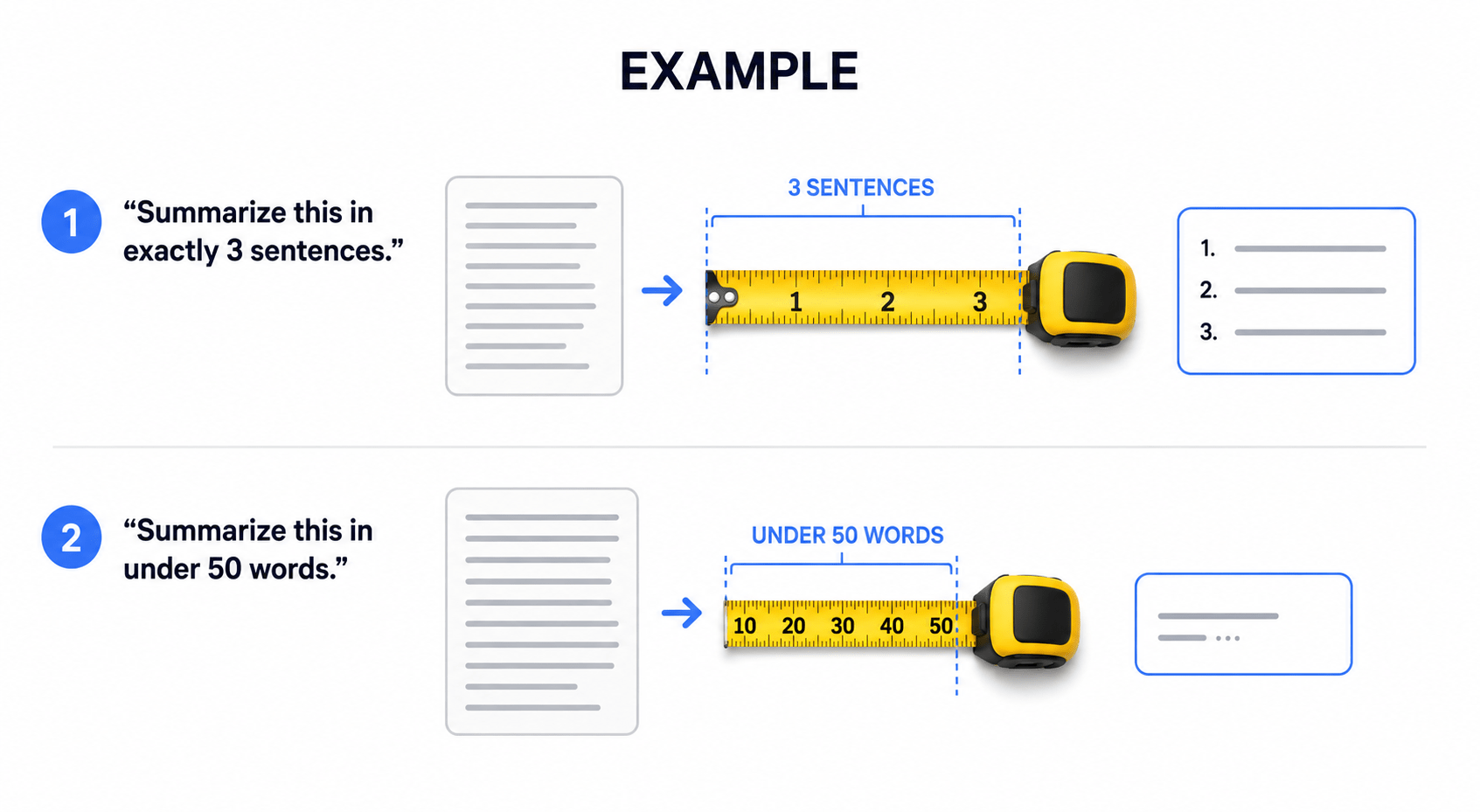
Control 1: Length
Specify the exact length you want — word count, number of sentences, number of bullet points — to avoid overly long or overly short responses.
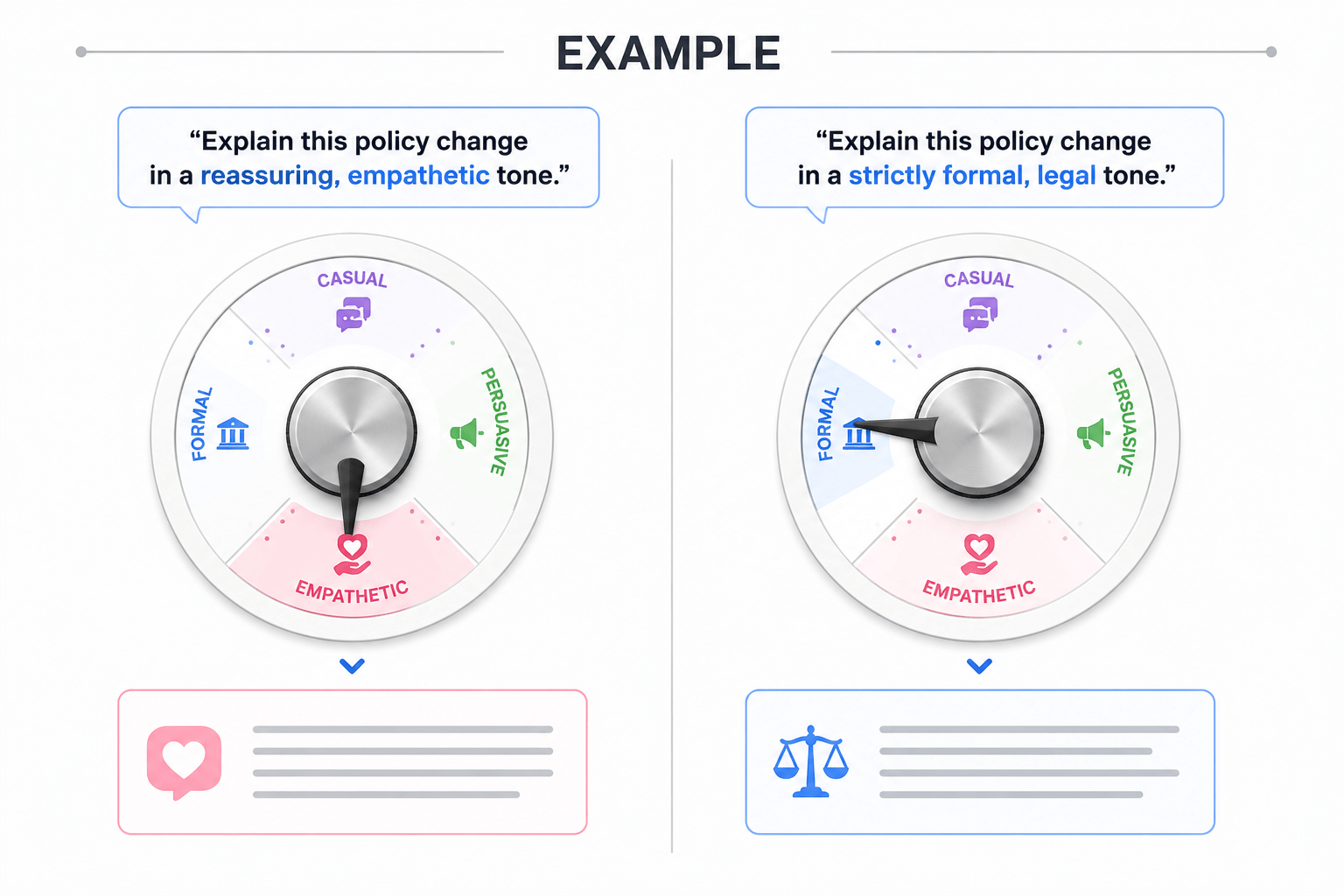
Control 2: Tone
Specify the emotional and stylistic register — formal, casual, persuasive, empathetic, humorous — to match the intended audience and purpose.
Control 3: Format
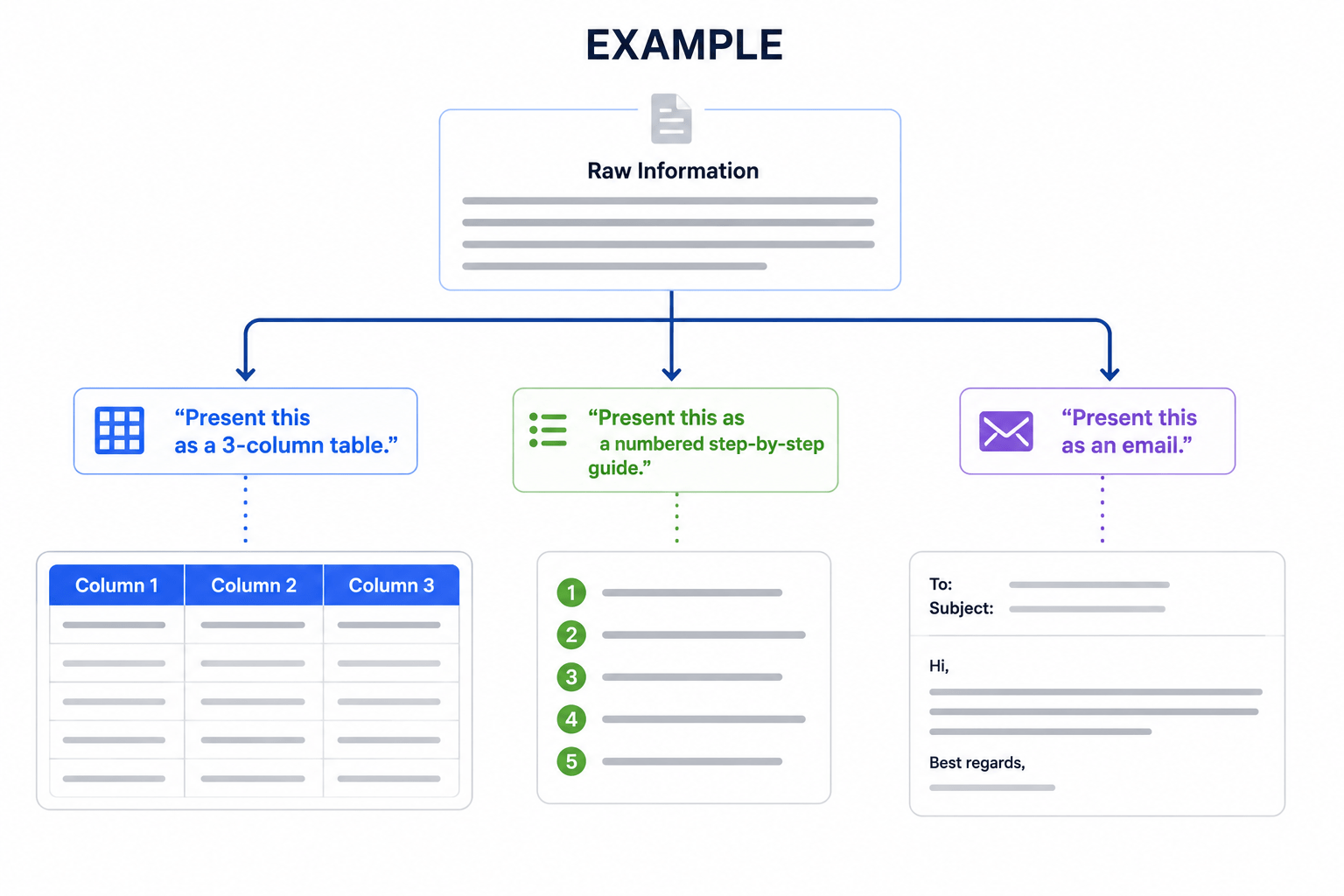
Specify the structural shape of the output — bullet points, table, numbered steps, email, code block — so it's immediately usable without reformatting.
Control 4: Creativity Level
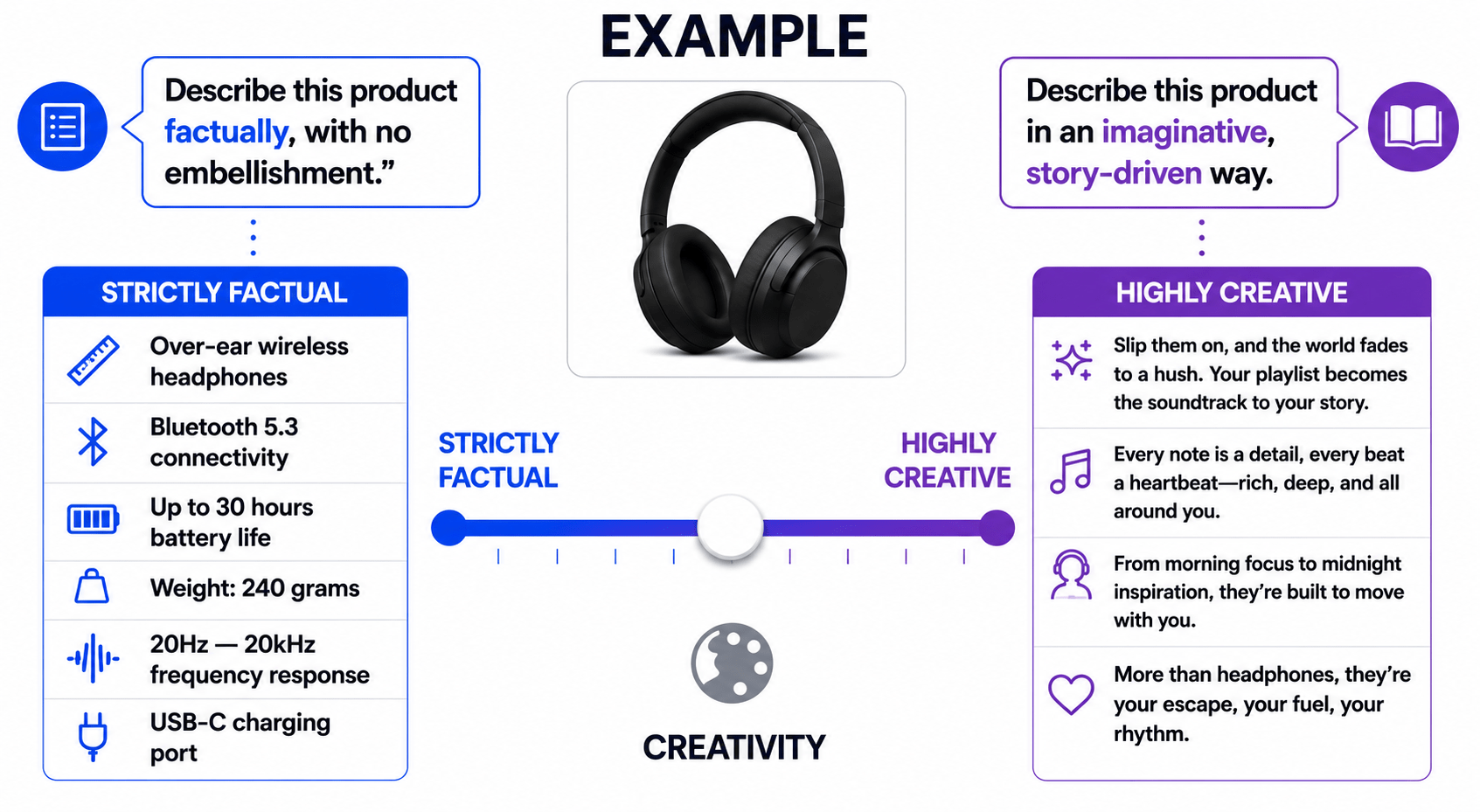
Specify how strictly factual vs. imaginative the response should be — from purely factual summaries to highly creative, open-ended writing.
Control 5: Perspective / Point of View
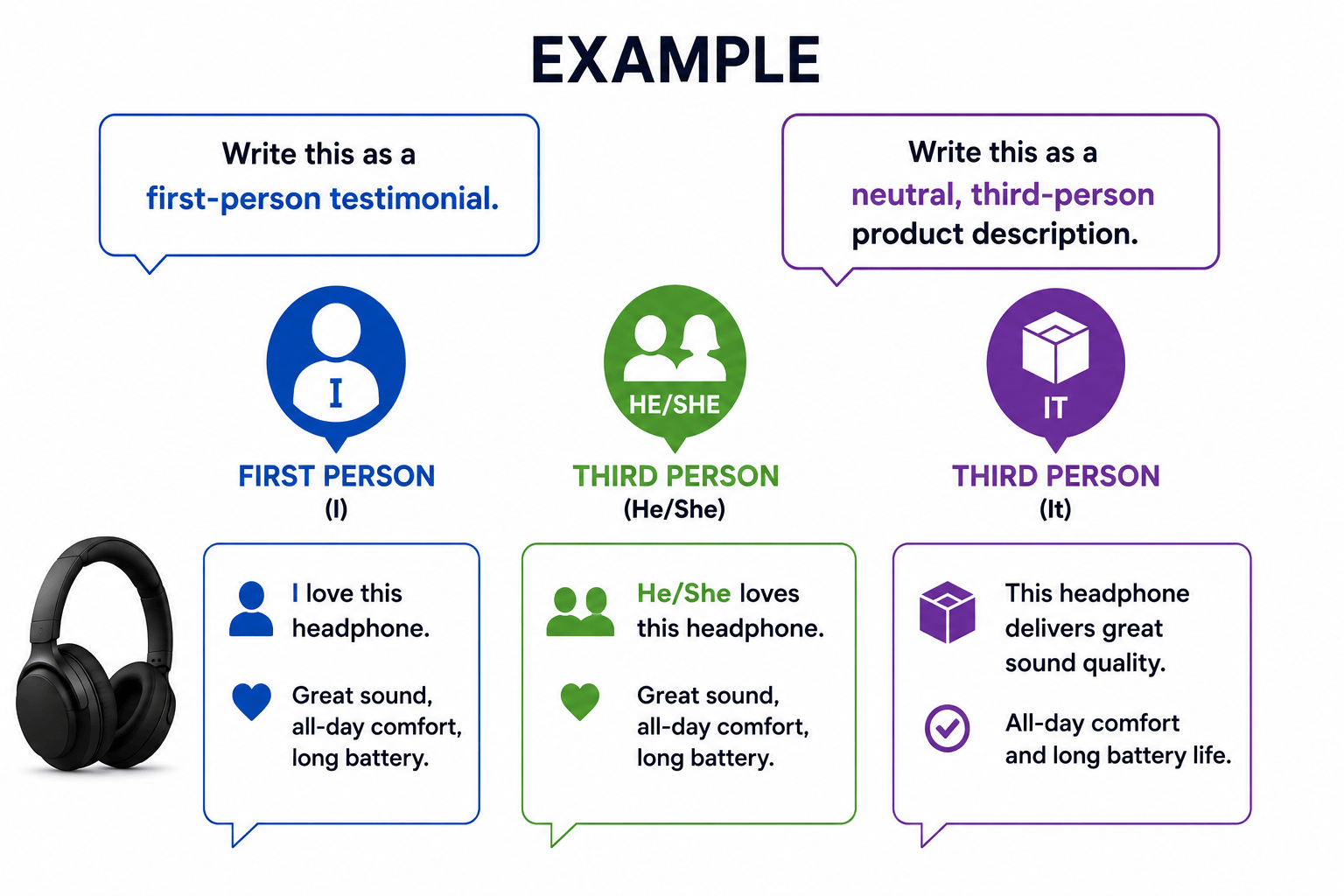
Specify whose voice the response should be written in — first person, third person, a specific role's perspective — to match the intended use case.
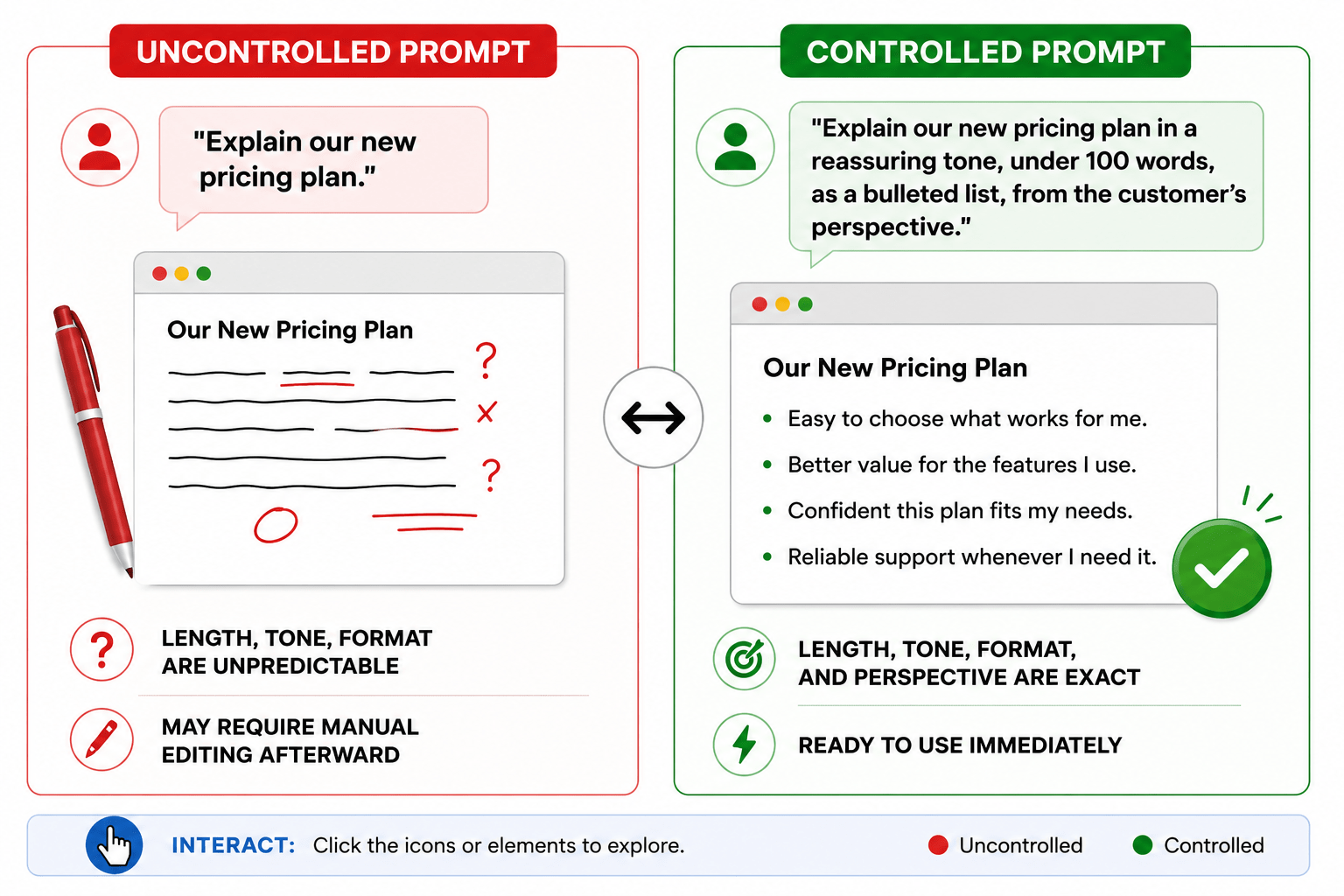
Uncontrolled vs. Controlled Response (Comparison)
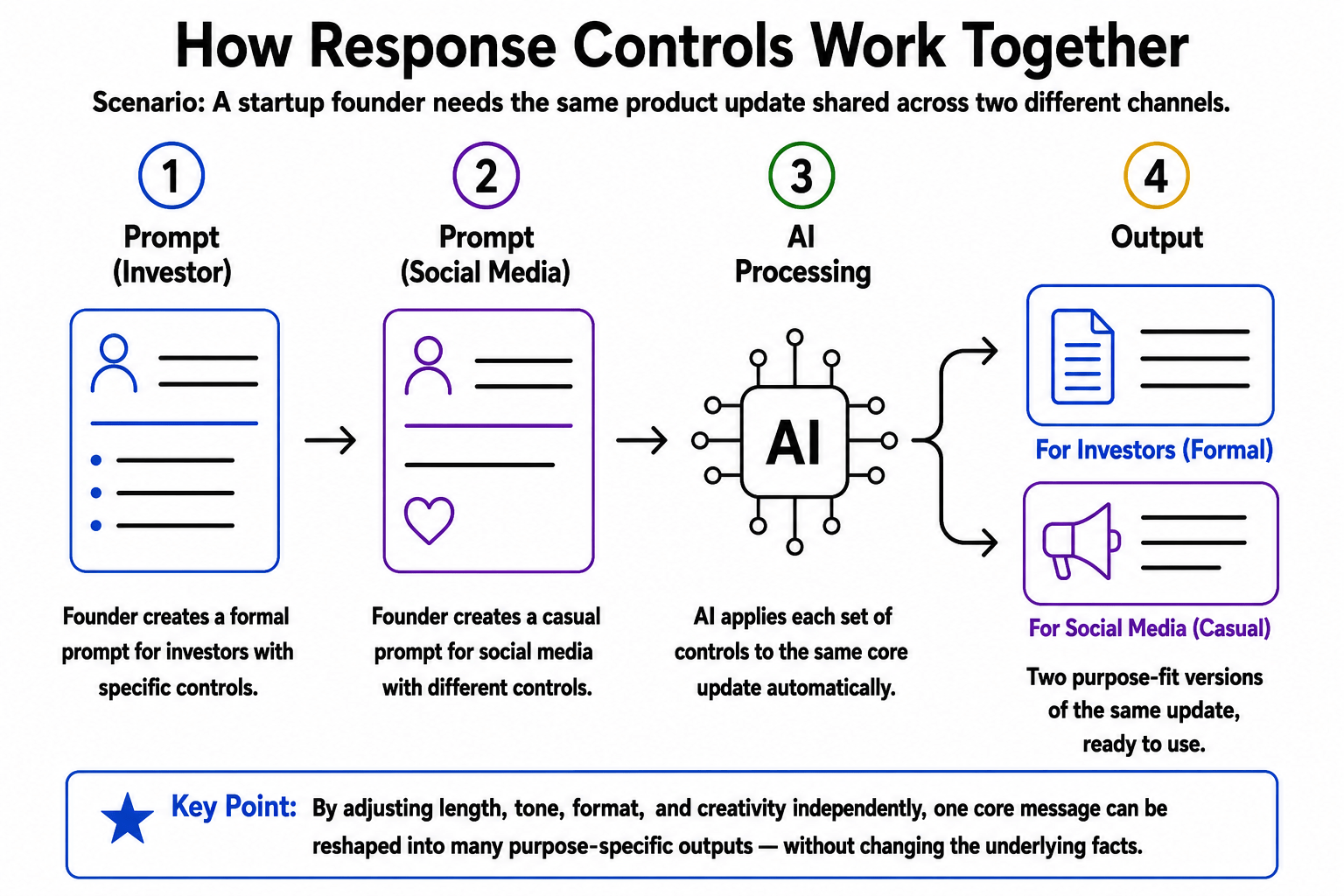
How Response Controls Work Together (Core Mechanism)
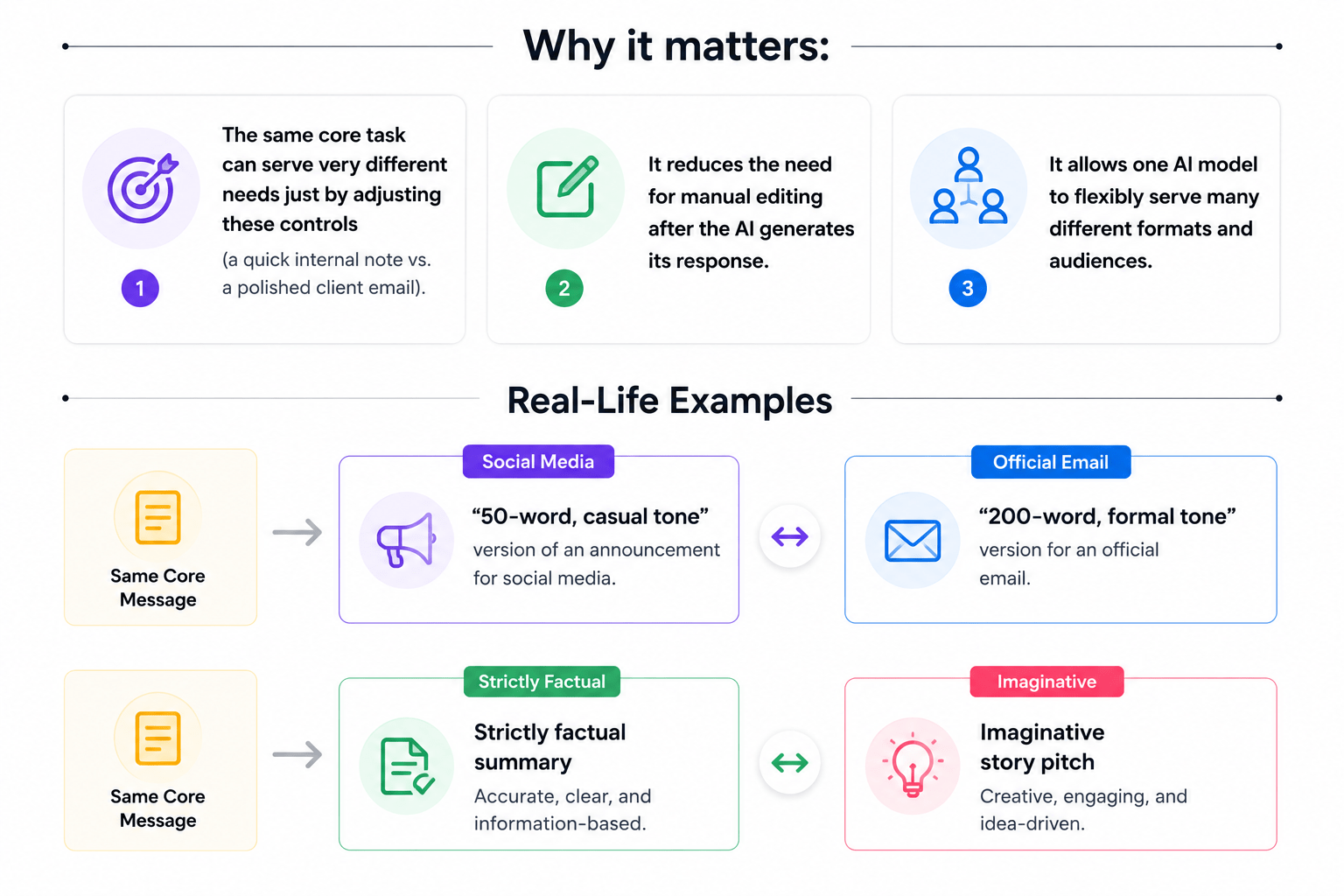
Scenario: A startup founder needs the same product update shared across two different channels.
Founder Creates a formal prompt for investores with specific controls
Founder creates a casual prompt for social media with different controls
AI applies each set of controls to the same core update automatically
Two purpose-fit versions of the same update,ready to use.
Key Point: Control length, tone, format, and creativity to create different outputs from the same message.
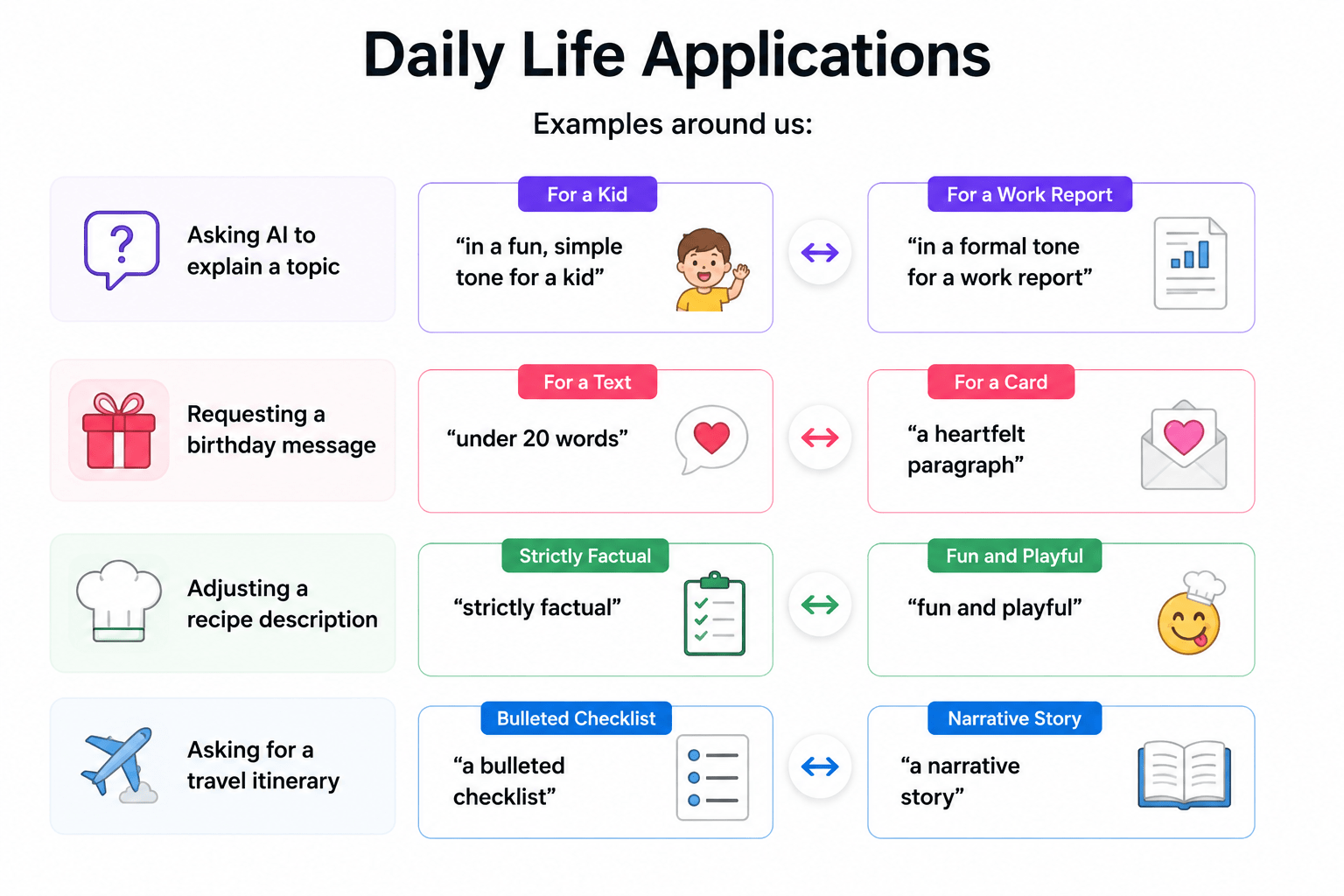
Applications of Controlling AI Responses
Daily Life Applications
Summary
4
Fine-tune AI for precise results.
3
Reduce editing with clear controls.
2
Tailor one prompt for different outputs.
1
Control length, tone, format, and creativity.
Quiz
Which control determines whether an AI response is strictly factual or imaginative and open-ended?
A. Format
B. Tone
C. Creativity Level
D. Length
Quiz-Answer
Which control determines whether an AI response is strictly factual or imaginative and open-ended?
A. Format
B. Tone
C. Creativity Level
D. Length
By Content ITV