




Content ITV PRO
This is Itvedant Content department
Use this slide if there is no Heading
Note - Create Content inside Red Layout
[Delete Red Outline After creating slide]
Learning Outcome
6
Create effective test scenarios for manual and automation testing.
5
Prioritize scenarios based on business importance and risk.
4
Define positive, negative, and boundary scenarios.
3
Convert requirements into clear test scenarios
2
Identify important user workflows and functional areas to test.
1
Understand the purpose of test scenarios in software testing.
Recall
Software Testing Basics
Requirements Analysis
Test Planning
Test Objectives and Scope
Test Cases and Test Data
Positive and Negative Testing
Functional Testing
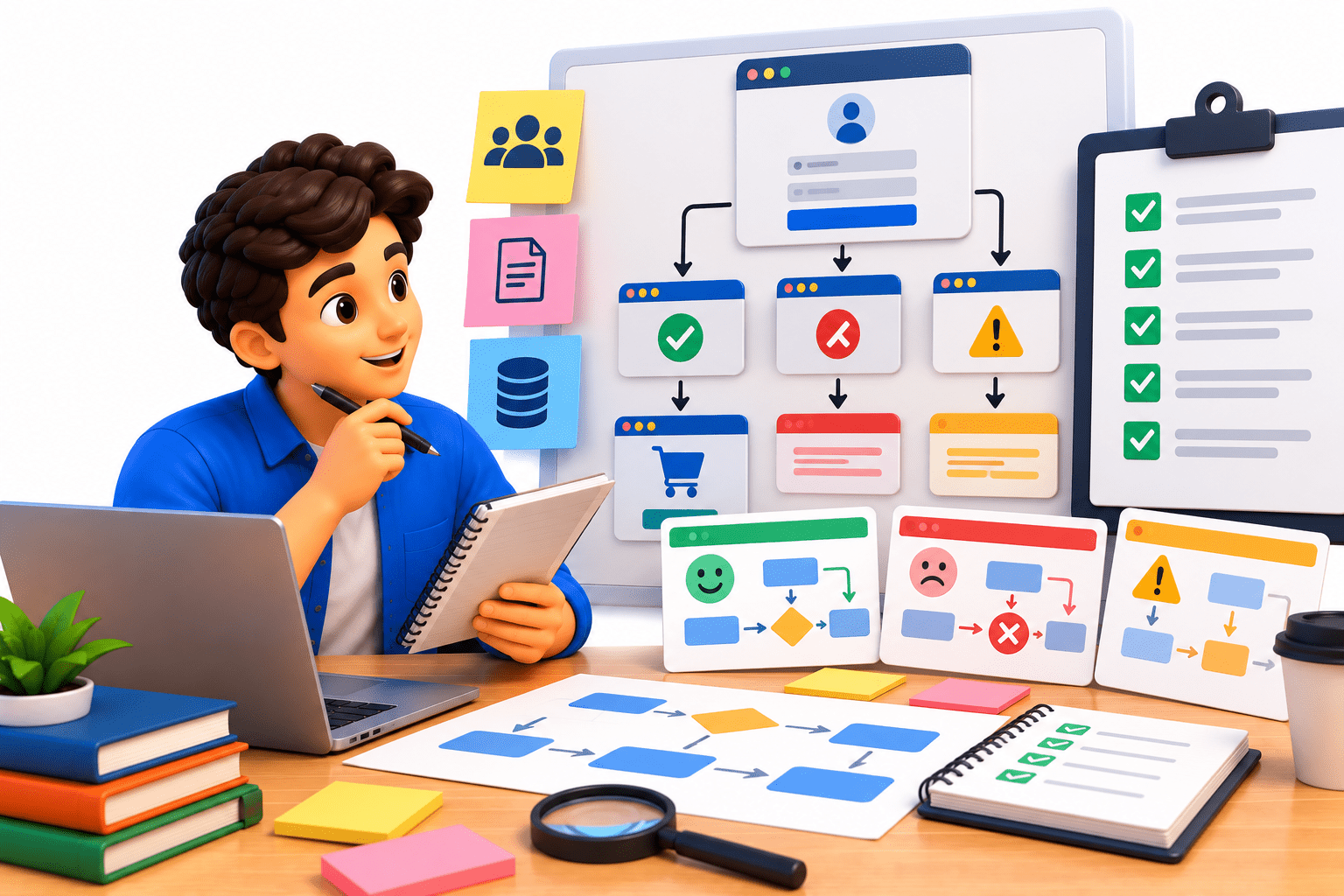
Designing test scenarios is like planning different situations a customer may experience in a restaurant.
Customer requirement
What the customer wants
Order process
User workflow
Test scenario
Different situations to check
Positive scenario
Customer successfully places an order
Negative scenario
Customer tries to order an unavailable item
Boundary scenario
Customer orders the maximum allowed quantity
Just as a restaurant considers different customer situations, Test Scenario Design identifies different ways a user may interact with an application and what needs to be tested.
Why Test Scenarios Are Required?
Test scenarios are required to:
Identify what needs to be tested based on requirements.
Cover important user workflows and business functions.
Ensure different positive, negative, and boundary conditions are considered.
Reduce the chance of missing important functionality.
Help prioritize testing based on business importance and risk.
Support both manual and automation testing
Provide a clear foundation for creating detailed test cases.
What is a Test Scenario?
A Test Scenario is a high-level description of what functionality or user workflow needs to be tested.
It focuses on what to test, rather than the detailed steps of how to test it.
Example – Login:
Verify login with valid credentials.
Verify login with invalid credentials.
Verify login with empty username and password.
In simple terms:
Test Scenario = A high-level condition or situation that needs to be tested
Identifying Scenarios from Requirements
Identifying scenarios from requirements means analyzing each requirement and converting it into possible conditions that need to be tested.
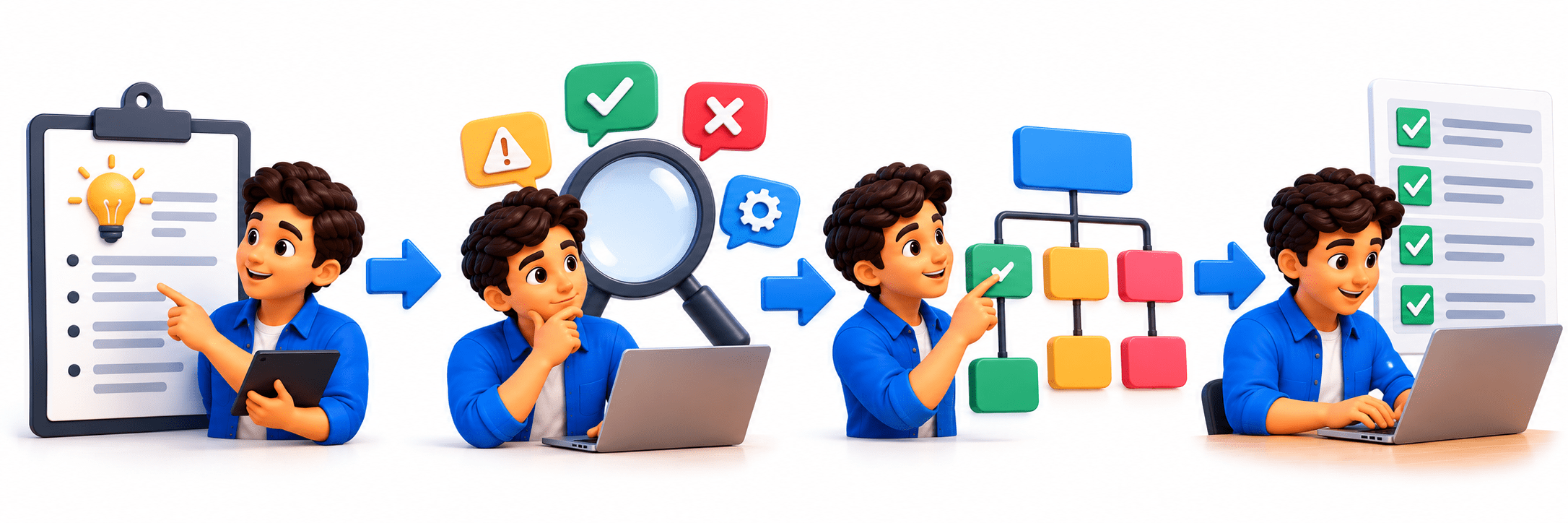
Steps
Read the Requirement – Understand what the feature should do.
Identify User Actions – Determine how users will interact with the feature.
Identify Expected Results – Define what should happen after each action.
Consider Different Conditions – Include positive, negative, and boundary conditions
Create Test Scenarios – Convert these conditions into clear, high-level scenarios.
Example – Product Search
Requirement:
“The user should be able to search for products using the product name or keyword.”
Identifying Test Scenarios
Verify search with a valid product name.
Verify search with a partial product name.
Verify search with an invalid product name.
Verify search with empty input.
Verify search using special characters.
Verify search with uppercase and lowercase keywords.
Verify appropriate results are displayed for the search.
Requirement → Analyze Conditions → Identify Scenarios → Create Test Cases
Types of Test Scenarios
Positive Scenarios – Verify that the application works correctly with valid inputs and expected user actions.
Example: Search for an existing product.
Negative Scenarios – Verify how the application handles invalid inputs or unexpected actions.
Example: Search using an invalid product name.
Boundary Scenarios – Verify behavior at the minimum, maximum, and limit values.
Example: Add the maximum allowed quantity of products to the cart.
Functional Scenarios – Verify that a specific feature performs according to its requirements.
Example: Verify that a product can be added to the cart.
Integration Scenarios – Verify that multiple modules work correctly together.
Example: Product selection → Cart → Checkout.
End-to-End Scenarios – Verify a complete user workflow from start to finish.
Example: Search product → Purchase product → Verify order confirmation.
Writing Effective Test Scenarios
Effective test scenarios should be clear, concise, and focused on one specific condition or workflow.
Guidelines
Use a clear and meaningful description.
Focus on what needs to be tested, not detailed execution steps.
Base scenarios on requirements and user workflows
Include positive, negative, and boundary conditions.
Improves performance
Core Concepts (.....Slide N-3)
Summary
5
Build strong branding
4
Use different marketing channels
3
Target the right audience
2
Create and communicate value
1
Understand customer needs
Choose cool, soft colors instead of vibrant colors
Max 5 Points for Summary & Min 2
Quiz
Which platform is mainly used for professional networking and B2B marketing ?
A. Facebook
B. Instagram
C. LinkedIn
D. Snapchat
Quiz-Answer
Which platform is mainly used for professional networking and B2B marketing ?
A. Facebook
B. Instagram
C. LinkedIn
D. Snapchat
By Content ITV