









Content ITV PRO
This is Itvedant Content department
Learning Outcome
5
Handle errors and completion in Observables
4
Understand Observable lifecycle
3
Create Observables using of() and Observable class
2
Learn why RxJS is used in Angular
1
Understand RxJS and Reactive Programming
Analogy
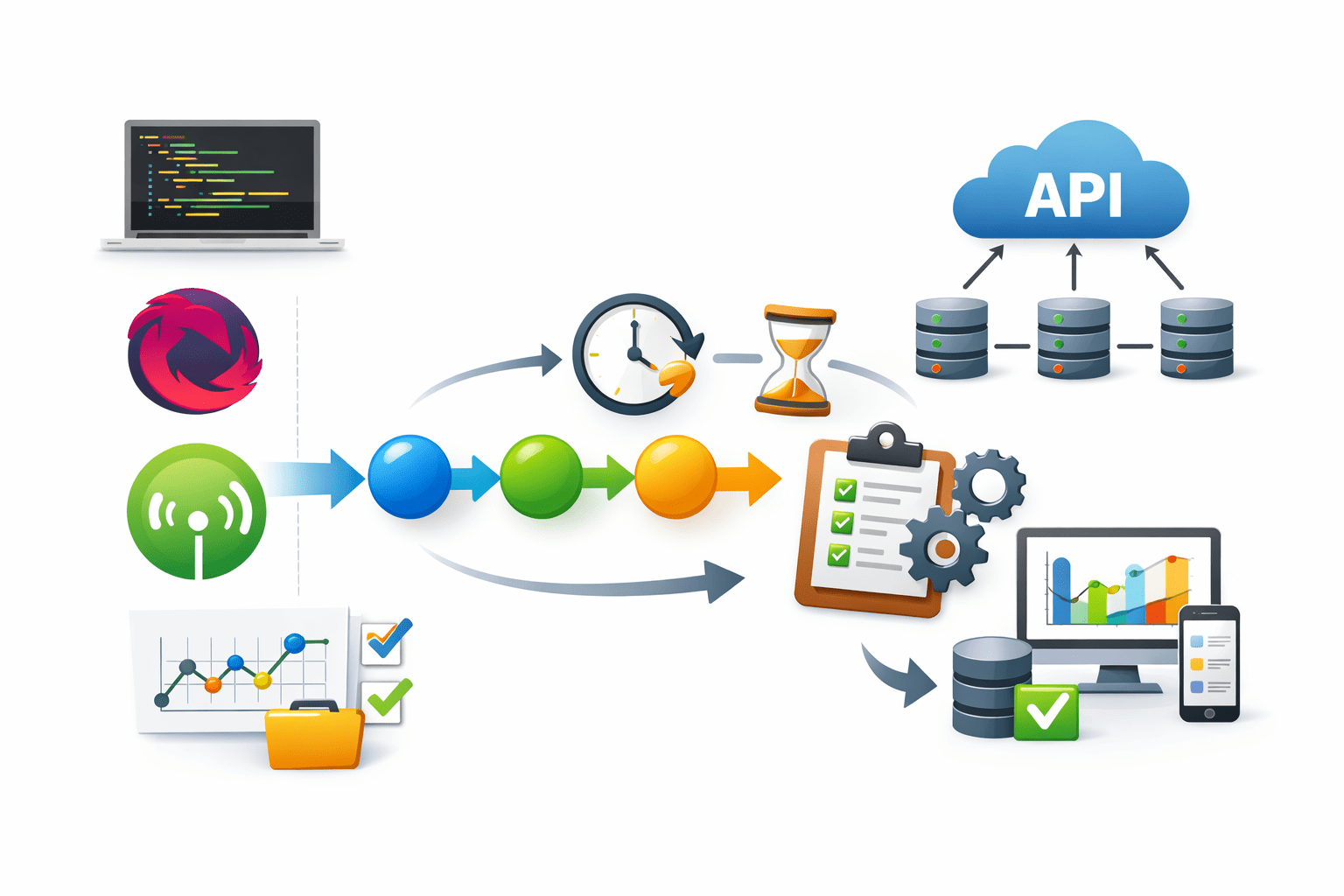
Imagine a YouTube live stream.
The video keeps sending data continuously
Users subscribe to the stream to watch it
Viewer → Subscriber
Video stream → Observable
Video updates → Data emissions
Similarly in RxJS:
Observable produces data
Subscribers receive and react to the data
Here:
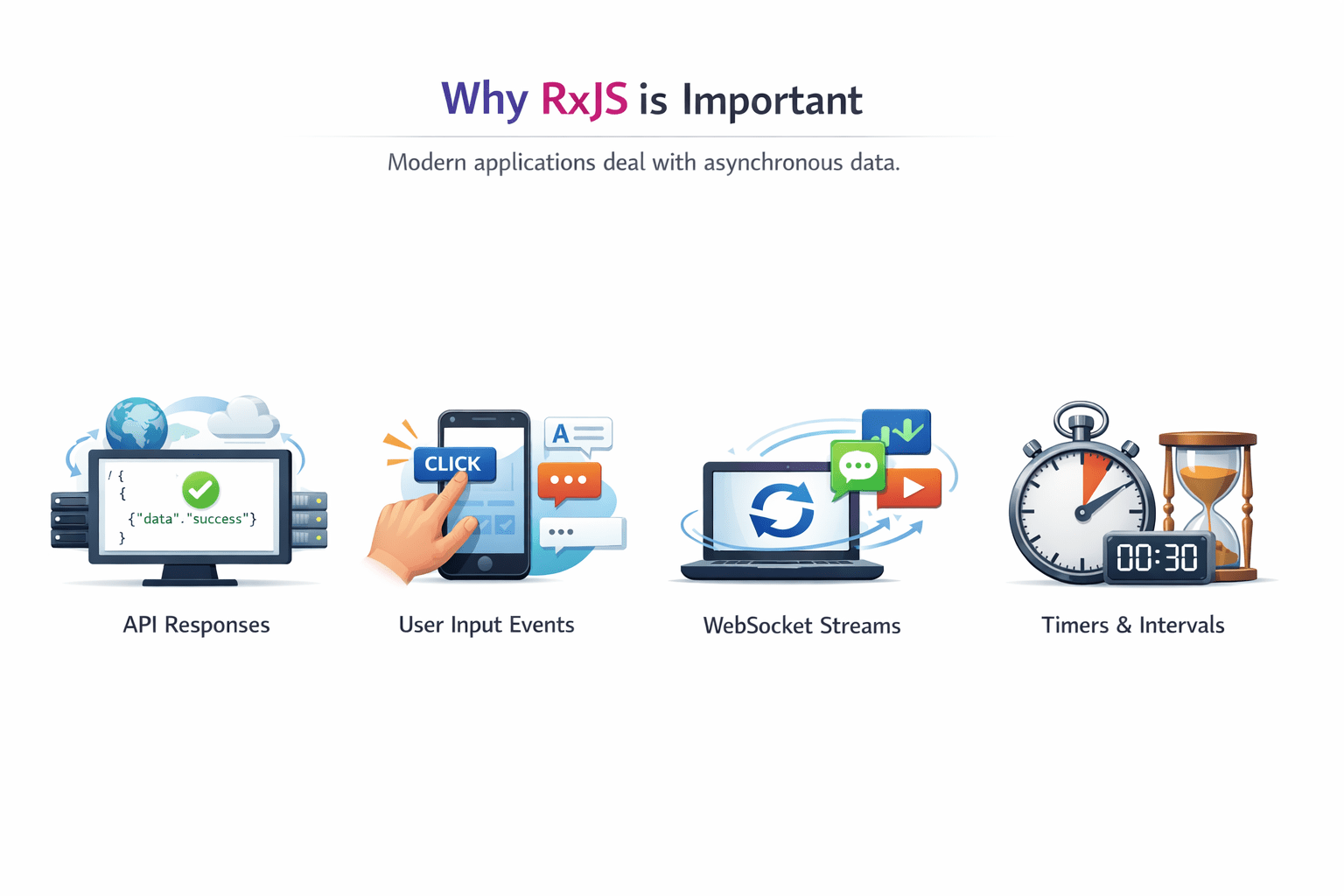
Why RxJS is Important
Modern applications deal with asynchronous data.
RxJS helps manage asynchronous data using Observables and operators.
Issues with traditional approaches:
Examples :
API responses
User input events
Timers and intervals
WebSocket streams
Introduction to RxJS
RxJS (Reactive Extensions for JavaScript) is a library used for reactive programming.
RxJS is widely used in Angular for handling asynchronous operations.
Key features:
Observables
Operators
Subscriptions
It helps manage asynchronous data streams.
Key Concepts of Reactive Programming
Reactive programming focuses on data streams and reactions to data changes.
This allows applications to react to real-time data changes.
Observable → Data producer
Observer → Data consume
Subscription → Connection between them
Example flow :
Observable → Emits Data → Subscriber ReactsCreating Observables
The of() function creates an observable from values.
Example :
import { of } from 'rxjs';

const numbers$ = of(1, 2, 3, 4);

numbers$.subscribe(value => {
  console.log(value);
});Observables can also be created manually.
Example :
import { Observable } from 'rxjs';

const observable = new Observable(observer => {

 observer.next("Hello");
 observer.next("Angular");
 observer.complete();
});

#Subscribing
observable.subscribe(value => {
 console.log(value);
});
Observable Lifecycle
An observable follows a lifecycle.
Stages :
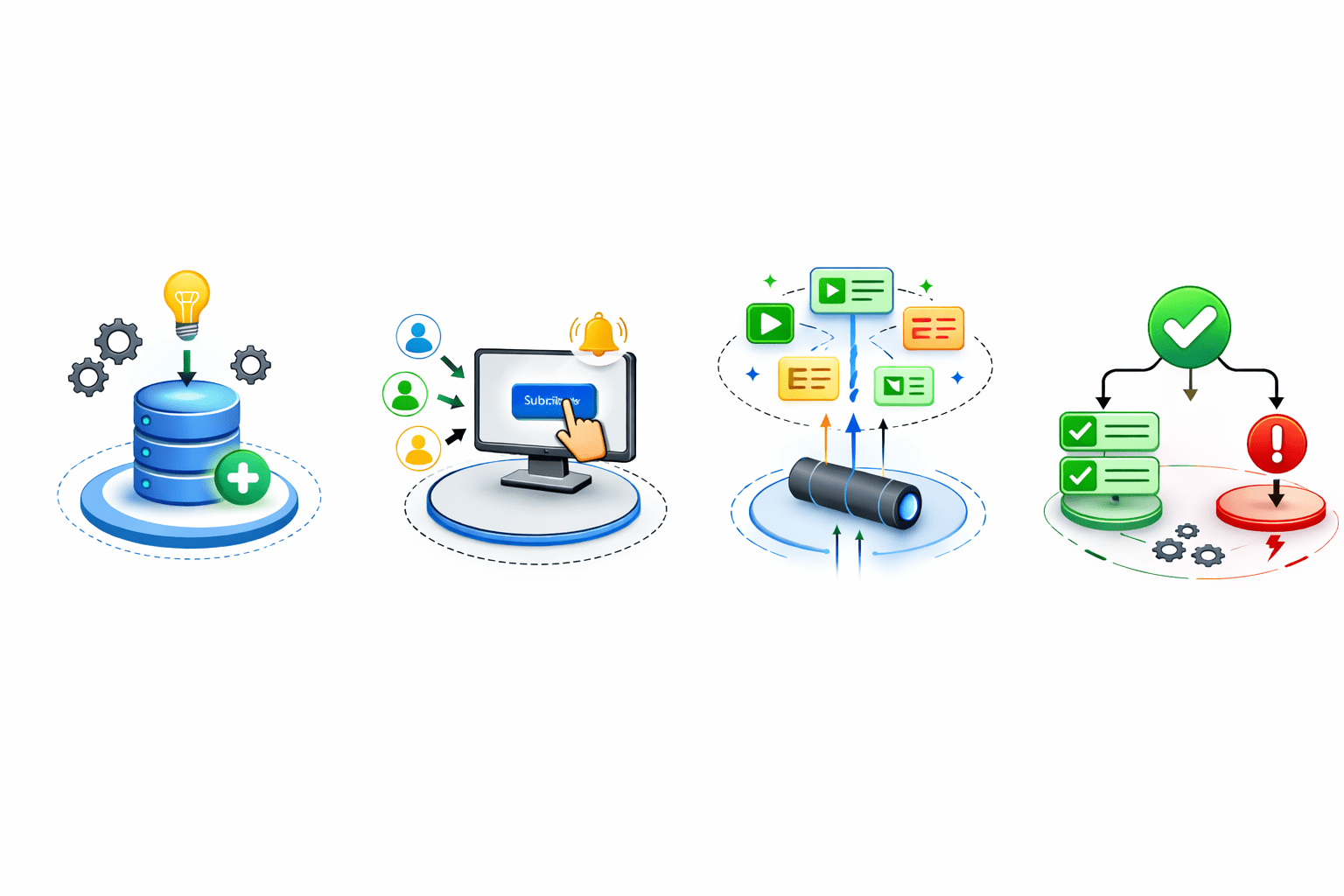
Creation
Subscription
Emission of values
Completion or Error
Subscribing to Observables
Example :
observable.subscribe(
  value => console.log(value),
  error => console.log(error),
  () => console.log("Observable Completed")
);
subscribe() is used to receive data from an Observable
When does an error happen?
Inside the Observable, an error is triggered like this:
observer.error("Something went wrong");As soon as this happens
Here :
First function → handles values
Second function → handles errors
Third function → handles completion
The error handler (second function) is called
The Observable stops completely
The completion function is NOT called
Observable Completion
Observables signal completion when data emission ends.
Example :
observer.complete();Importance :
Indicates stream has finished
Releases resources
Prevents memory leaks
observable.subscribe(
  value => console.log(value),
  error => console.log(error),
  () => console.log("Observable Completed")
);
Summary
4
RxJS provides operators for error handling
3
Observables can be created using of() or Observable class
2
Observables handle asynchronous data streams
1
RxJS is used for reactive programming
Quiz
Which function creates an observable from values?
A. create()
B. of()
C. next()
D. emit()
Quiz-Answer
Which function creates an observable from values?
A. create()
B. of()
C. next()
D. emit()
By Content ITV