RxJS & Calling API


RxJS Basics: Creating Observables and Managing Async Data


Learning Outcome
5
Handle errors and completion in Observables
4
Understand Observable lifecycle
3
Create Observables using of() and Observable class
2
Learn why RxJS is used in Angular
1
Understand RxJS and Reactive Programming
Analogy
Imagine a YouTube live stream.

The video keeps sending data continuously
Users subscribe to the stream to watch it
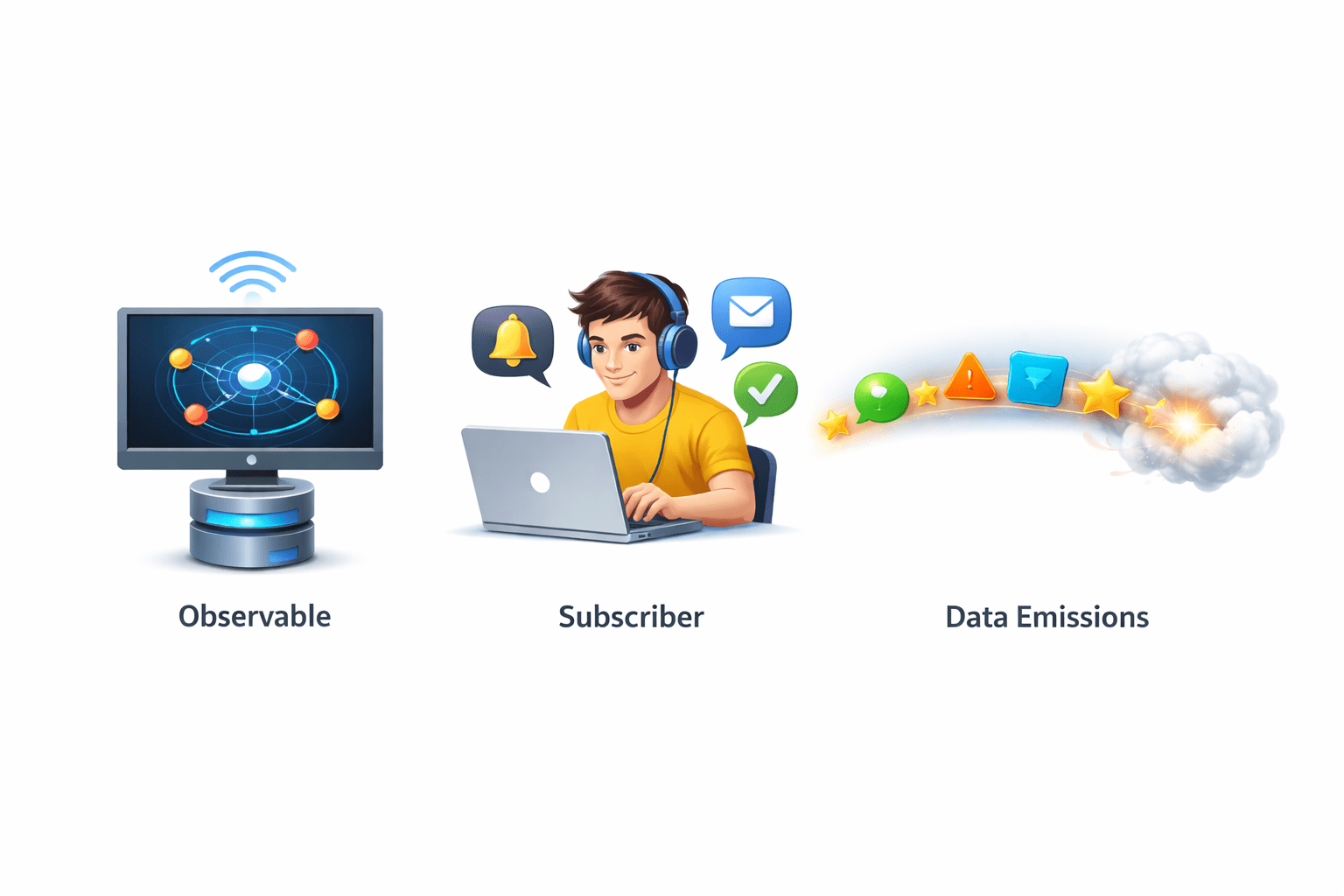
Viewer → Subscriber
Video stream → Observable
Video updates → Data emissions
Similarly in RxJS:
-
Observable produces data
-
Subscribers receive and react to the data
Here:
Why RxJS is Important
Modern applications deal with asynchronous data.
RxJS helps manage asynchronous data using Observables and operators.
Issues with traditional approaches:
- Callbacks → messy
- Promises → single value only

Examples :
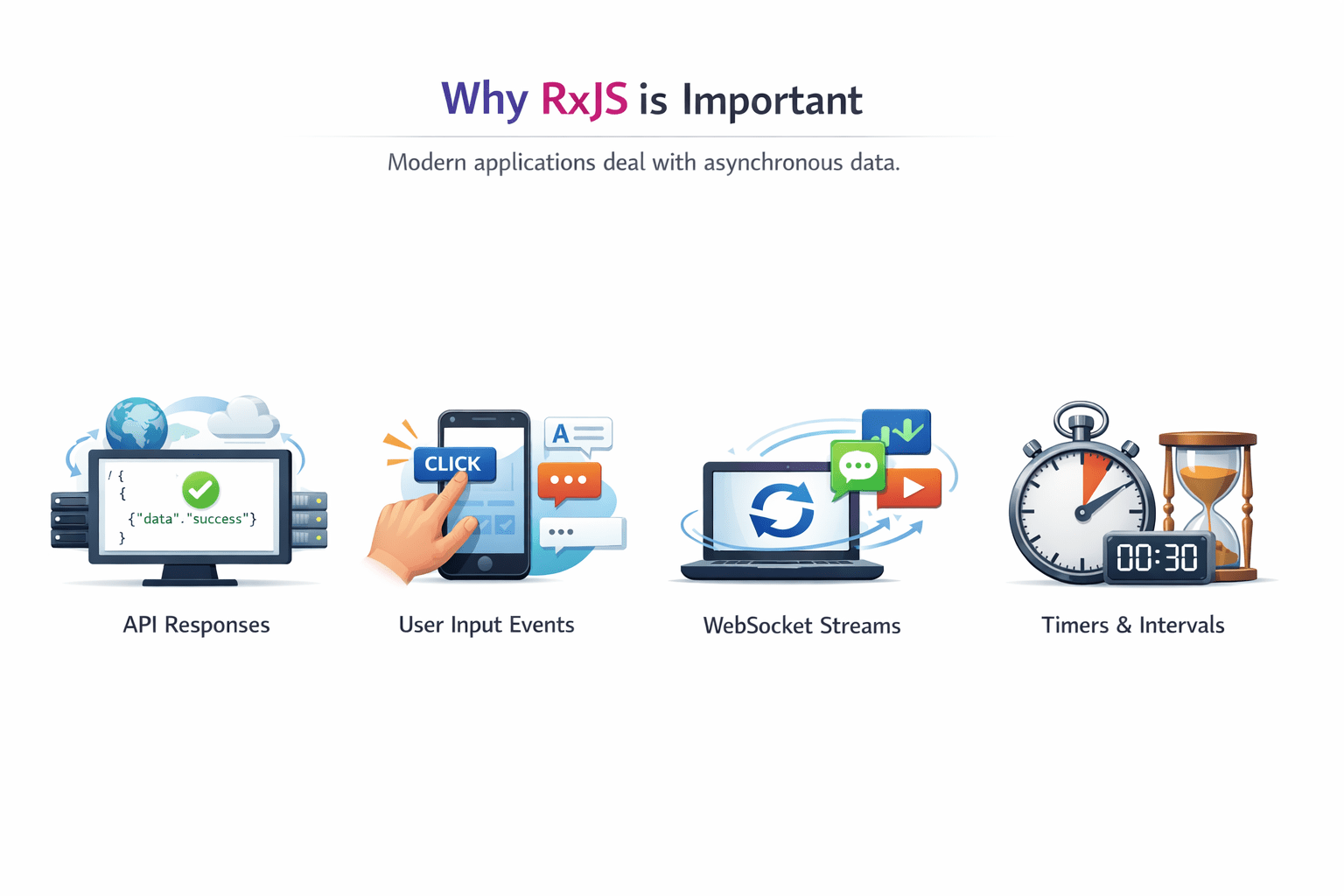
API responses
User input events
Timers and intervals
WebSocket streams
Introduction to RxJS
RxJS (Reactive Extensions for JavaScript) is a library used for reactive programming.
RxJS is widely used in Angular for handling asynchronous operations.
Key features:
-
Observables
-
Operators
-
Subscriptions
It helps manage asynchronous data streams.

Key Concepts of Reactive Programming
Reactive programming focuses on data streams and reactions to data changes.
This allows applications to react to real-time data changes.
-
Observable → Data producer
-
Observer → Data consume
-
Subscription → Connection between them
Example flow :
Observable → Emits Data → Subscriber Reacts
Creating Observables
- Using of()
The of() function creates an observable from values.
Example :
import { of } from 'rxjs';

const numbers$ = of(1, 2, 3, 4);

numbers$.subscribe(value => {
  console.log(value);
});- Using Observable Class
Observables can also be created manually.
Example :
import { Observable } from 'rxjs';

const observable = new Observable(observer => {

 observer.next("Hello");
 observer.next("Angular");
 observer.complete();
});

#Subscribing
observable.subscribe(value => {
 console.log(value);
});
Observable Lifecycle
An observable follows a lifecycle.
Stages :
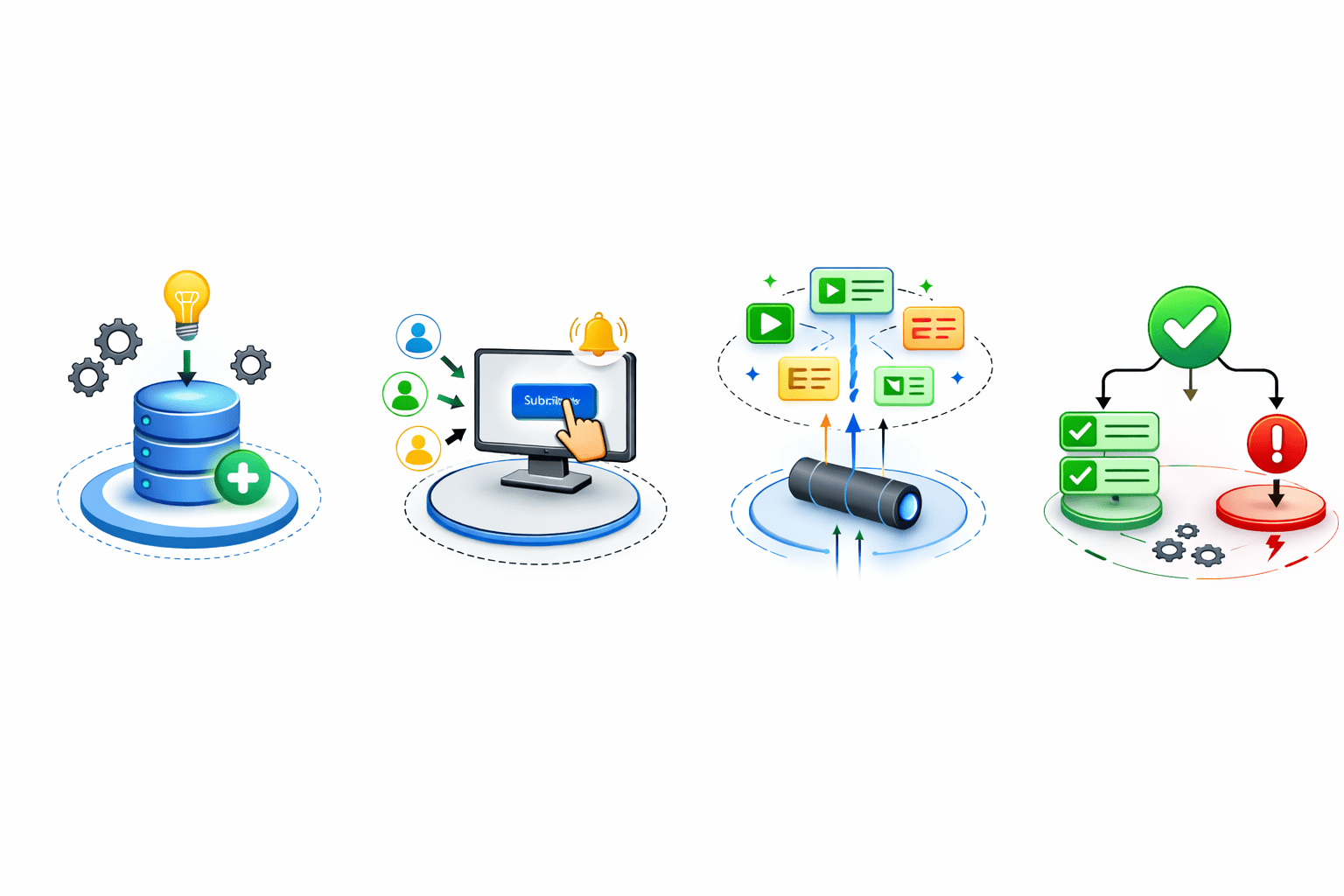
Creation
Subscription
Emission of values
Completion or Error
Subscribing to Observables
Example :
observable.subscribe(
  value => console.log(value),
  error => console.log(error),
  () => console.log("Observable Completed")
);
subscribe() is used to receive data from an Observable
When does an error happen?

Inside the Observable, an error is triggered like this:
observer.error("Something went wrong");As soon as this happens
Here :
First function → handles values
Second function → handles errors
Third function → handles completion
-
The error handler (second function) is called
-
The Observable stops completely
-
The completion function is NOT called
Observable Completion
Observables signal completion when data emission ends.
Example :
observer.complete();Importance :
-
Indicates stream has finished
-
Releases resources
-
Prevents memory leaks

observable.subscribe(
  value => console.log(value),
  error => console.log(error),
  () => console.log("Observable Completed")
);
Summary
4
RxJS provides operators for error handling
3
Observables can be created using of() or Observable class
2
Observables handle asynchronous data streams
1
RxJS is used for reactive programming
Quiz
Which function creates an observable from values?
A. create()
B. of()
C. next()
D. emit()

Quiz-Answer
Which function creates an observable from values?
A. create()
B. of()
C. next()
D. emit()
