




Content ITV
This is Itvedant Content department
Learning Outcome
4
Explain vector databases in RAG.
3
Recognize popular databases and their differences.
2
Identify stored data and retrieval steps.
1
Understand Vector Databases and their need.
Let's Recall
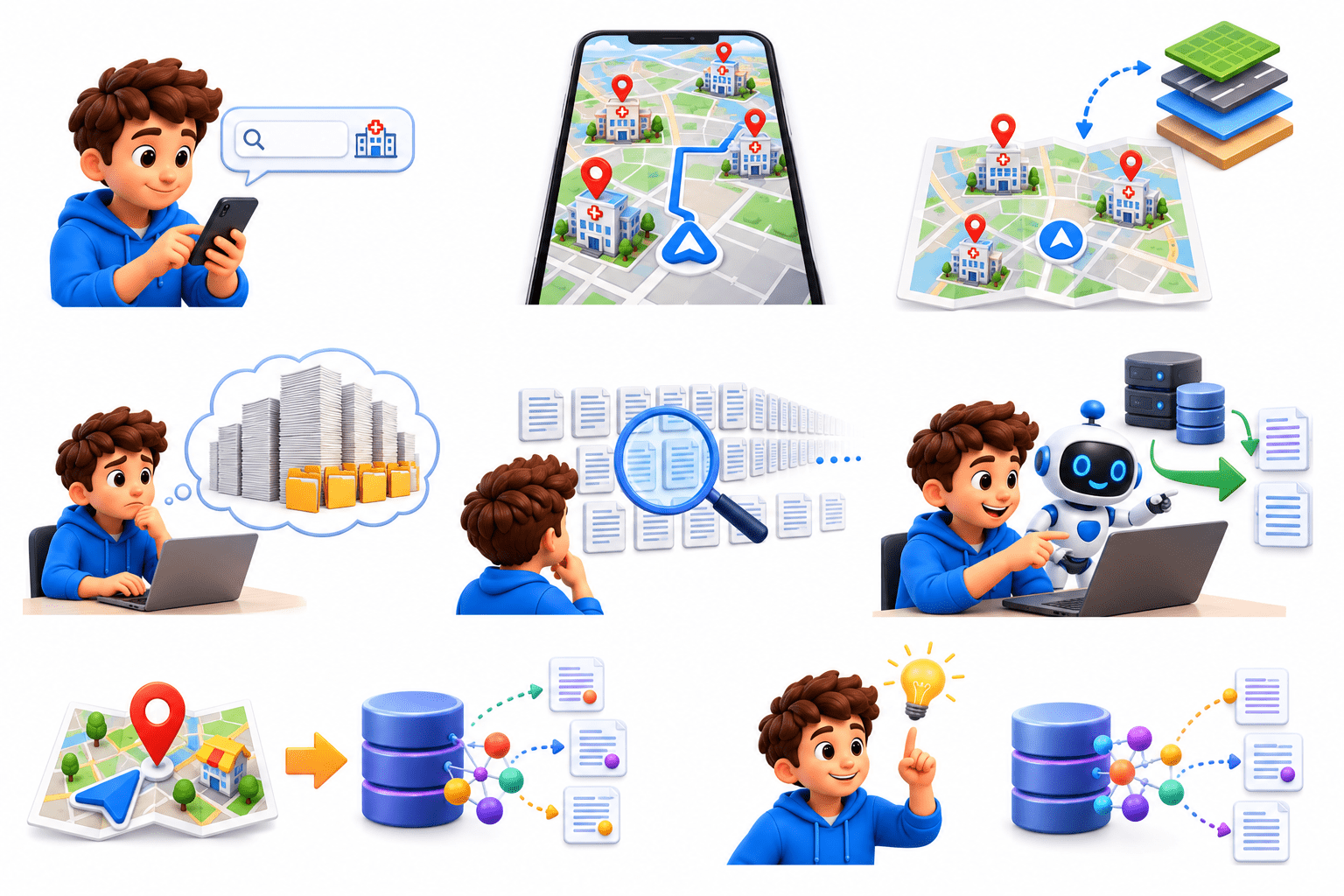
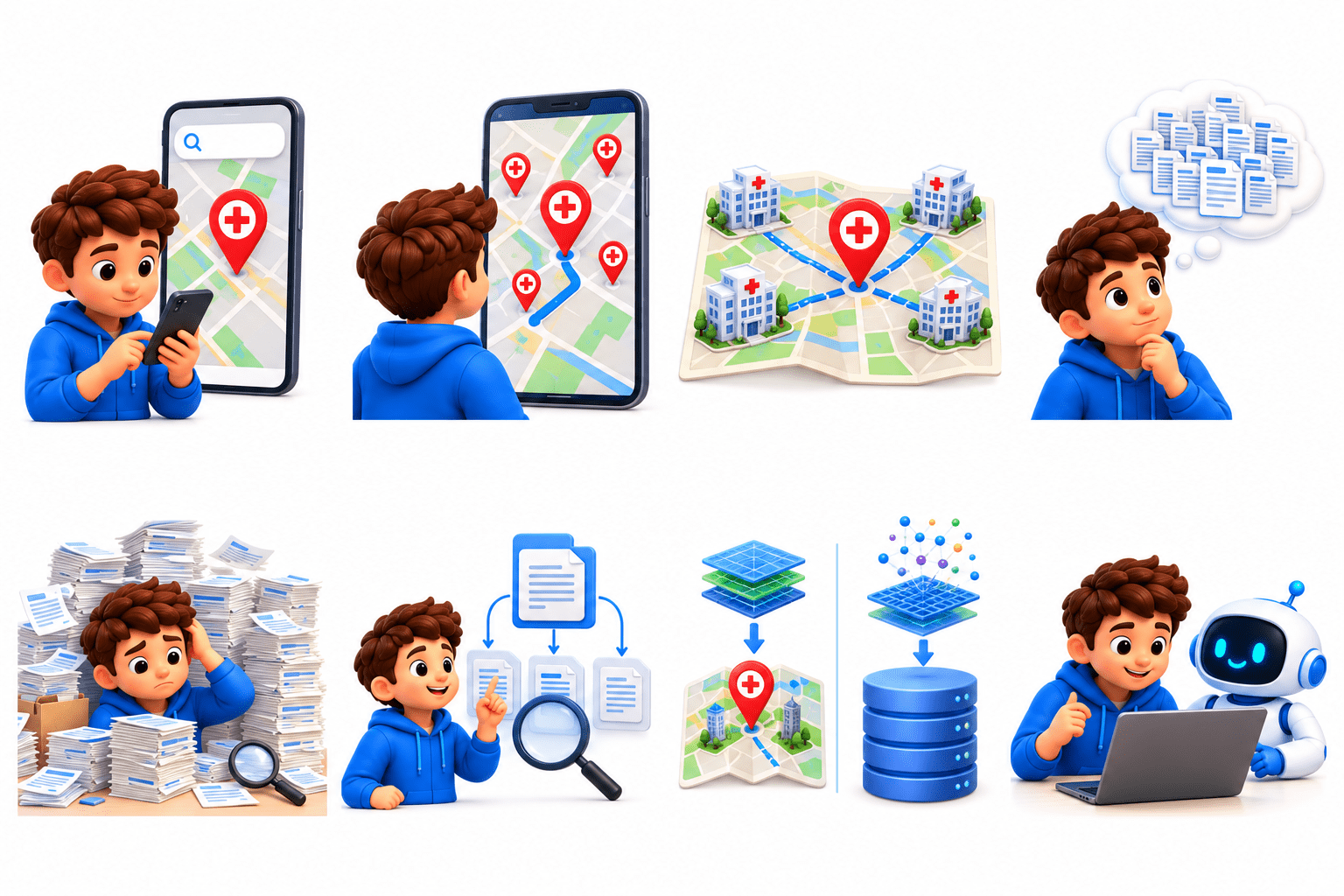
Aarav opens a GPS app and searches, “Nearest hospital.”
The GPS quickly finds nearby hospitals instead of checking every building.
It uses organised map data to find the closest hospitals quickly.
Aarav now imagines a company with 10 million customer support documents.
A user asks a question. Checking every document one by one would be extremely slow.
Just like GPS, the AI needs an organised way to quickly find the most relevant documents.
GPS uses specialised indexing to find nearby places; a Vector Database uses indexing to find similar embeddings.
Now, let’s see what a Vector Database is and how it makes retrieval fast.
What is a Vector Database?
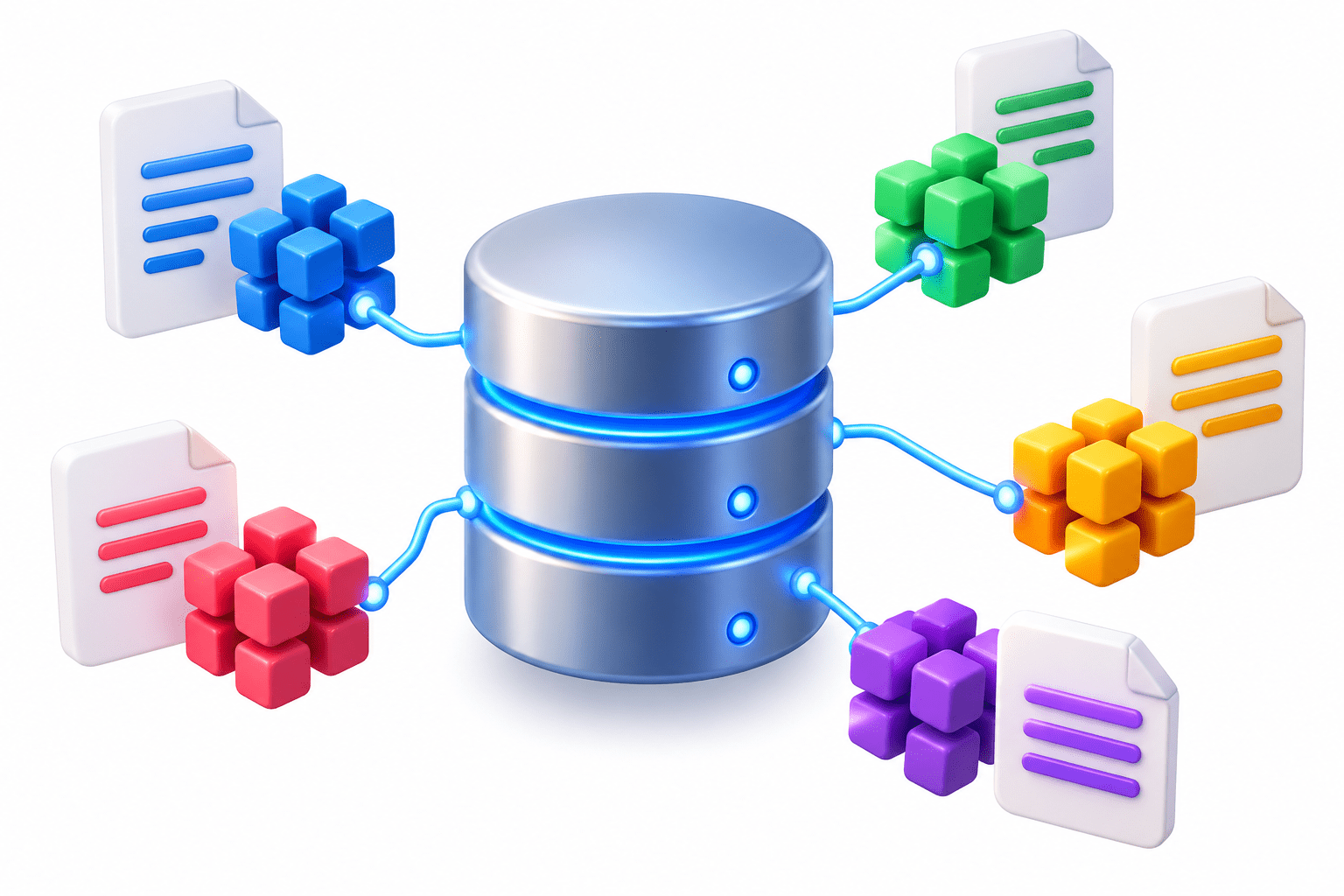
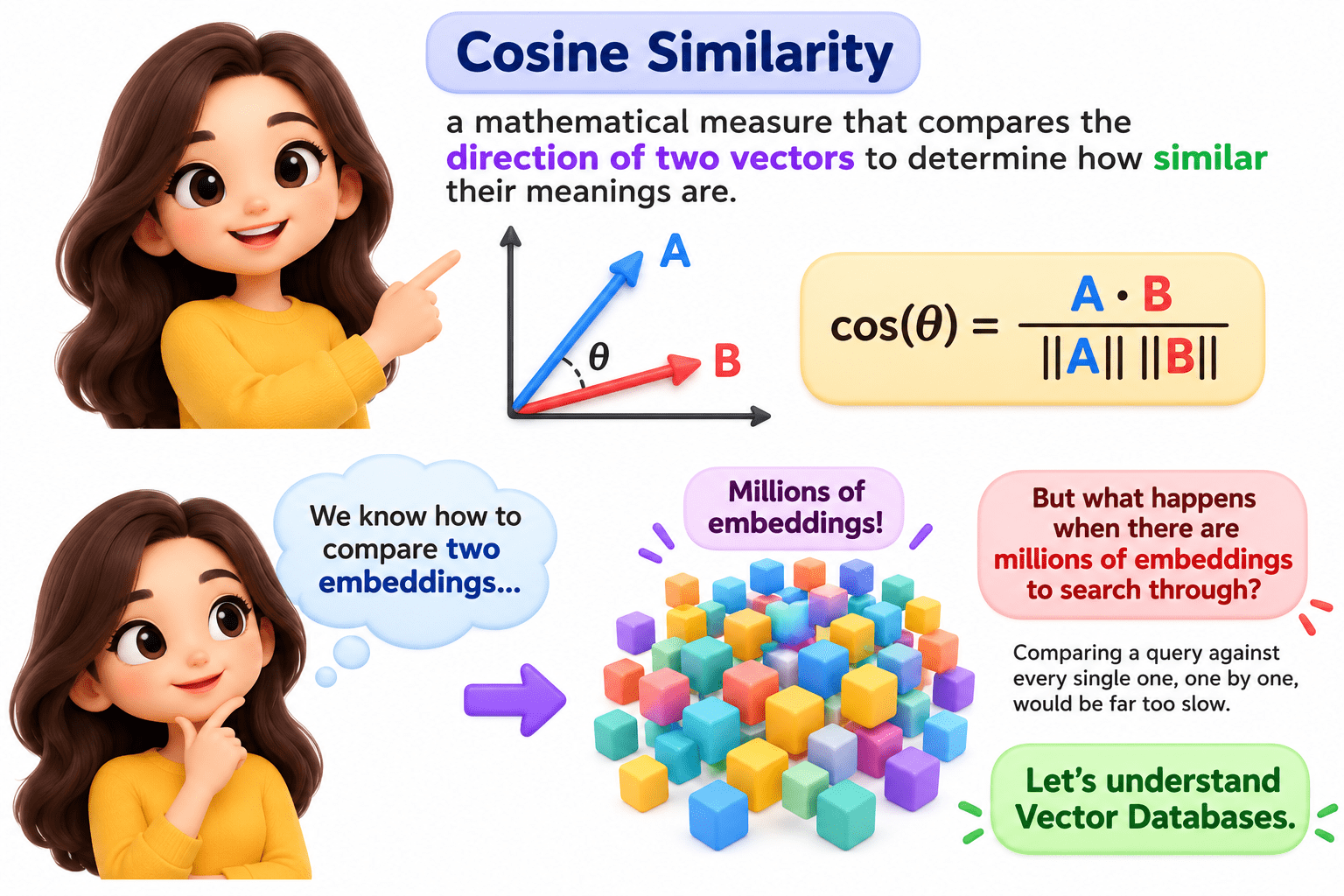
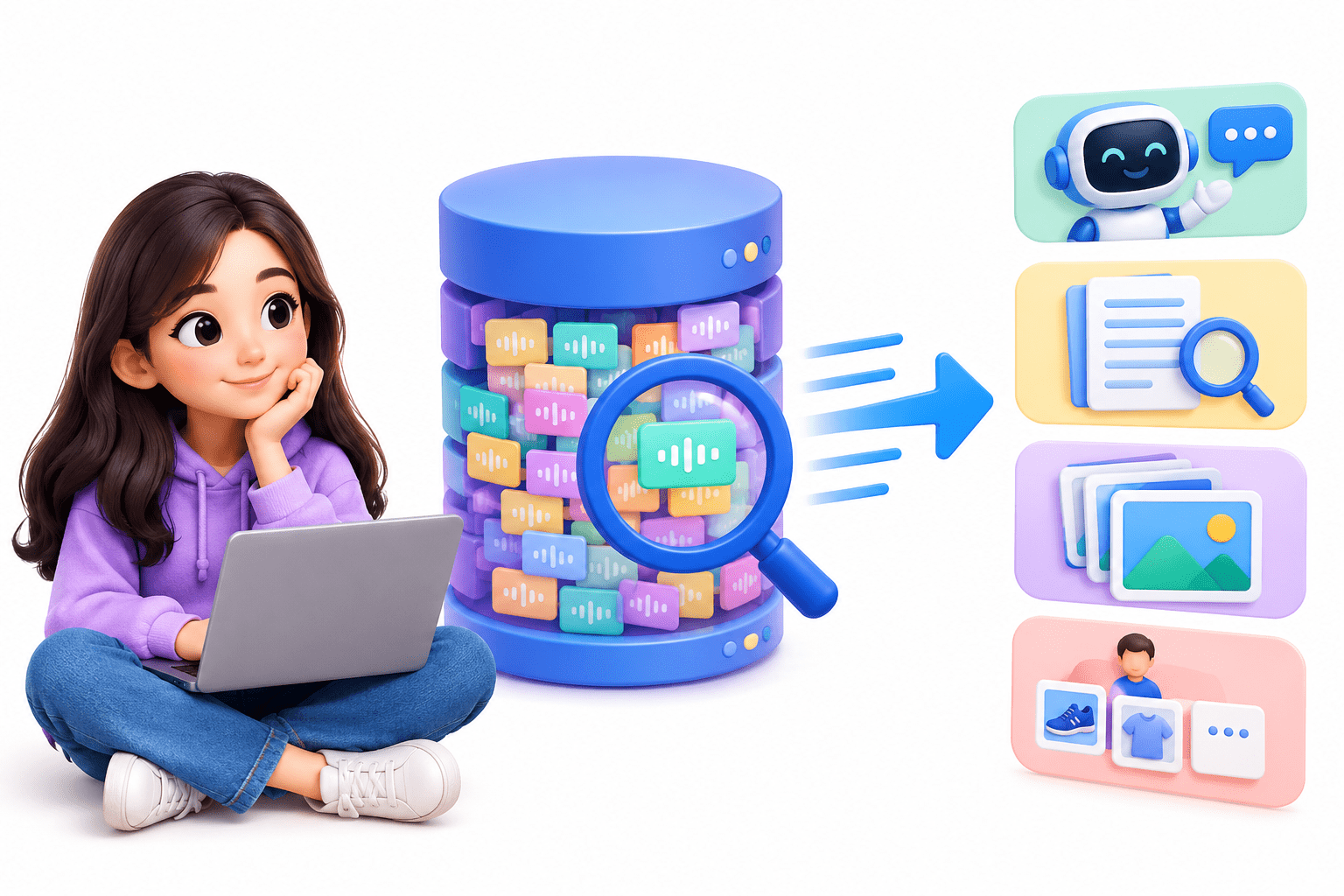
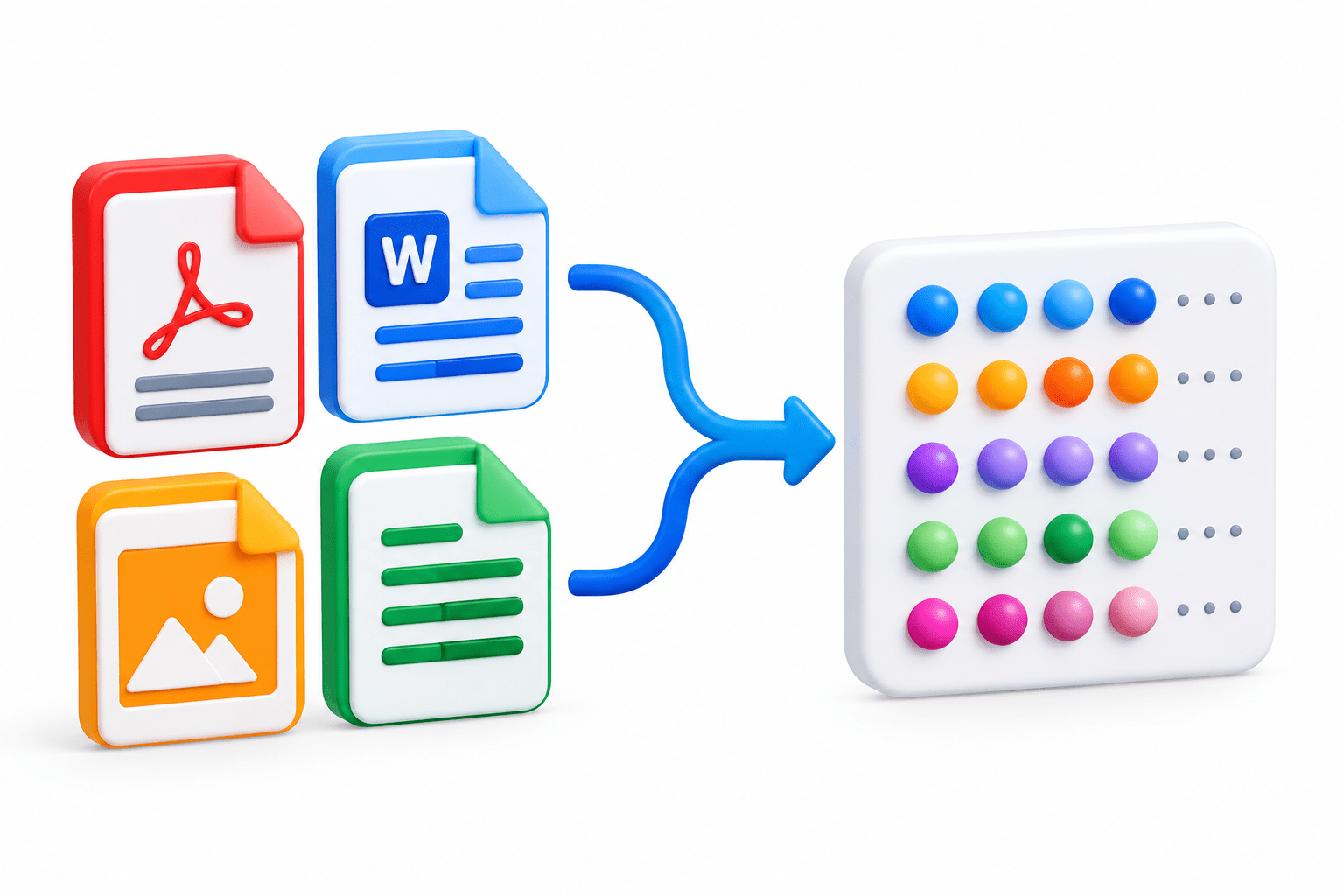
A Vector Database stores, manages, indexes, and searches vector embeddings efficiently. It enables fast retrieval of semantically similar information using techniques like cosine similarity.
It makes searching large collections of embeddings fast enough for real-world AI applications.
What is Stored in a Vector Database?
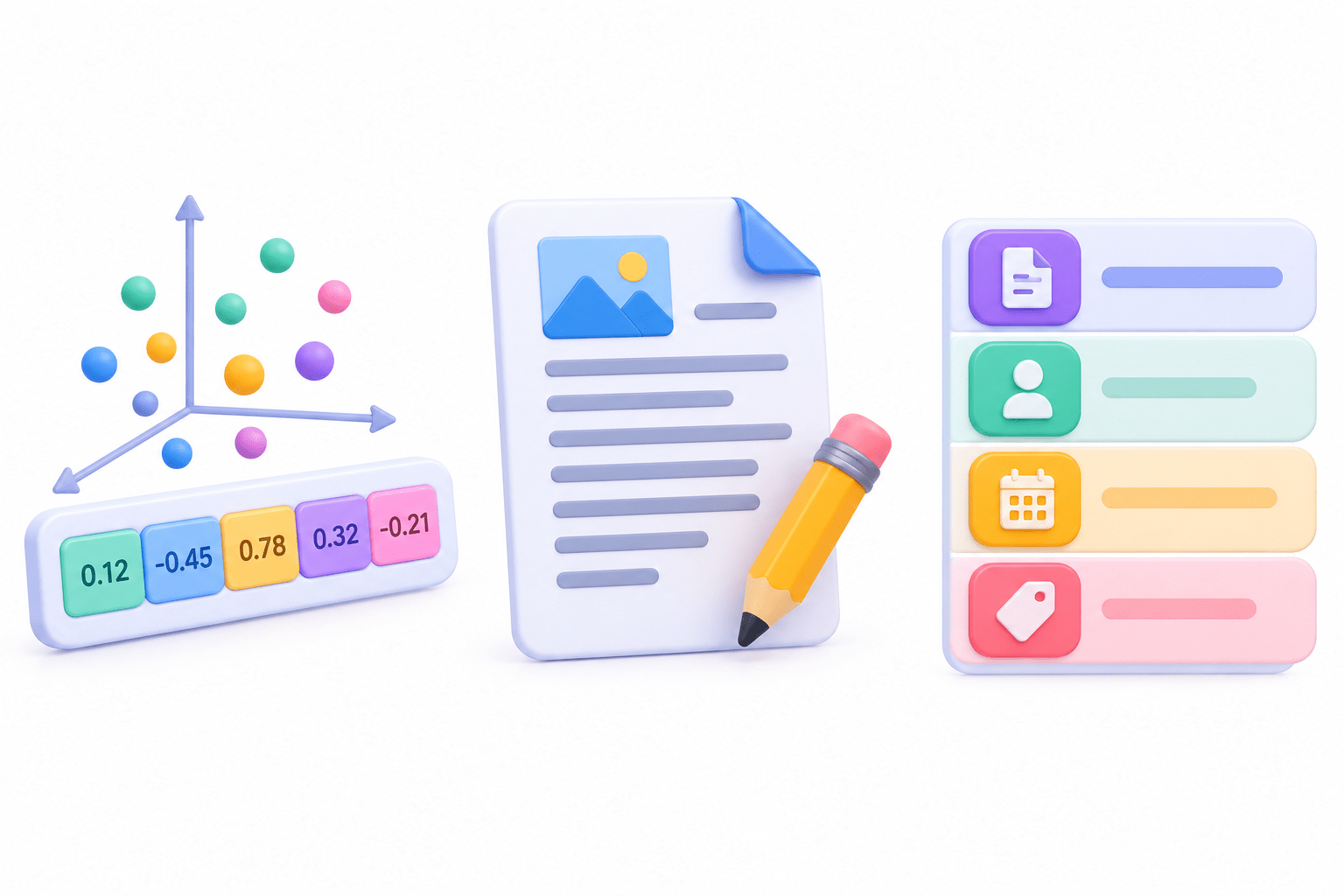
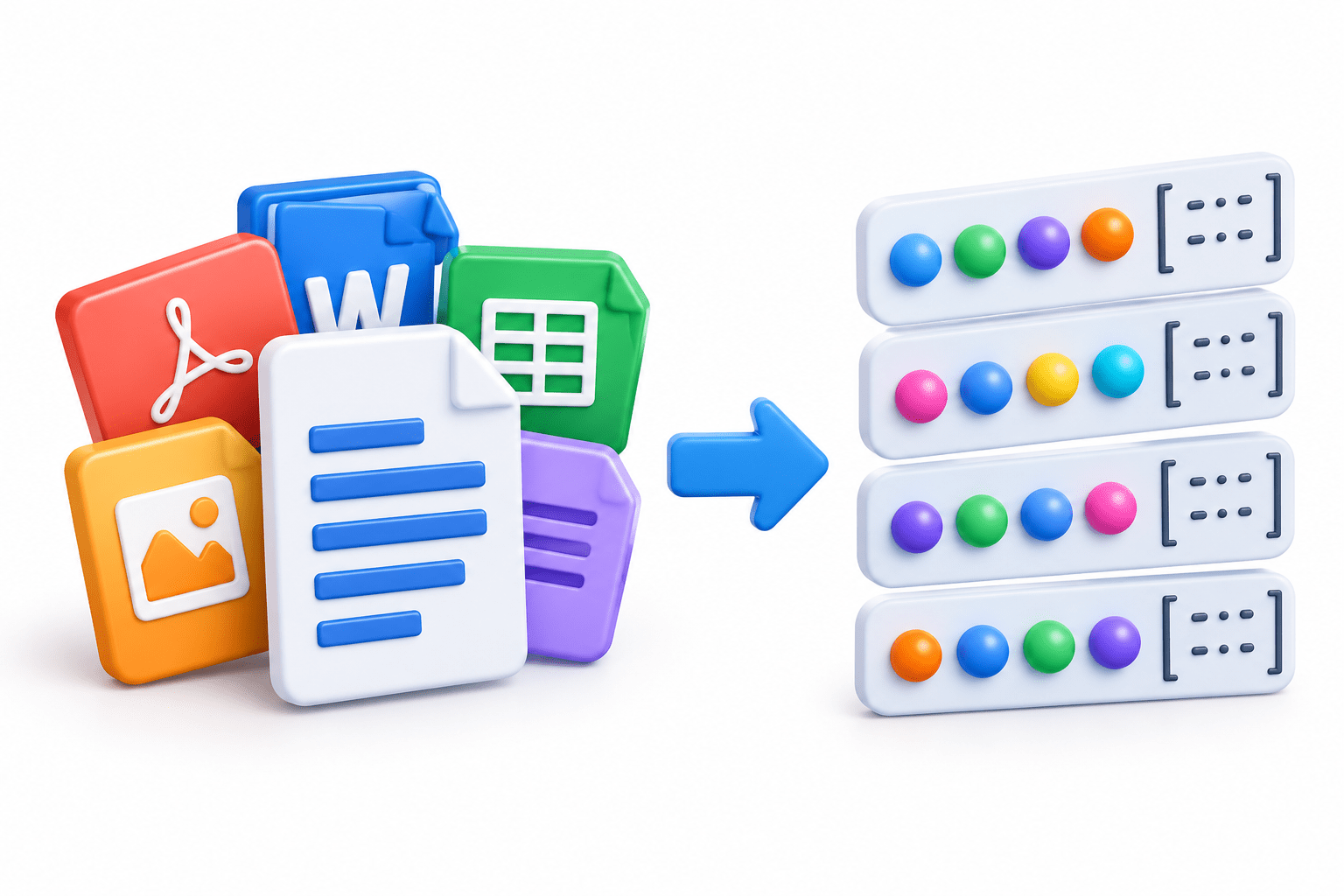
Vector databases primarily store embeddings along with related information.
For each document:
Embedding vector
Original document/text
Optional metadata – title, author, date, category
Example:
Document: “Artificial Intelligence is transforming healthcare.”
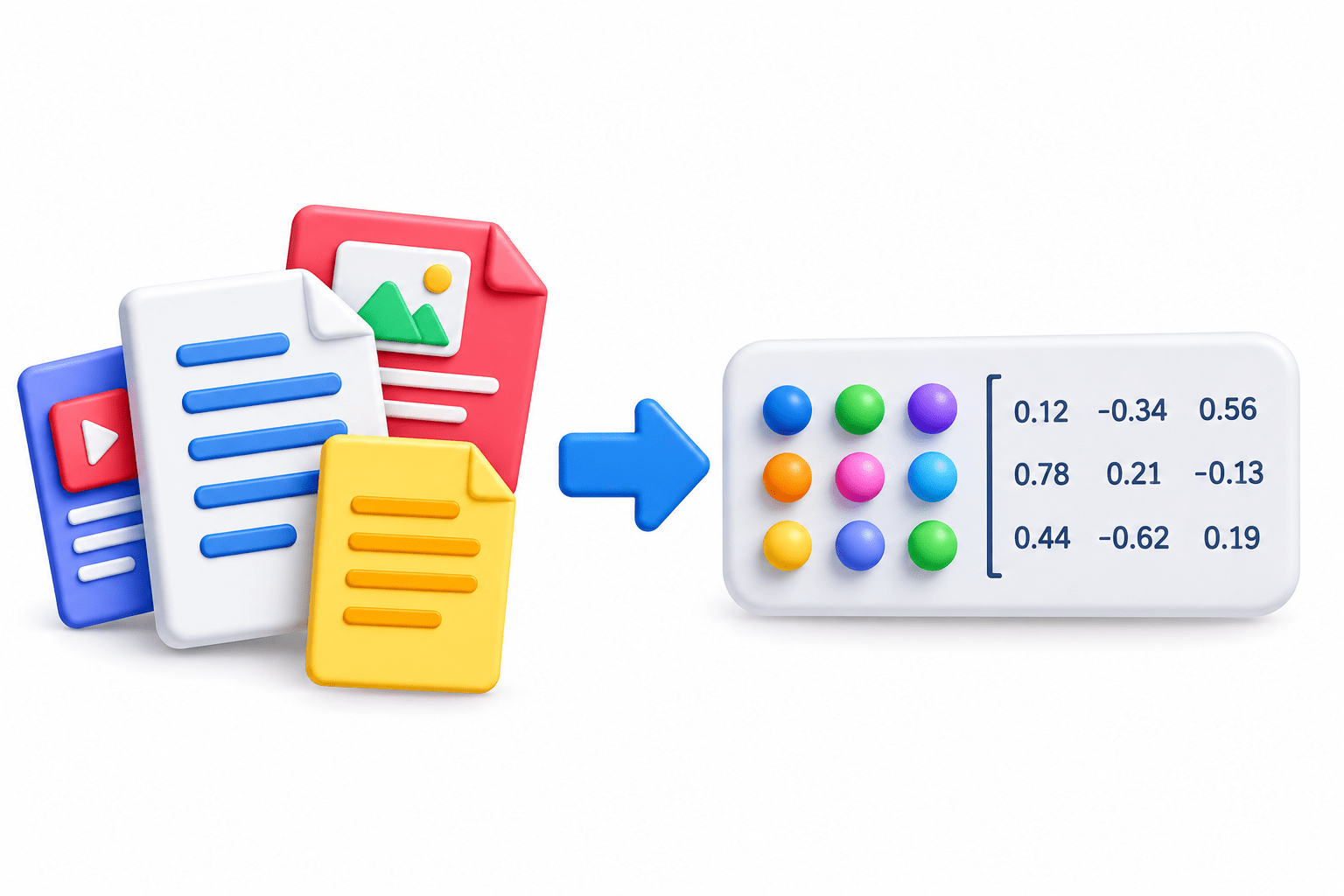
Embedding: [0.24, -0.17, 0.88, 0.51, ...]
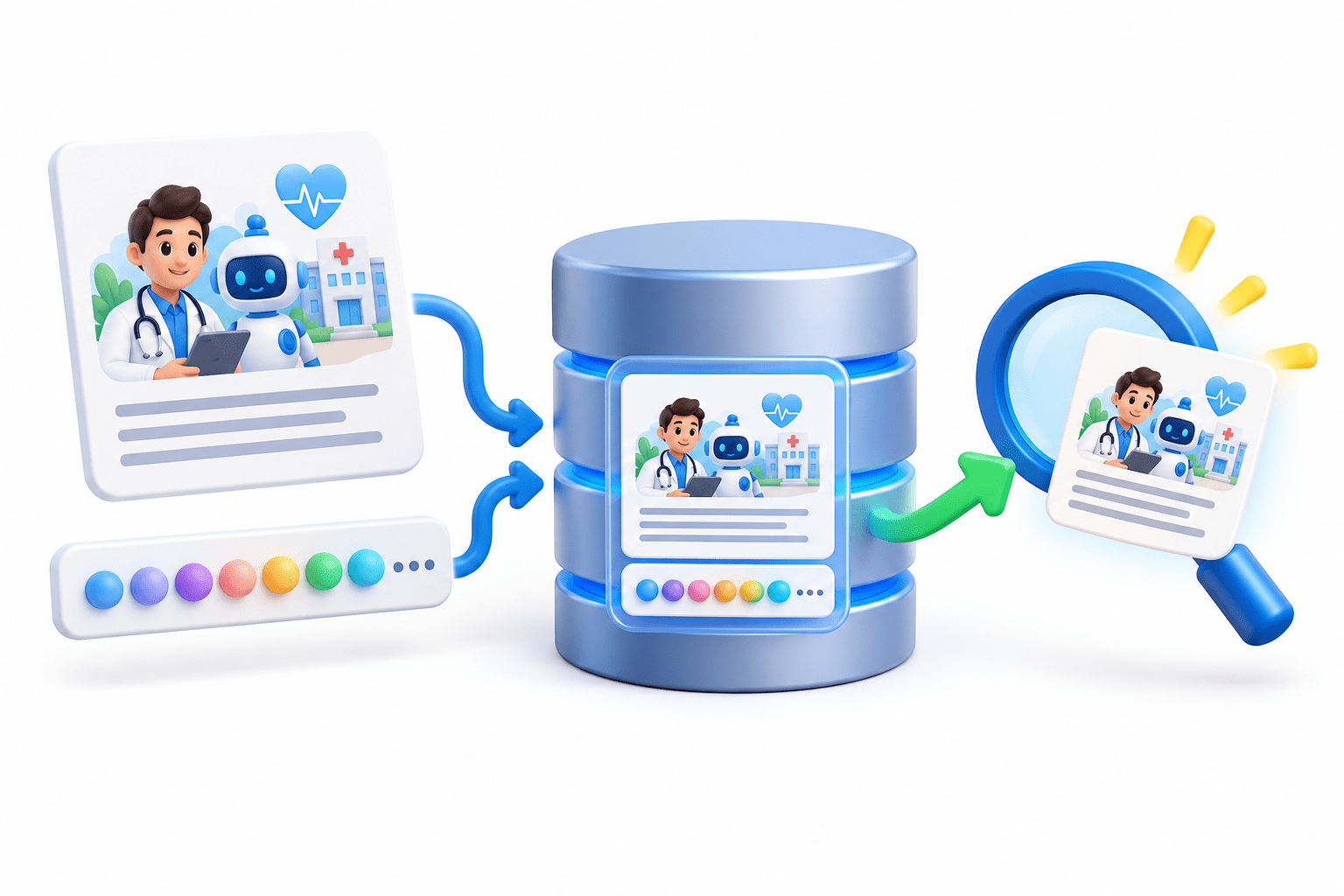
Both the embedding and its information are stored together for fast retrieval.
How Does a Vector Database Work?
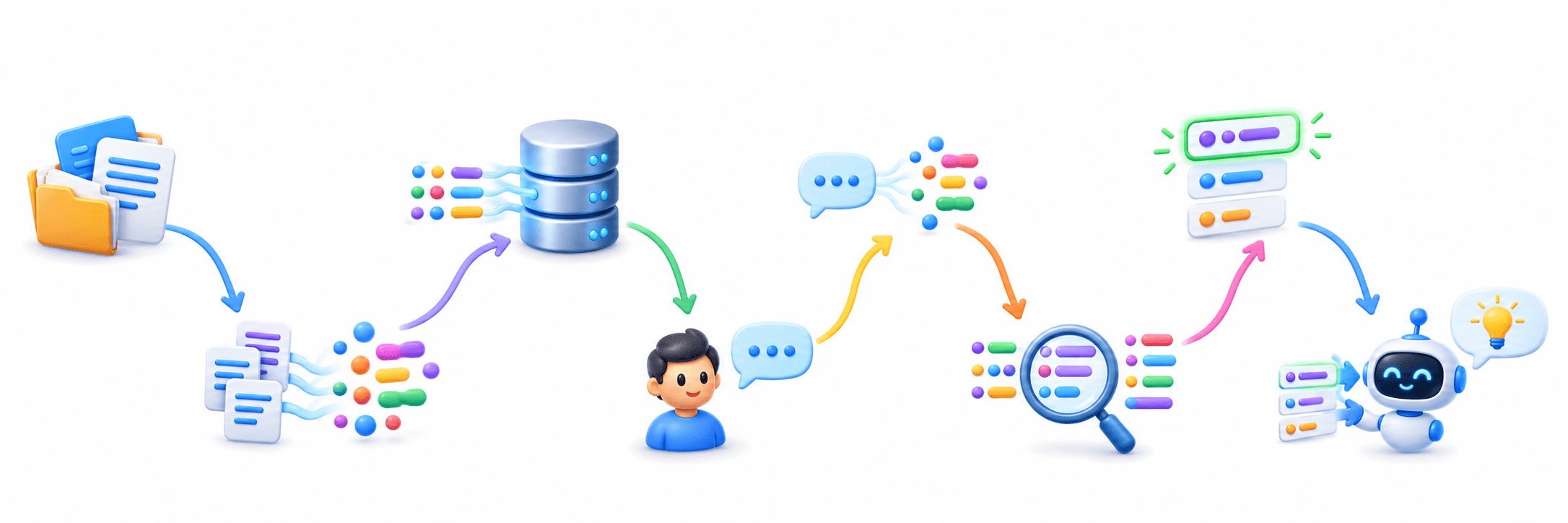
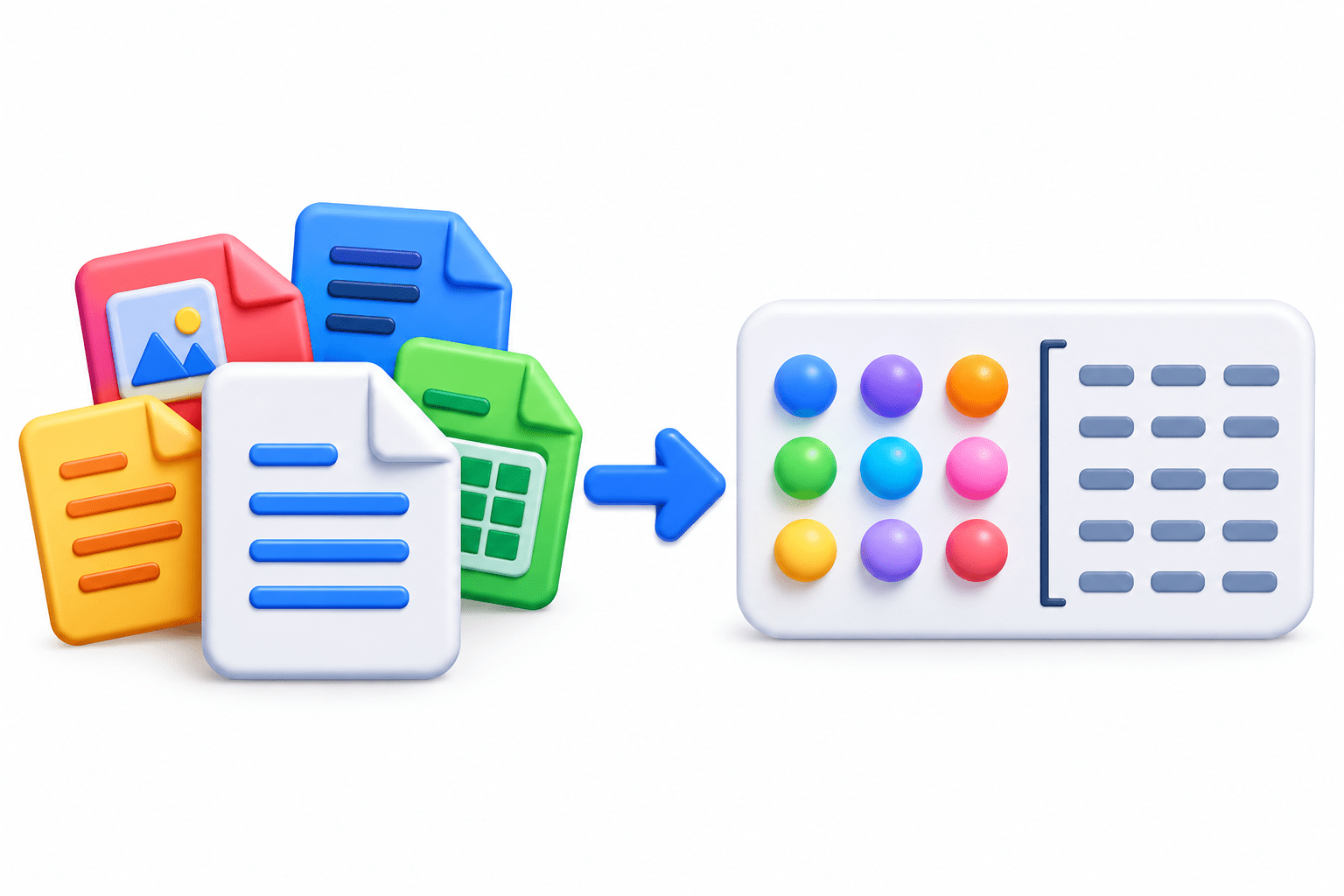
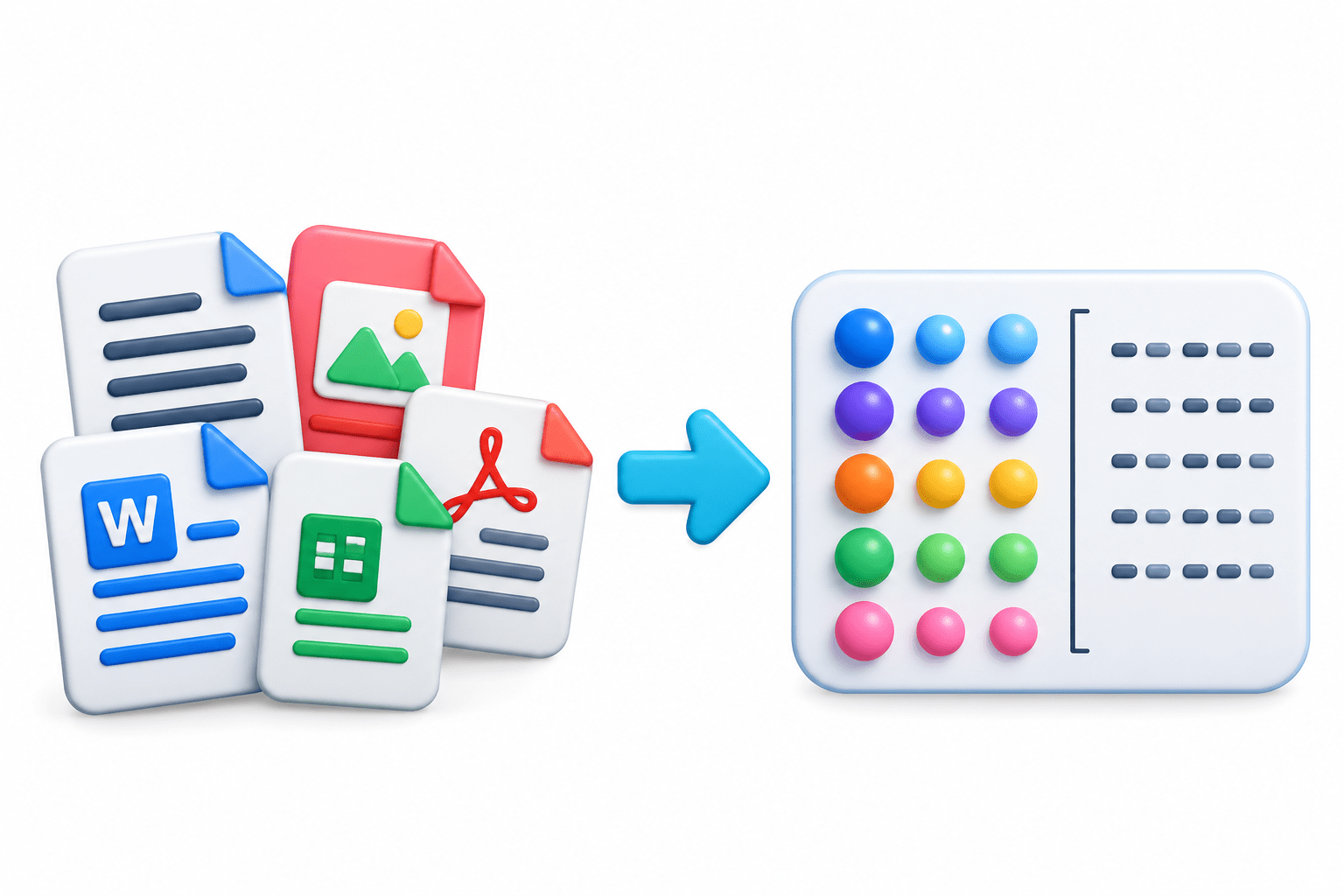
Collect documents.
Convert documents into embeddings
Store embeddings in the vector database.
User submits a query.
Convert the query into an embedding.
Compare it with stored embeddings
Retrieve the most similar vectors.
Pass results to the LLM for a response.
This process forms the foundation of RAG systems.
Code
collection.add(embeddings=[embedding], documents=[doc])
results = collection.query(query_embeddings=[query_embedding], n_results=5)
Similarity Search
Vector databases use similarity search instead of exact keyword matching.
Example:
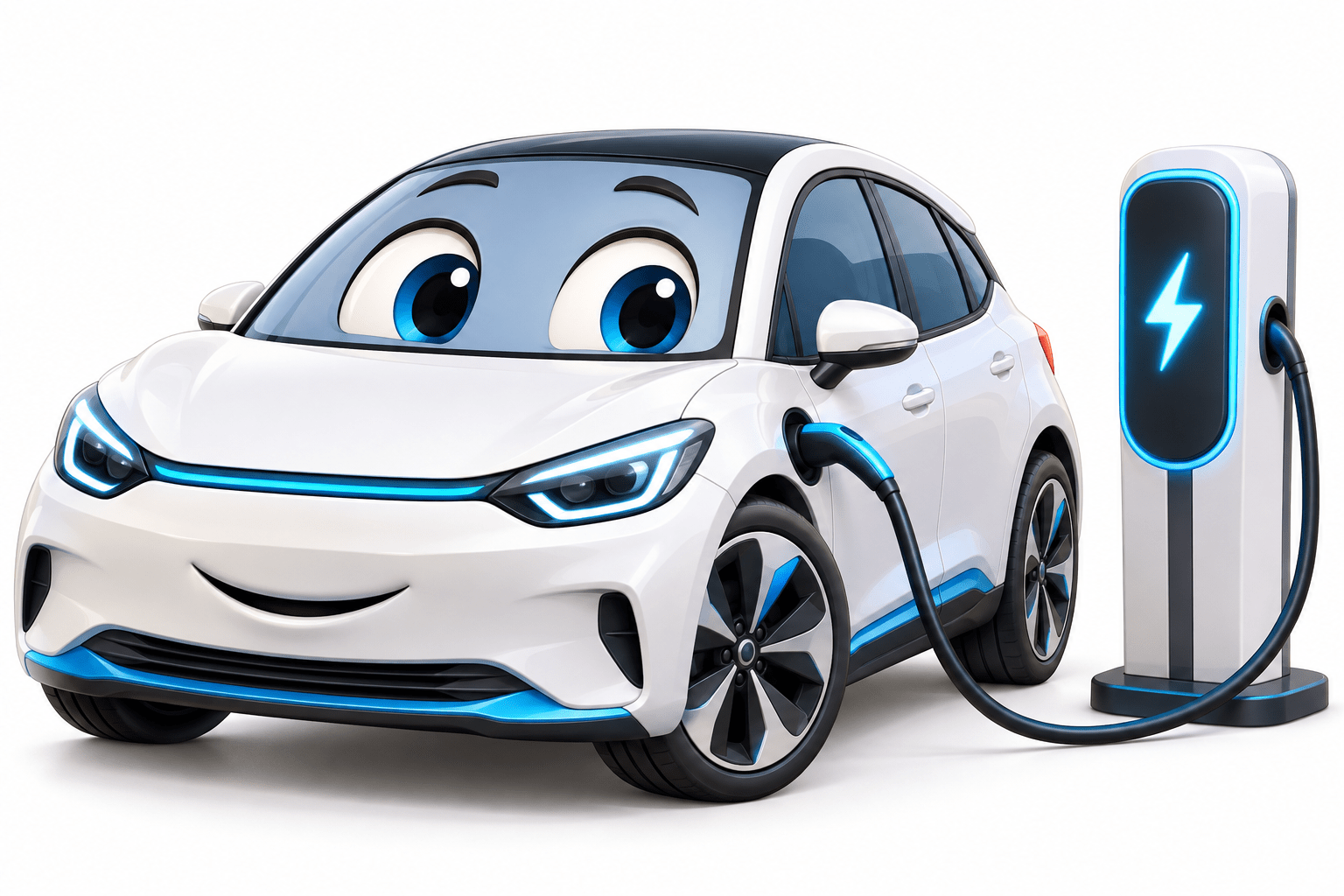
Query: “Electric cars”
Retrieves:
Electric vehicles
EV technology
Battery-powered automobiles
Sustainable transportation
Different words can still match because their embeddings have similar meanings.
Popular Vector Databases
Chroma – Lightweight and beginner-friendly.
FAISS – High-performance similarity search by Meta.
Pinecone – Managed cloud vector database.
Weaviate – Open-source semantic search and AI retrieval.
Milvus – Open-source, designed for billions of vectors.
Qdrant – Open-source, optimized for semantic search and AI applications.
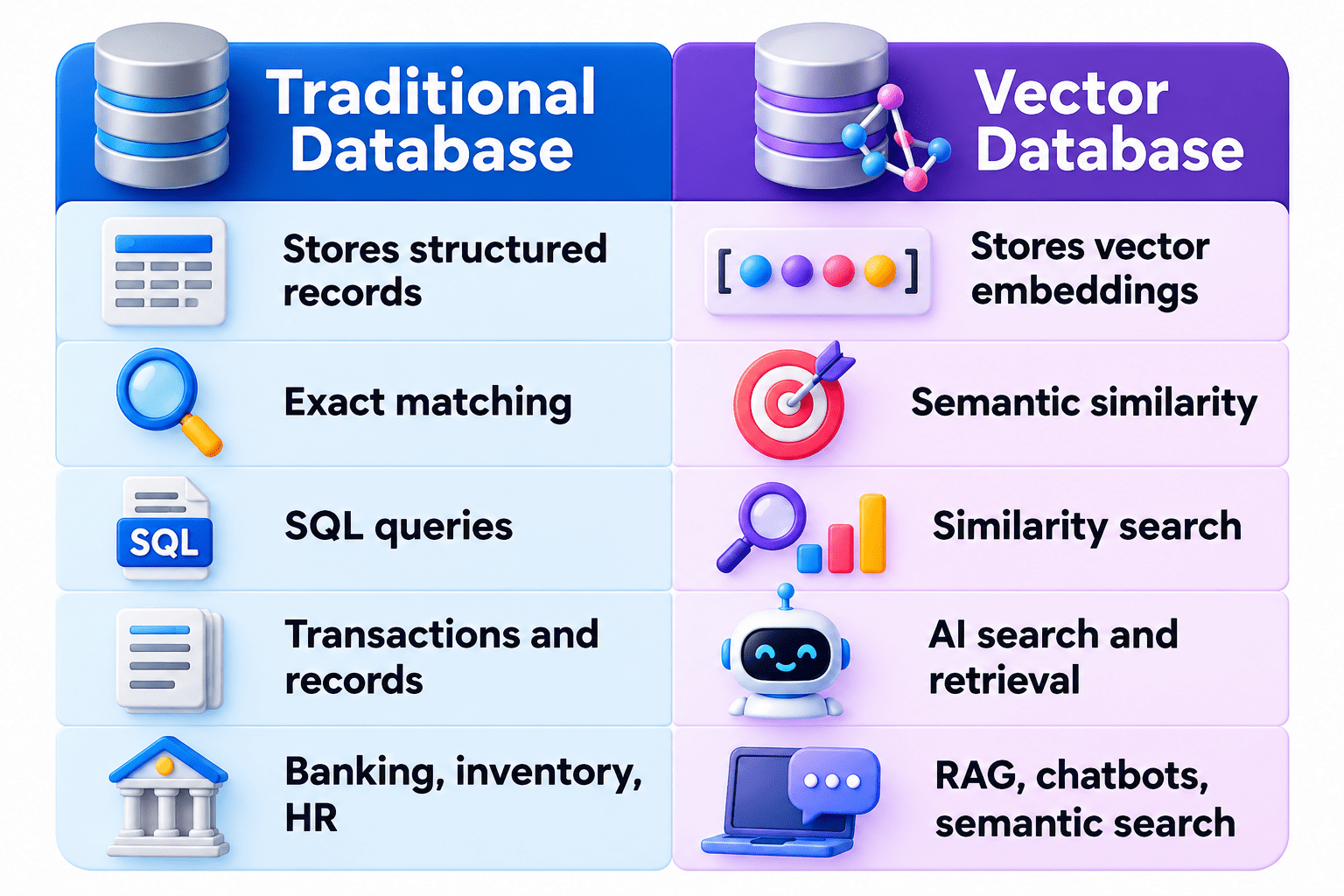
Traditional Database vs Vector Database
Vector Databases in RAG
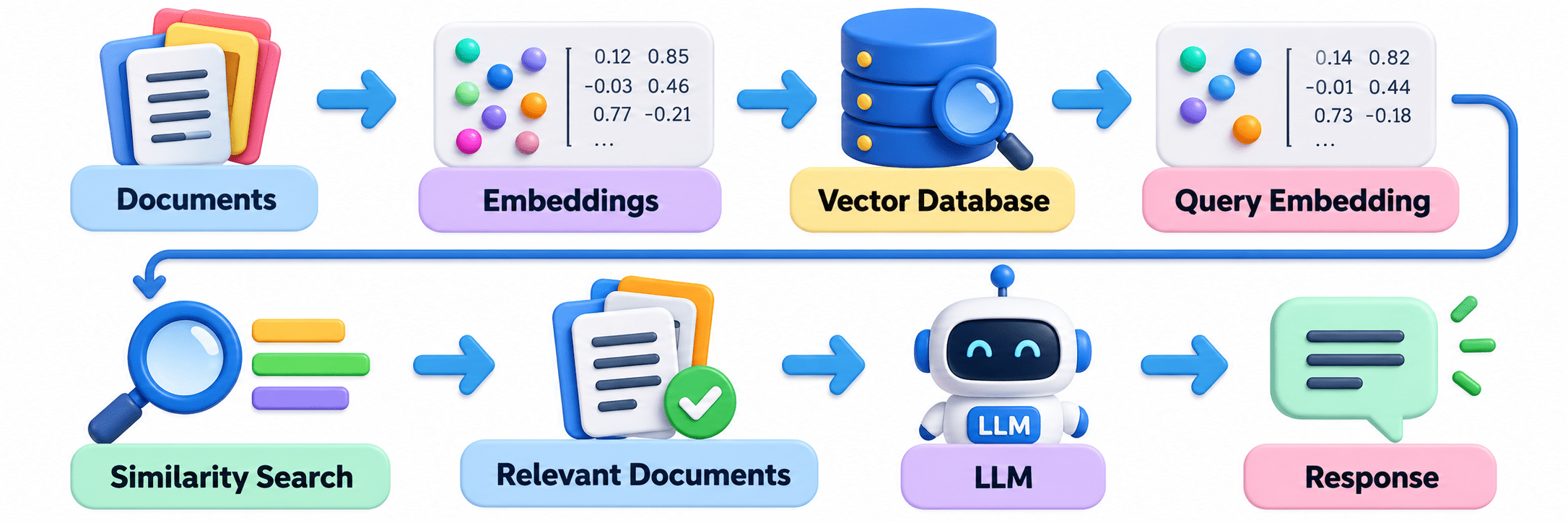
RAG Flow:
Scenario:
A company has 500,000 support documents and needs fast customer answers.
2. Store them in a vector database.
3. Convert the customer query into an embedding.
4. Retrieve the closest documents.
5. Pass them to the LLM for the final response.
Vector databases enable fast retrieval from very large embedding collections.
Real-Life Examples
University Library
Finds related books on Deep Learning, AI, and Computer Vision.
Smart Layouts
AI arranges content beautifully for better flow and impact
Healthcare
Finds relevant papers despite different medical terminology.
E-Commerce
Recommends products with similar characteristics.
Customer Support
Matches “I forgot my password” with “Reset your account credentials.”
Daily Life Applications
Finds related books without exact title matches.
Finds relevant help articles from differently worded questions.
Recommends similar products.
Finds related papers using different terminology.
Library
Support
Shopping
Research
An Easy Way to Remember
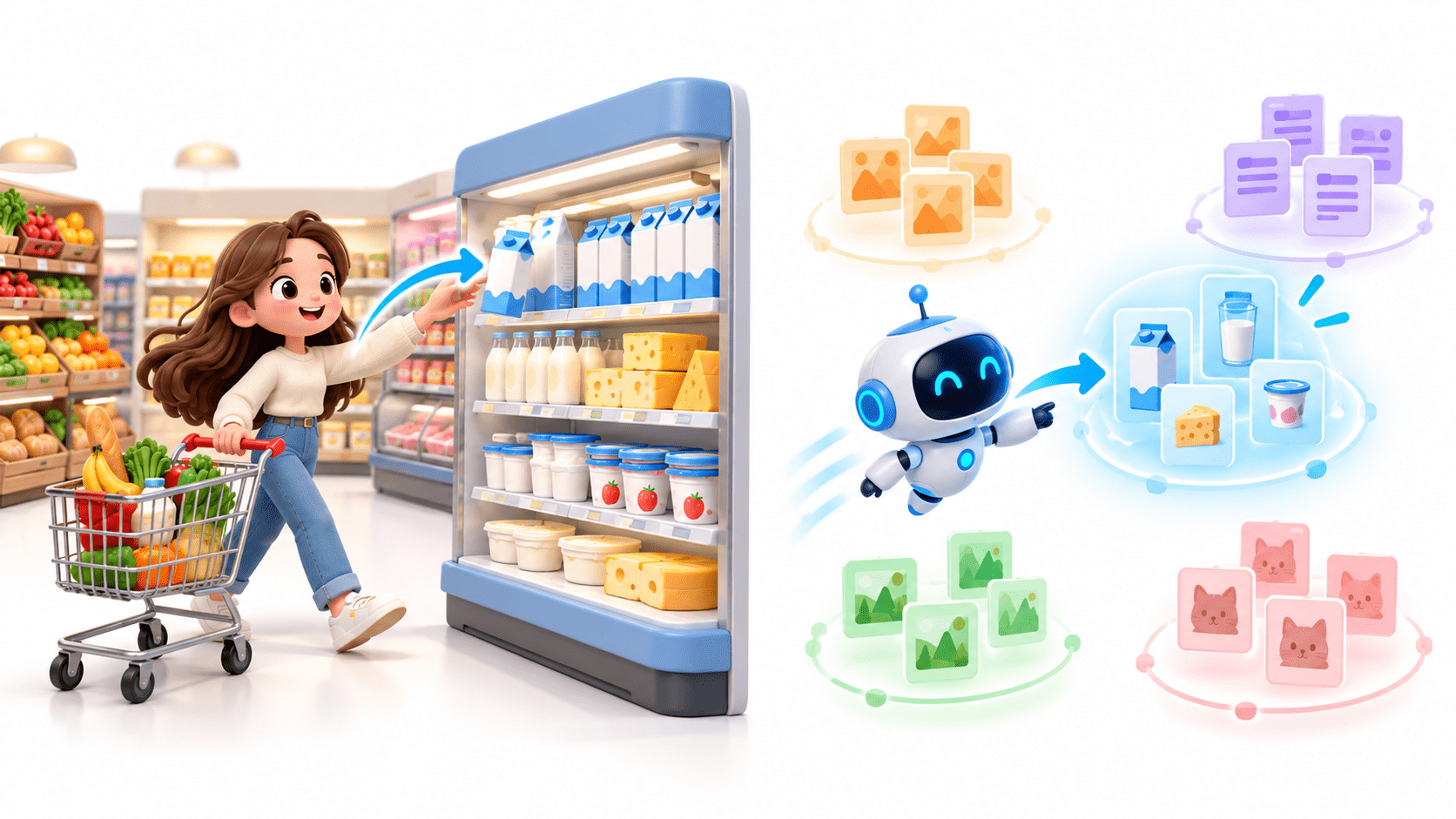
Think of a supermarket. Instead of searching the whole store for milk, you go directly to the Dairy section.
A vector database works similarly by grouping similar information so AI can find relevant data quickly without checking every vector.
Summary
4
Popular: Chroma, FAISS, Pinecone, Milvus, Qdrant.
3
Uses similarity search and supports RAG systems.
2
Stores vectors, documents, and metadata for fast retrieval.
1
Stores, manages, indexes, and searches embeddings efficiently.
Quiz
Which component enables fast semantic search across 500,000 support documents?
B. Vector Database with embedding similarity search
C. Manual document search
D. Alphabetical spreadsheet
A. SQL database with keyword matching
Quiz-Answer
B. Vector Database with embedding similarity search
Which component enables fast semantic search across 500,000 support documents?
A. SQL database with keyword matching
C. Manual document search
D. Alphabetical spreadsheet
By Content ITV