


Content ITV PRO
This is Itvedant Content department
Designing Modern Footer Layout
Business Scenario
Welcome back, talented Developers!
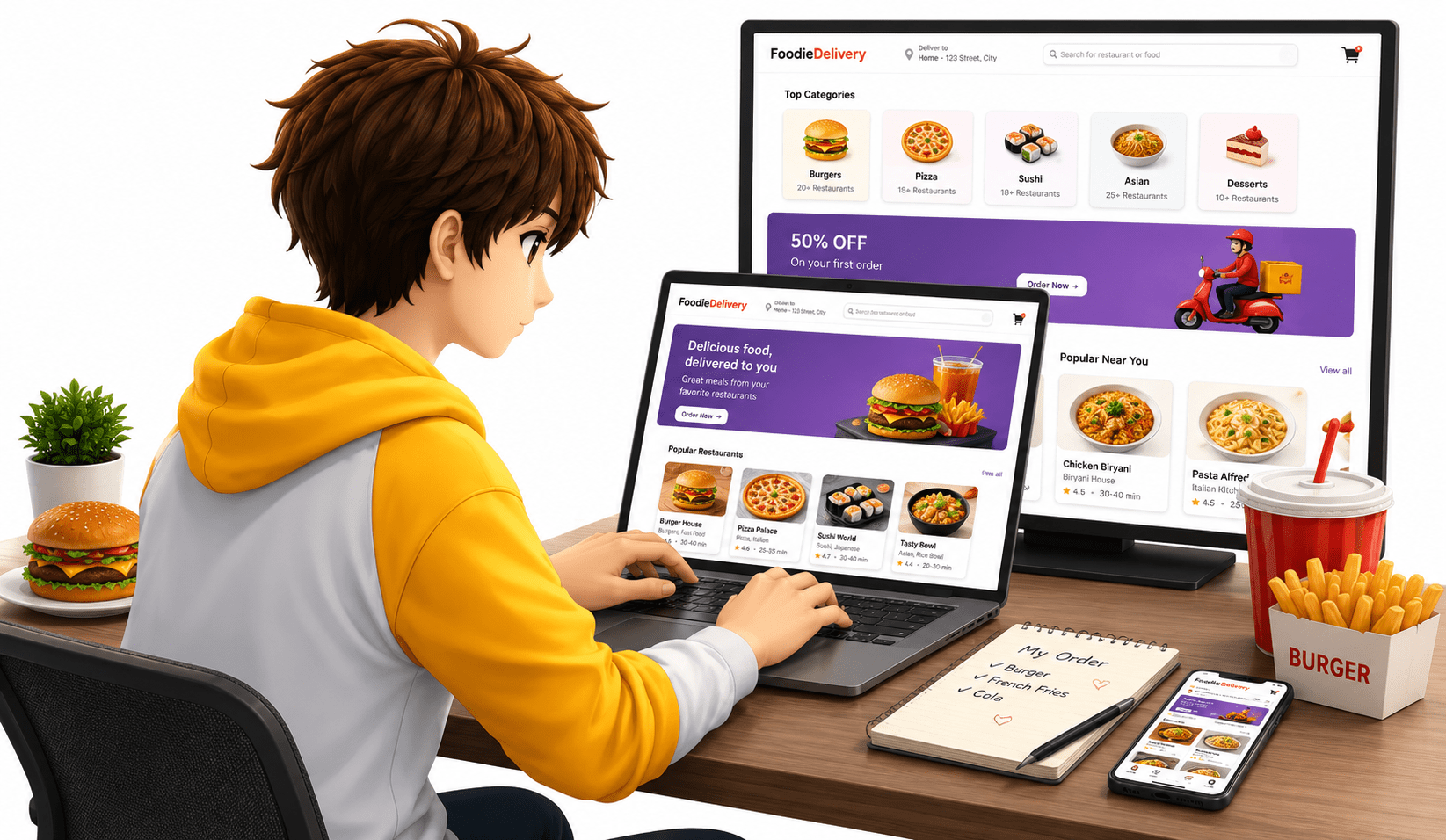
So far, we have successfully designed multiple sections of our food delivery website — from the navbar and hero section to forms, cart, and BiteDeals page.
But a professional website is never complete without a proper footer section.
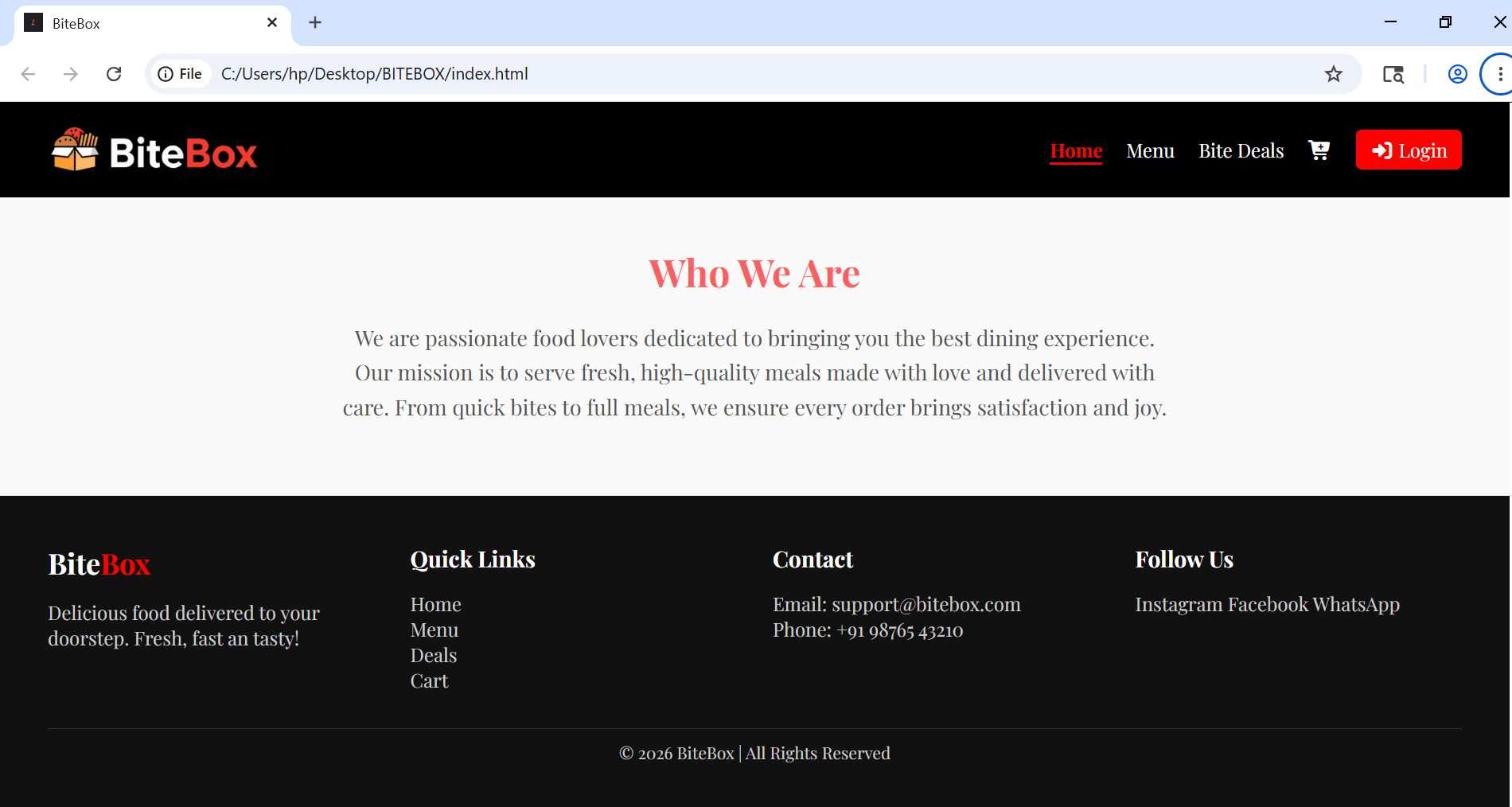
The footer plays an important role by providing quick links, contact information, social media icons, and other important website details.
Pre-Lab Preparation
Topic : CSS Fundamentals: From Boxes to Floating Fun
1) Deep Dive Into CSS
2) Mastering Page Layouts With Positioning
git pull origin branchNameGit Pull
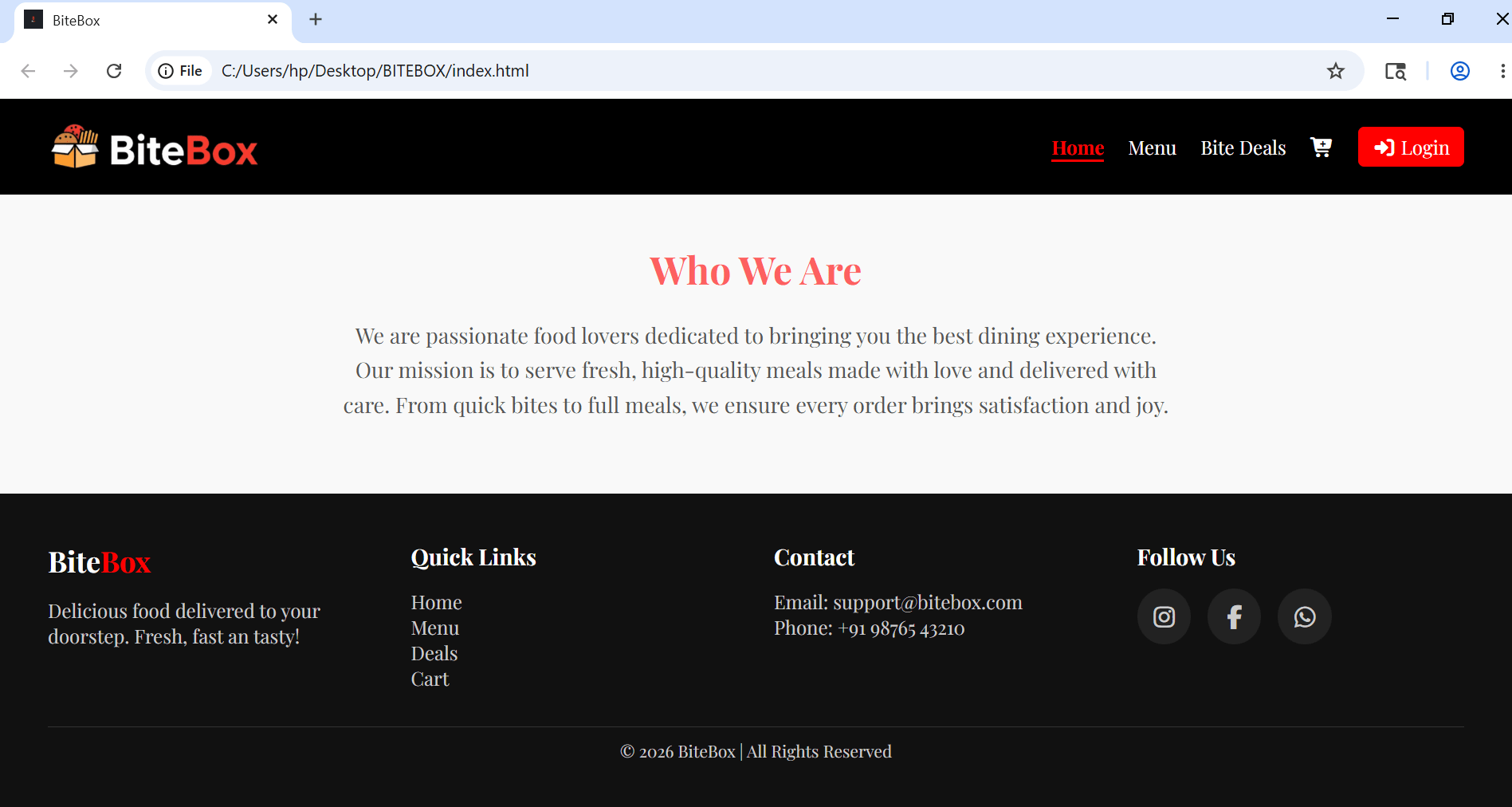
Task 1: Design Footer Section
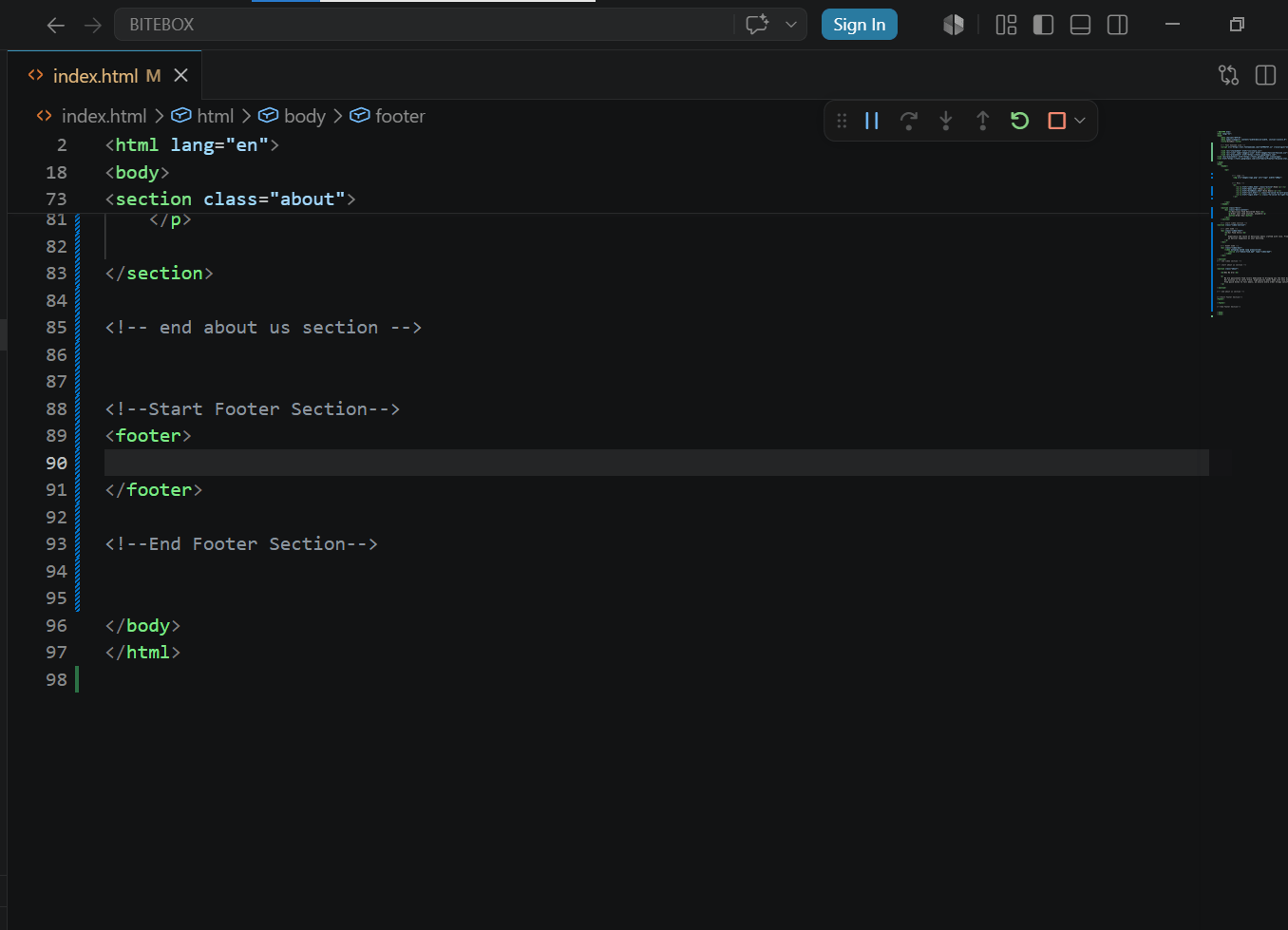
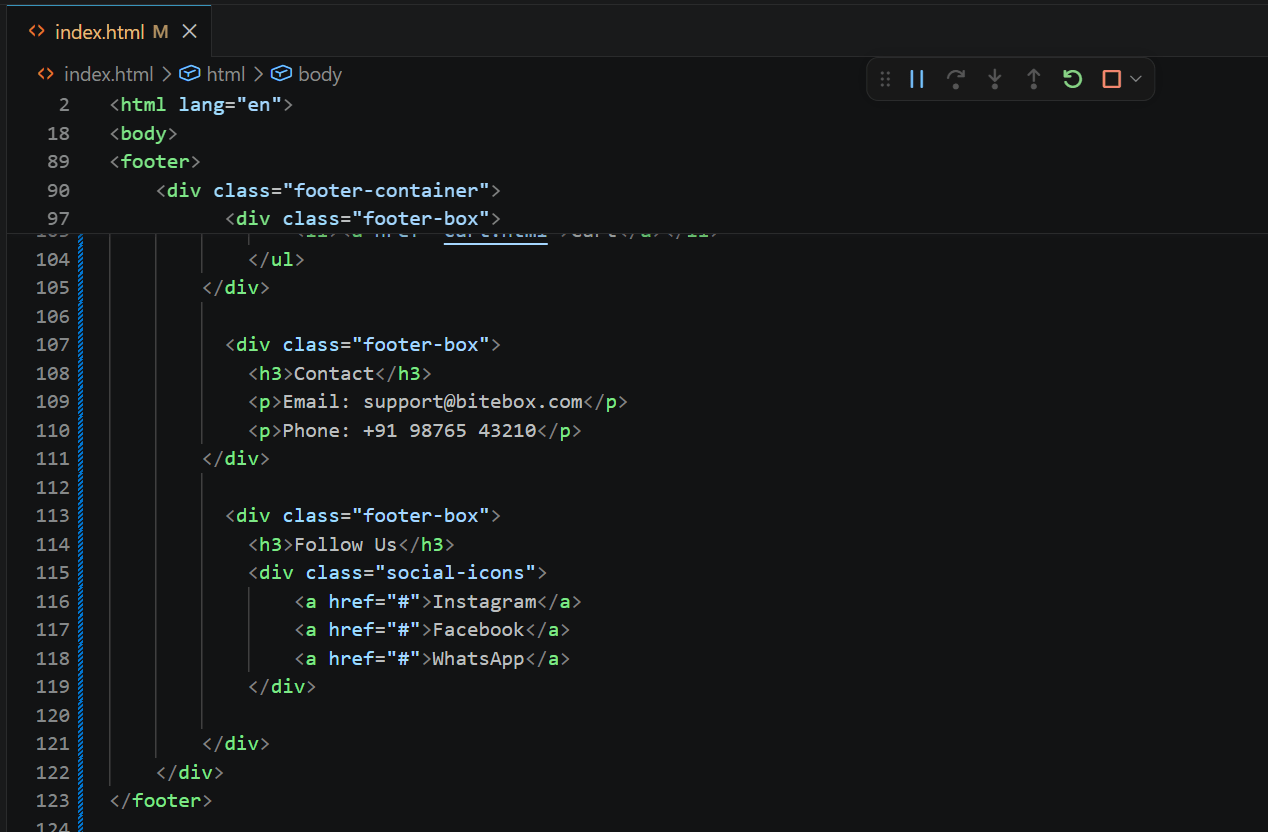
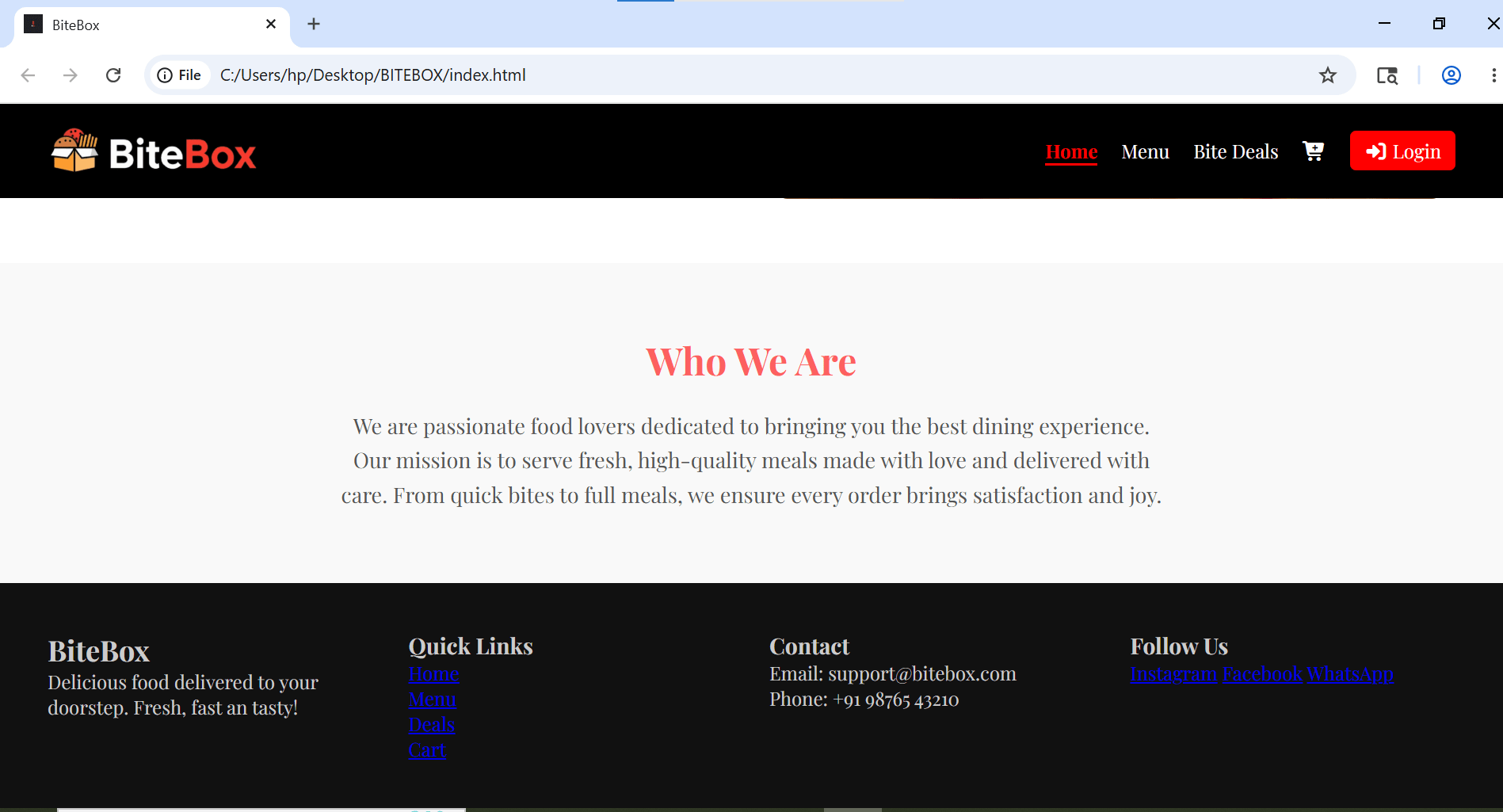
Add Footer Section in index.html
1
2
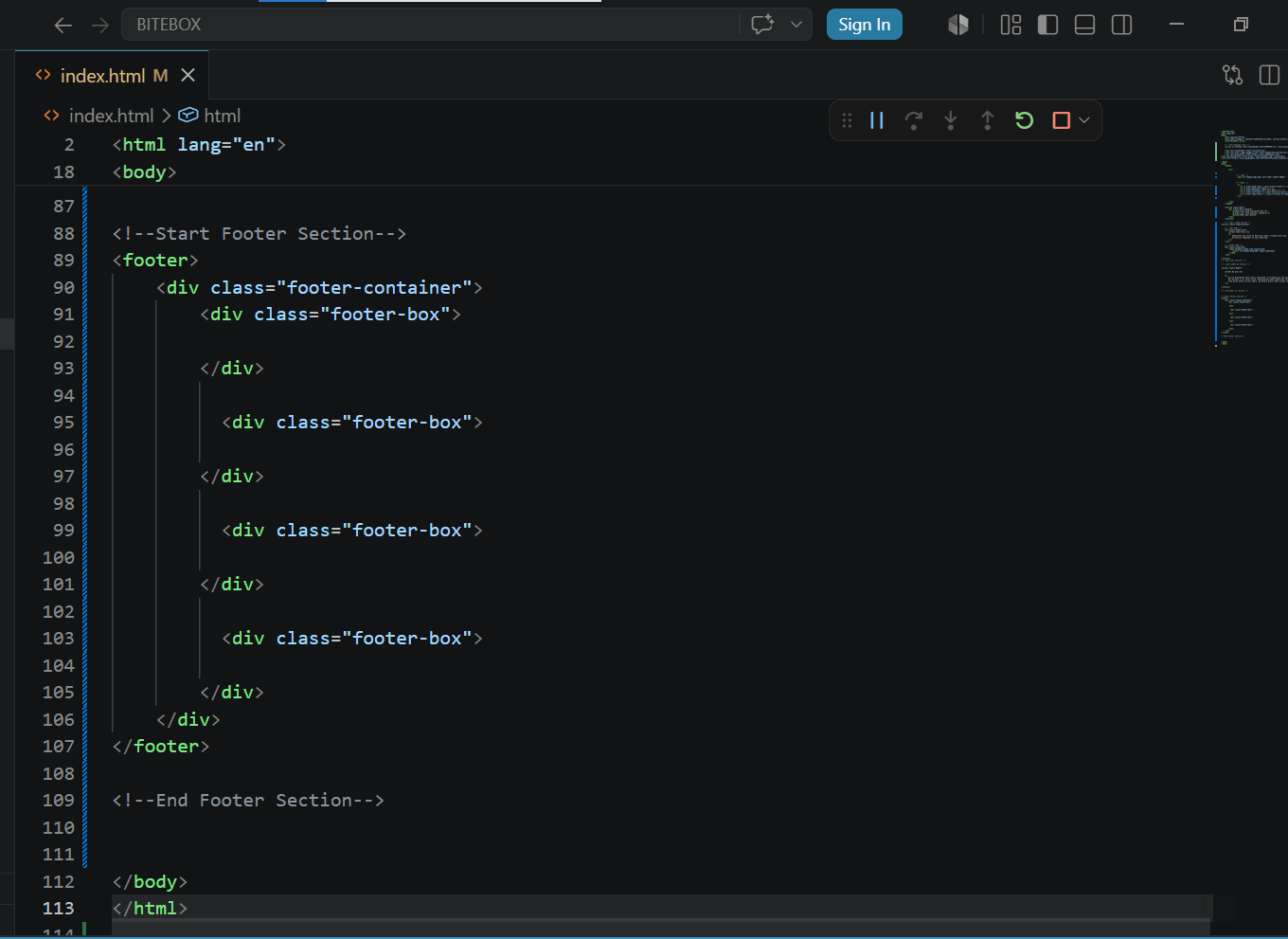
Create a footer container with 4 sub container
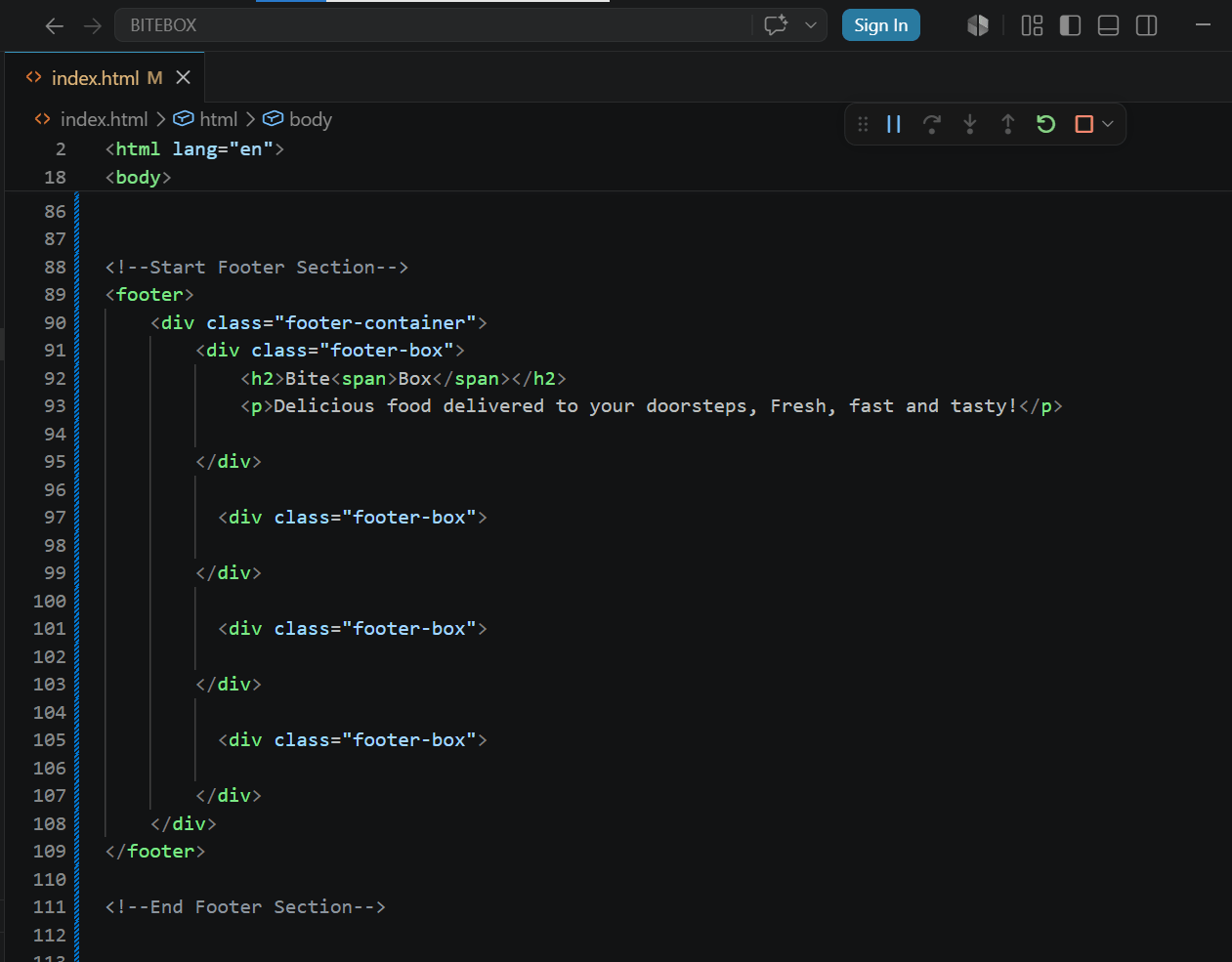
Add content in first box
3
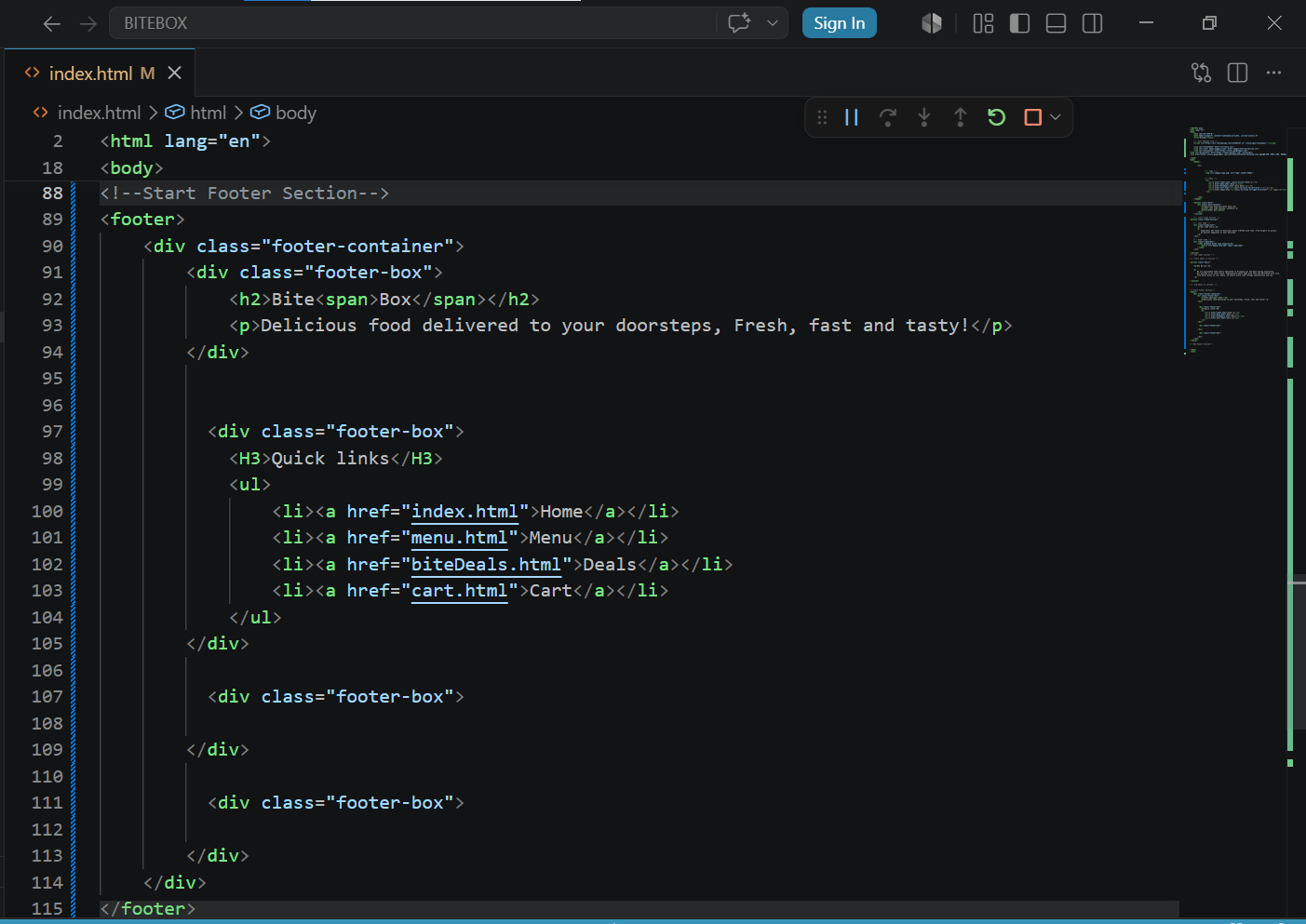
Add quick links in second box
4
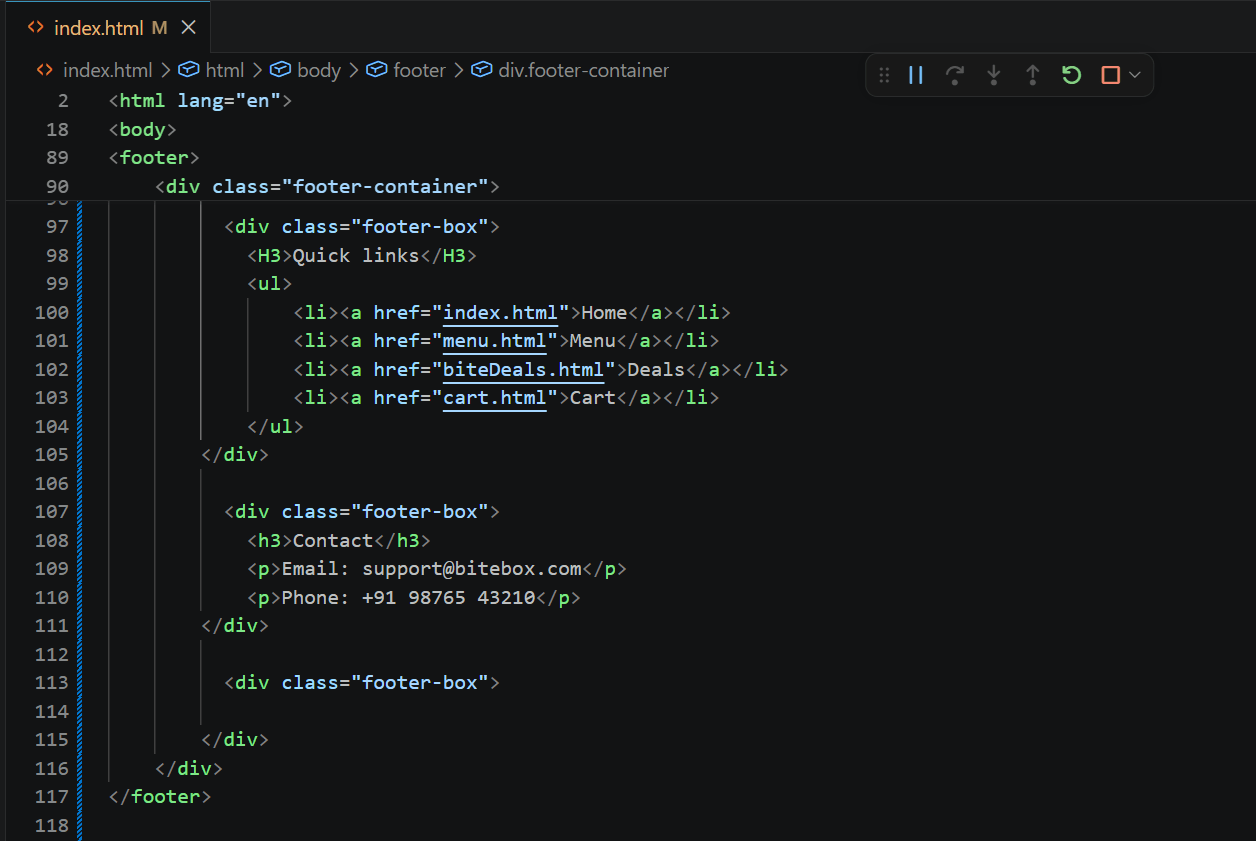
Add contact details in third box
5
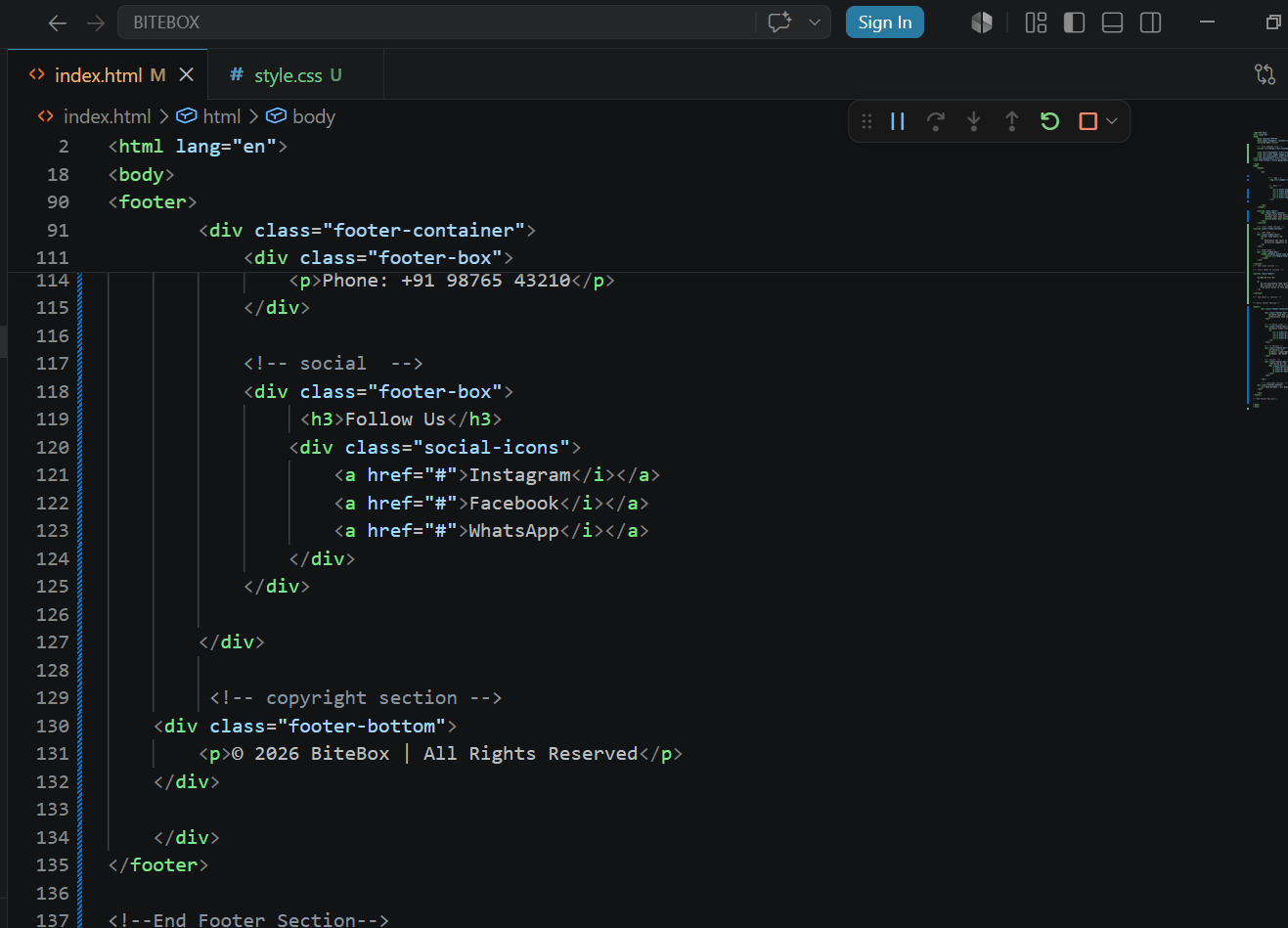
Add social connect in fourth box
6
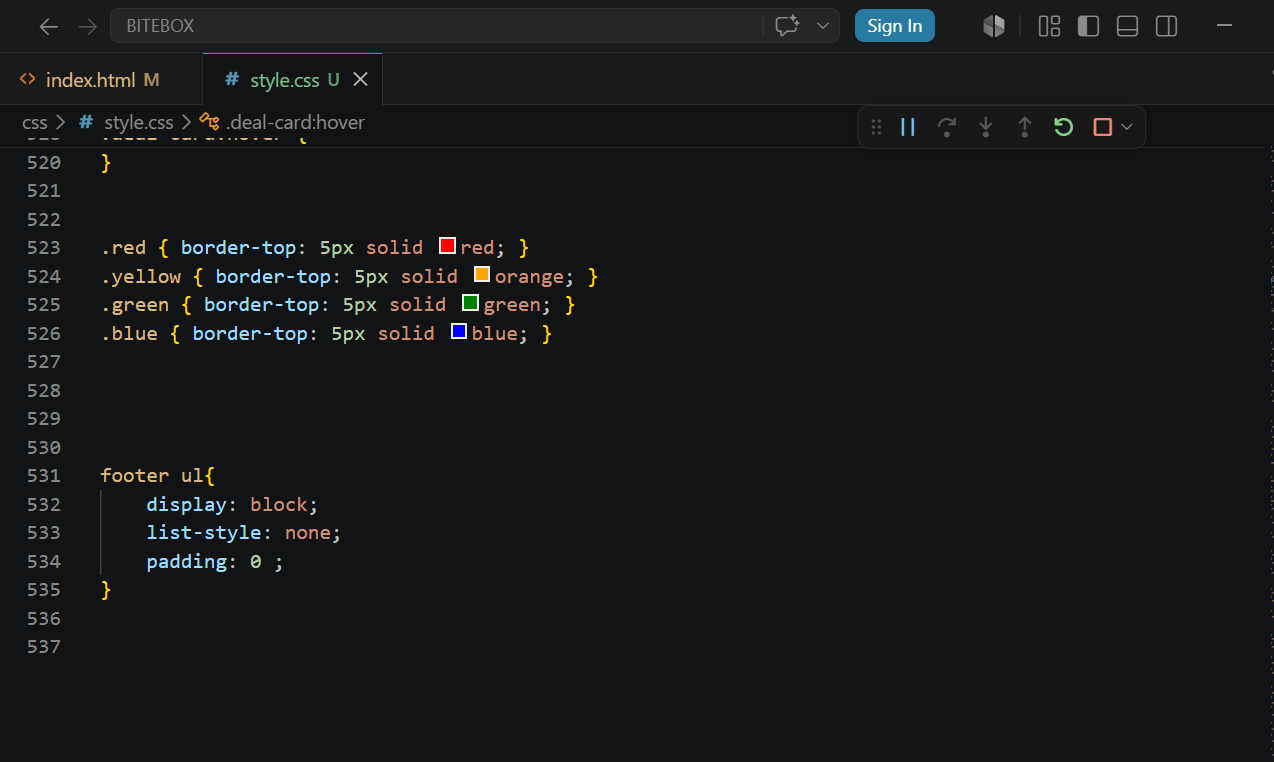
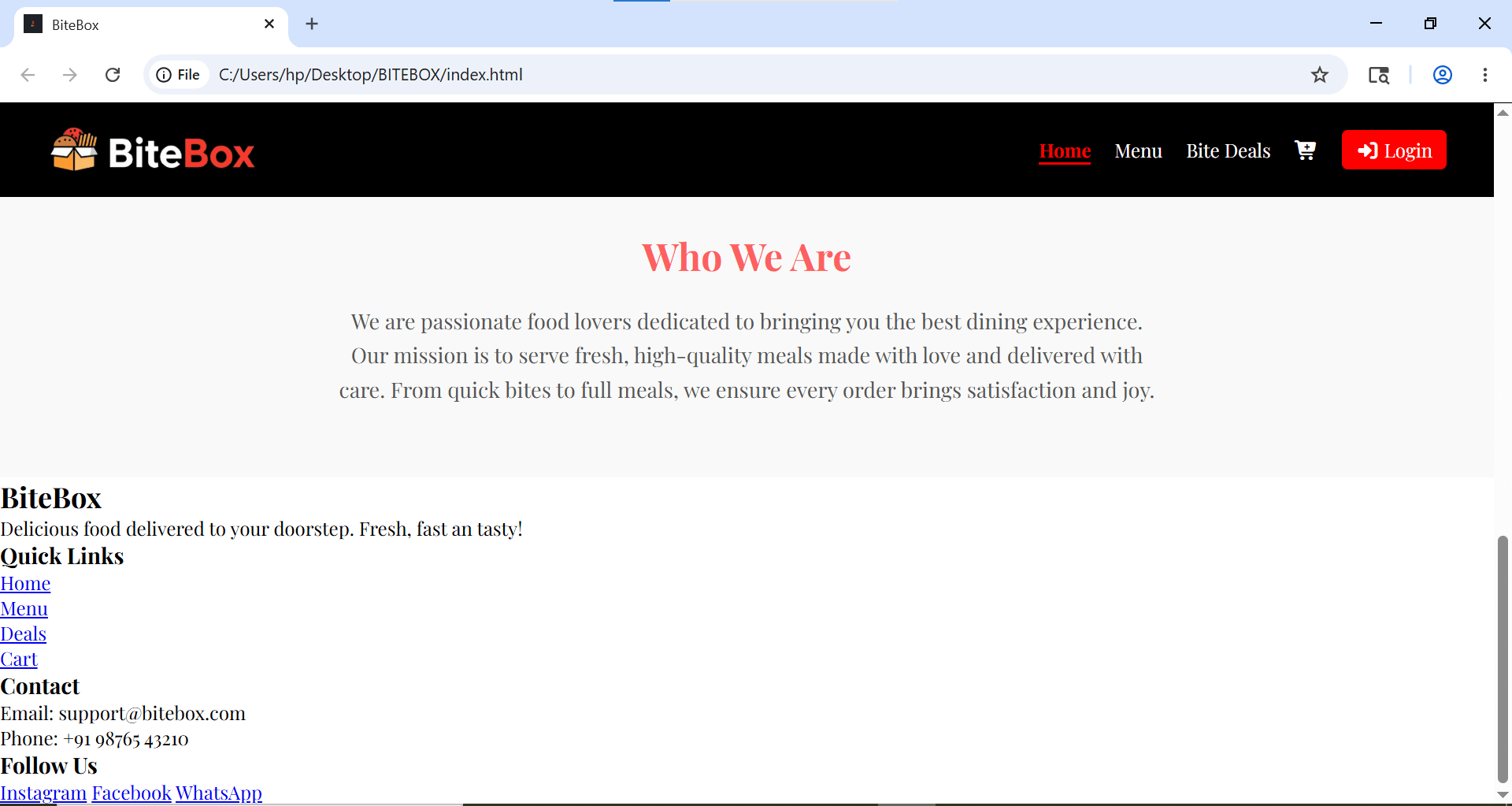
Add CSS to arrrange Footer List Items Properly
7
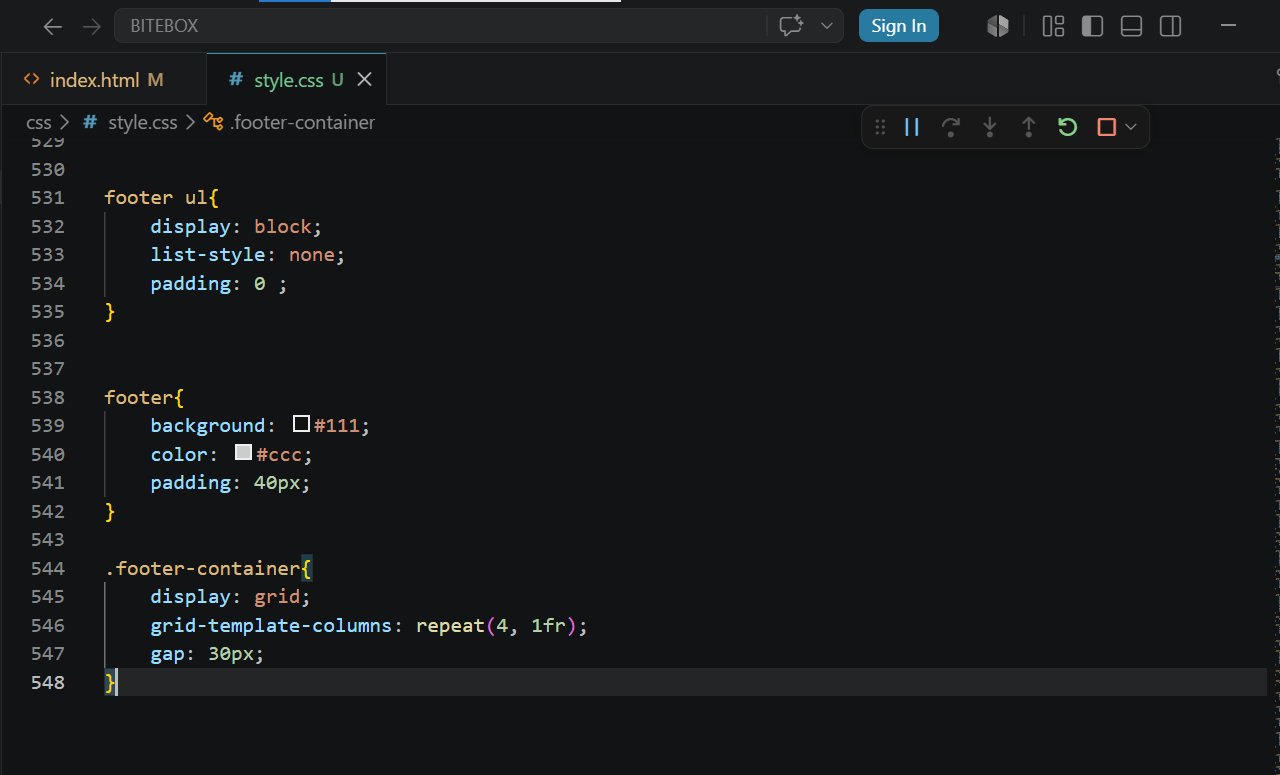
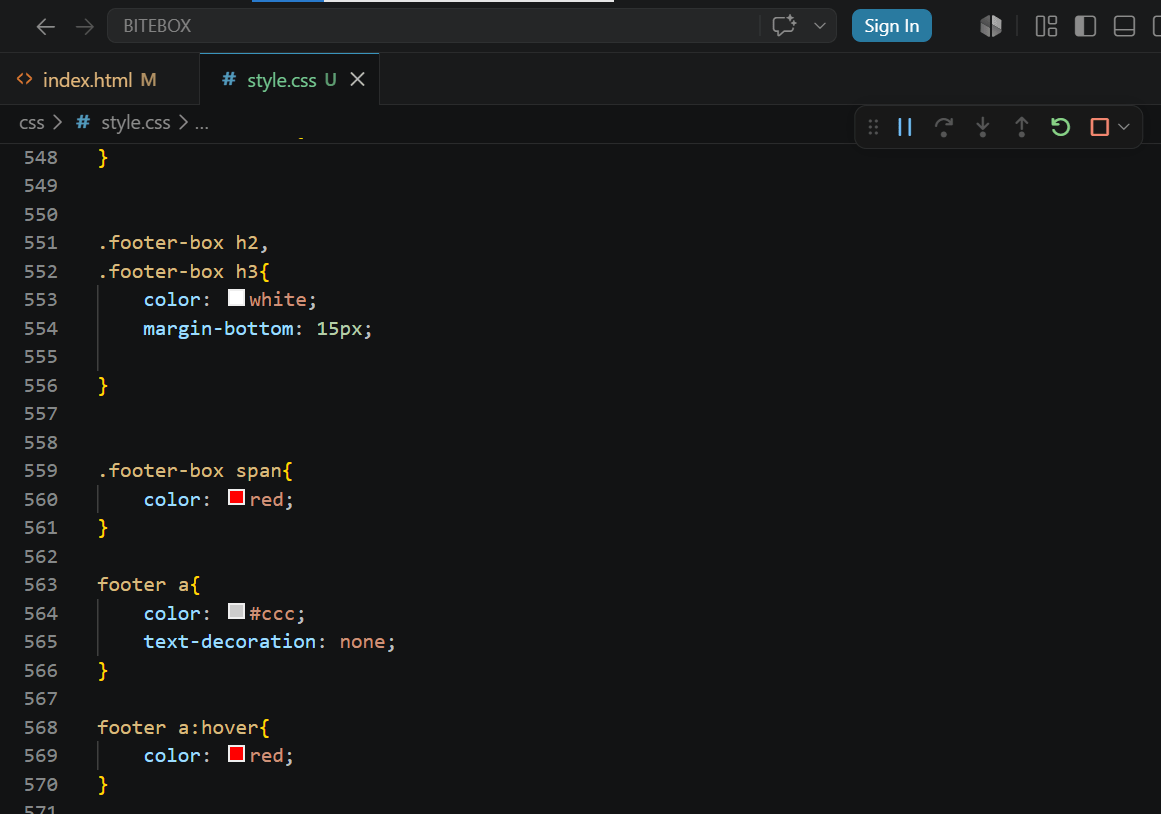
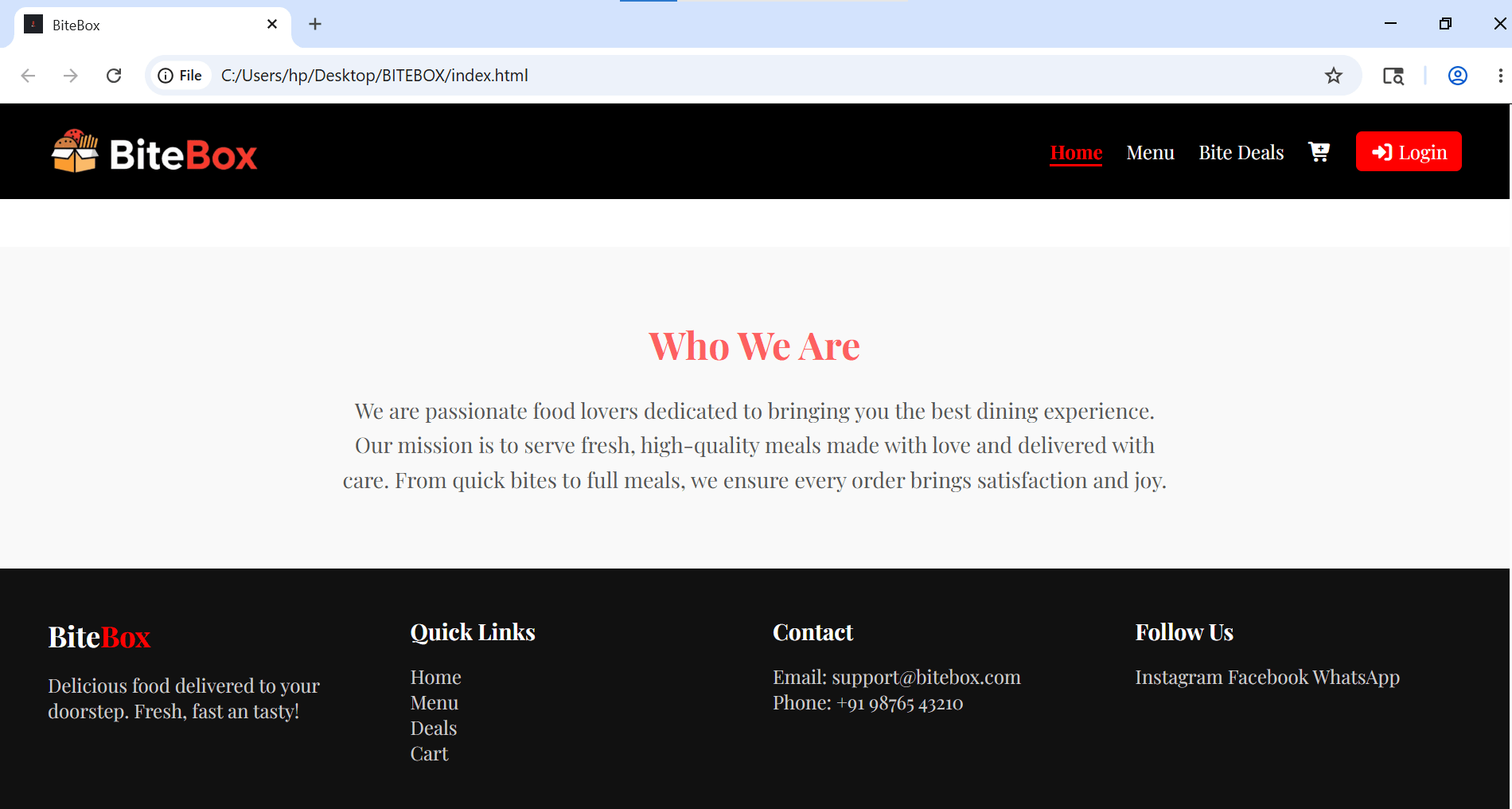
Add Colors and Create Footer Grid Layout
8
Style Headings and fix paragraph text
9
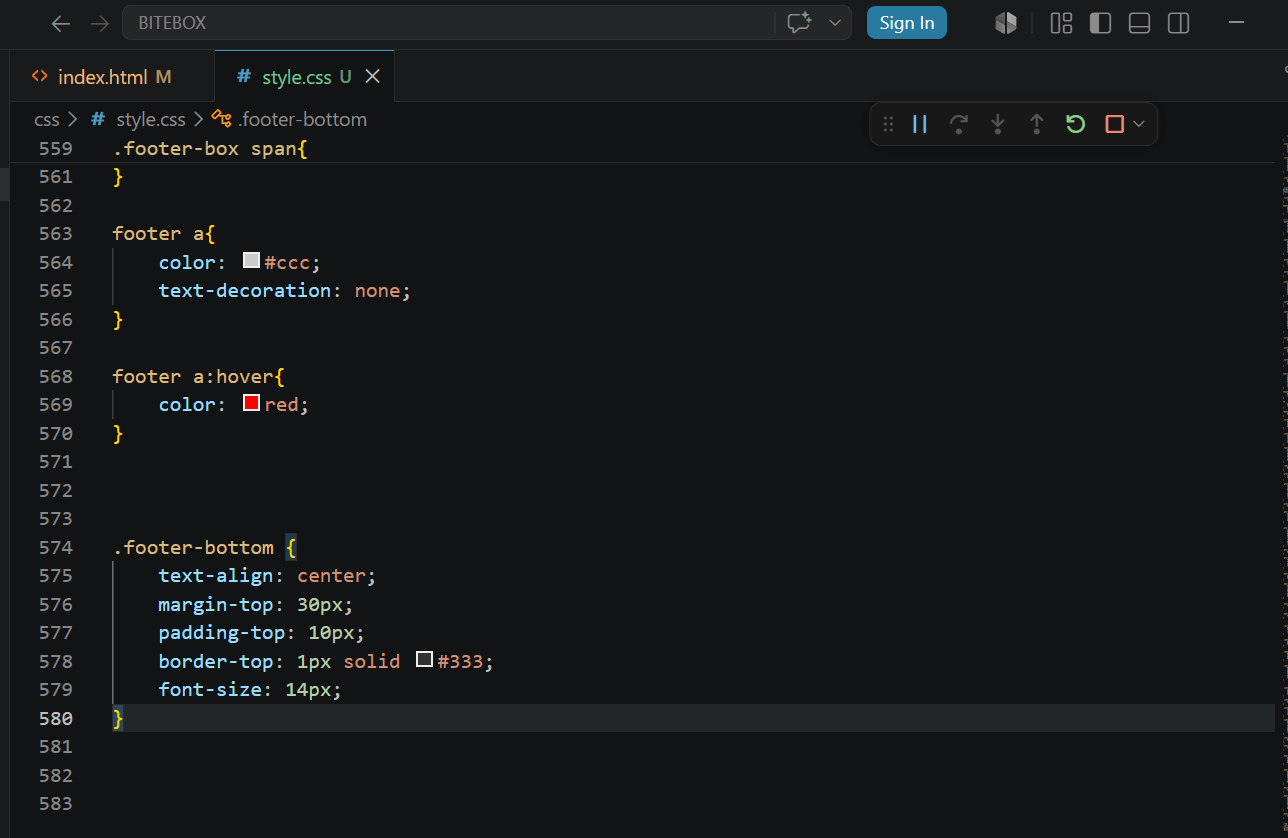
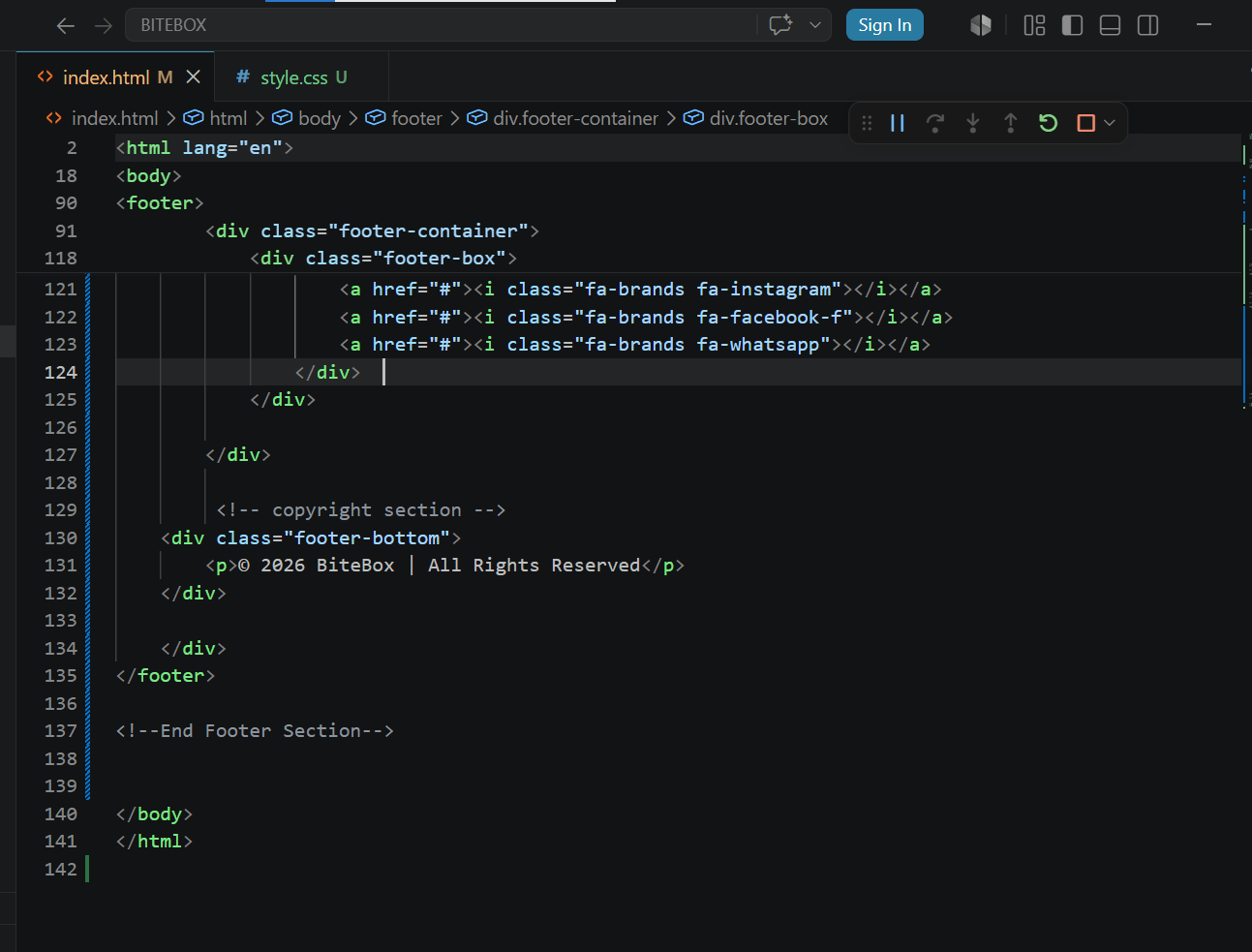
Add copyright section
10
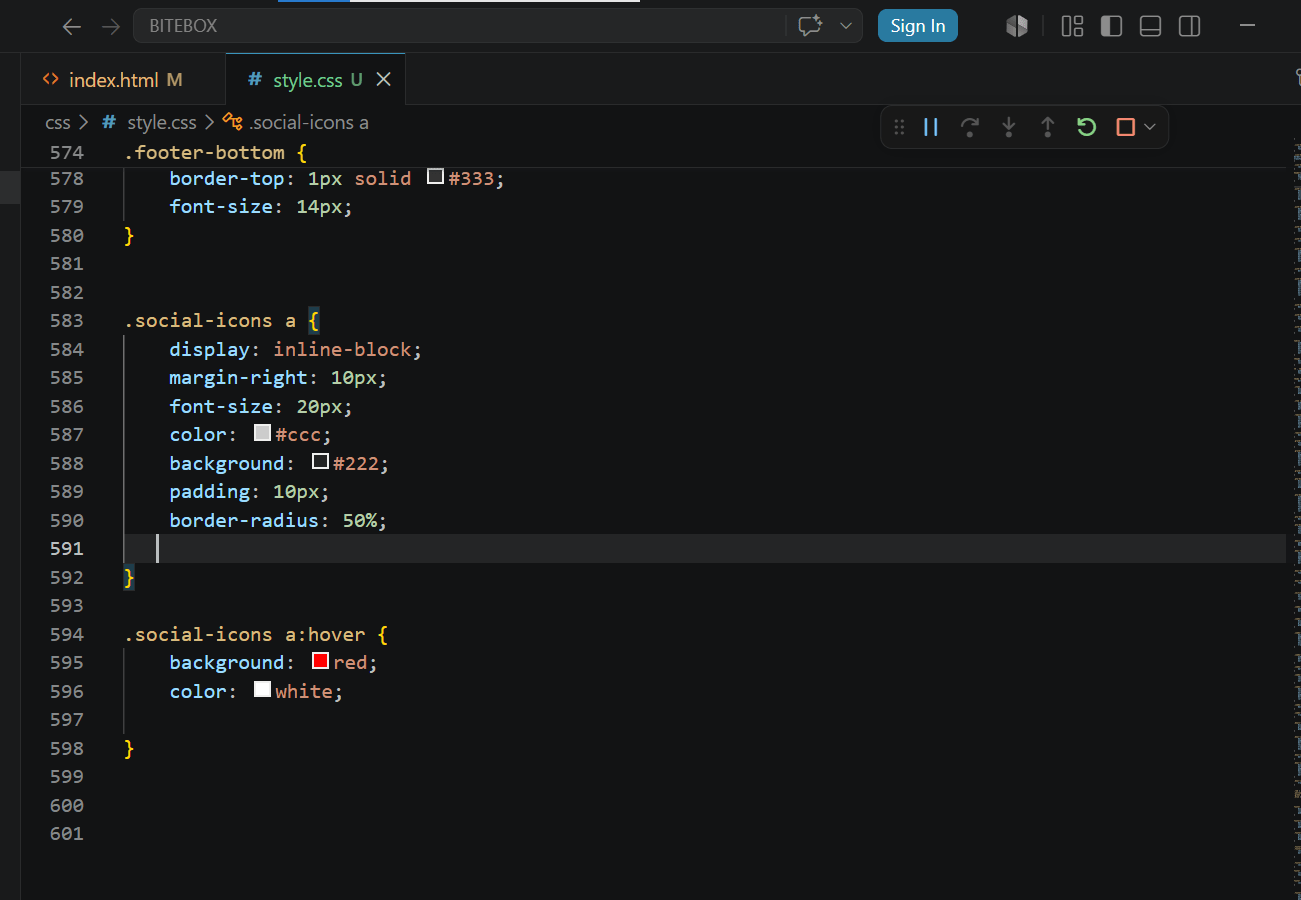
Replace social text into social icon
11
Copy footer into all pages
12
Great job!
You successfully designed a modern and professional footer section that makes the website look complete, organized, and visually attractive.
Checkpoint
Next-Lab Preparation
Git Push
git push origin branchNameTopic : Unlocking CSS' Creative Toolbox
1) Responsive Web Fundamentals -I
2) Responsive Web Fundamentals -II
By Content ITV