Designing Modern Footer Layout

Business Scenario

Welcome back, talented Developers!
So far, we have successfully designed multiple sections of our food delivery website — from the navbar and hero section to forms, cart, and BiteDeals page.

But a professional website is never complete without a proper footer section.
The footer plays an important role by providing quick links, contact information, social media icons, and other important website details.


Pre-Lab Preparation
Topic : CSS Fundamentals: From Boxes to Floating Fun
1) Deep Dive Into CSS
2) Mastering Page Layouts With Positioning
git pull origin branchName
Git Pull
Task 1: Design Footer Section
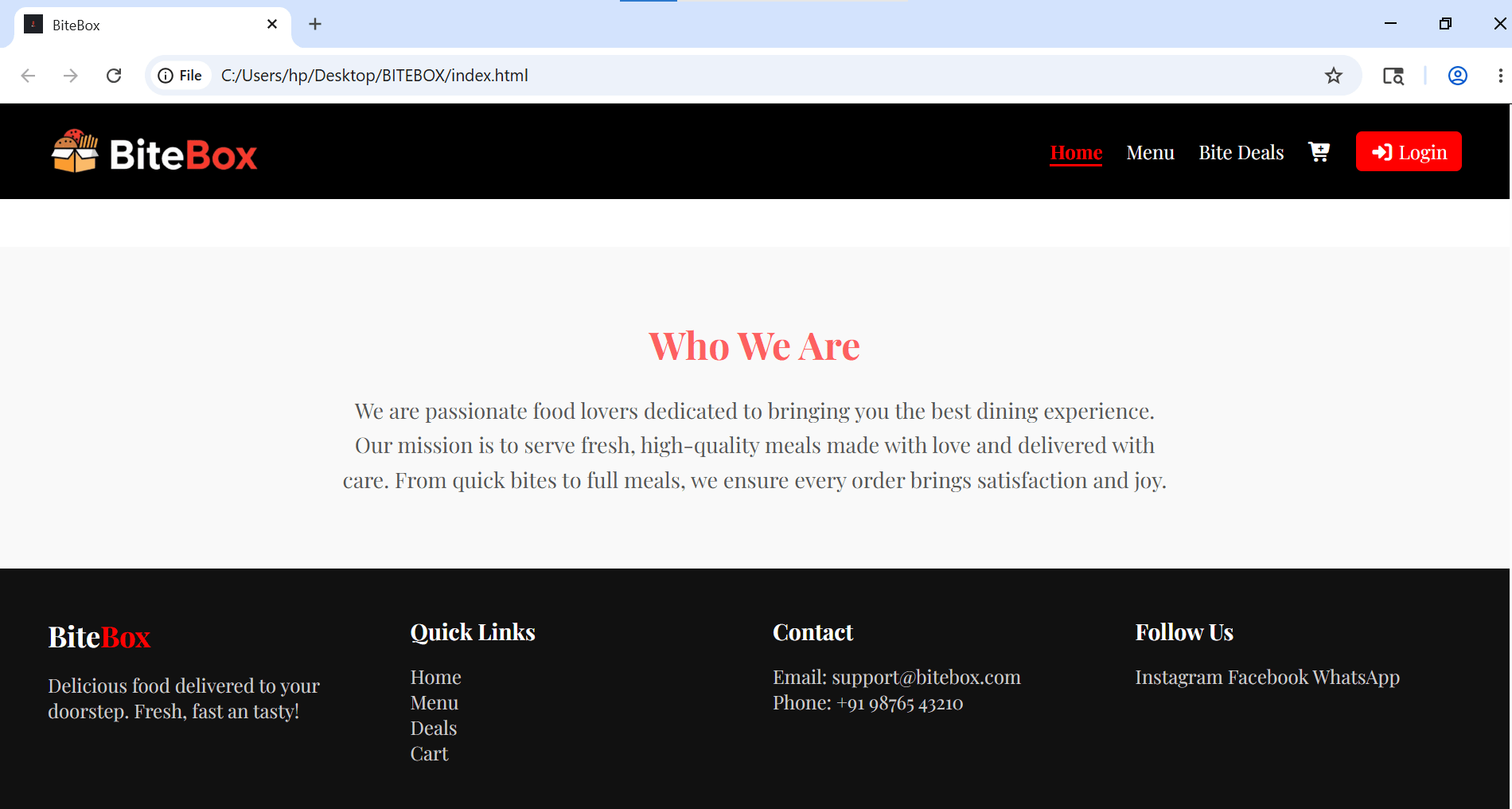
Add Footer Section in index.html
1
2
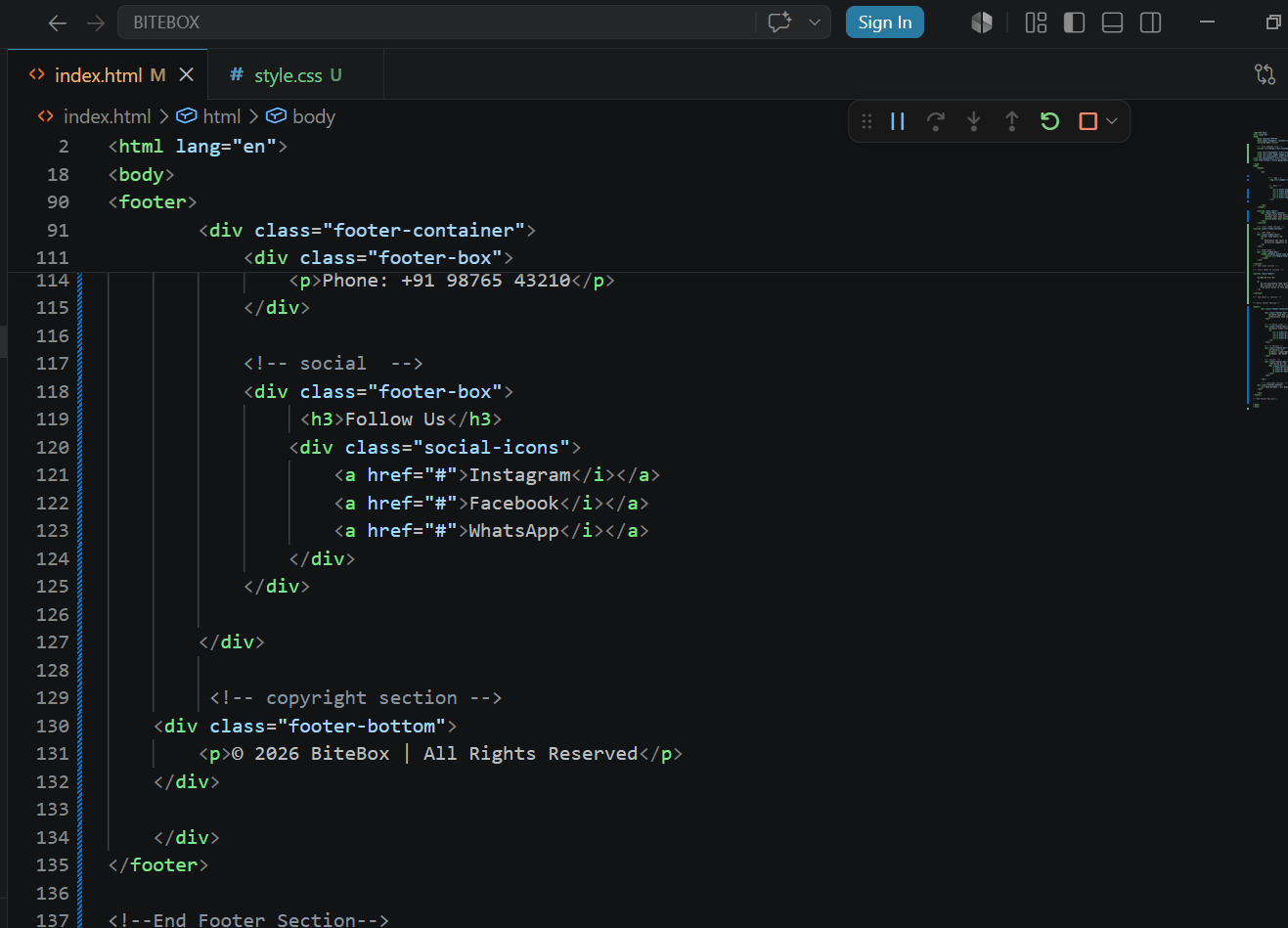
Create a footer container with 4 sub container
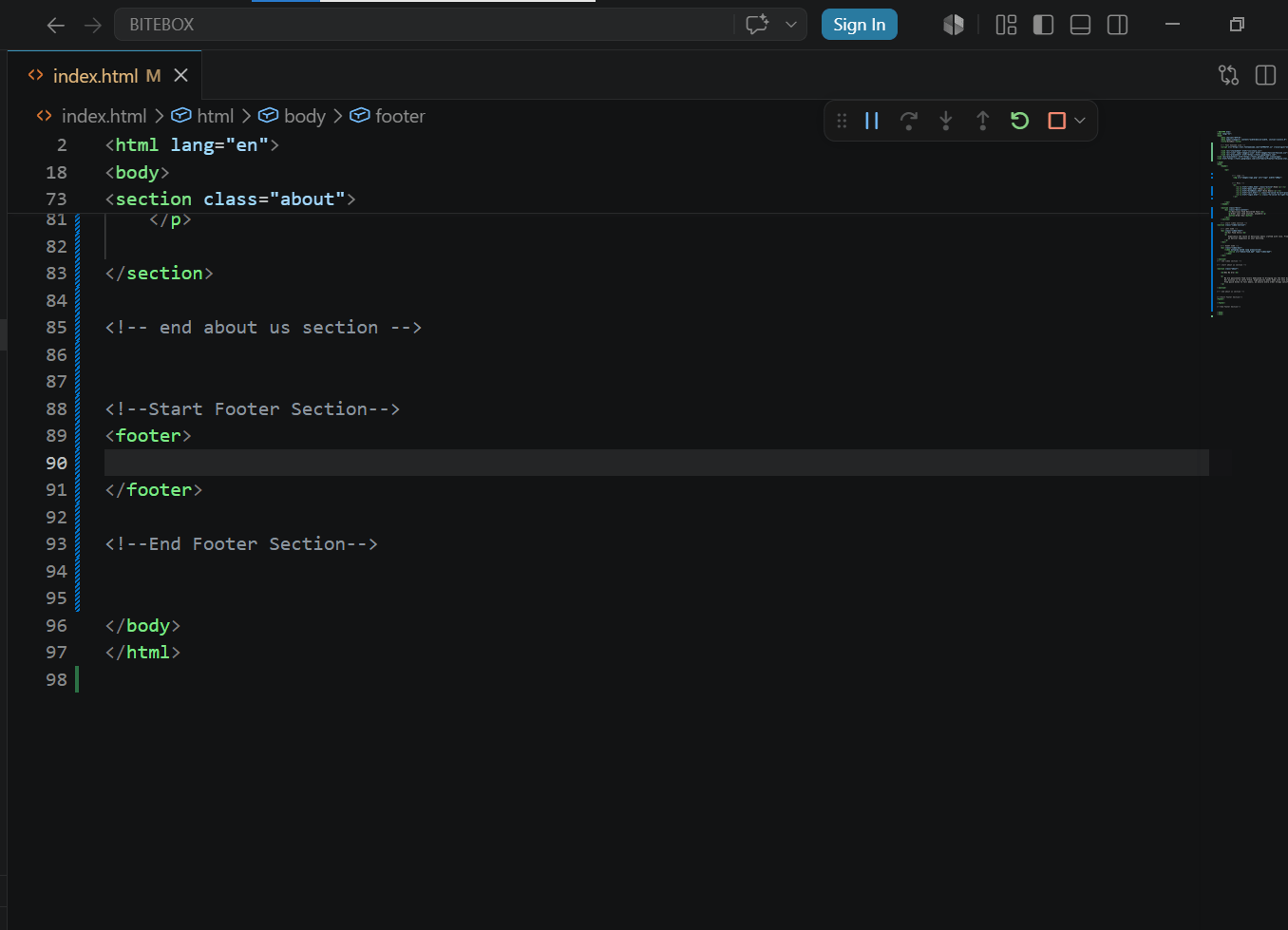
Add content in first box
3
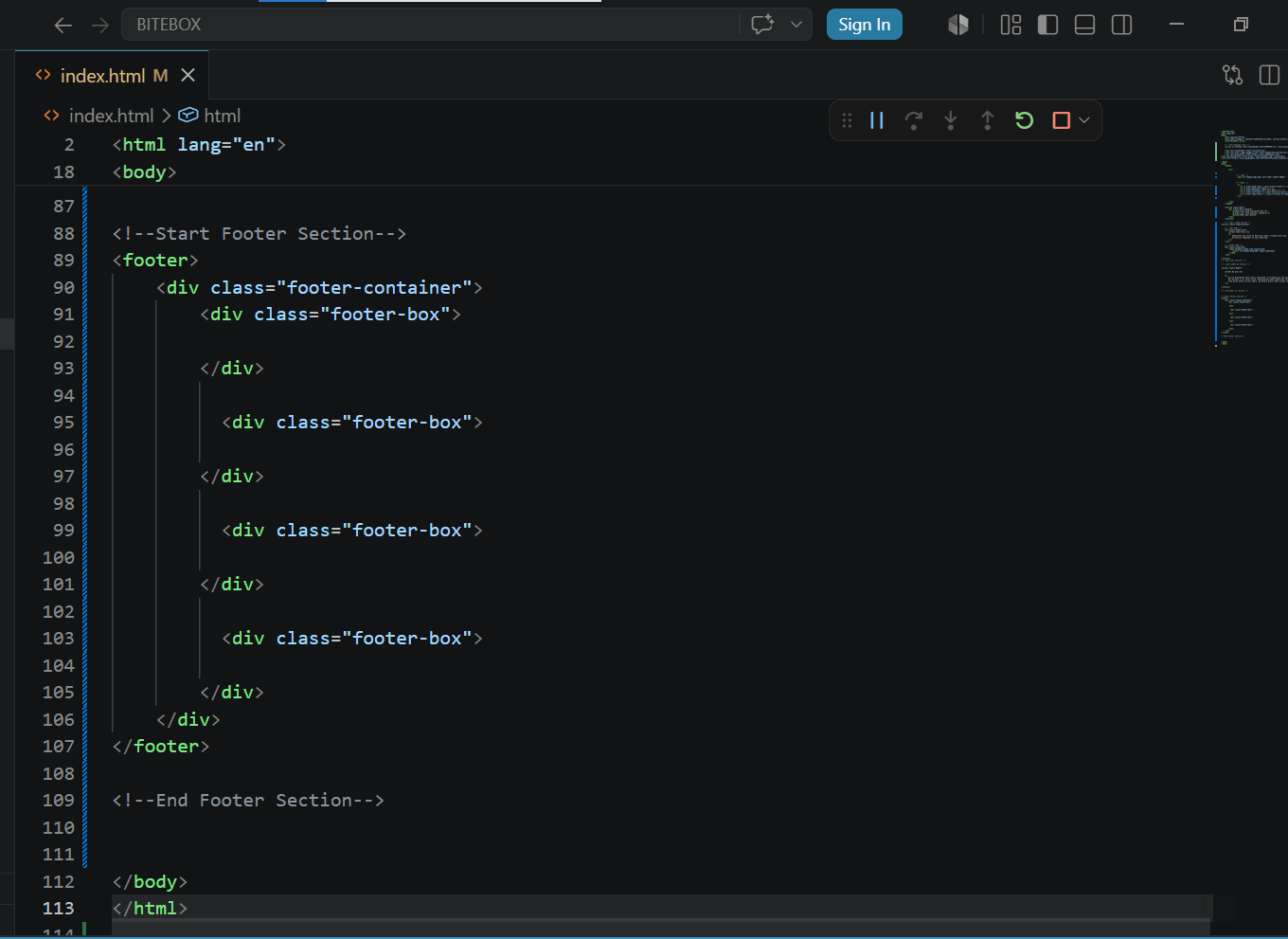
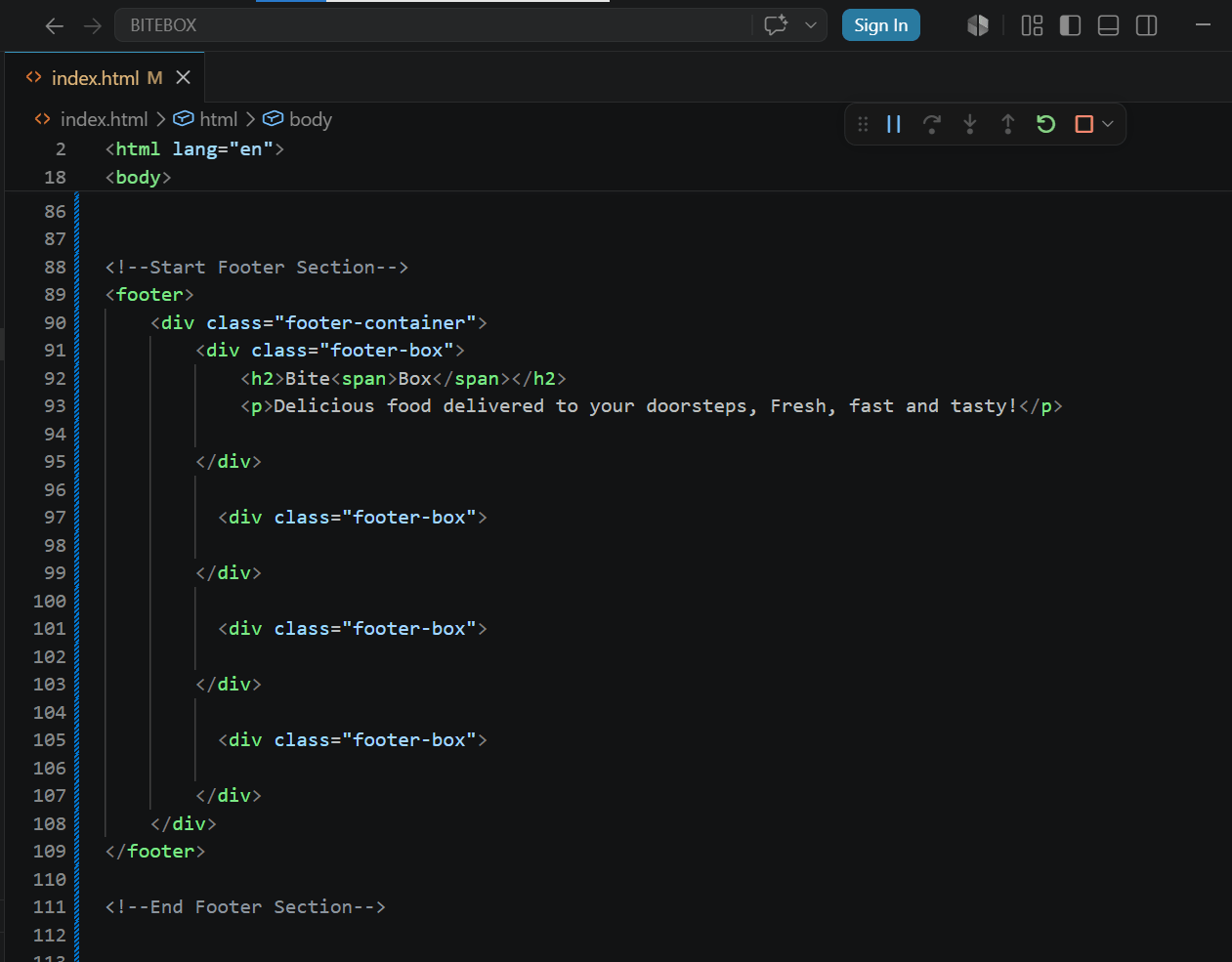
Add quick links in second box
4
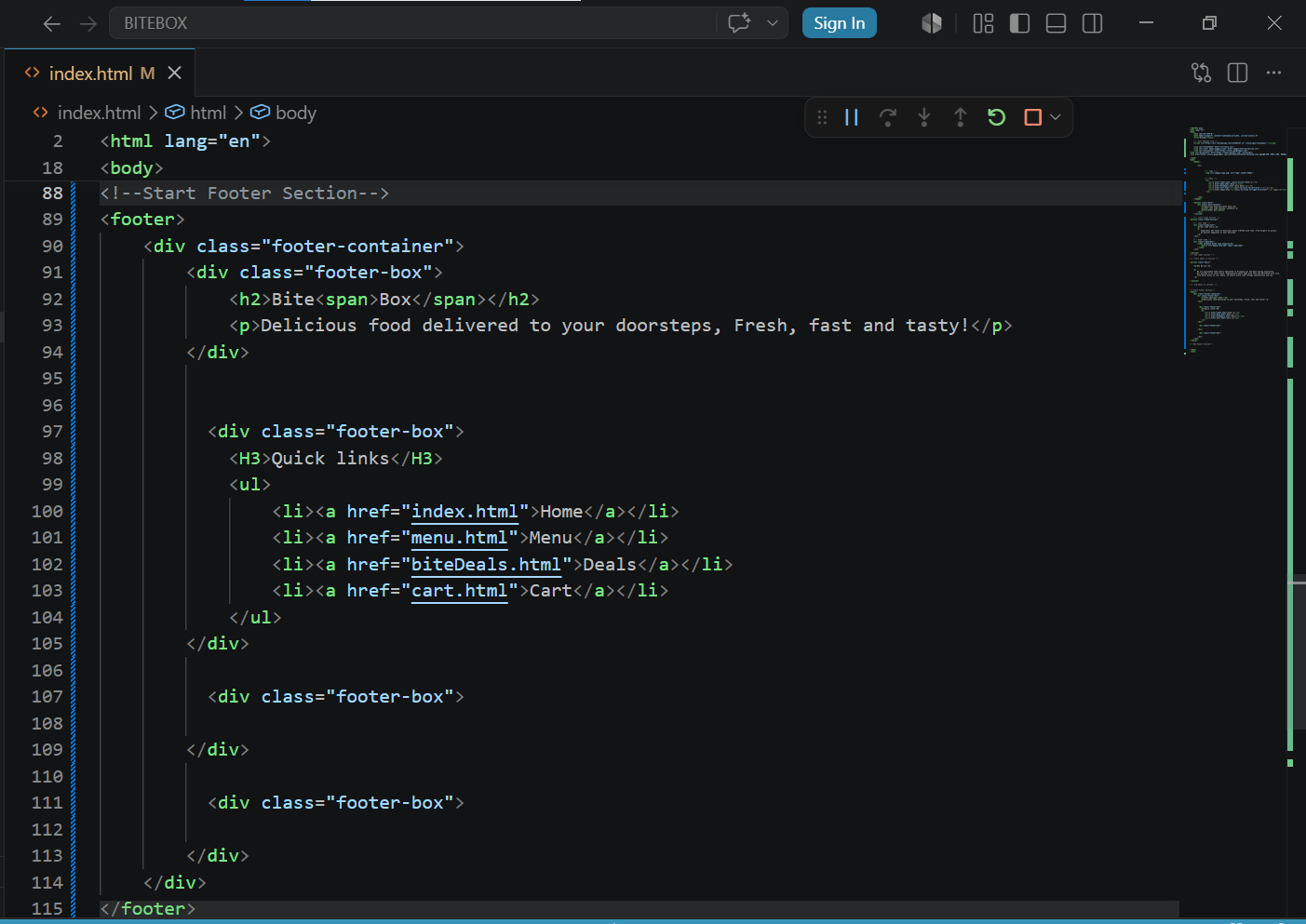
Add contact details in third box
5
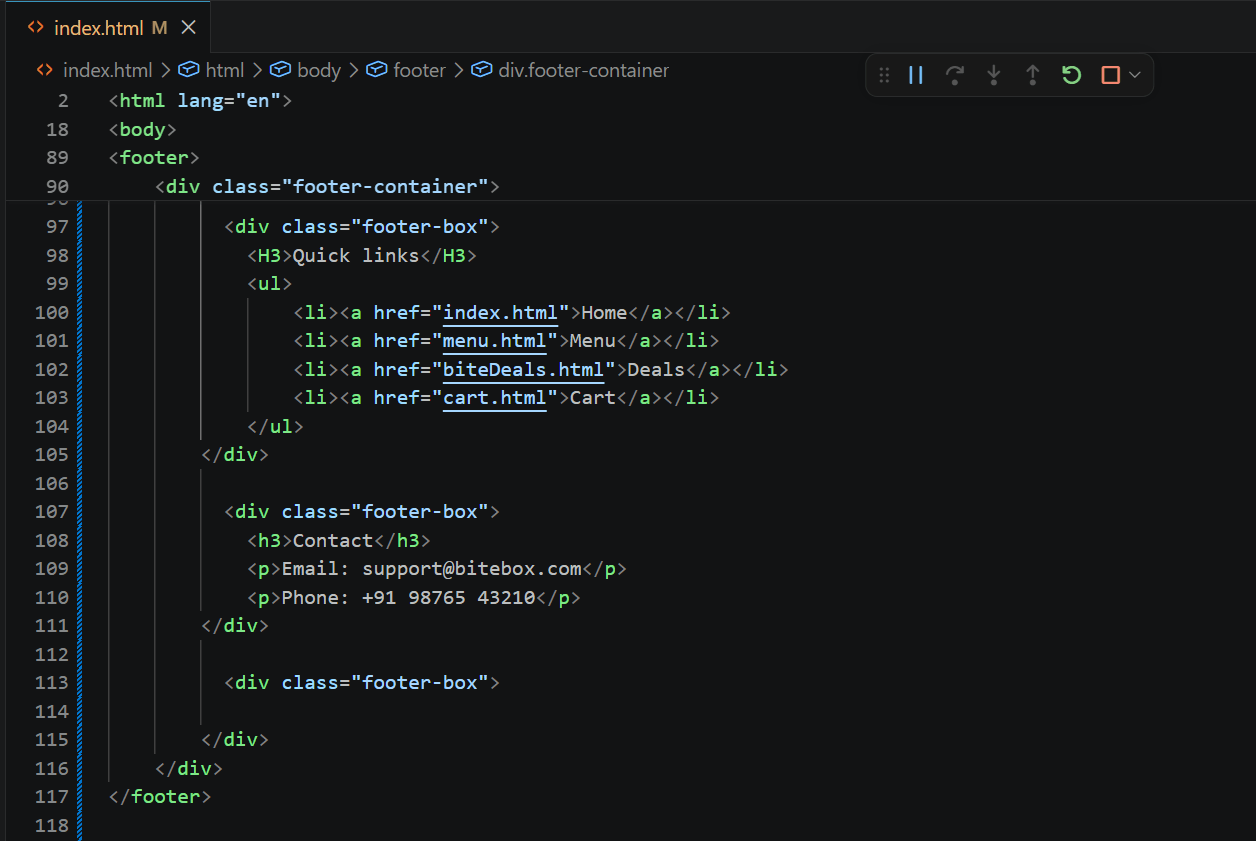
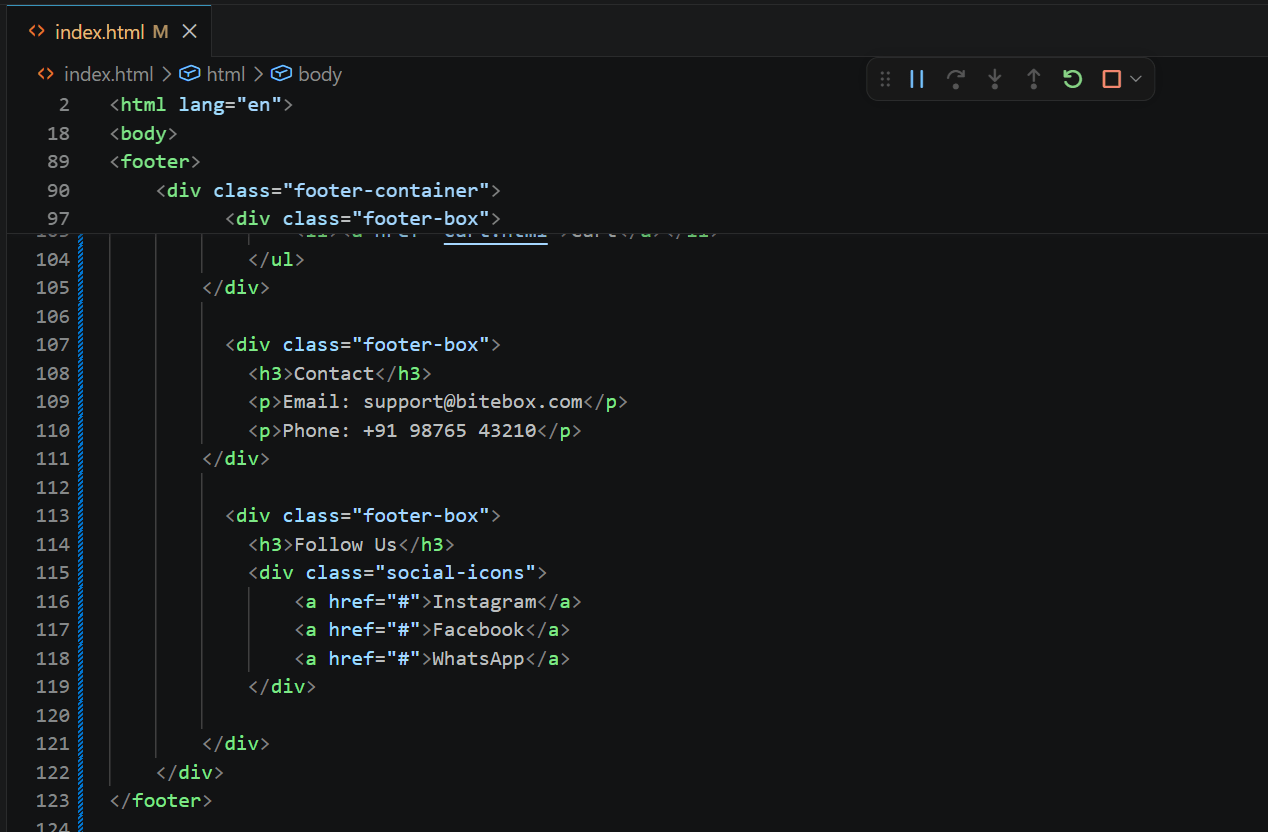
Add social connect in fourth box
6
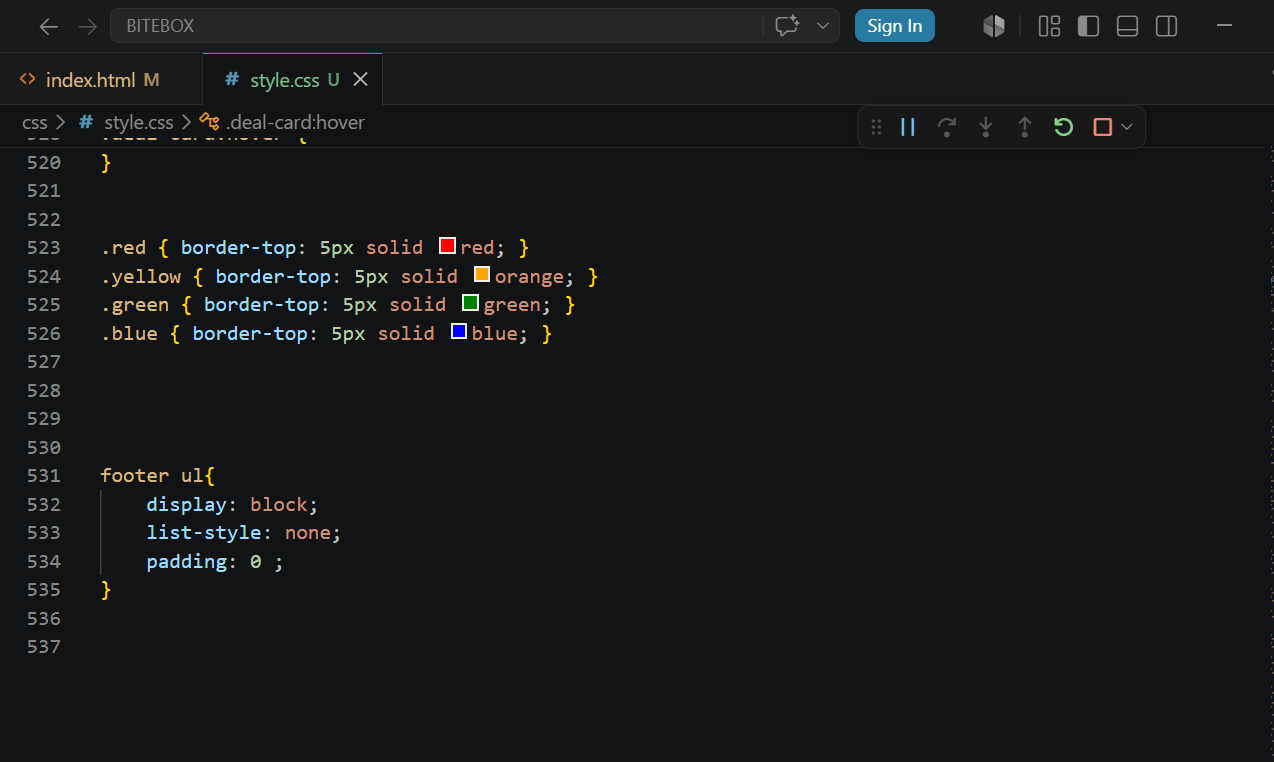
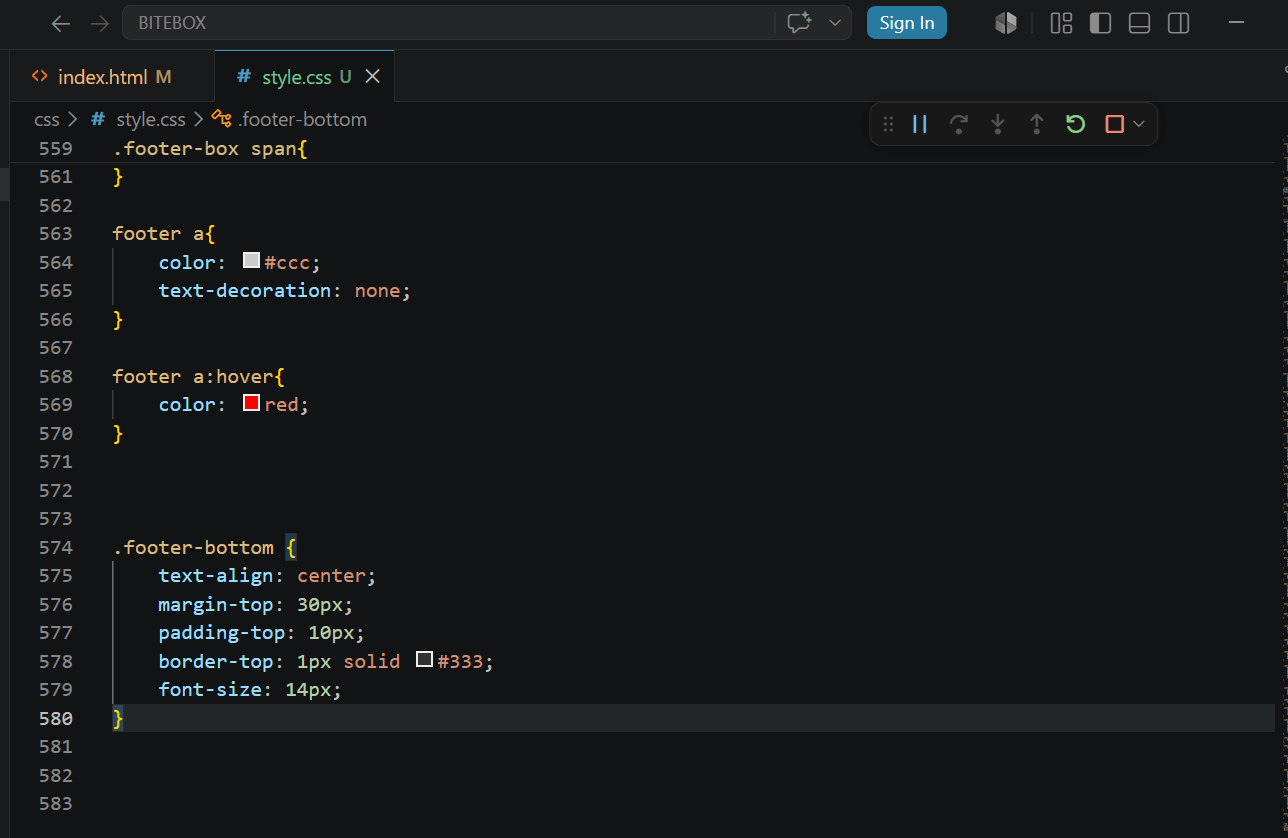
Add CSS to arrrange Footer List Items Properly
7
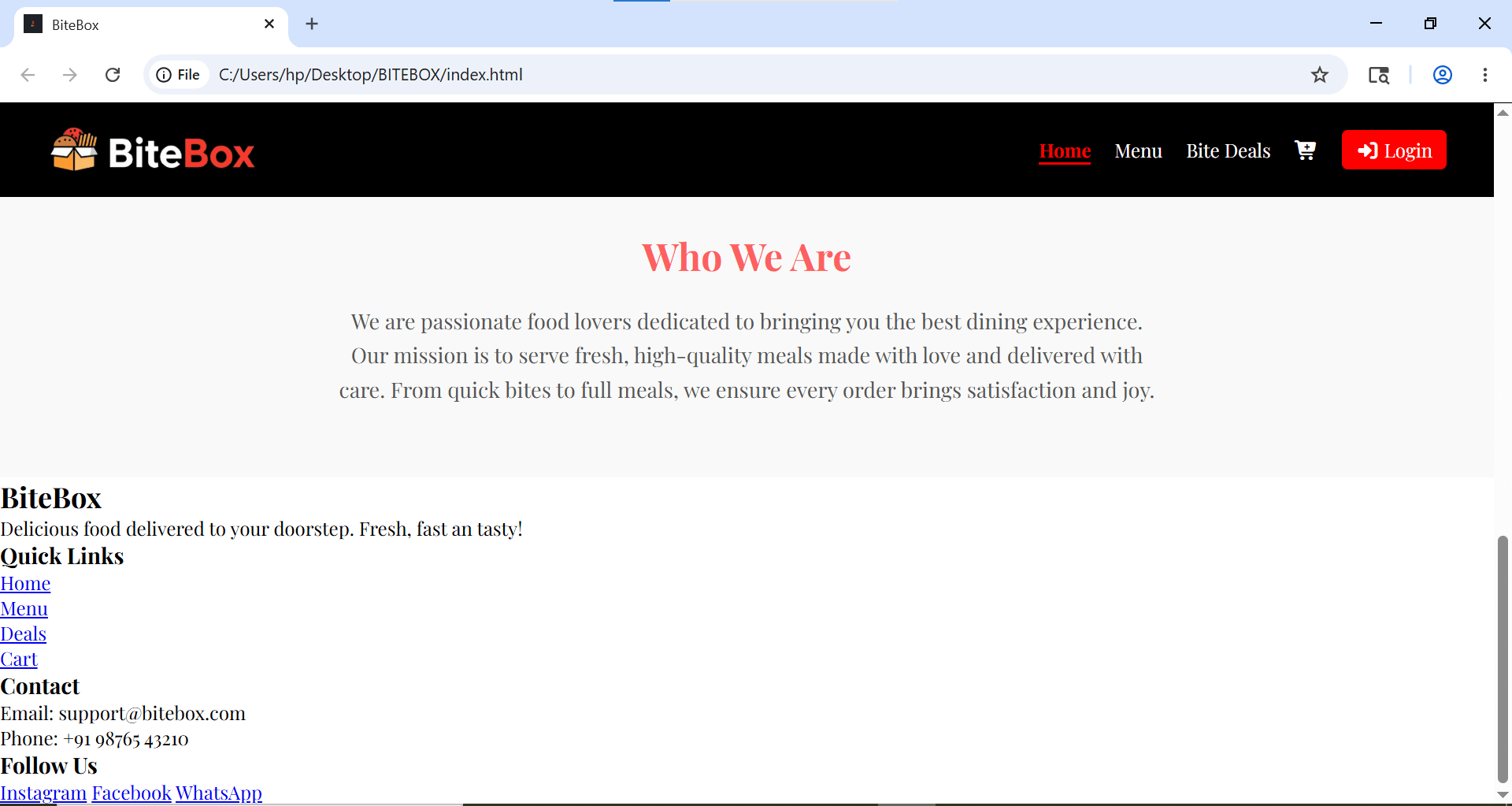
Add Colors and Create Footer Grid Layout
8
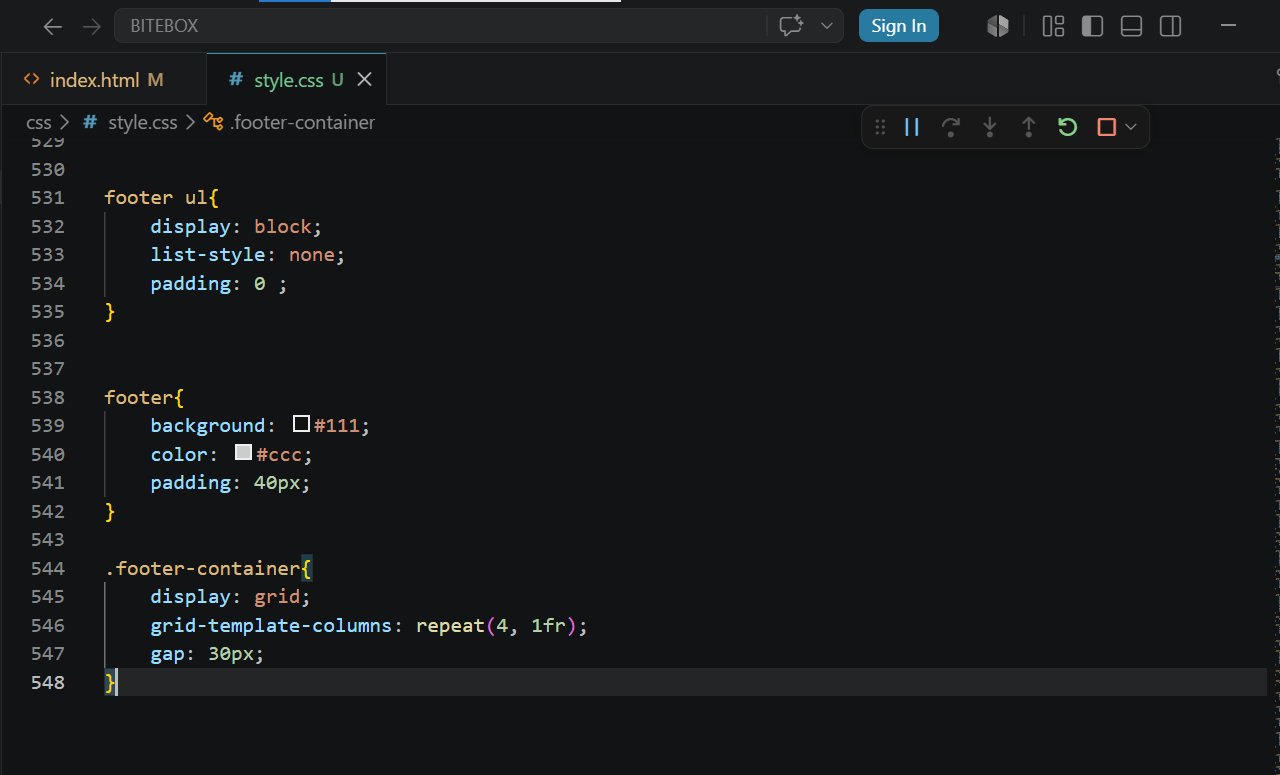
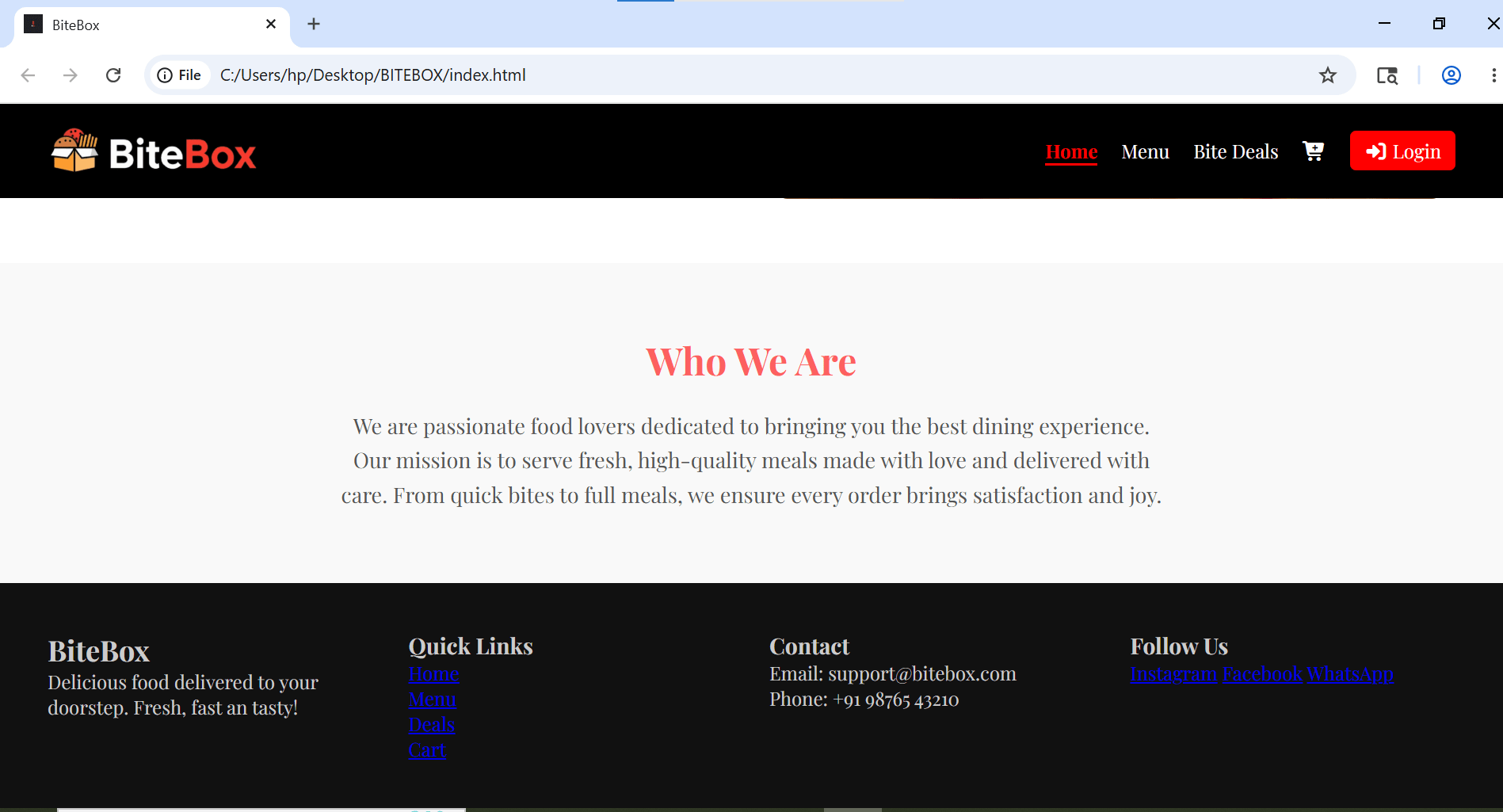
Style Headings and fix paragraph text
9
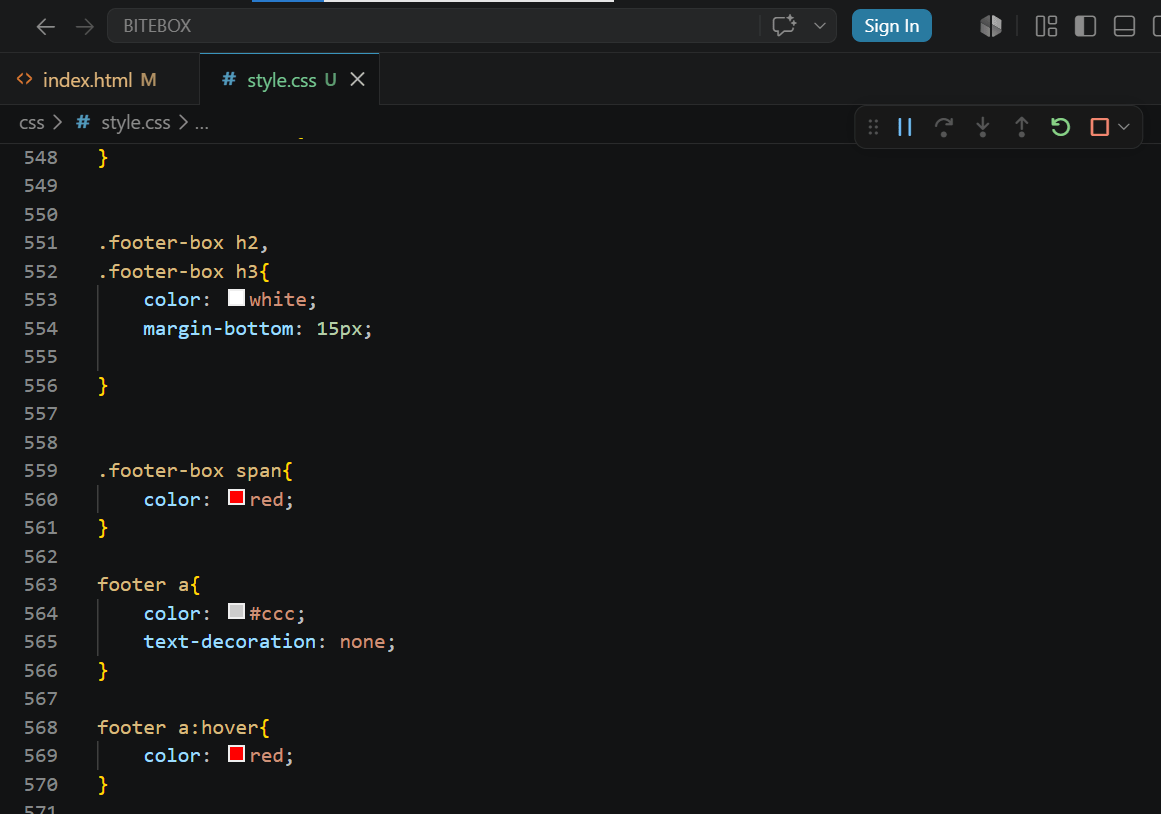
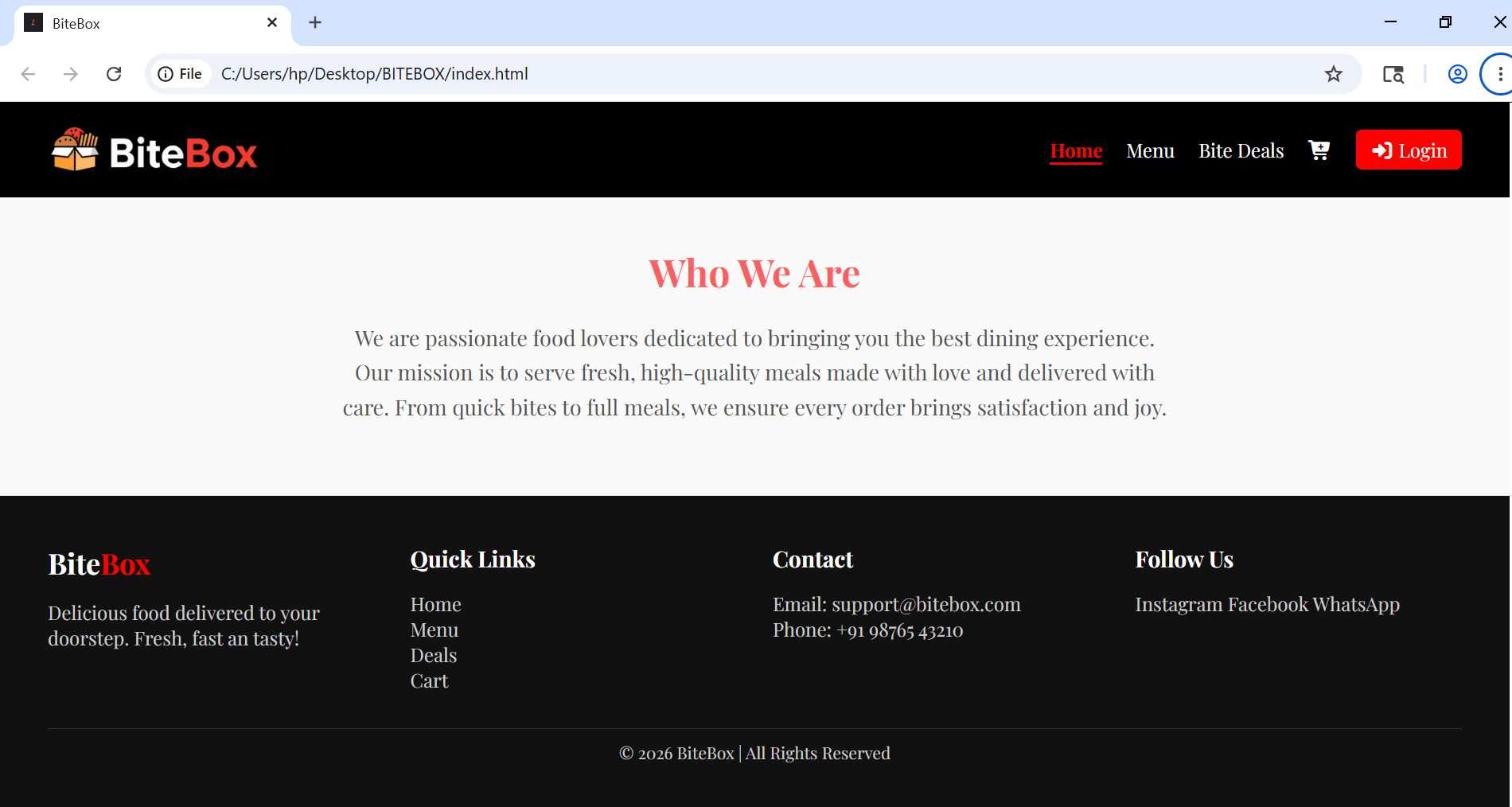
Add copyright section
10
Replace social text into social icon
11
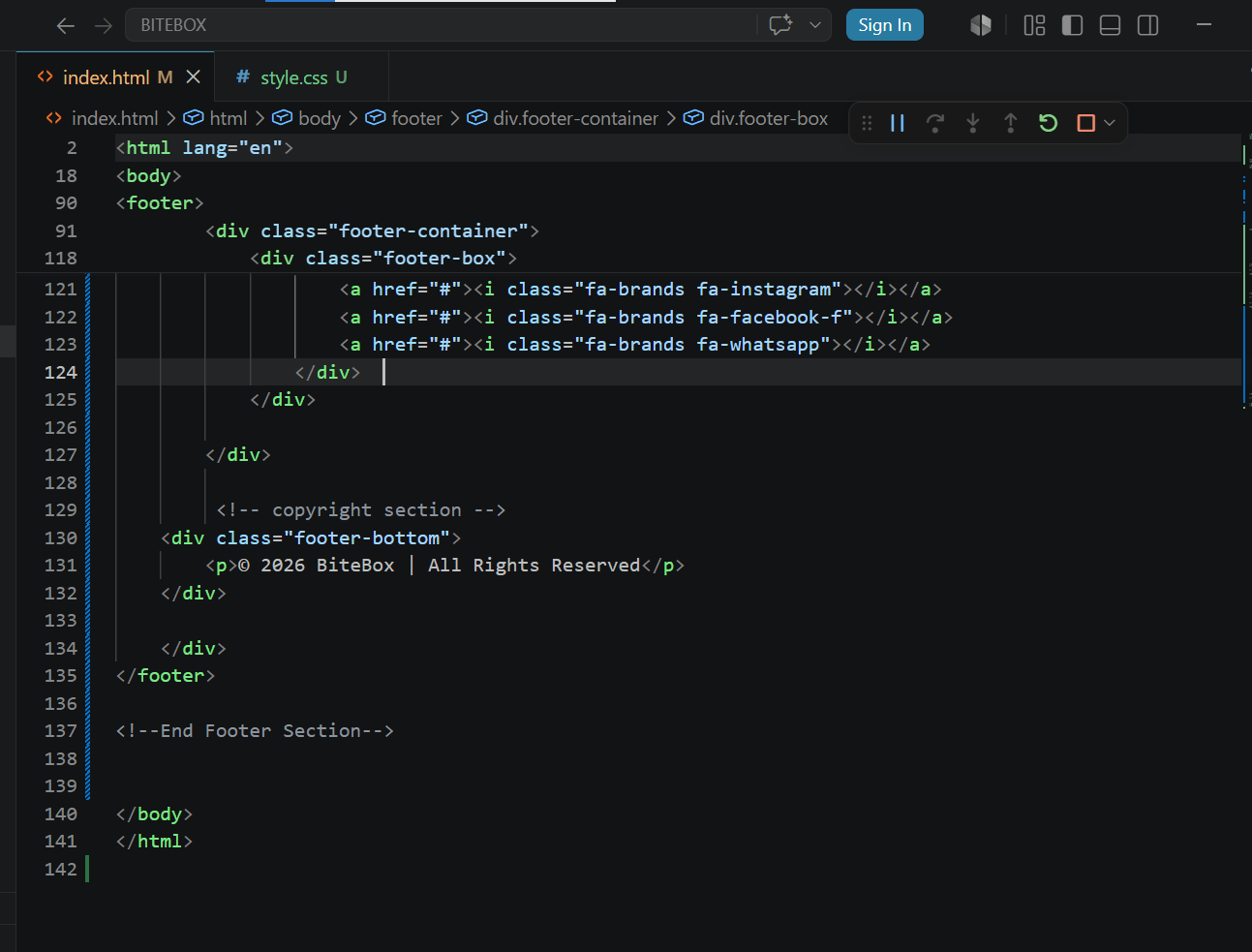
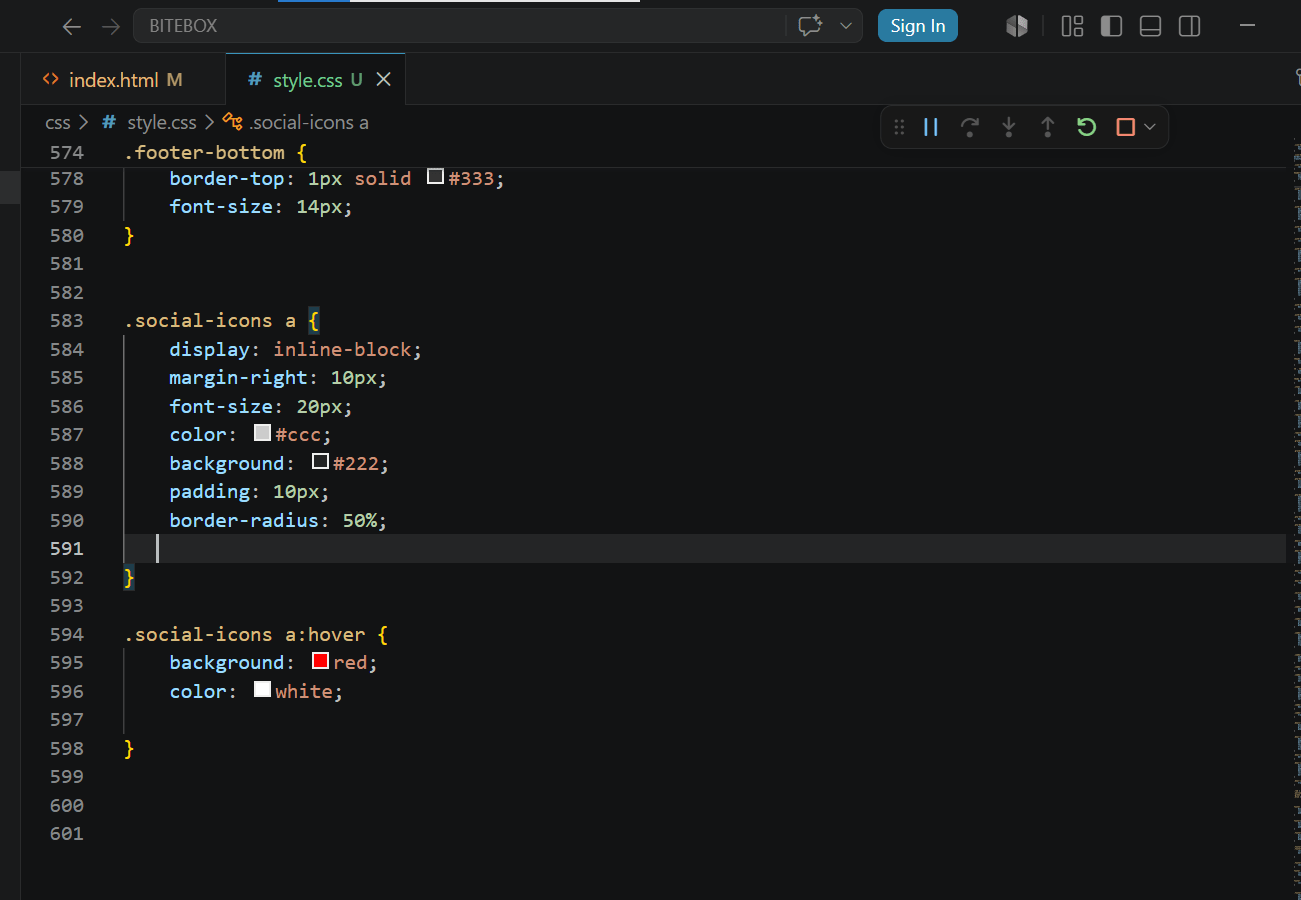
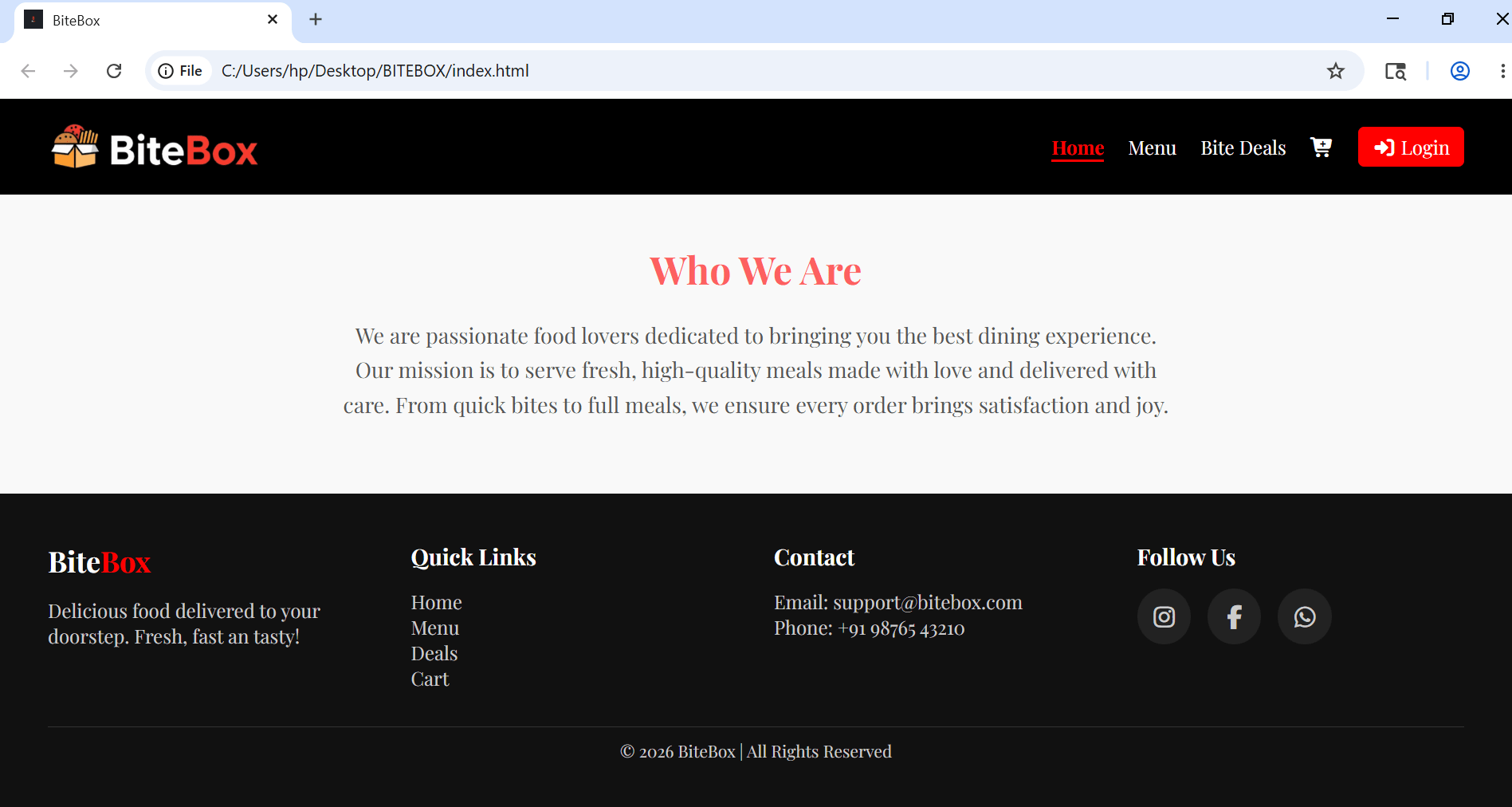
Copy footer into all pages
12
Great job!
You successfully designed a modern and professional footer section that makes the website look complete, organized, and visually attractive.
Checkpoint
Next-Lab Preparation
Git Push
git push origin branchNameTopic : Unlocking CSS' Creative Toolbox
1) Responsive Web Fundamentals -I
2) Responsive Web Fundamentals -II