















Content ITV PRO
This is Itvedant Content department
Learning Outcome
6
Use Playwright methods for real-world automation scenarios
5
Validate the state of web elements
4
Retrieve text, attributes, and values
3
Interact with forms, buttons, dropdowns, and checkboxes
2
Perform actions on web elements
1
Explain Element Interaction Methods
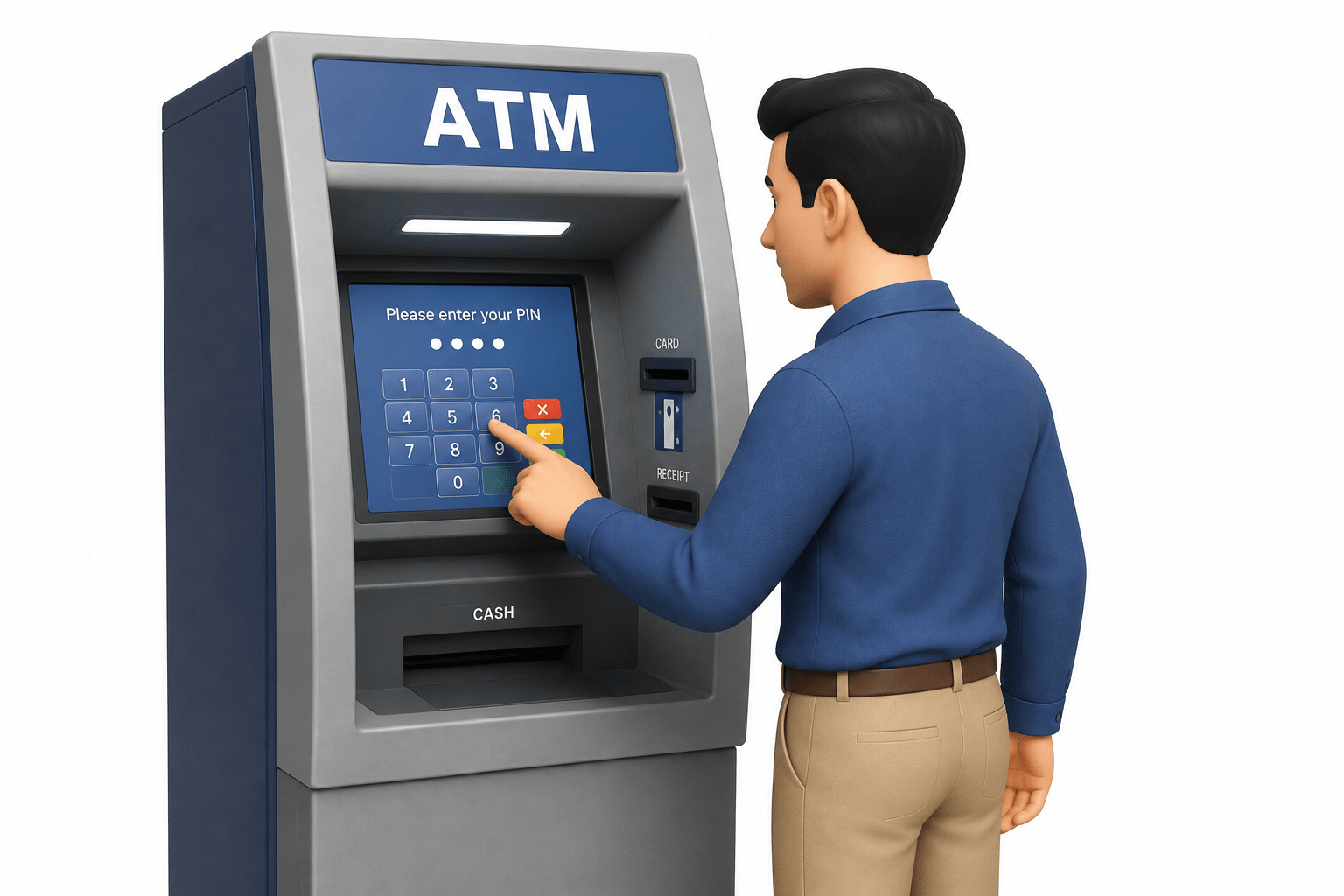
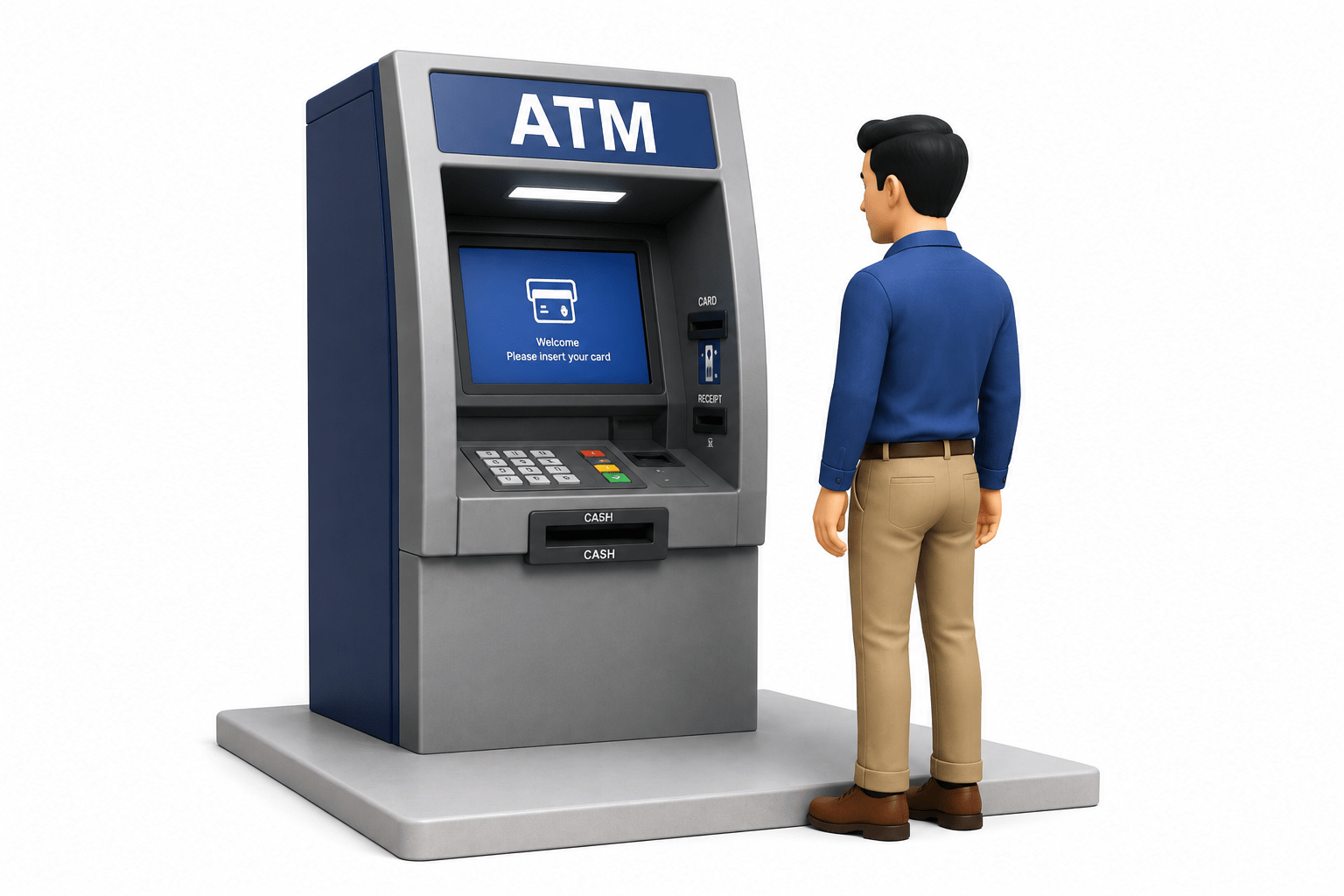
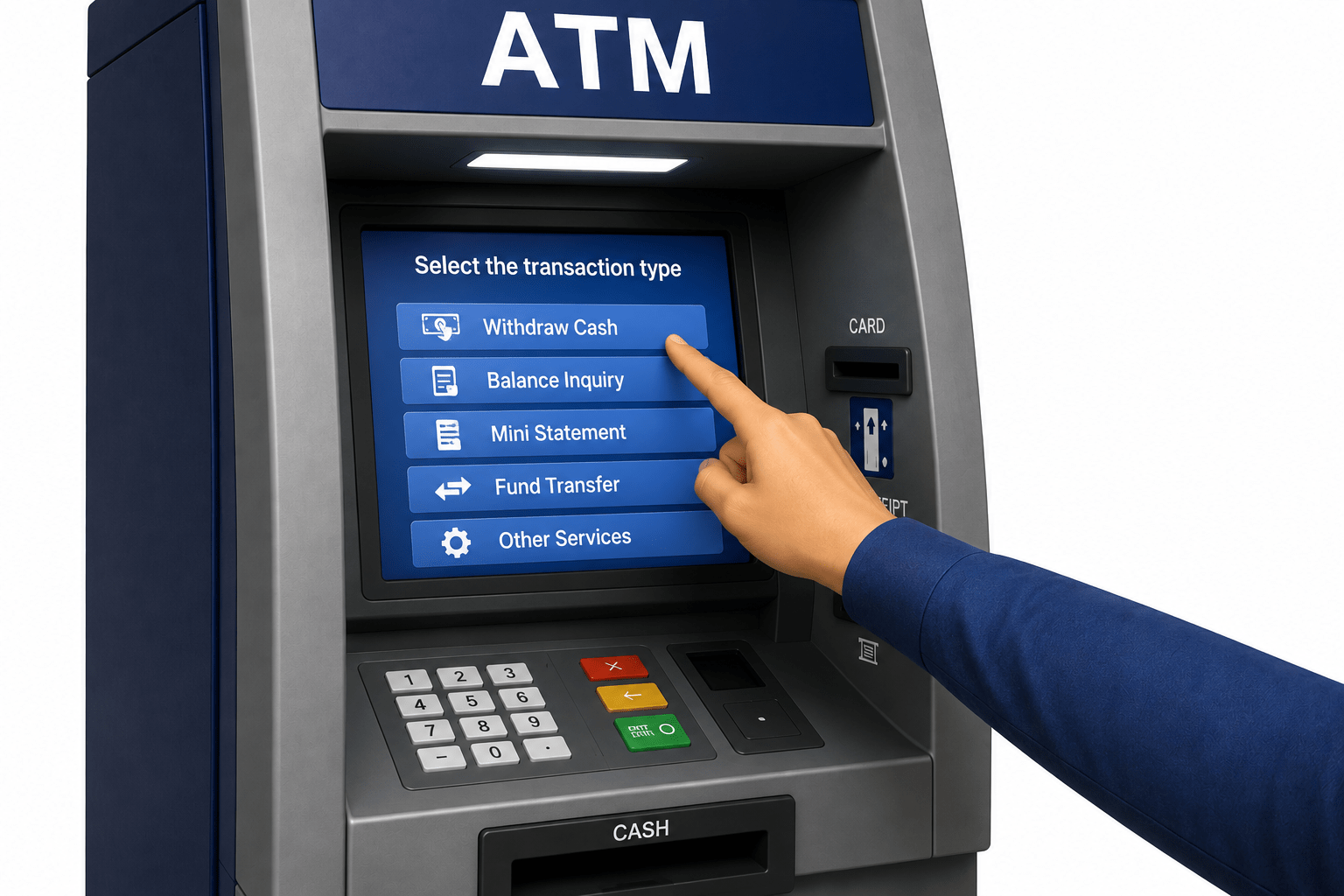
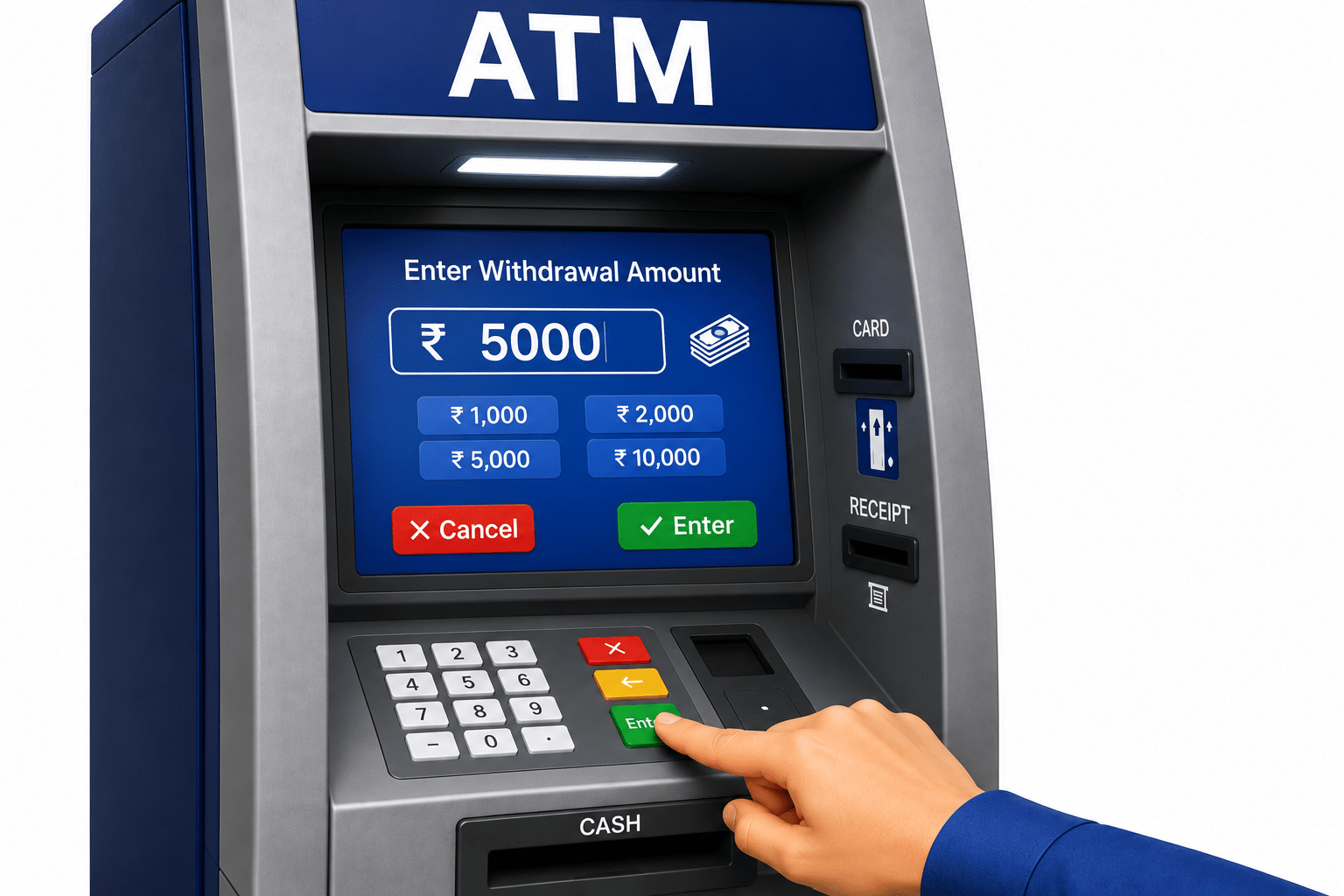
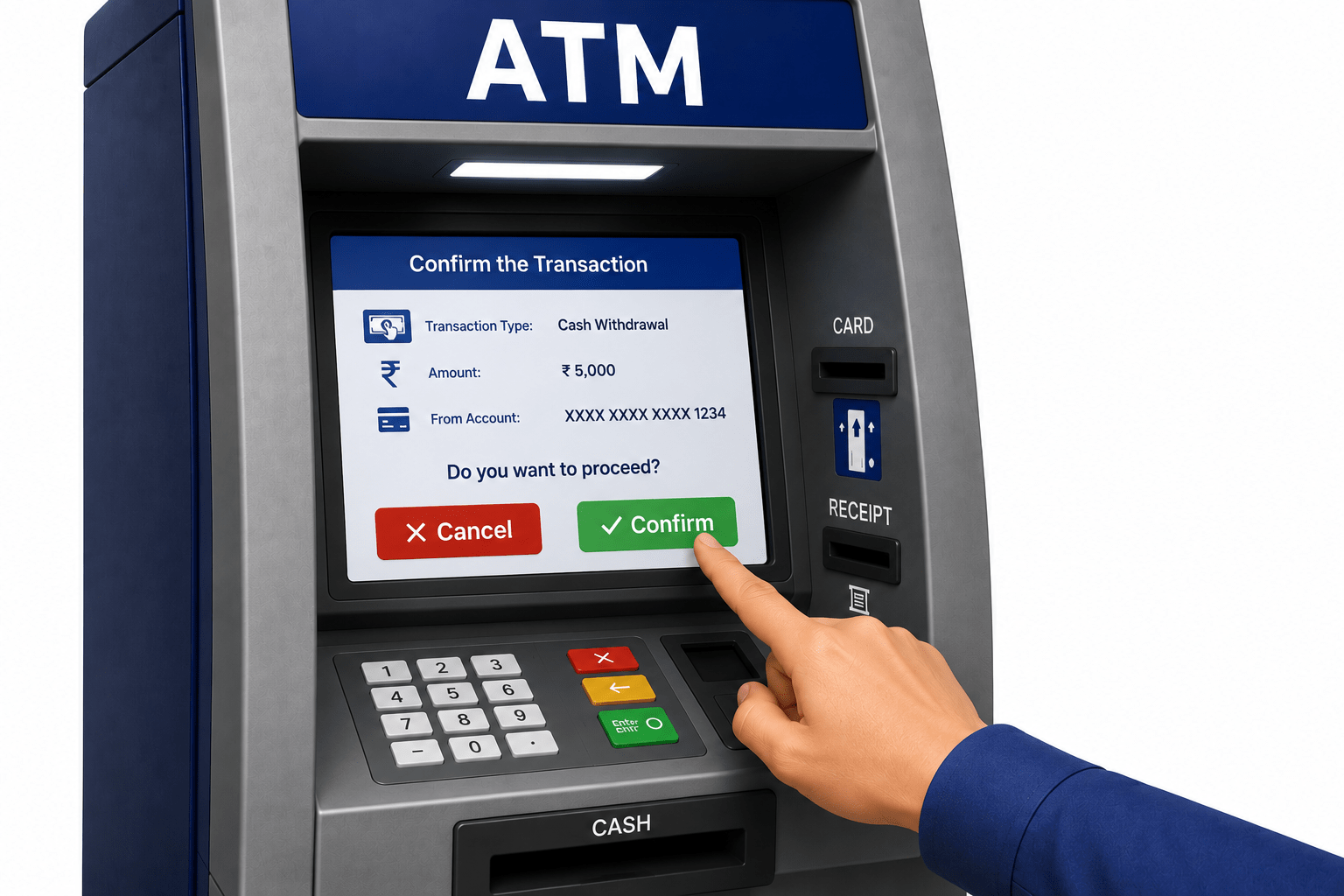
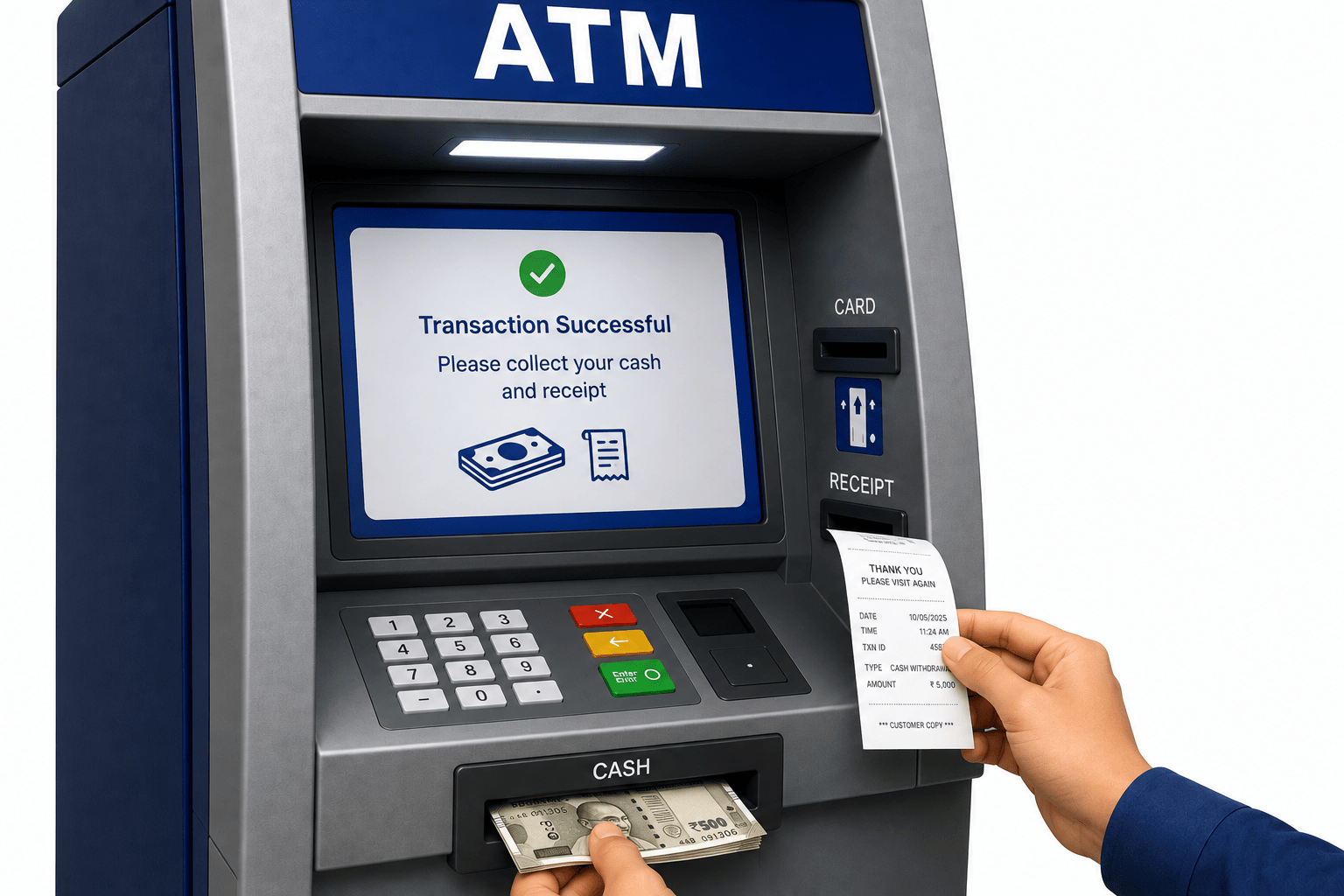
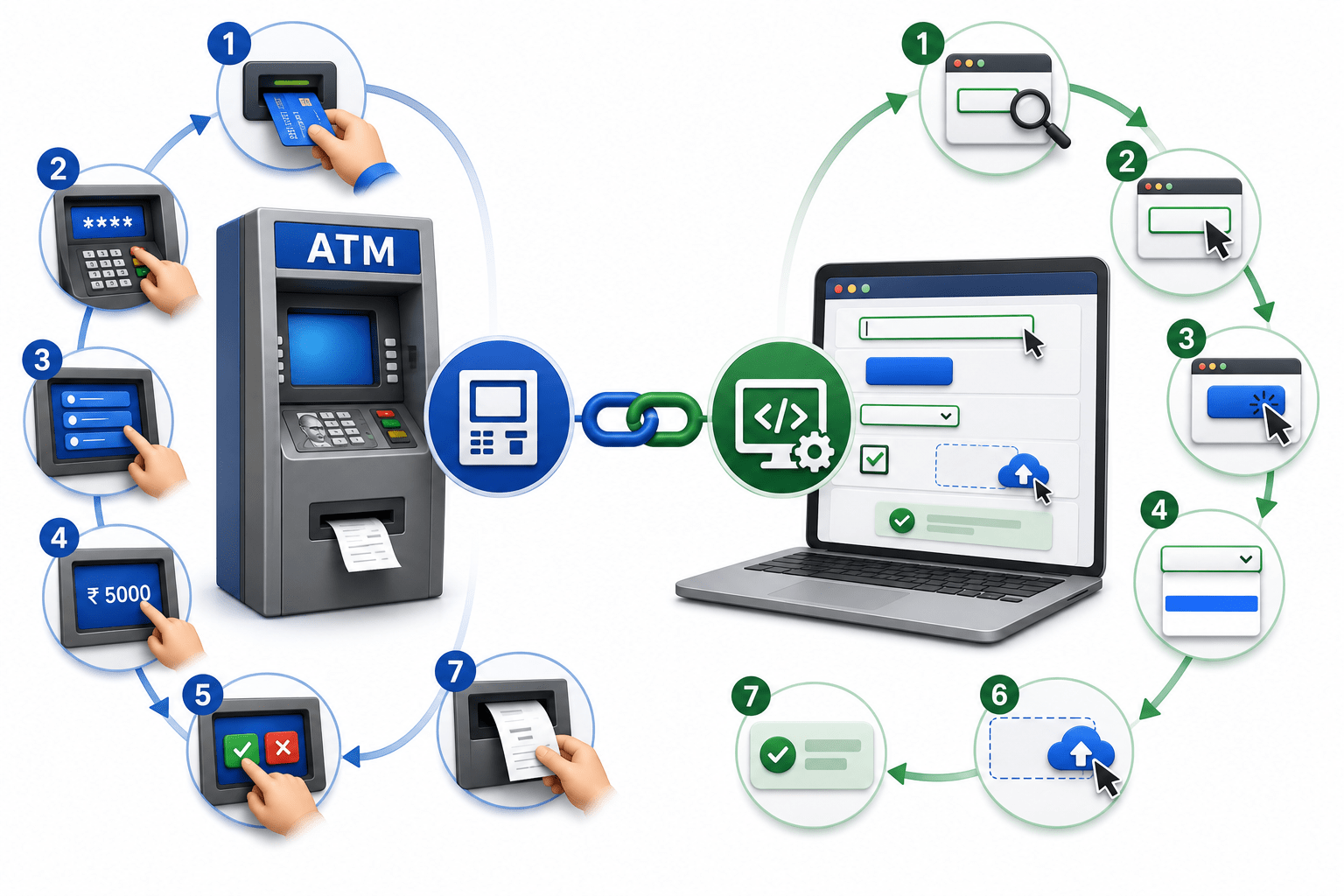
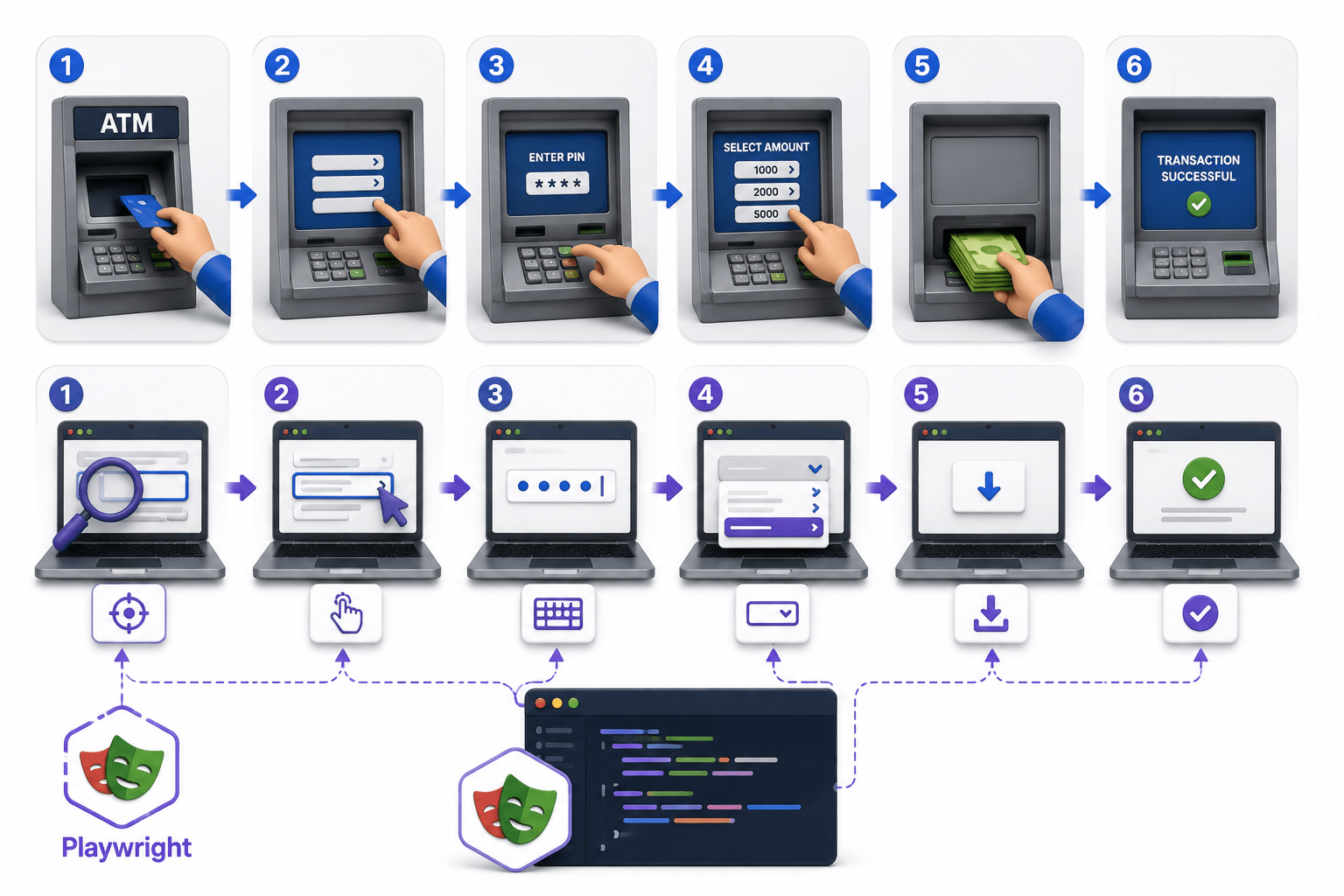
Imagine you visit an ATM to withdraw cash
Simply locating the ATM is not enough
To complete your transaction, you perform several actions:
Insert your ATM card
Enter your PIN
Select the transaction type
Enter the withdrawal amount
Confirm the transaction
Collect your cash and receipt
Each action is necessary to complete the process successfully.
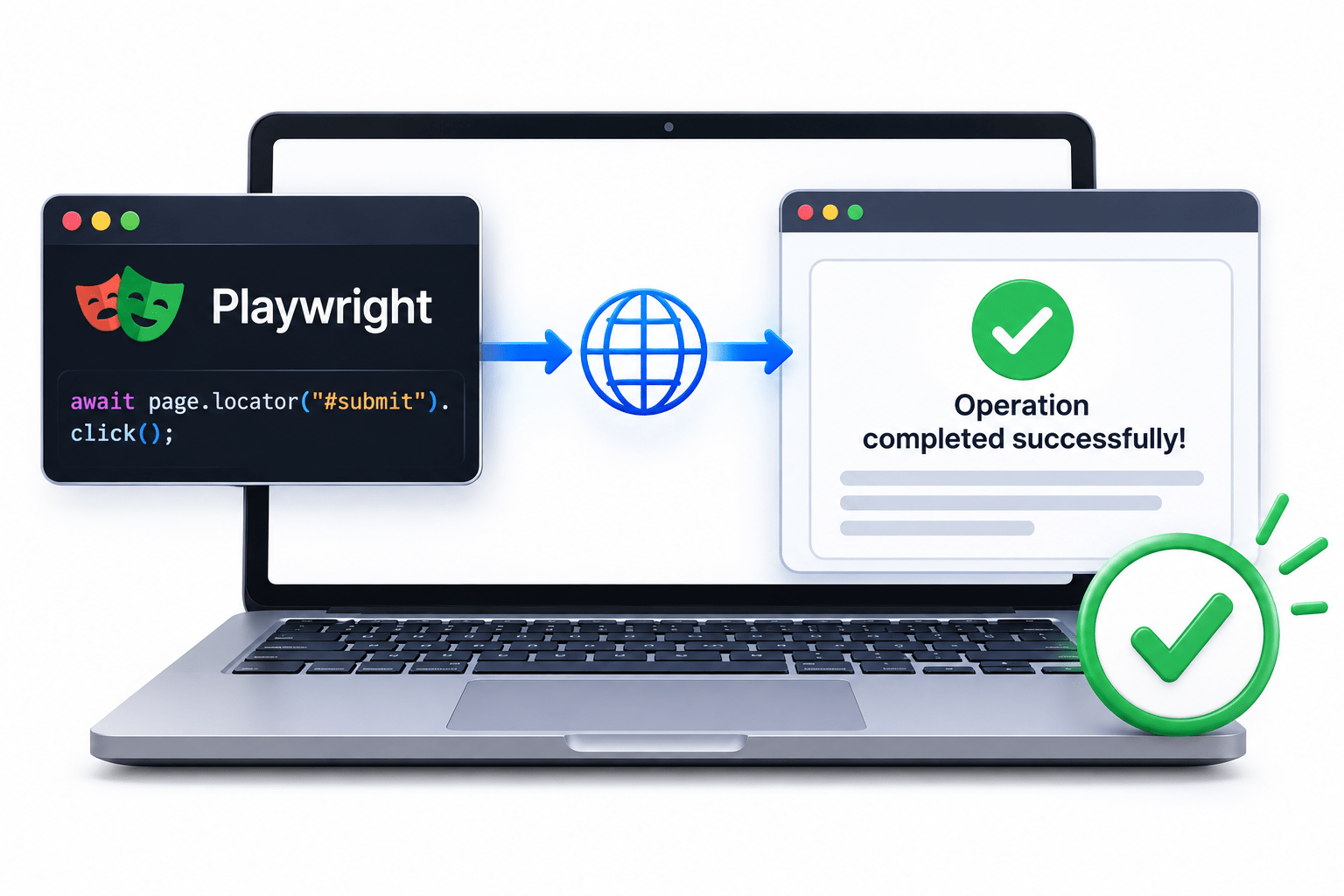
Similarly, after Playwright locates a web element, it performs different interaction methods to complete the automation task.
Just as every ATM transaction requires a sequence of user actions, every Playwright automation script performs a sequence of Element Interaction Methods after locating the required web element.
What are Element Interaction Methods?
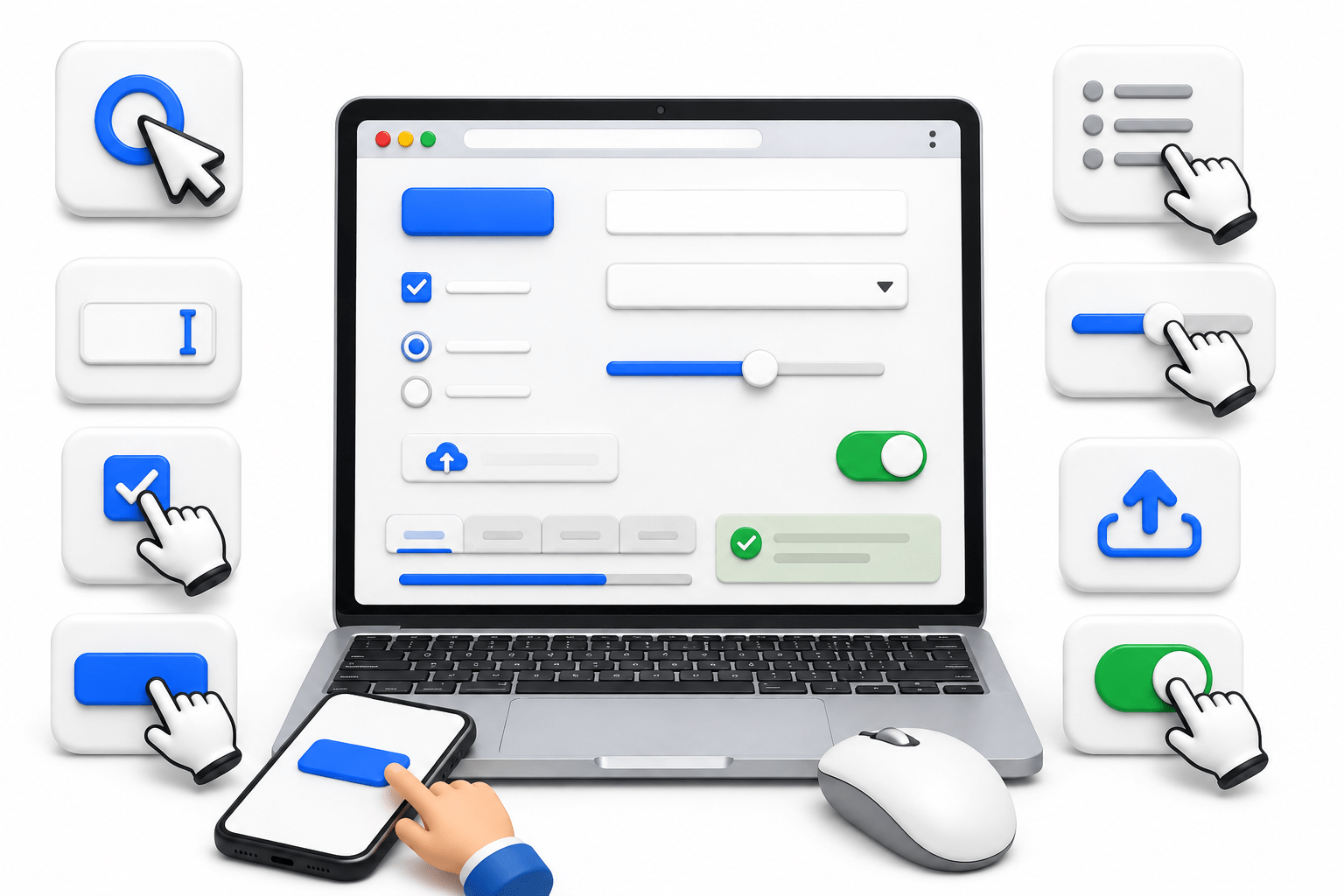
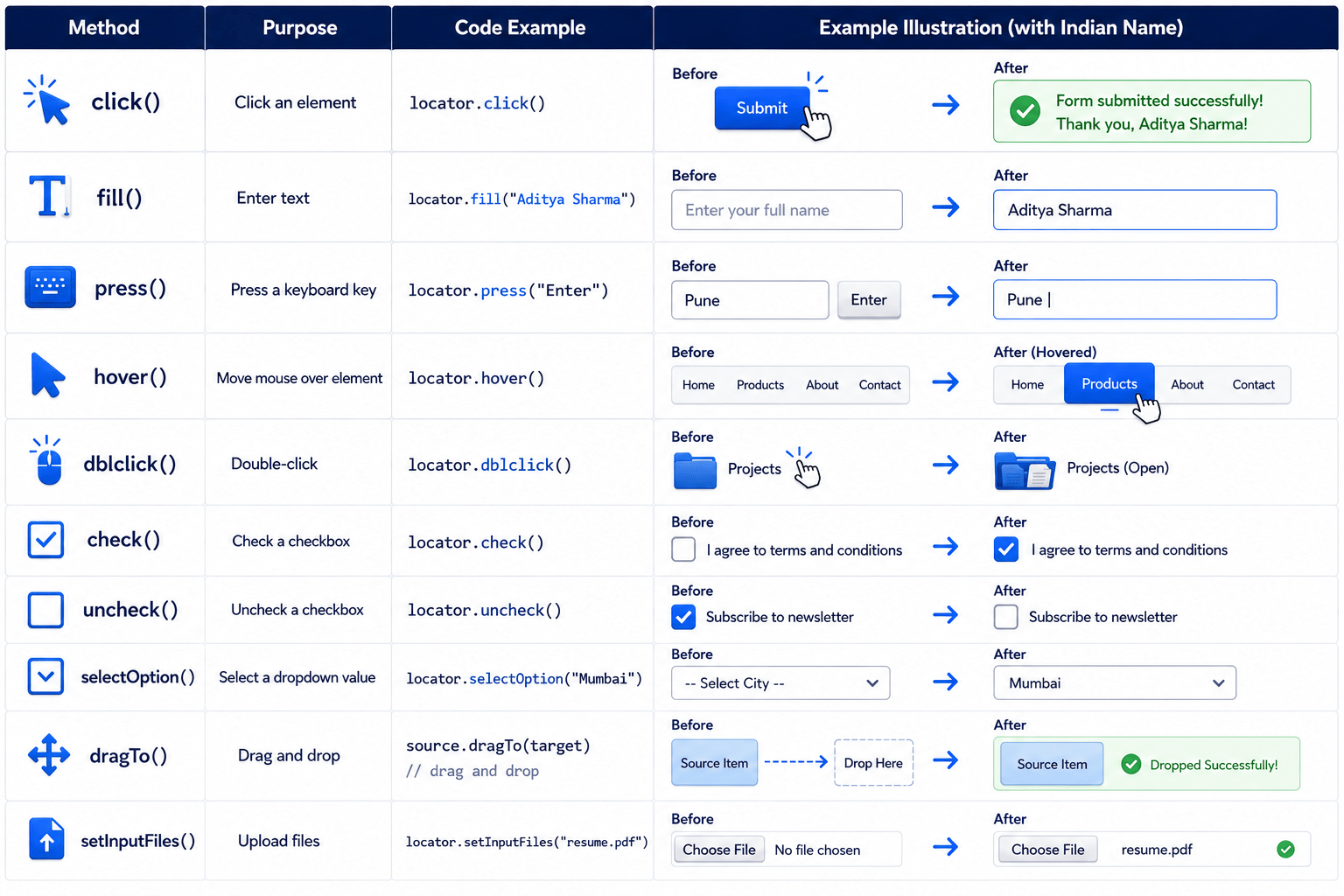
Element Interaction Methods are Playwright methods used to perform actions on web elements after they have been located
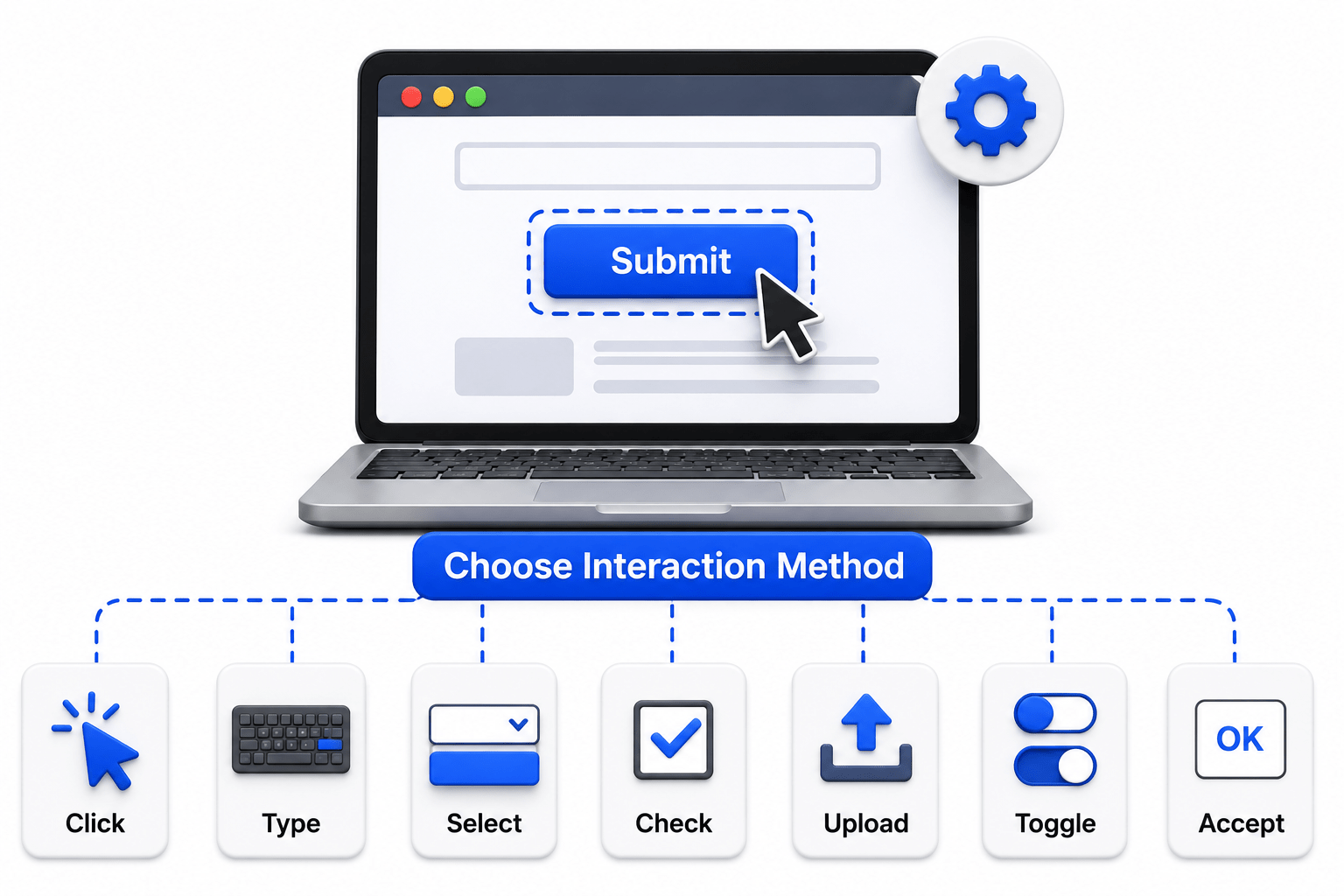
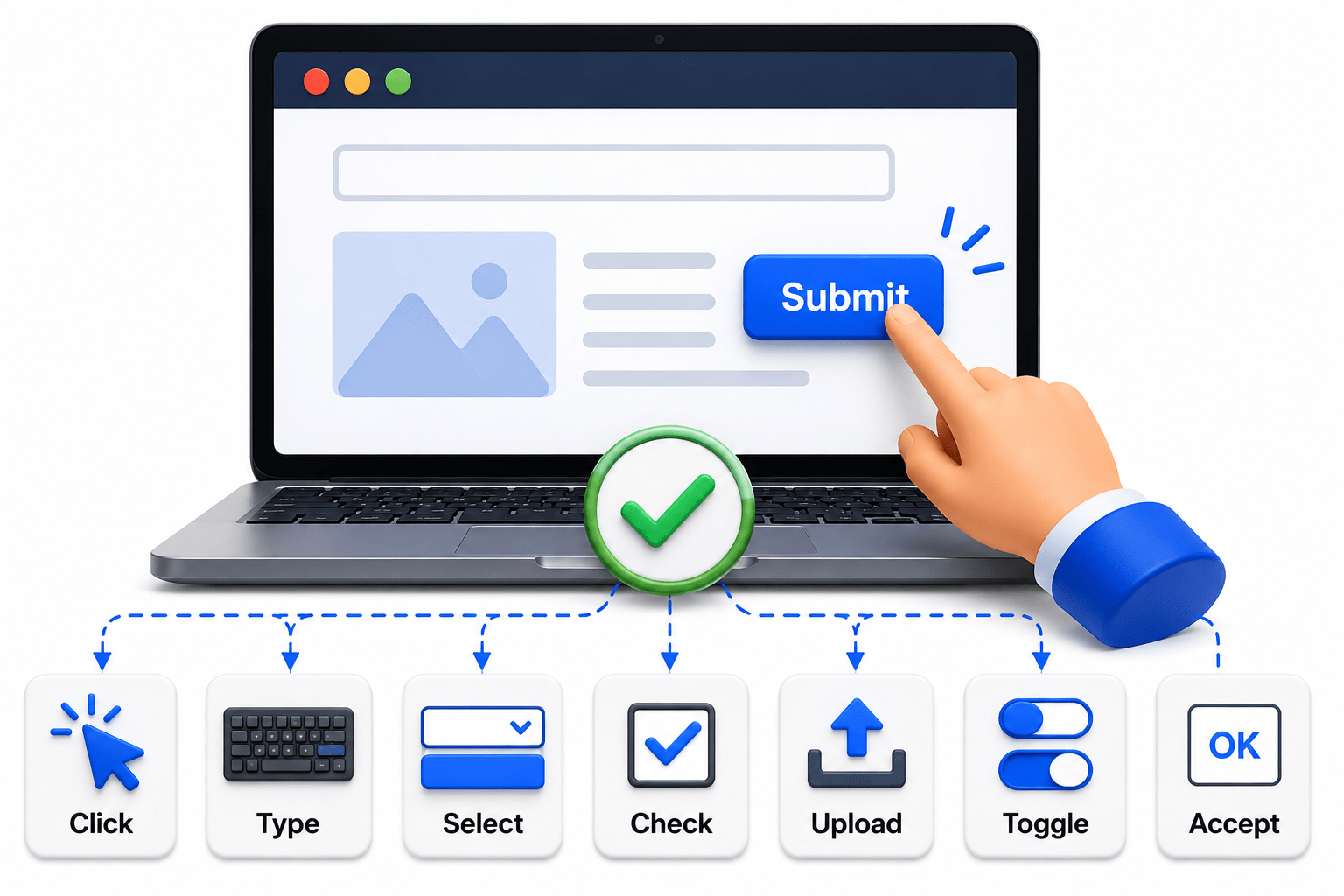
These methods simulate real user actions such as:
Clicking
Typing
Selecting
Uploading files
Hovering
Reading values
Verifying element states
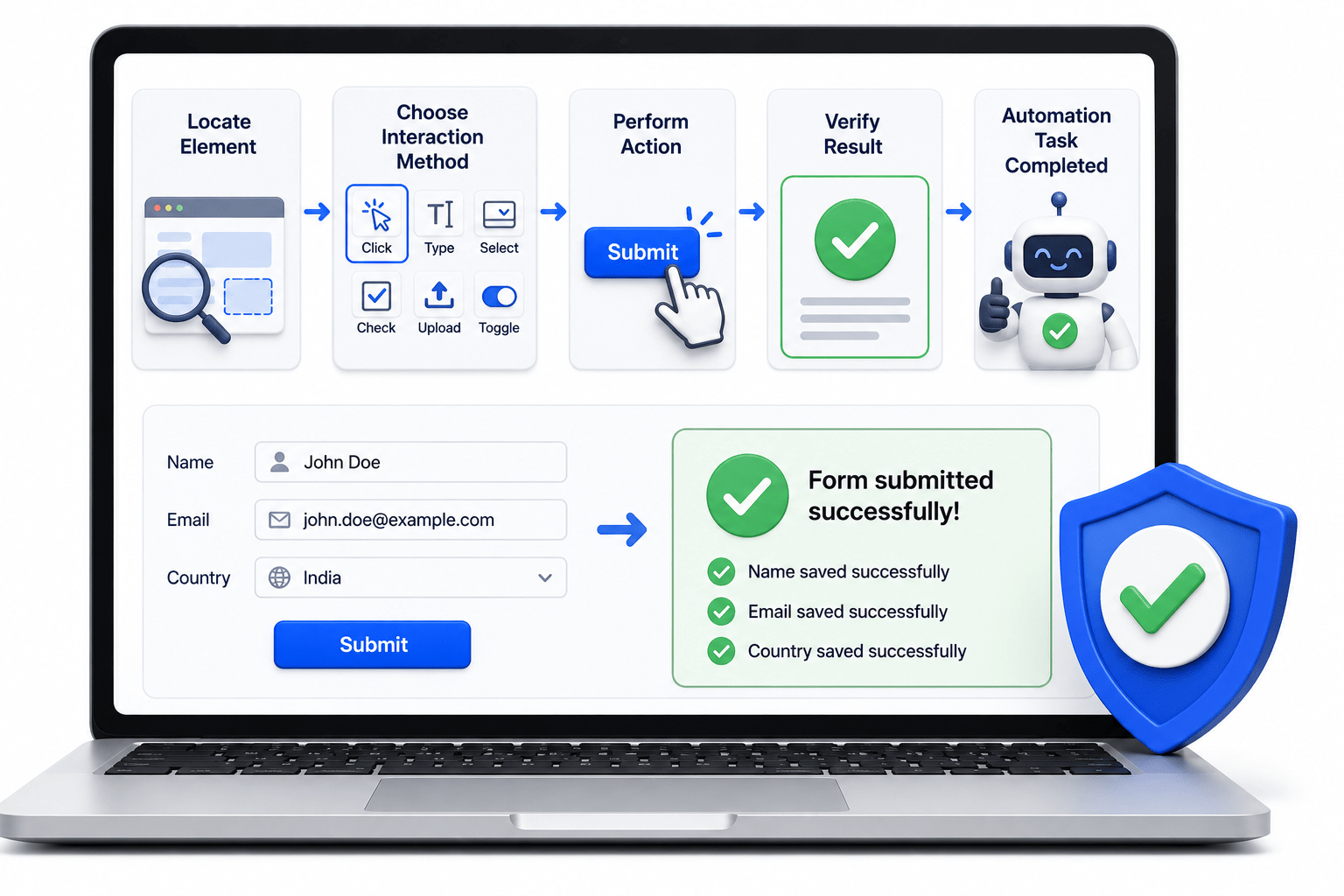
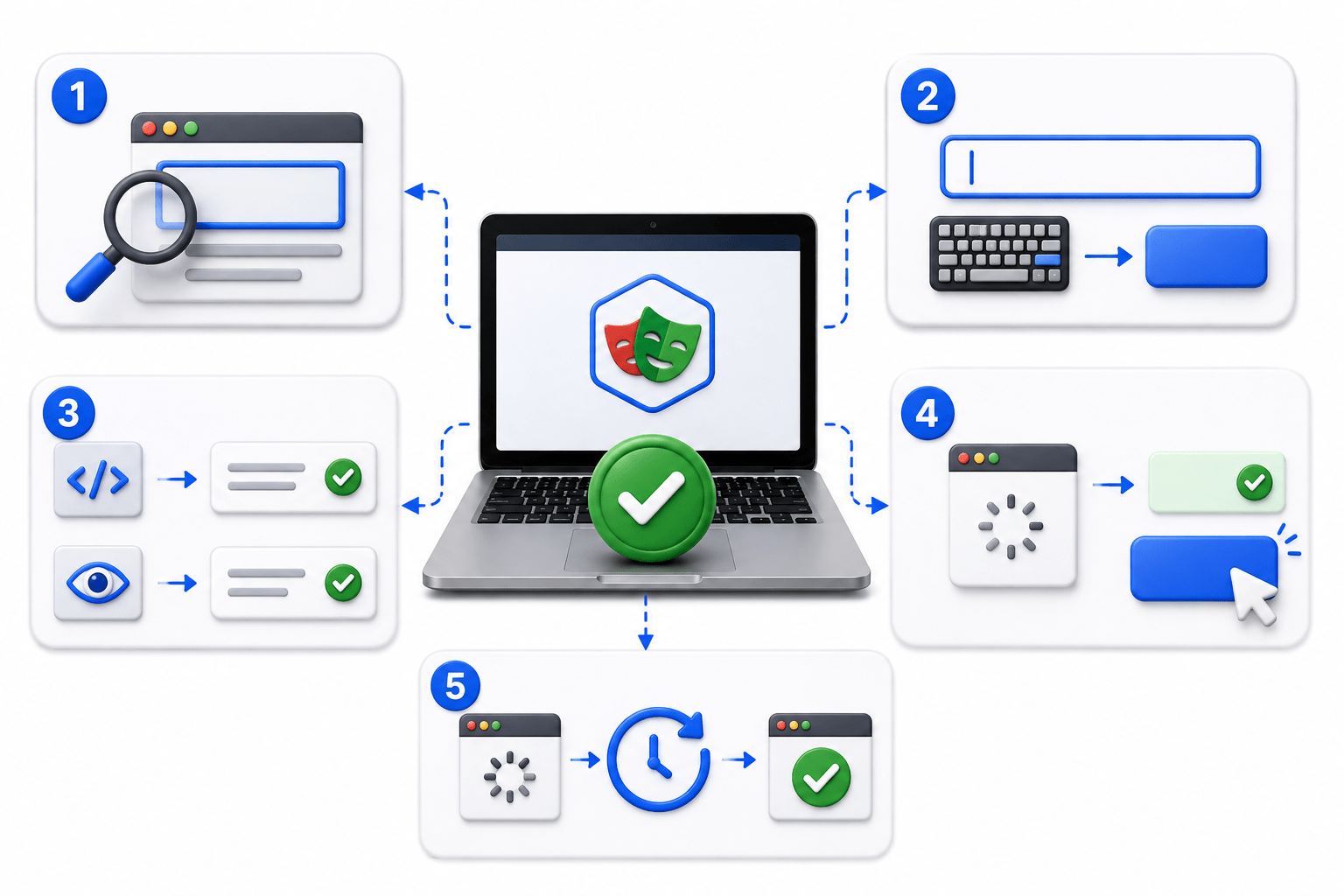
Element Interaction Workflow
Locate Element
Choose Interaction Method
Perform Action
Application Responds
Verify Result
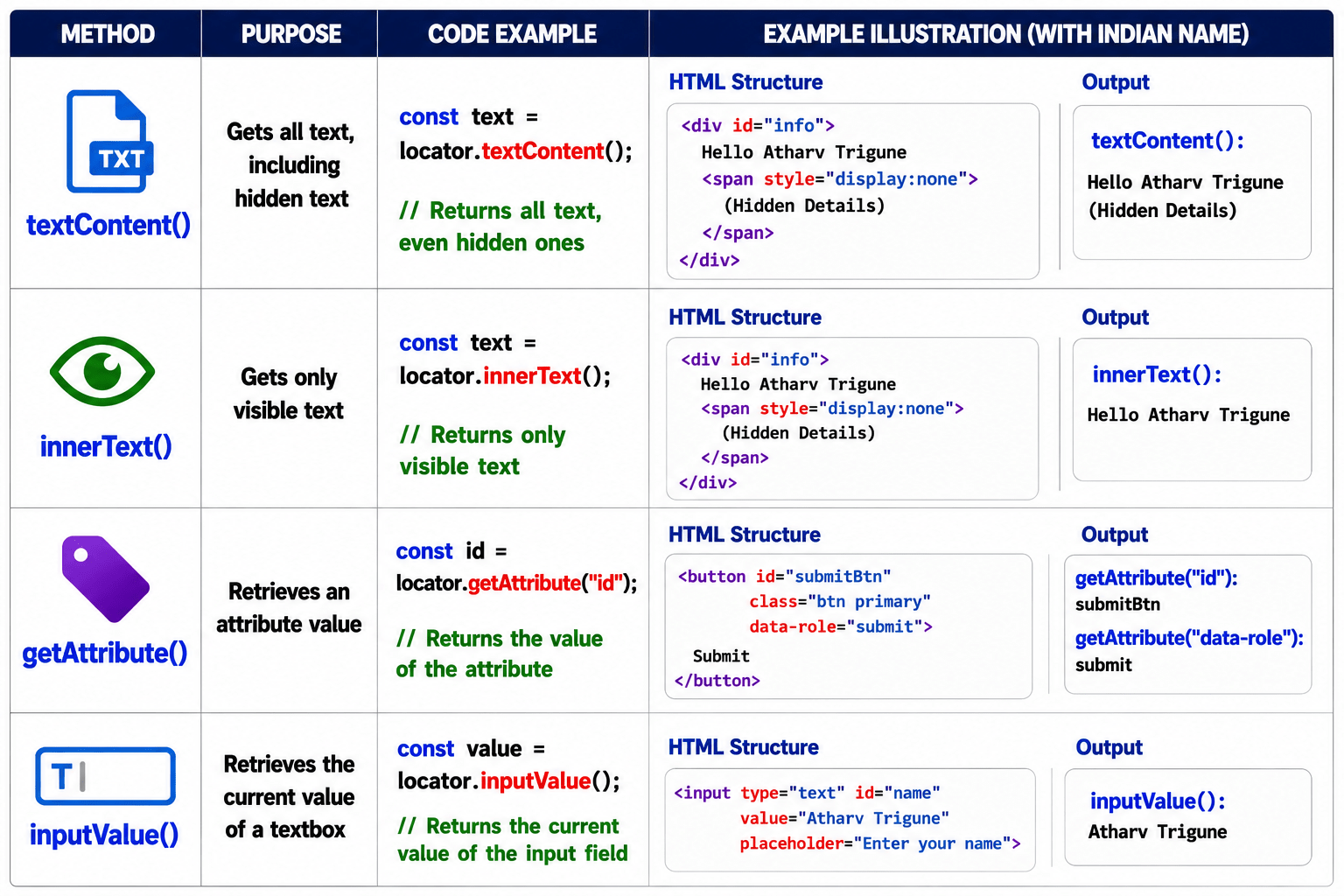
Data Retrieval Methods
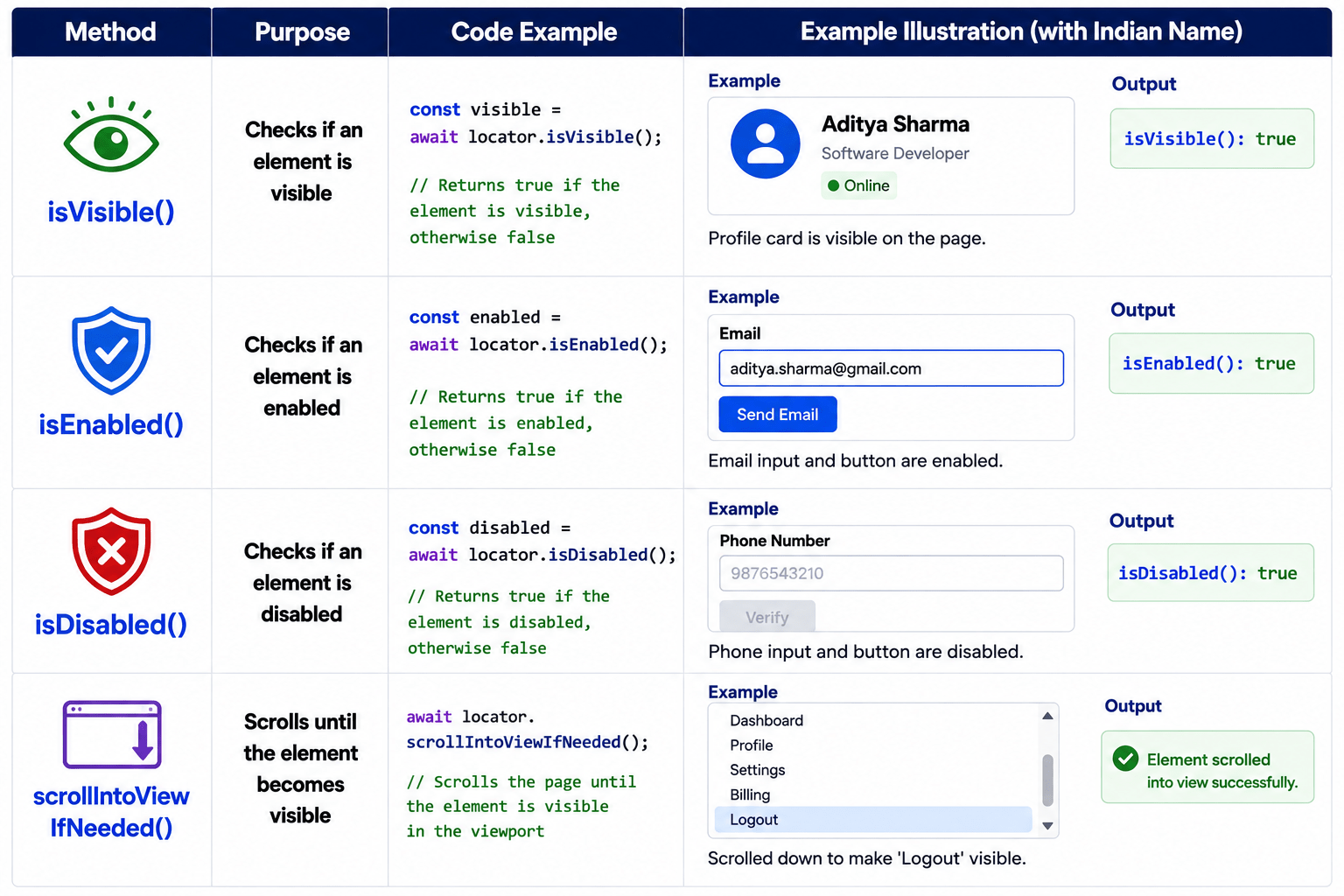
Element State Methods
Practical Example
Searching on Google
page.navigate("https://www.google.com");page.locator("textarea").fill("Playwright");page.locator("textarea").press("Enter");Best Practices
Locate the element before performing any action
Use fill() instead of simulating typing when appropriate
Prefer textContent() or innerText() based on your validation needs
Use isVisible() before interacting with dynamic elements.
Let Playwright's built-in Auto-Wait synchronize interactions
Summary
4
These methods are the foundation of UI automation
3
Playwright supports actions, data retrieval, and state verification
2
Every interaction begins after locating the element
1
Element Interaction Methods simulate real user actions.
Quiz
Which method clicks a button?
A. fill()
B. hover()
C. click()
D. type()
Quiz-Answer
Which method clicks a button?
A. fill()
B. hover()
C. click()
D. type()
By Content ITV