



Content ITV PRO
This is Itvedant Content department
Learning Outcome
6
Build a structured ML application using multiple Python modules.
5
Understand how Streamlit connects user input with ML predictions.
4
Understand the project structure of an ML prediction application.
3
Understand how trained models are reused using model serialization.
2
Explain how machine learning models are integrated into web apps.
1
Understand what a web application for ML predictions is.
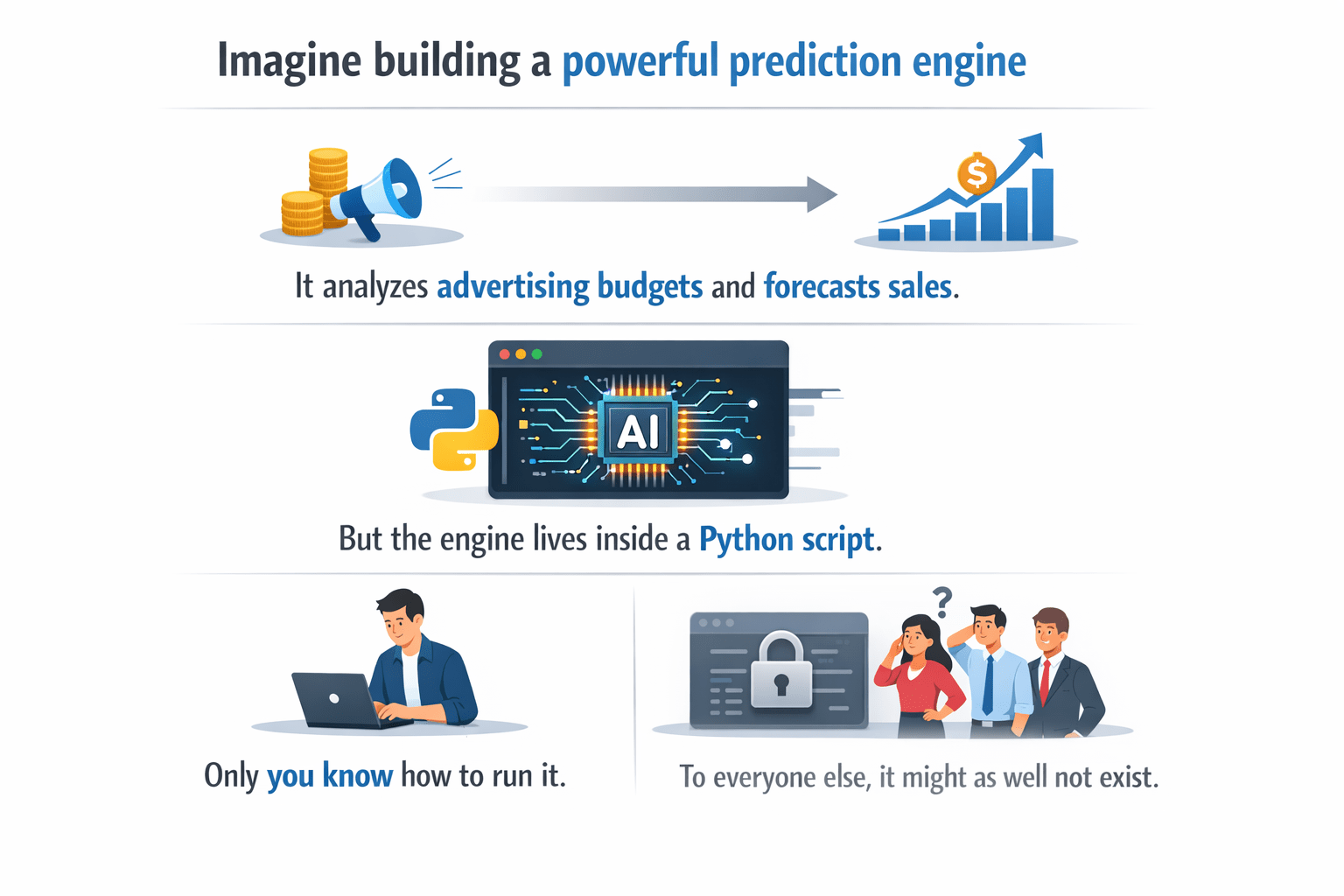
Imagine building a powerful prediction engine.
It analyzes advertising budgets and forecasts sales.
But the engine lies inside a Python script.
Only you know how to run it.
To everyone else, it might as well not exist.
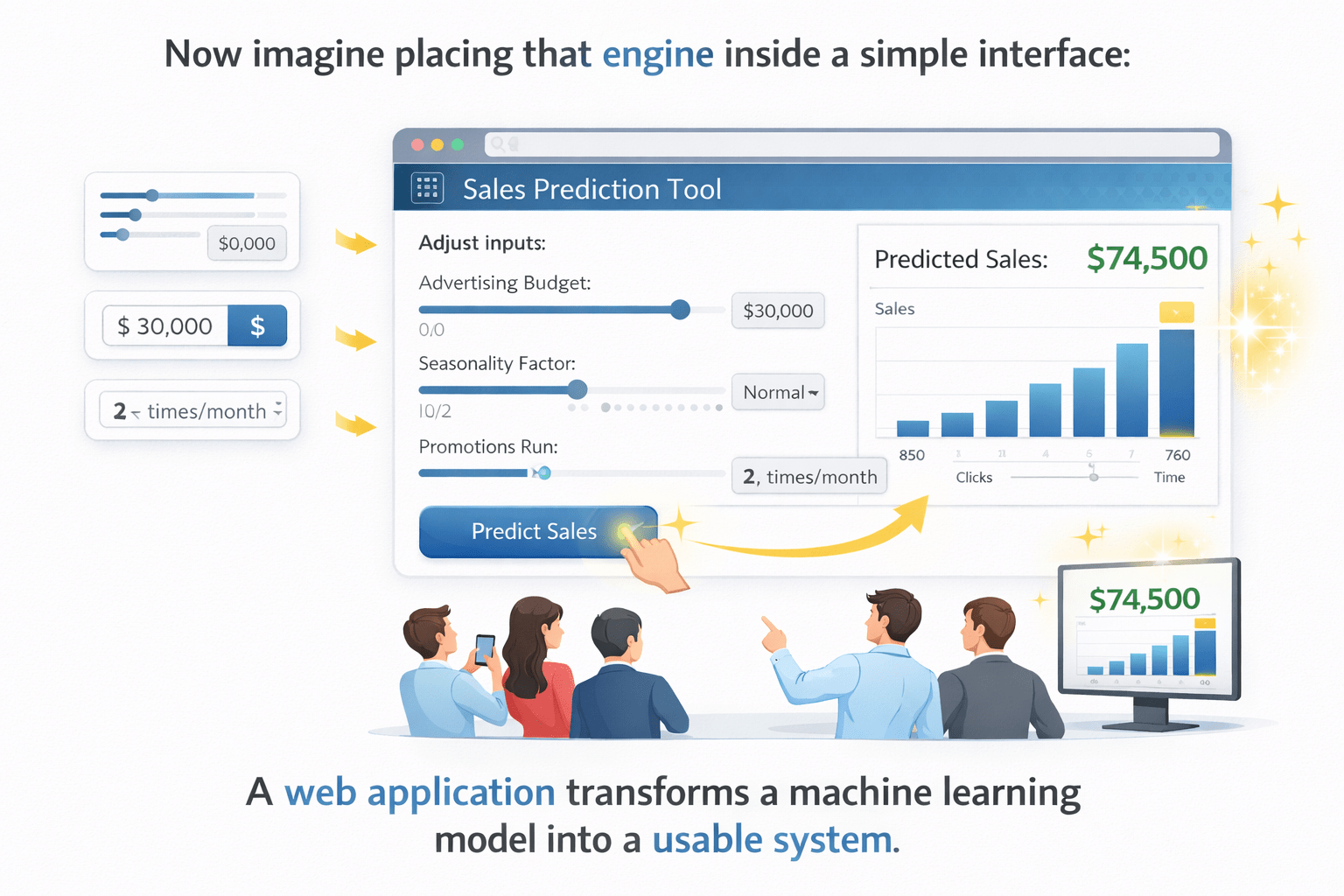
Now imagine placing that engine inside a simple interface.
Enter values.
Press a button.
The engine becomes a tool people can actually use.
A web application transforms a machine learning model into a usable system.
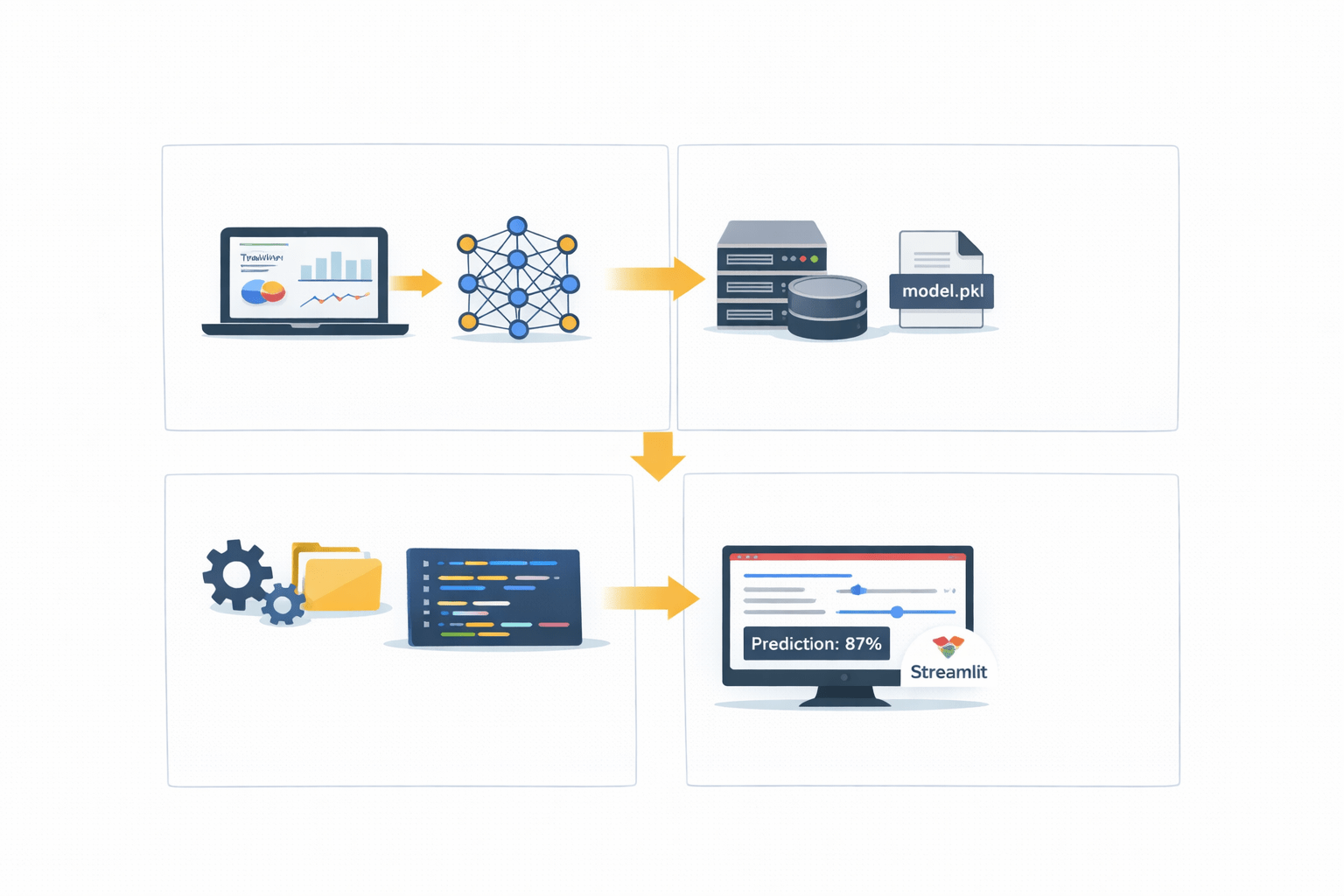
A model is trained using a dataset.
Model Storage
Model Training
User Interface
load the model
prepare input data
generate predictions
Prediction Logic
ML Web Application Architecture
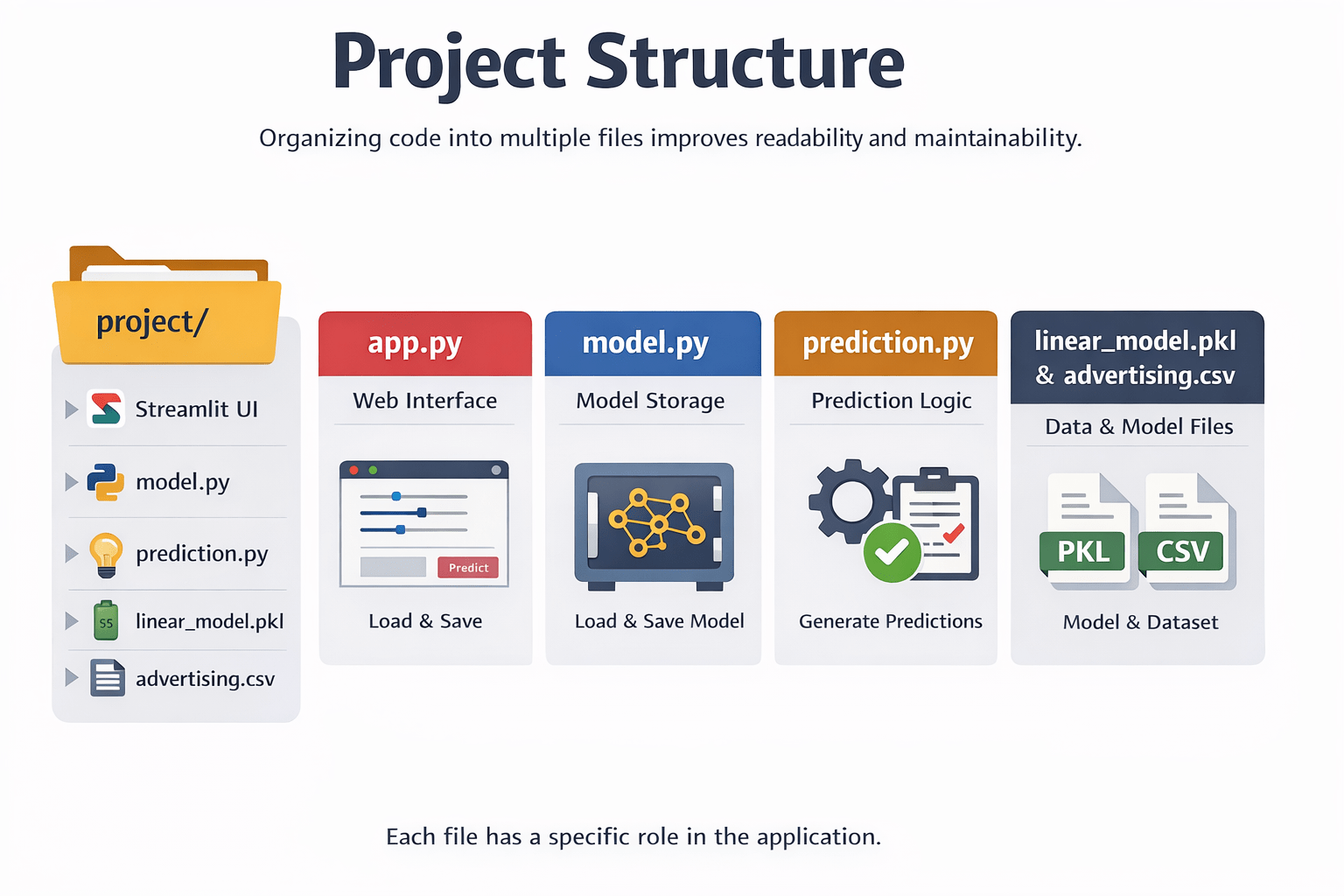
Organizing code into multiple files improves readability and maintainability.
Each file performs a specific role in the application.
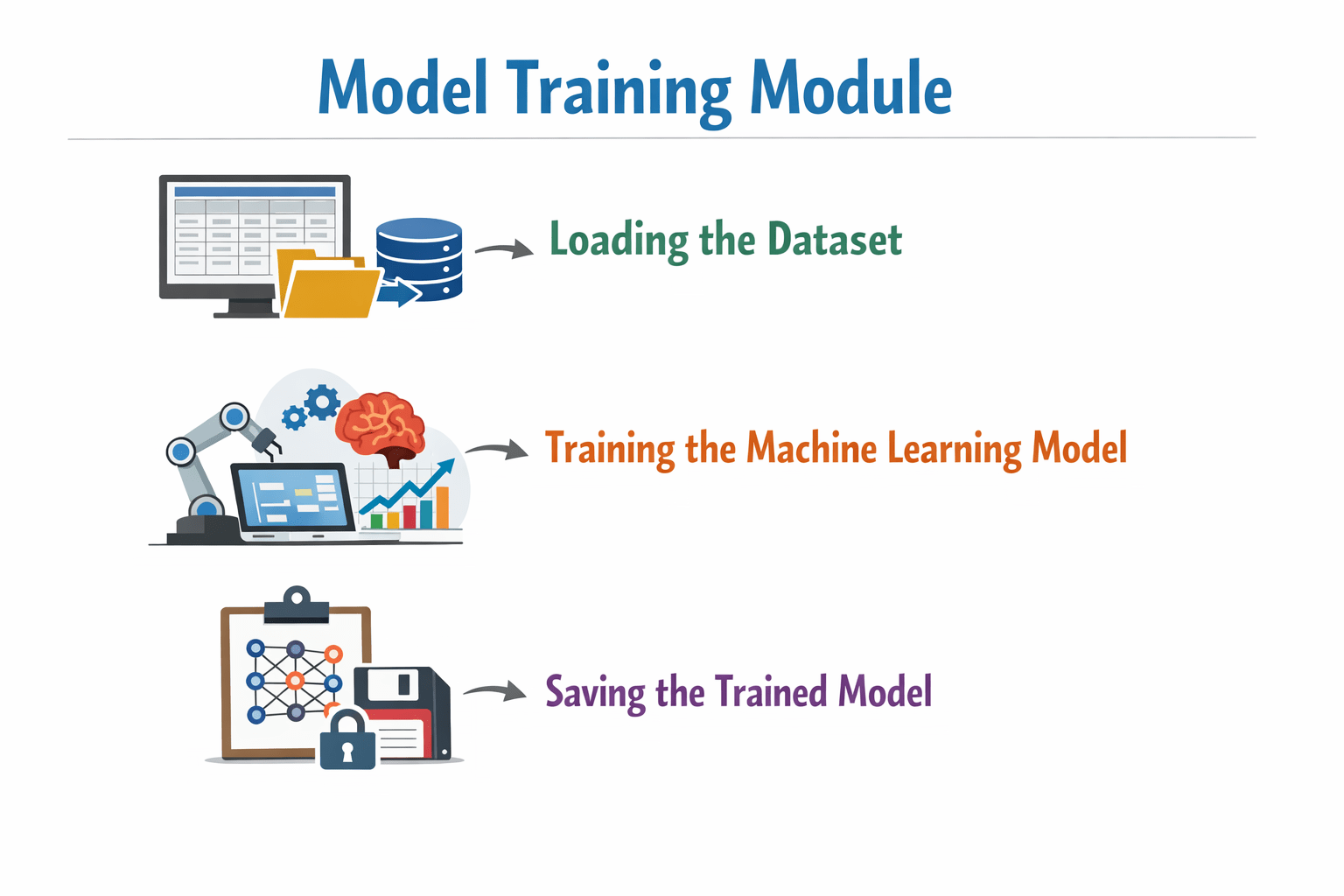
model.py — Model Training Module
This script is responsible for:
Loading the dataset
Training the machine learning model
Saving the trained model
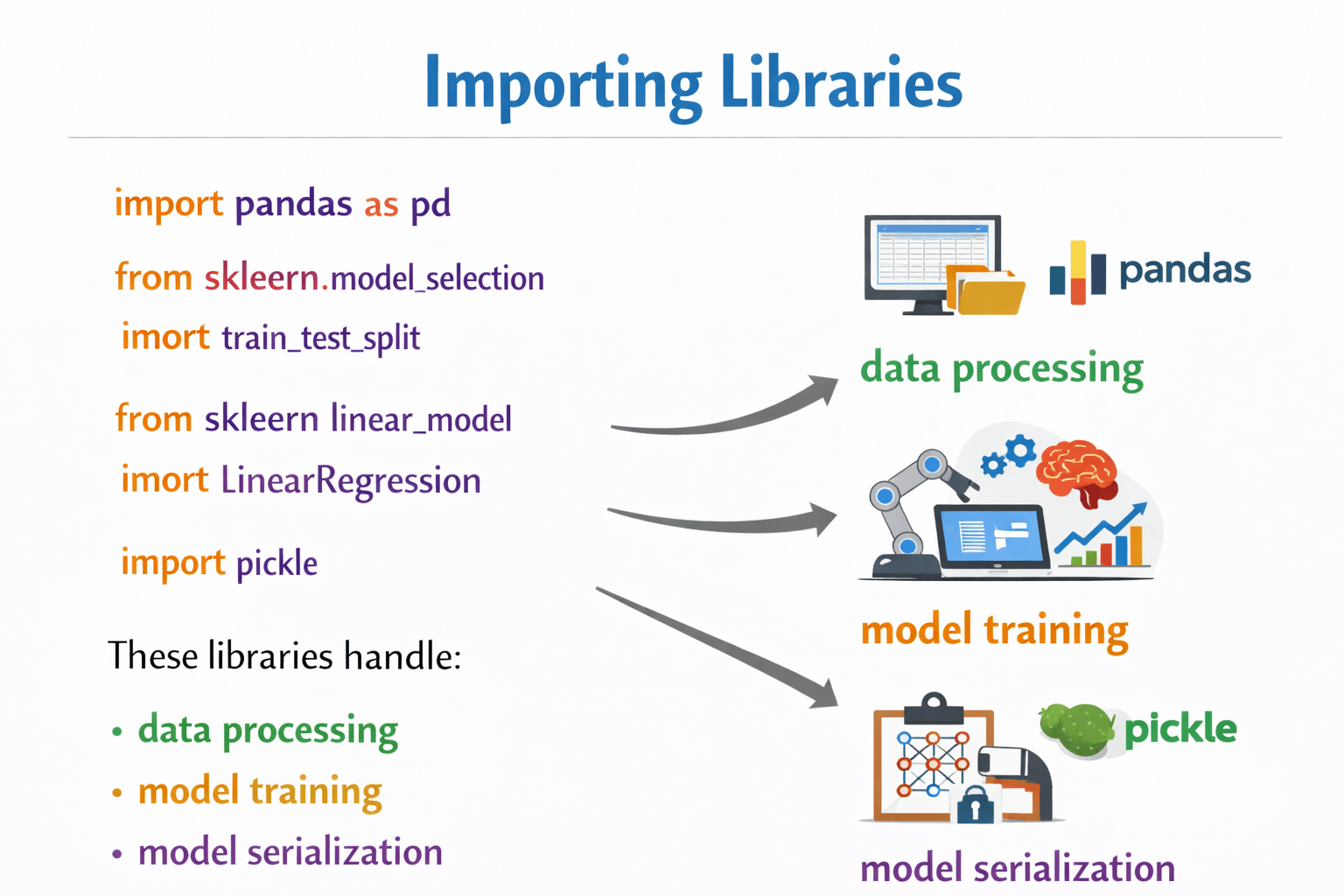
Importing Libraries
These libraries handle:
import pandas as pd
from sklearn.model_selection import train_test_split
from sklearn.linear_model import LinearRegression
import pickle
Data Processing
Model training
Model Serialization
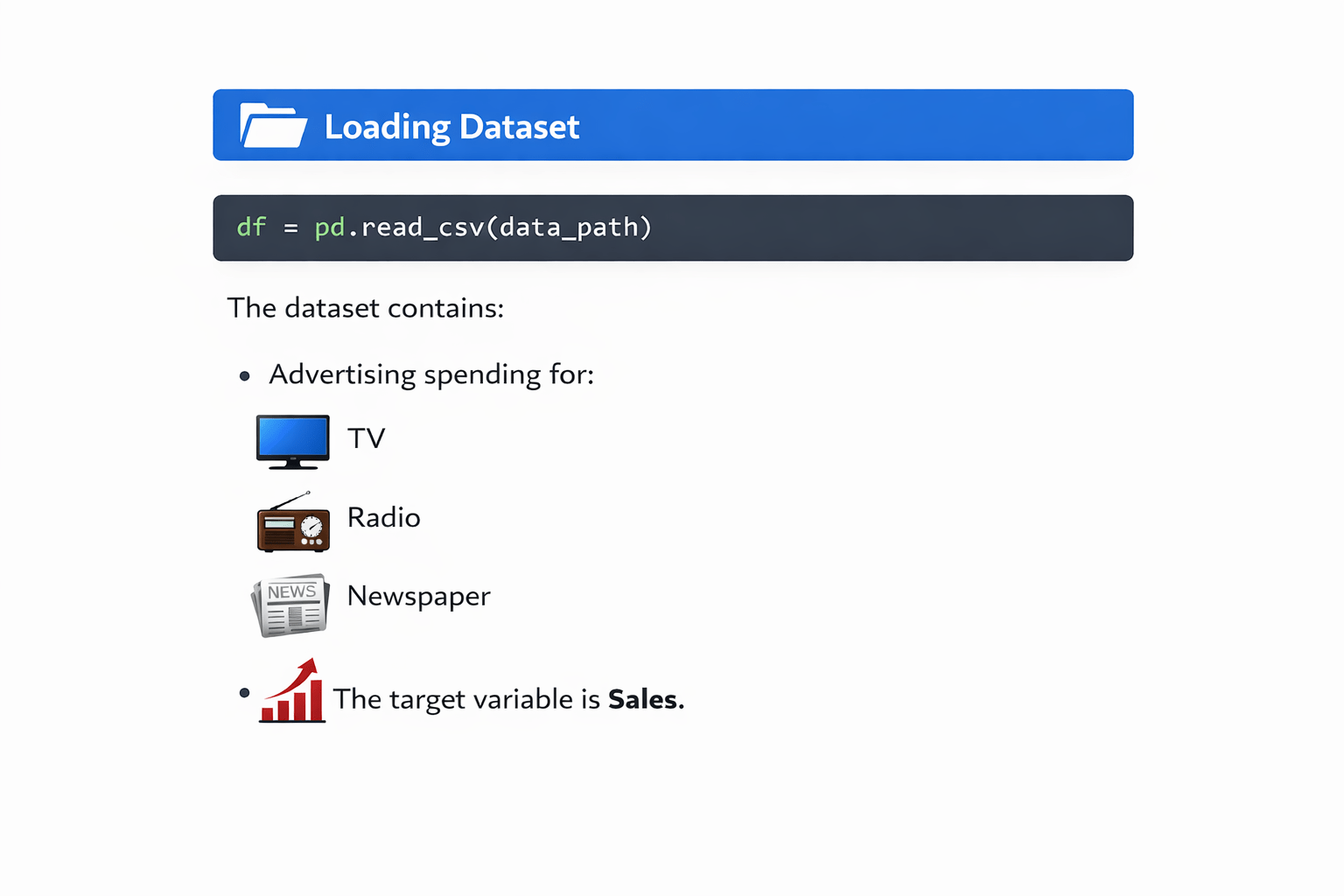
Loading Dataset
df = pd.read_csv(data_path)The dataset contains advertising spending for:
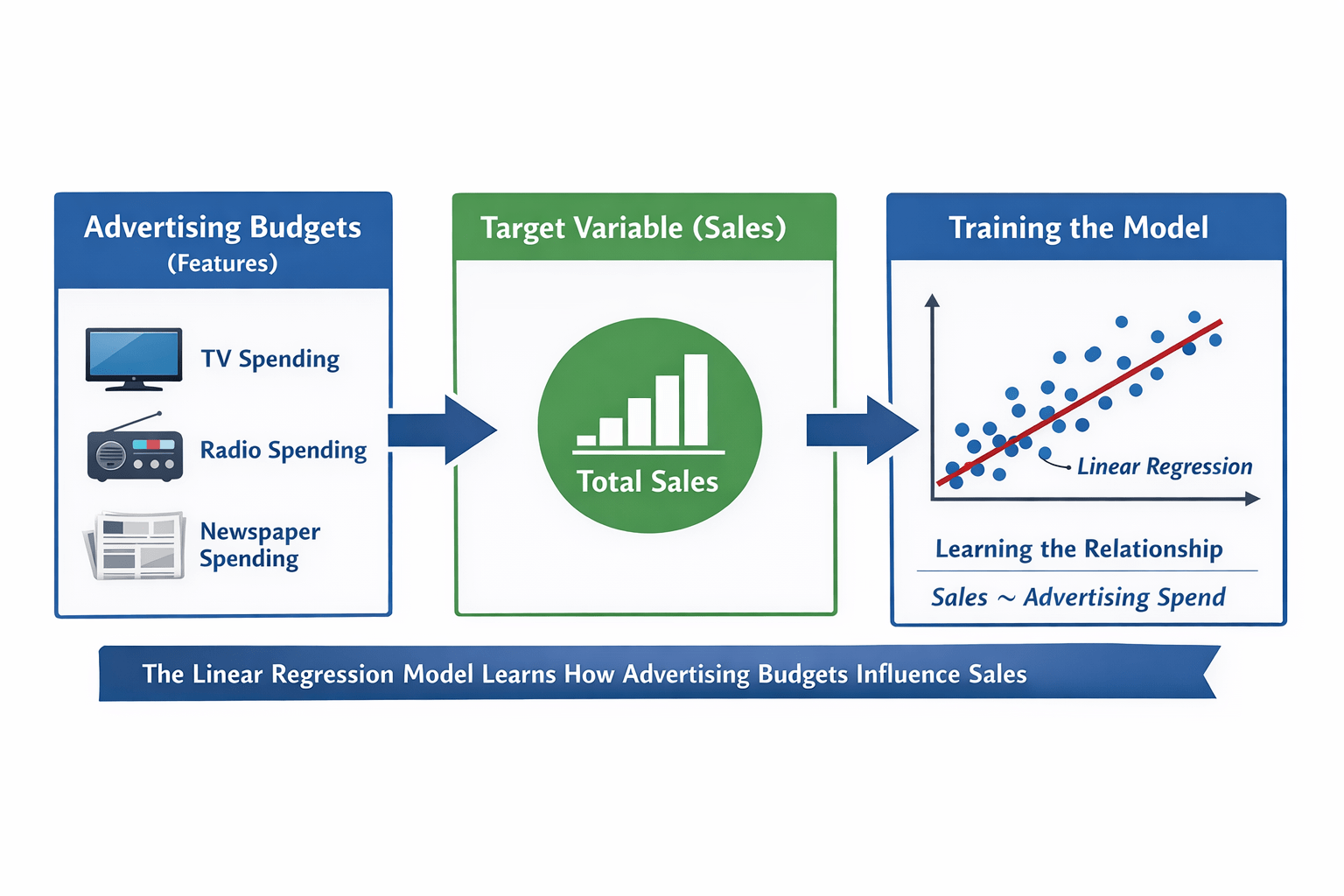
The target variable is Sales.
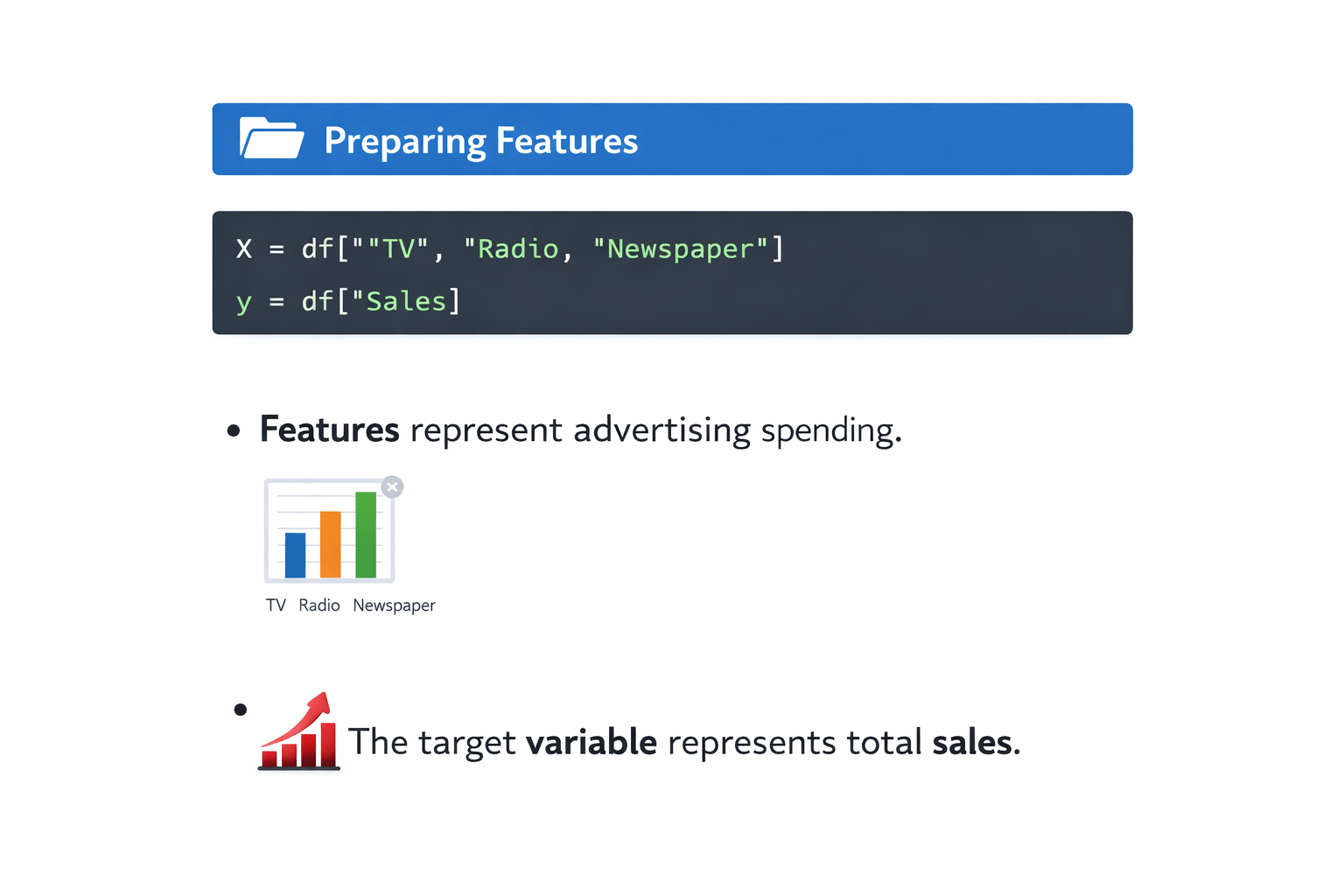
X = df[["TV", "Radio", "Newspaper"]]
y = df["Sales"]
Features represent advertising spending.
The target variable represents total sales.
Training the Model
model = LinearRegression()
model.fit(X_train, y_train)
The linear regression model learns how advertising budgets influence sales.
Saving the Model
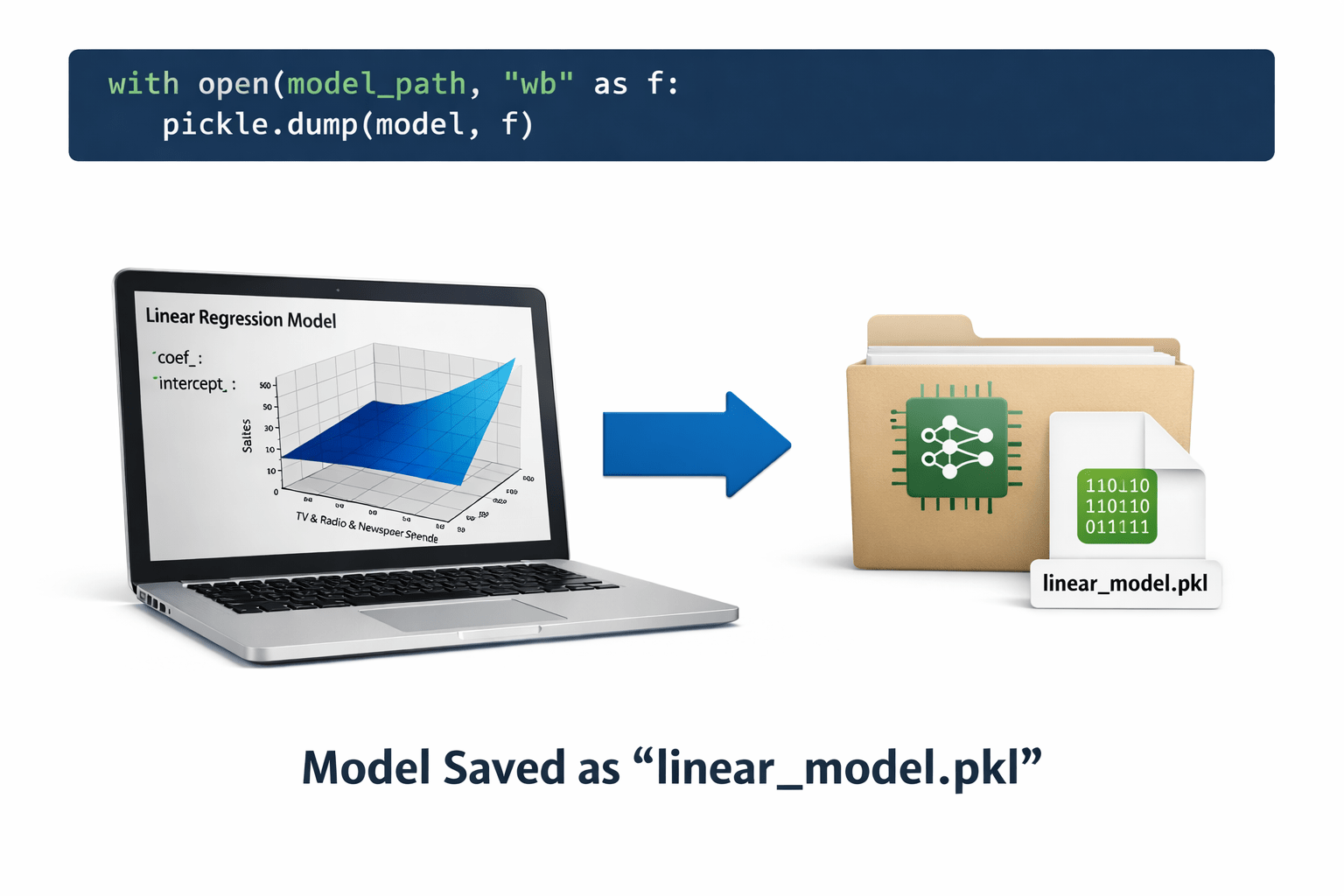
with open(model_path, "wb") as f:
    pickle.dump(model, f)
The trained model is saved as linear_model.pkl
This saved file will later be loaded by the prediction system.
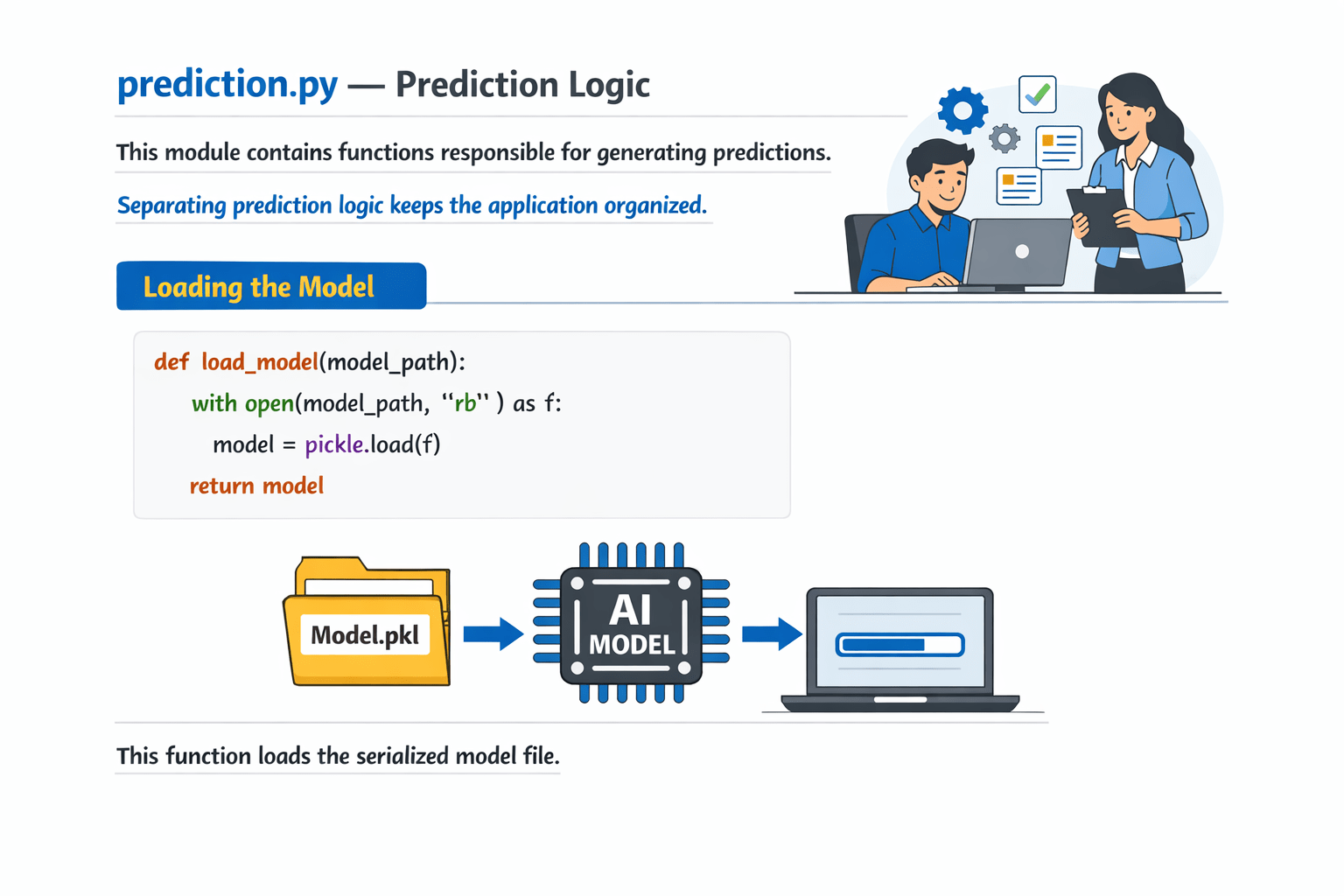
prediction.py — Prediction Logic
This module contains functions responsible for generating predictions.
Separating prediction logic keeps the application organized
Loading the Model
def load_model(model_path):
    with open(model_path, "rb") as f:
        model = pickle.load(f)
    return model
This function loads the serialized model file.
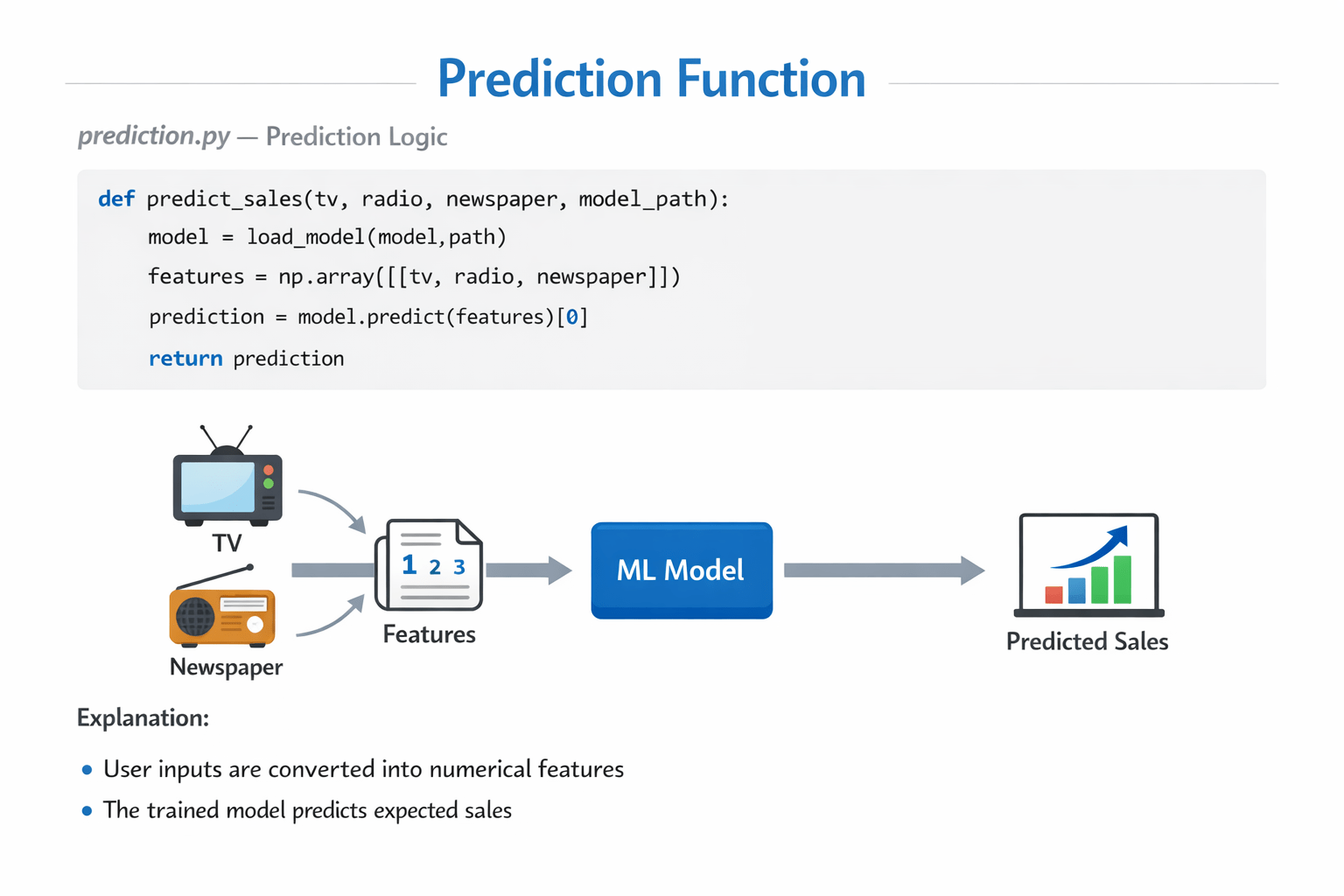
def predict_sales(tv, radio, newspaper, model_path):
    model = load_model(model_path)
    features = np.array([[tv, radio, newspaper]])
    prediction = model.predict(features)[0]
    return prediction
User inputs are converted into numerical features.
The trained model predicts expected sales.
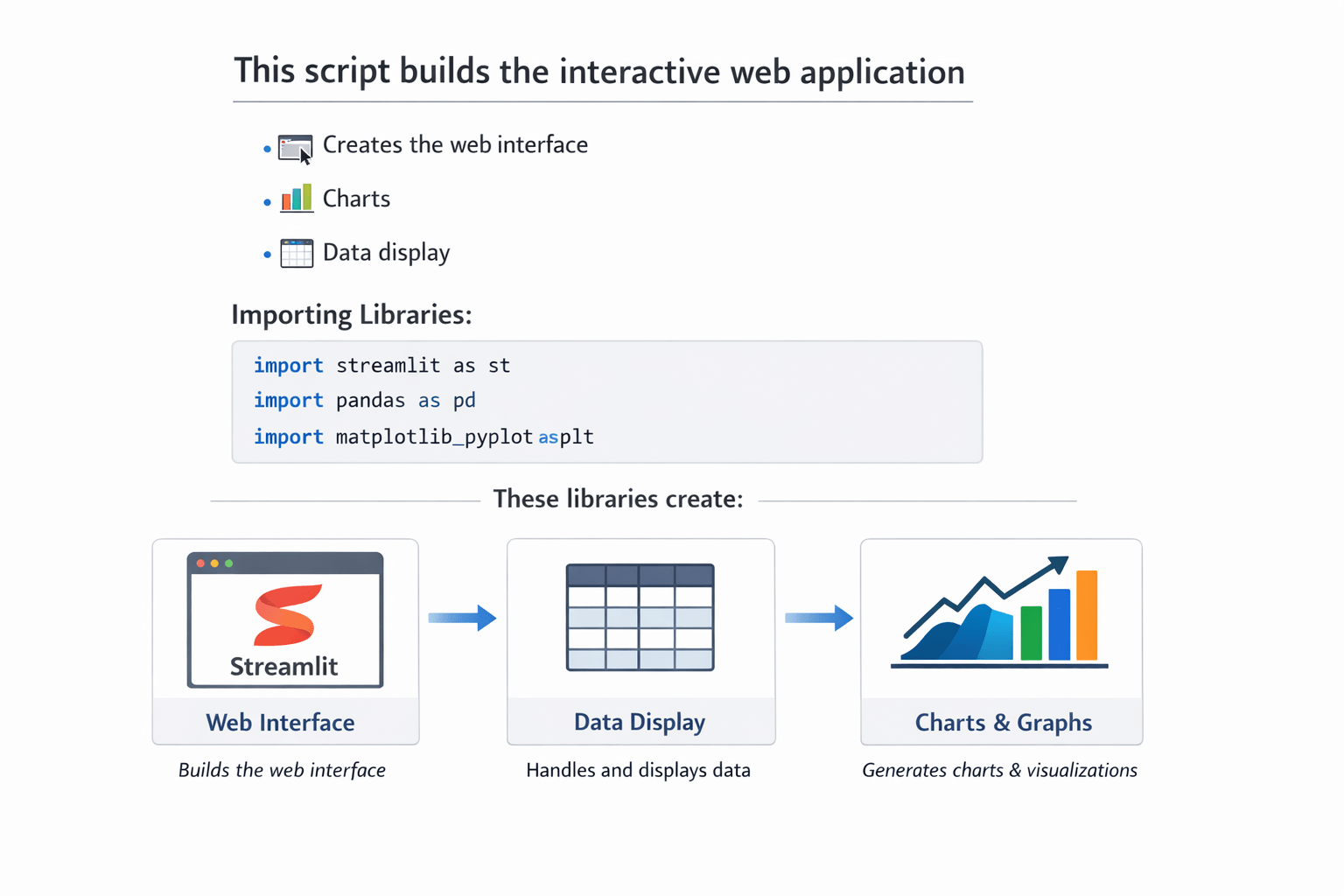
This script builds the interactive web application.
import streamlit as st
import pandas as pd
import matplotlib.pyplot as plt
Application Title
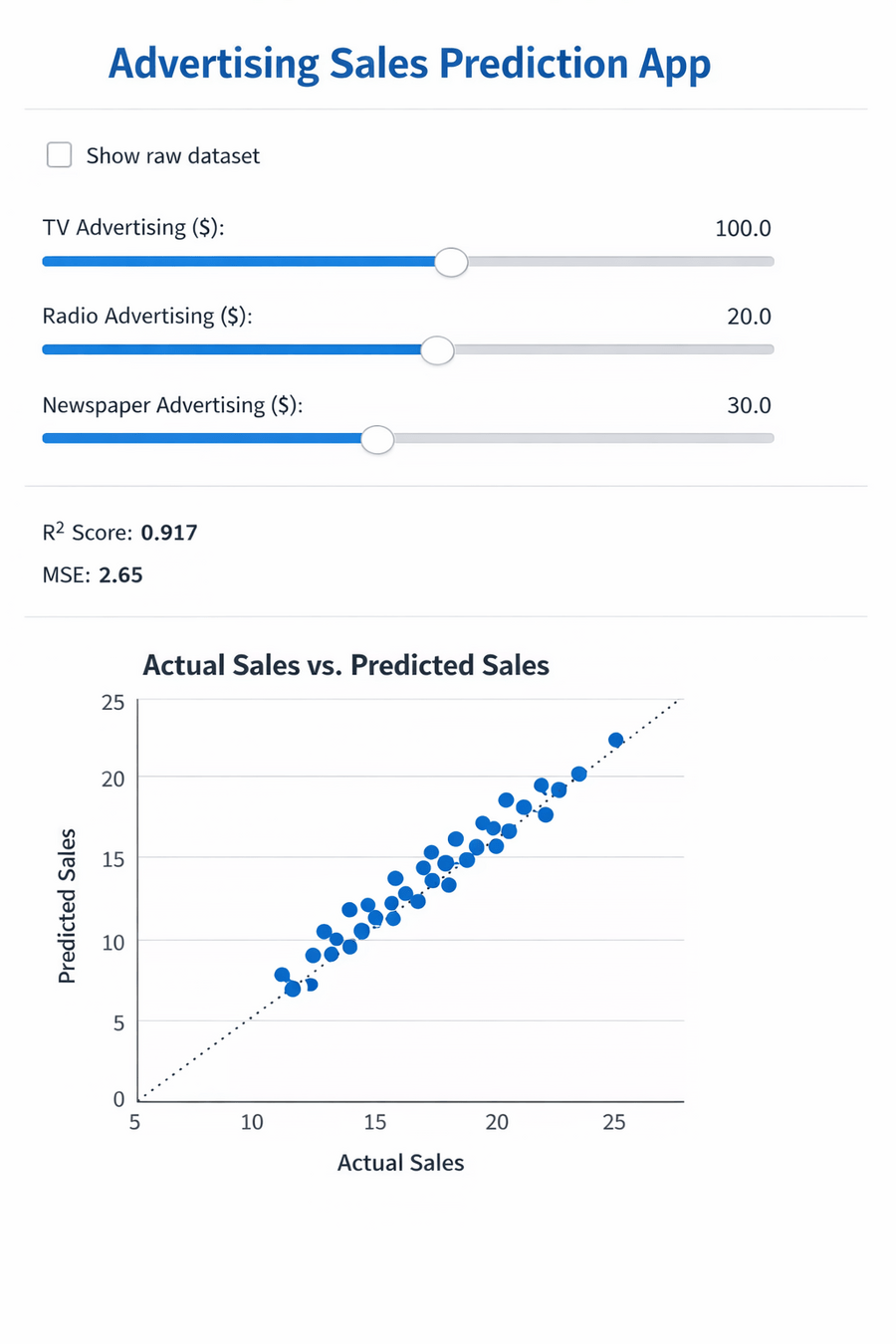
st.title("Advertising Sales Prediction App")This displays the title of the application.
Displaying Dataset
if st.checkbox("Show raw dataset"):
    st.dataframe(df.head())
Users can optionally view the dataset.
Model Performance
st.write("R² Score:", r2_score(y, y_pred))
st.write("MSE:", mean_squared_error(y, y_pred))
These metrics show how well the model fits the dataset.
Visualization
ax.scatter(y, y_pred)This plot compares actual sales with predicted sales.
User Input : Users provide advertising budgets using sliders.
tv = st.slider("TV Advertising ($)", 0.0, 300.0, 100.0)
radio = st.slider("Radio Advertising ($)", 0.0, 50.0, 20.0)
newspaper = st.slider("Newspaper Advertising ($)", 0.0, 120.0, 30.0)
Prediction
prediction = predict_sales(
tv, radio, newspaper, "linear_model.pkl")
The model predicts sales based on the input values.
Displaying Result
st.success(f"Predicted Sales: {prediction:.2f} units")The predicted value is displayed on the webpage.
Summary
4
Interactive user interface
3
Prediction logic
2
Model serialization using pickle
1
Trained machine learning model
Quiz
What is the purpose of a web application for ML predictions?
A. Train models
B. Allow users to interact with models through a browser
C. Clean datasets
D. Improve accuracy
What is the purpose of a web application for ML predictions?
A. Train models
B. Allow users to interact with models through a browser
C. Clean datasets
D. Improve accuracy
Quiz-Answer
By Content ITV