







Content ITV PRO
This is Itvedant Content department
Terraform Remote State Management for ContentSphere Platform
Business Scenario
Manager:
We have successfully deployed the ContentSphere infrastructure on AWS using Terraform. However, storing the Terraform state file locally is not suitable when multiple team members work on the same project.
DevOps Engineer:
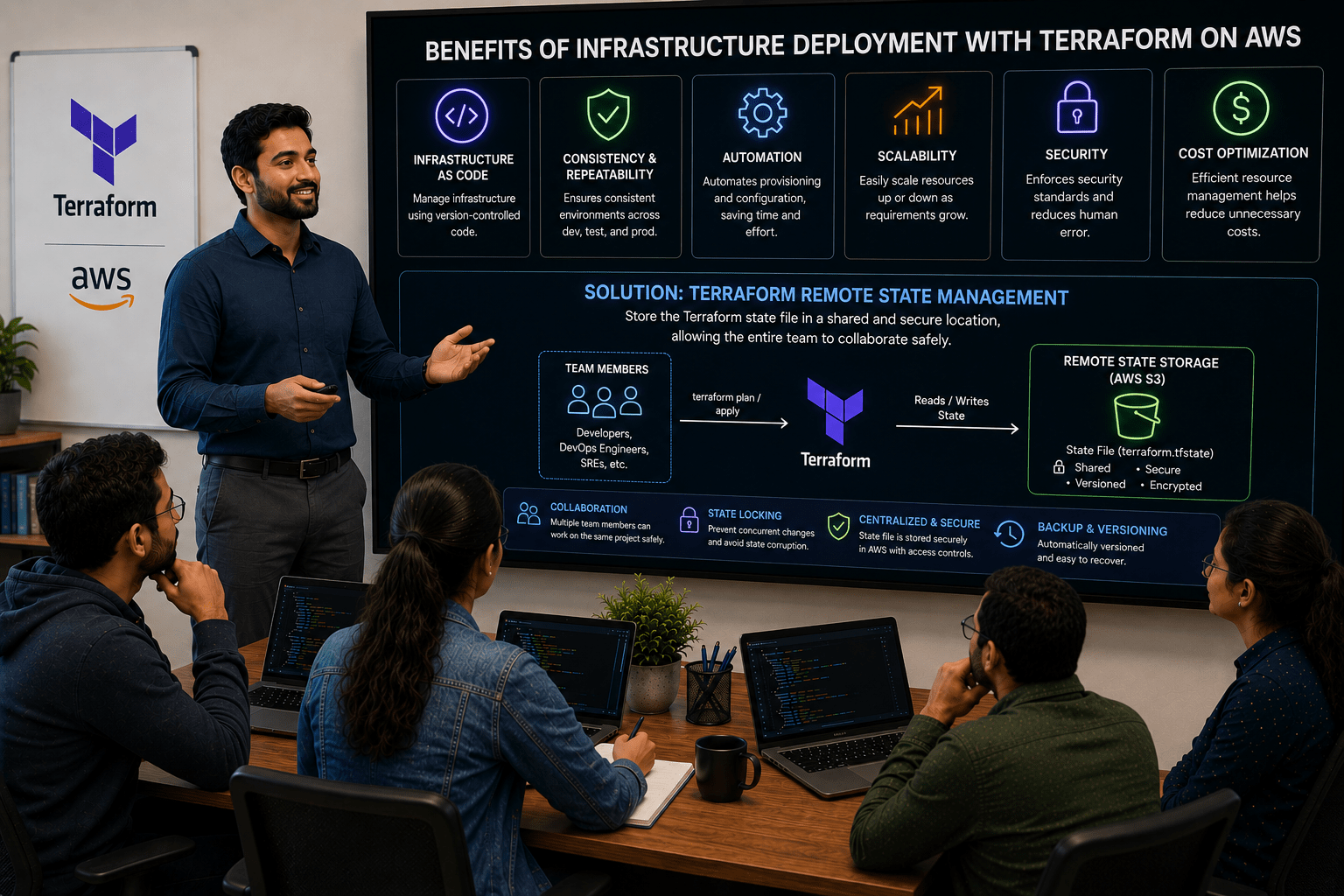
To solve this, we will use Terraform Remote State Management. It stores the state file in a shared and secure location, allowing the entire team to collaborate safely.
Manager:
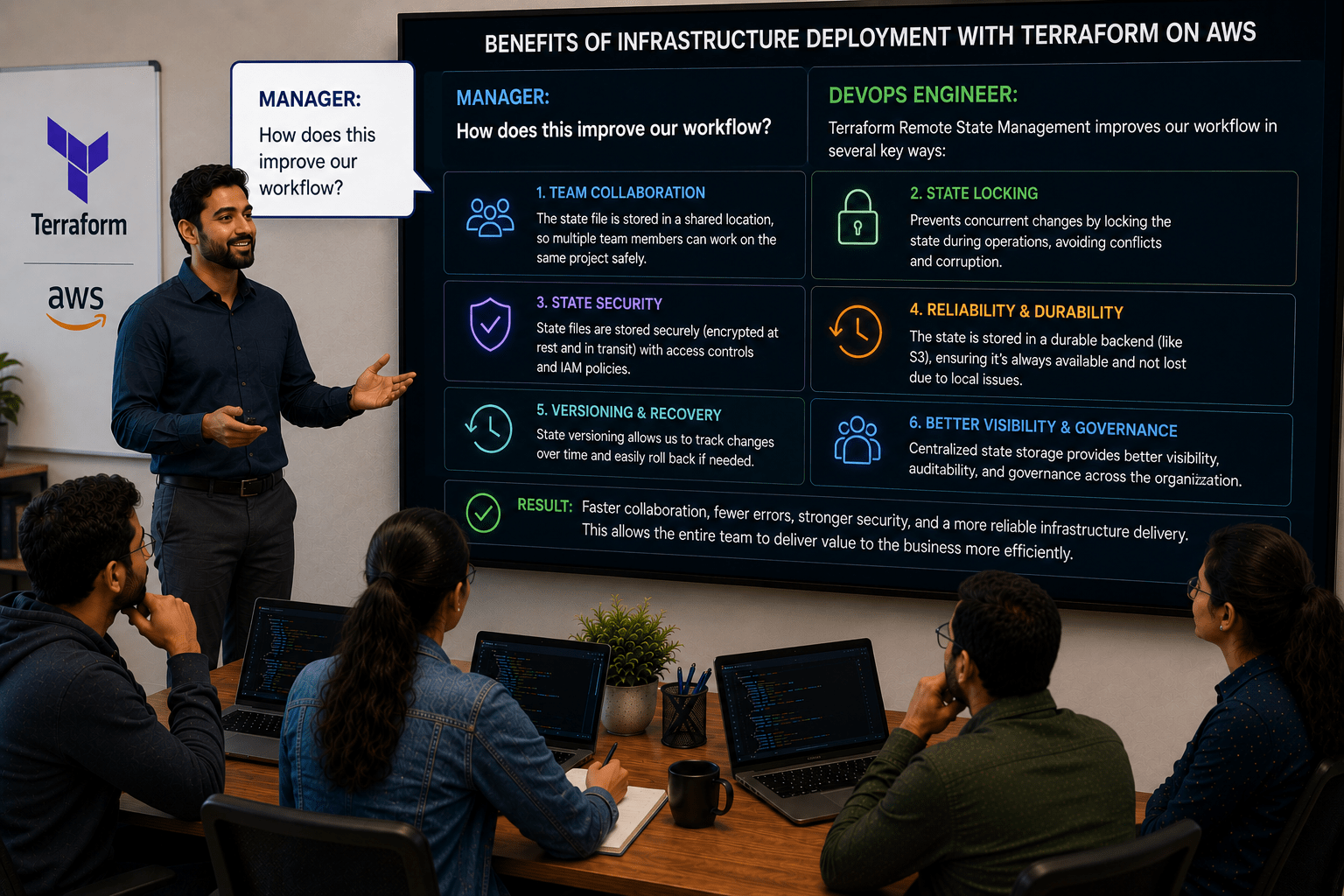
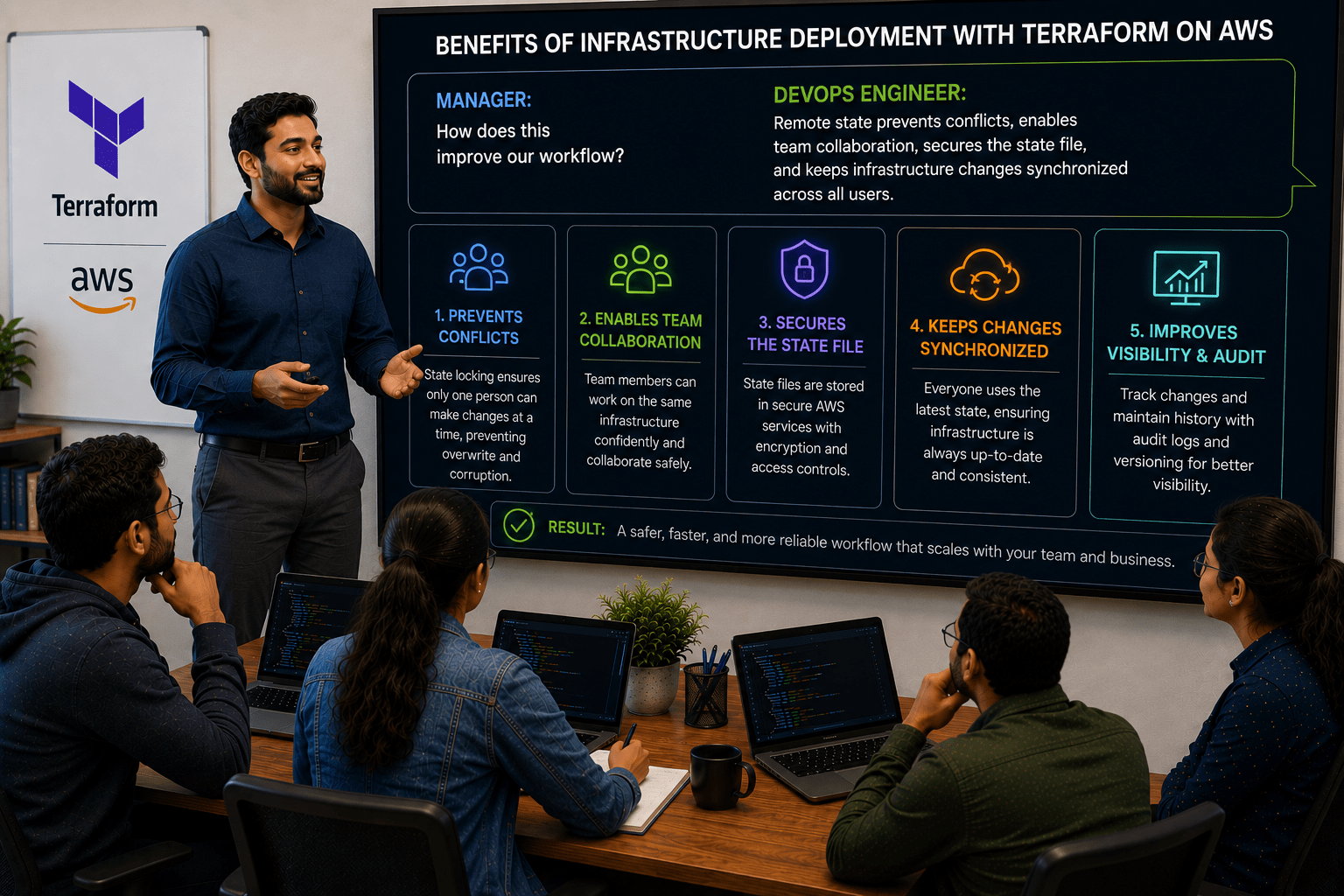
How does this improve our workflow?
DevOps Engineer:
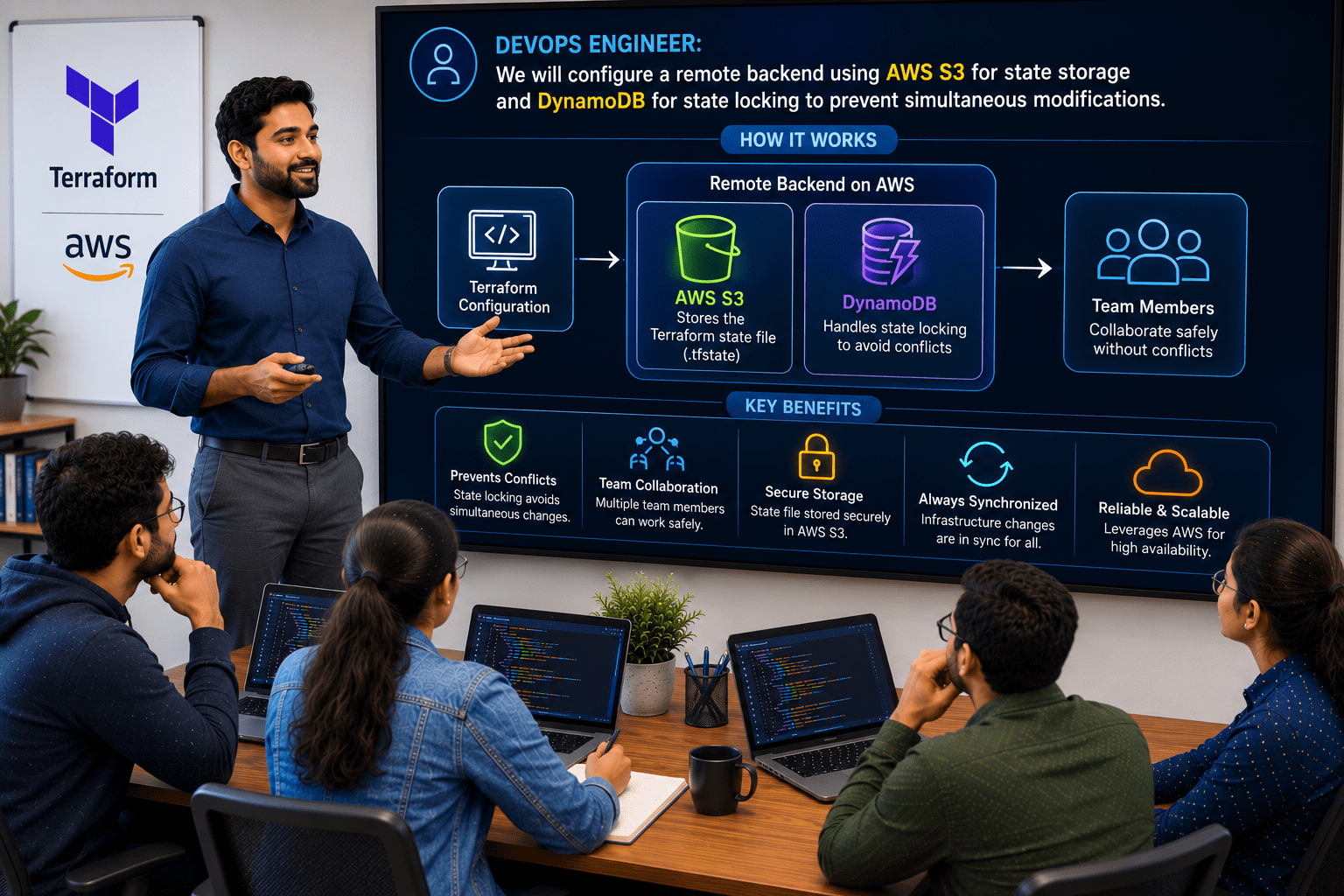
Remote state prevents conflicts, enables team collaboration, secures the state file, and keeps infrastructure changes synchronized across all users.
Manager:
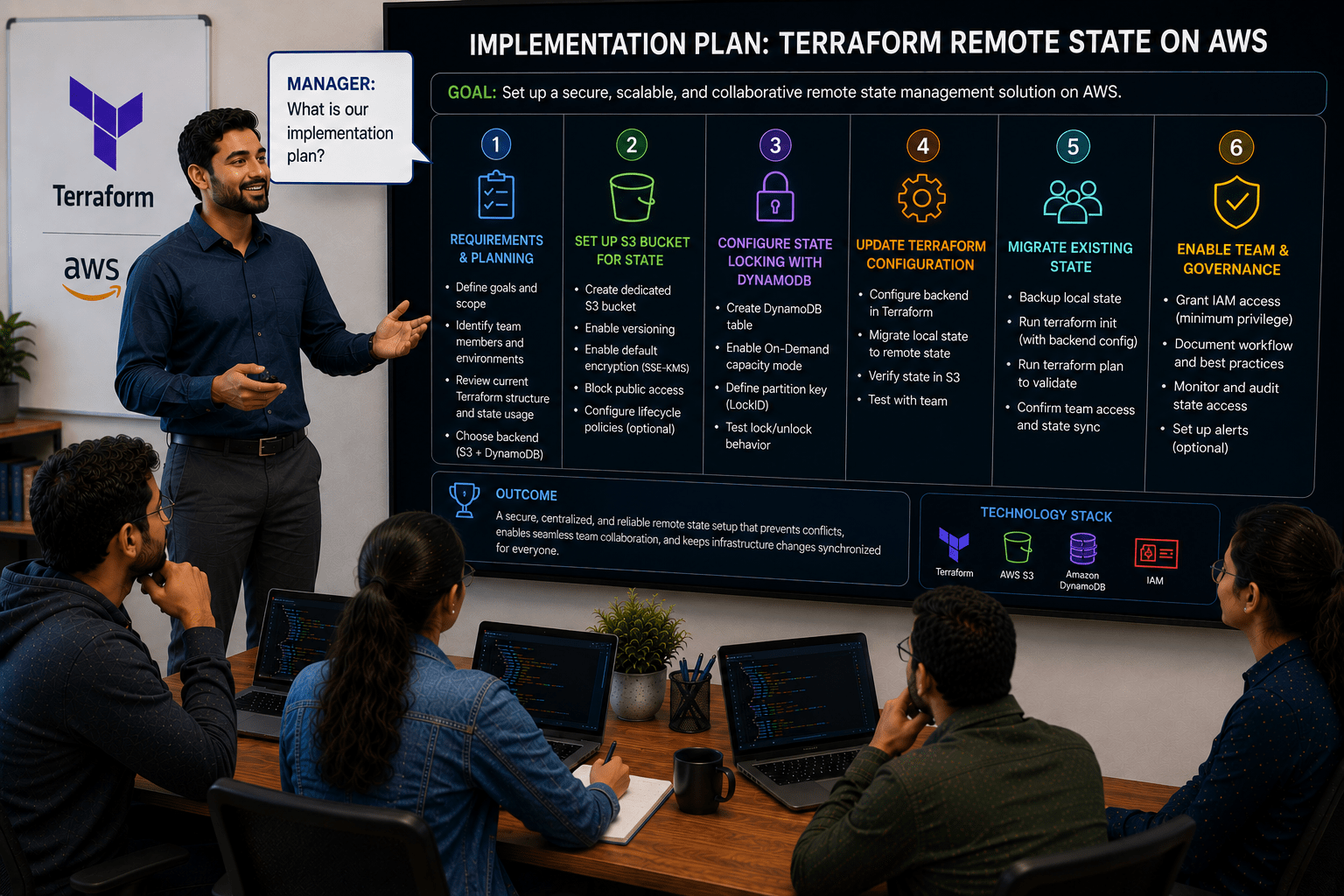
What is our implementation plan?
DevOps Engineer:
We will configure a remote backend using AWS S3 for state storage and DynamoDB for state locking to prevent simultaneous modifications.
DevOps Engineer to Team:
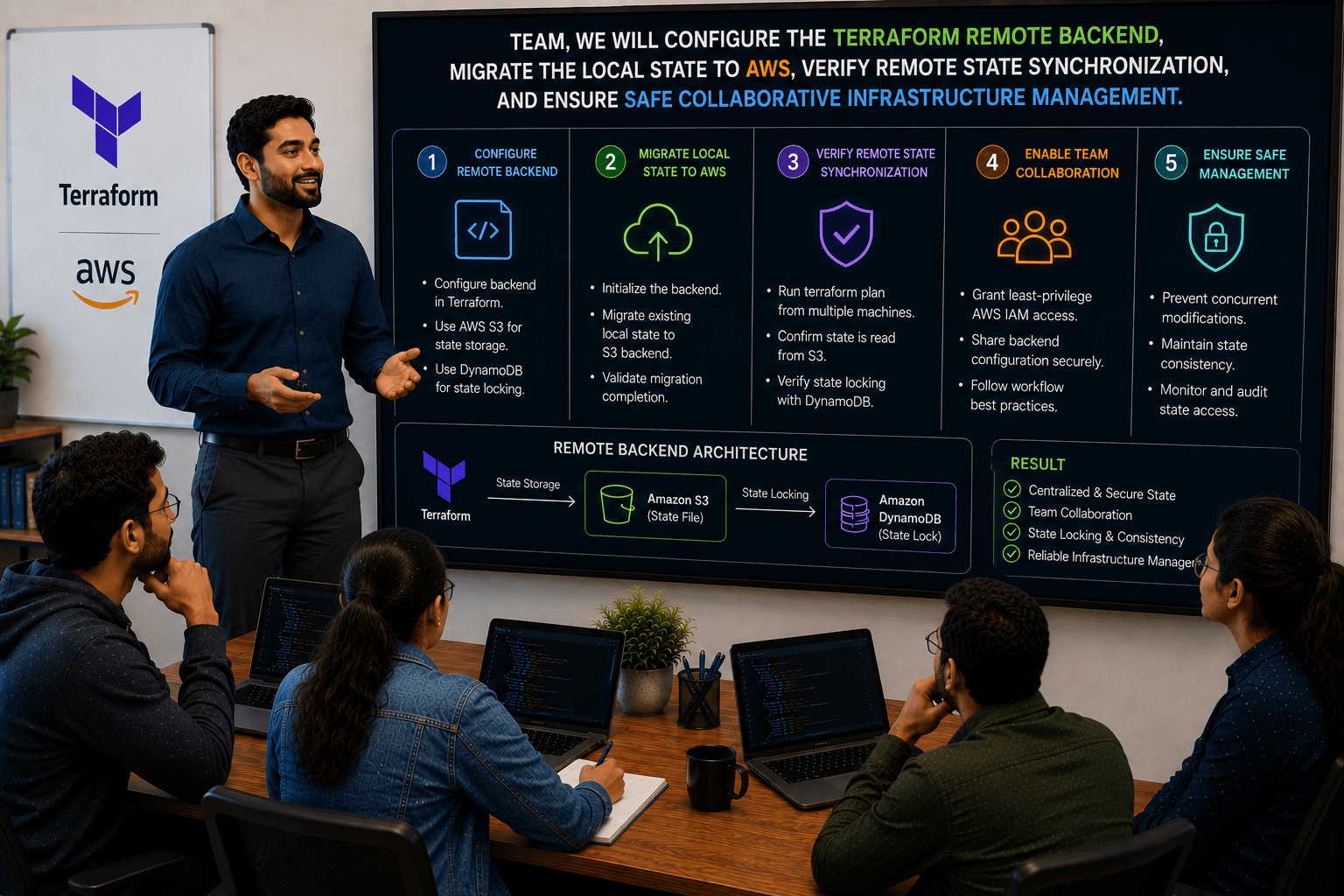
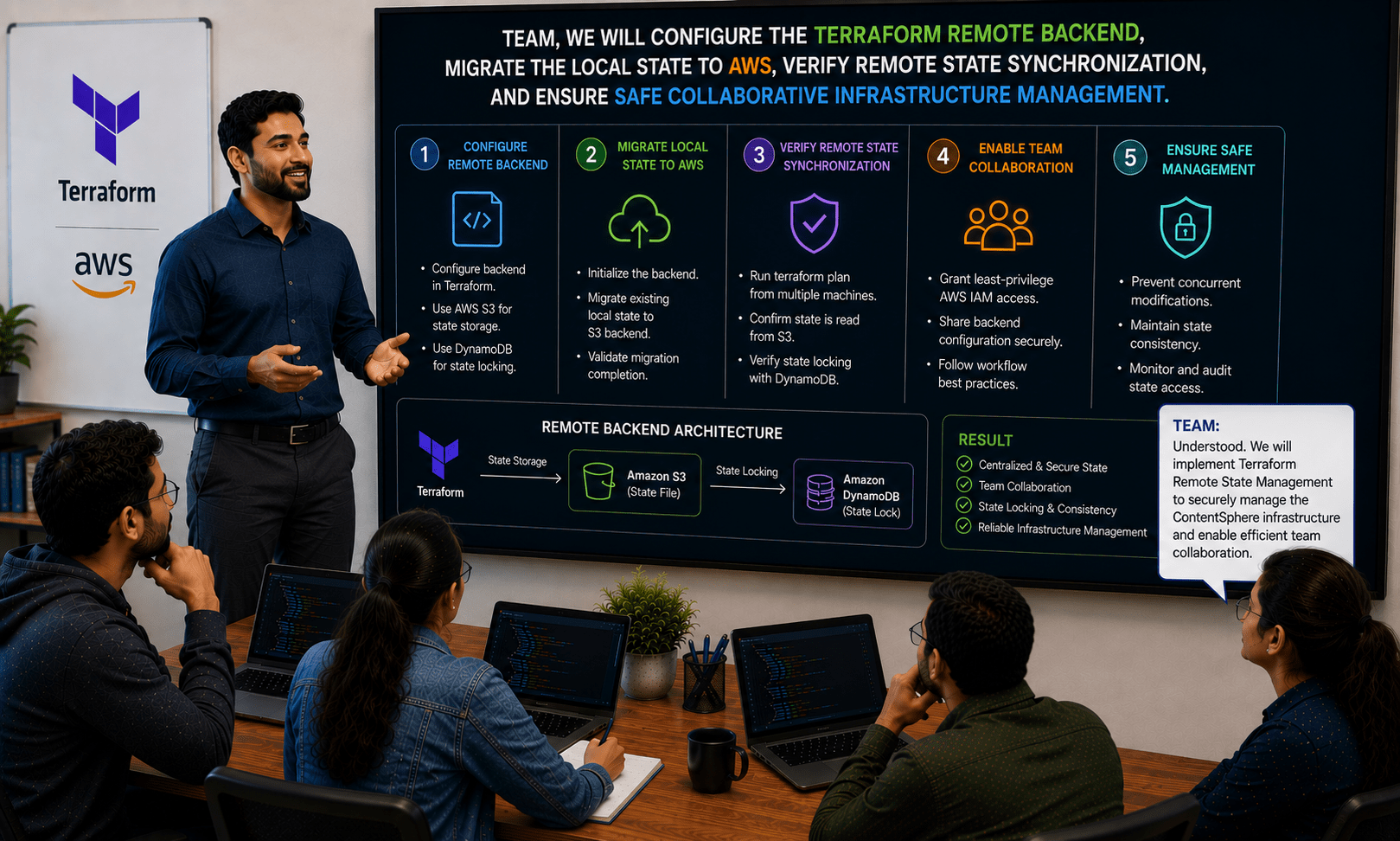
Team, we will configure the Terraform remote backend, migrate the local state to AWS, verify remote state synchronization, and ensure safe collaborative infrastructure management.
Team:
Understood. We will implement Terraform Remote State Management to securely manage the ContentSphere infrastructure and enable efficient team collaboration.
Pre-Lab Preparation
AWS Account is available.
AWS CLI is installed and configured.
Terraform is installed.
S3 permissions are available.
DynamoDB permissions are available.
Basic understanding of Terraform state files.
ContentSphere Terraform project is available.
Task 1: Verify Existing Terraform State
1
Navigate to the existing Terraform project directory
cd contentsphere-infra
2
Verify local Terraform state file
lsExpected Output:
terraform.tfstate
terraform.tfstate.backup
3
Review Terraform-managed resources
terraform state list
Expected Output:
aws_vpc.contentsphere_vpc
aws_instance.contentsphere_server
aws_s3_bucket.contentsphere_bucket
Task 2: Create S3 Bucket for Remote State Storage
1
1
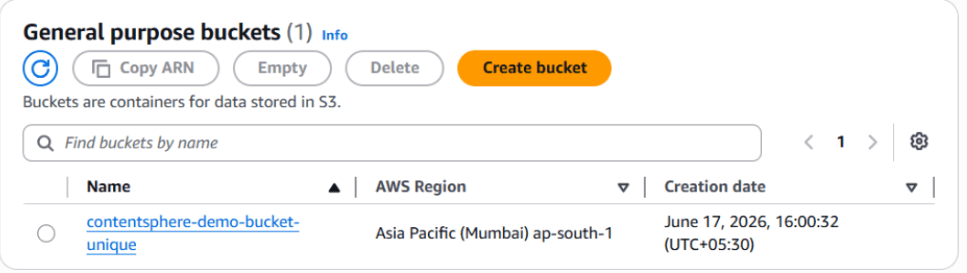
Create an S3 bucket using AWS CLI.
aws s3 mb s3://contentsphere-tfstate-<unique-id>
Replace <unique-id> with a unique value
2
Verify the bucket creation
aws s3 ls
3
Navigate to the AWS Console
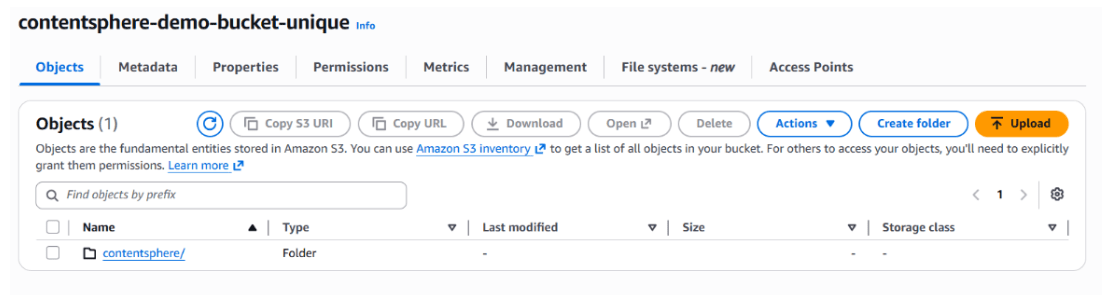
Navigate to: Amazon S3 → Buckets
Verify the state bucket is available.
Task 3: Create DynamoDB Table for State Locking
1
Create a DynamoDB table
aws dynamodb create-table \
--table-name terraform-locks \
--attribute-definitions AttributeName=LockID,AttributeType=S \
--key-schema AttributeName=LockID,KeyType=HASH \
--billing-mode PAY_PER_REQUEST
2
Verify the table creation
aws dynamodb list-tables
Expected Output: Terraform-locks
3
Verify the table in AWS Console.
Navigate to: DynamoDB → Tables
Task 4: Configure Terraform Remote Backend
1
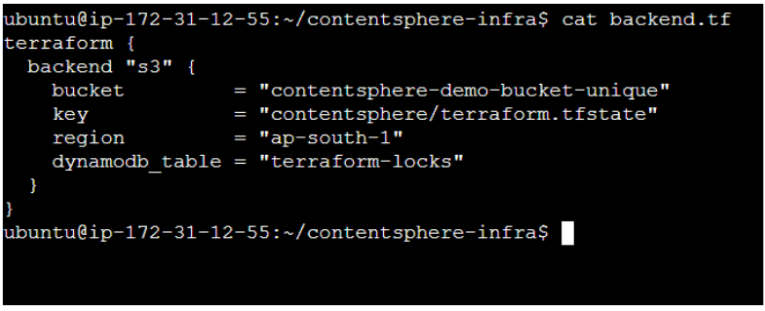
Create a backend configuration file
touch backend.tf
2
Add the following configuration.
terraform {
 backend "s3" {
   bucket         = "contentsphere-tfstate-<unique-id>"
   key            = "dev/terraform.tfstate"
   region         = "us-east-1"
   dynamodb_table = "terraform-locks"
 }
}
3
Save the configuration file
Task 5: Initialize Remote Backend
1
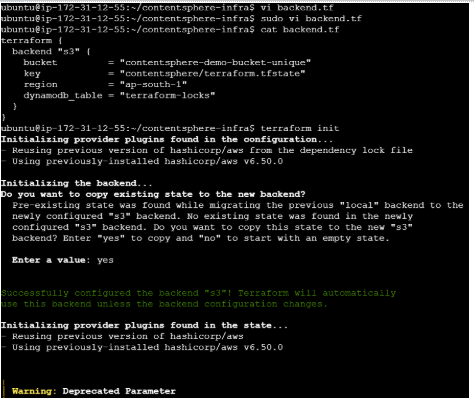
Initialize Terraform
Expected Output:
Successfully configured the backend "s3"
Terraform will prompt to migrate the existing state.
terraform init
2
When prompted, enter: yes
3
Verify backend initialization
terraform state listTask 6: Verify Remote State Storage
1
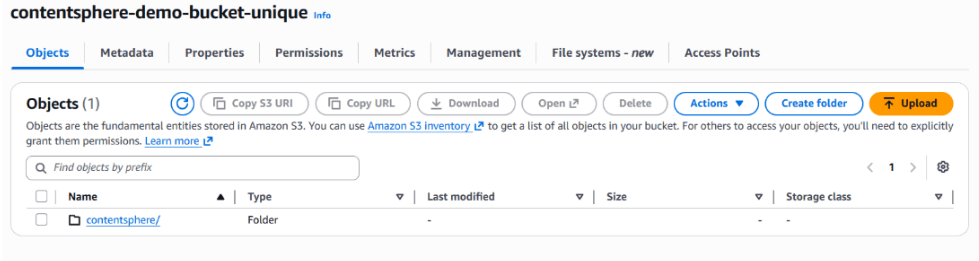
Verify the state file in S3
(aws s3 ls s3://contentsphere-tfstate-<unique-id>/dev/)
2
Verify state locking configuration.
Execute: terraform plan
Observe that Terraform successfully acquires and releases a lock
3
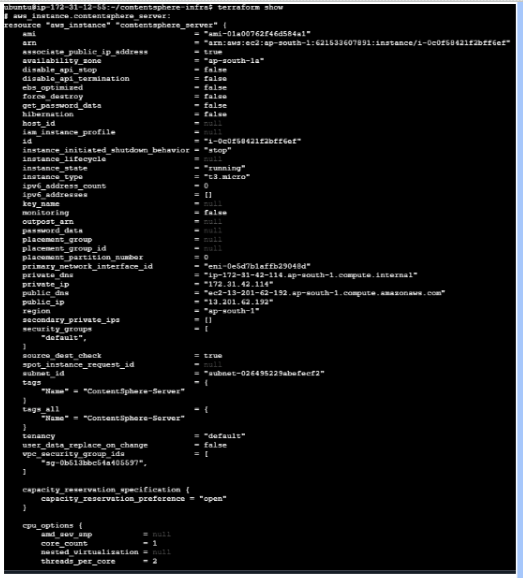
Verify state file location
terraform show
Task 7:Validate Team Collaboration Readiness
1
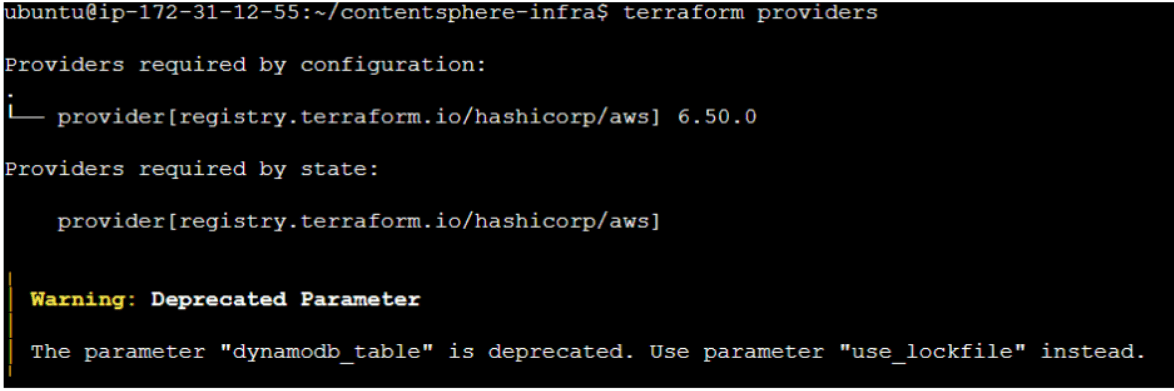
Display current backend configuration
terraform providers
2
Verify infrastructure resources.
terraform state list
Expected Output:
aws_vpc.contentsphere_vpc
aws_instance.contentsphere_server
aws_s3_bucket.contentsphere_bucket
Great job!
Reviewed Terraform state files.
Created an Amazon S3 bucket for remote state storage.
Configured a DynamoDB table for state locking.
Migrated Terraform state from local storage to a remote backend.
Verified centralized state management.
Enabled safe collaboration for infrastructure management.
Checkpoint
Next-Lab Preparation
Creating CloudFormation Templates
Deploying AWS Resources Using CloudFormation
Managing CloudFormation Stacks
Viewing Stack Outputs
By Content ITV