










Content ITV PRO
This is Itvedant Content department
Learning Outcome
5
Use TestNG annotations to structure test execution
4
Navigate between frames and nested frames
3
Handle alerts, prompts, and popups correctly
2
Switch between browser windows and tabs
1
Understand context switching in Selenium automation
Imagine you are shopping in a big mall
You enter the main entrance of the mall
Recall
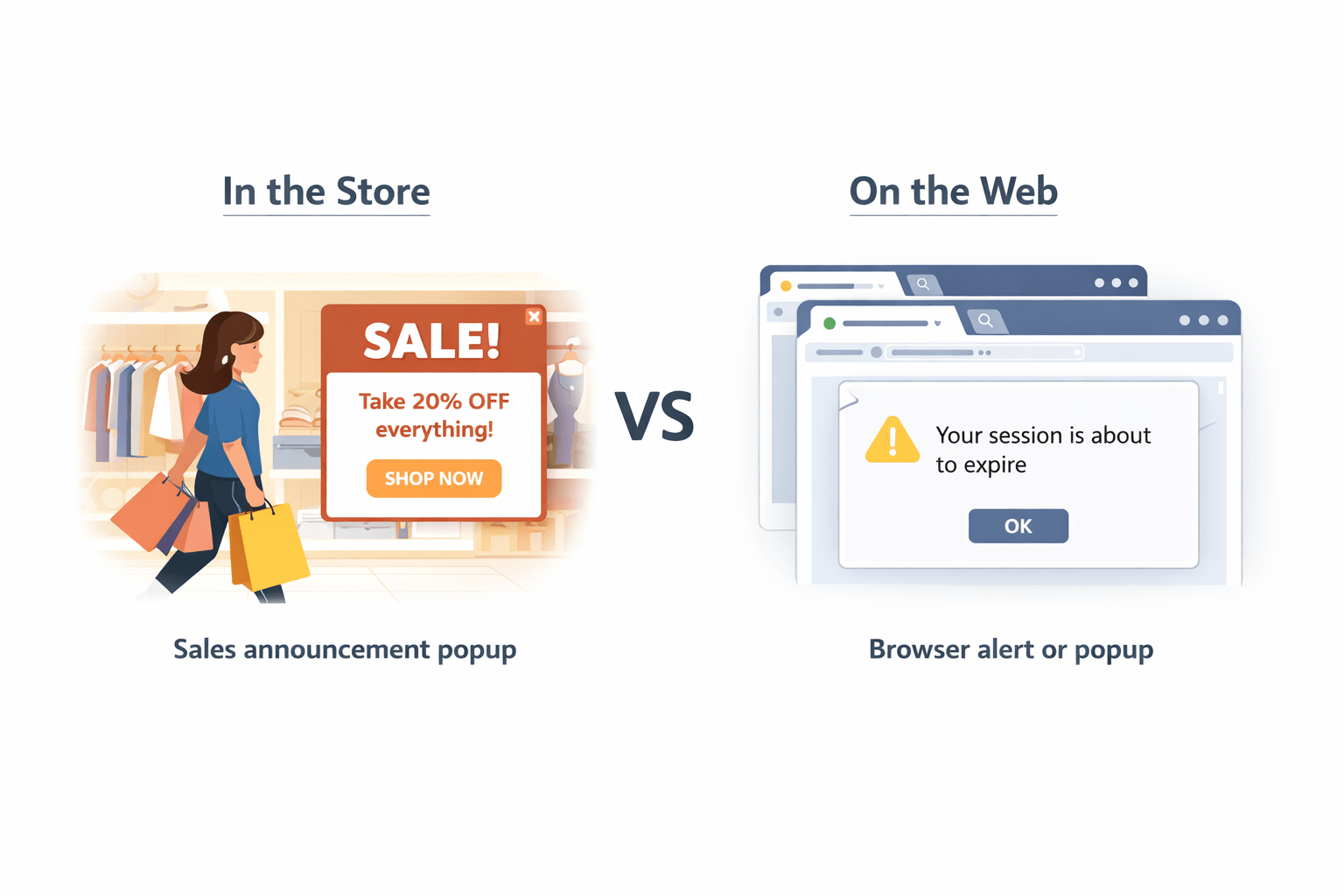
Suddenly a sales announcement pops up asking if you want a discount coupon
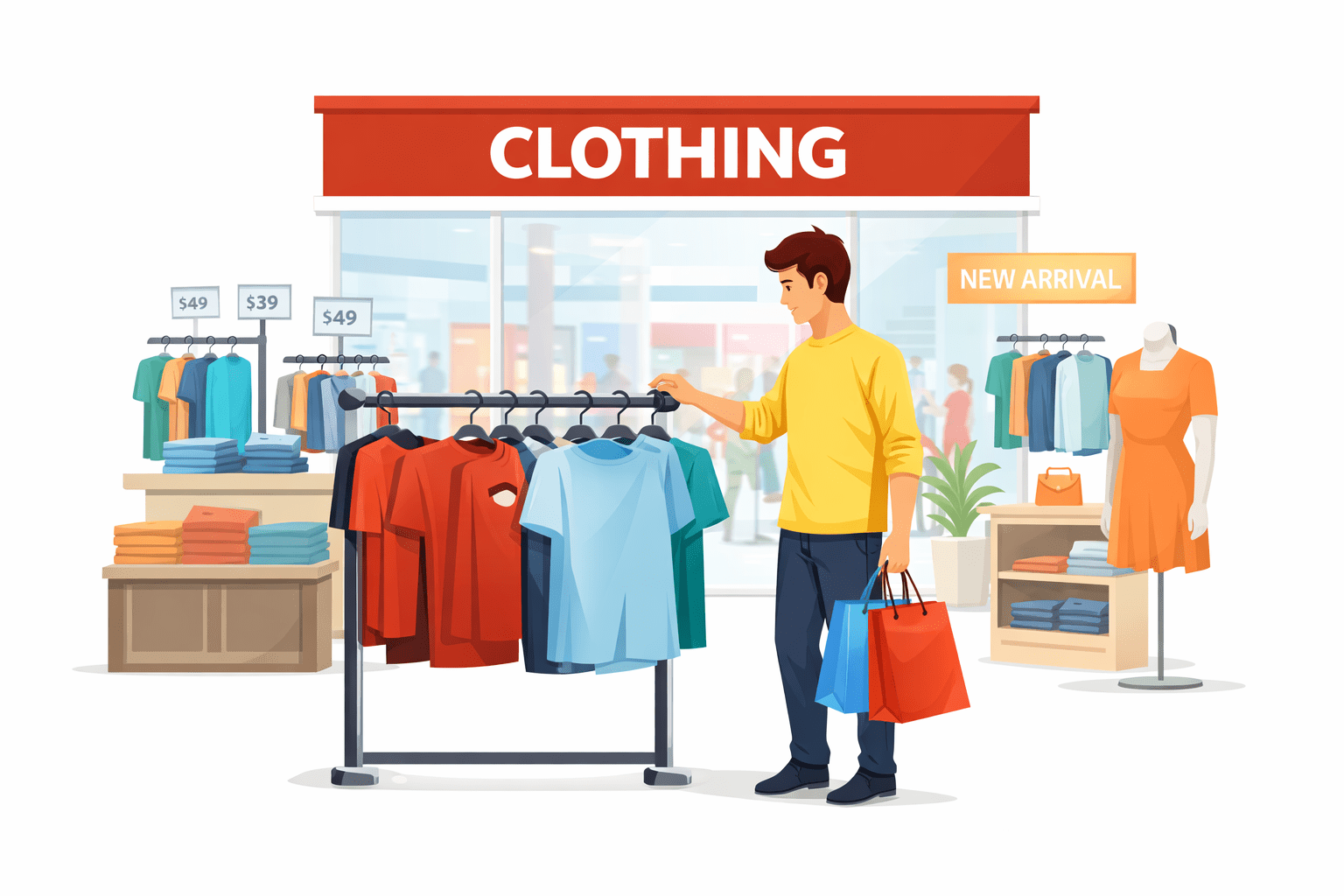
You then go to a different store inside the mall to buy clothes
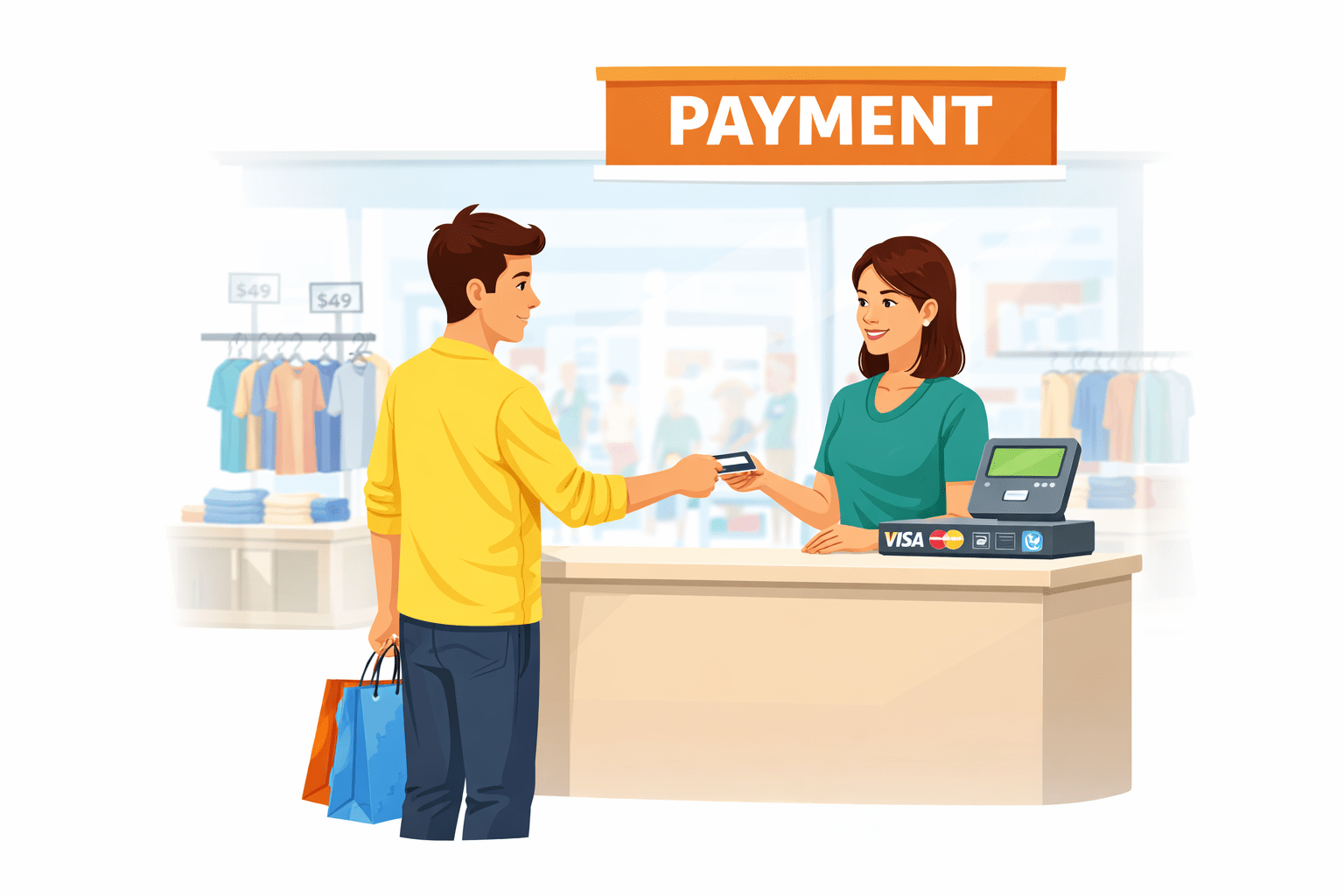
After finishing the payment, you return to the main shopping area to continue shopping
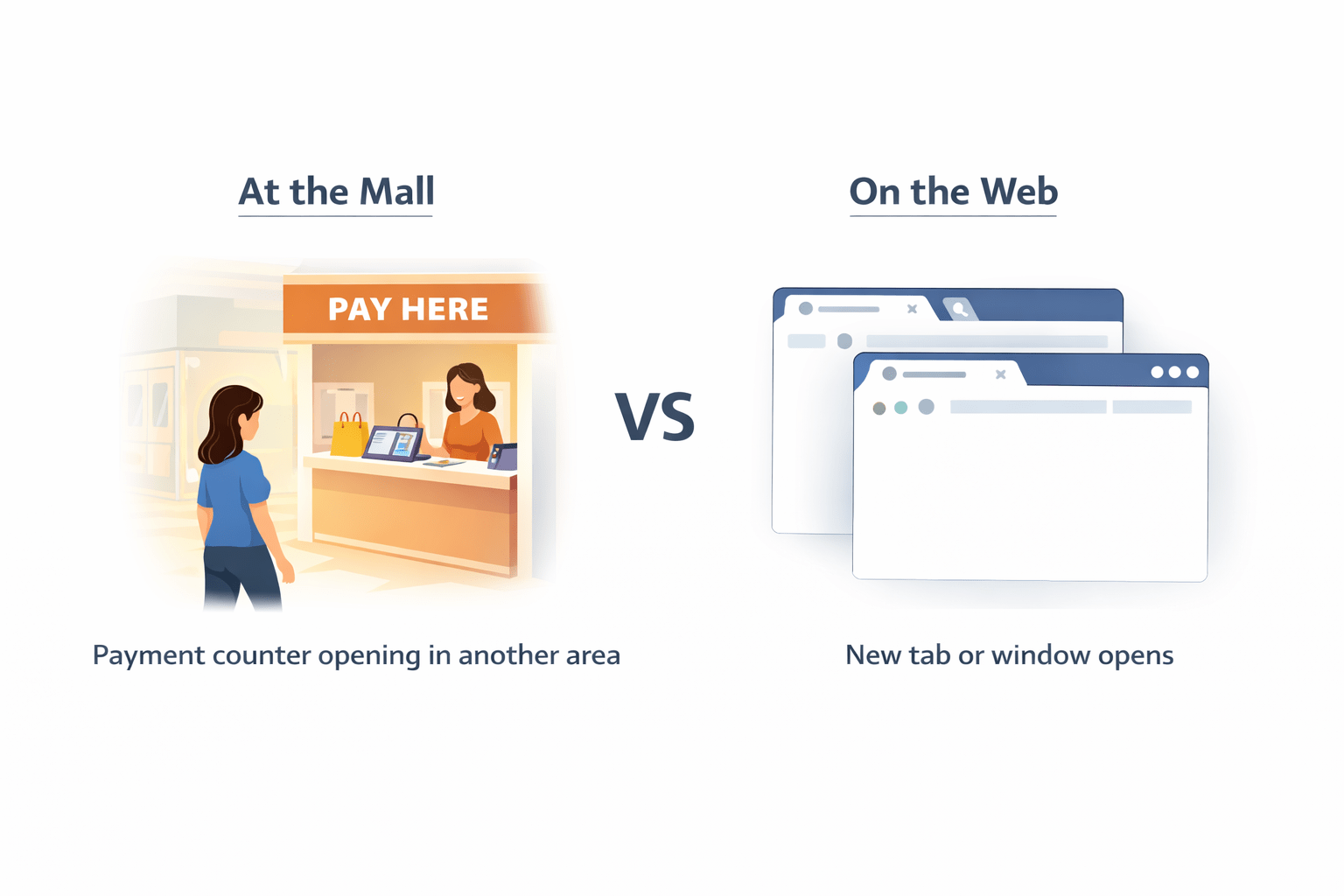
While paying, the payment counter opens in another section of the store
Transition from Analogy to Technical Concept(Slide 5)
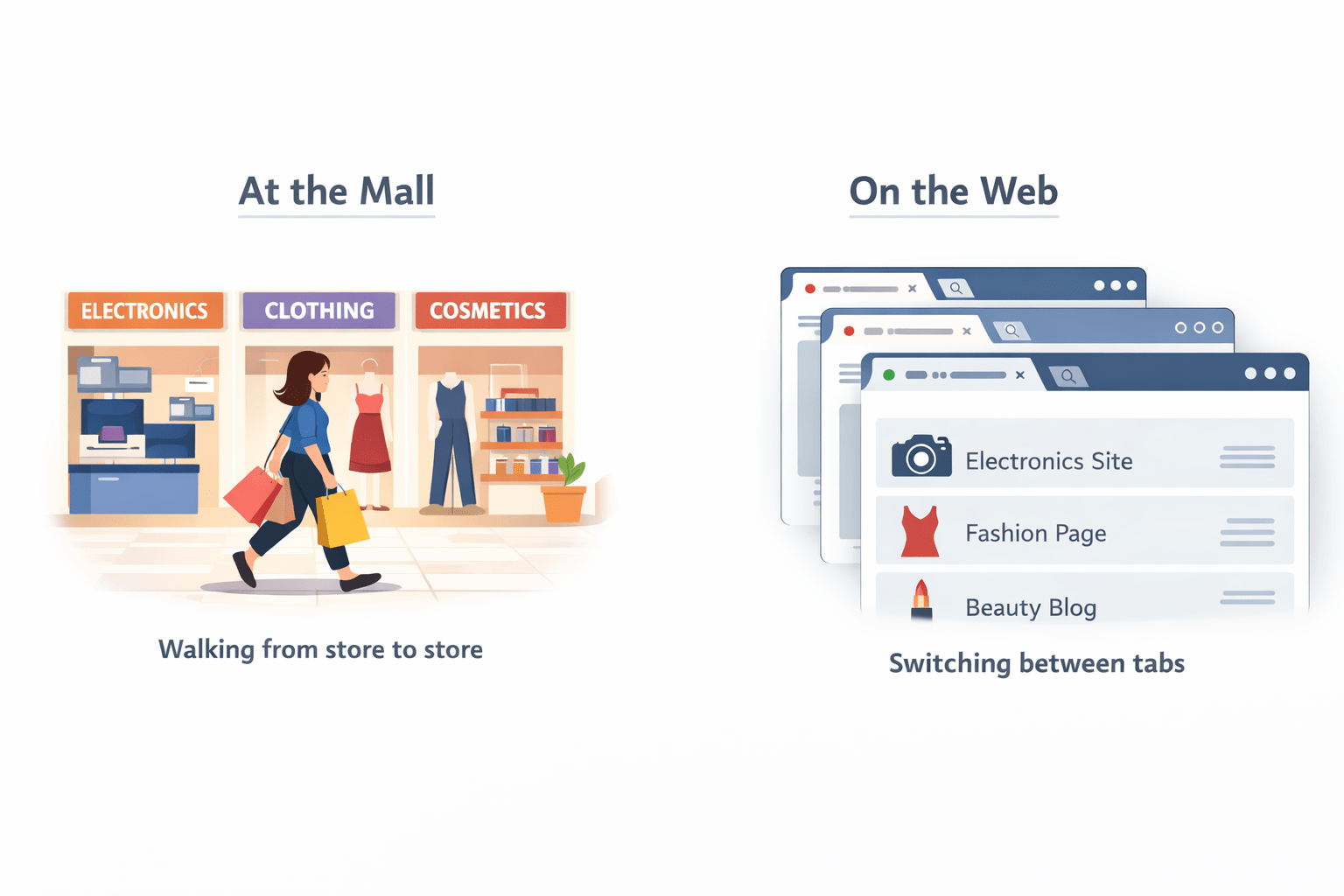
Moving between different stores in the mall
Switching between browser windows or tabs
Browser alert or popup
Sales announcement popup
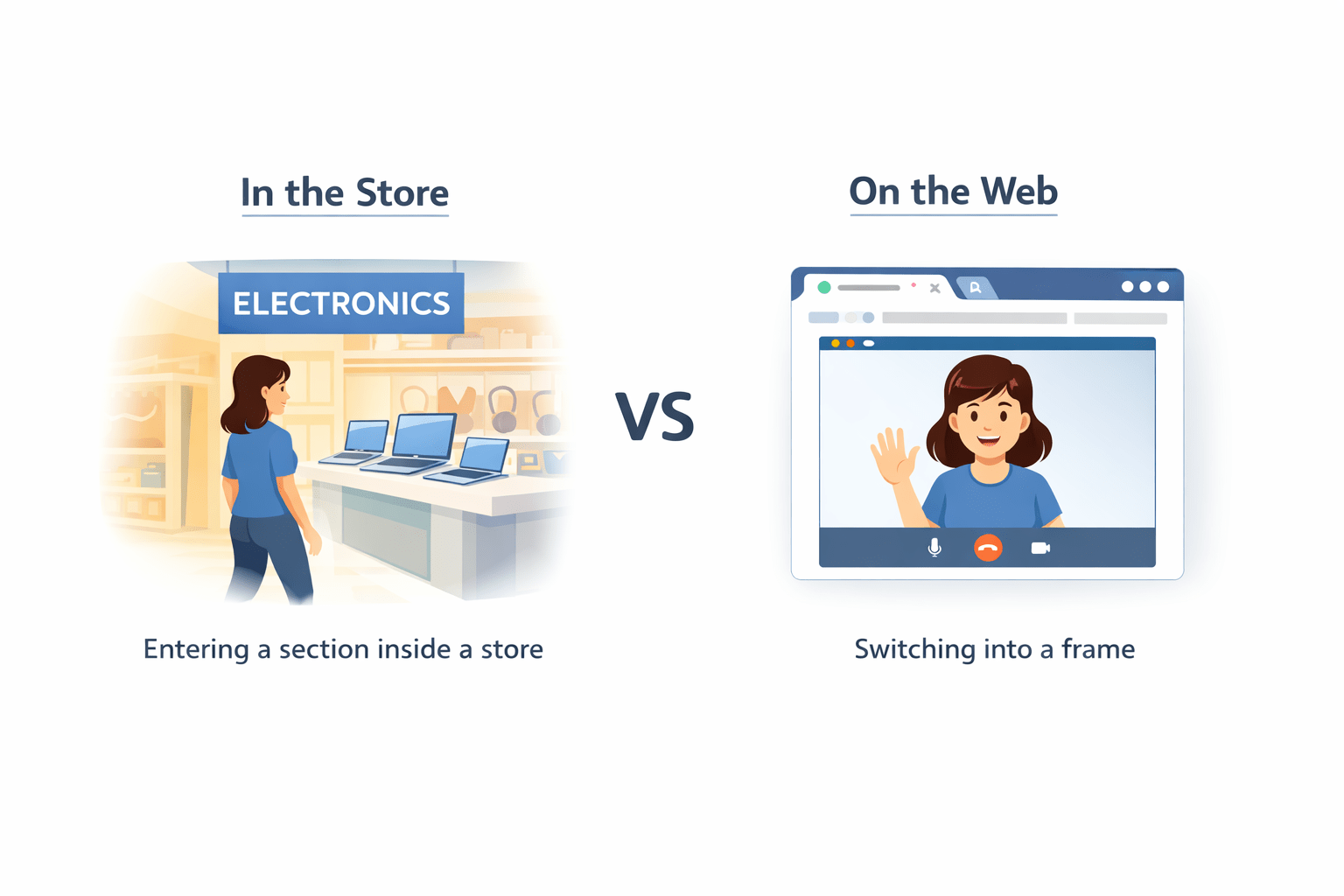
Switching into a frame
Entering a section inside a store
1
2
3
Transition from Analogy to Technical Concept(Slide 5)
Payment counter opening in another area
New tab or window opens
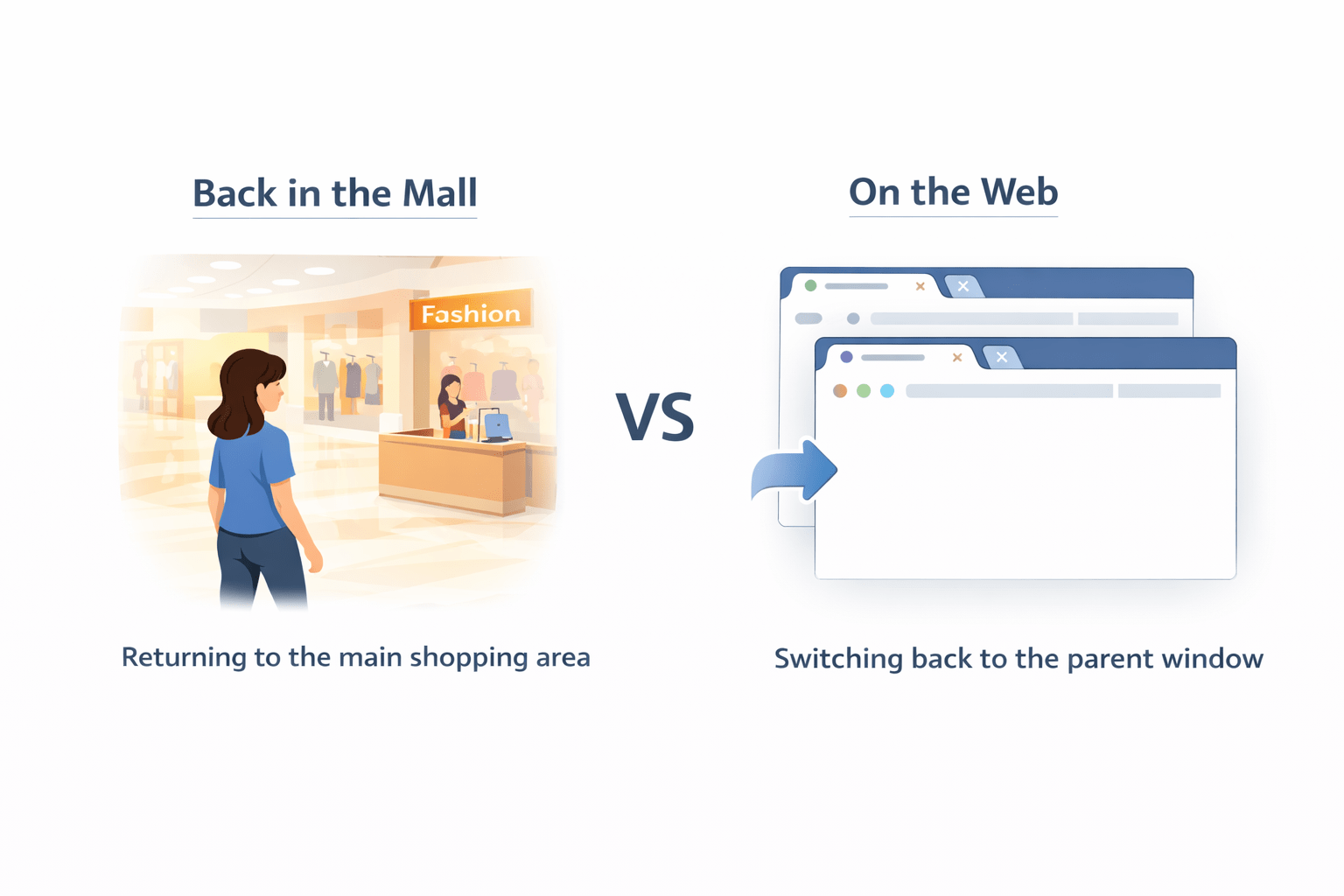
Switching back to the parent window
Returning to the main shopping area
4
5
Structure Your Testswith TestNG
Before each test
Test execution
After each test
Once per class
Once per class
@BeforeMethod
@AfterClass
@BeforeClass
@AfterMethod
@Test
Setup test data
Core test logic
Cleanup resources
Initialize shared resources
Release shared resources
Switch Between Windows and Tabs
Get All Windows
Set handles = driver.getWindowHandles();
1
Loop Through Handles
for(String handle : handles) { driver.switchTo().window(handle); }
2
Switch To SpecificWindow
driver.switchTo().window(windowHandle);
3
Remember ParentWindow
String parentWindow = driver.getWindowHandle();
4
Handle OS-Level Popups via Workarounds
Code Example
Use SendKeys
For file inputs, bypass the dialog
Cannot Control OS Popups
Selenium can 't interact with system dialogs
driver.findElement(By.id ("upload")).sendKeys("C: \\file.txt");Example: Payment Page Opens in NewTab
driver.switchTo().window(parent);
Return to Parent
String parent = driver.getWindowHandle();
Store Parent Handle
Complete payment form fields
Perform Payment
Find new handle in window handles collection
Switch to New Tab
Master Context Switching for Better Automation
Handle popup windows
Switch between tabs
Window Management
Frame Navigation
Alert Handling
Summary
5
4
3
2
1
Use SendKeys for file uploads to bypass system dialogs
OS-level popups cannot be controlled directly by Selenium
Selenium uses window handles to switch between tabs/windows
TestNG provides annotations to organize test setup and cleanup
Context switching enables Selenium to interact with different browser elements
Quiz
Which method gets all browser window handles?
A. getWindows()
B. getHandle()
C. getWindowHandles()
D. getAllWindows()
Quiz-Answer
Which method gets all browser window handles?
A. getWindows()
B. getHandle()
C. getWindowHandles()
D. getAllWindows()
By Content ITV