









Content ITV PRO
This is Itvedant Content department
Learning Outcome
5
Understand reactivity in Angular (without RxJS)
4
Explore methods for updating signals
3
Update and manage signal values
2
Learn how to create and use signals
1
Understand Angular Signals
Analogy
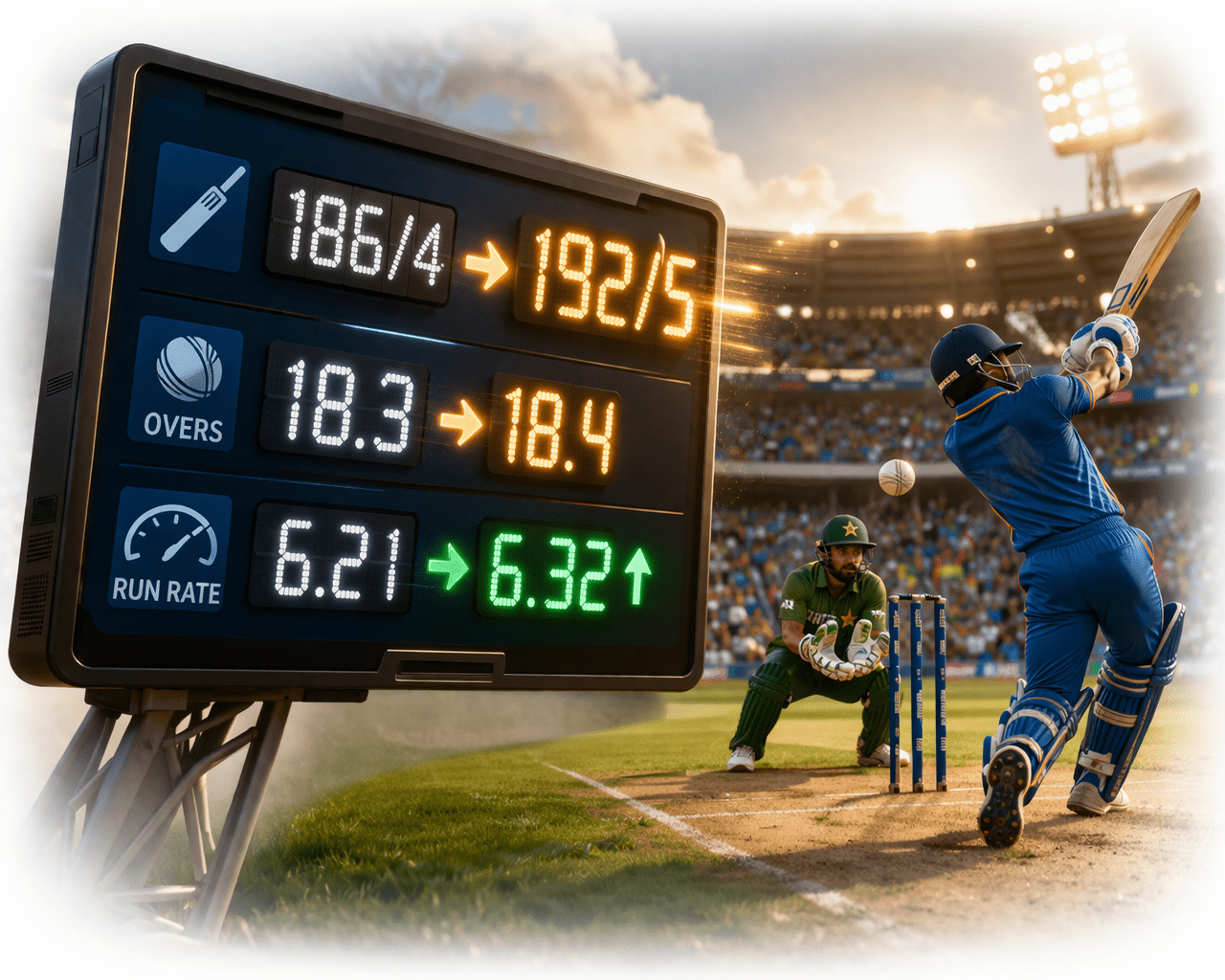
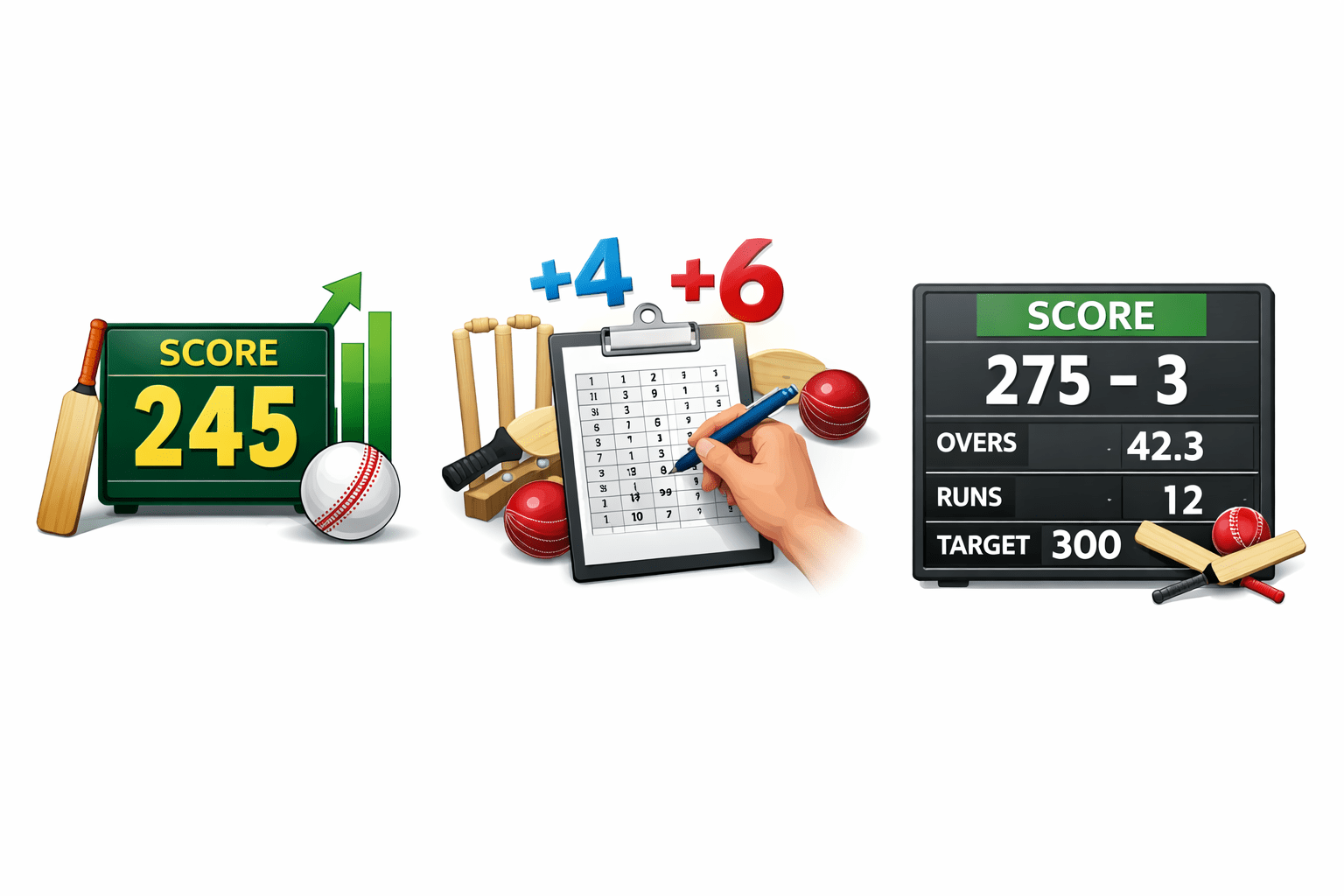
Think of a live cricket scoreboard :
Analogy
Mapping :
Signal = score value
Update = new runs added
UI = scoreboard display
Whenever the signal changes, UI updates automatically —
just like a live scoreboard.
Why Angular Signals
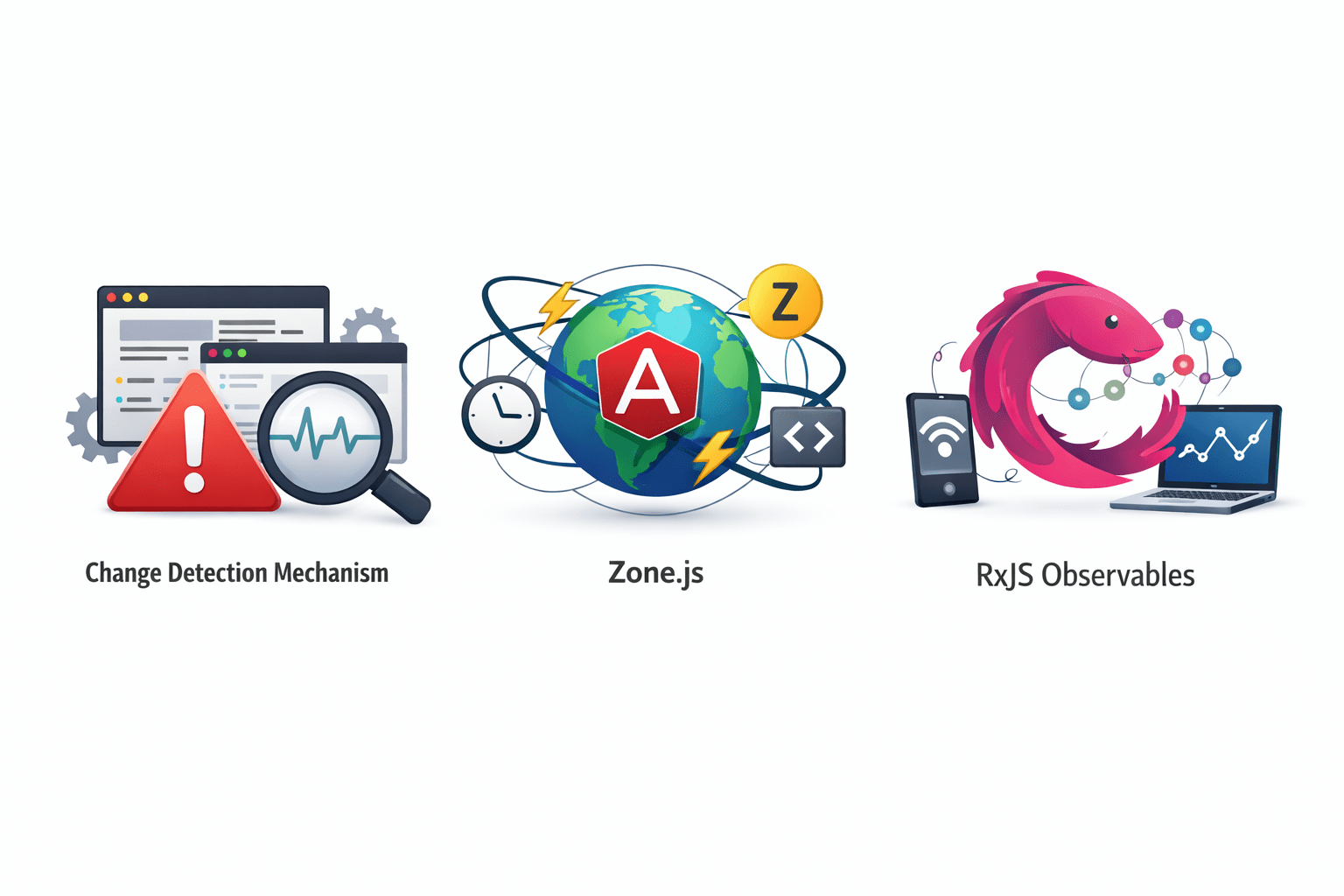
RxJS Observables
Zone.js
Change Detection mechanism
Traditional Angular uses :
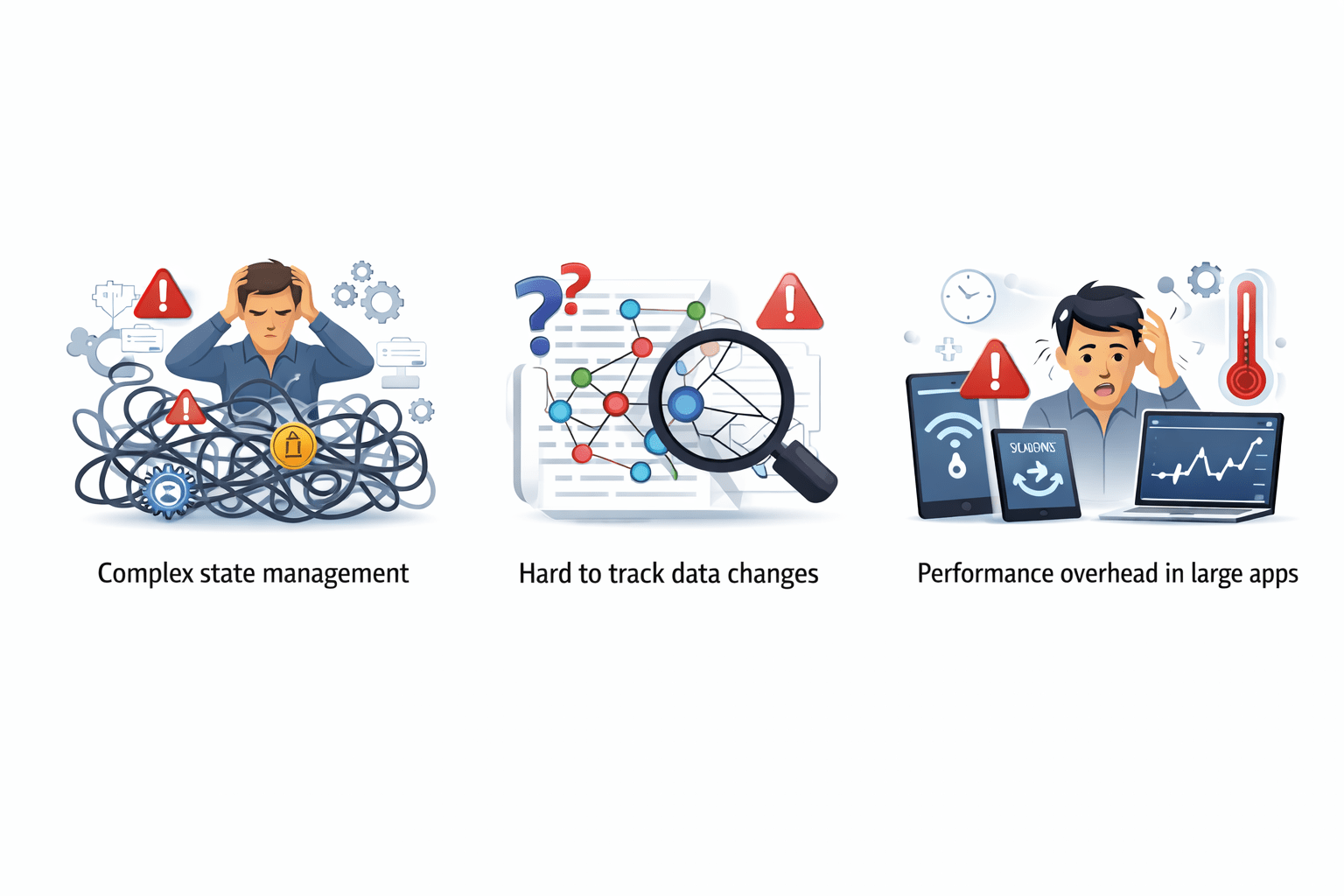
Challenges :
Complex state management
Hard to track data changes
Performance overhead in large apps
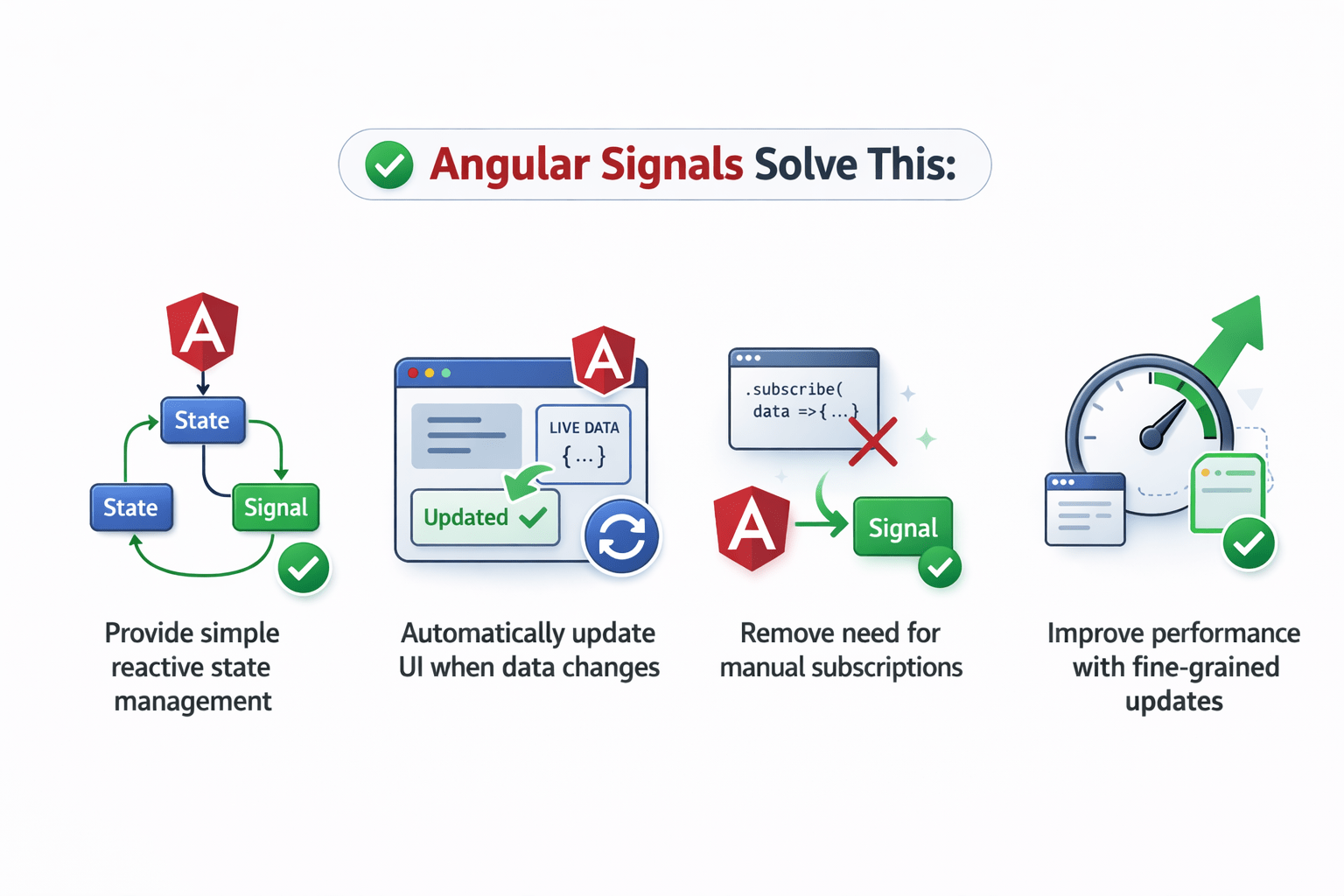
Provide simple reactive state management
Automatically update UI when data changes
Remove need for manual subscriptions
Improve performance with fine-grained updates
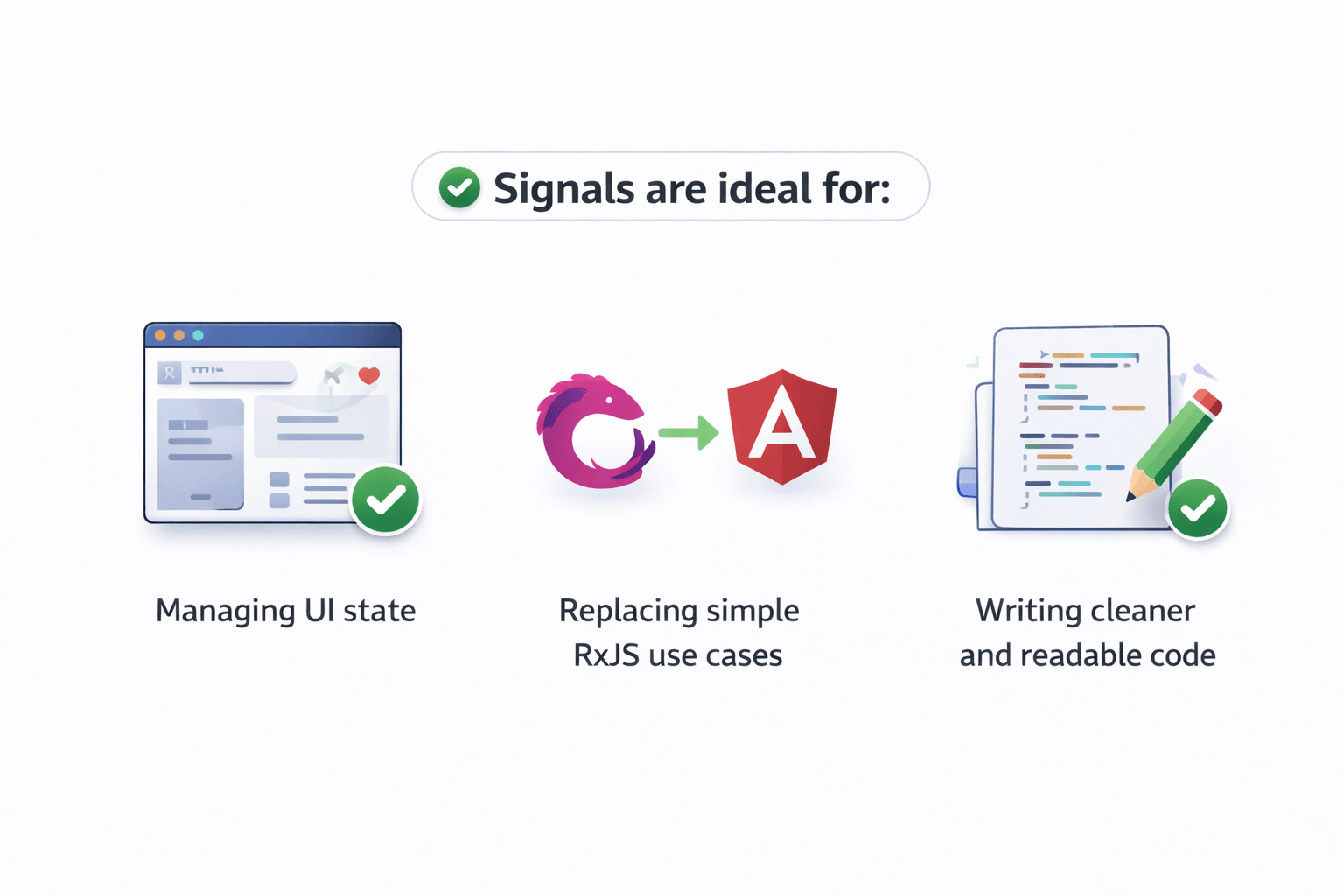
Managing UI state
Replacing simple RxJS use cases
Writing cleaner and readable code
Signals are ideal for :
Angular Signals Solve This :
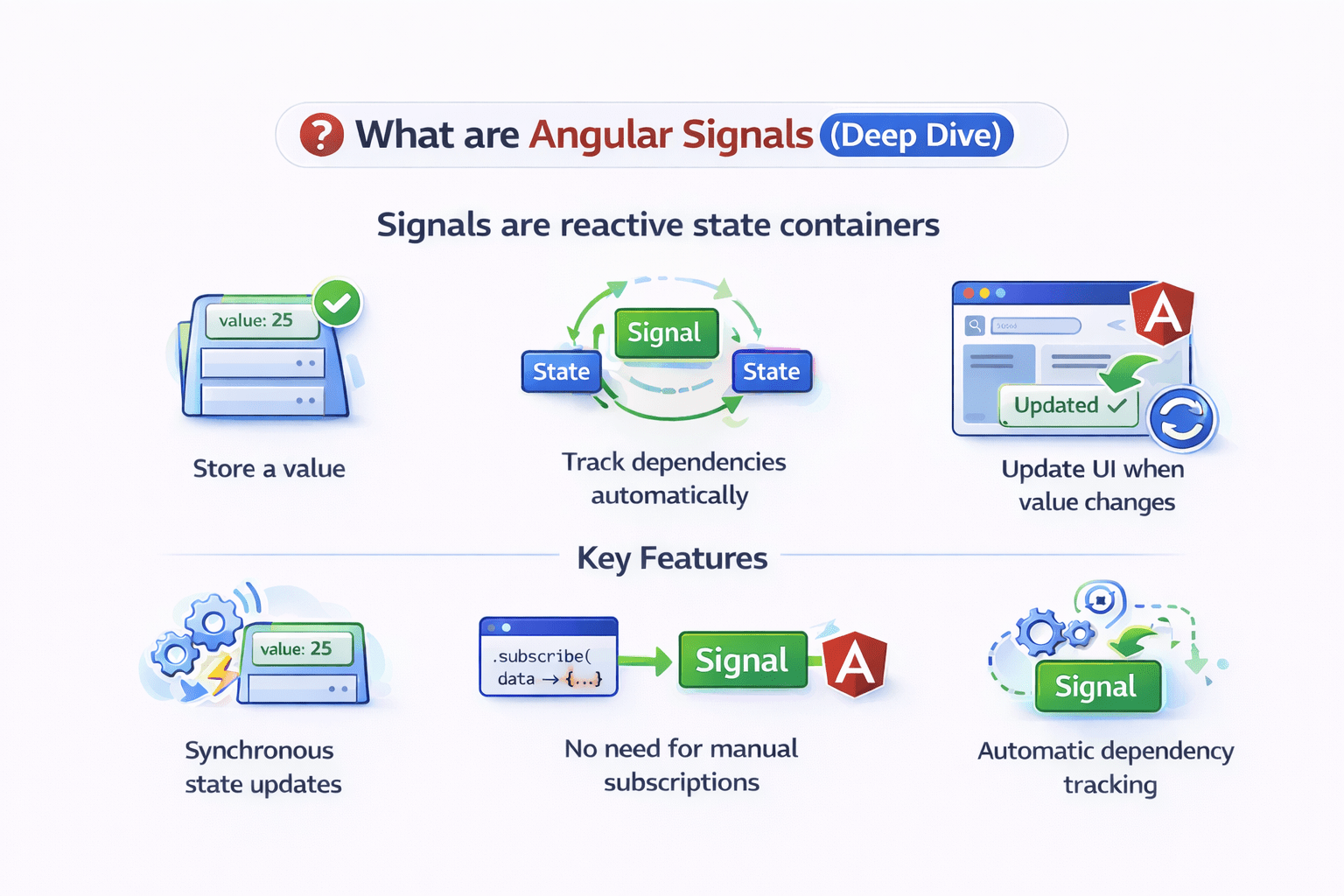
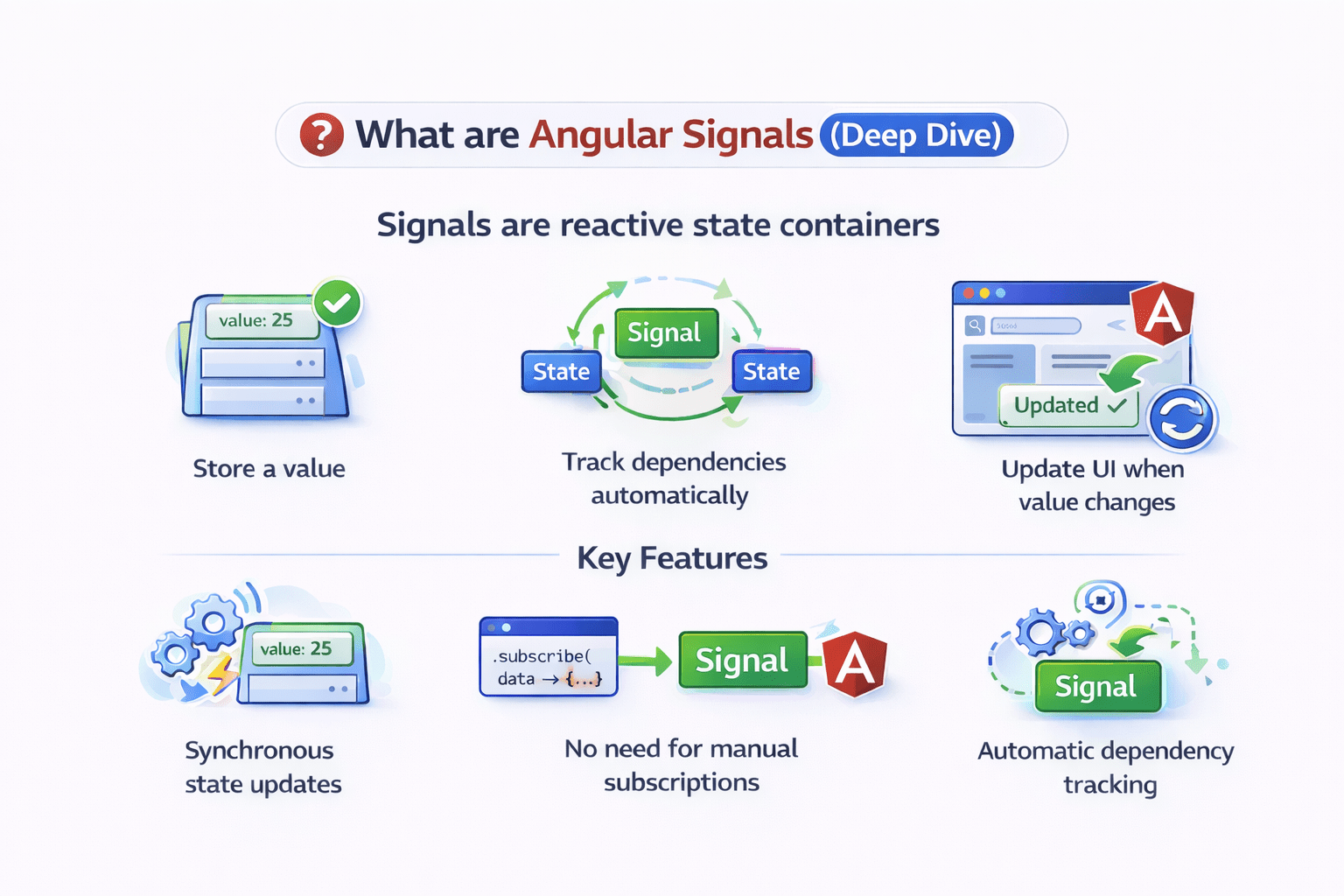
What are Angular Signals (Deep Dive)
Store a value
Update UI when value changes
Track dependencies automatically
Signals are reactive state containers
Key Features :
Synchronous state updates
No need for manual subscriptions
Automatic dependency tracking
Basic Example :
import { signal } from '@angular/core';

const count = signal(0);

console.log(count()); // 0
Important:
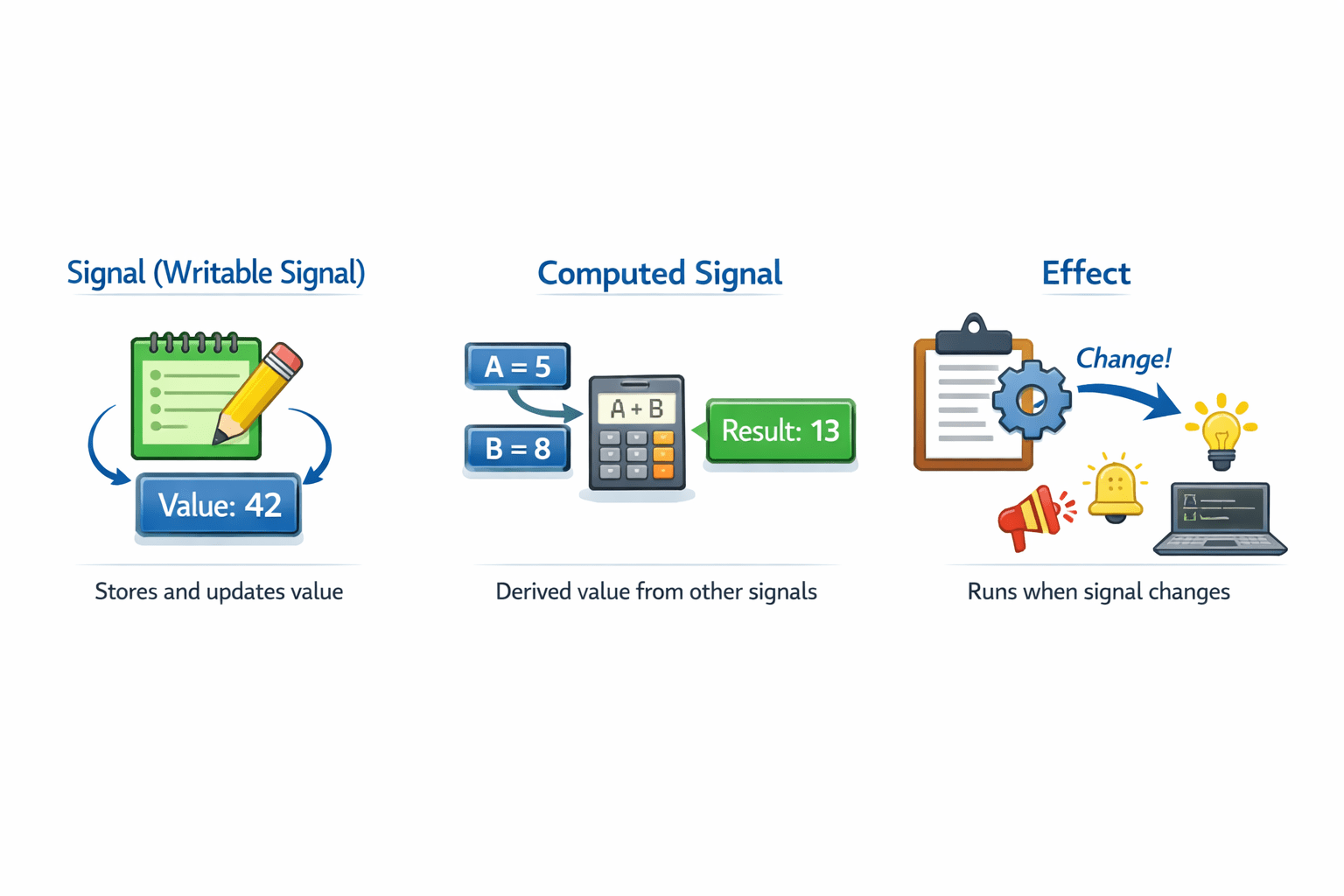
Core Concepts of Signals
Signal (Writable Signal)
Stores and updates value
Computed Signal
Derived value from other signals
Effect
Runs when signal changes
Today We Will Focus on Signal
Creating a Signal
Syntax
const name = signal('value');Usage in component
export class AppComponent {
  username = signal('John');
}
HTML
<p>{{ username() }}</p>Important:
Updating Signal Value
Use case:
Replace entire value
Using .set()
const count = signal(0);

count.set(5);
console.log(count()); // 5
Updating using .update()
.update() modifies value based on previous value
count.update(value => value + 1);Example :
increment() {
   this.count.update(v => v + 1);
}
Best for:
Increment / decrement
Calculated updates
Multiple Update Methods
Different ways :
count.set(10);

count.update(v => v * 2);

count.mutate(v => {
  v.push(100);
});
Use cases:
Signals with Arrays & Objects
Using Signals in Template
Signals vs Observables
Summary
5
Ideal for modern Angular applications
4
Cleaner than RxJS for simple cases
3
Automatic UI updates
2
Easy to create and use
1
Signals are modern reactive state management
Quiz
How to read signal value?
A. count
B. count()
C. count.get()
D. value(count)
Quiz
How to read signal value?
A. count
B. count()
C. count.get()
D. value(count)
Quiz-Answer
Which platform is mainly used for professional networking and B2B marketing ?
A. Facebook
B. Instagram
C. LinkedIn
D. Snapchat
By Content ITV