

















Content ITV PRO
This is Itvedant Content department
Optimize Storage with EBS
Learning Outcome
5
Summarize how to optimize storage using AWS services
4
Learn how EBS works like a network drive
3
Understand what EBS snapshots are and why they are used
2
Learn different EBS volume types
1
Understand what Amazon EBS is
Earlier, we learned that
EC2 needs storage to run applications
Storage can be temporary or permanent
AWS provides different storage services for different use cases
Choosing the right storage improves performance and cost
What is Amazon EBS?
Amazon Elastic Block Store (EBS) is a persistent block storage service used with EC2
Data stays even if EC2 stops
Designed for high performance
Used for operating systems, databases, and applications
Example
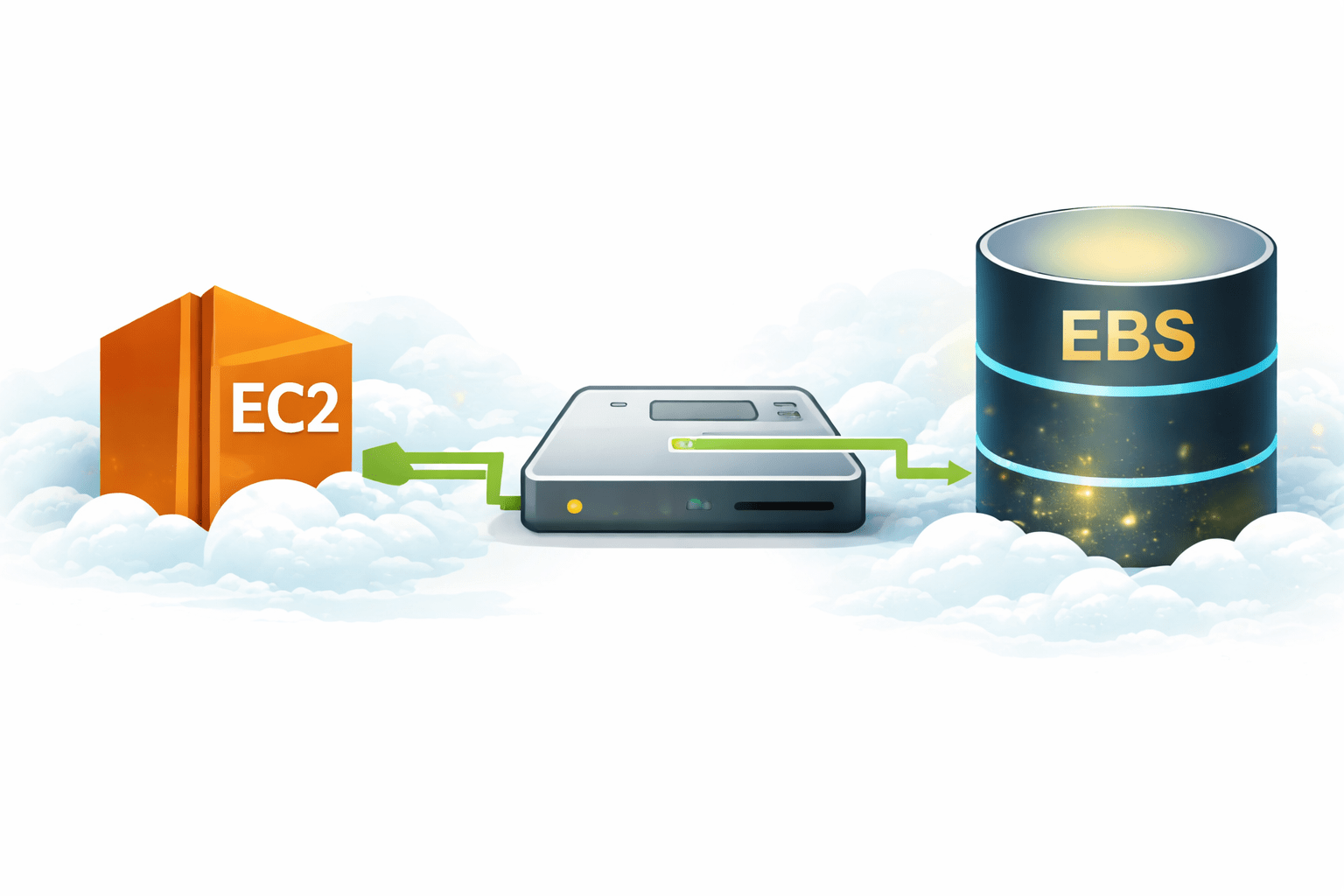
EBS works like a hard drive attached to an EC2 instance.
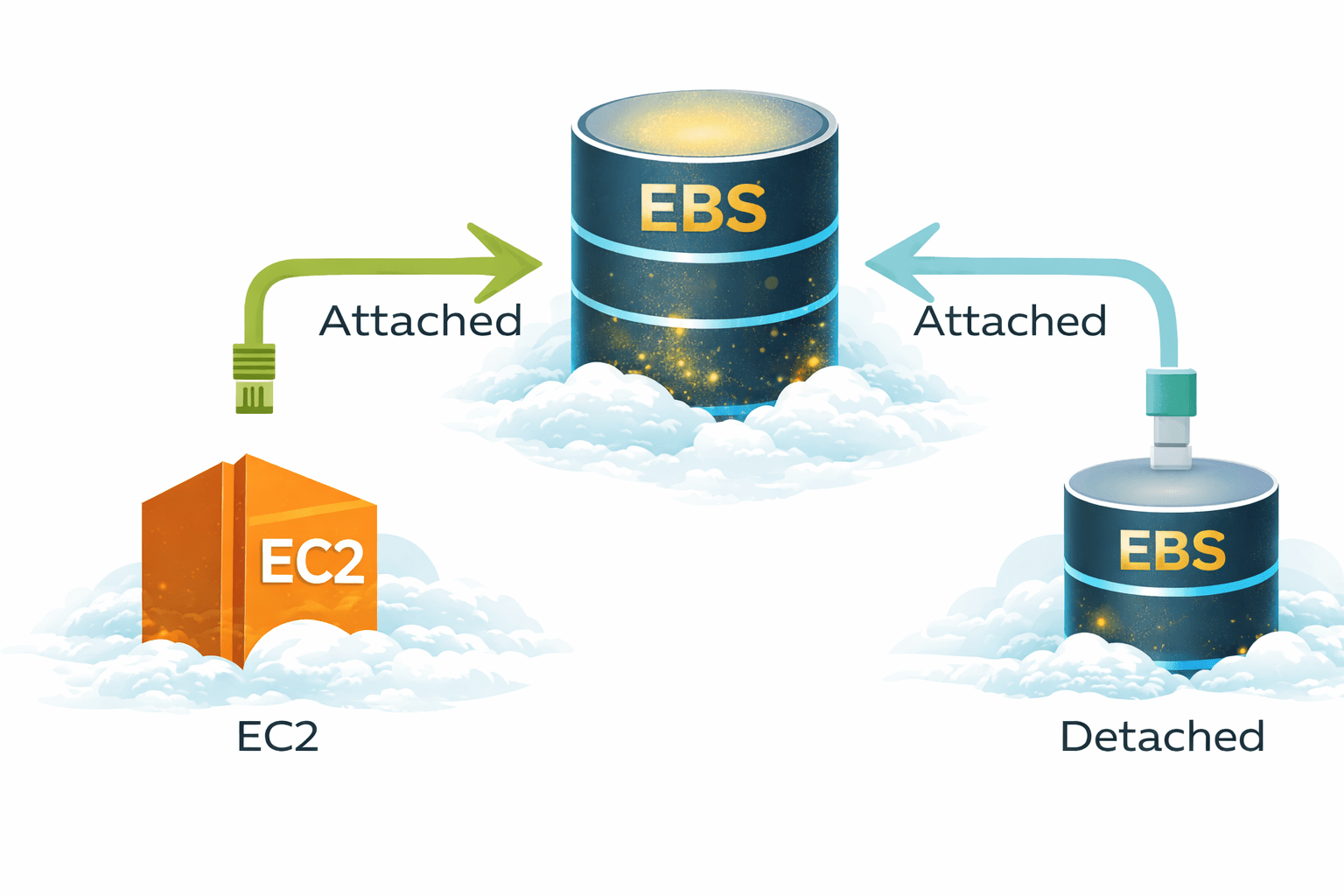
EBS is a network-attached storage
It can be:
Attached to one EC2 instance
Detached and attached to another EC2 instance
Works like a pendrive or external hard disk
This makes EBS flexible and reusable.
General Purpose SSD (gp3 / gp2)
Balanced price and performance
Used for most workloads
Best for web servers, applications
Provisioned IOPS SSD (io1 / io2)
High performance and low latency
Used for databases
More expensive but very fast
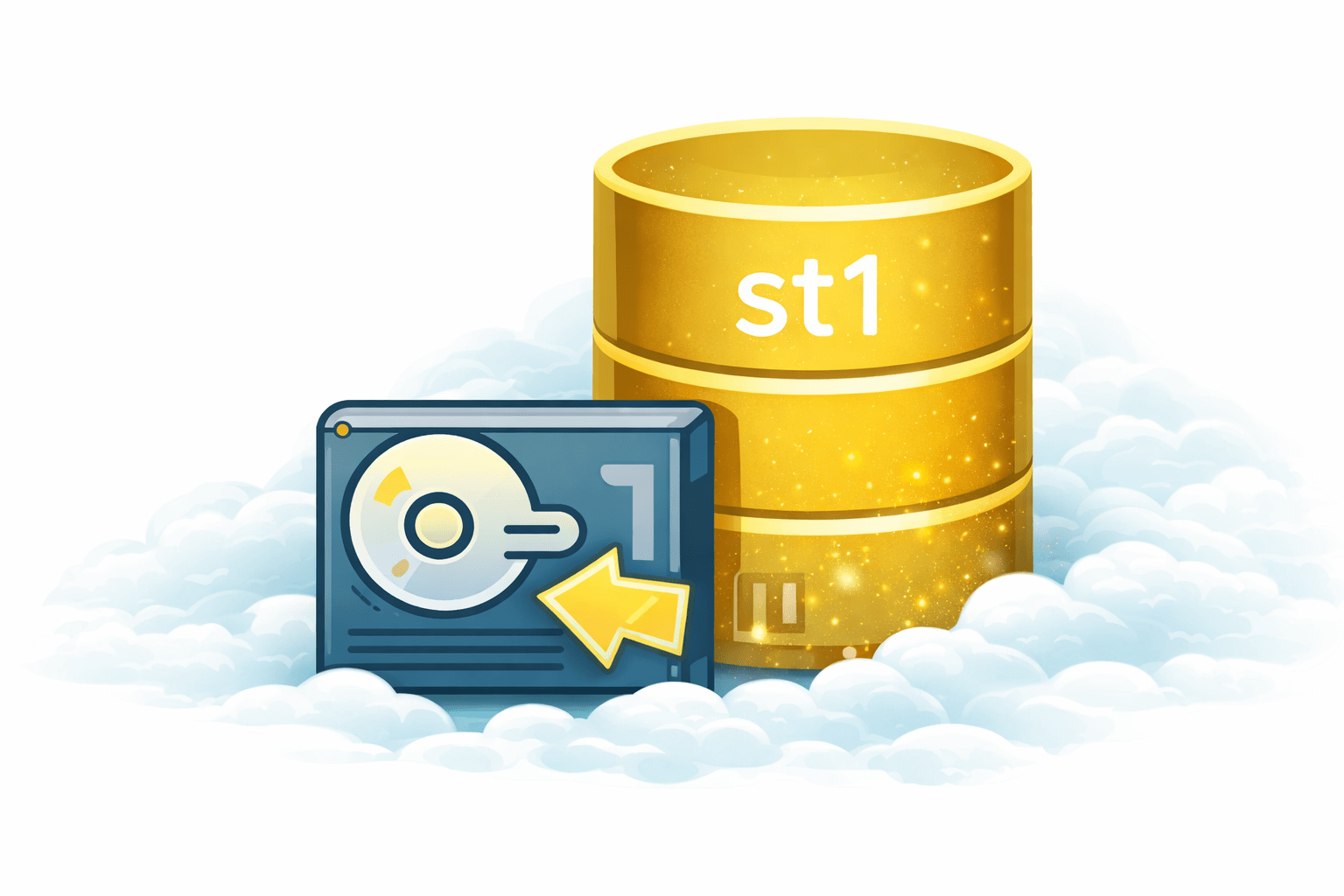
Throughput Optimized HDD (st1)
For large data and streaming
Not for frequent random access
Cold HDD (sc1)
Lowest cost
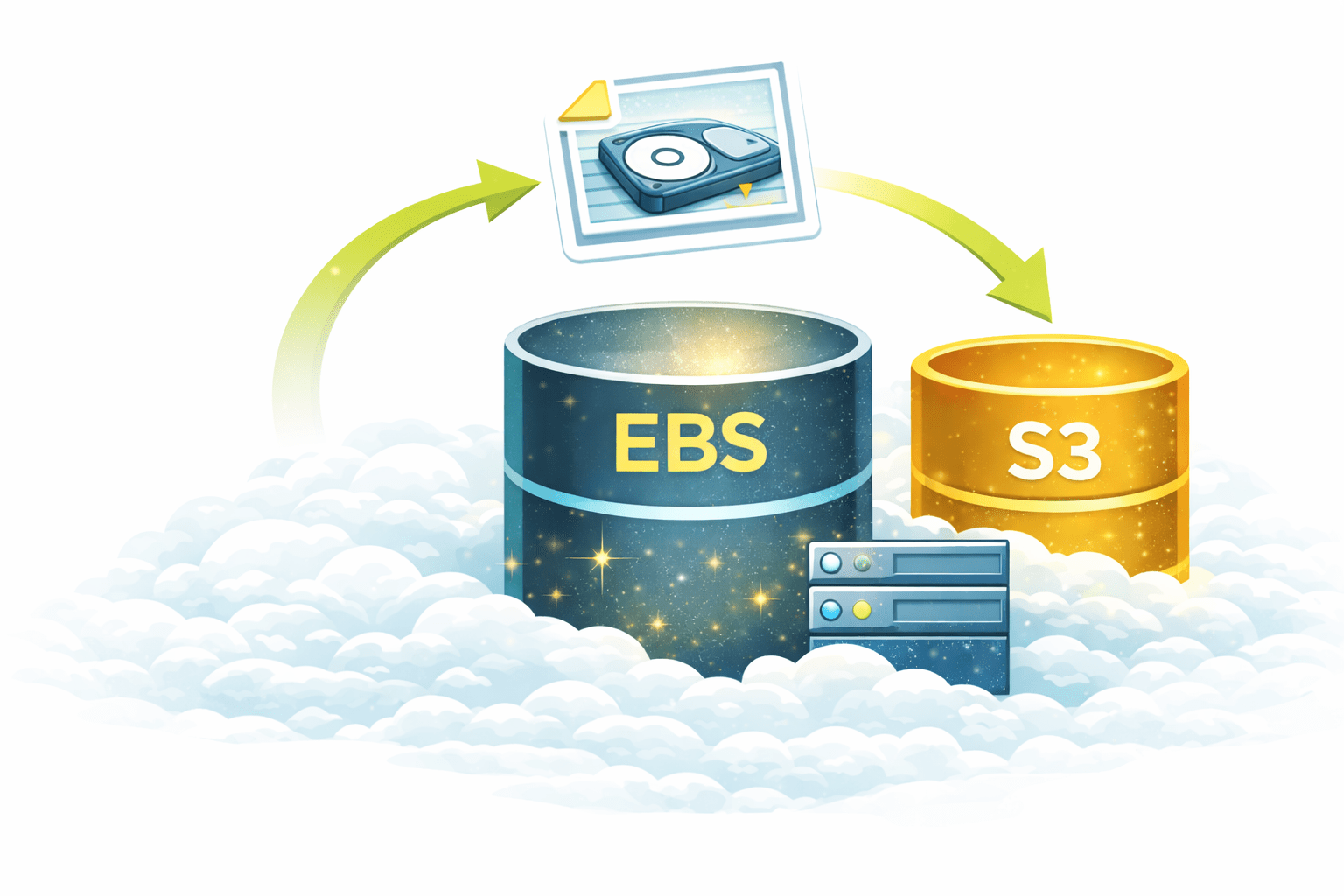
An EBS Snapshot is a backup of an EBS volume
Stored in Amazon S3
Captures the data at a point in time
Can be used to:
Restore data
Create new volumes
Recover from failure
Example:
Taking a photo of your hard drive so you can restore it later.
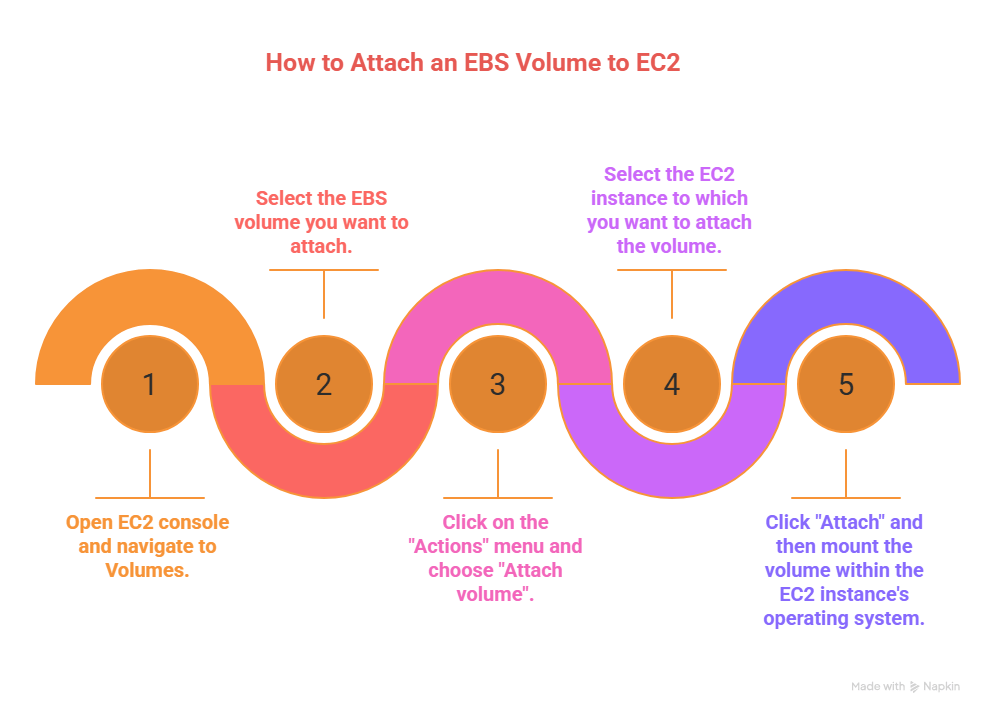
Go to EC2 → Volumes
Select the volume
Click Actions → Detach volume
Confirm detachment
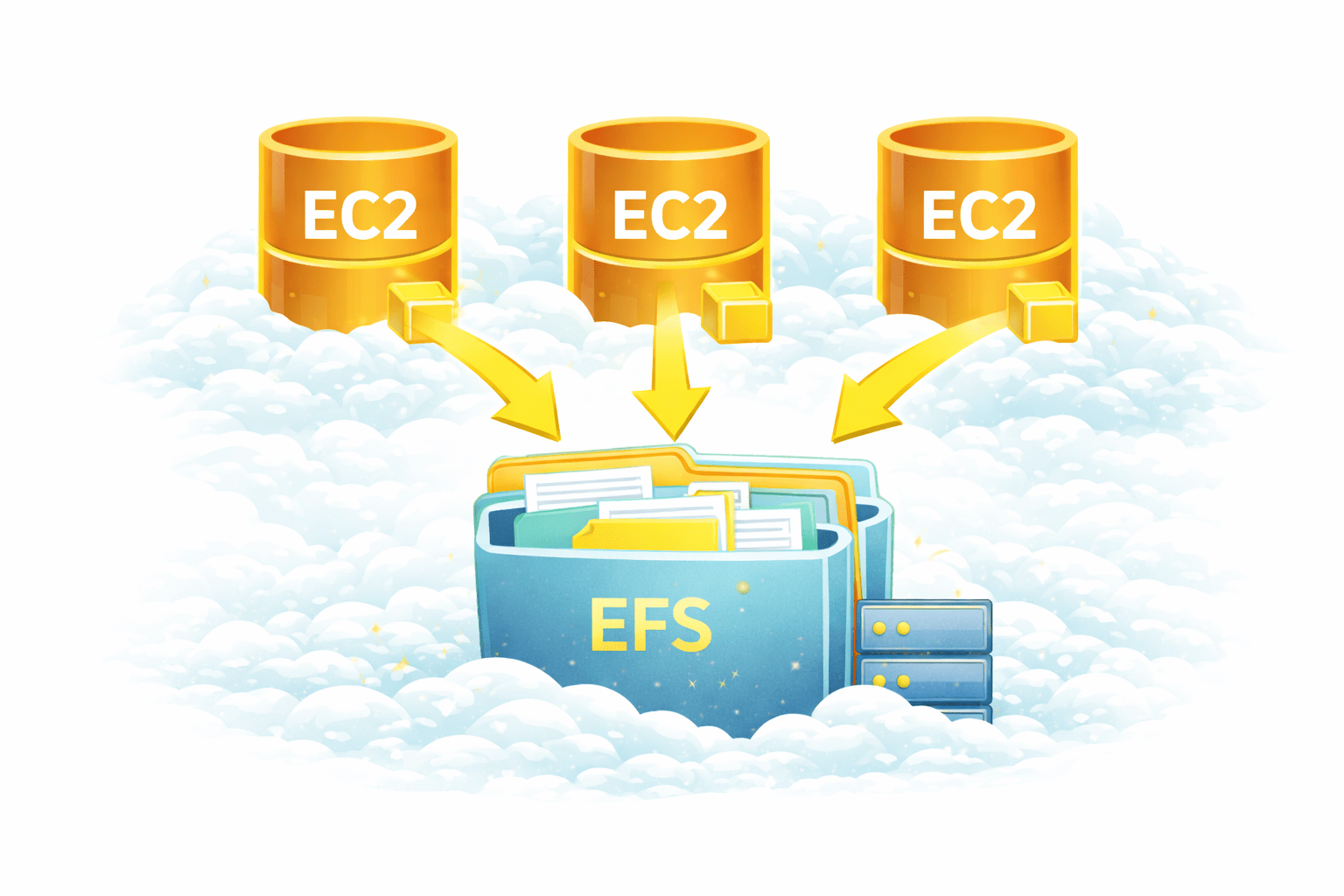
Amazon Elastic File System (EFS) is a shared file storage service
Multiple EC2 instances can access it at the same time
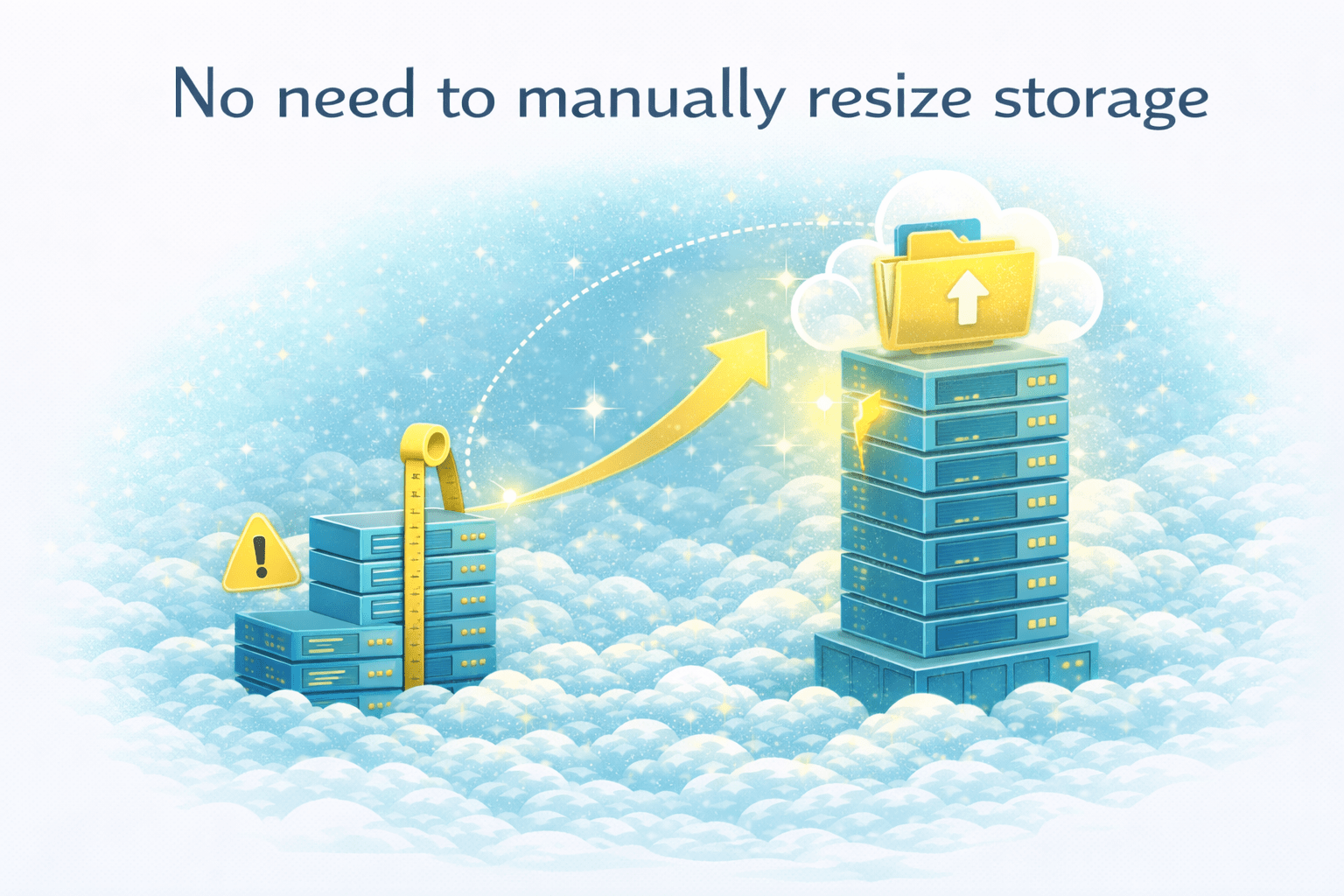
Automatically scales storage
Used for shared files and applications
Example
Like a shared office folder used by many employees
Fully managed
Scales automatically
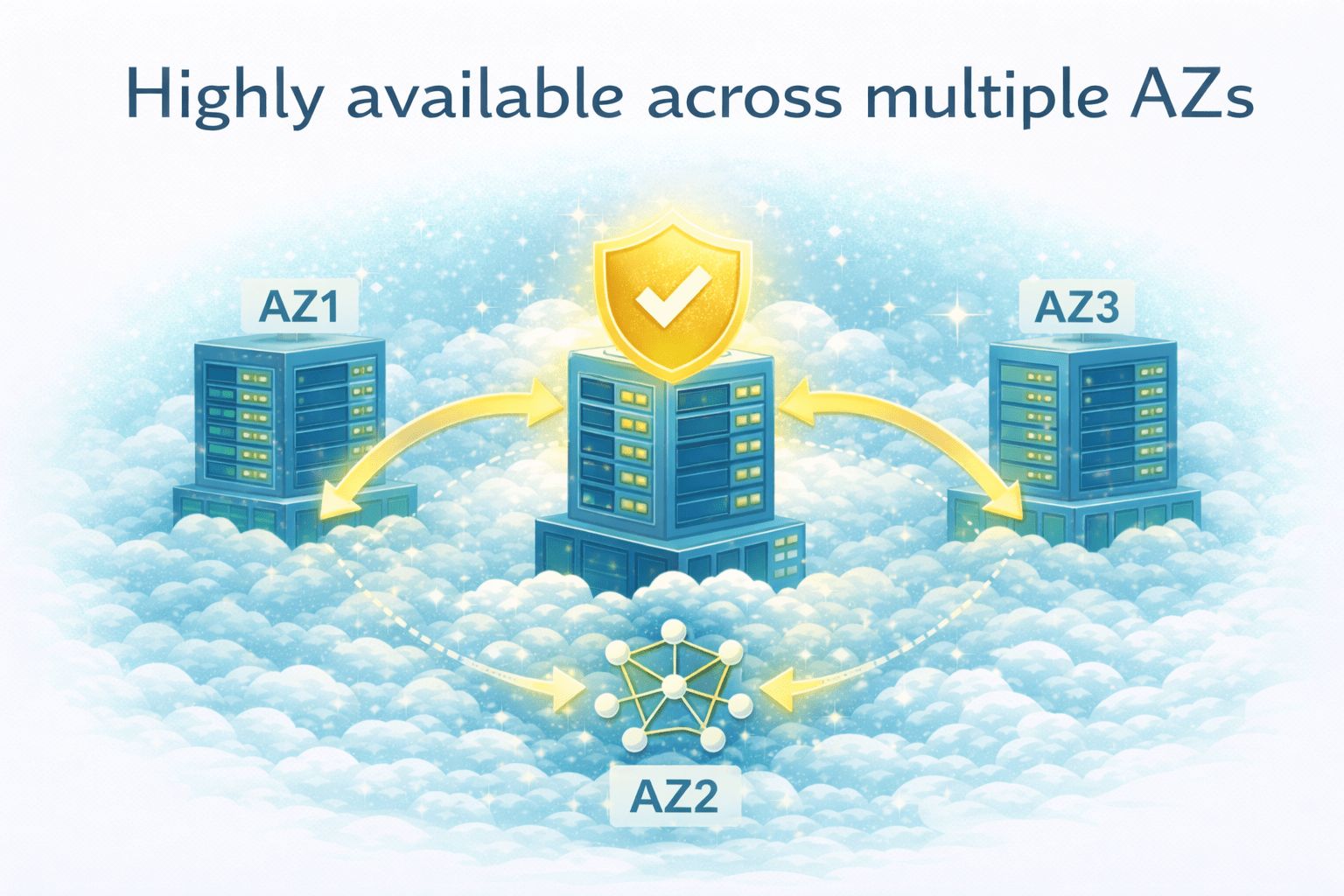
Highly available across multiple AZs
Supports Linux workloads
No need to manually resize storage
What is a Mount Target?
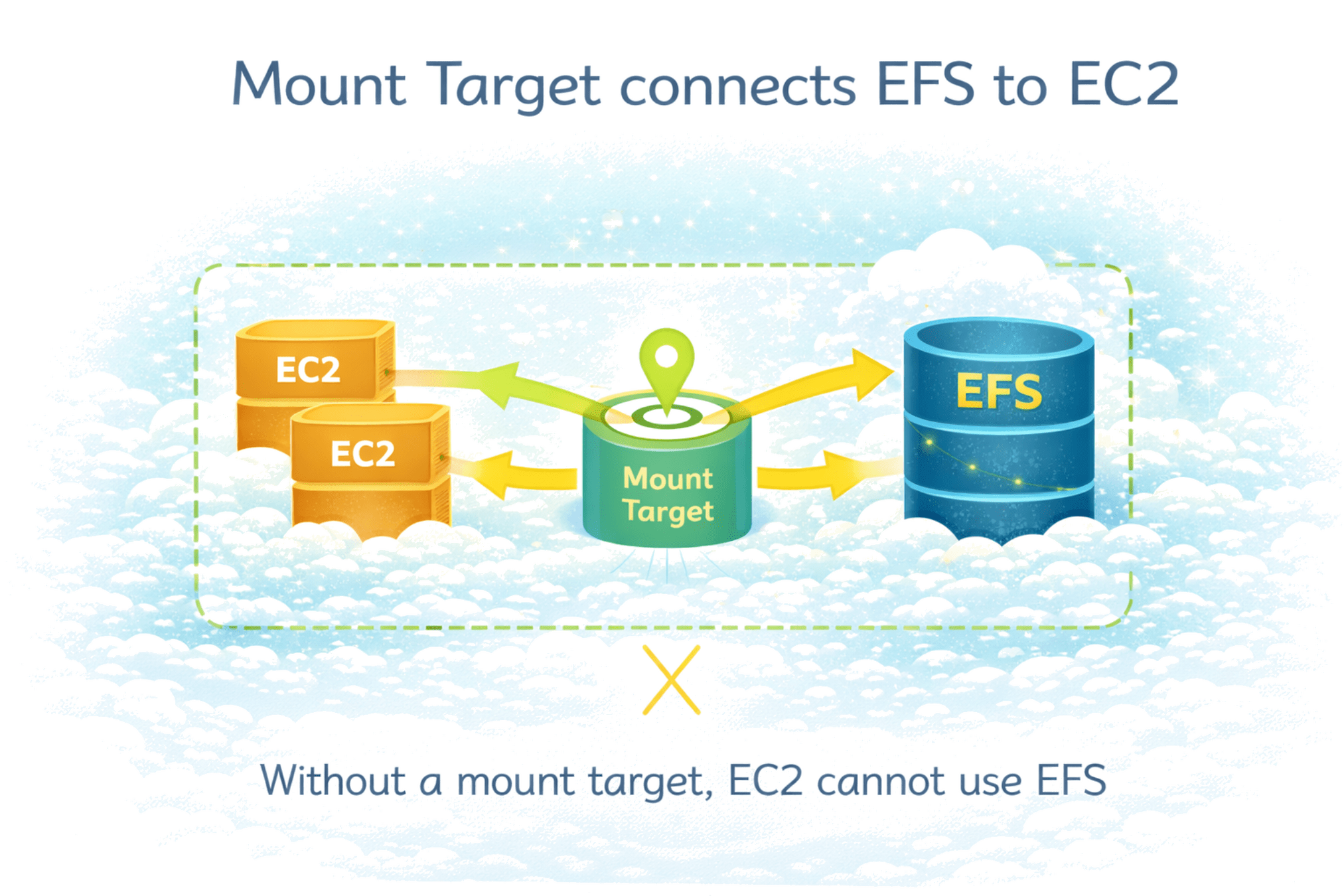
A Mount Target connects EFS to EC2 instances
Created inside a VPC
Allows EC2 to access EFS
One mount target per Availability Zone
Without a mount target, EC2 cannot use EFS
|
Feature |
|
EBS |
|
EFS |
Storage Type
EC2 Access
Scaling
Use Case
Block
File
One EC2 at a time
Multiple EC2s
Manual
Automatic
Databases, OS
Shared storage
4
Choosing the right storage optimizes cost and performance
3
EFS provides shared storage for multiple EC2 instances
2
Different EBS volume types support different workloads
1
EBS provides persistent block storage for EC2
Quiz
Which EBS volume is best for databases?
A. Cold HDD
B. Provisioned IOPS
C. General Purpose
D. Throughput Optimized
Quiz-Answer
Which EBS volume is best for databases?
A. Cold HDD
B. Provisioned IOPS
C. General Purpose
D. Throughput Optimized
By Content ITV