








Content ITV
This is Itvedant Content department
Learning Outcome
4
Compare Count Vectorizer, TF-IDF and Word2Vec for turning text into vectors.
Differentiate between Stemming (chopping) and Lemmatization (contextual root-finding).
3
2
Apply tokenization and stop word removal to filter out linguistic noise
1
Explain why raw text must be cleaned before entering a ML model.
5
Pipe vectors into an ML algorithm for text classification.
Recall
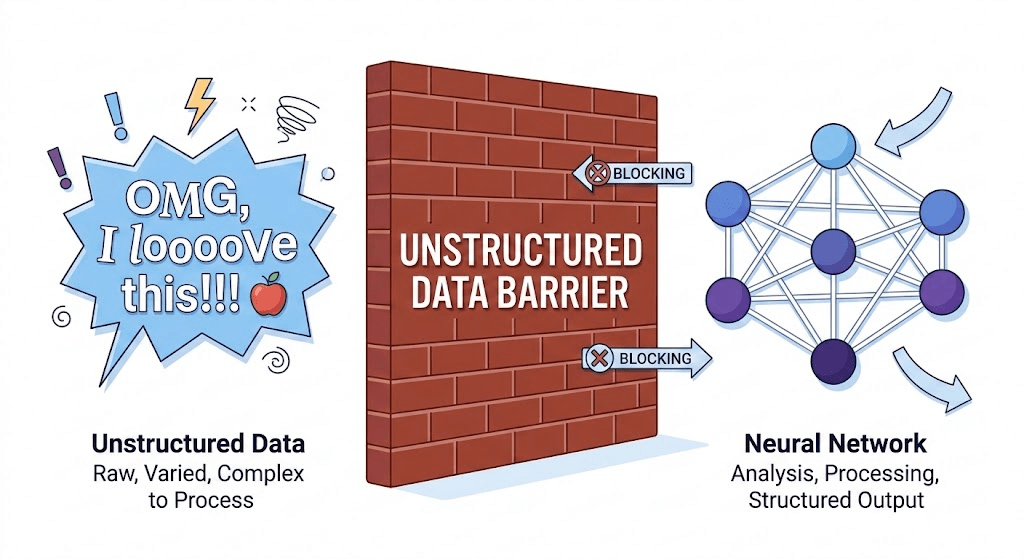
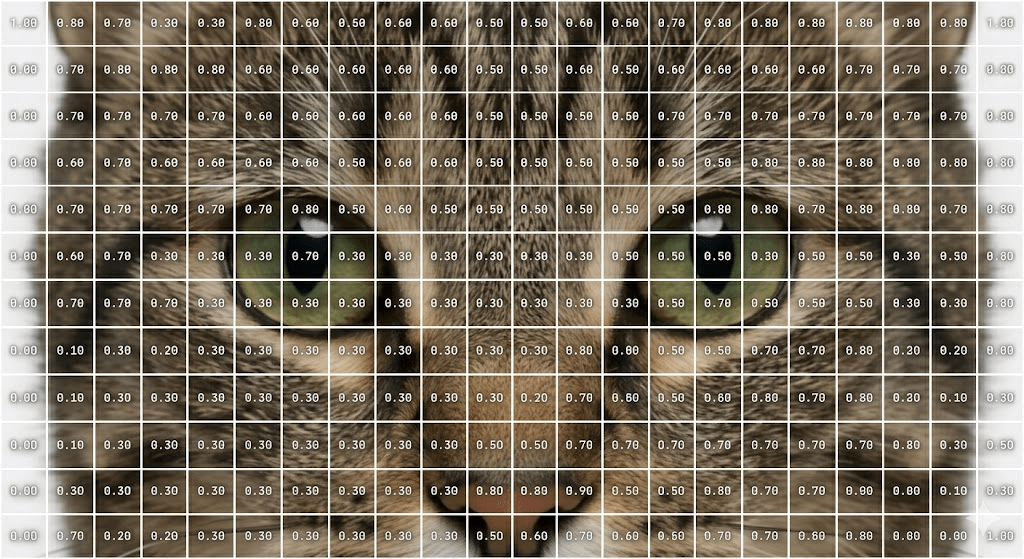
We learned that Neural Networks only speak math.
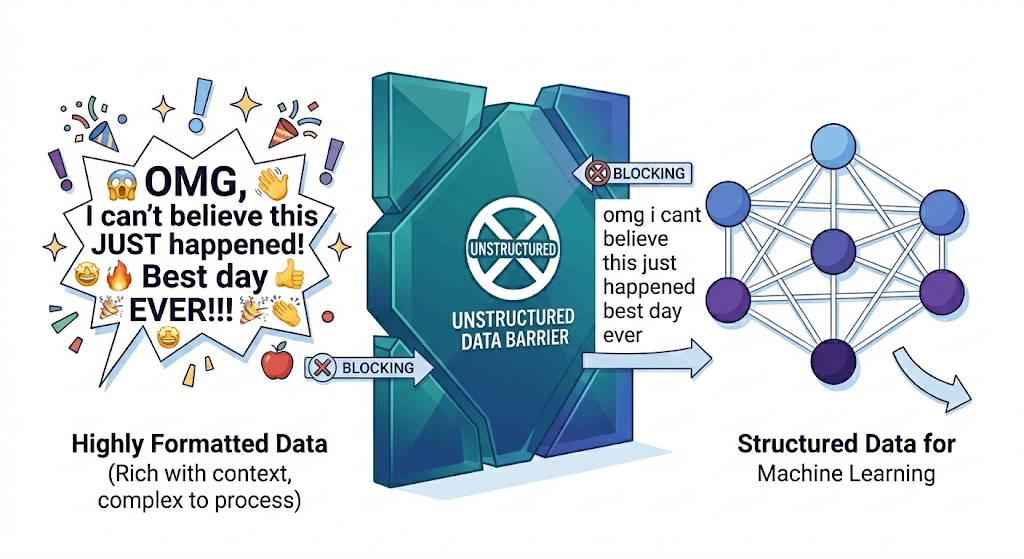
If we convert "Apple", "apple!", and "Apples" into numbers right now, the computer will think they are three completely different concepts.
We know our goal is to turn words into numbers (Vectorization).
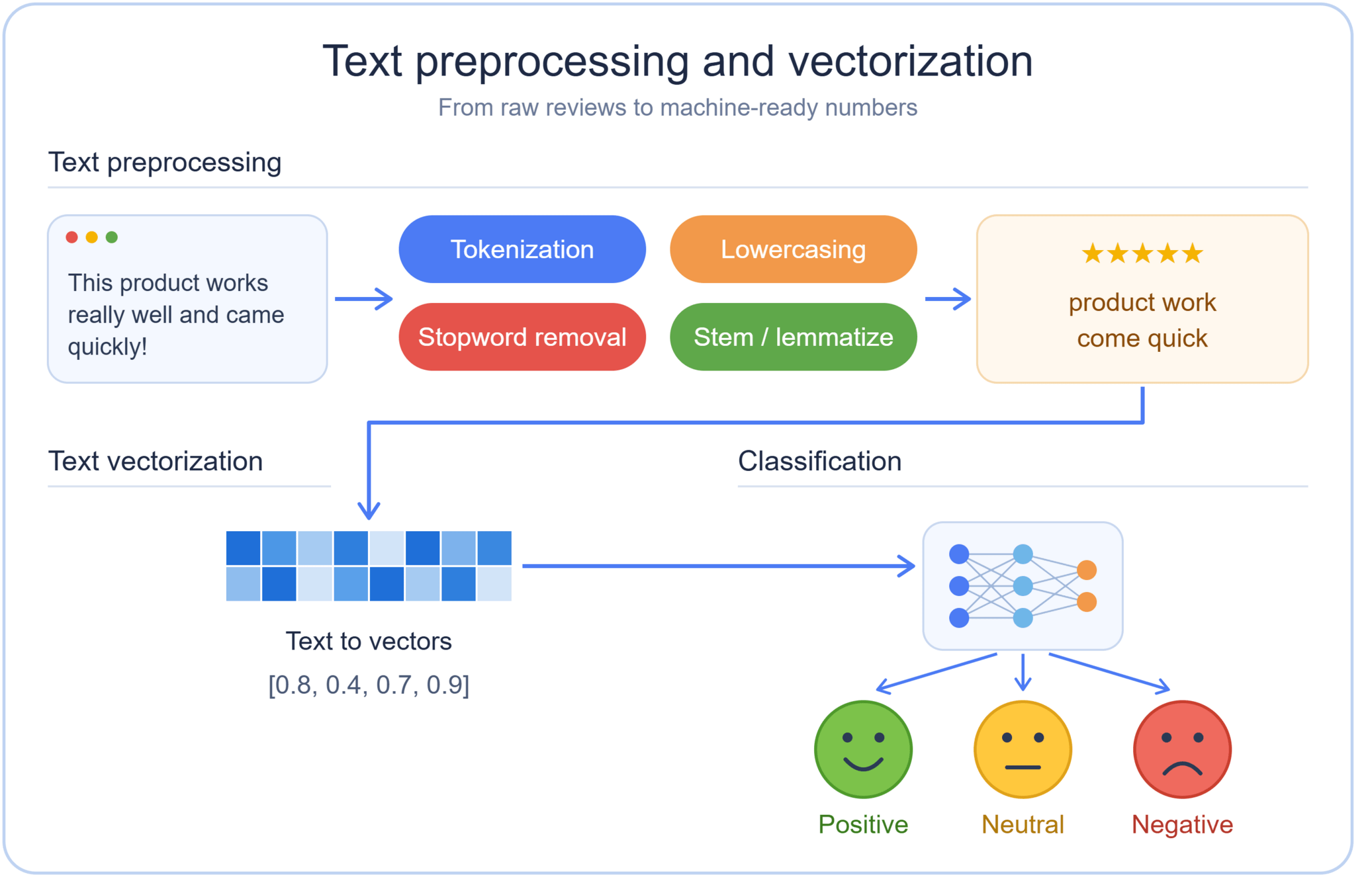
Before we can translate text into numbers, we must standardize it. We must clean the data.
Look at these two sentences:
-----------------------------------------------------
|         RAW HUMAN TEXT        |   CLEAN MACHINE TEXT  |
-----------------------------------------------------
|  "The SpaceX Falcon 9 launch  |  the spacex falcon 9  |
|   was INCREDIBLE!!! 🚀 #Space" |  launch was incredible|
|                               |  space                |
-----------------------------------------------------
“Human Expression (Noisy Data)”
👤
Text Preprocessing Pipeline
🤖“Machine-Ready Data (Clean Text)”
“Human Expression (Noisy Data)”
👤
Text Preprocessing Pipeline
🤖“Machine-Ready Data (Clean Text)”
🔤 (lowercase)
❌ ! ? (remove punctuation)
🚫 😊 (remove emoji)
#❌ (remove hashtags)
Machines cannot understand emotion, tone, or emphasis — It only understand patterns and tokens.
We need a systematic way to strip away the "human emotion" and leave only the "core data."
This is where preprocessing comes into the picture.
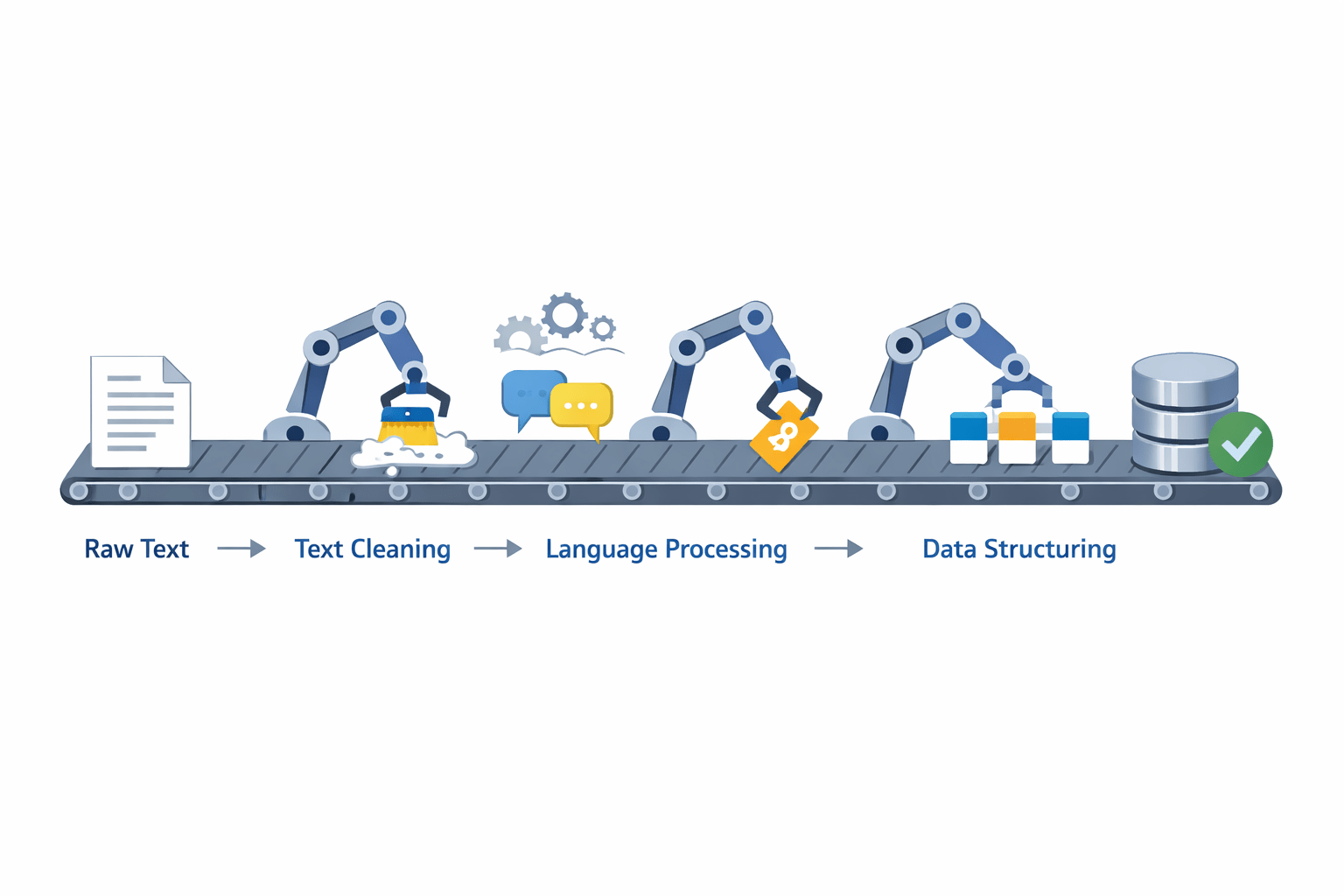
The Flow of Data:
Text preprocessing is not just one action; it is a step-by-step assembly line.
Inside the Concept
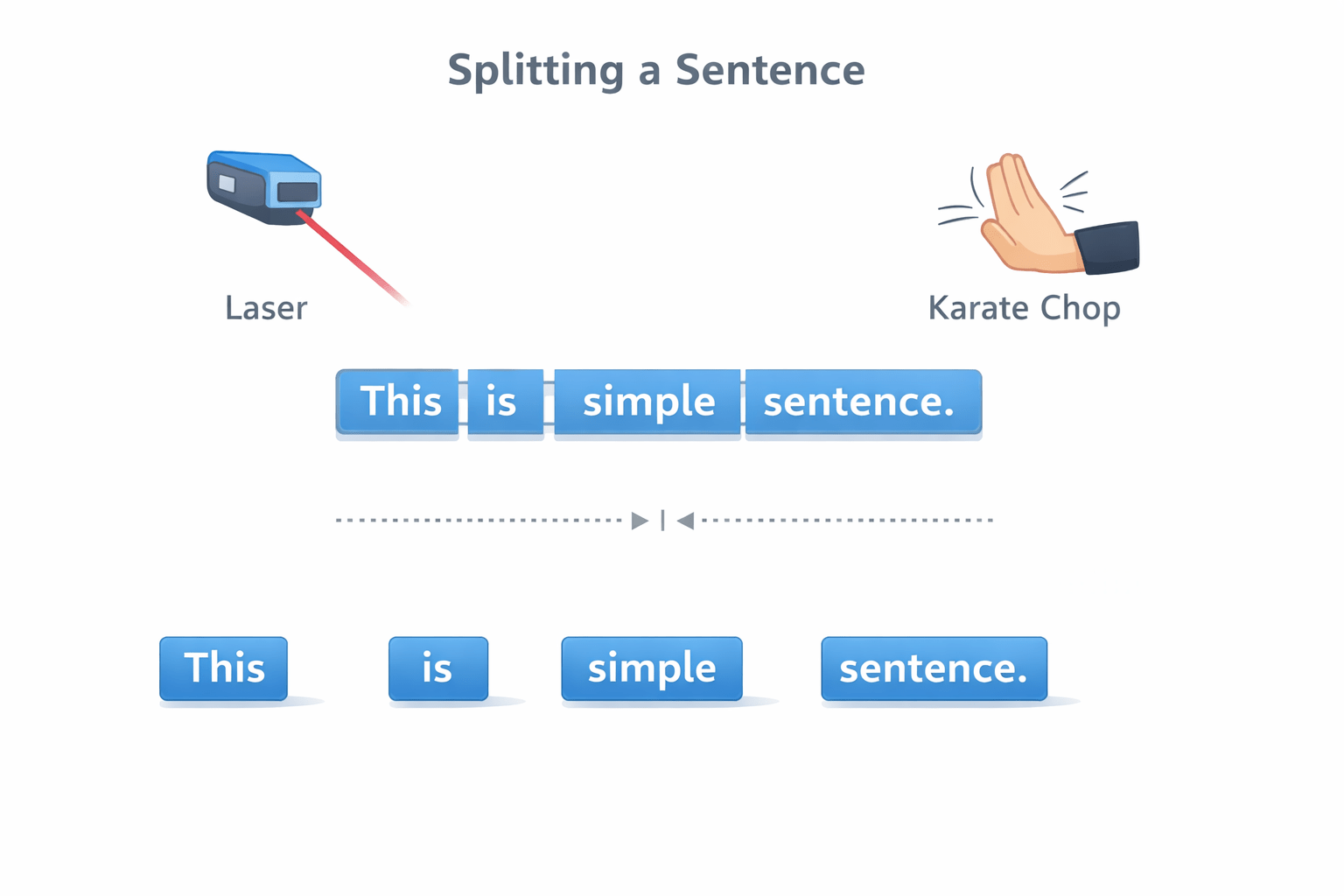
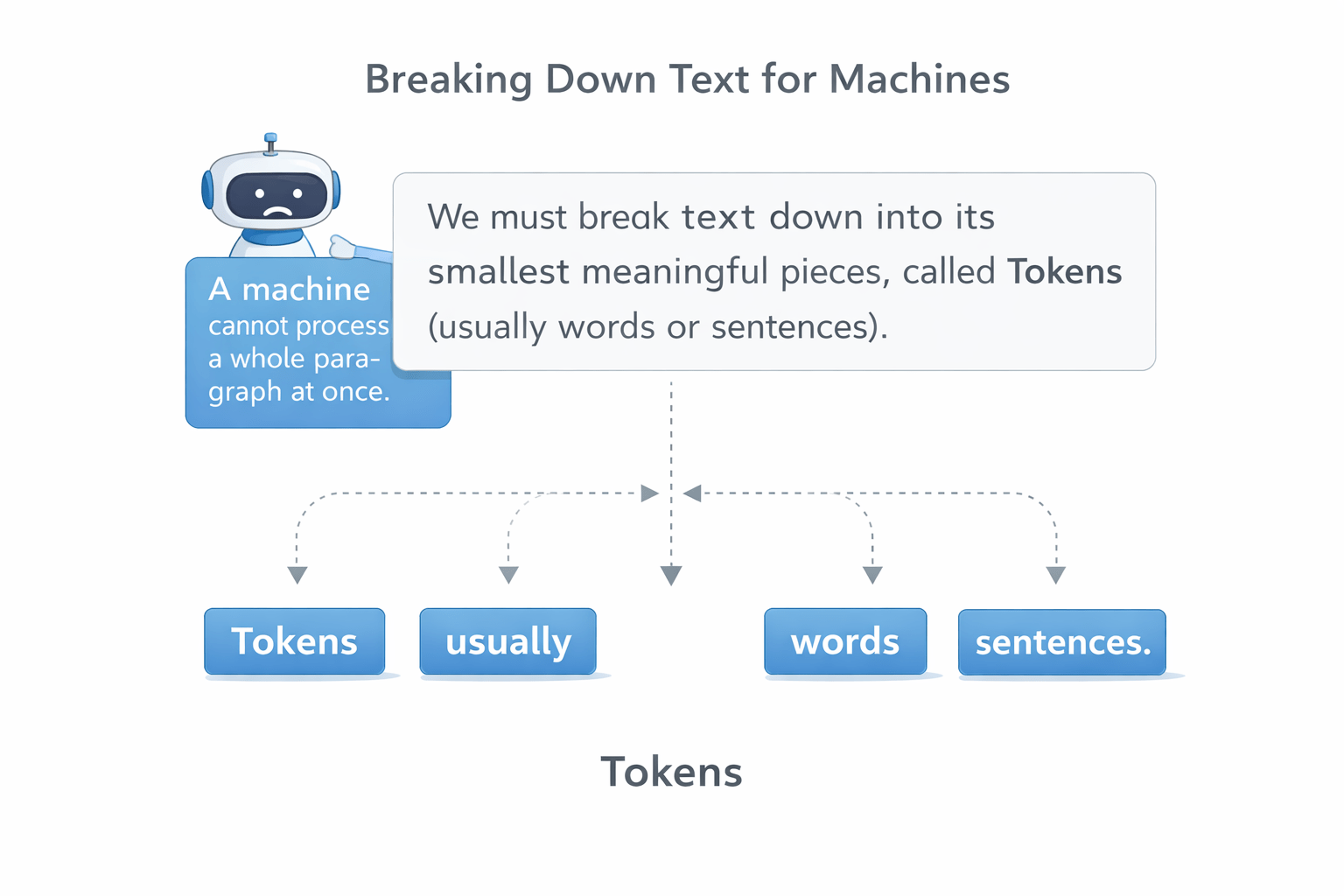
from nltk.tokenize import word_tokenize
text = "SpaceX is going to Mars!"
print(word_tokenize(text))
# Output: ['SpaceX', 'is', 'going', 'to', 'Mars', '!']
from nltk.tokenize import word_tokenize
text = "SpaceX is going to Mars!"
print(word_tokenize(text))
# Output: ['SpaceX', 'is', 'going', 'to', 'Mars', '!']
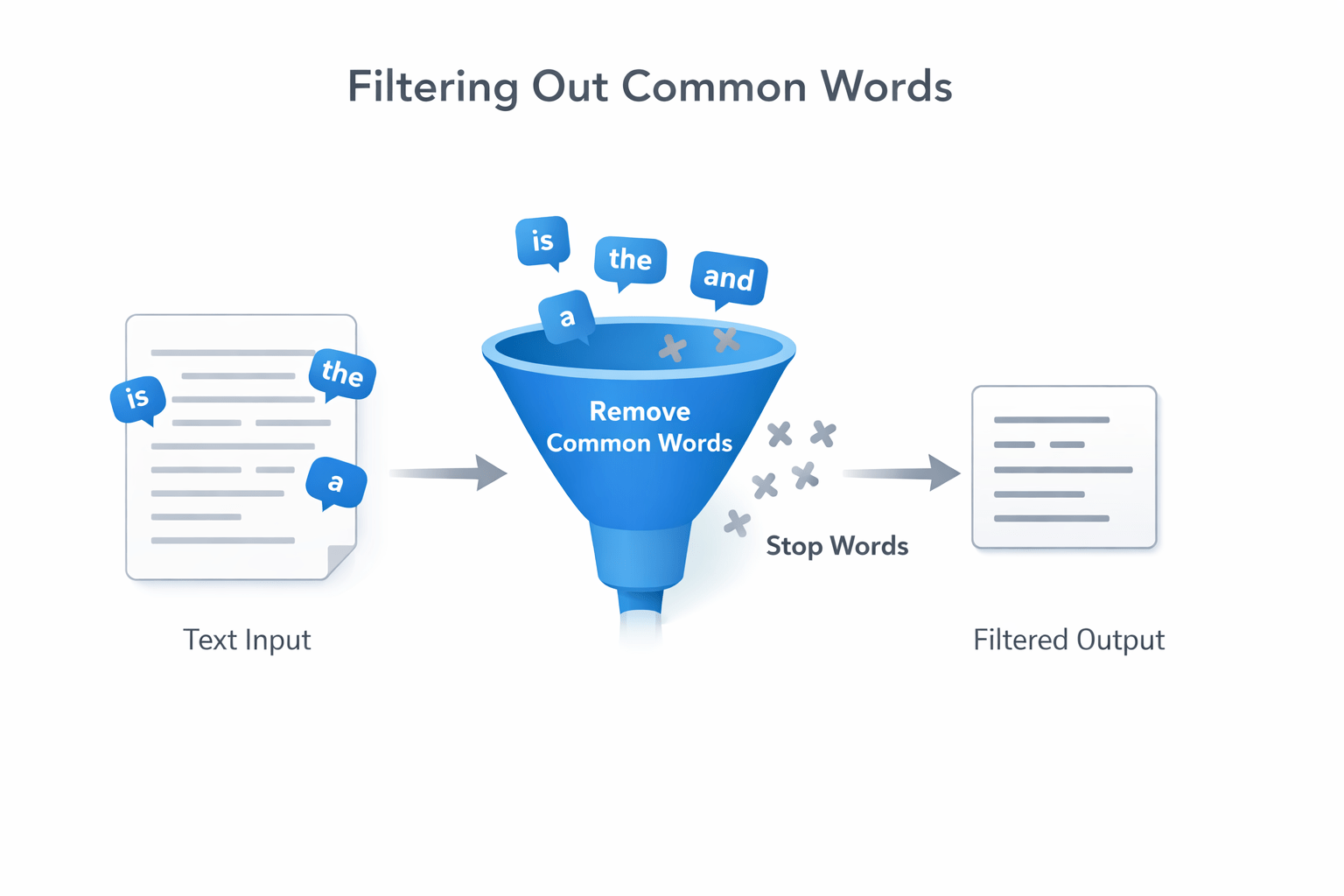
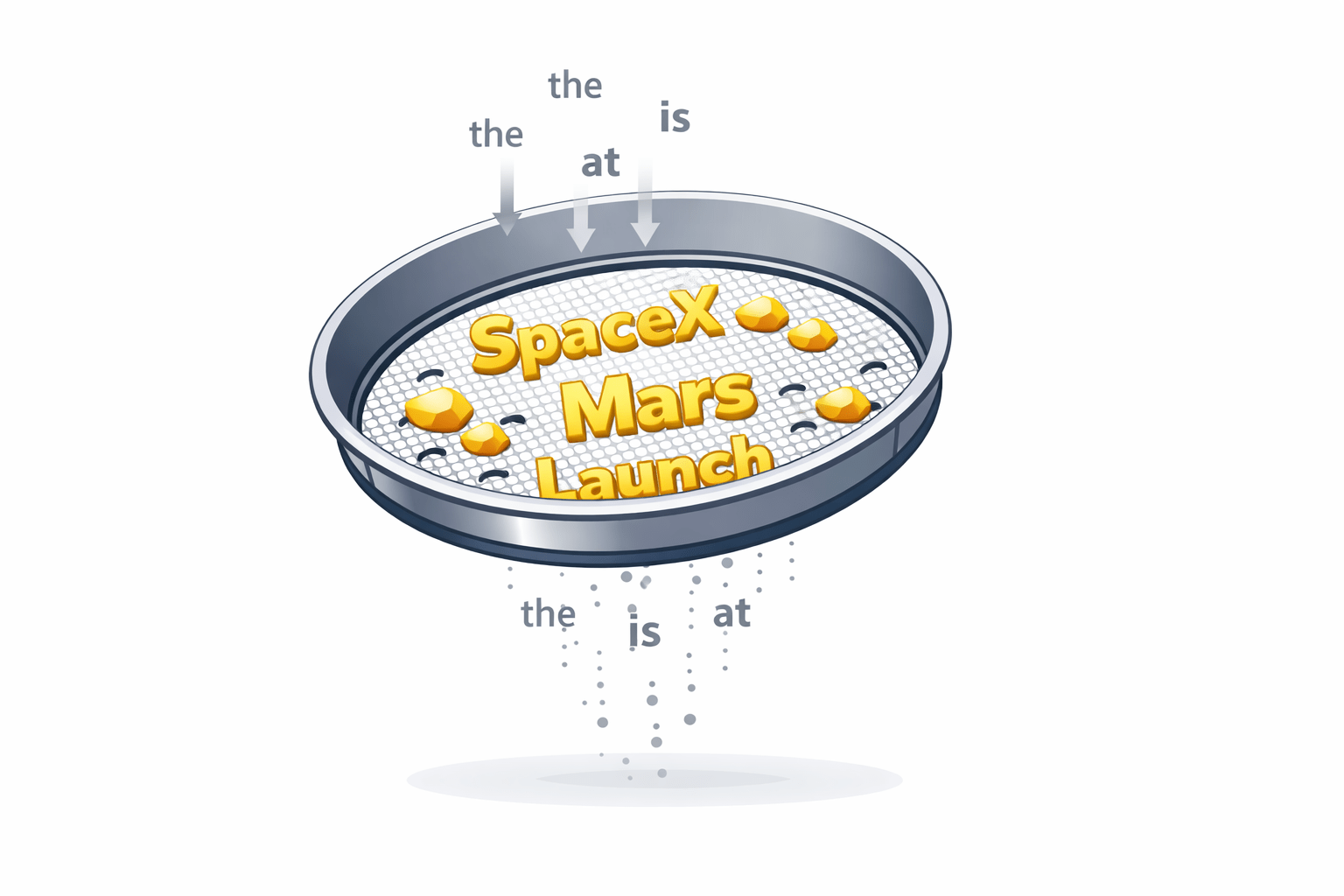
The words like “is,” “the,” “and,” “a” appear frequently but add little meaning for ML models, so we remove them to save computational power.
from nltk.corpus import stopwords
stop_words = set(stopwords.words('english'))
clean_tokens = [w for w in tokens if w.lower() not in stop_words]
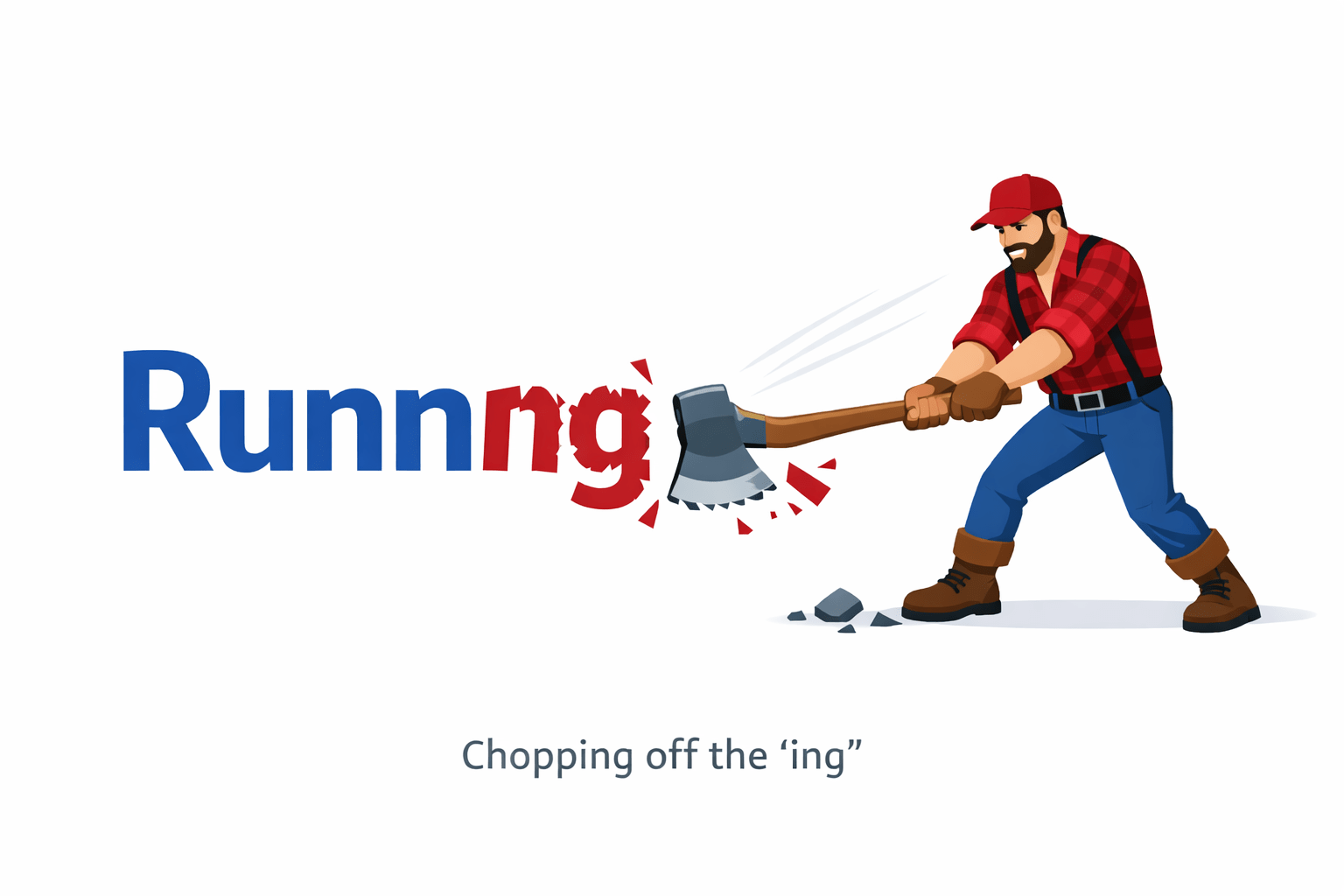
Reducing words to their base or root form.
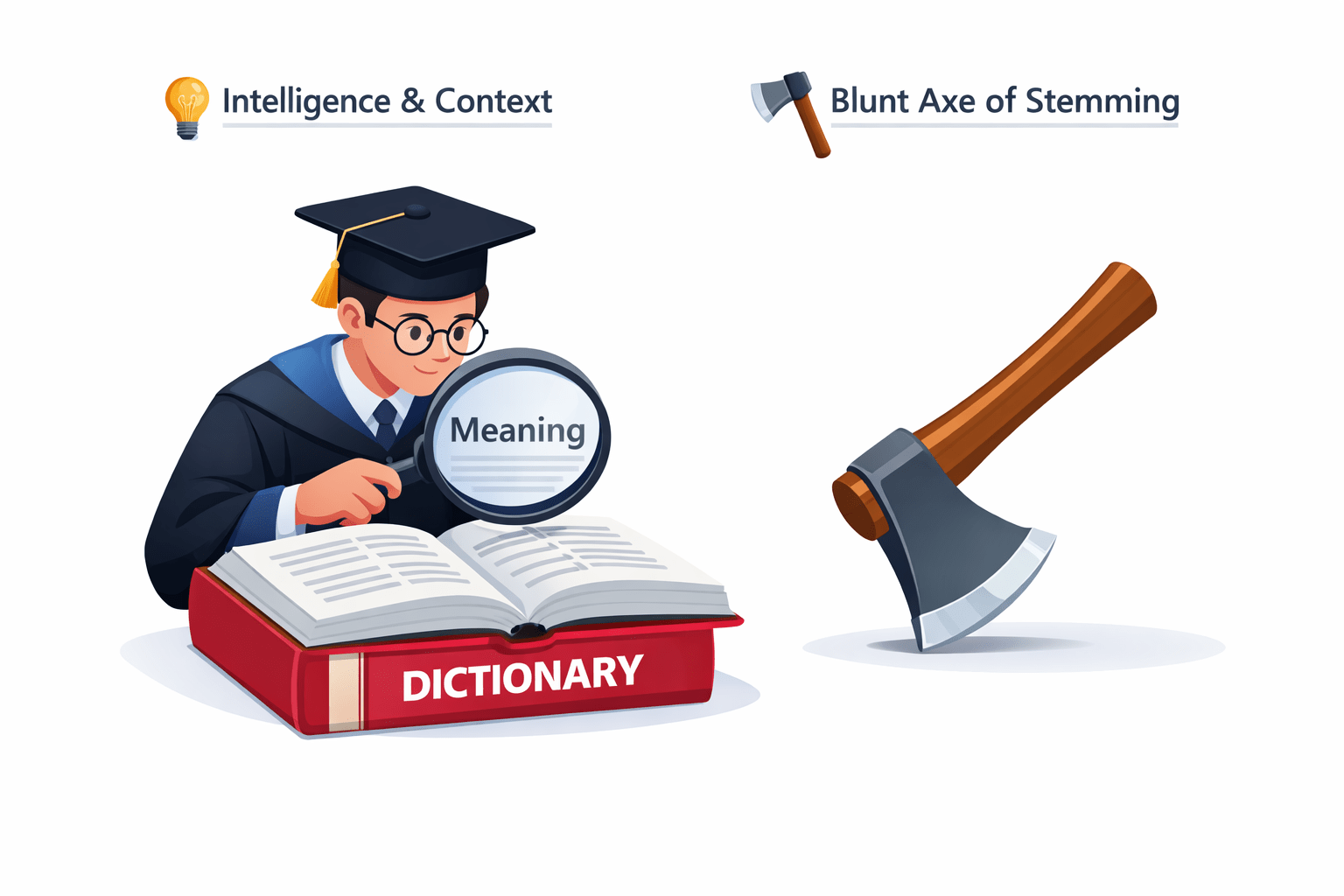
It uses strict, rule-based chopping. It just cuts off the end of words (like "-ing" or "-ed").
from nltk.stem import PorterStemmer
stemmer = PorterStemmer()
print(stemmer.stem("running")) # Output: run
a
It reduces words to their root form (the "Lemma"), but uses a vocabulary and morphological analysis (context).
How it works: It knows that "better" is actually the root of "good", and "caring" comes from "care", not "car".
a
from nltk.stem import PorterStemmer
stemmer = PorterStemmer()
print(stemmer.stem("running")) # Output: run
Which one to choose?
| Original Word | Stemming Output (Axe) | Lemmatization Output (Brain) |
|---|---|---|
| Caring | Car ❌ | Care ✅ |
| Geese | Gees ❌ | Goose ✅ |
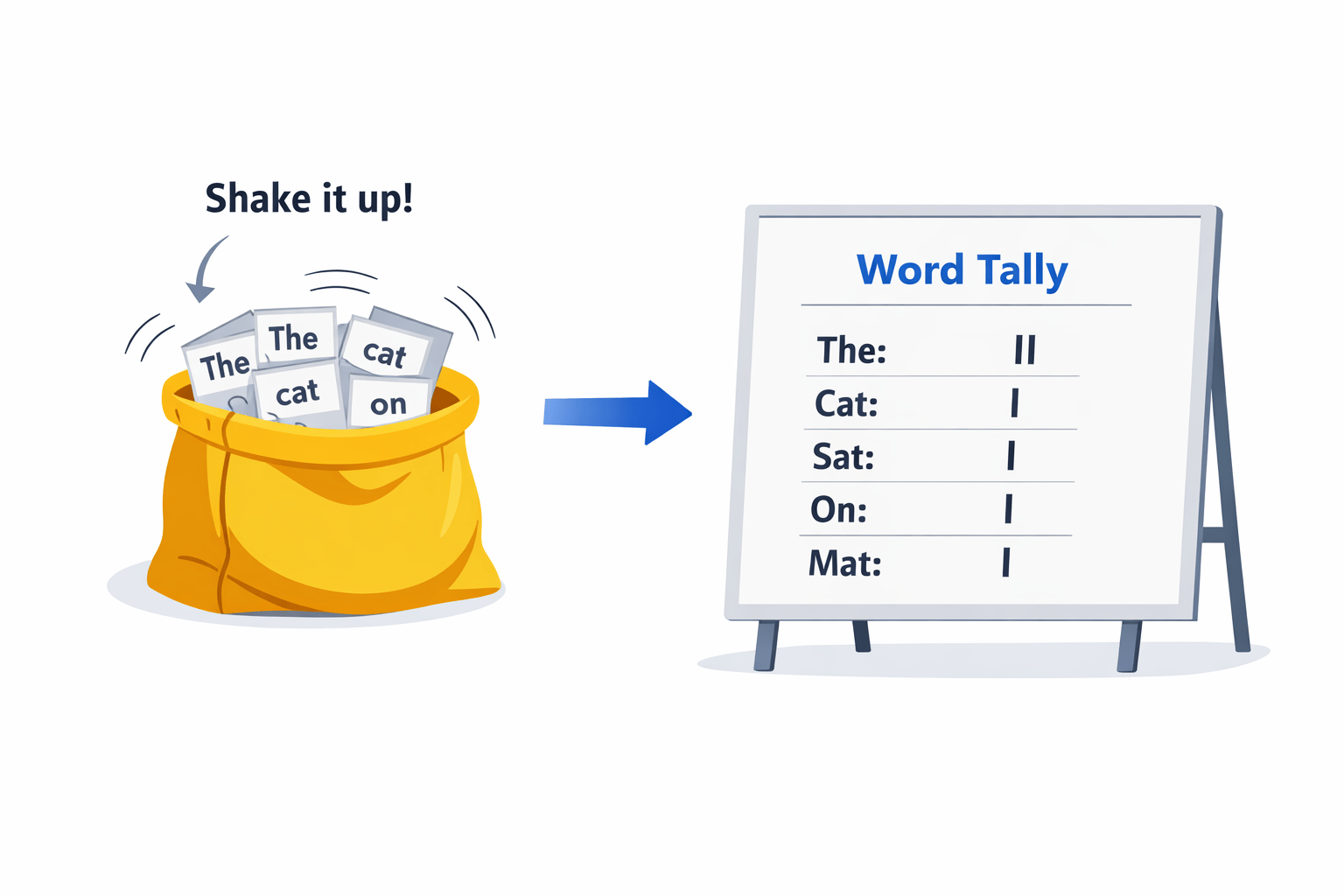
The simplest way to convert text. It just counts how many times each word appears.
It ignores word order and meaning, so “Good, not bad” and “Bad, not good” shows the same score.
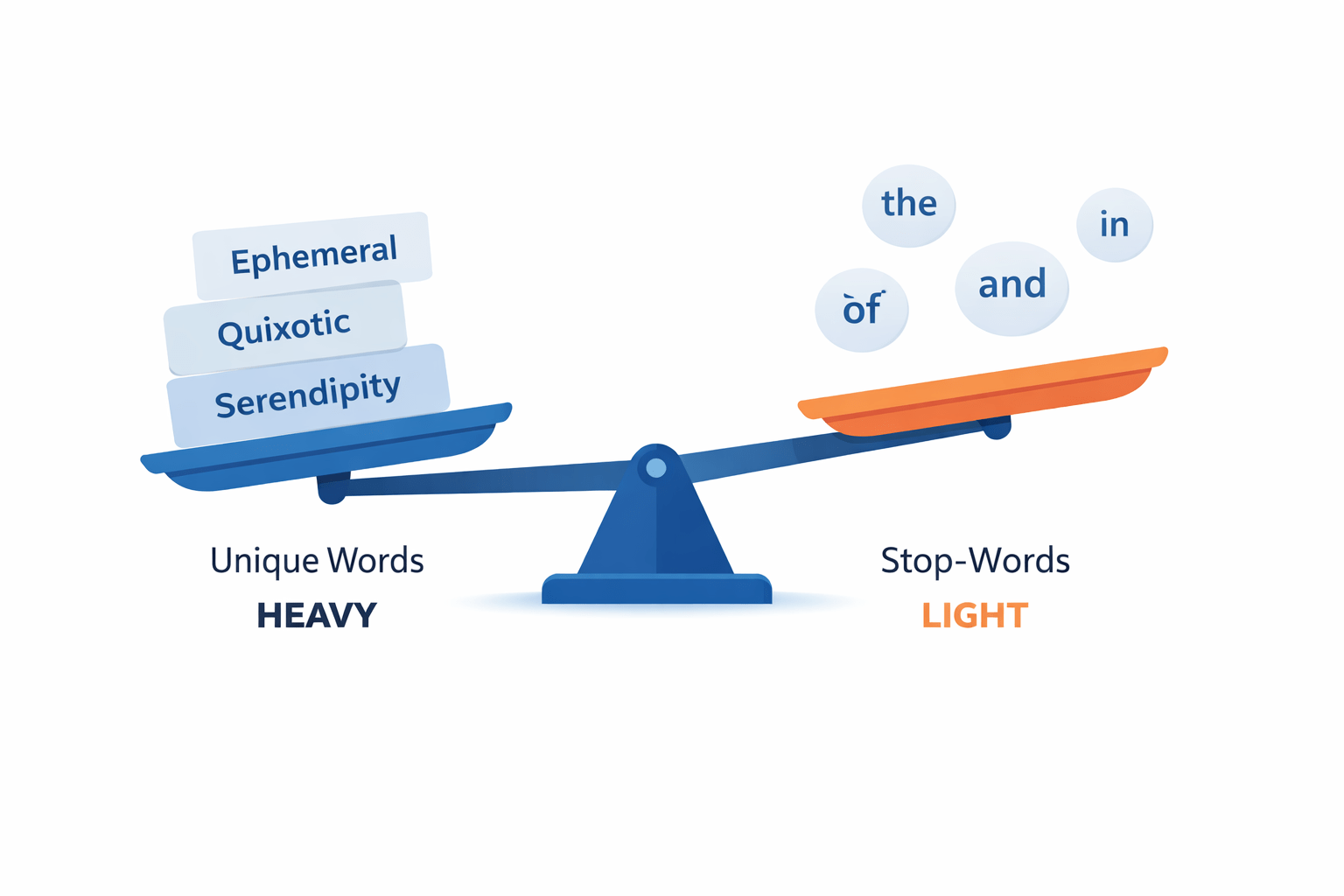
Not all words are created equal. Counting isn't enough; we need to measure importance.
The Logic:
TF (Term Frequency): Rewards a word if it is used a lot in one specific document.
IDF (Inverse Document Frequency): Punishes a word if it is used in every document across the dataset.
Very common words get almost zero importance, while rare and specific words get higher importance.
Words like “the”, “and”, “is” appear in almost every sentence, so their weight becomes ~0 (very low importance).
Rare words like “algorithm” or “supernova” appear less often, so they get a higher score and more importance in the model.
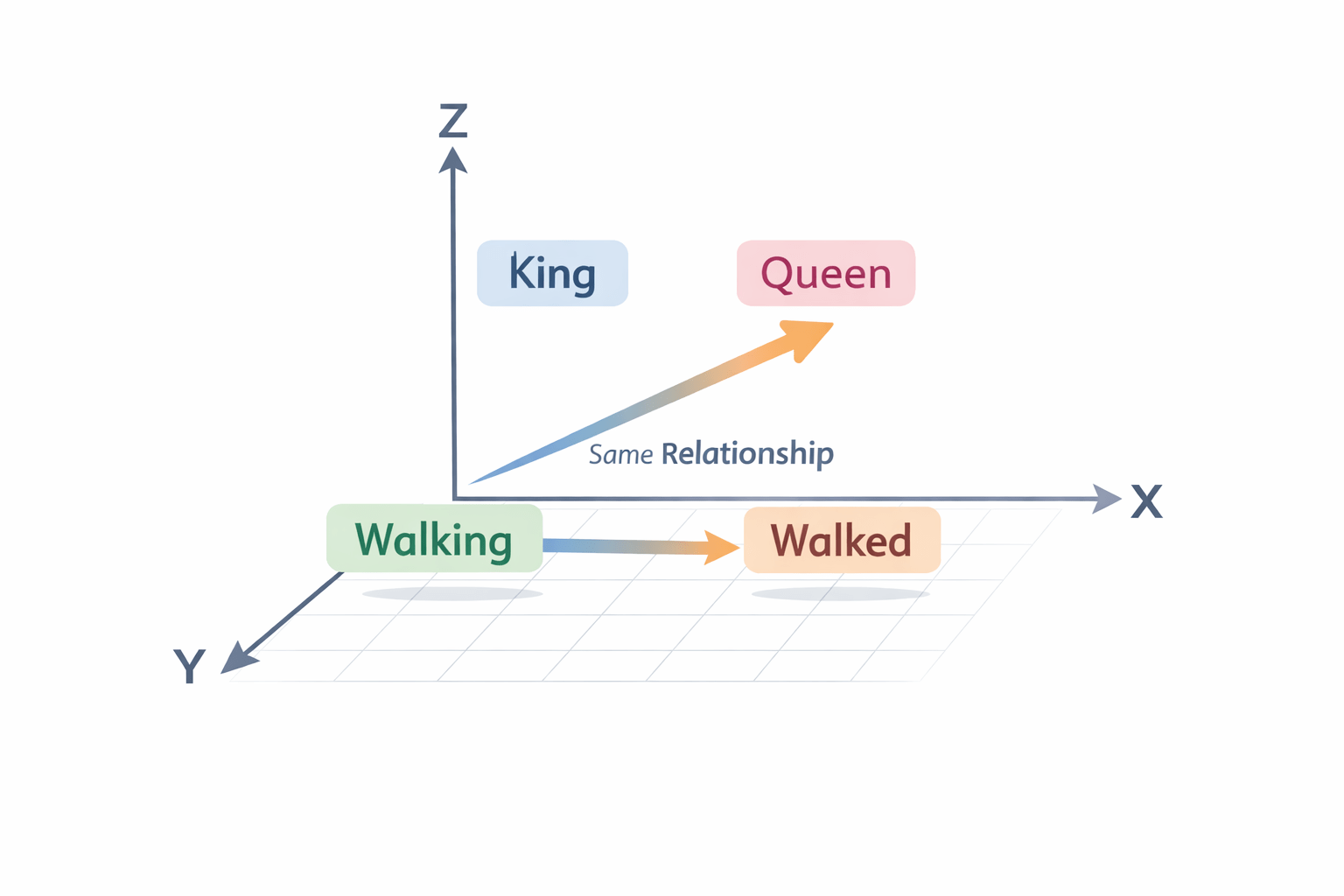
Count Vectorizer and TF-IDF only count words and their frequency. They do not understand the meaning of words.
Word2Vec learns from the context of words. If words like “Happy” and “Glad” appear in similar sentences, it gives them similar numerical values.
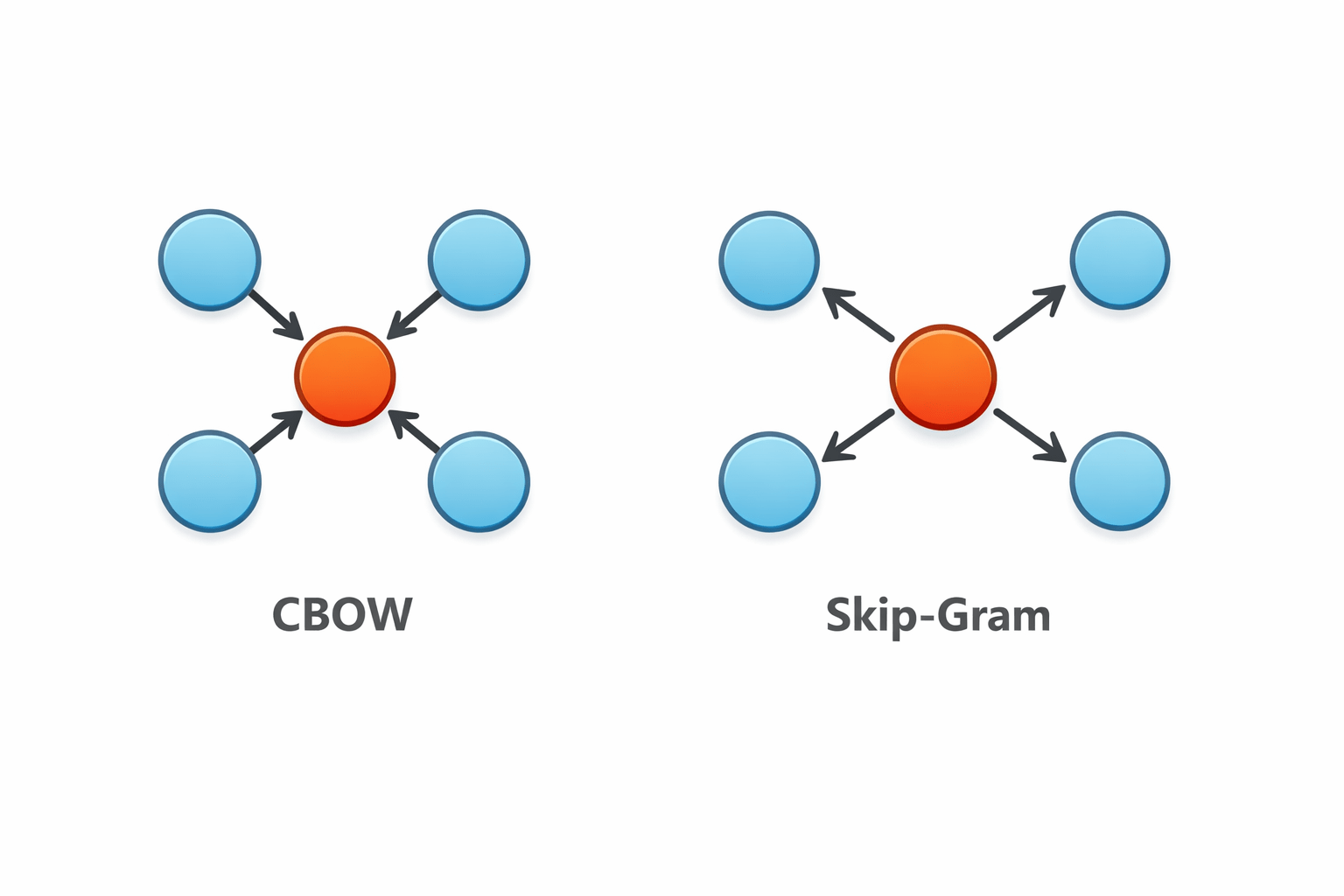
Word2Vec learns meaning by playing a “fill in the blank” game using surrounding words.
There are two ways to do this.
1. CBOW (Continuous Bag of Words):
Predicts the target word from surrounding words.
Example: “The [---] sat on the mat.” → “Cat”
2. Skip-Gram:
Predicts the surrounding words from the target word.
Example: “Cat” → “The”, “sat”, “on”, “the”, “mat”
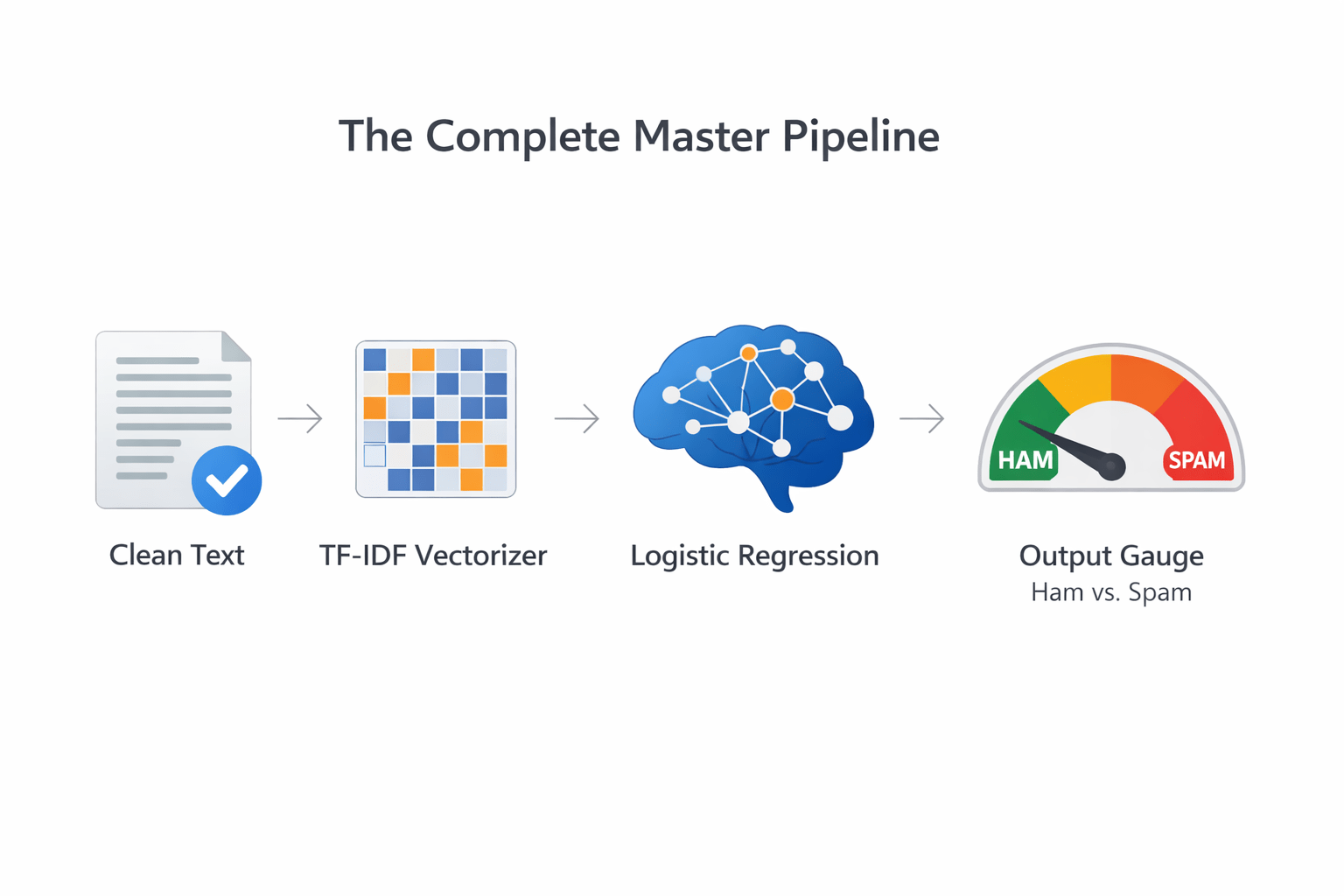
Once the text is converted into numbers (vectors), we use them to classify the data.
The Pipeline:
We feed the text vectors into a Machine Learning model (like Naive Bayes or Logistic Regression) to make a decision.
Sentiment Analysis: Positive (1) or Negative (0)
Spam Detection: Spam (1) or Ham (0)
Crucial Step:
Always evaluate the model using Accuracy, Precision, and Recall before deploying it.
Spam Email Detection: Protecting your inbox using TF-IDF and classification.
Chatbots & Search Engines:
Google uses dense vectors to understand search intent, not just keywords.
Movie / Product Reviews: E-commerce sites automatically sorting reviews by sentiment (Positive/Negative).
Shopping Recommendation Systems:
Suggest products based on the meaning of what you browse or read.
Summary
5
Word2Vec captures context, and the vectors power text classification.
4
TF-IDF boosts rare, meaningful words.
3
Count Vectorizer tallies frequency.
2
Clean tokens are converted to numbers (vectorization).
1
Raw text is cleaned: lowercase, tokenize, remove stop words, lemmatize
Which statement correctly describes text vectorization and its applications?
A. Count Vectorizer perfectly captures semantic relationships between words.
B. TF-IDF increases the mathematical importance of highly common words like "the".
C. Word2Vec captures contextual meaning and creates vectors that can be used in classification tasks.
D. Text classification models do not require evaluation before deployment.
Quiz
Which statement correctly describes text vectorization and its applications?
A. Count Vectorizer perfectly captures semantic relationships between words.
B. TF-IDF increases the mathematical importance of highly common words like "the".
C. Word2Vec captures contextual meaning and creates vectors that can be used in classification tasks.
D. Text classification models do not require evaluation before deployment.
Quiz
By Content ITV