"Simples é melhor que complexo"
Tim Peters
Criando uma aplicação web com Python de forma simples e eficiente.
Regis Santos
@rg3915
Regis do Python

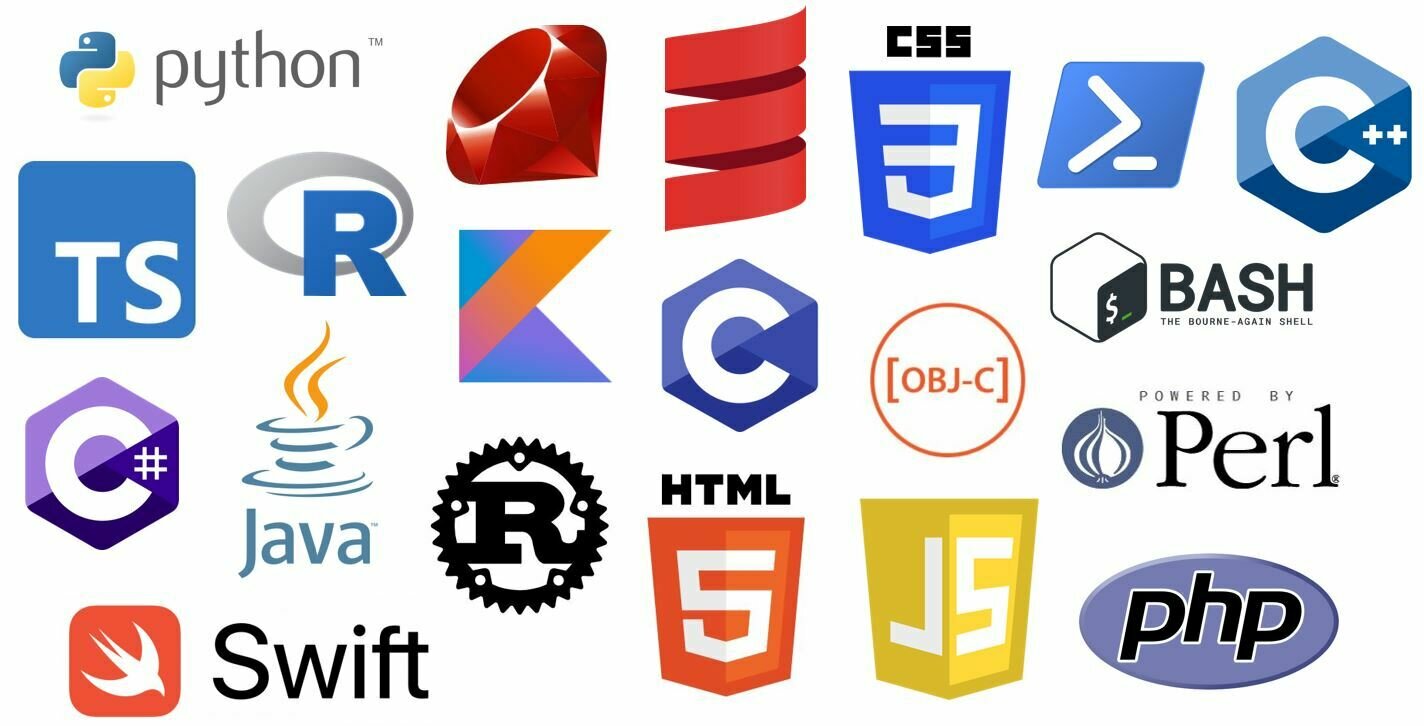
"Mas você só sabe Python?"
Falem mal das linguagens, mas respeite as pessoas.

Por onde eu começo?
Desenvolvimento Web

Frontend




Vamos começar de novo?
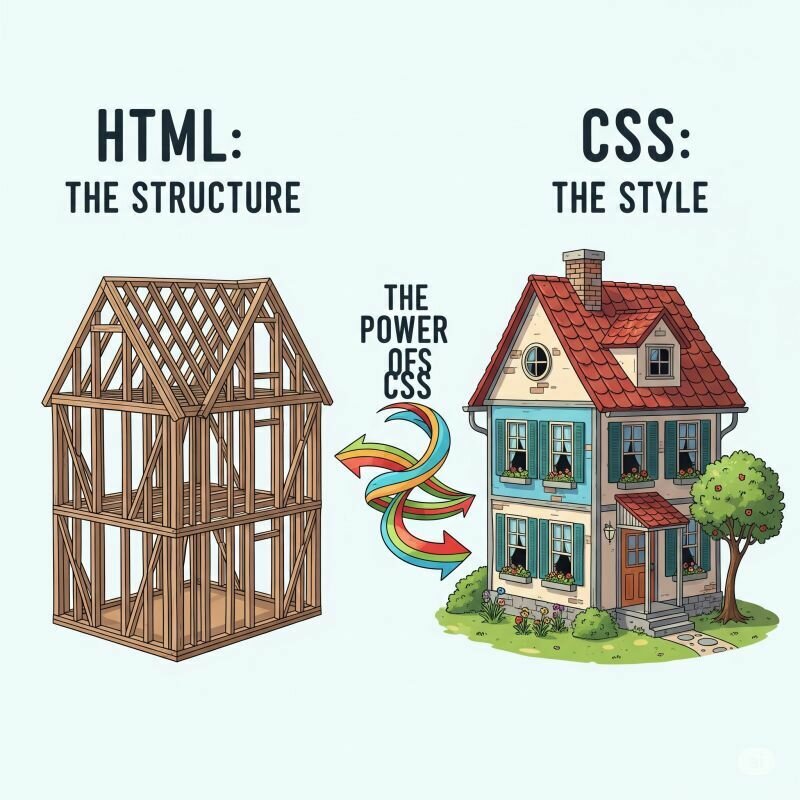
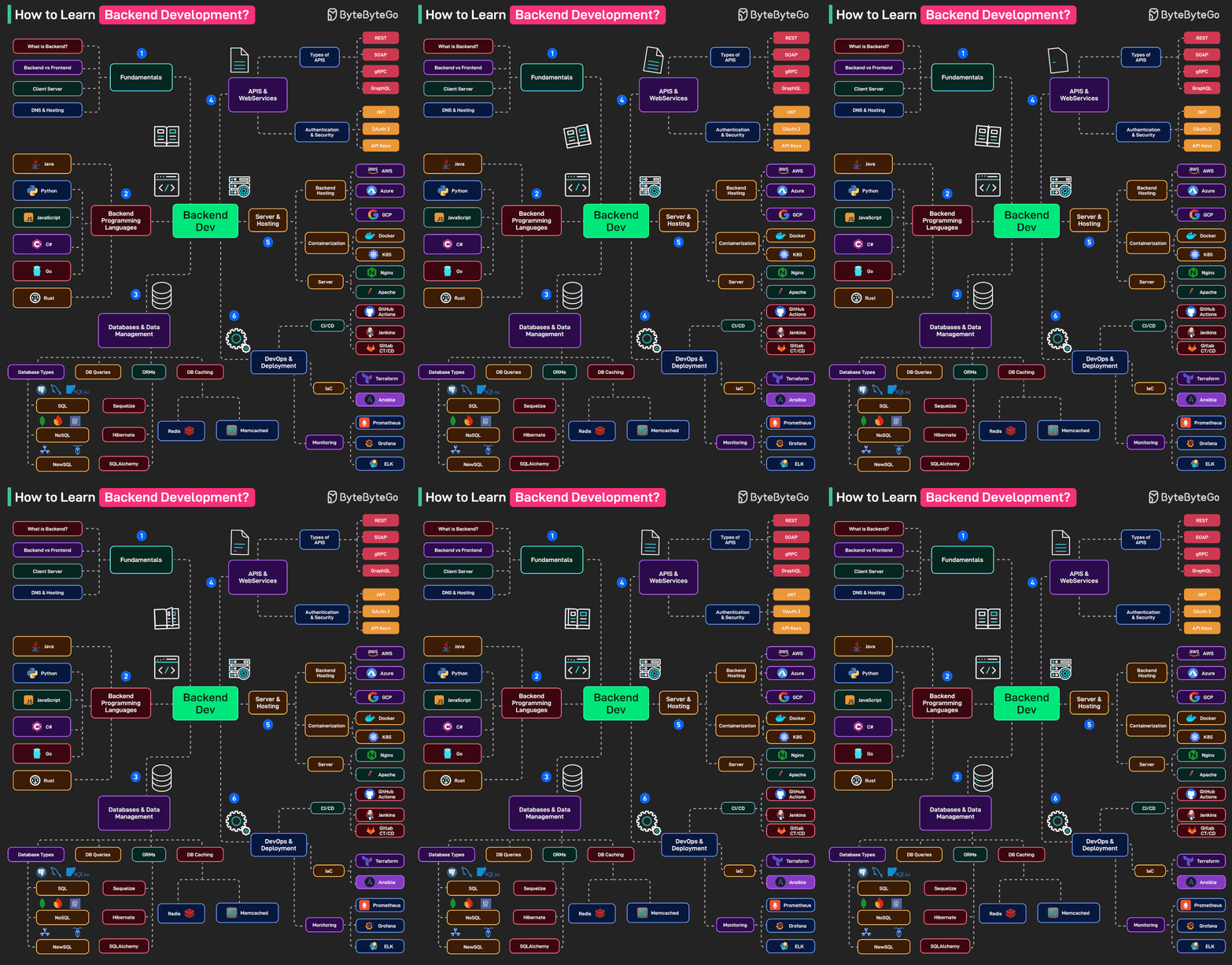
Backend

Banco de dados


DevOps

Deploy e Hospedagem

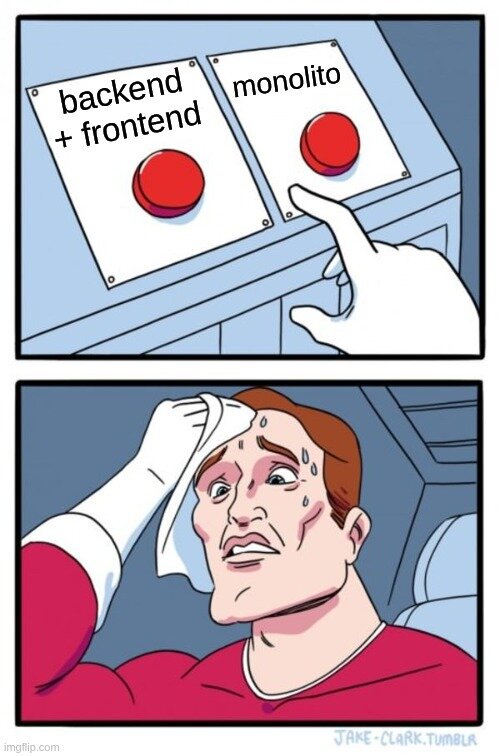
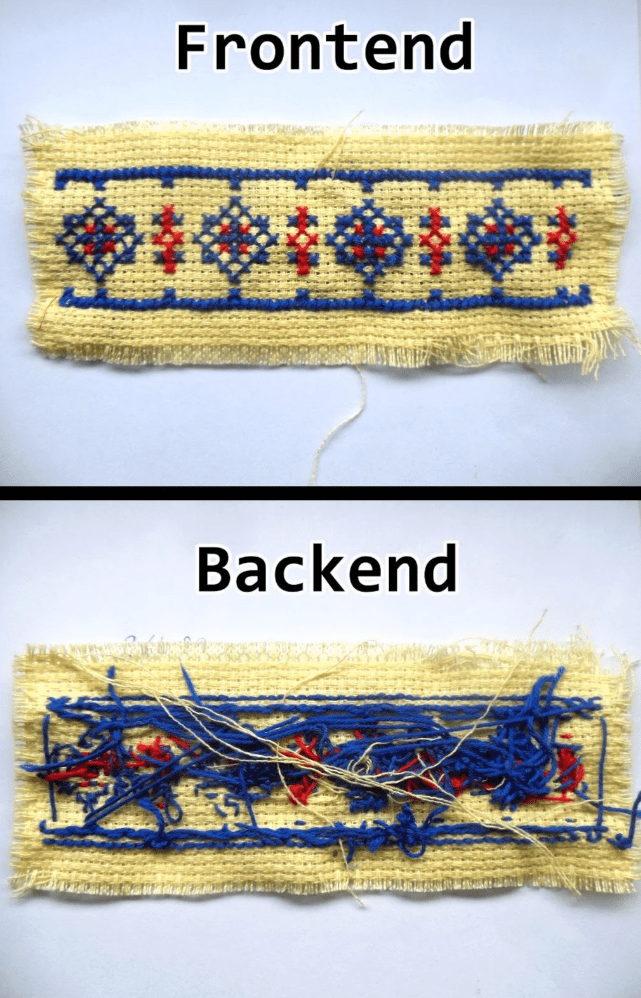

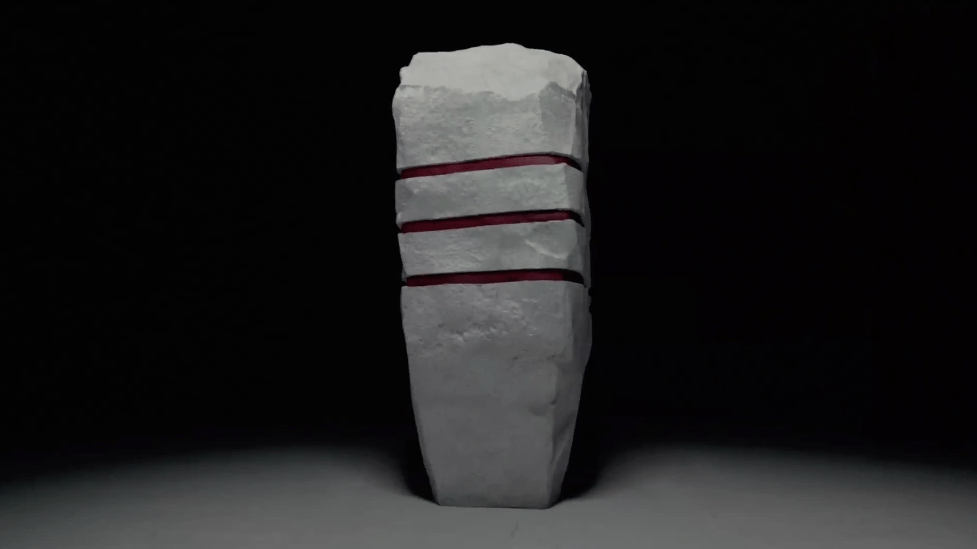
Monolito
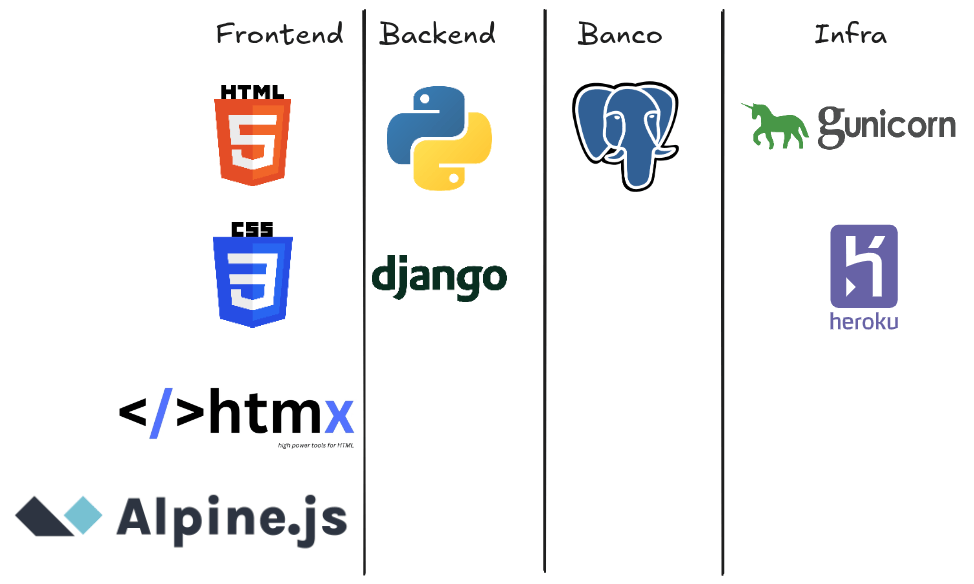
Django
-
ORM próprio
- Se conecta vários bancos de dados de forma simples
- Sistema de Roteamento (URL)
- Painel de Admin
-
MTV
- Models, Views e Templates
-
Template Engine (Render template)
- E herança de templates
-
Segurança Integrada
- XSS, CSRF, SQL injection, CSP
Milhares de bibliotecas de terceiros
- Django Extensions
- Django Channels
- Django Ninja
- Django Debug toolbar
- Django-allauth
- Django-import-export
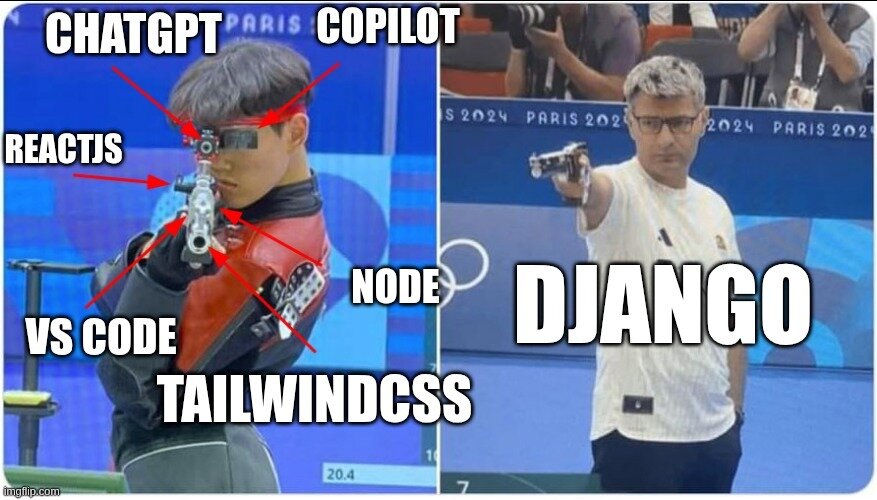

Usem com moderação
"Simples é melhor que complexo"
Tim Peters
Modal
<html lang="pt-BR">
<head>
<meta charset="UTF-8">
<meta name="viewport" content="width=device-width, initial-scale=1.0">
<title>Modal Simples</title>
<link rel="stylesheet" href="style.css">
</head>
<body>
<button id="openBtn">Abrir Modal</button>
<dialog id="modal">
<span
id="closeBtn"
class="close"
>×</span
>
<h2>Título do Modal</h2>
<p>Este é um modal simples criado com a tag <dialog>!</p>
</dialog>
<script src="main.js"></script>
</body>
</html>
Estilo
* {
    margin: 0;
    padding: 0;
    box-sizing: border-box;
}

body {
    /* Centralização horizontal e vertical do botão */
    display: flex;
    justify-content: center; /* Centralização horizontal */
    align-items: center;     /* Centralização vertical */
    min-height: 100vh;
    font-family: Arial, sans-serif;
}

button {
    padding: 15px 30px;
    font-size: 18px;
    background-color: #007bff;
    color: white;
    border: none;
    border-radius: 5px;
    cursor: pointer;
}

button:hover {
    background-color: #0056b3;
}
dialog {
position: fixed;
inset: 0; /* Define top, right, bottom, left como 0 */
margin: auto; /* Centralização horizontal e vertical */
border: none;
border-radius: 8px;
padding: 30px;
max-width: 500px;
width: 90%;
height: fit-content; /* Altura ajustada ao conteúdo */
box-shadow: 0 4px 6px rgba(0, 0, 0, 0.1);
}
/* Backdrop (fundo escuro) do dialog */
dialog::backdrop {
background-color: rgba(0, 0, 0, 0.5);
}
.close {
float: right;
font-size: 28px;
font-weight: bold;
cursor: pointer;
line-height: 1;
}
.close:hover {
color: red;
}
h2 {
margin-bottom: 15px;
}
JavaScript
const modal = document.getElementById("modal");
const openBtn = document.getElementById("openBtn");
const closeBtn = document.getElementById("closeBtn");

// Abrir modal
openBtn.addEventListener("click", () => {
    // Método nativo do navegador para <dialog>
    modal.showModal();
});

// Fechar modal ao clicar no X
closeBtn.addEventListener("click", () => {
    // Método nativo do navegador para <dialog>
    modal.close();
});

// Fechar modal ao clicar fora (no backdrop)
modal.addEventListener("click", (e) => {
    if (e.target === modal) {
        modal.close();
    }
});
TailwindCSS
<html lang="pt-BR">
  <head>
    <script src="https://cdn.tailwindcss.com"></script>
  </head>
  <body class="bg-gray-50">
    <div
      class="max-w-screen-xl mx-auto py-12 px-4 sm:px-6 lg:py-16 lg:px-8 lg:flex lg:items-center lg:justify-between"
    >
      <h2
        class="text-3xl leading-9 font-extrabold tracking-tight text-gray-900 sm:text-4xl sm:leading-10"
      >
        Ready to dive in?
        <br />
        <span class="text-indigo-600">Start your free trial today.</span>
      </h2>
      <div class="mt-8 flex lg:flex-shrink-0 lg:mt-0">
        <div class="inline-flex rounded-md shadow">
          <a
            href="#"
            class="inline-flex items-center justify-center px-5 py-3 border border-transparent text-base leading-6 font-medium rounded-md text-white bg-indigo-600 hover:bg-indigo-500 focus:outline-none focus:shadow-outline transition duration-150 ease-in-out"
          >
            Get started
          </a>
        </div>
      </div>
    </div>
  </body>
</html>
Pico CSS
<html lang="pt-BR" data-theme="light">
  <head>
    <meta charset="UTF-8">
    <meta name="viewport" content="width=device-width, initial-scale=1.0">
    <title>Modal com Pico CSS</title>
    <!-- Pico CSS - Framework CSS minimalista -->
    <link rel="stylesheet" href="https://cdn.jsdelivr.net/npm/@picocss/pico@2/css/pico.min.css">
  </head>
  <body class="container">
    <button onclick="document.querySelector('dialog').showModal()">
      Abrir Modal
    </button>

    <dialog>
      <article>
        <header>
          <span
            class="close"
            onclick="document.querySelector('dialog').close()"
          ></span>
          <h2>Título do Modal</h2>
        </header>
        <p>Modal com Pico CSS + JavaScript inline!</p>
        <p>Usando showModal() e close() - métodos nativos do dialog.</p>
      </article>
    </dialog>
  </body>
</html>