Light/Dark Mode
light-dark()
Custom Properties
Recap
h1 {
  color: green;
}

h2 {
  color: blue;
}

p {
  color: red;
}
Farvepalette i CSS
h1 {
  color: #bada55;
}

h2 {
  color: #ff2291;
}

p {
  color: #5000ca;
}
Farvepalette i CSS
???
???
???
h1 {
  /* = Primary */
  color: #bada55;
}

h2 {
  /* = Secondary Color */
  color: #ff2291;
}

p {
  /* = Tertiary/Accent Color */
  color: #5000ca;
}
Farvepalette i CSS
h1 {
  /* = Primary/Brand Color */
  color:
}

h2 {
  /* = Secondary Color */
  color:
}

p {
  /* = Tertiary/Accent Color */
  color:
}
Farvepalette i CSS
👎🏻☹️
primarysecondarytertiaryvar(-- );h1 {
/* = Primary/Brand Color */
color:
}
h2 {
/* = Secondary Color */
color:
}
p {
/* = Tertiary/Accent Color */
color:
}Farvepalette i CSS
primarysecondarytertiaryvar(-- );html {
--primary: #bada55;
}
h1 {
color:
}Farvepalette i CSS
primaryvar(-- );html {
--primary: 20;
}
h1 {
color:
}Farvepalette i CSS
???
primaryvar(-- );html {
--primary: 20;
}
h1 {
color:
}Farvepalette i CSS
primaryvar(-- );h1 {
color: var(--primary);
}
h2 {
color: var(--secondary);
}
p {
color: var(--tertiary);
}Farvepalette i CSS
h1 {
  color: var(--primary);
  margin-bottom: 1rem;
}

h2 {
  color: var(--secondary);
  margin-bottom: 1rem;
}

p {
  color: var(--tertiary);
  margin-block: 1rem;
}
Farvepalette i CSS
html {
  --primary: #bada55;
  --secondary: #ff2291;
  --tertiary: #5000ca;

  --space-sm: 1rem;
}
Farvepalette i CSS
html {
  --primary: #bada55;
  --secondary: #ff2291;
  --tertiary: #5000ca;

  --space-sm: 1rem;
}
h1 {
color: var(--primary);
margin-bottom: var(--space-sm);
}
h2 {
color: var(--secondary);
margin-bottom: var(--space-sm);
}
p {
color: var(--tertiary);
margin-block: var(--space-sm);
}Custom Properties
html {
  --primary: #bada55;
  --secondary: #ff2291;
  --tertiary: #5000ca;

  --space-sm: 1rem;
}
"Egenskaber, jeg selv har fundet på"
html {
  --primary-color: #bada55;
}
h1 {
color: var(--primary-color);
}Definér
Brug
--dit-variabel-navn: [værdi];--dit-variabel-navnhtml {
--primary-color: #bada55;
}h1 {
color: var(--primary-color);
}Definér
Brug
--dit-variabel-navn: [værdi];[property]: var( );--dit-variabel-navnmed var()-funktion
html {
  --primary: #5000ca;
  --secondary: #463866;
  --accent: #fb28a8;

  --space-xxs: 0.25rem;
  --space-xs: 0.5rem;
  --space-sm: 1rem;
  --space-md: 1.5rem;
  --space-lg: 2rem;
  --space-xl: 3rem;
  --space-xxl: 6rem;
}
"Consistency"
html {
  --my-color: green;
}

aside {
  --my-color: red;
}

h2 {
  color: var(--my-color);
}
Scope
<html>
  <body>

    <h2>Jeg er green</h2>

    <aside>
      <h2>Jeg er red</h2>
    </aside>

  </body>
</html>
<html>
<body>
<h2>Jeg er green</h2>
<aside>
<h2>Jeg er red</h2>
</aside>
</body>
</html>html {
--my-color: green;
}
aside {
--my-color: red;
}
h2 {
color: var(--my-color);
}Scope
light-dark()
Differentiér mellem lyst og mørkt tema i CSS

light-dark()
To enable support for the light-dark() color function, the color-scheme must have a value of light dark, usually set on the :root pseudo-class.
:root
light-dark()
= html
html /* eller :root */ {
  color-scheme: light dark;
}
Aktivering af light-dark-funktionen
:root
light-dark()
med custom properties
html /* eller :root */ {
  color-scheme: light dark;

  --color-brand:
}
Opsætning af custom properties
:root
Light mode
#5000ca;light-dark( , )light-dark()
med custom properties
html /* eller :root */ {
  color-scheme: light dark;

  --color-brand:
}
Opsætning af custom properties
:root
light-dark( , )#5000ca;#e0d3ffLight mode
Dark mode
light-dark()
med custom properties
html /* eller :root */ {
  color-scheme: light dark;

  --color-brand: light-dark(#5000ca, #e0d3ff);
  --background-primary: light-dark(#eee, #1b1b1b);
}
:root
light-dark()
med custom properties
html {
  background: var(--background-primary);
}

h1 {
  color: var(--color-brand);
}
:root
light-dark()
light-dark()
med JavaScript
html {
  color-scheme: light;
}

html.dark {
  color-scheme: dark;
}'invalid''submit'const html = document.querySelector("html");
const btn = document.querySelector("#theme-btn");
function toggleTheme() {
html.classList.toggle('dark');
}
btn.addEventListener('click', toggleTheme);Brug classList.toggle()
Tilføj og fjern klasser
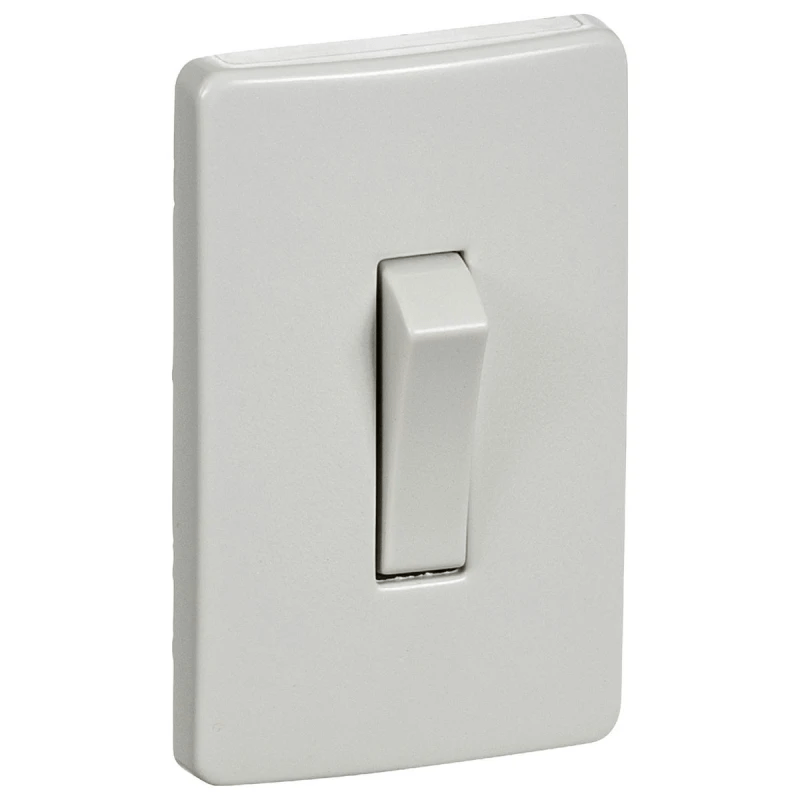
Hvis slukket -> tænd
Hvis tændt -> sluk
.toggle()
classList
Tilføj og fjern klasser
classList
html.
Tilføj og fjern klasser
element
const html = document.querySelector("html");classList
.add
("dark")
.remove
html.
Tilføj og fjern klasser
klasse
NB! uden punktum!
classList
.add
("dark")
.remove
html.
Tilføj og fjern klasser
Tilføj
klasse
classList
.add
("dark")
.remove
.contains
html.
Tilføj og fjern klasser
Fjern klasse
classList
.add
("dark")
.remove
.contains
html.
Tilføj og fjern klasser
Indeholder klasse
.toggle
classList
("dark")
.remove
.toggle
html.
Tilføj og fjern klasser
Tænd/sluk klasse
.contains
Manuel dark mode
const html = document.querySelector("html");
const btn = document.querySelector("#theme-btn");

function toggleTheme() {
  html.classList.toggle('dark');
}

btn.addEventListener('click', toggleTheme);Manuel dark mode
html {
  color-scheme: light;
  --color-brand: light-dark(#5000ca, #e0d3ff);
  --background-primary: light-dark(#eee, #1b1b1b);
}

html.dark {
  color-scheme: dark;
}
øvelse
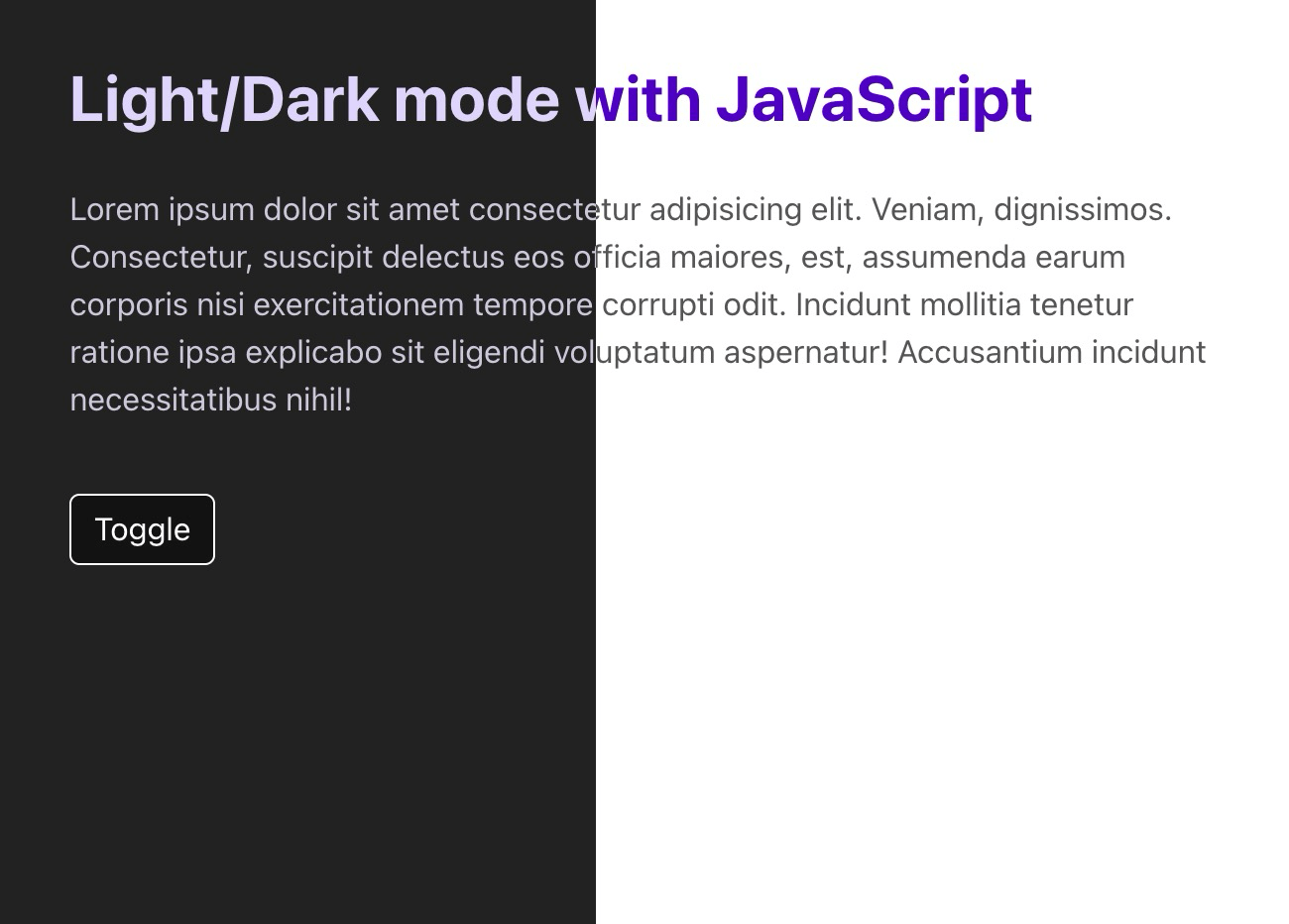
Lav dark mode
Brug light-dark() til at differentiere mellem farve-værdier, og sæt color-scheme for hhv. html og html.dark. Brug JavaScript til at tænde/slukke dark mode.
color-scheme
.classList.toggle()
Mere brugervenlig..?
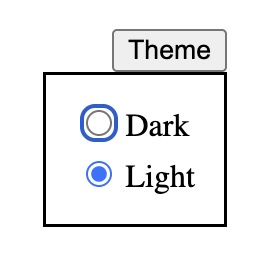
Eksempel med radio-knapper
Mere brugervenlig..?
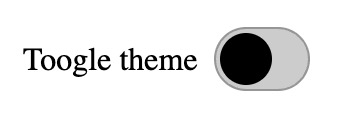
Eksempel med checkbox (forklædt som switch)