Welcome to BiteBox with JavaScript

Business Scenario
Hello talented developers!
We are done with the HTML and CSS part of our BiteBox website. We have successfully created a beautiful and responsive UI with our Home, Menu, About, Contact, and Cart pages.


But there is one thing still missing...
Our website looks great, but it doesn't really respond to the customer.
Now, the BiteBox restaurant owner wants us to make the website interactive and dynamic.

So, it's time to introduce JavaScript into our BiteBox project!

In this lab, we will connect JavaScript with our existing BiteBox website and start adding basic customer interactions such as welcoming customers, collecting their name, and responding to their choices.
Pre-Lab Preparation
git pull origin branchName
Git Pull
Task 1: Connect JavaScript to BiteBox
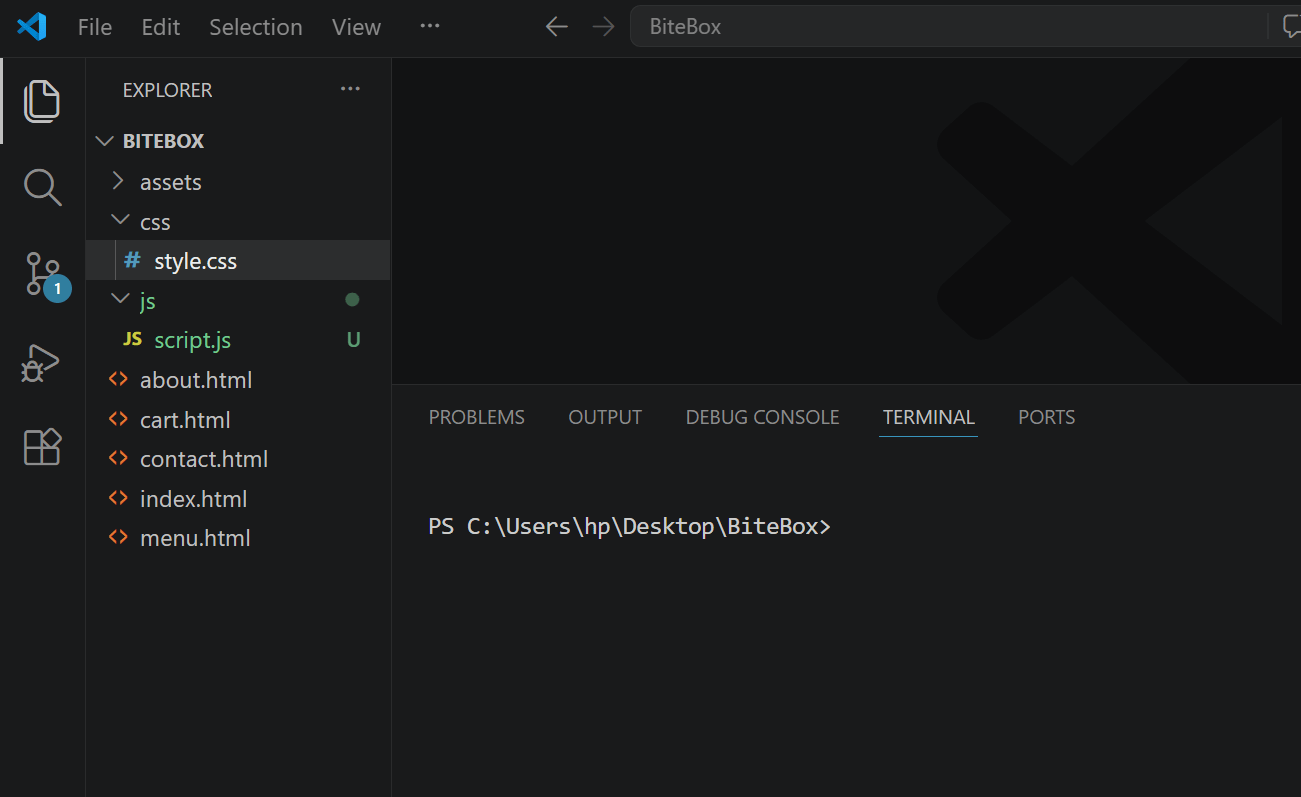
Create a script.js file inside your js folder
1
Module: Journey through JavaScript's Landscape
1) JavaScript: From Script to Superpower
2) Scripting Essentials: From Basics to Execution
Link JavaScript with BiteBox
2
Open your index.html - At the bottom, just before </body> add :
<script src ="js/script.js"> </script>
</body>
</html>
Test the JavaScript Connection
3
Open script.js and add:
console.log("BiteBox JavaScript is working!");Open BiteBox in the browser then: Right Click → Inspect → Console
BiteBox JavaScript is working!
You should see:
If you see that message, our JavaScript connection is working.
Task 2: Add a BiteBox Welcome Message
Add a welcome message for the visitors
1
Replace the previous code with:
let restaurantName = "BiteBox";

alert("Welcome to " + restaurantName + "!");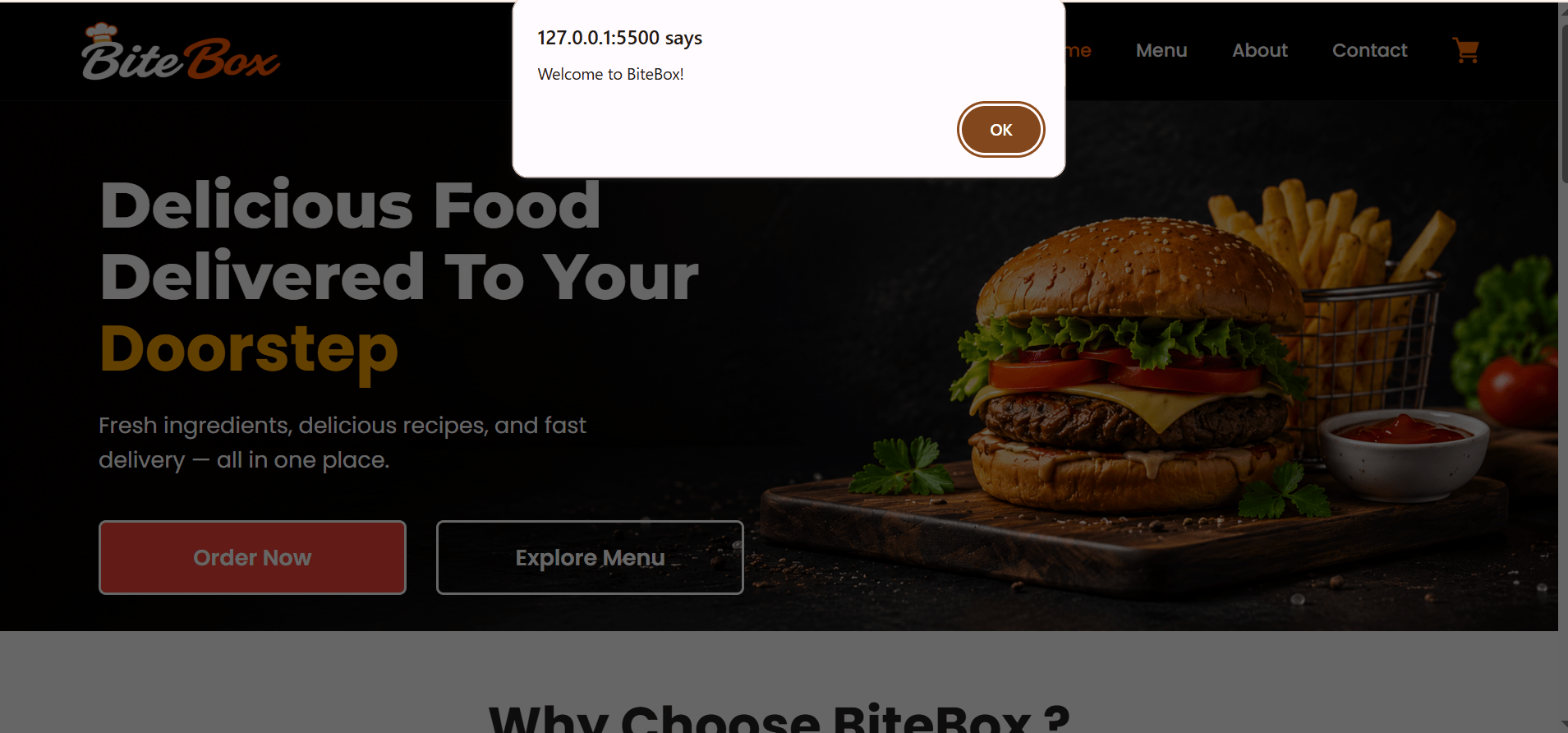
Task 3: Take Customer Name as Input
Use prompt() to ask the customer for their name when they visit the BiteBox website.
1
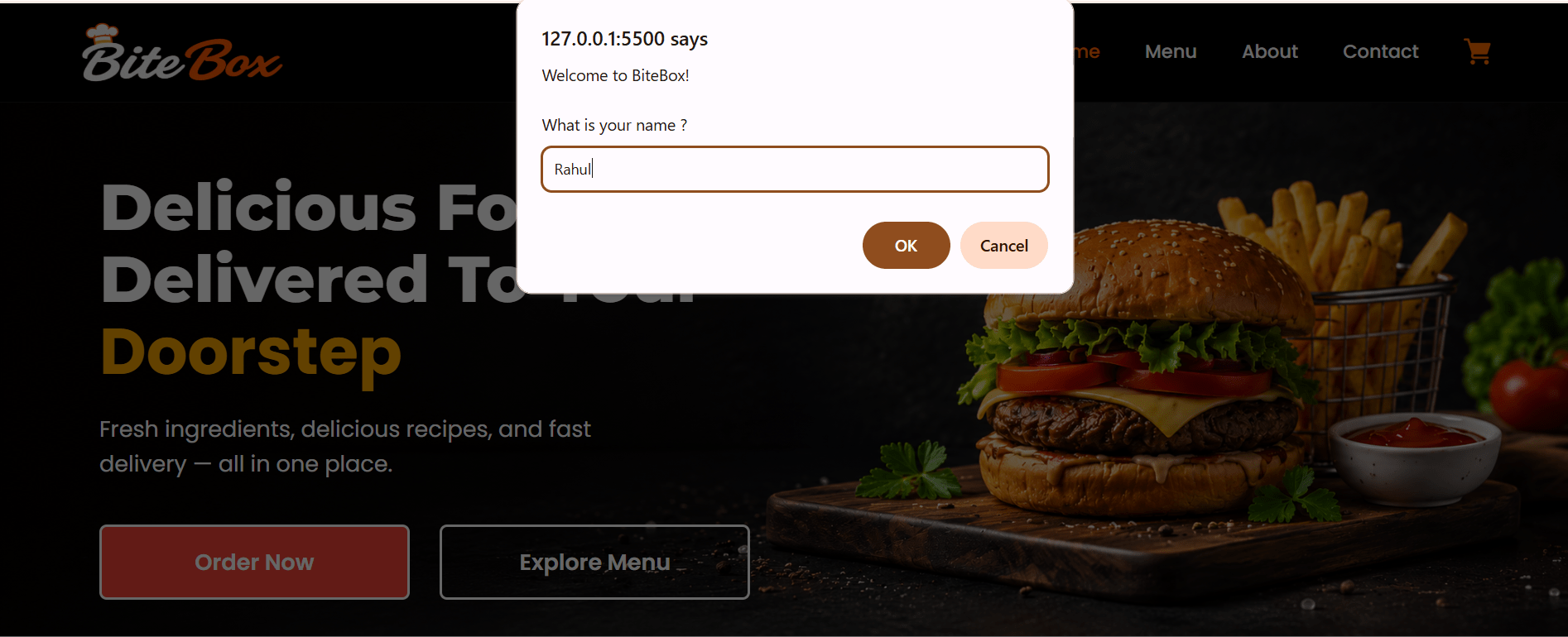
let customerName = prompt(
    "Welcome to " + restaurantName + "!\n\nWhat is your name?"
);
Task 4: Welcome the Customer
Use the customer's name to display a personalized welcome message using alert().
1
alert(
    "Hello " + customerName + "!\n\nWelcome to BiteBox." );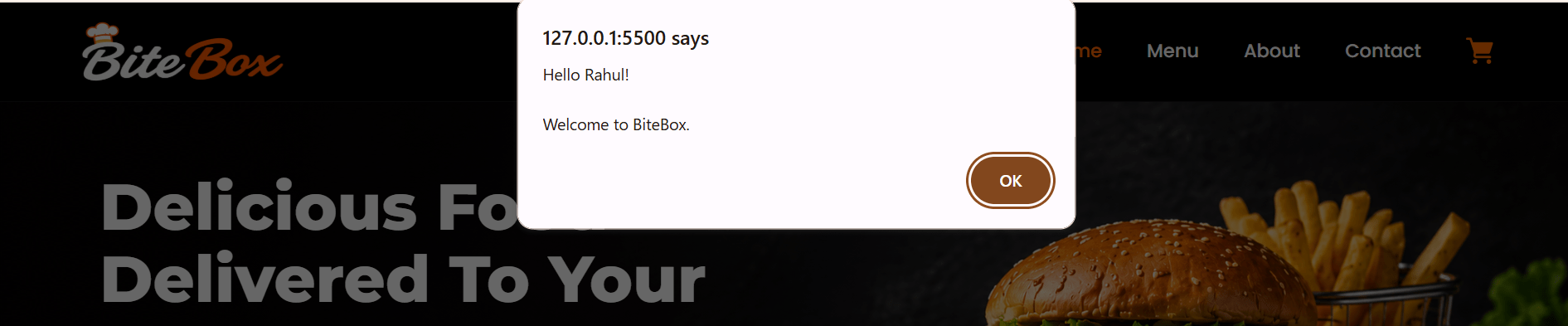
Task 5: Ask for Customer Choice
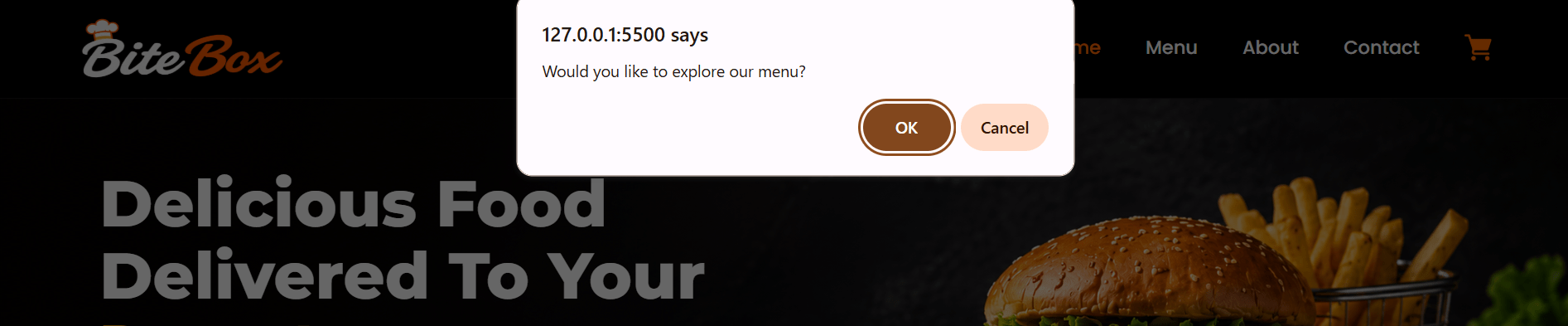
Use confirm() to ask the customer whether they would like to explore the BiteBox menu.
1
let exploreMenu = confirm(
    "Would you like to explore our menu?"
);
We are done with this lab. The latest source code has been uploaded to GitHub. You can access the latest commit using the link below:
Great job!
You connected JavaScript to the existing website, collected customer input, created personalized responses, and added interaction based on customer choices.
Checkpoint
Git Push
git push origin branchNameNext-Lab Preparation
Module: Unlocking JavaScript's Secrets: Mastering Core Concepts
1) The Magic of Control Statements
2) for, while, do while loops
3) Functions: The Backbone of Modular codes