Unlocking CI/CD In AWS


Build & Automate With AWS

Learning Outcome
5
Understand how CodePipeline automates the complete CI/CD workflow
4
Understand how CodeDeploy deploys applications to servers
3
Explain how CodeBuild builds applications automatically
2
Identify important AWS CI/CD services like AWS CodeBuild, AWS CodeDeploy, and AWS CodePipeline
Explain what a Dockerfile is
1
Understand the concept of CI/CD in AWS and why it is used
Earlier, we learned that
Analogy
Imagine an Online Shopping Company

The company processes thousands of orders every day
Instead of handling each order manually, they use an automated system


In this system:
One system receives the order
Another checks and prepares the product
Another packs it
Another ships it to the customer

This automation makes the process:
Faster
Accurate
Consistent



What is AWS CI/CD
CI/CD stands for:
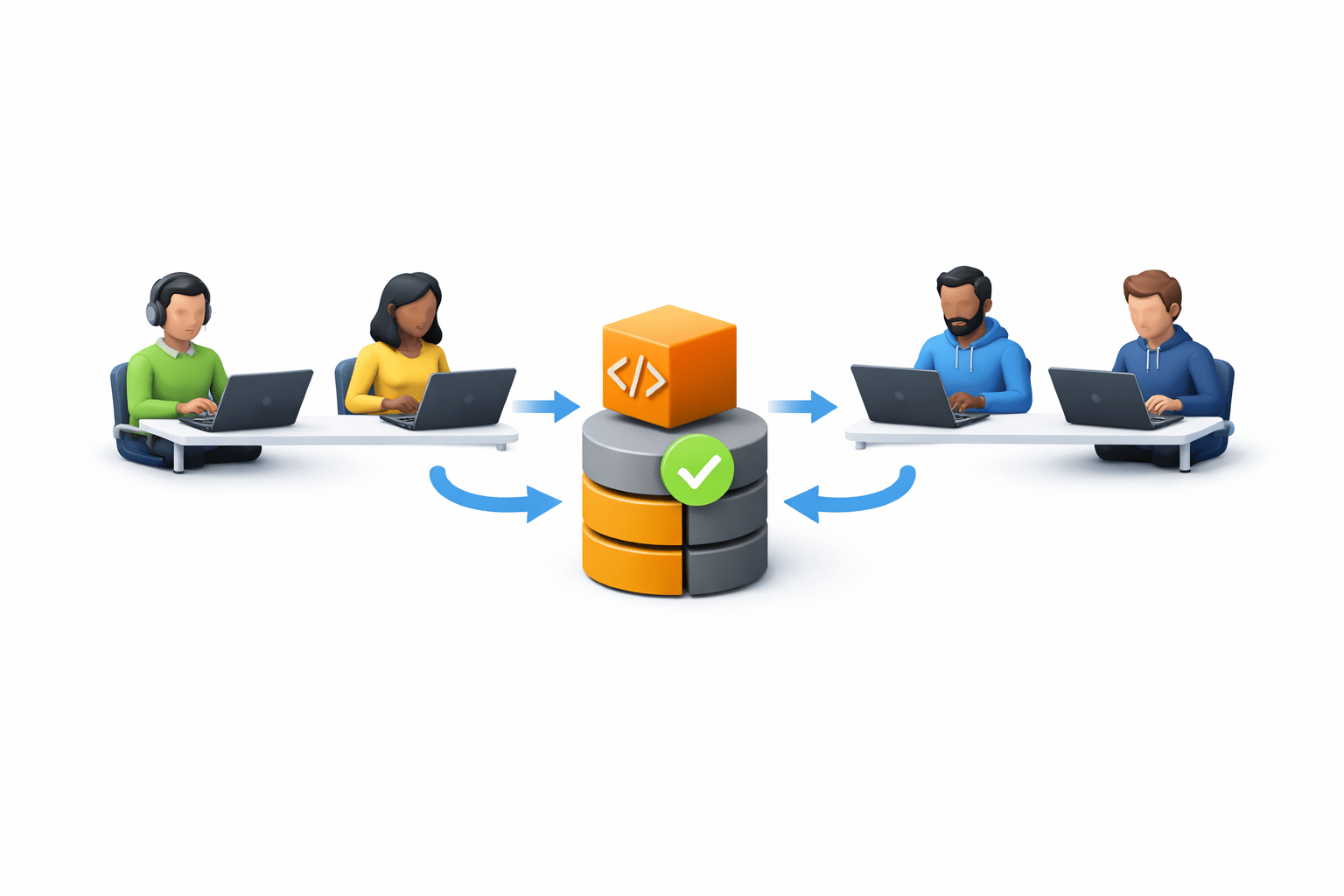
Continuous Integration (CI)
Developers regularly merge code into a shared repository
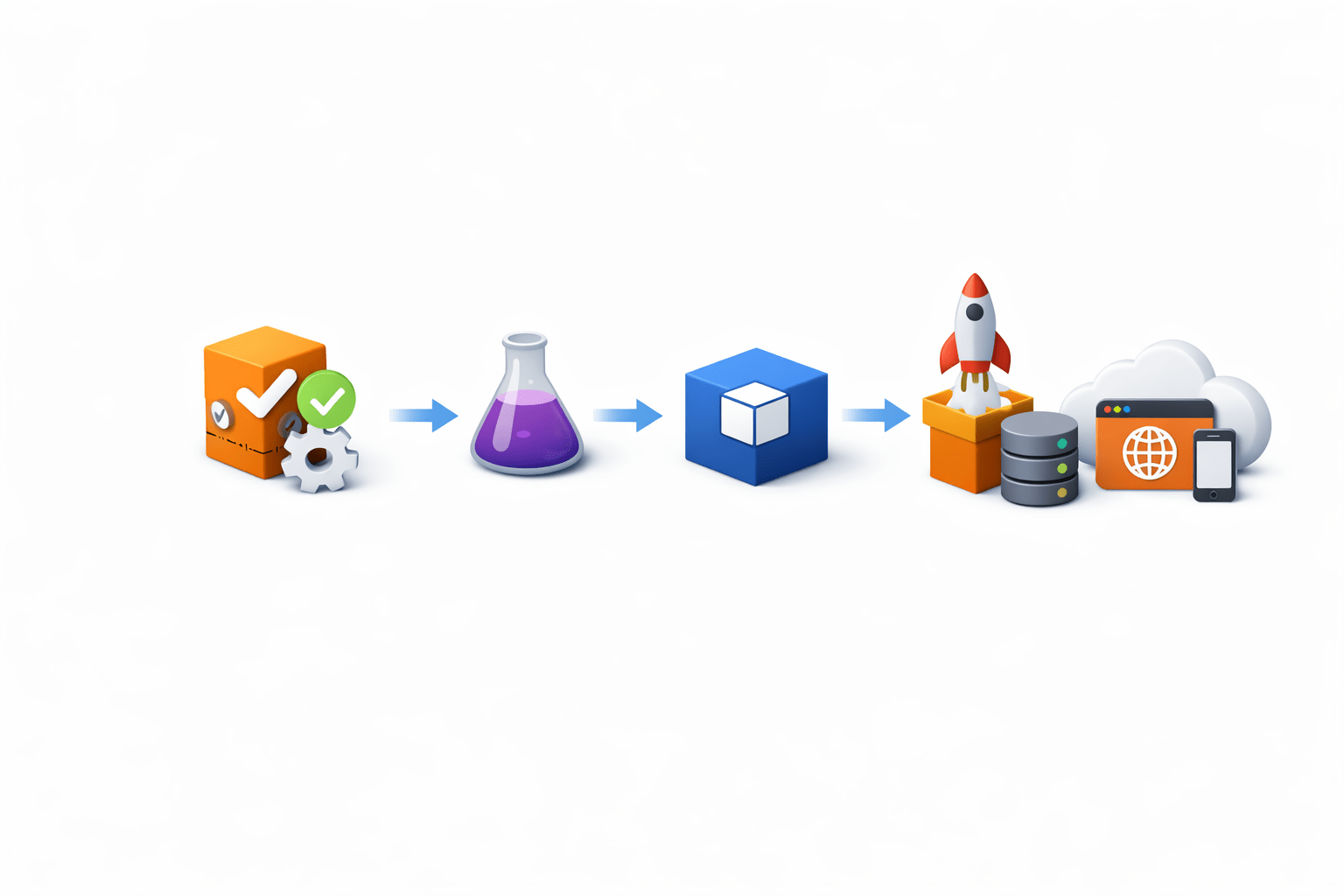
Continuous Delivery / Continuous Deployment (CD)
Applications are automatically tested and deployed

Why CI/CD is Needed
CI/CD helps organizations achieve:
Faster software delivery
Reduced manual work
Consistent deployments
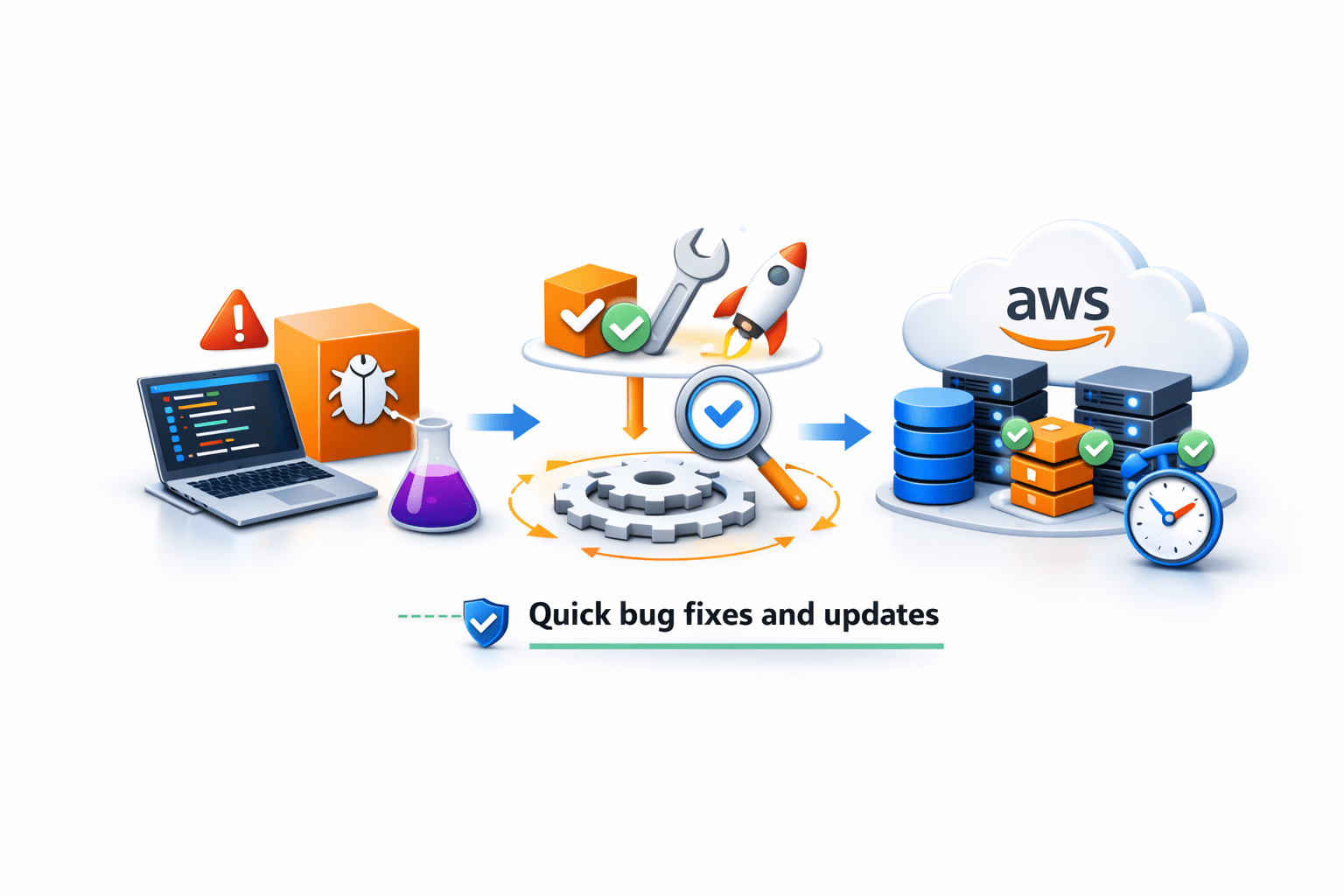
Quick bug fixes and updates
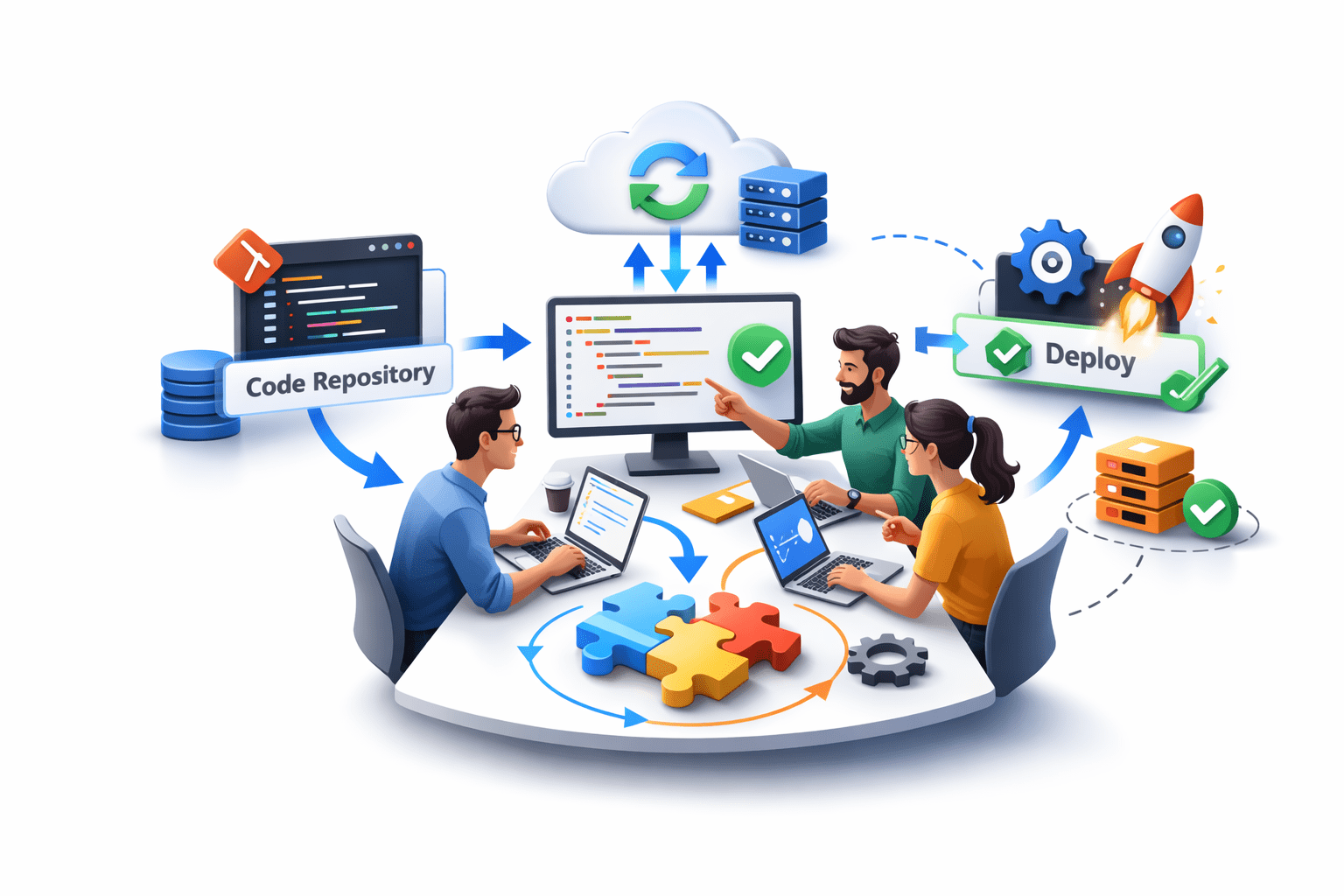
Better collaboration among developers


Services in AWS CI/CD
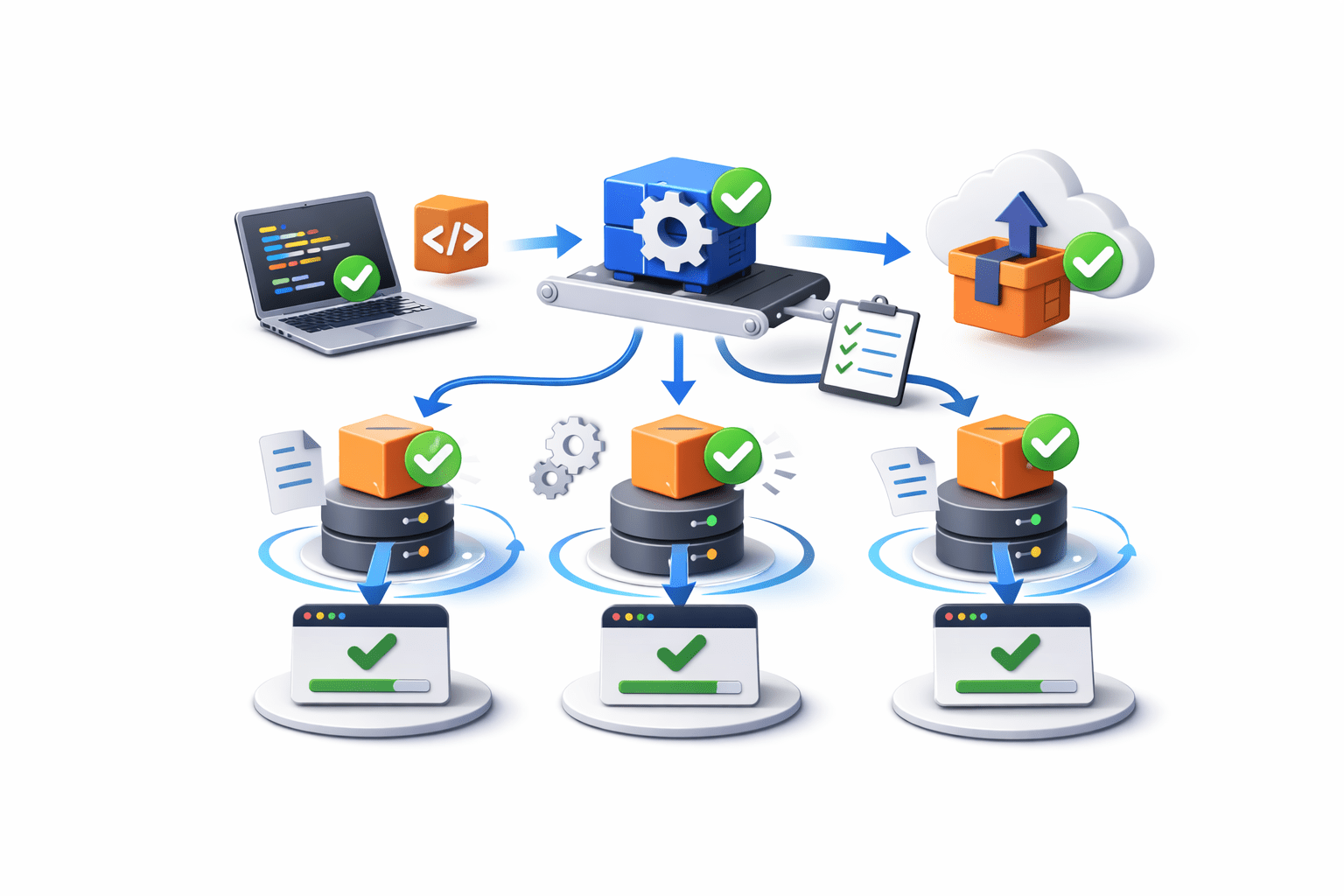
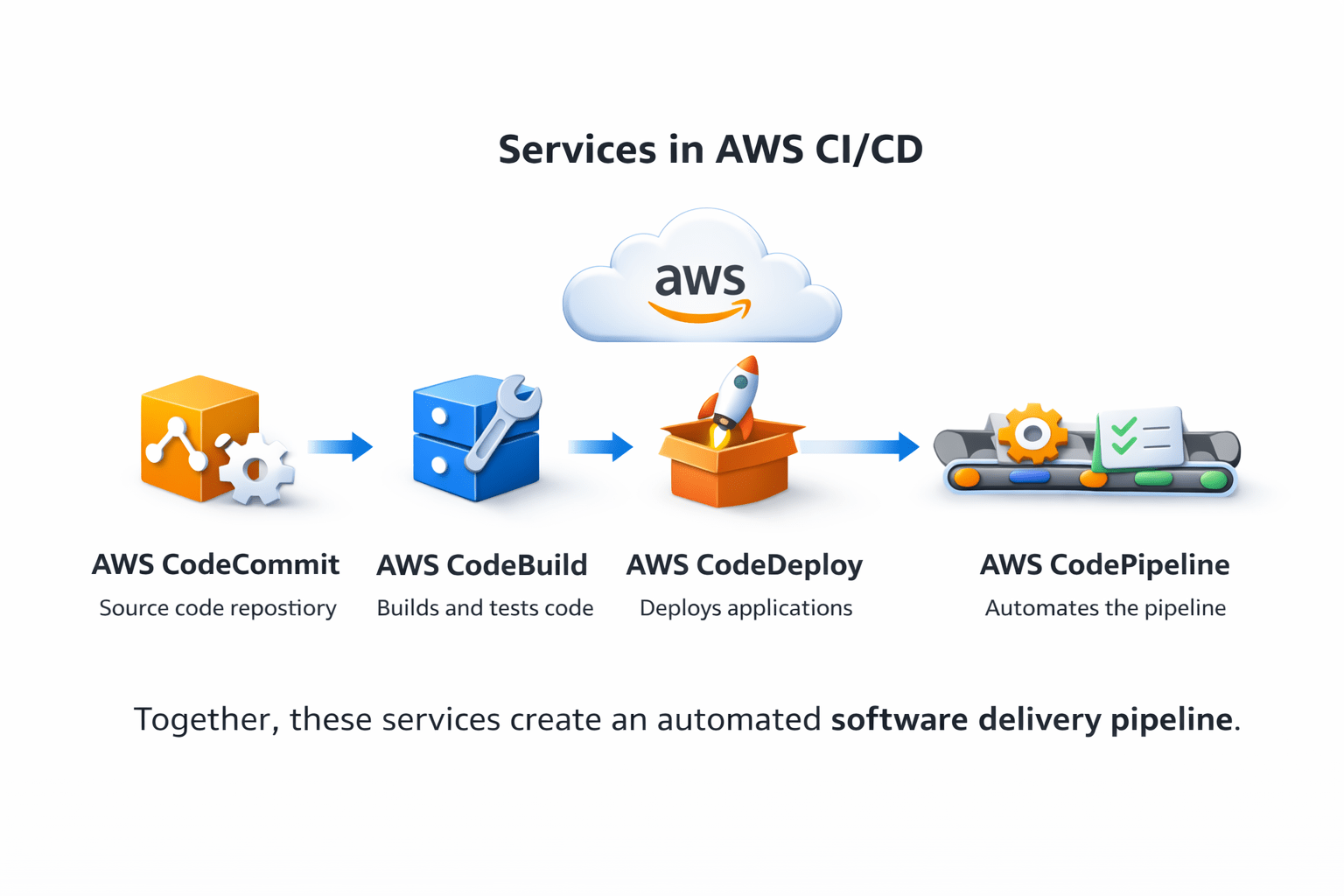
AWS provides several services for CI/CD workflows
Main services include:
- AWS CodeCommit – Source code repository
- AWS CodeBuild – Builds and tests code
-
AWS CodeDeploy – Deploys applications
- AWS CodePipeline – Automates the pipeline
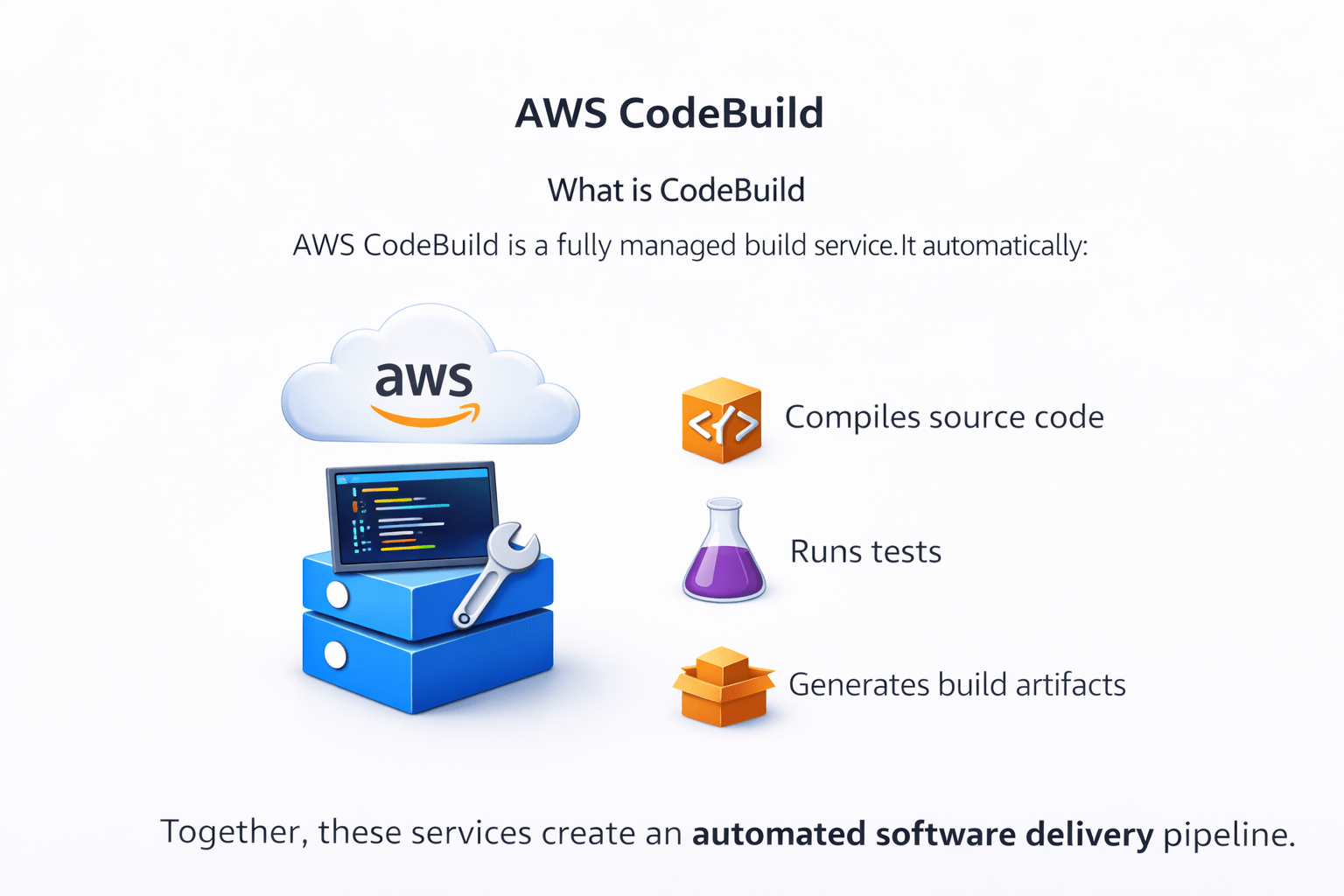
Together, these services create an automated software delivery pipeline
AWS CodeCommit
What is CodeCommit
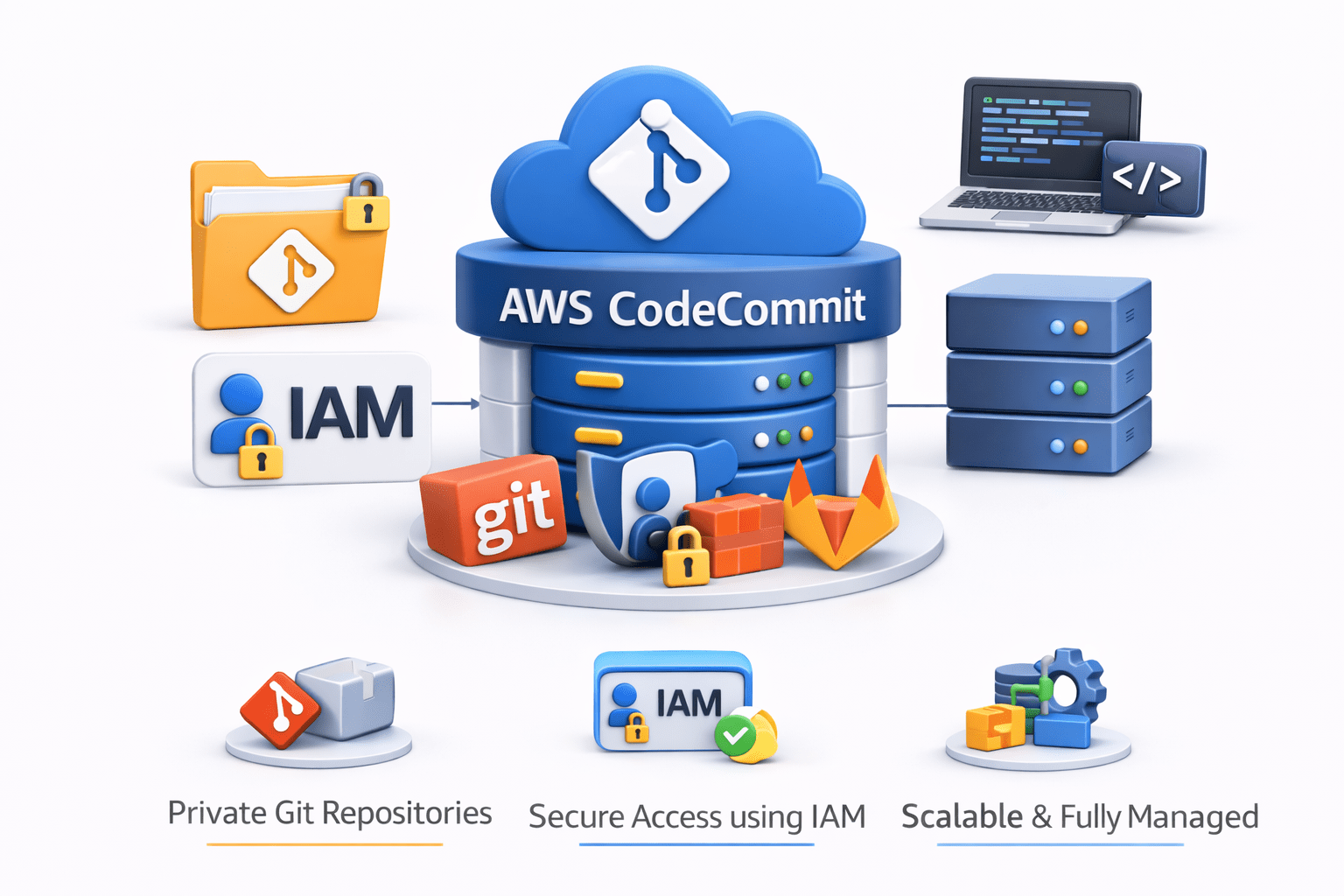
AWS CodeCommit is a fully managed source control service.It allows developers to store and manage source code securely in AWS


Key features
Private Git repositories
Secure access using IAM
Scalable and fully managed by AWS

CodeCommit works similarly to GitHub or GitLab, but inside the AWS ecosystem
AWS CodeBuild
What is CodeBuild


AWS CodeBuild is a fully managed build service
It automatically:
Compiles source code
Runs tests
Generates build artifacts

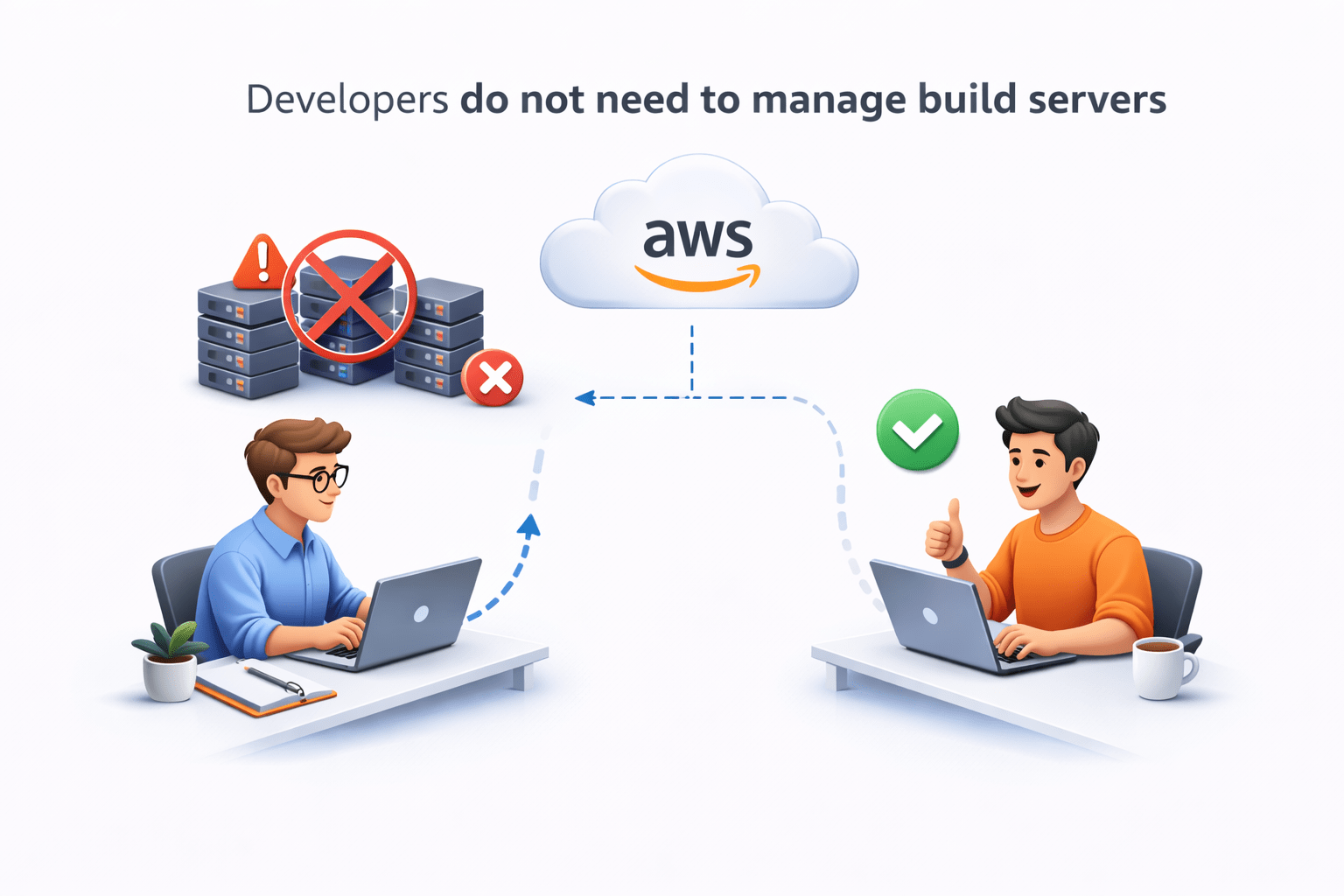
Developers do not need to manage build servers
How CodeBuild Works
Basic workflow:
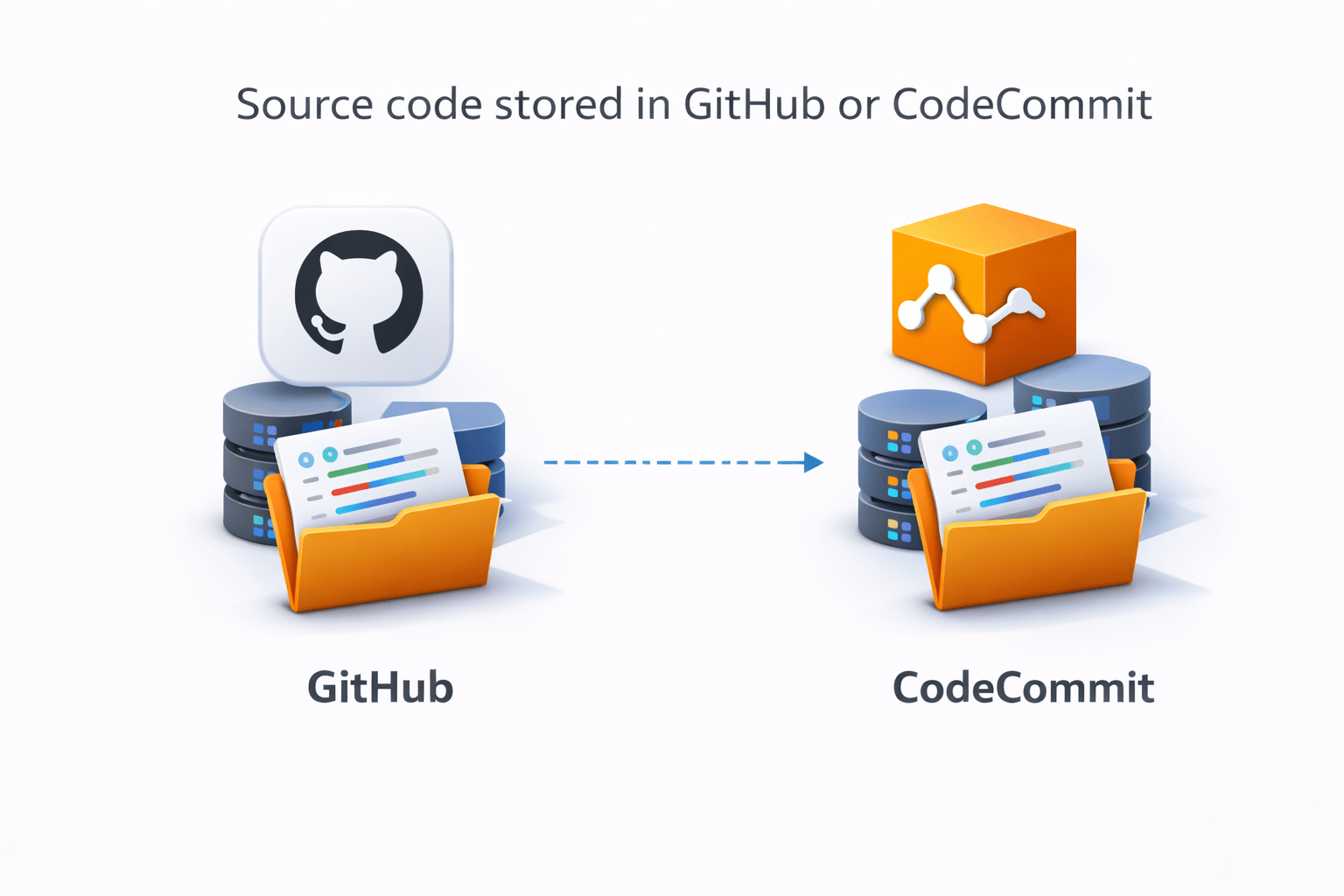
Source code stored in GitHub or CodeCommit
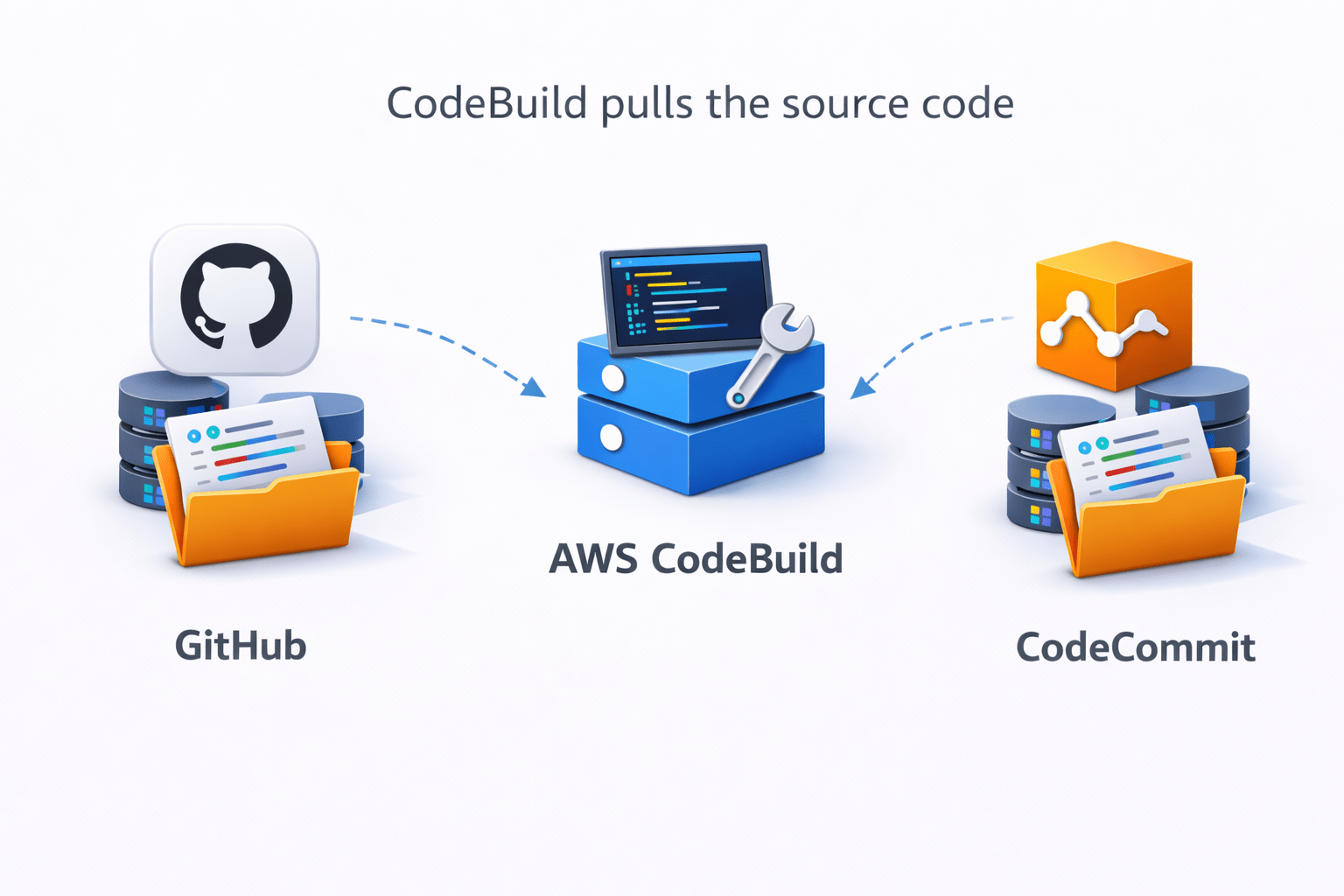
CodeBuild pulls the source code
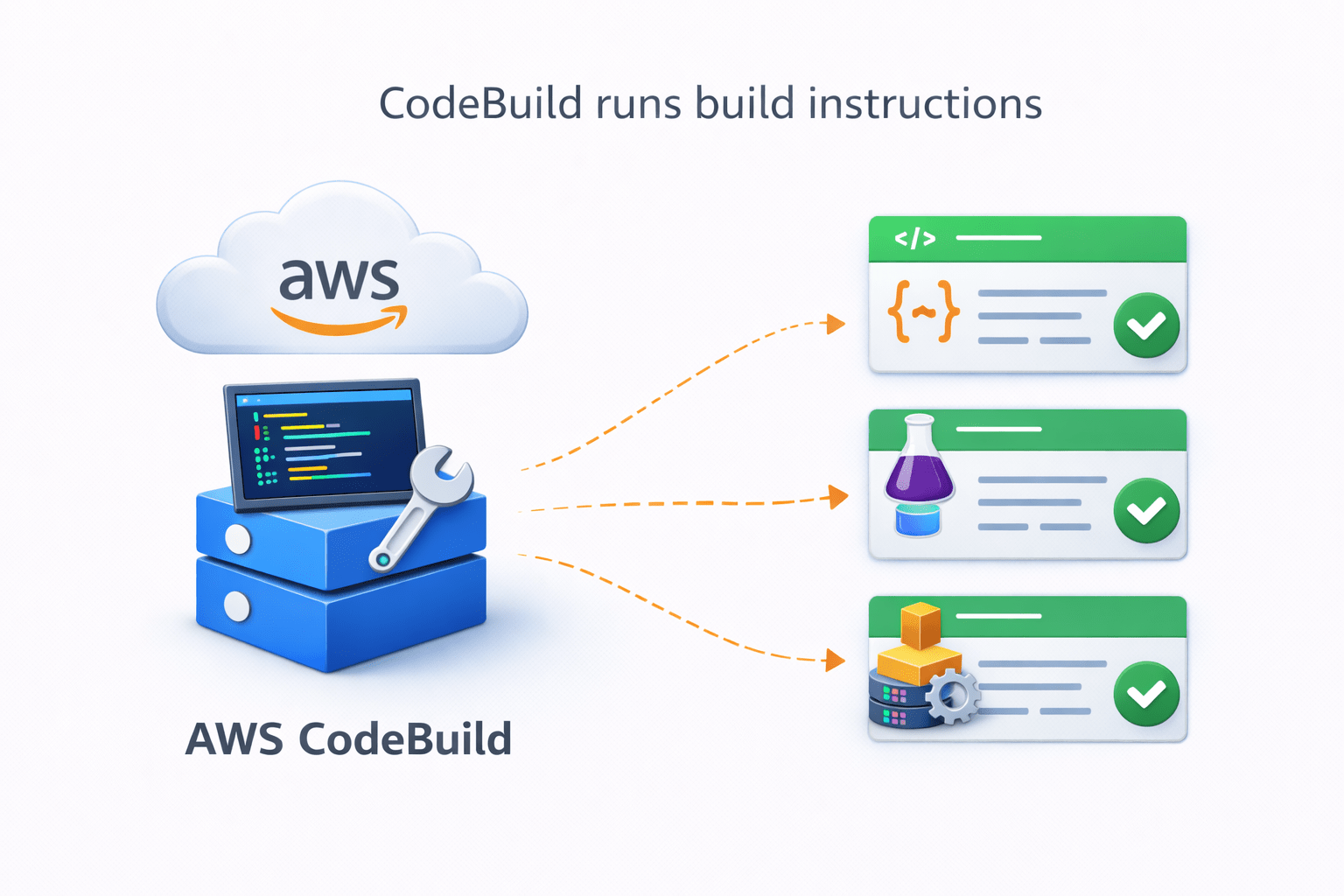
CodeBuild runs build instructions
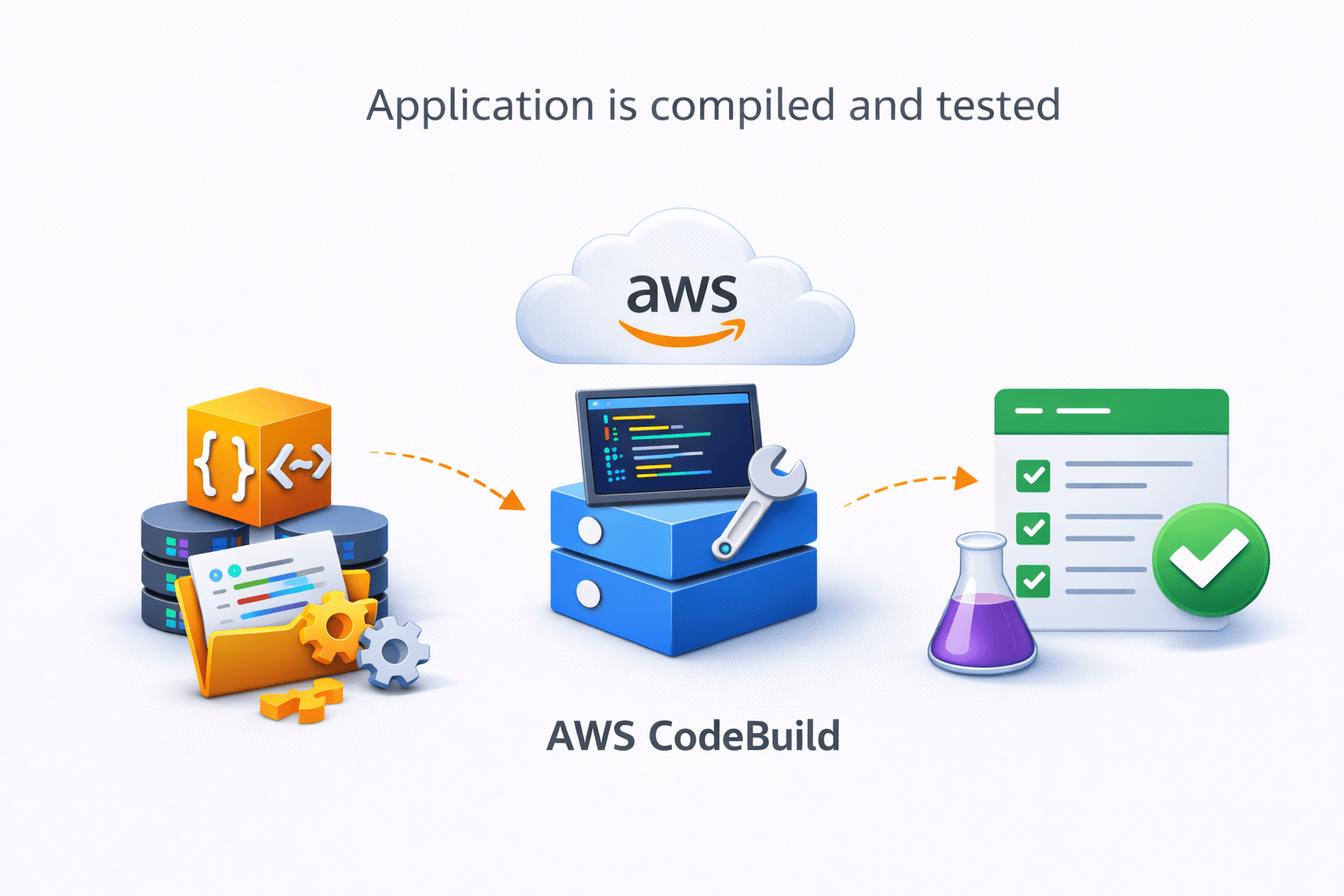
Application is compiled and tested
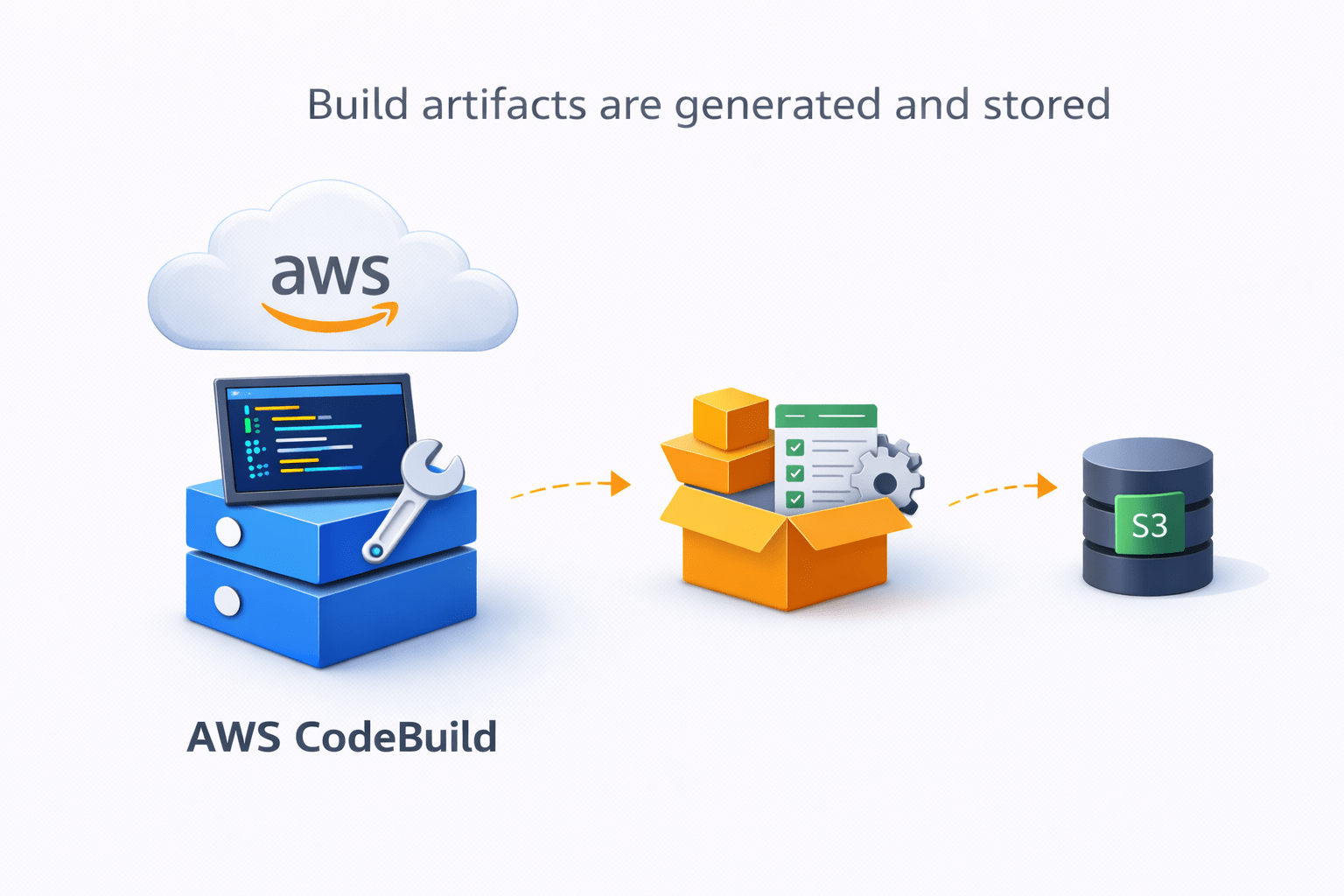
Build artifacts are generated and stored

Key Components of CodeBuild
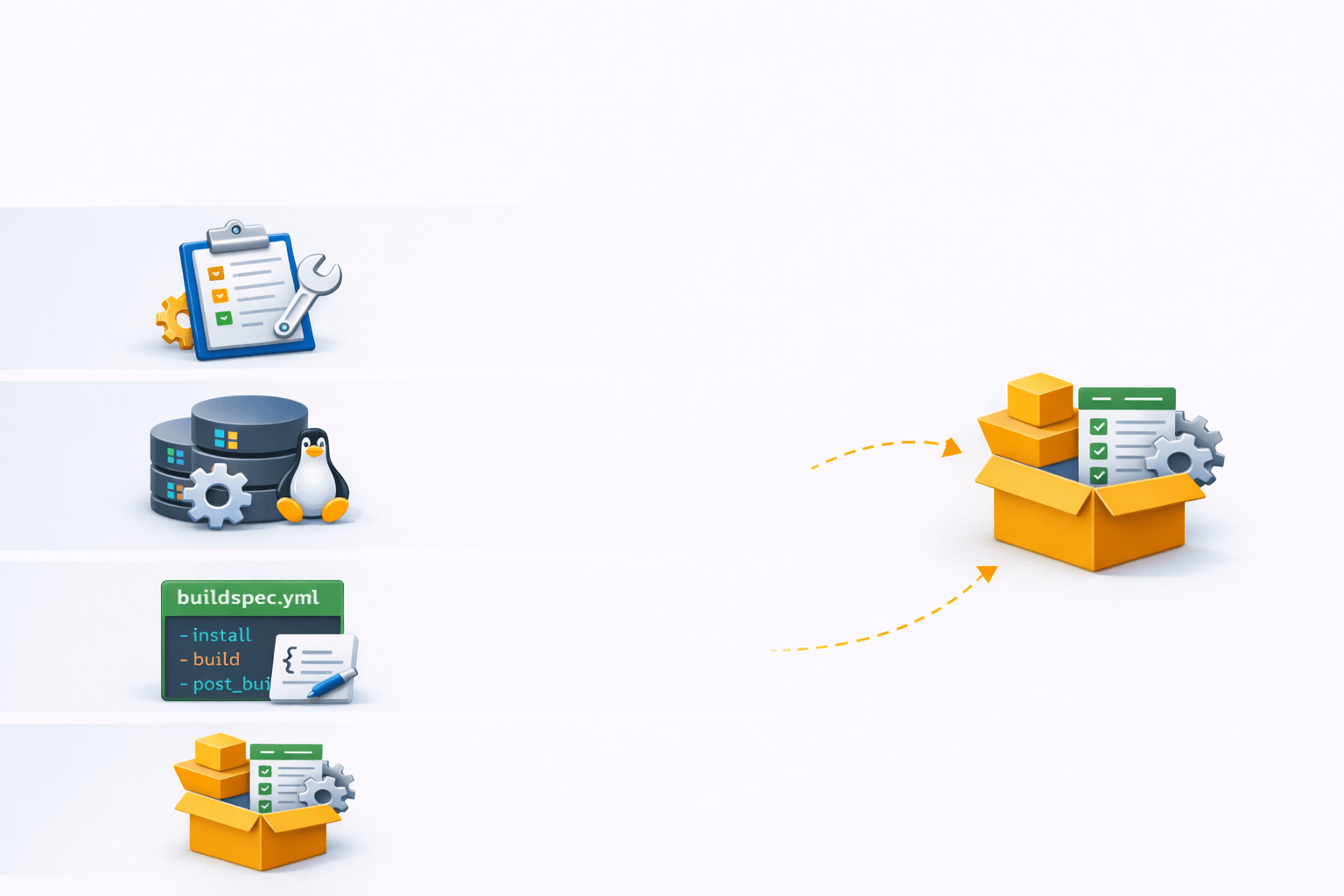
Main components include:
- Build Project – Configuration of the build process
- Build Environment – Operating system and runtime environment
- Buildspec File – Defines build commands
- Artifacts – Output files created after the build
buildspec.yml File
What is buildspec.yml

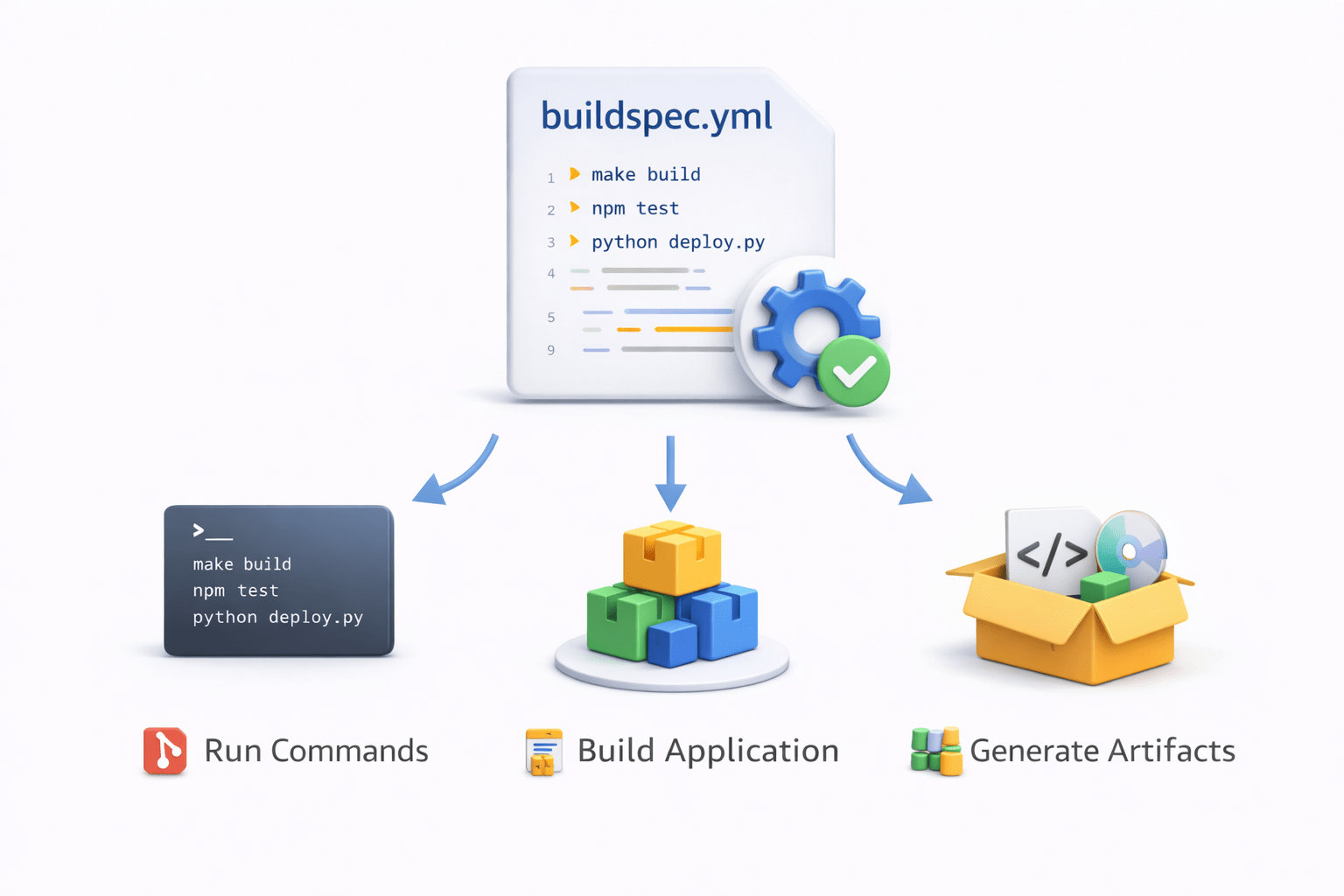
buildspec.yml is a configuration file used by AWS CodeBuild
It defines the commands and steps required to build the application

Example structure:
version: 0.2

phases:
 install:
   commands:
     - echo Installing dependencies
 build:
   commands:
     - echo Building application

artifacts:
 files:
   - '**/*'
The file tells CodeBuild:
What commands to run
How to build the application
Which artifacts to generate
AWS CodeDeploy
What is CodeDeploy
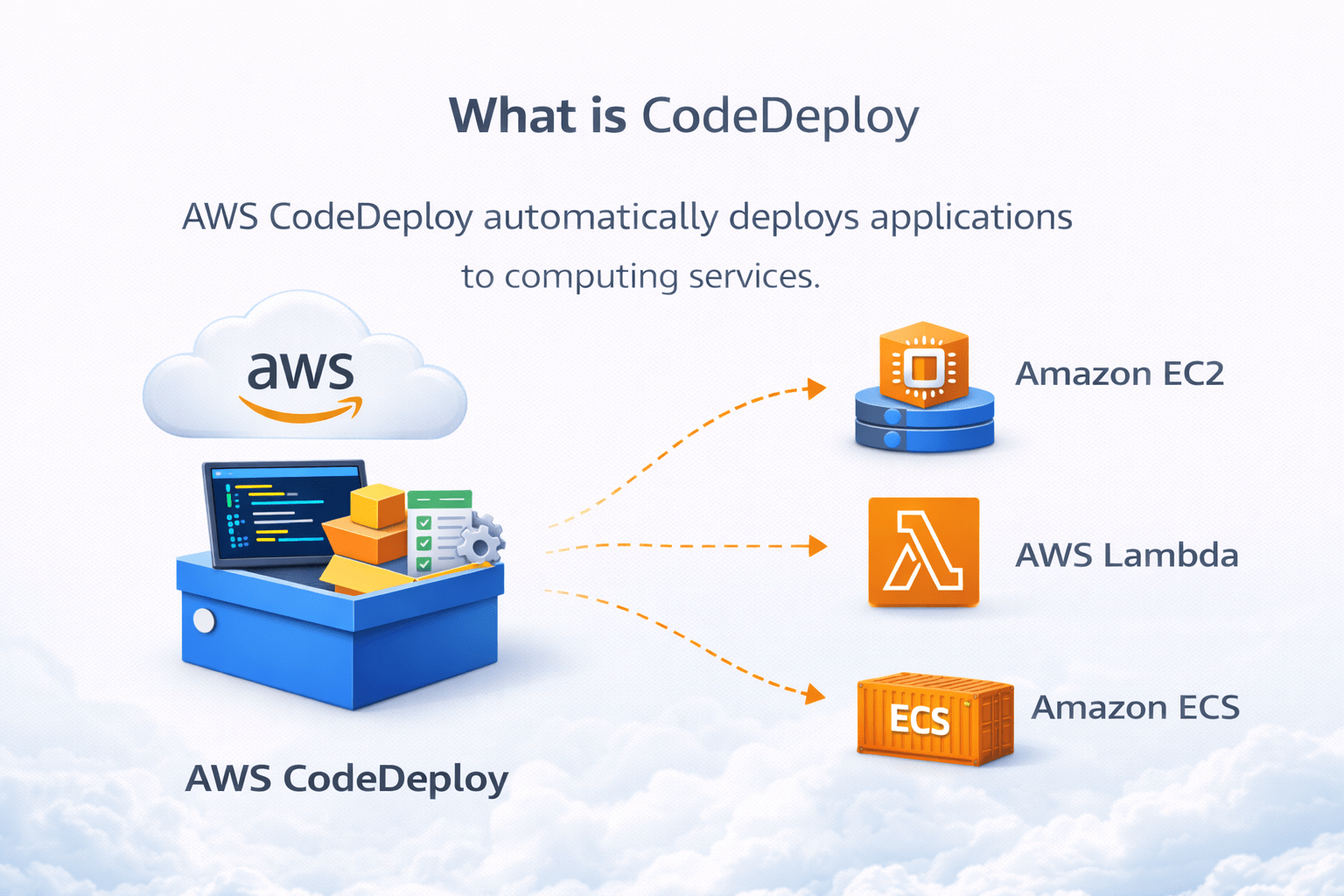
AWS CodeDeploy automatically deploys applications to computing services


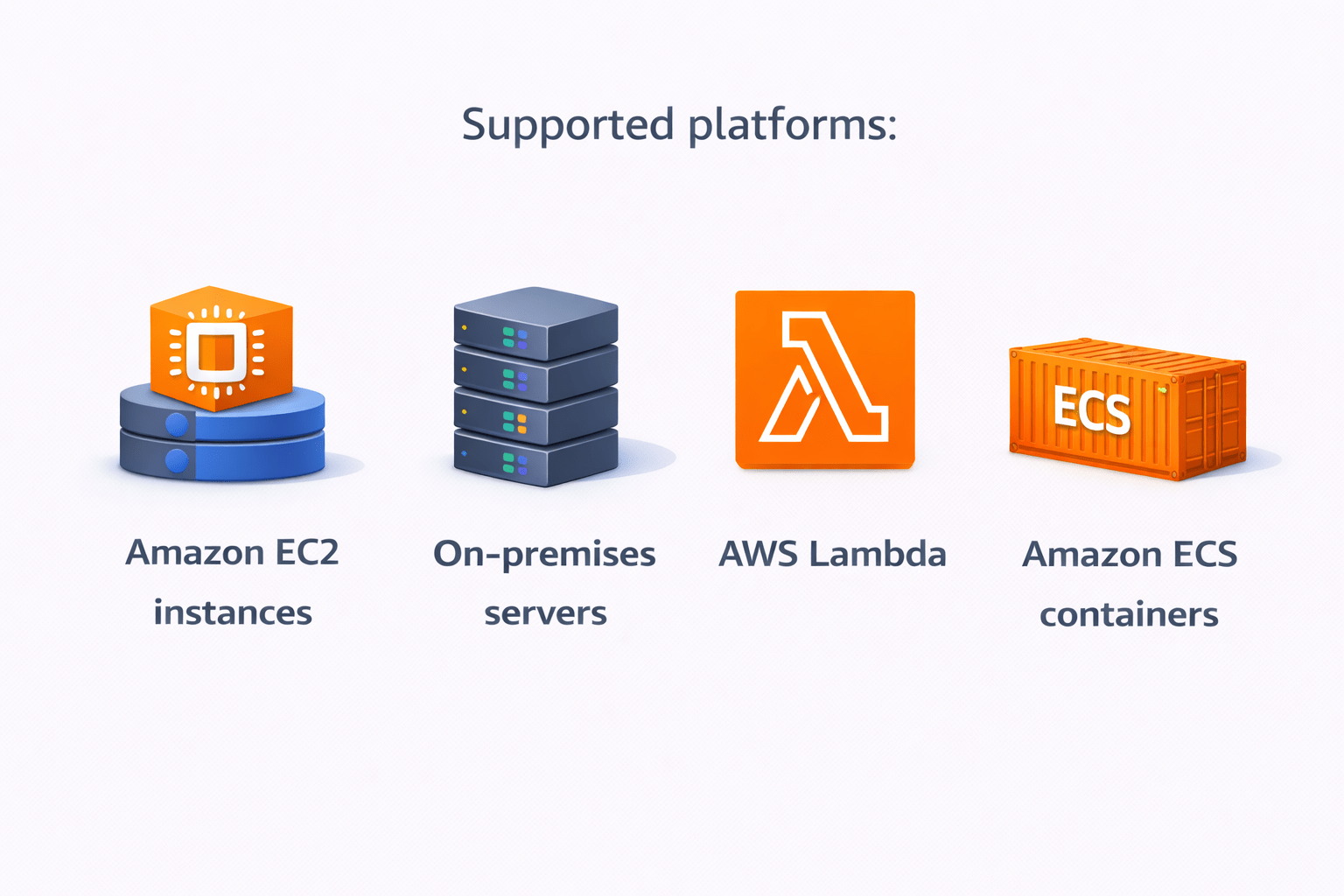
Supported platforms:
Amazon EC2 instances
On-premises servers
AWS Lambda
Amazon ECS containers
How CodeDeploy Works
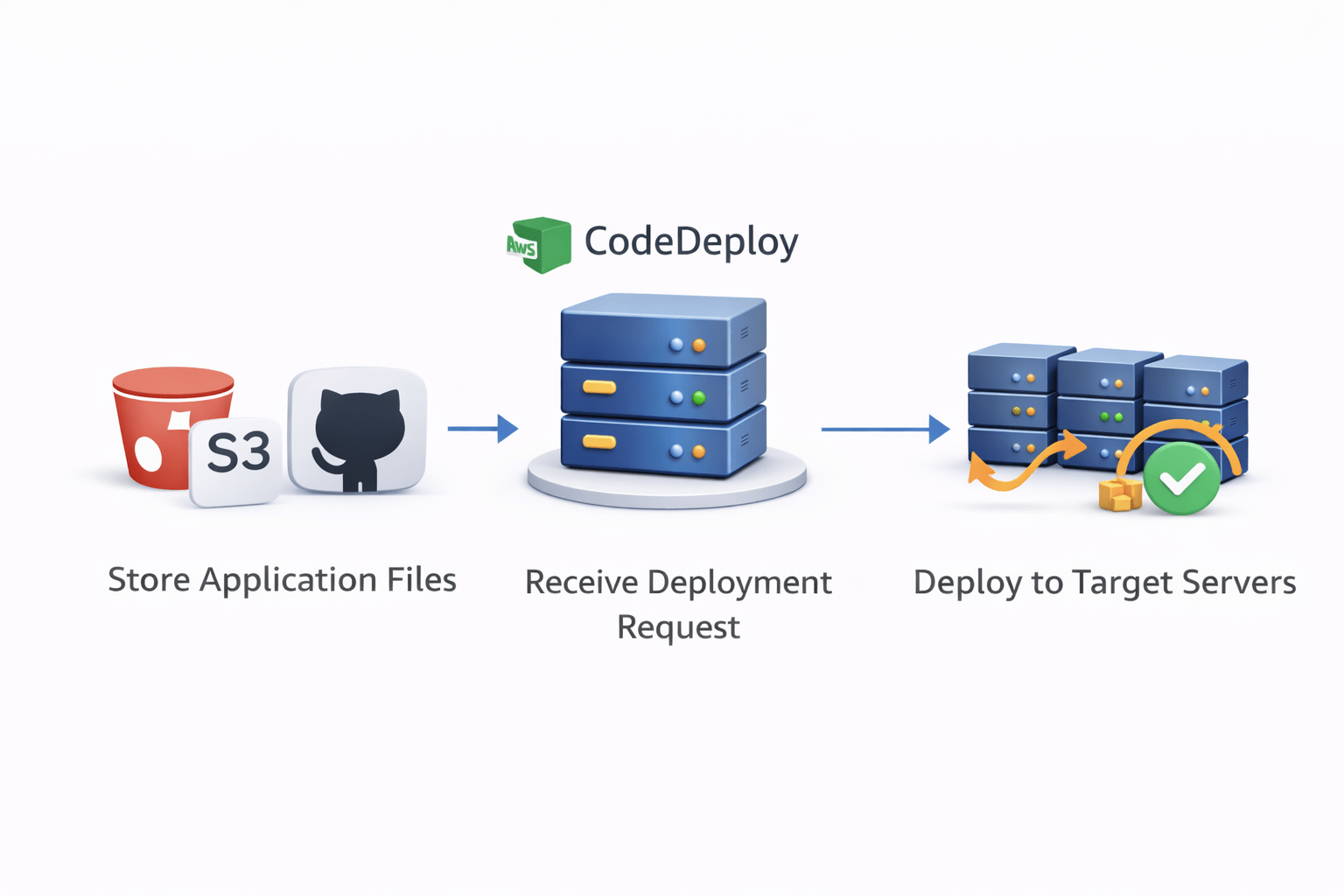
Basic deployment process:
Application files stored in S3 or GitHub
CodeDeploy receives deployment request
CodeDeploy installs the application on target servers
Application updates with minimal downtime

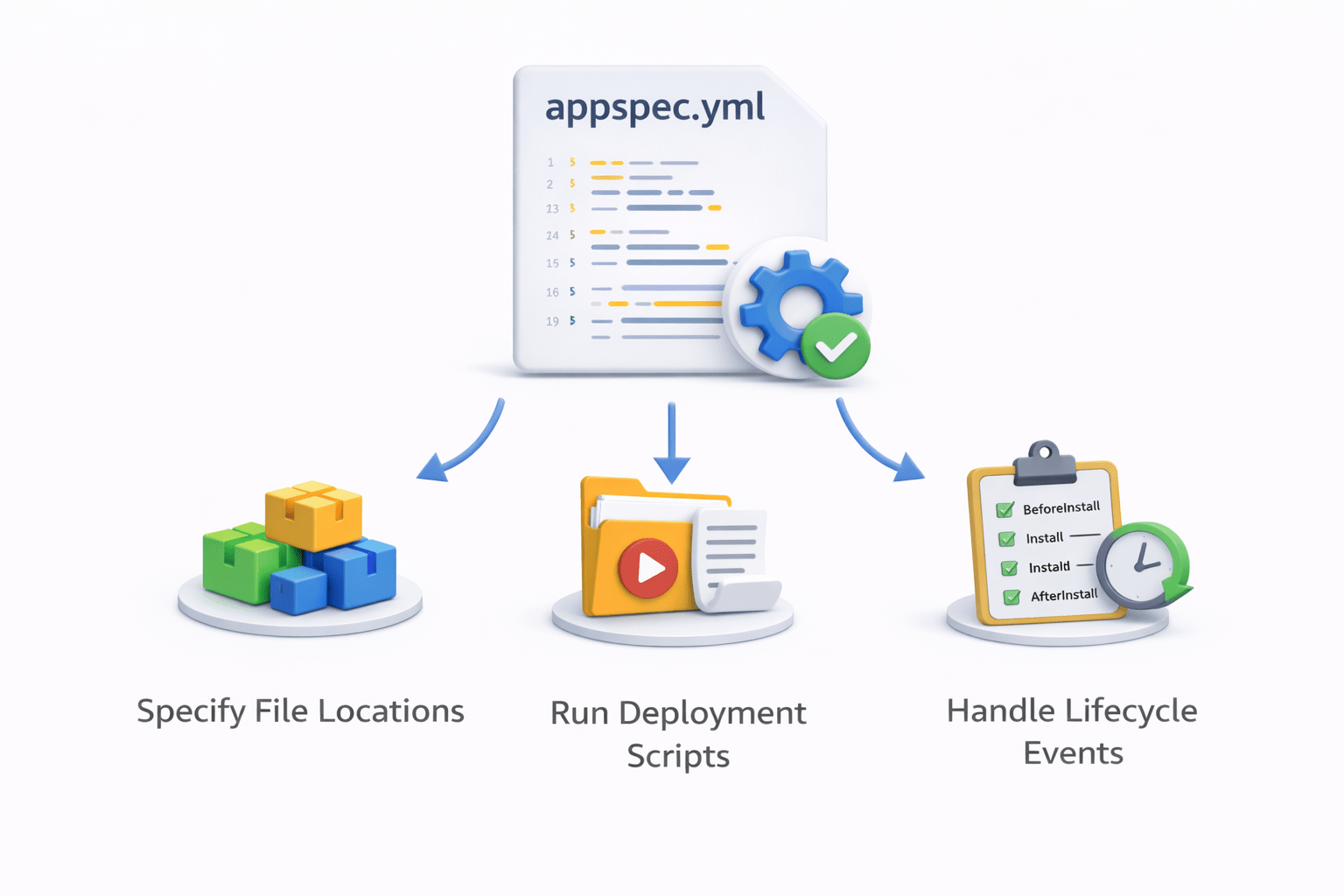
appspec.yml File
What is appspec.yml
appspec.yml is a configuration file used by AWS CodeDeploy
It defines how the application should be deployed on the server


Example structure:
version: 0.0
os: linux

files:
 - source: /
   destination: /var/www/html

hooks:
 ApplicationStart:
   - location: scripts/start_server.sh
The file specifies
Where application files should be copied
What scripts should run during deployment
Deployment lifecycle events
Types of Deployment
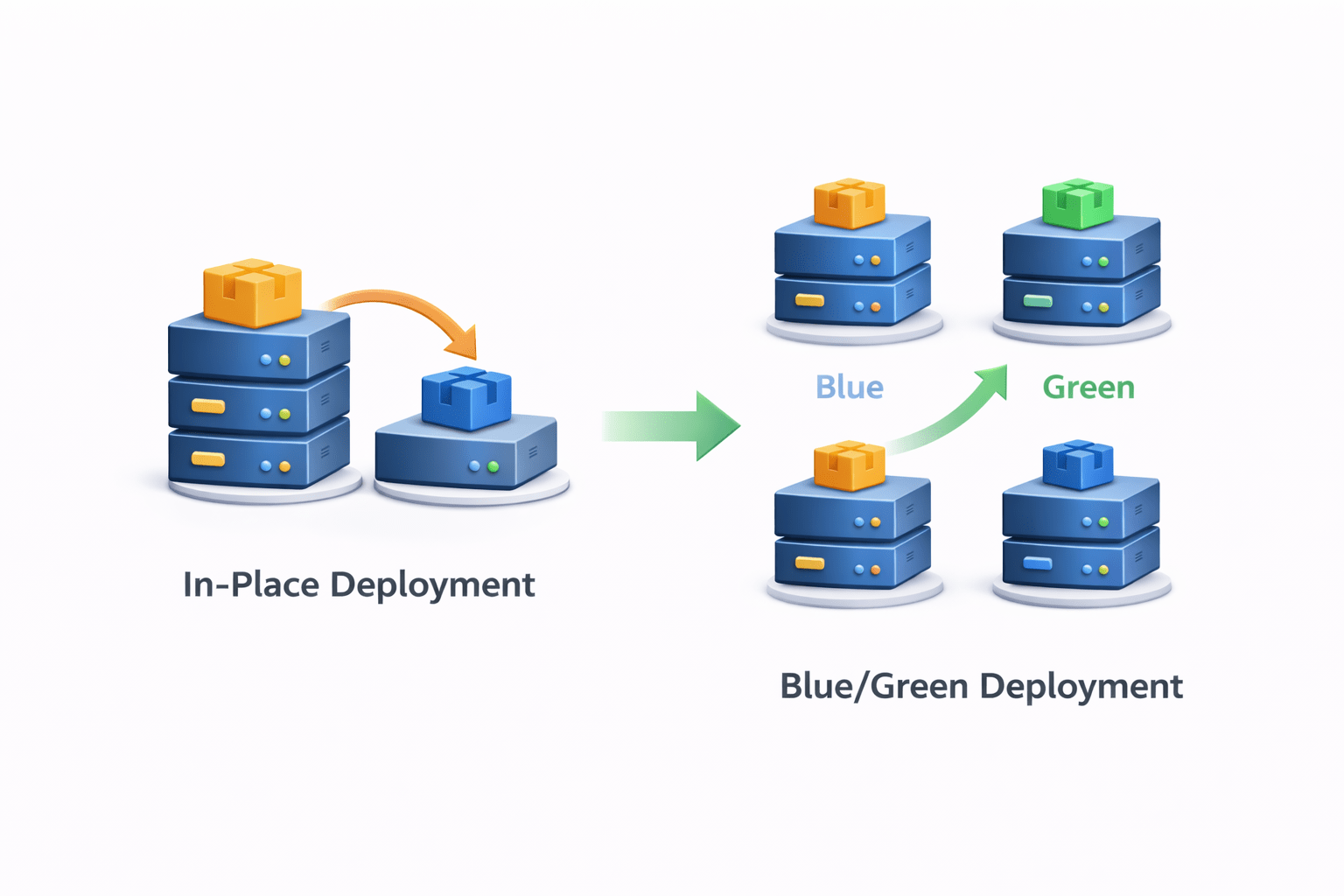
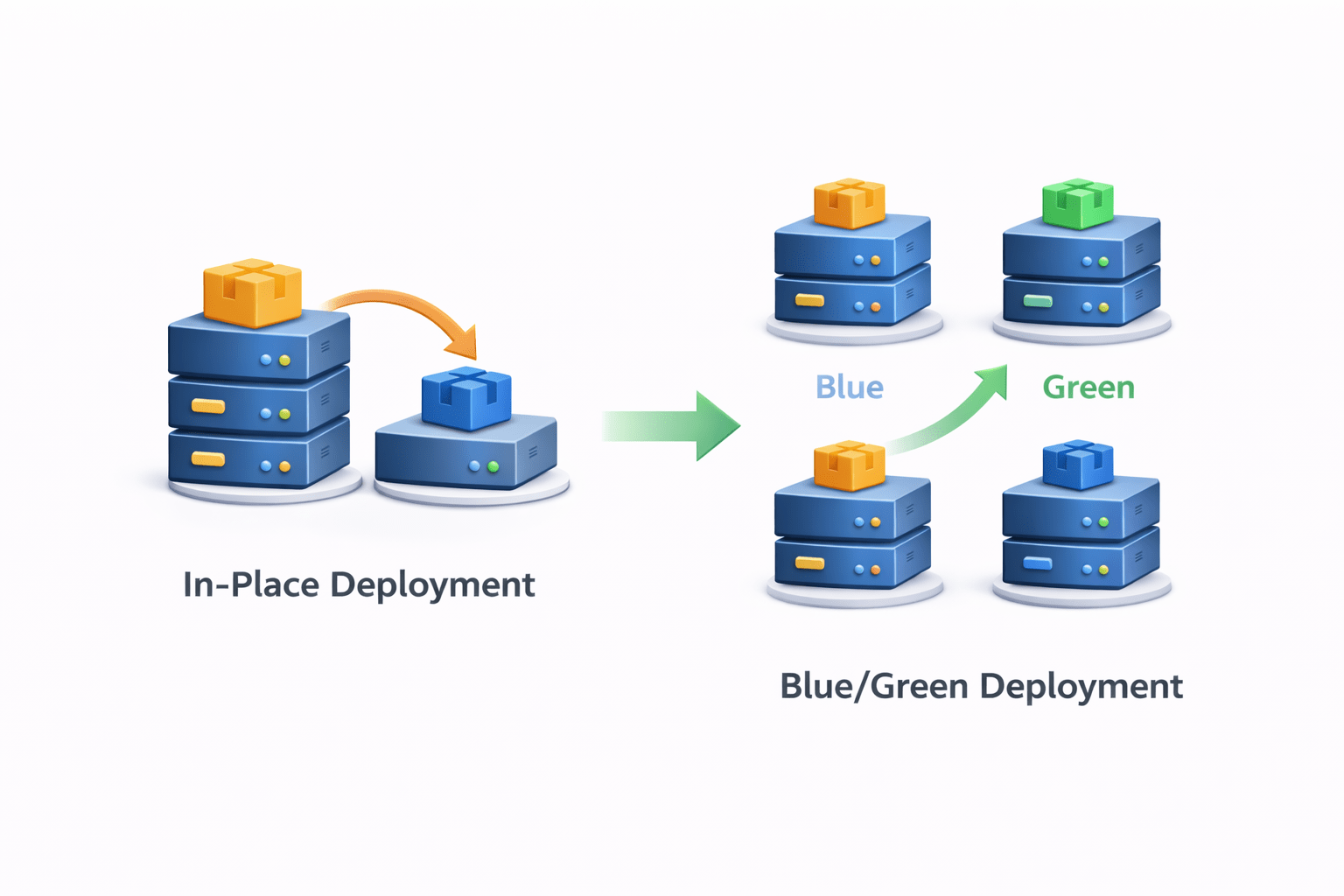
In-Place Deployment
-
Application updated on the same server
- Old version replaced with new version
Blue/Green Deployment
- New environment created for new version
- Traffic switches from old environment to new environment
This reduces downtime and deployment risk

AWS CodePipeline
What is CodePipeline
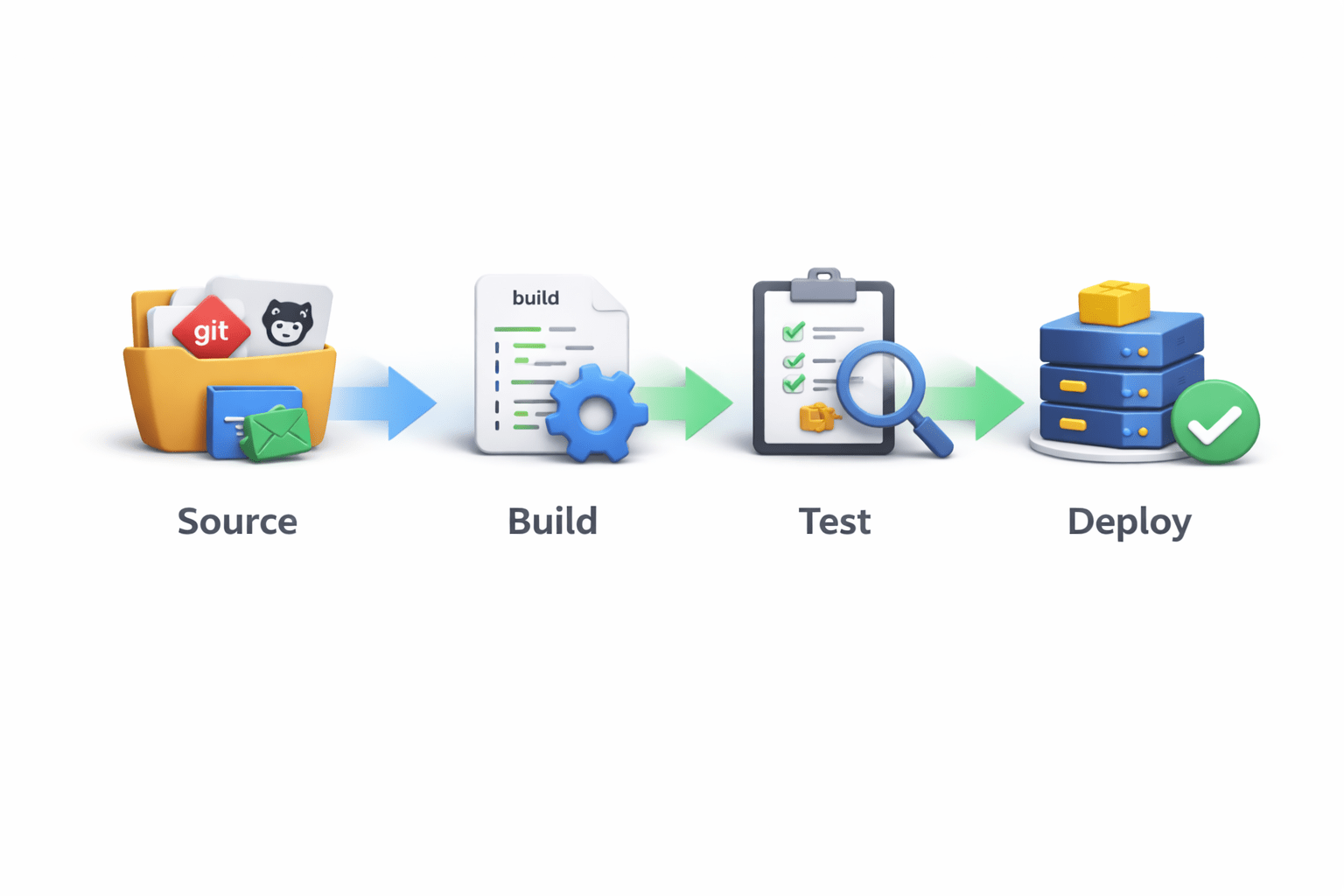
AWS CodePipeline automates the entire CI/CD workflow


Pipeline stages include
Source
Build
Test
Deploy
How CodePipeline Works
Pipeline workflow:
Source Stage
Code pulled from GitHub or CodeCommit
Build Stage
CodeBuild compiles and tests the code
Deploy Stage
CodeDeploy deploys the application
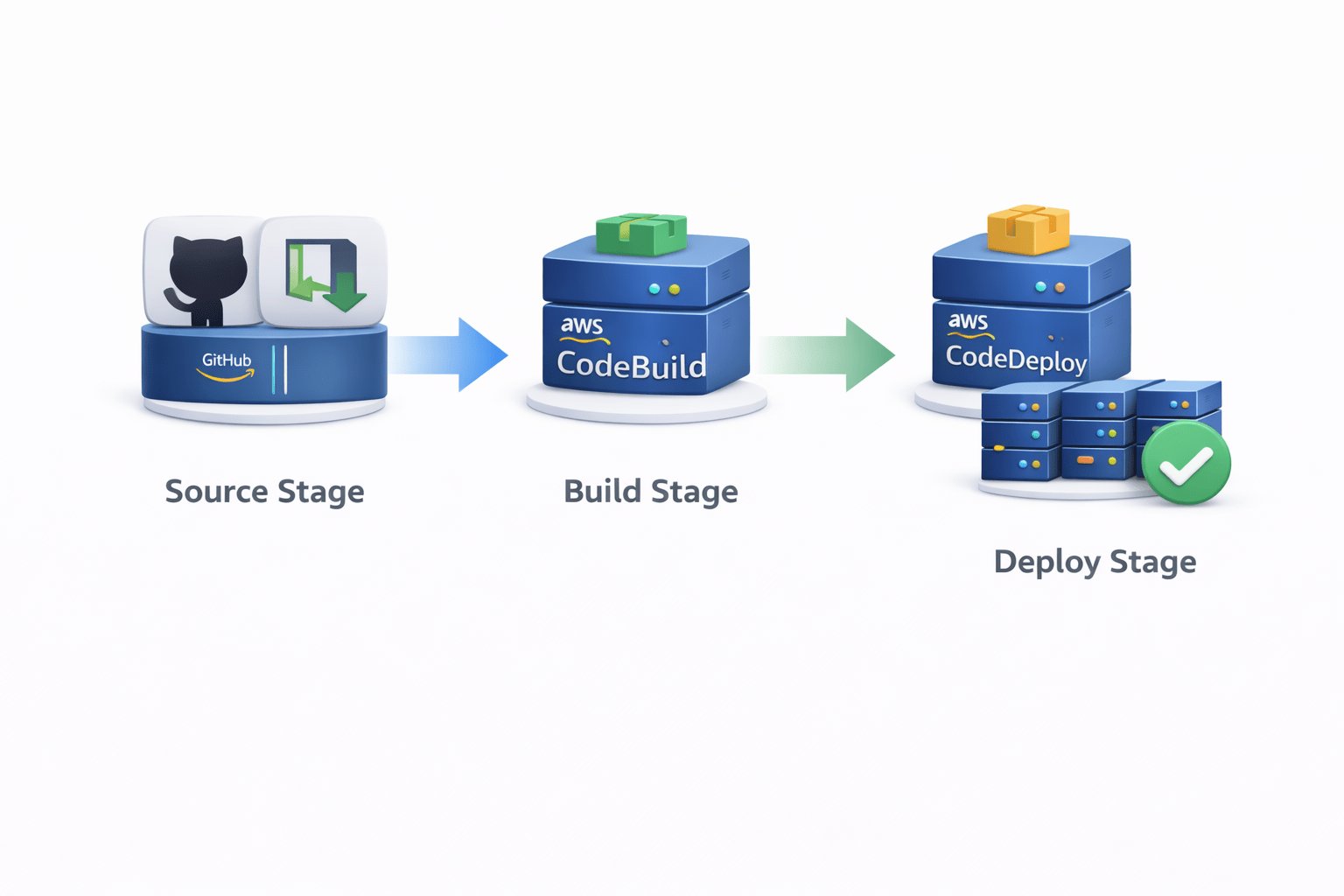
Each stage runs automatically when code changes occur
Benefits of CodePipeline
Benefits include:
Automated deployment workflow
Faster software delivery
Easy integration with AWS services
Reduced manual errors

Introduction to GitHub
Summary
4
Security and version control features in CodeArtifact
3
How AWS CodeArtifact manages software packages
2
What EC2 Image Builder is , How automated image creation , workSteps to create an Image Builder pipeline
1
How AWS transforms application deployment using DevOps tools
Quiz
Which AWS service is used to automatically create and manage machine images?
A. AWS CodeBuild
B. AWS CodePipeline
C. EC2 Image Builder
D. AWS CodeArtifact

Quiz-Answer
Which AWS service is used to automatically create and manage machine images?
A. AWS CodeBuild
B. AWS CodePipeline
C. EC2 Image Builder
D. AWS CodeArtifact

Which command is used to upload a Docker image to Docker Hub?
A. docker build
B. docker run
C. docker push
D. docker create