Common Web Vulnerabilities


Session management issues
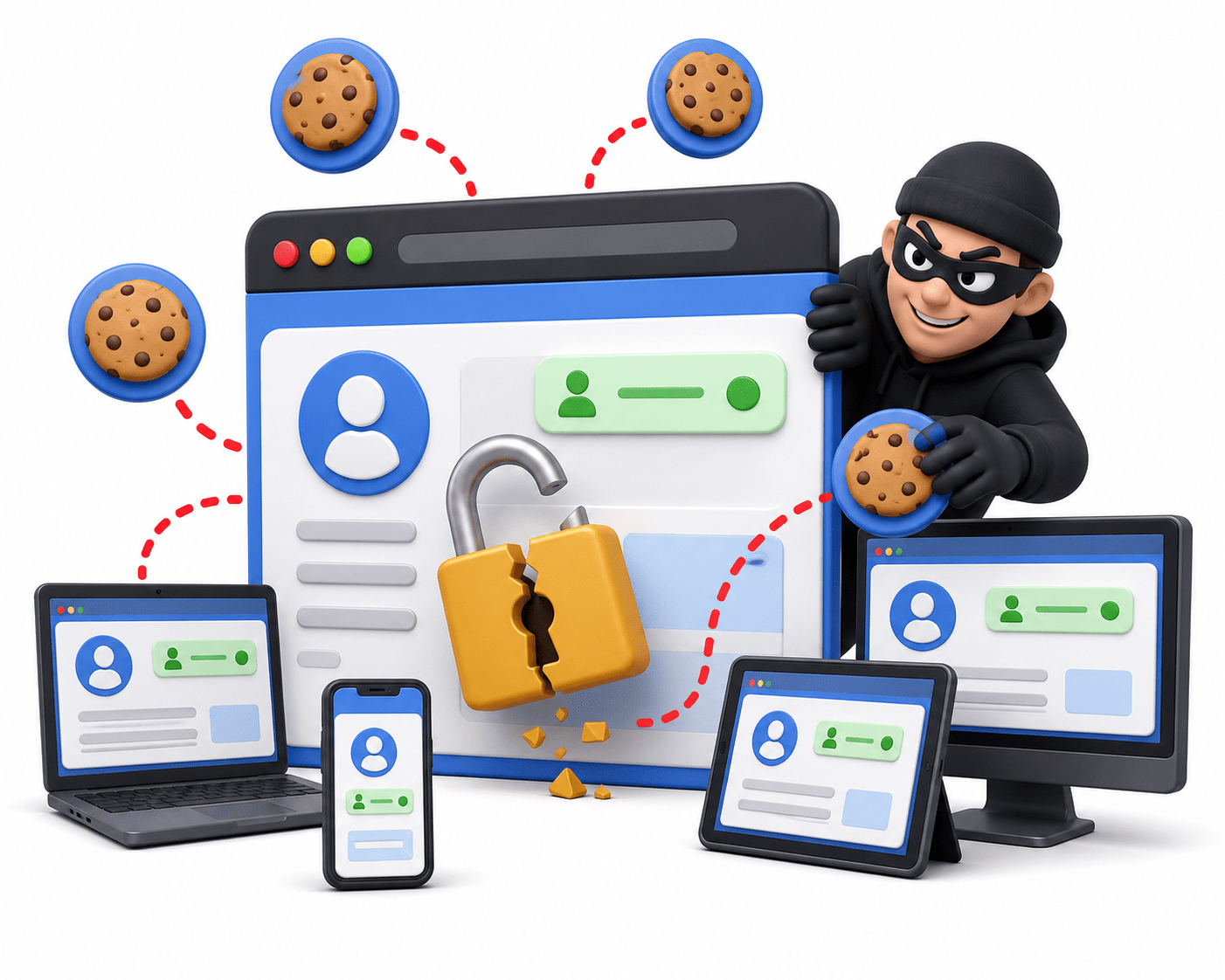

Learning Outcome
4
Analyze session security using Secure, HttpOnly, and SameSite cookie attributes.
3
Understand how cookies, session IDs, and tokens maintain user sessions.
2
Differentiate between authentication and session management.
1
Explain the purpose and importance of session management in web applications.
Imagine entering a shopping mall where you receive a visitor pass.

After showing your identity at the entrance, you receive a pass that allows you to move around the mall without proving your identity at every store.
Now imagine someone steals your pass. The staff may assume they are you because the pass is valid, allowing them to access areas meant for you.
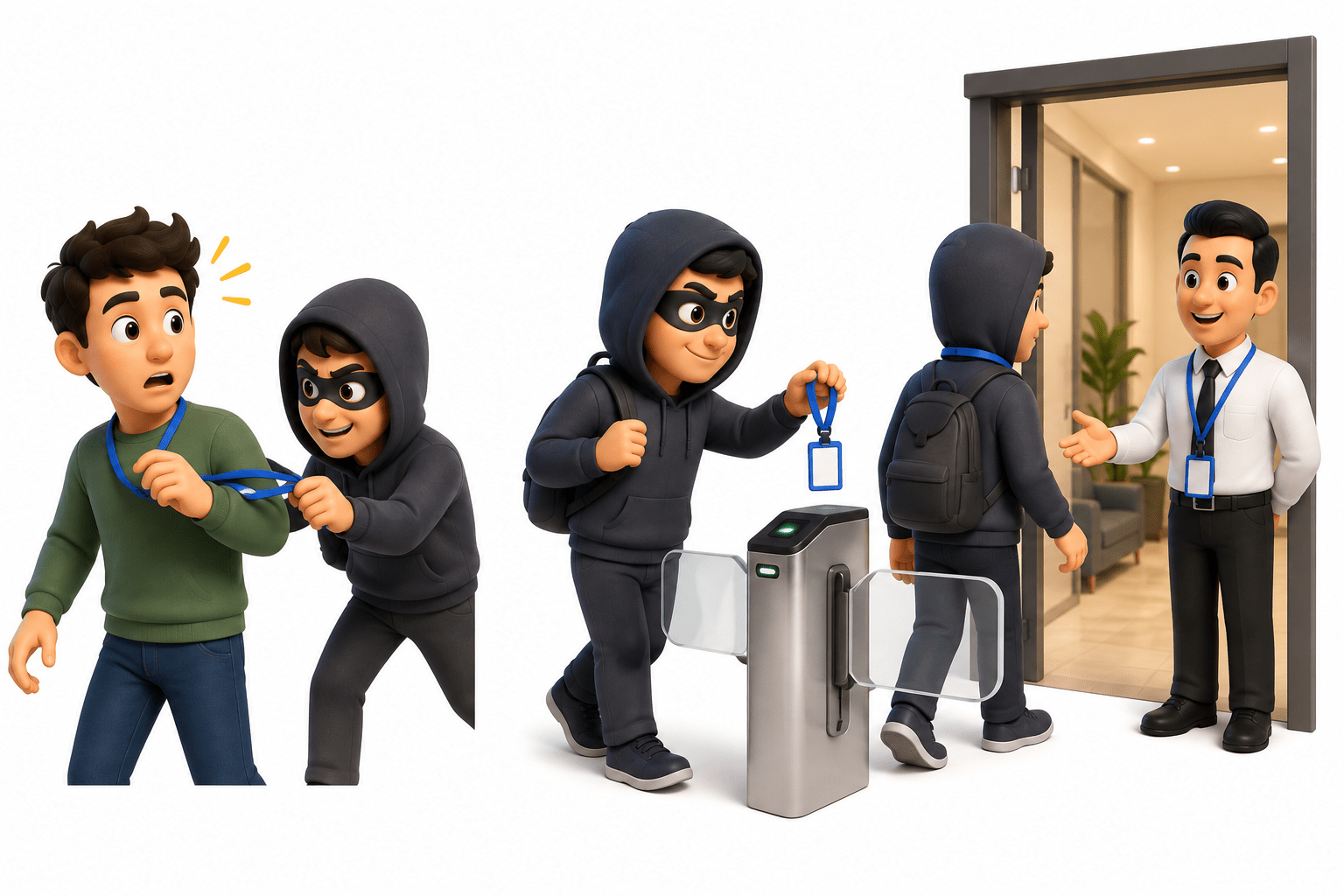
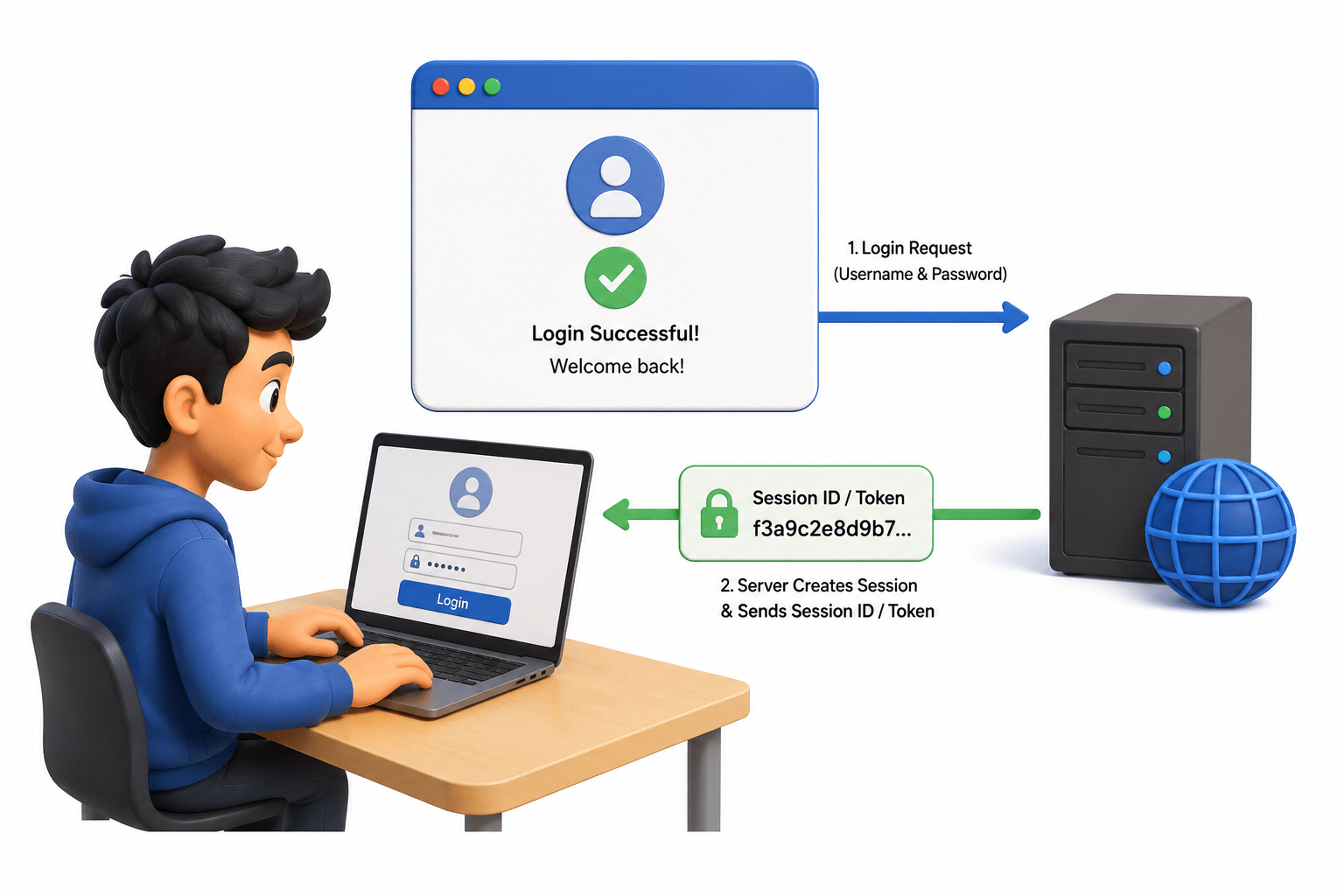
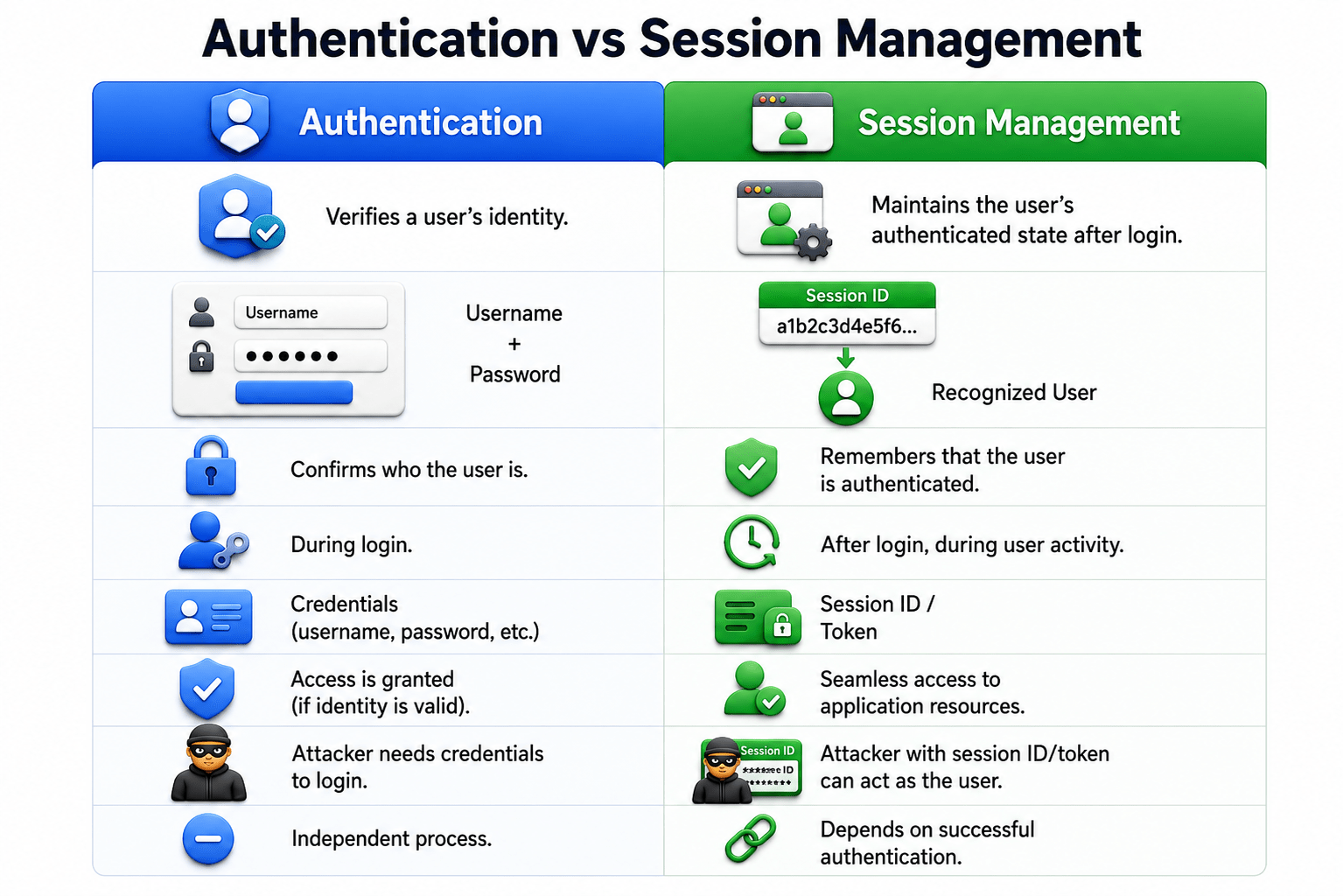
Session management works in a similar way. After you log in, a web application gives your browser a session ID or token to remember that you are authenticated.
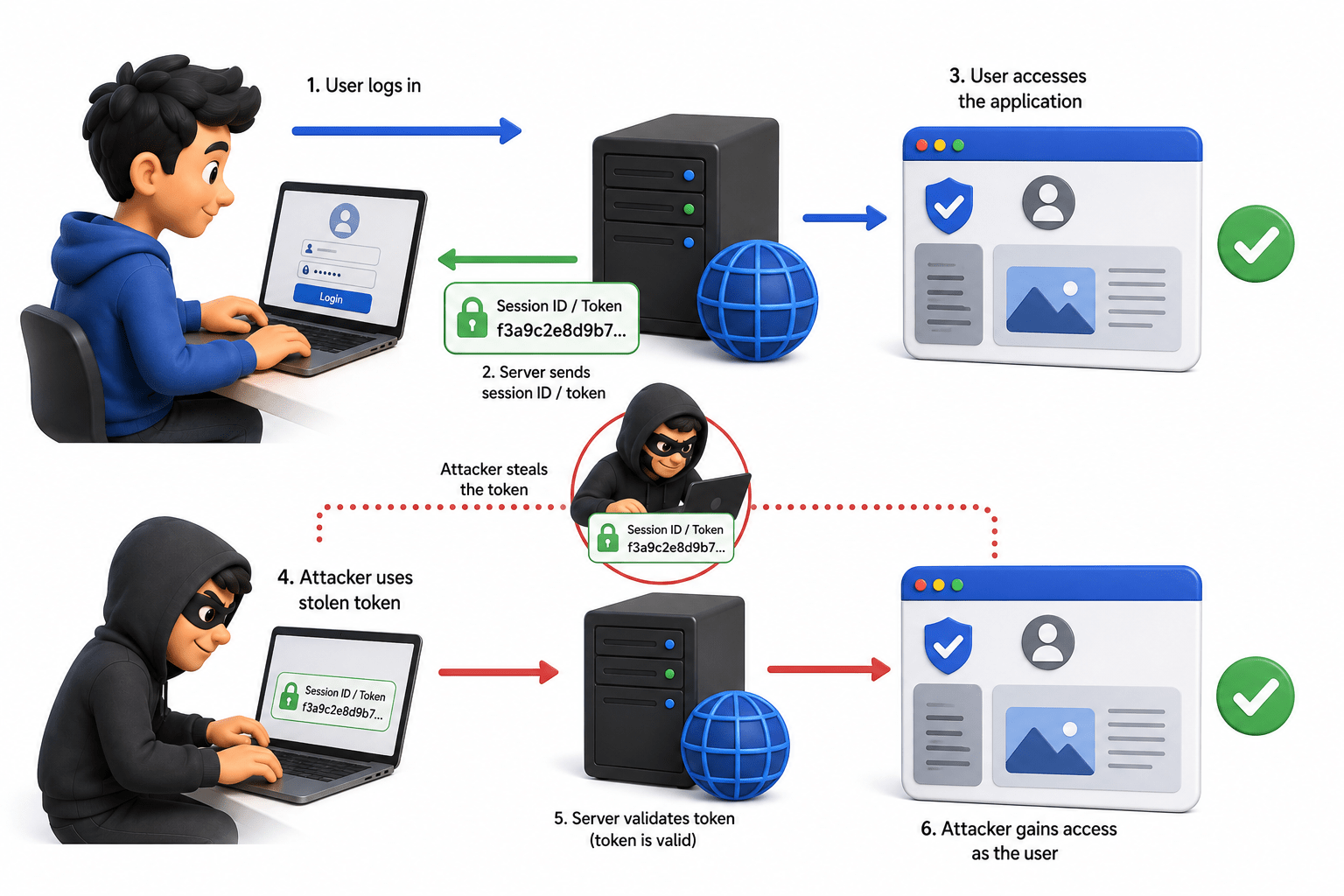
If an attacker steals this token, they may be able to act as you without knowing your password.
Introduction to Session Management
Objectives
-
Maintain user identity
-
Track authenticated users

-
Manage sessions
-
Enforce access controls

What is Session Management?
-
Session management maintains a user's identity and interaction after login.
-
It allows applications to recognize users across multiple requests.

Why It Is Important
-
Keeps users securely authenticated during their session.
-
Supports access control and activity tracking.
-
Weak session management can allow user impersonation.

Authentication vs Session Management
Session Fundamentals
What is a Session?
-
A session is a temporary connection between a user and a web application.
-
It helps the application recognize users across multiple requests.

Session Lifecycle
Login → Session Created → User Activity → Expiration → Logout
-
Proper lifecycle management reduces security risks.

Session IDs
-
Unique identifiers that connect requests to a user's session.
-
Should be random, unique, and unpredictable.

Session Storage
-
Server-Side: Session data stored on the server.
-
Client-Side: Session data stored in the browser.
-
Hybrid: Combines both approaches.
-
Security: Protect session information from unauthorized access.

Session Tokens
-
Tokens used to identify and validate sessions.
-
Examples: Session IDs, JWTs, and authentication tokens.

Cookies and Session Handling
What are Cookies?
-
Cookies are small data stored by browsers and sent with future requests.
-
Used for session tracking, preferences, and authentication.

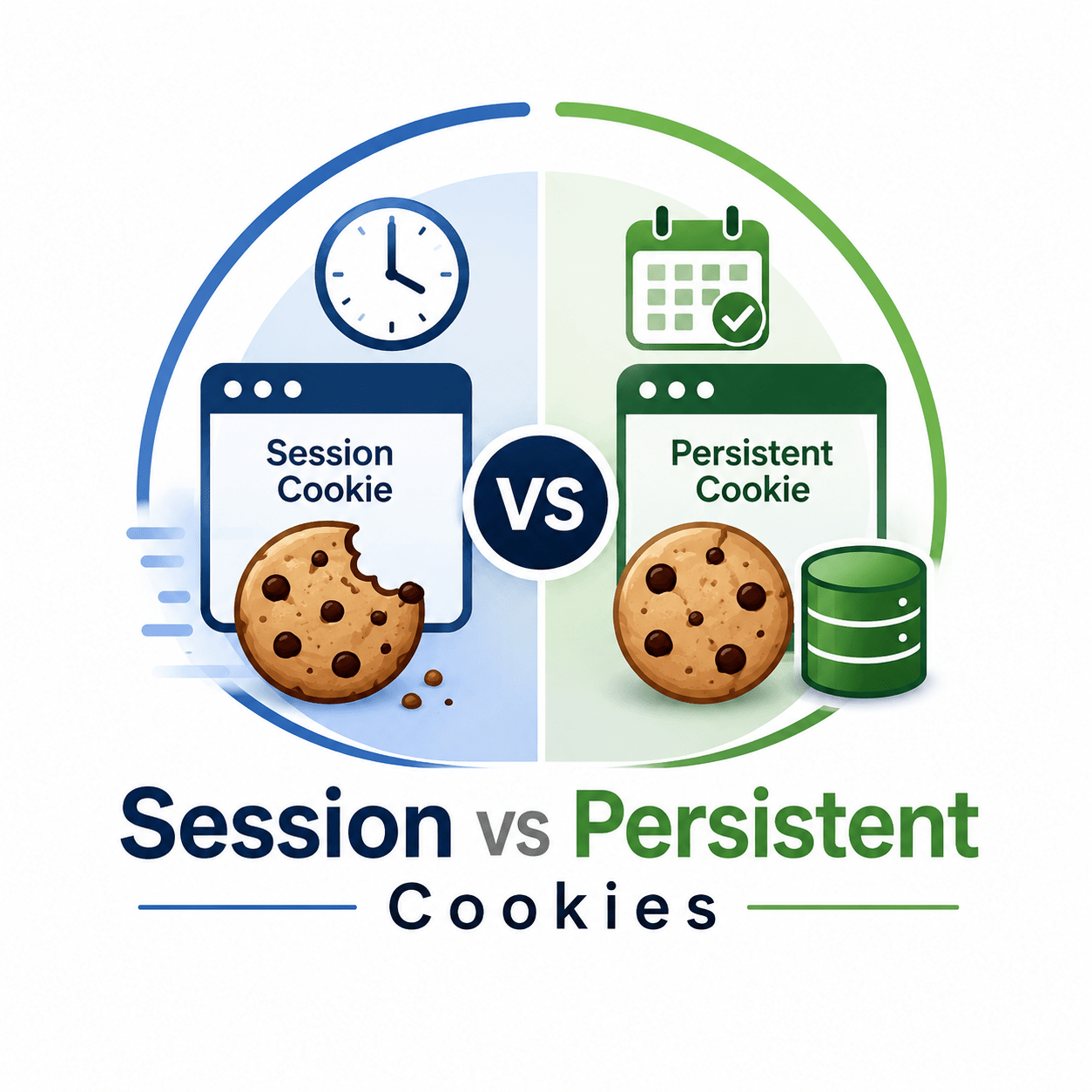
Session vs Persistent Cookies
-
Session Cookies: Temporary; usually removed when the browser closes.
-
Persistent Cookies: Remain until their expiry date or deletion.
-
Persistent cookies provide convenience but can have greater exposure if stolen.
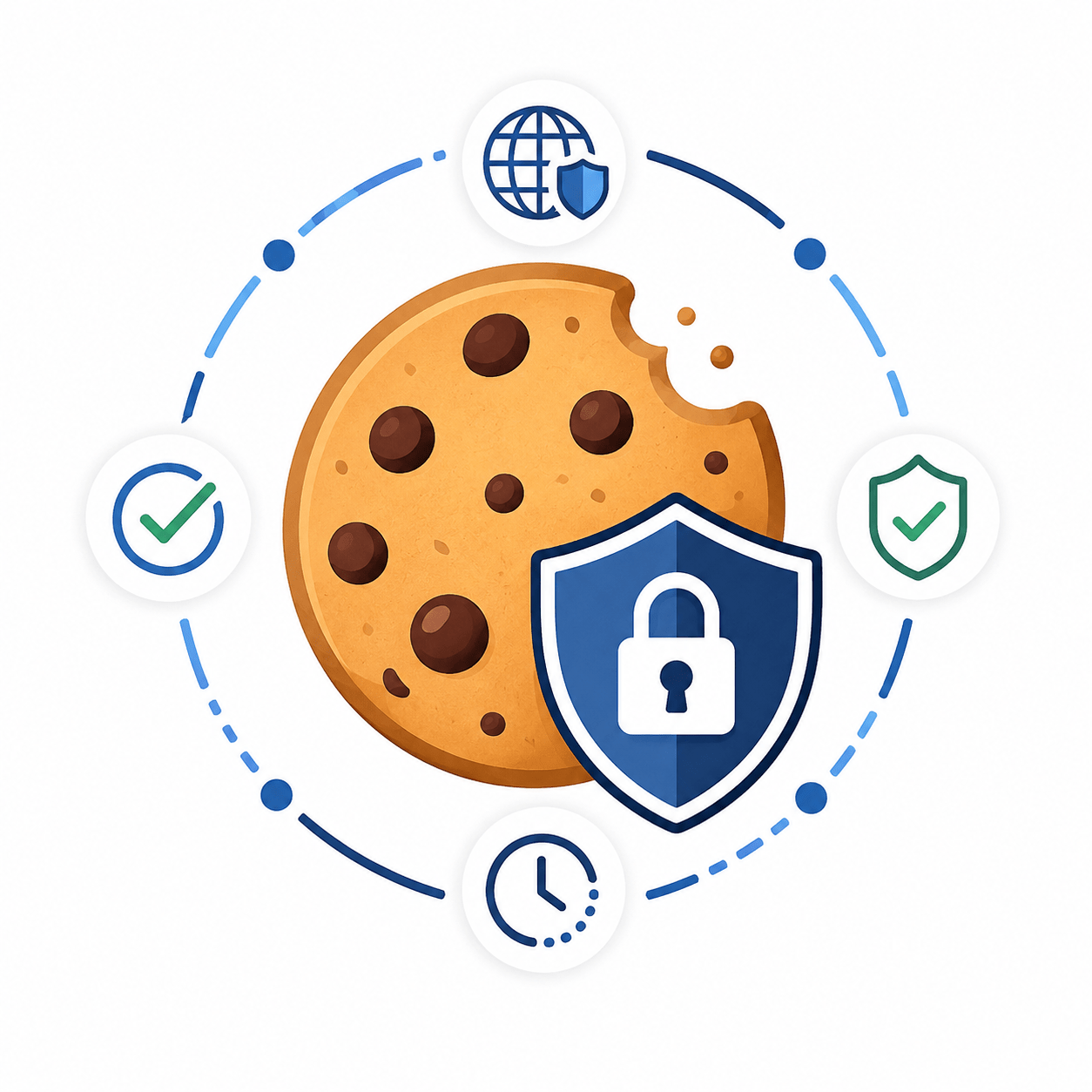
Cookie Security Attributes
Secure
-
Sends cookies only over HTTPS.
-
Helps prevent interception.
HttpOnly
-
Prevents JavaScript from accessing cookies.
-
Reduces the risk of script-based cookie theft.
Session Management Vulnerabilities
Weak Session IDs
- Session IDs lack sufficient randomness.
- Can be predicted and misused.

Predictable Session Tokens
-
Tokens follow recognizable patterns.
-
May allow session guessing and account compromise.

Session Disclosure
- Session IDs are exposed through logs, URLs, errors, or browser history.
- Can lead to unauthorized session access.

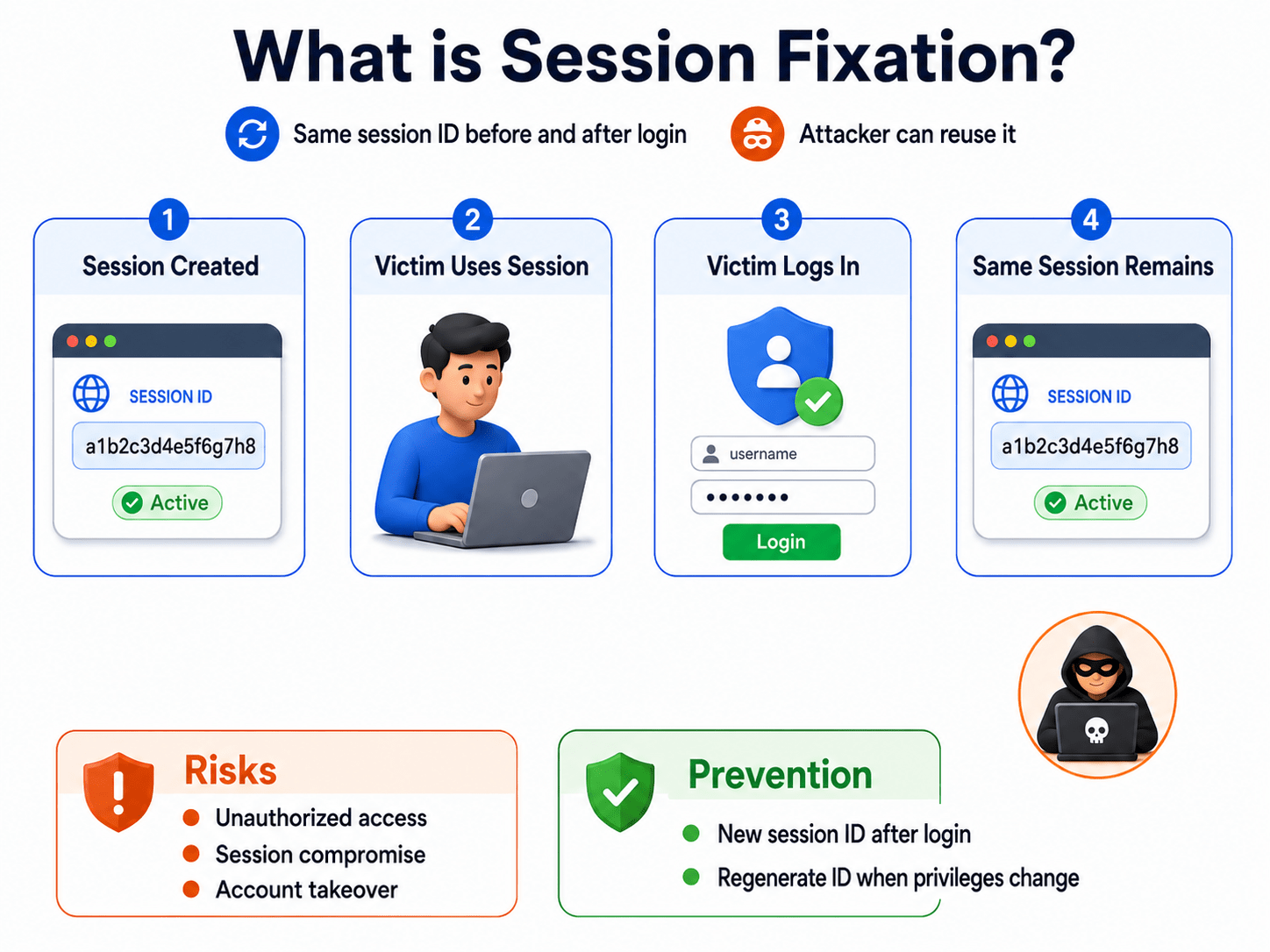
Session Fixation
- An attacker causes a victim to use a known session ID.
- May allow the attacker to access the authenticated session.

Session Hijacking
- An attacker uses another user's active session.
- Can result in account compromise.

Session Replay
- Captured session information is reused to impersonate a user.

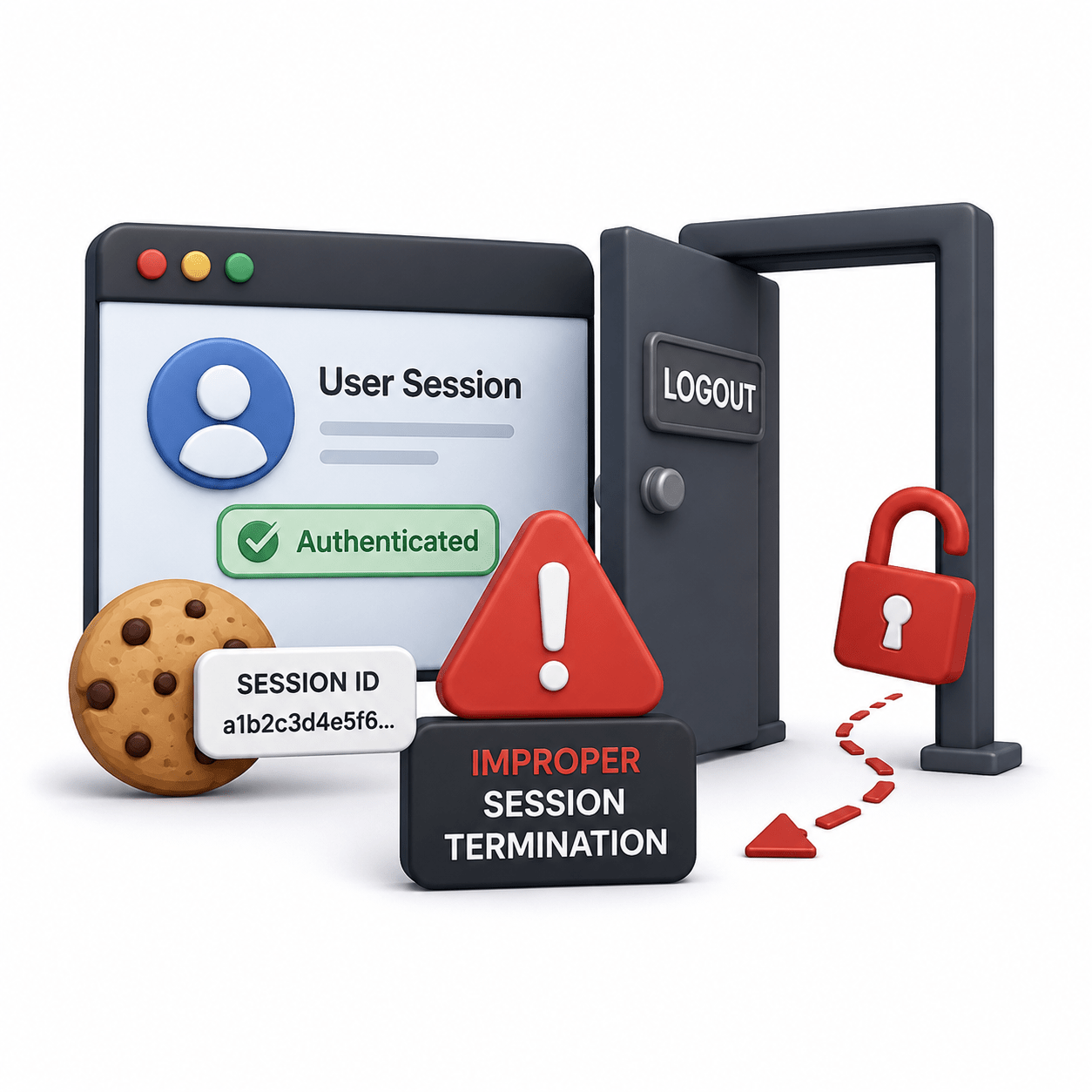
Improper Session Termination
-
Sessions remain active after logout or expiration.
-
Can allow continued unauthorized access.
Session Hijacking Concepts
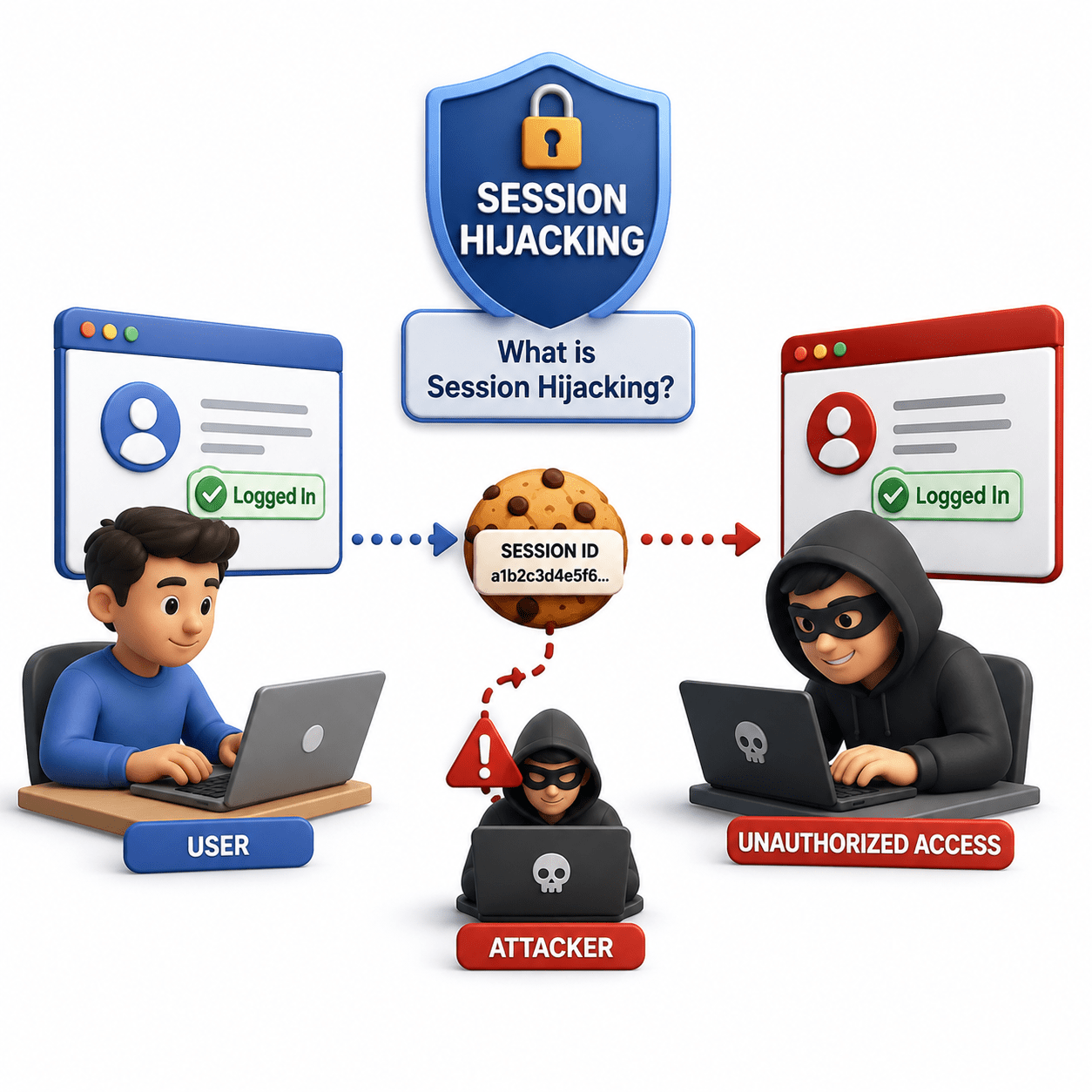
What is Session Hijacking?
-
Occurs when an attacker obtains a valid session token and impersonates a user.
-
Allows unauthorized access without knowing the user's password.
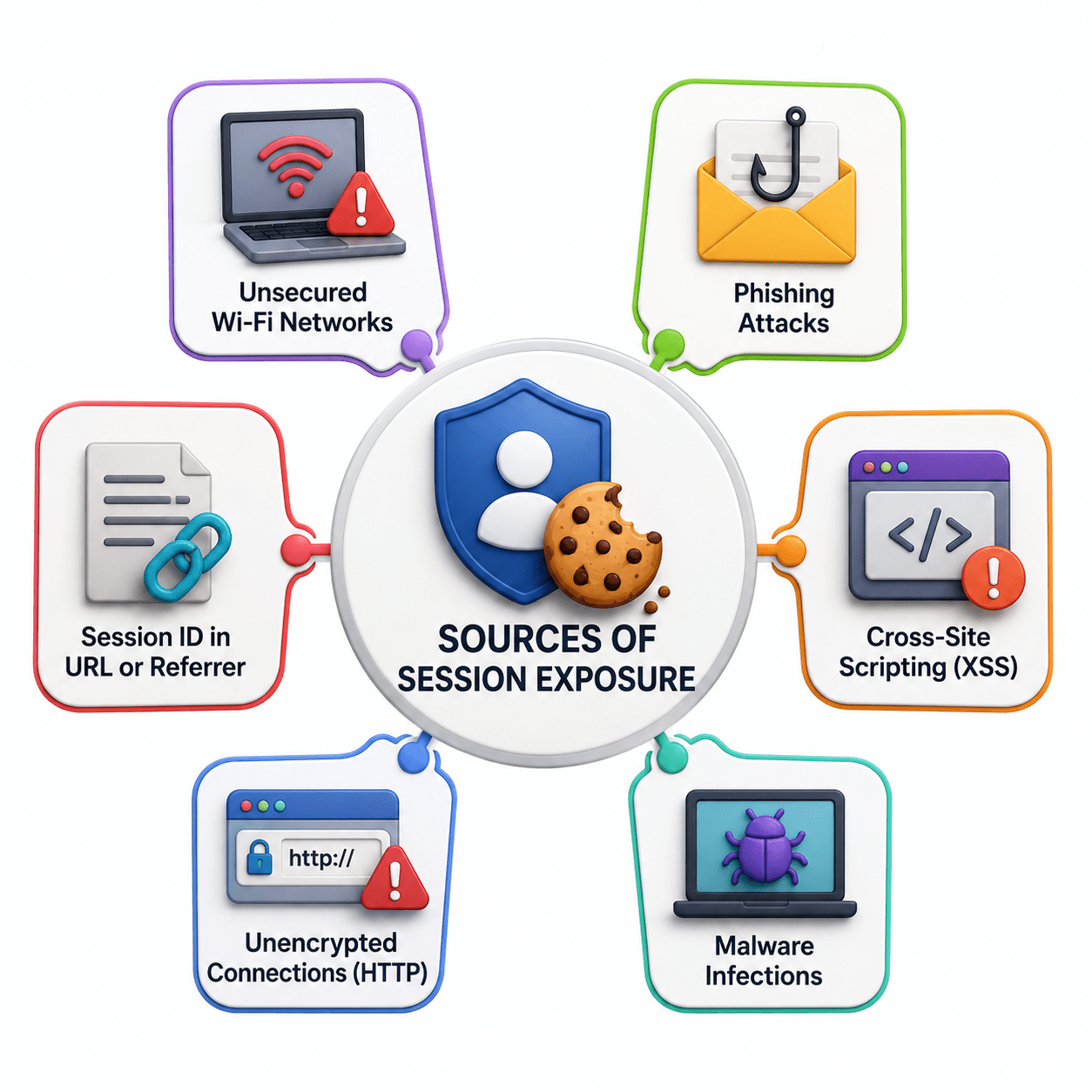
Sources of Session Exposure
-
Insecure networks
-
Browser storage
-
Logs
-
Application vulnerabilities
-
Misconfigurations
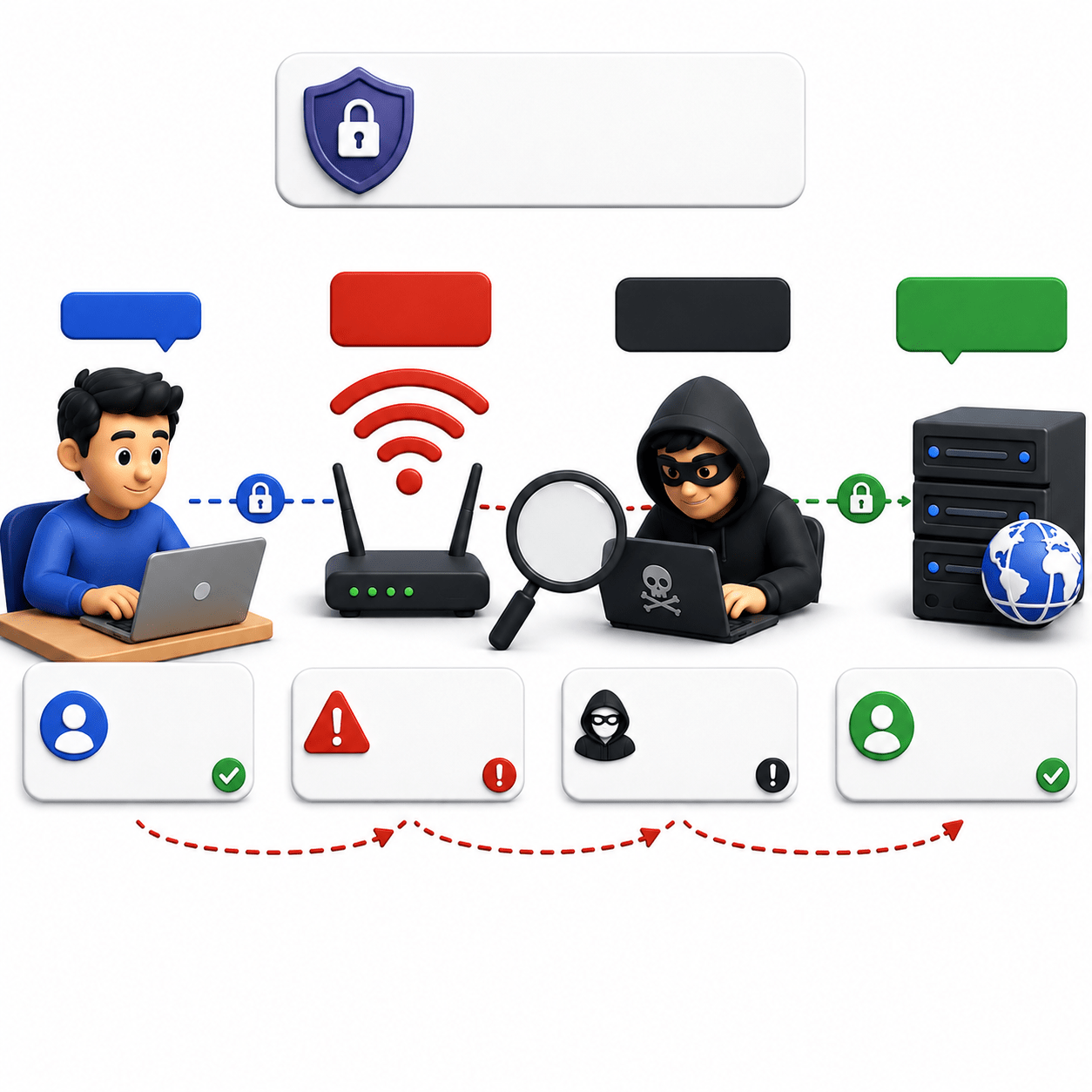
Network-Based Session Theft
-
Session information is intercepted during transmission.
-
Prevention: Use HTTPS for all communications.
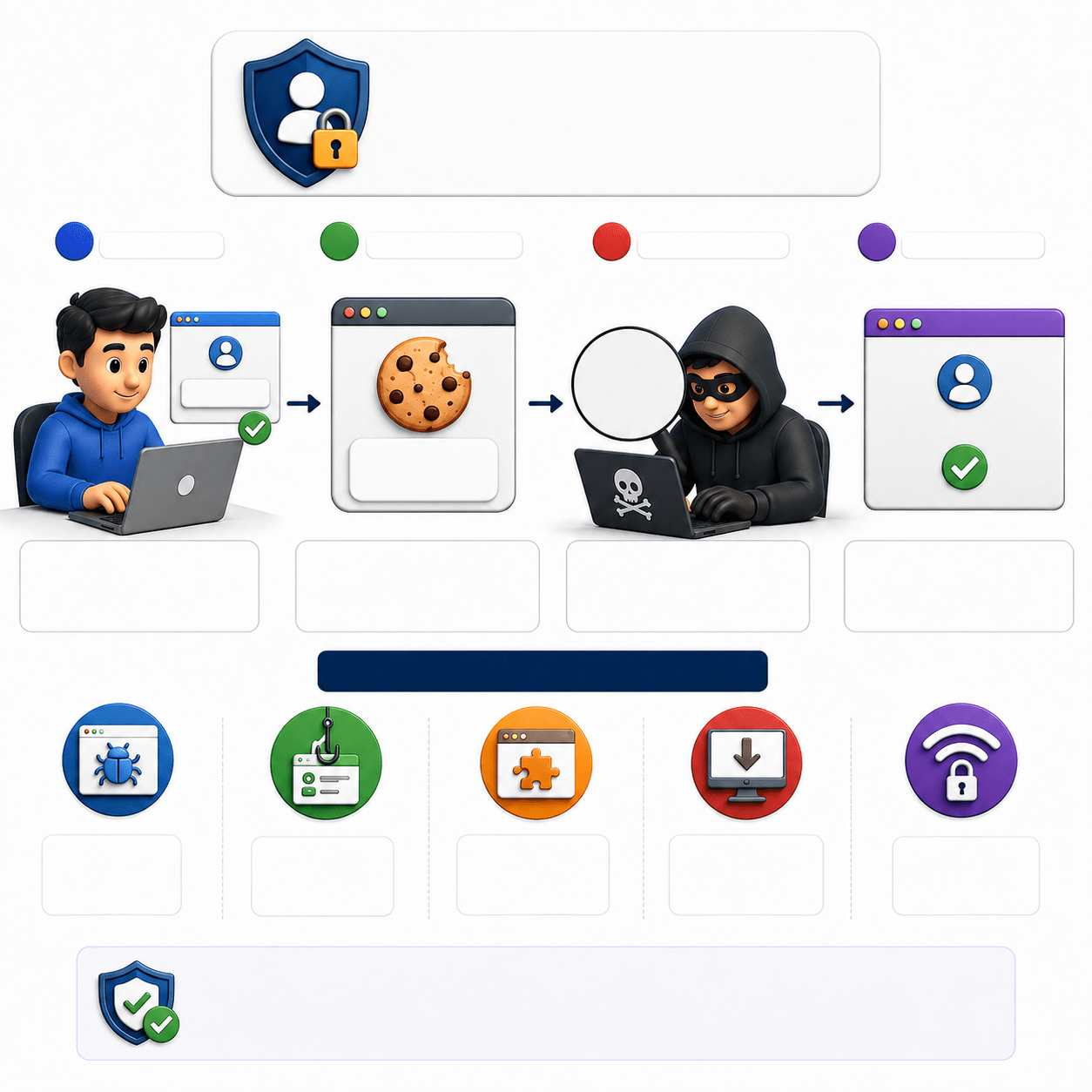
Client-Side Session Theft
-
Session data is stolen from the user's device.
-
Examples: Malware, browser vulnerabilities, and insecure storage.
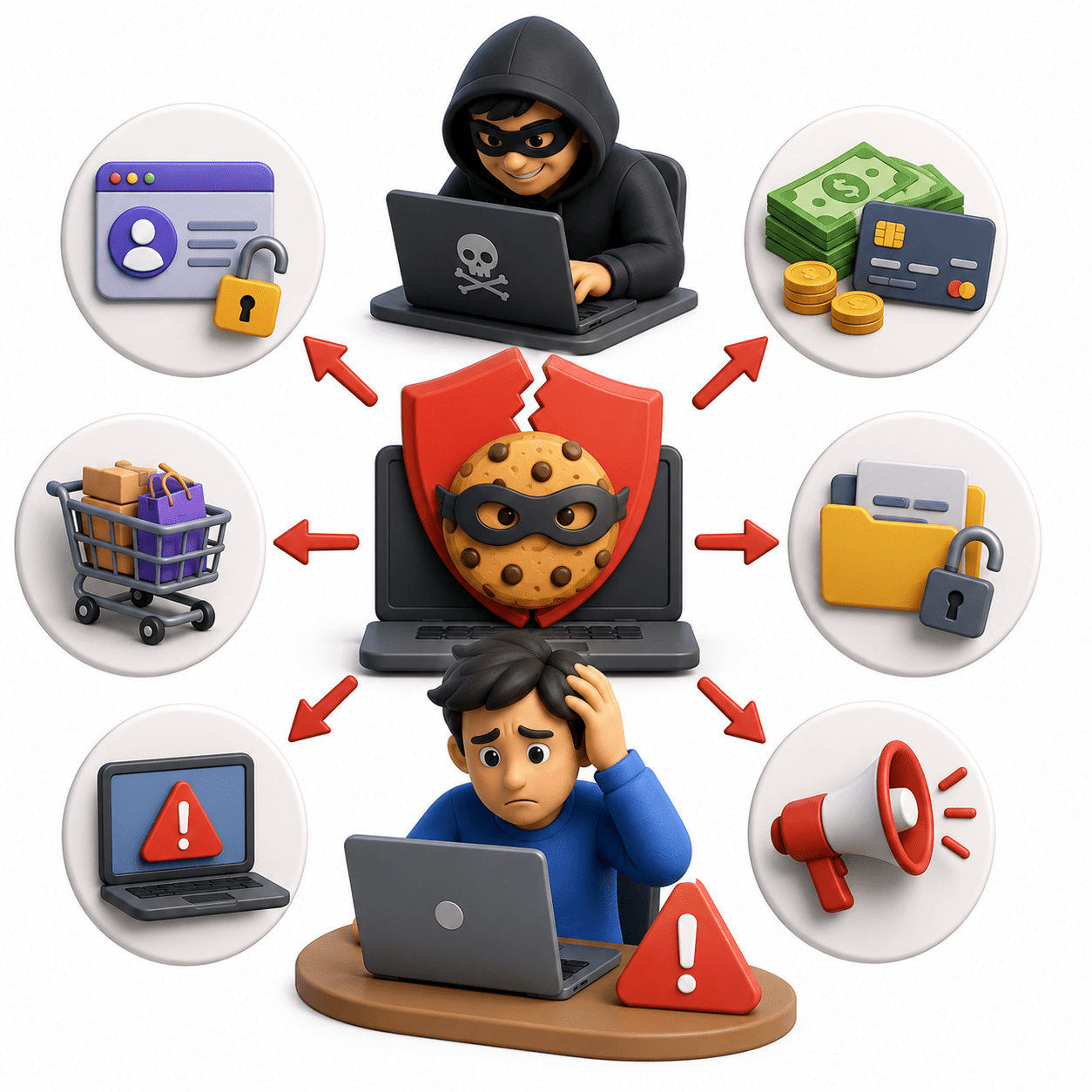
Impact of Session Hijacking
-
Account takeover
-
Unauthorized data access
-
Privilege abuse
-
Unauthorized actions
-
Can cause security incidents and loss of trust.
Session Fixation


How Session Fixation works?
JWT and Modern Session Management
What is JWT?
-
JWT is a compact token format used to securely transmit information.
-
Commonly used for authentication, authorization, and APIs.
1
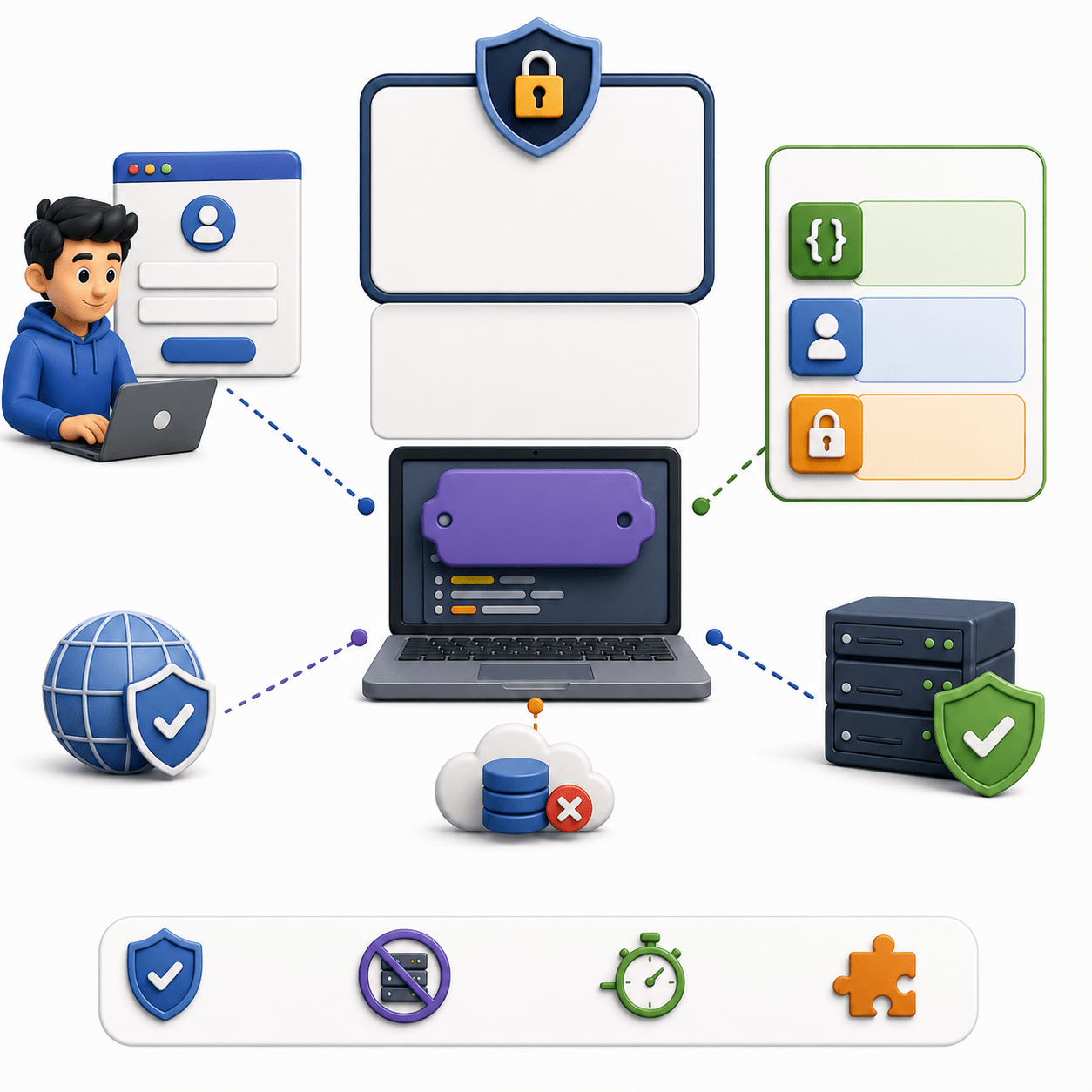
JWT Structure
-
Header: Token metadata.
-
Payload: Claims and user information.
-
Signature: Verifies token integrity.
2

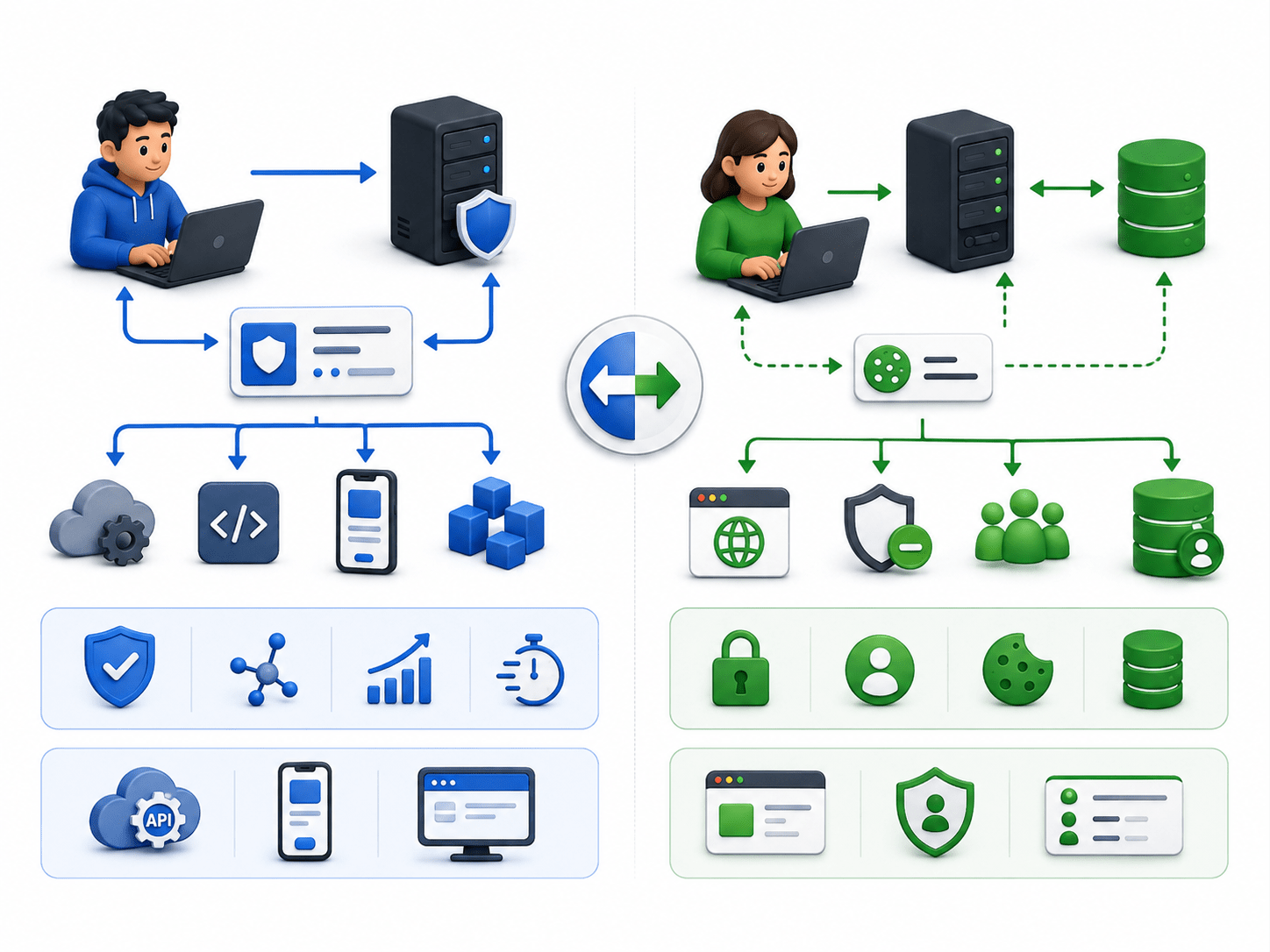
JWT vs Session-Based Authentication
-
JWT: Authentication data is carried in the token; no server-side session storage is required.
- Session-Based: Server stores session data and uses a session ID to identify the user.
3
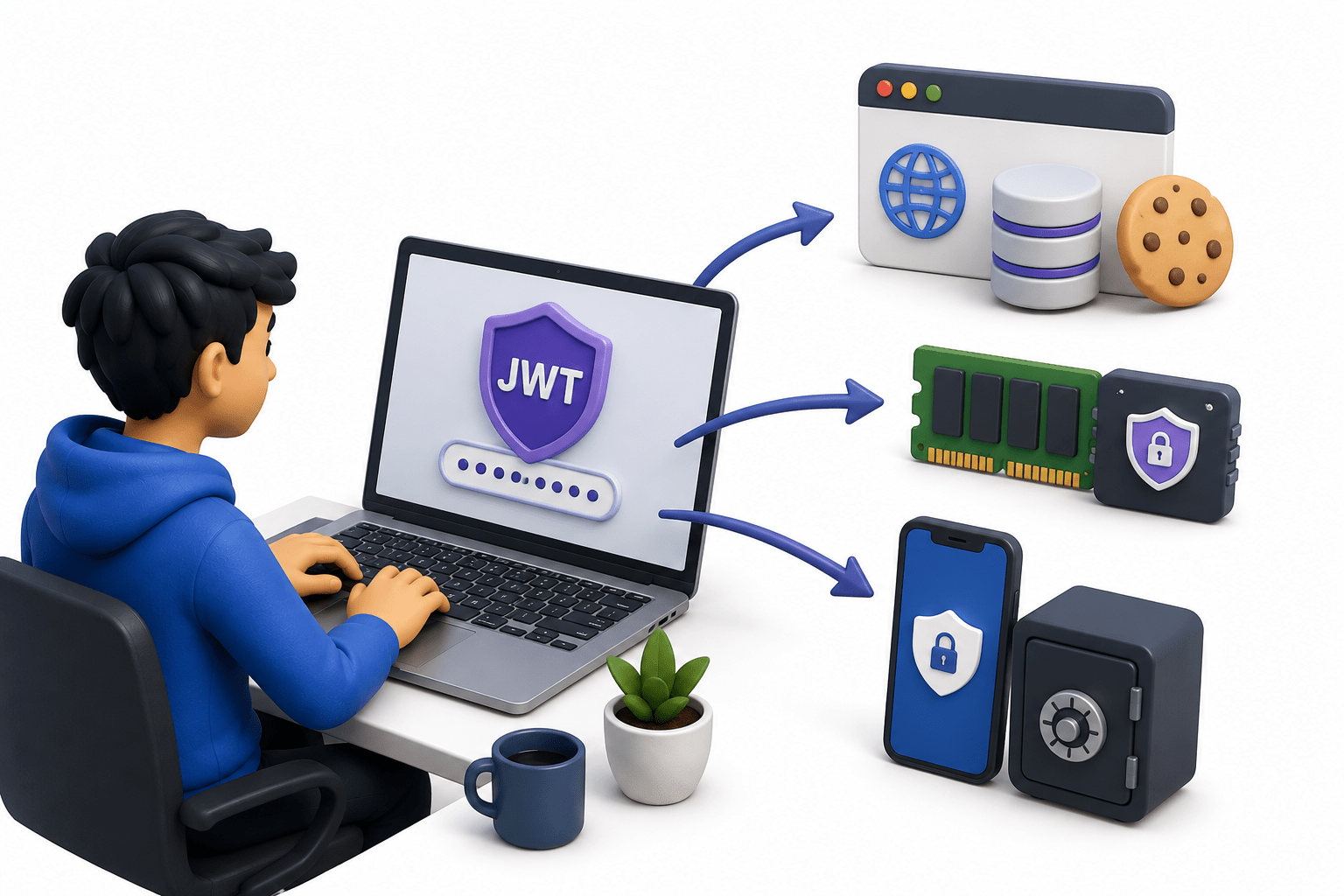
JWT Storage
-
Common locations: Cookies, browser storage, or memory.
-
Tokens should be protected from unauthorized access.
4
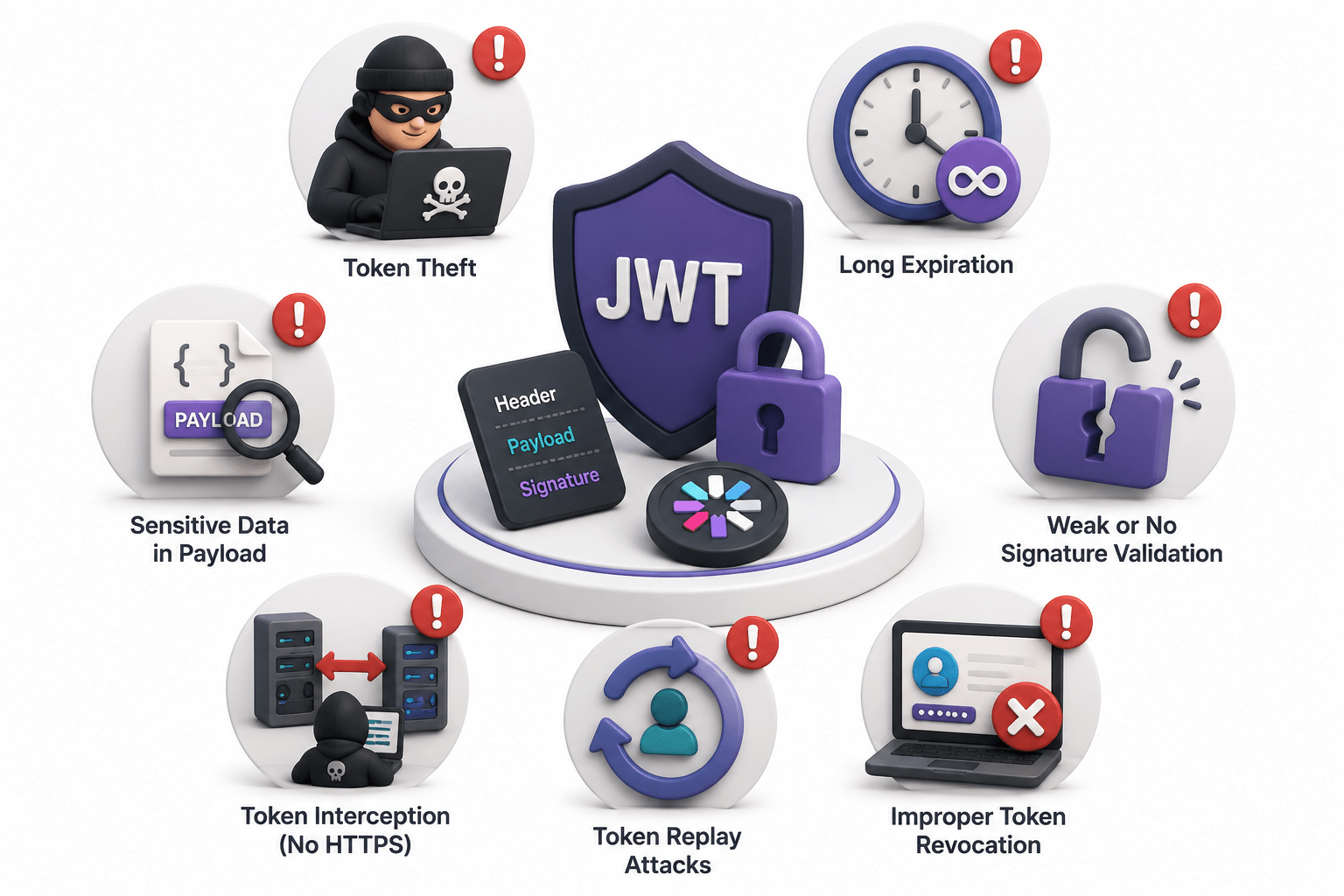
Common JWT Risks
-
Weak signing keys
-
Long token lifetimes
-
Improper validation
5
-
Token exposure
Single Sign-On (SSO) and Federated Authentication
Benefits of SSO
-
Improved user experience
-
Reduced password fatigue
-
Centralized access management
-
Simplified authentication

Single Sign-On (SSO)
-
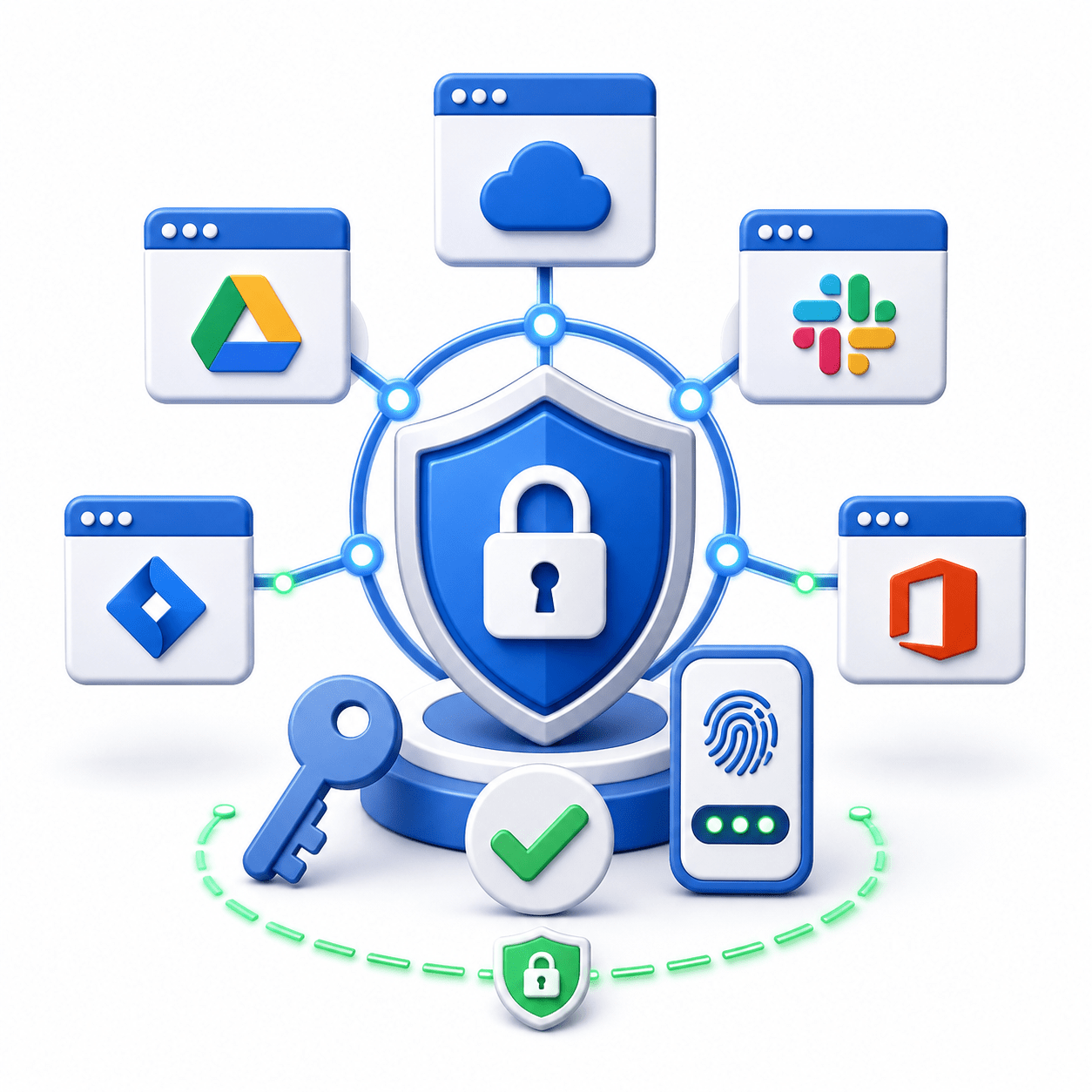
SSO allows users to log in once and access multiple applications.
-
Provides convenient and centralized authentication.

Session Management in SSO
-
Multiple applications may maintain connected sessions.
-
Key considerations: session synchronization, logout, and token management.

Identity Provider and Service Provider
-
Identity Provider (IdP): Authenticates the user.
-
Service Provider (SP): Provides the requested application or service.

SSO Security Considerations
-
Protect authentication tokens.
-
Set proper session expiration.
-
Handle logout consistently.
-
Enforce proper access controls.
Session Security Testing
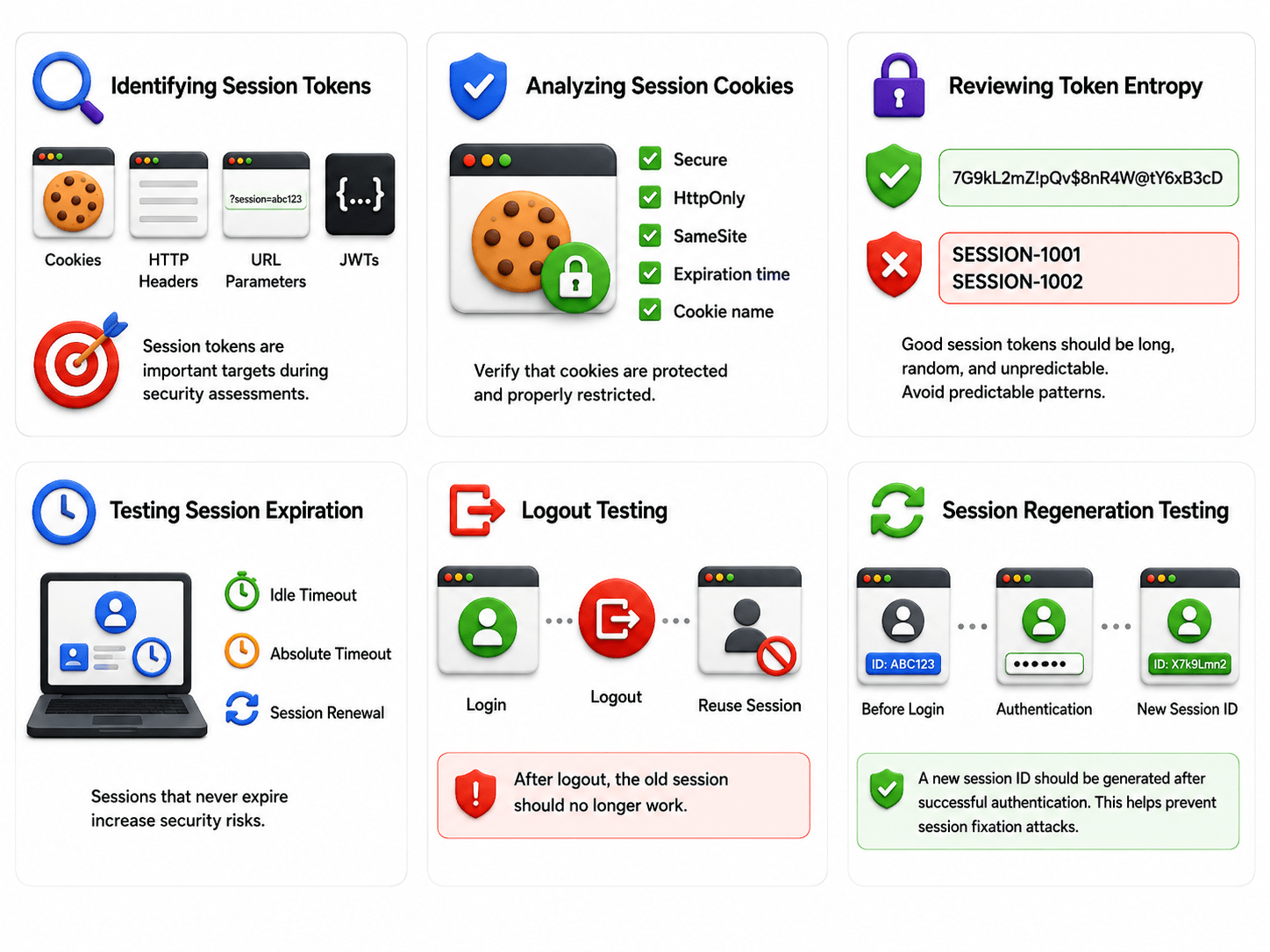
Identifying Session Token
Analyzing Session cookies
Common Session Management Weaknesses
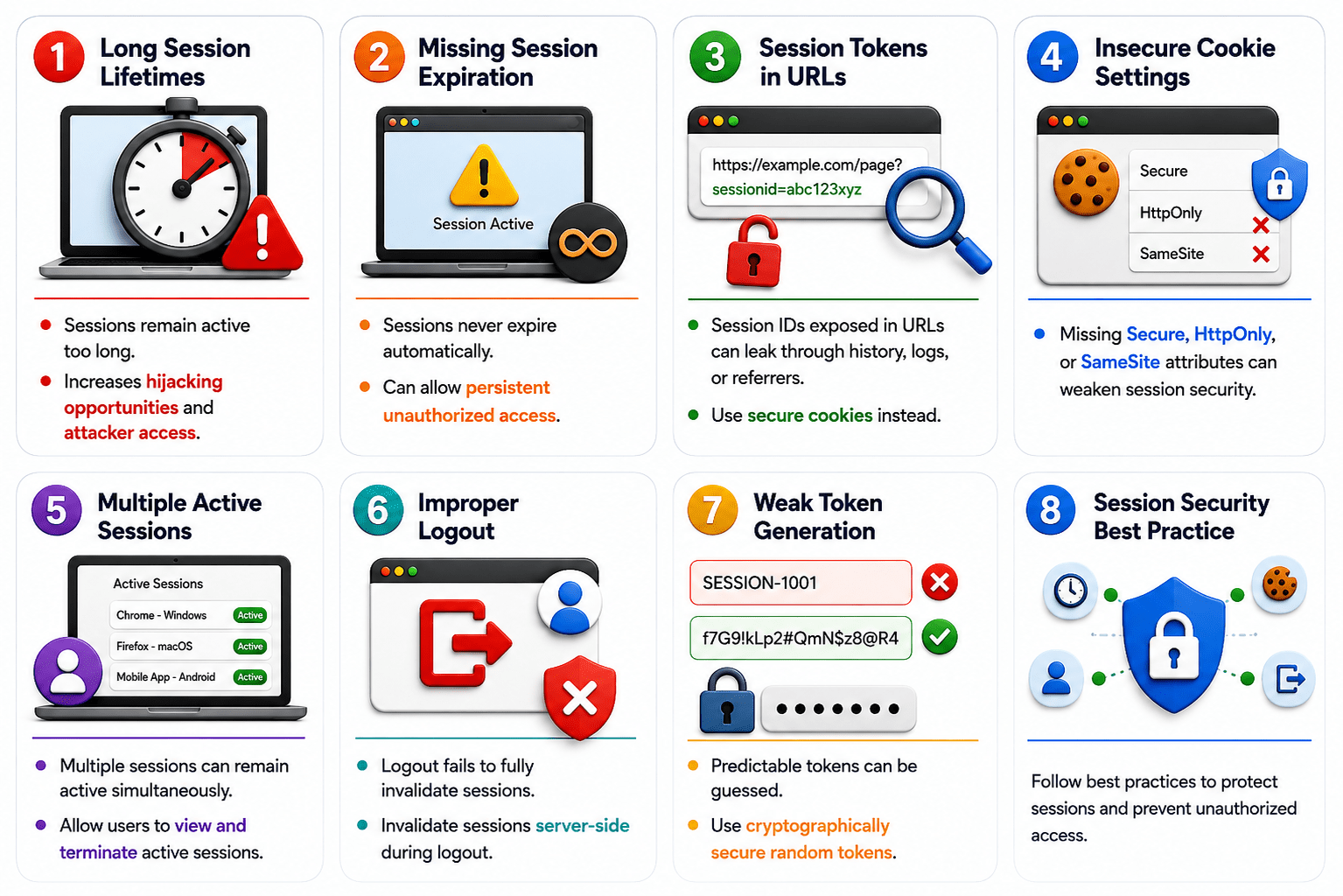
Long Session Lifetimes
-
Sessions remain active too long.
-
Increases hijacking opportunities and attacker access.
Missing Session Expiration
-
Sessions never expire automatically.
-
Can allow persistent unauthorized access.
Session Tokens in URLs
-
Session IDs exposed in URLs can leak through history, logs, or referrers.
-
Use secure cookies instead.
Insecure Cookie Settings
-
Missing Secure, HttpOnly, or SameSite attributes can weaken session security.
Improper Logout
-
Logout fails to fully invalidate sessions.
-
Invalidate sessions server-side during logout.
Multiple Active Sessions
-
Multiple sessions can remain active simultaneously.
-
Allow users to view and terminate active sessions.
Session Timeout Management
-
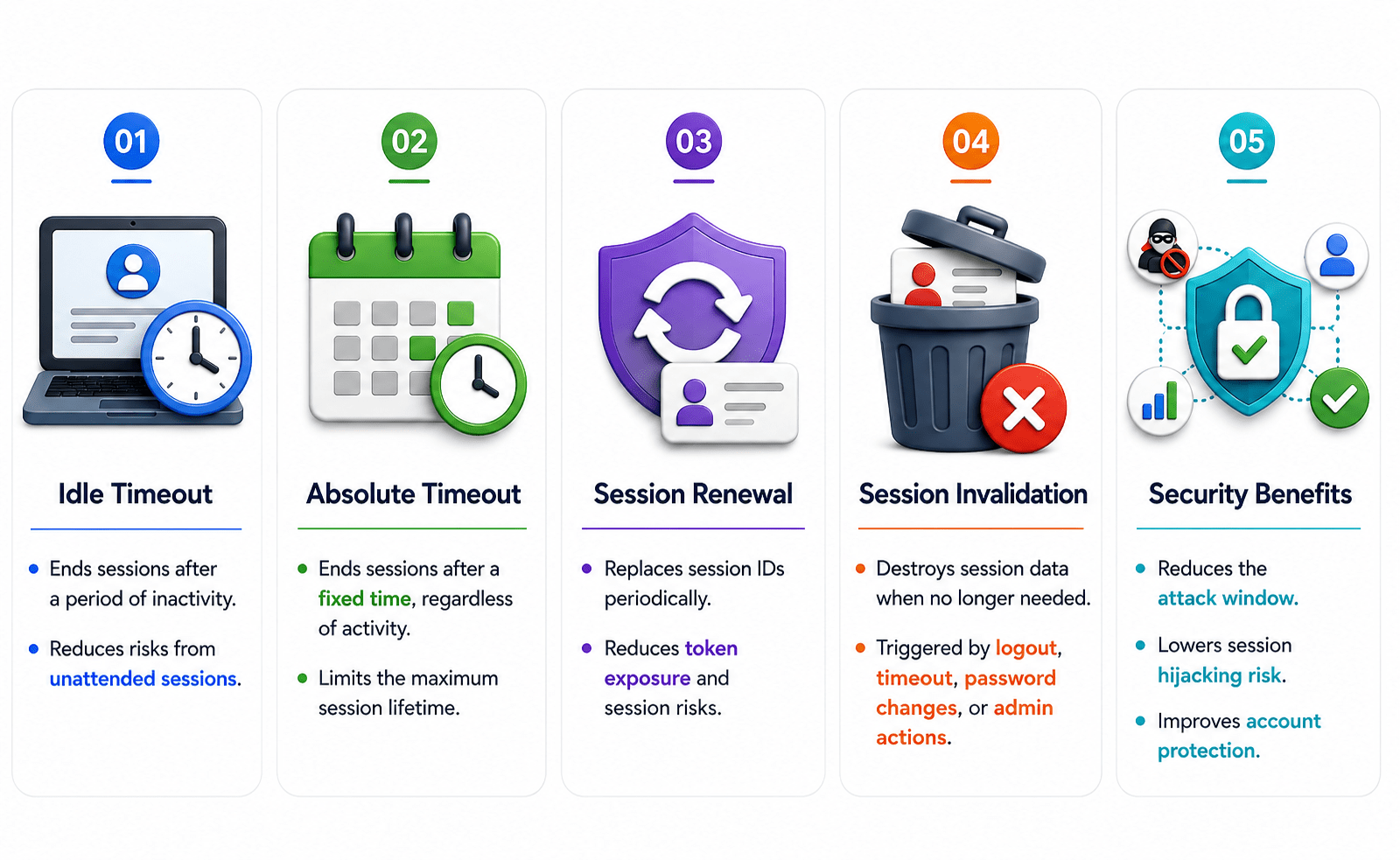
Ends sessions after a period of inactivity.
-
Reduces risks from unattended sessions.
-
Ends sessions after a fixed time, regardless of activity.
-
Limits the maximum session lifetime.
-
Replaces session IDs periodically.
-
Reduces token exposure and session risks.
-
Destroys session data when no longer needed.
-
Triggered by logout, timeout, password changes, or admin actions.
-
Reduces the attack window.
-
Lowers session hijacking risk.
-
Improves account protection.
Impact of Session Management Issues
-
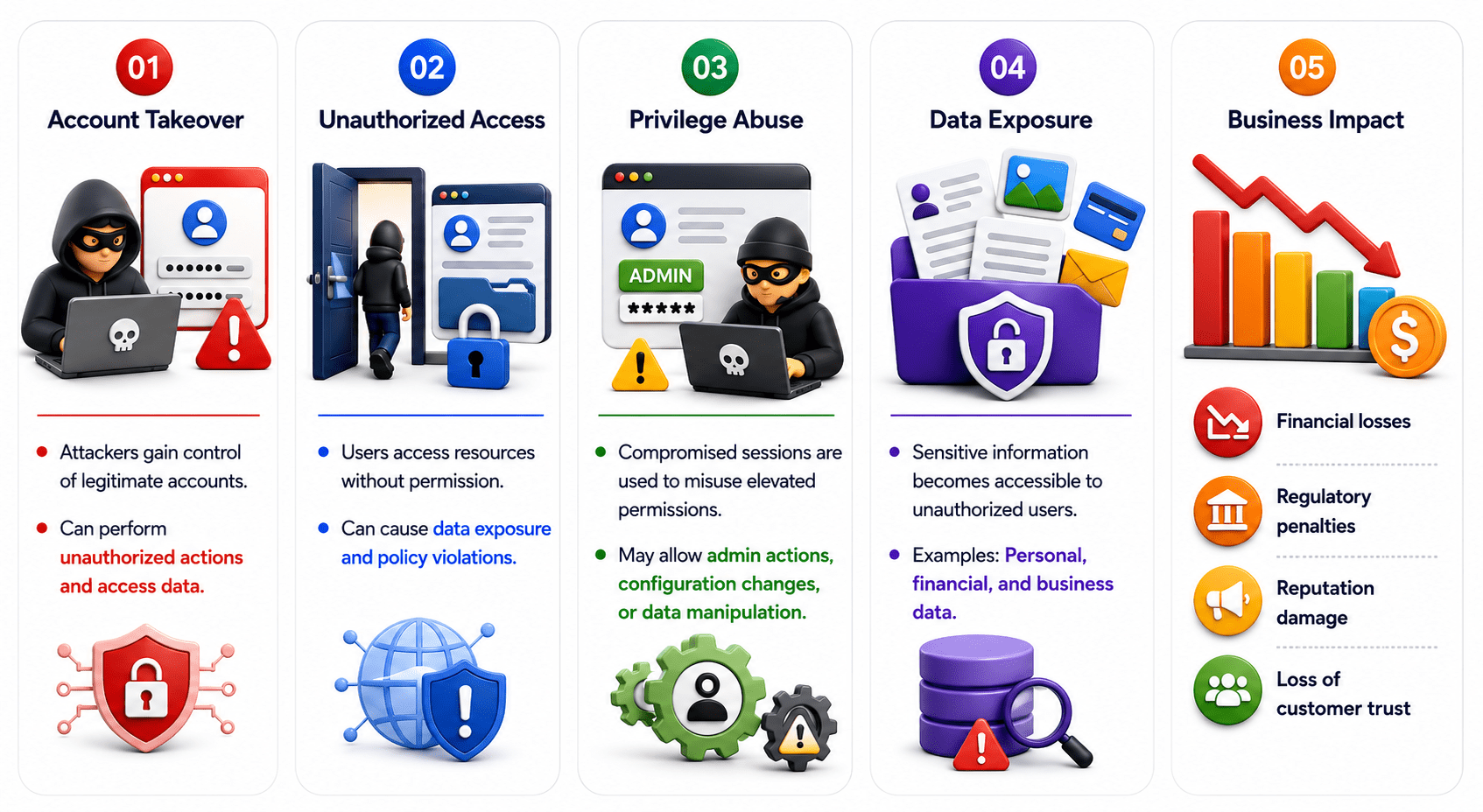
Attackers gain control of legitimate accounts.
-
Can perform unauthorized actions and access data.
-
Users access resources without permission.
-
Can cause data exposure and policy violations.
-
Compromised sessions are used to misuse elevated permissions.
-
May allow admin actions, configuration changes, or data manipulation.
-
Sensitive information becomes accessible to unauthorized users.
-
Examples: Personal, financial, and business data.
-
Financial losses
-
Regulatory penalties
-
Reputation damage
-
Loss of customer trust
Secure Session Management Practices
-
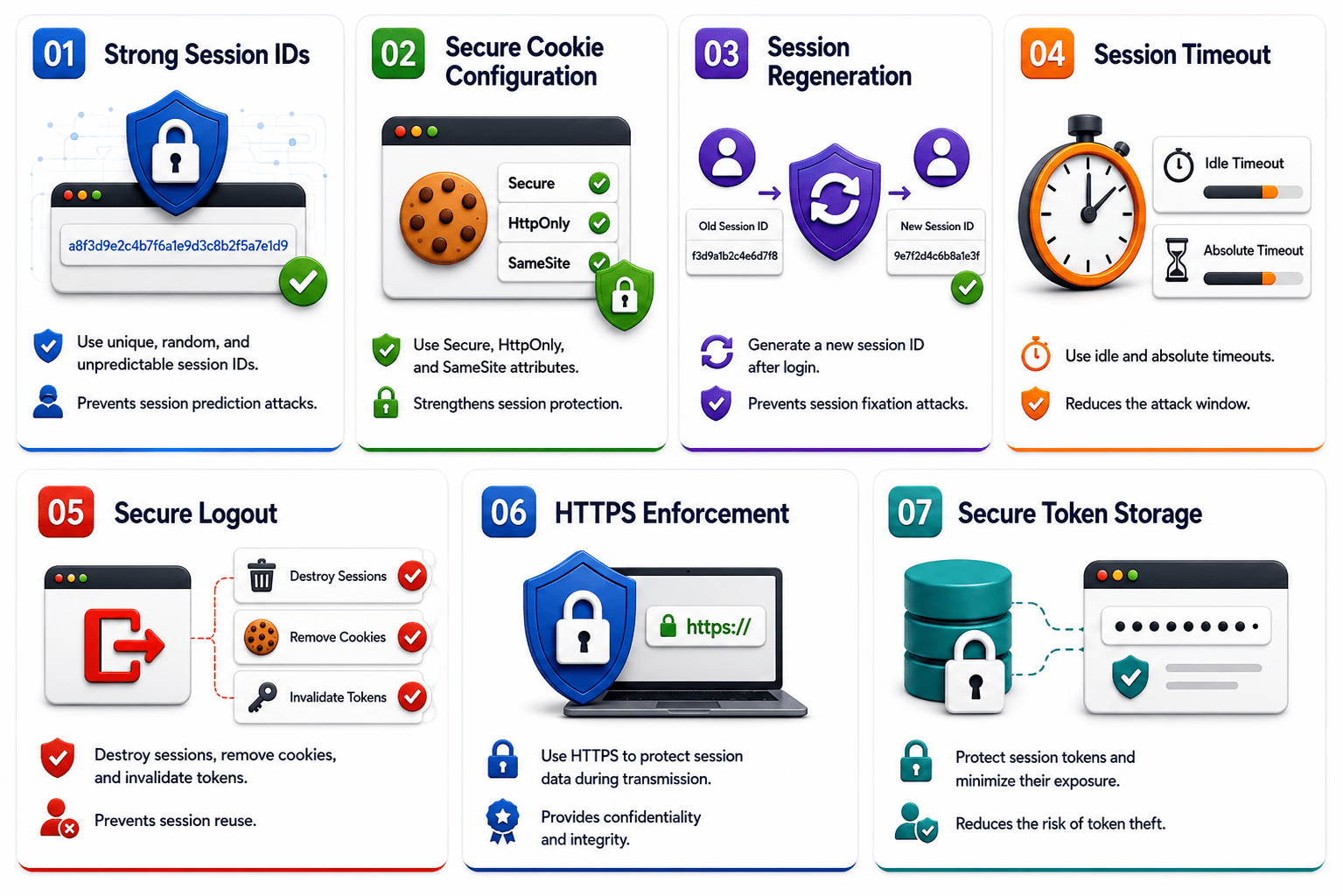
Use unique, random, and unpredictable session IDs.
-
Prevents session prediction attacks.
-
Use Secure, HttpOnly, and SameSite attributes.
-
Strengthens session protection.
-
Generate a new session ID after login.
-
Prevents session fixation attacks.
Secure Session Management Practices
-
Use idle and absolute timeouts.
-
Reduces the attack window.
-
Destroy sessions, remove cookies, and invalidate tokens.
-
Prevents session reuse.
-
Use HTTPS to protect session data during transmission.
-
Provides confidentiality and integrity.
Session Management in OWASP Top 10
-
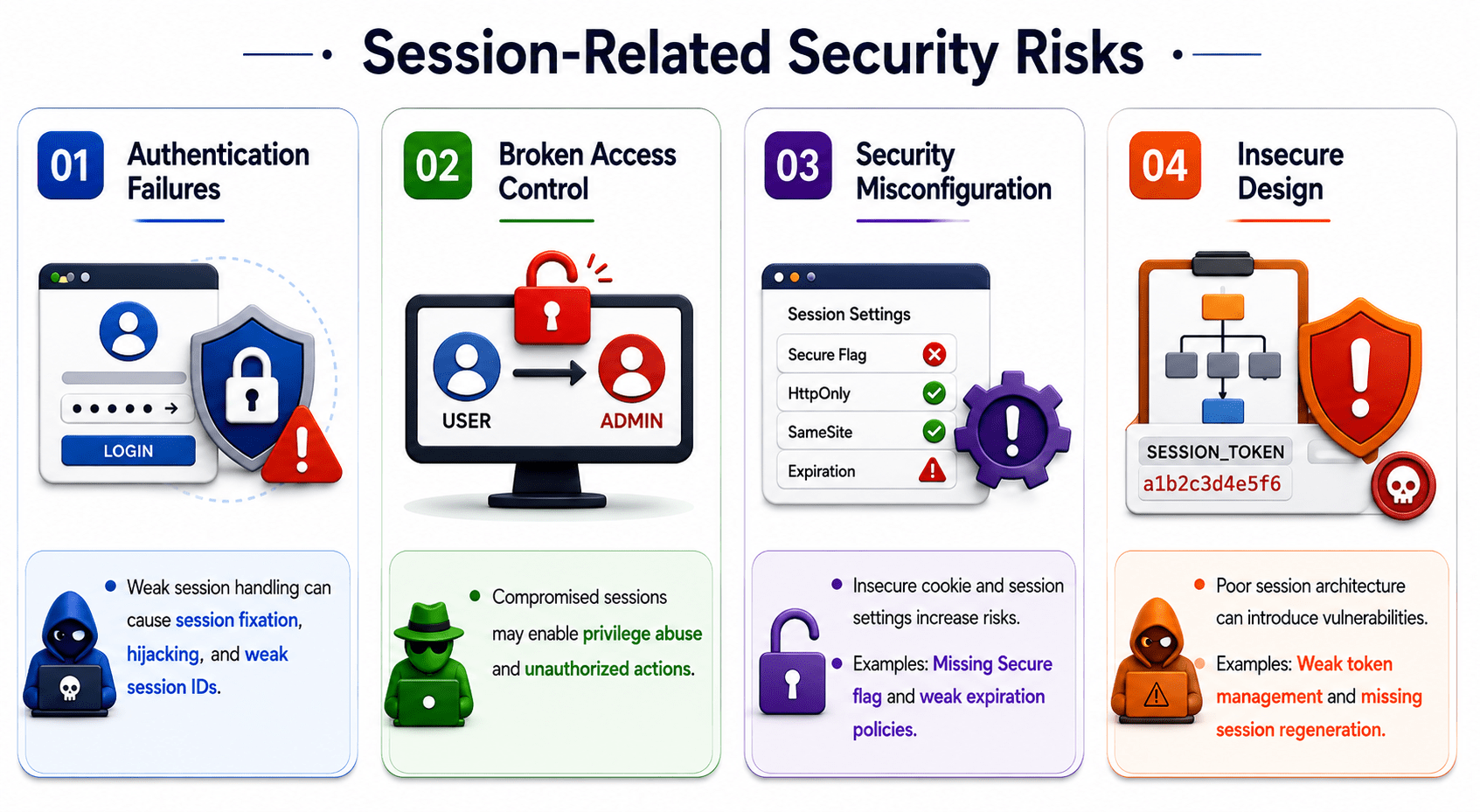
Weak session handling can cause session fixation, hijacking, and weak session IDs.
-
Compromised sessions may enable privilege abuse and unauthorized actions.
-
Insecure cookie and session settings increase risks.
Session Management Testing Methodology
Summary
4
JWTs and SSO enable modern authentication but introduce security risks.
3
Secure, HttpOnly, and SameSite attributes strengthen session security.
2
Session IDs, cookies, and tokens help identify authenticated users.
1
Session management maintains a user's login state across requests.
Quiz
What is the primary purpose of session management?
A. Encrypt database
B. Maintain a user's authenticated state
C. Improve internet speed
D. Compress file

What is the primary purpose of session management?
A. Encrypt database
B. Maintain a user's authenticated state
C. Improve internet speed
D. Compress file
Quiz-Answer
