Network Routing and Communication


Routing Protocols – BGP, RIP, OSPF

Learning Outcome
5
Apply the concept to real-world networking scenarios
4
Describe how routing decisions change dynamically
3
Explain how routers choose the best path
2
Differentiate between types like RIP, OSPF, and BGP
1
Understand what a routing protocol is and why it is needed
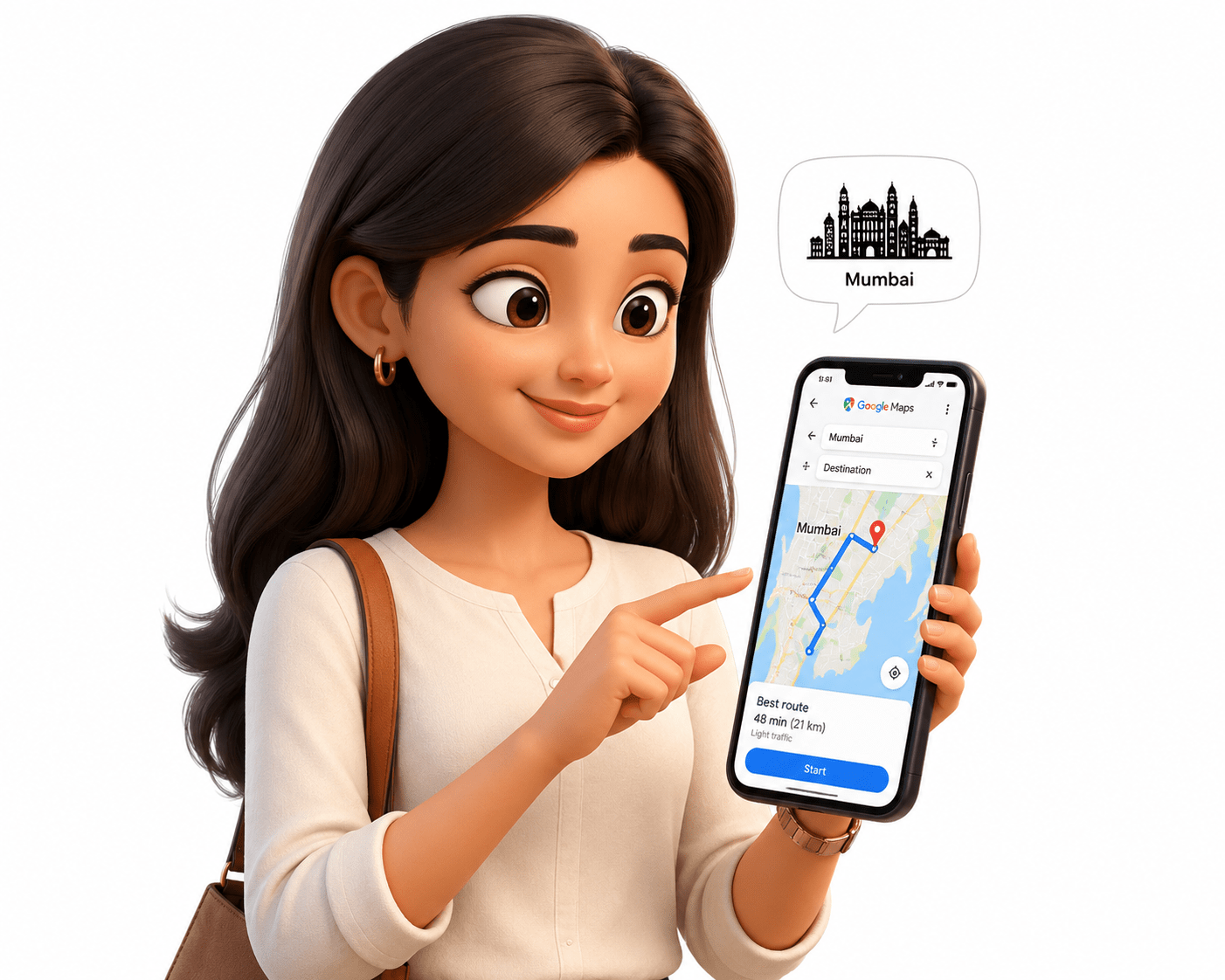
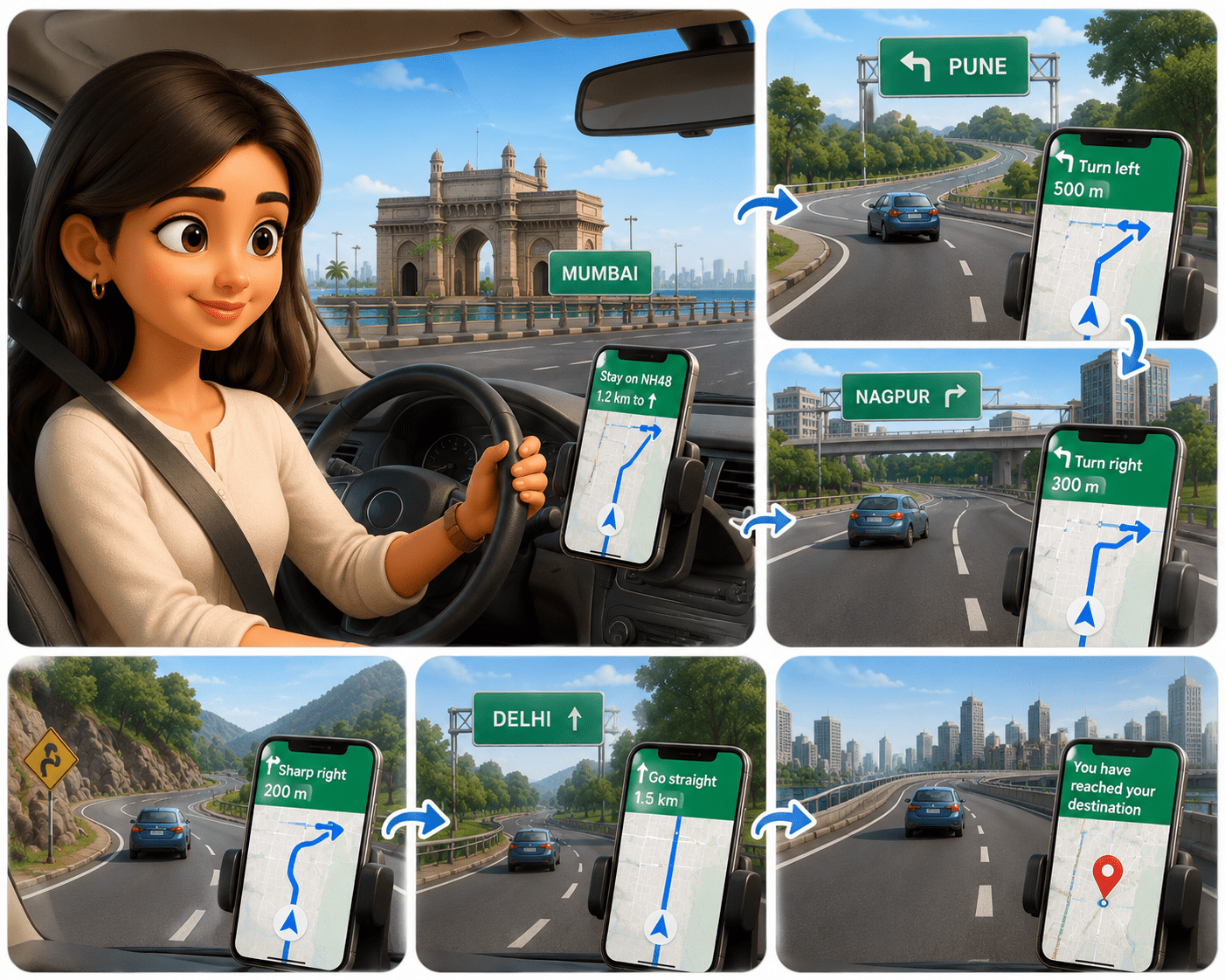
A person in Mumbai opens Google Maps to reach a destination.
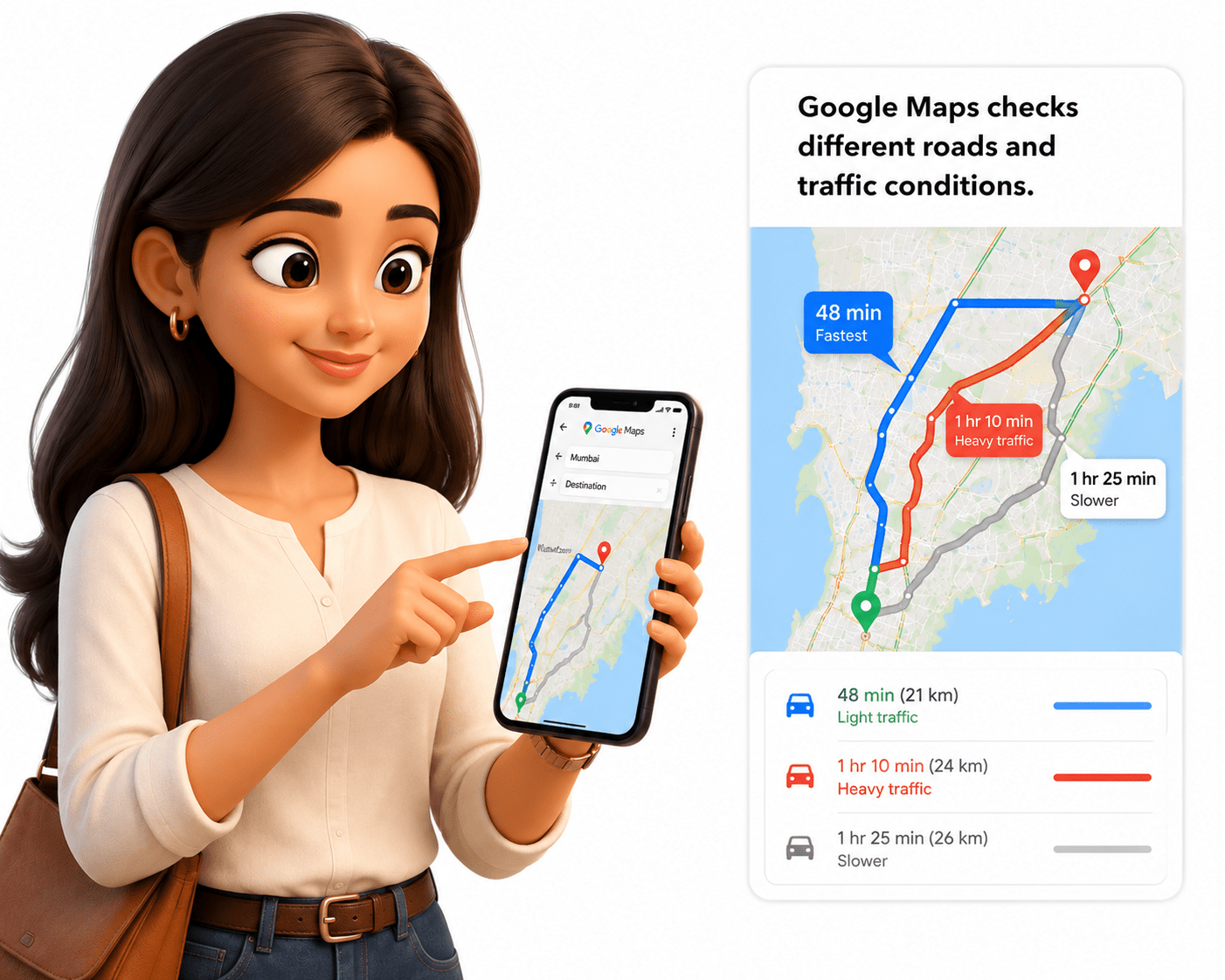
Google Maps checks different roads and traffic conditions.
Similarly Routers check different network paths available for data.
A user can sends data from Mumbai to a server in the US.
The traveler passes through many roads and cities.
Google Maps selects the fastest and safest route.
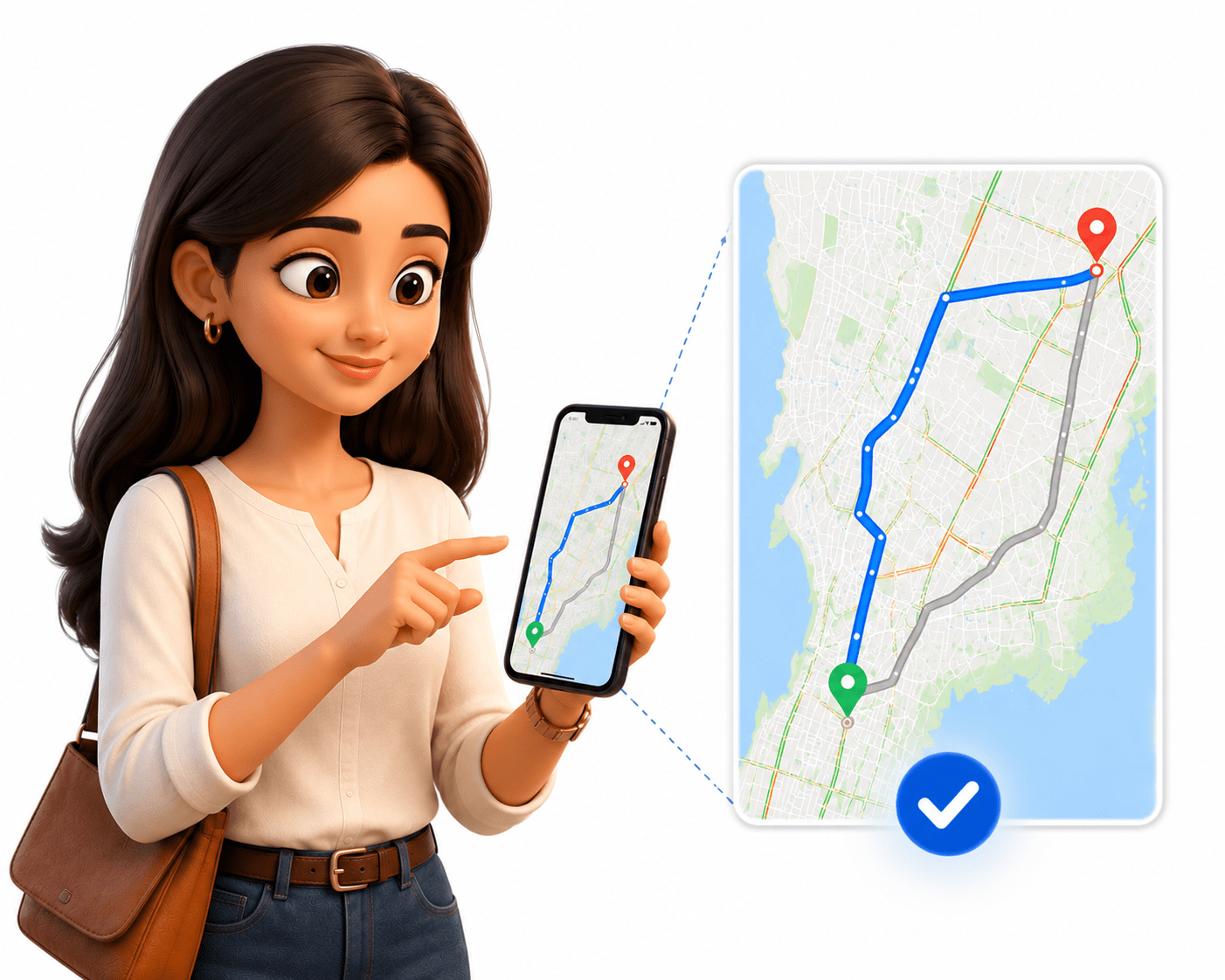

Routing protocols choose the best path for data transfer.
The data travels through multiple routers across networks.
If a road is blocked, Google Maps finds another route.
At every turn, Google Maps guides the traveler.
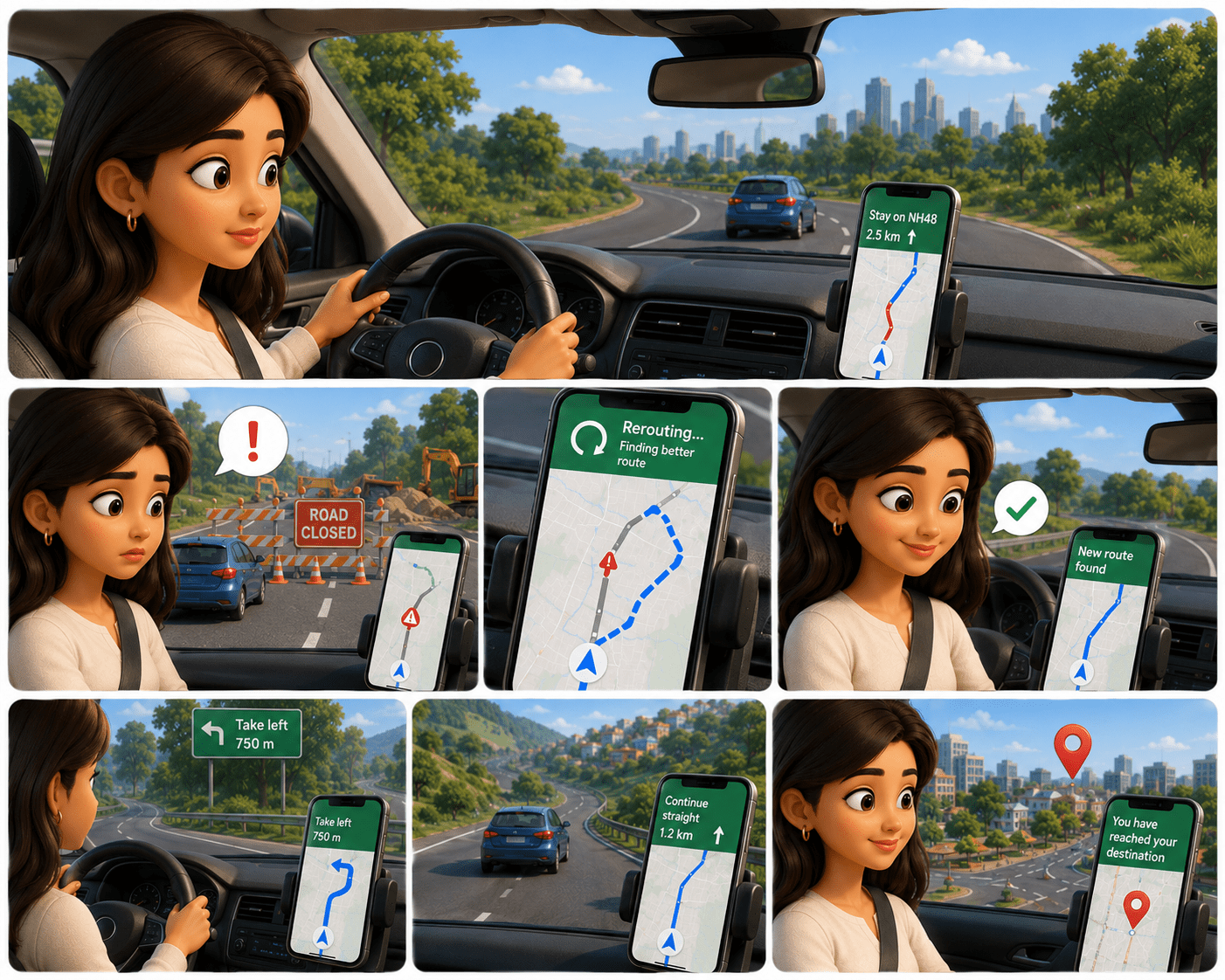
At every router, routing protocols decide where to send the data next.
If a network path fails, routing protocols automatically choose a new path.
The traveler safely reaches the destination.

Finally, the data successfully reaches the US server.
What are Routing Protocols?
A routing protocol enables routers to determine the most efficient path for forwarding data across a network. When a router receives a packet, it uses these protocols to decide the best route to reach the destination, ensuring data is delivered quickly and reliably. By dynamically managing routes, routing protocols help prevent issues like routing loops, where packets circulate endlessly and cause network congestion and delays.

Static vs Dynamic Routing
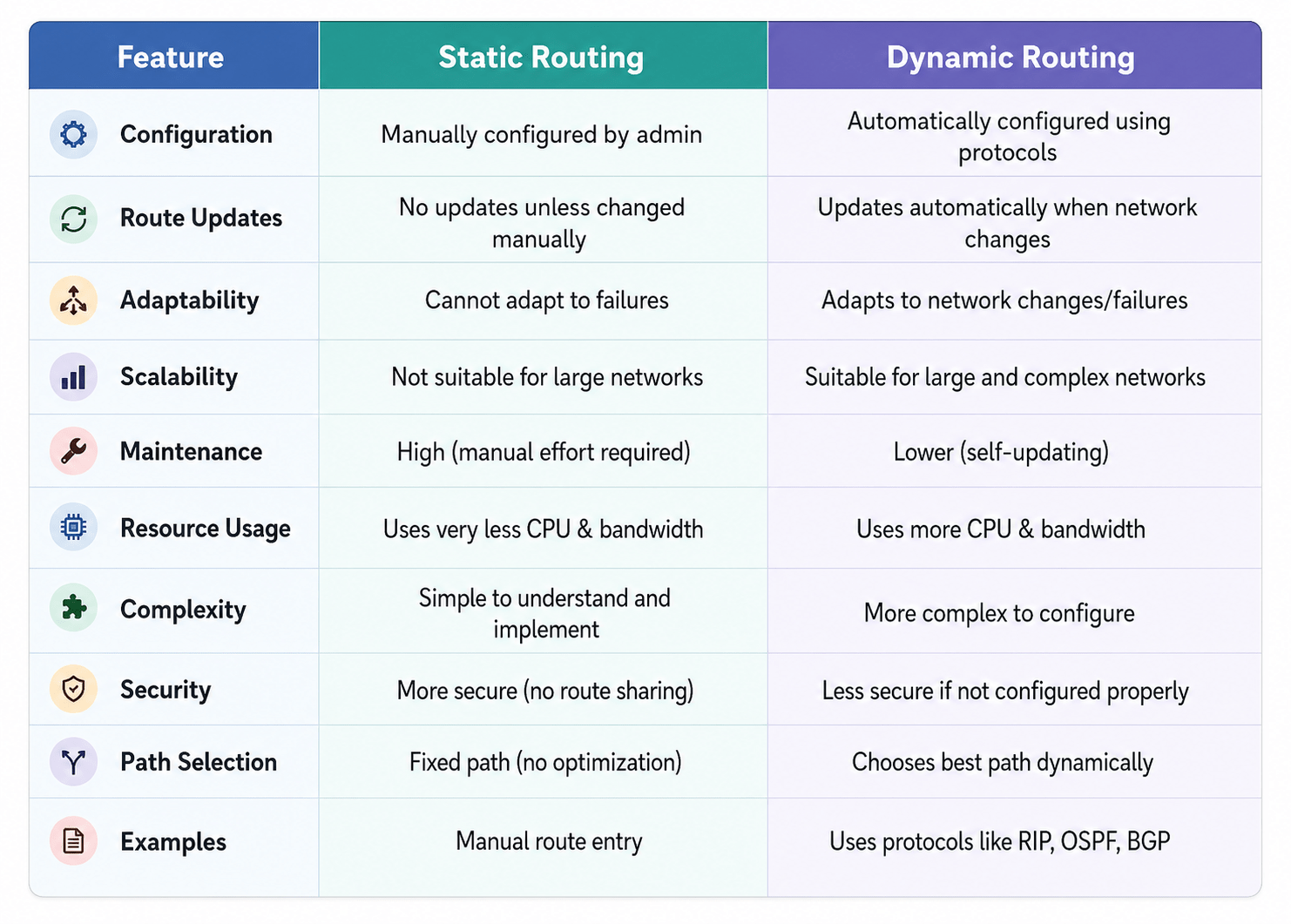
There are two ways to configure network routers to forward traffic: static or dynamic routing.
Static Routing
Static routing is a method where routes are manually configured by a network administrator and do not change automatically.
Routes are manually configured by a network administrator
Does not change automatically if the network changesa
Suitable for small, simple networks
Less overhead (no protocol traffic)
No automatic updates
Low CPU and bandwidth usage

Requires manual maintenance
Not scalable
Dynamic Routing
Dynamic routing uses routing protocols to automatically learn and update routes based on current network conditions.
Routes are learned automatically using routing protocols
Adjusts automatically when network changes occur
Suitable for large and complex networks
Requires more CPU and bandwidth
Adapts to network failures
Uses algorithms to find best path
More scalable than static routing
Interior Gateway Protocol (IGP) vs Exterior Gateway Protocol (EGP)
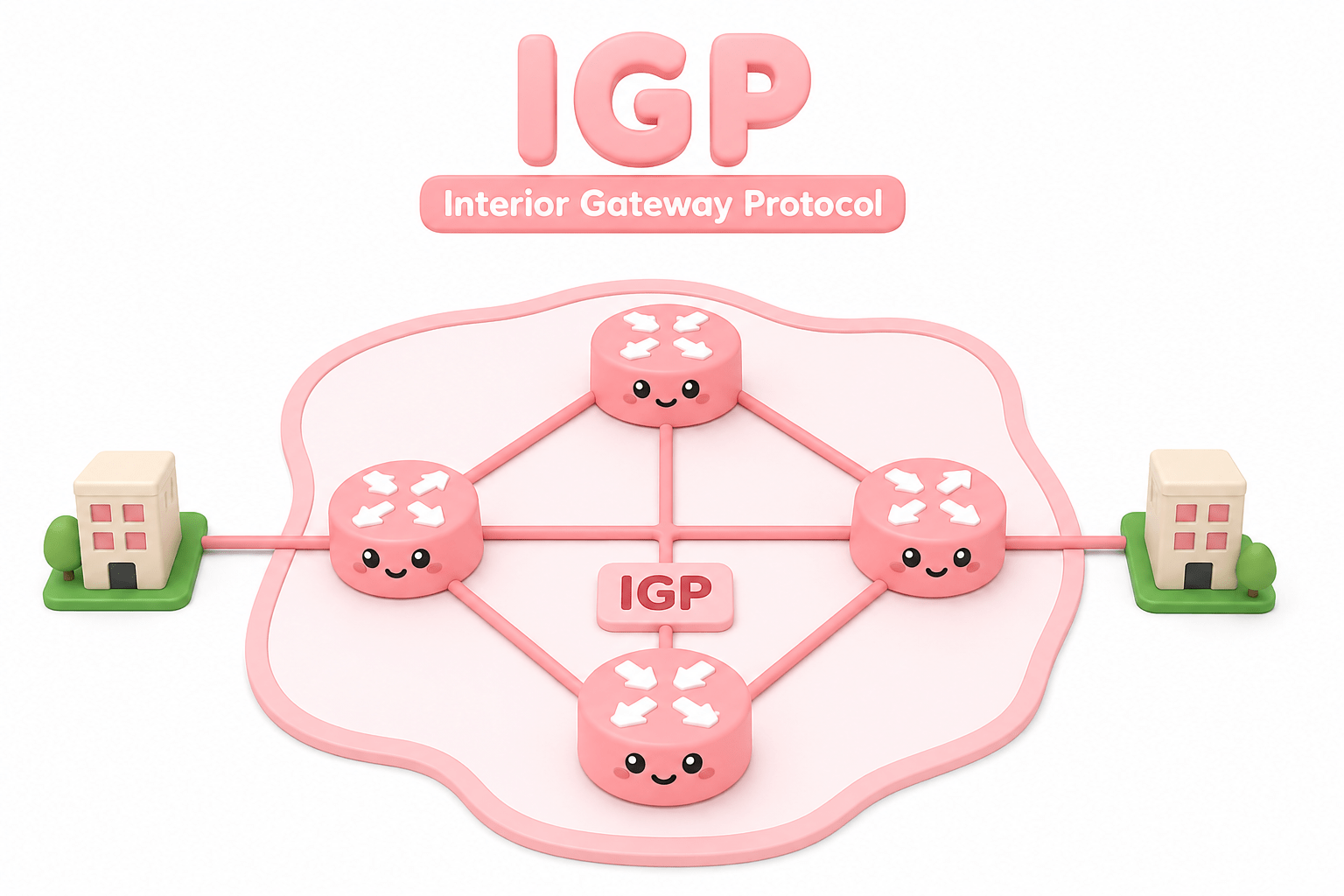
There are two types of routing protocols: interior and exterior.
Interior Gateway Protocol (IGP)
IGPs are routing protocols used to exchange routing information within a single autonomous system (AS).
Used within a single network (Autonomous System.
Faster and optimized for internal routing
Examples:
- RIP
- OSPF

Interior Gateway Protocol (IGP) vs Exterior Gateway Protocol (EGP)
There are two types of routing protocols: interior and exterior.
Exterior Gateway Protocol (EGP)
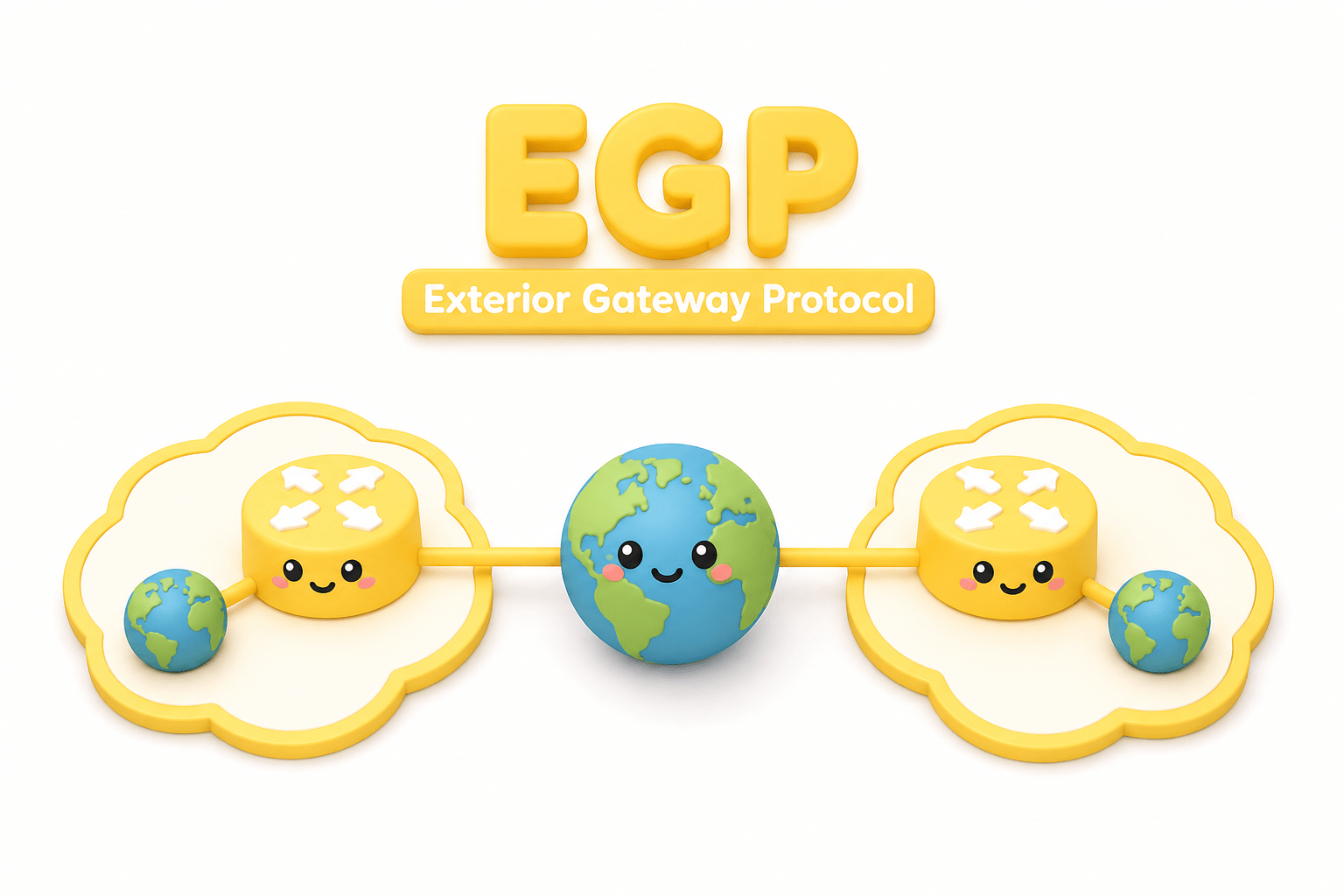
Exterior Gateway Protocols (EGP) instead run on routers that belong to different organizations, or Autonomous Systems.
Used between different networks (Autonomous Systems)
Handles routing on the internet scale
Example: BGP
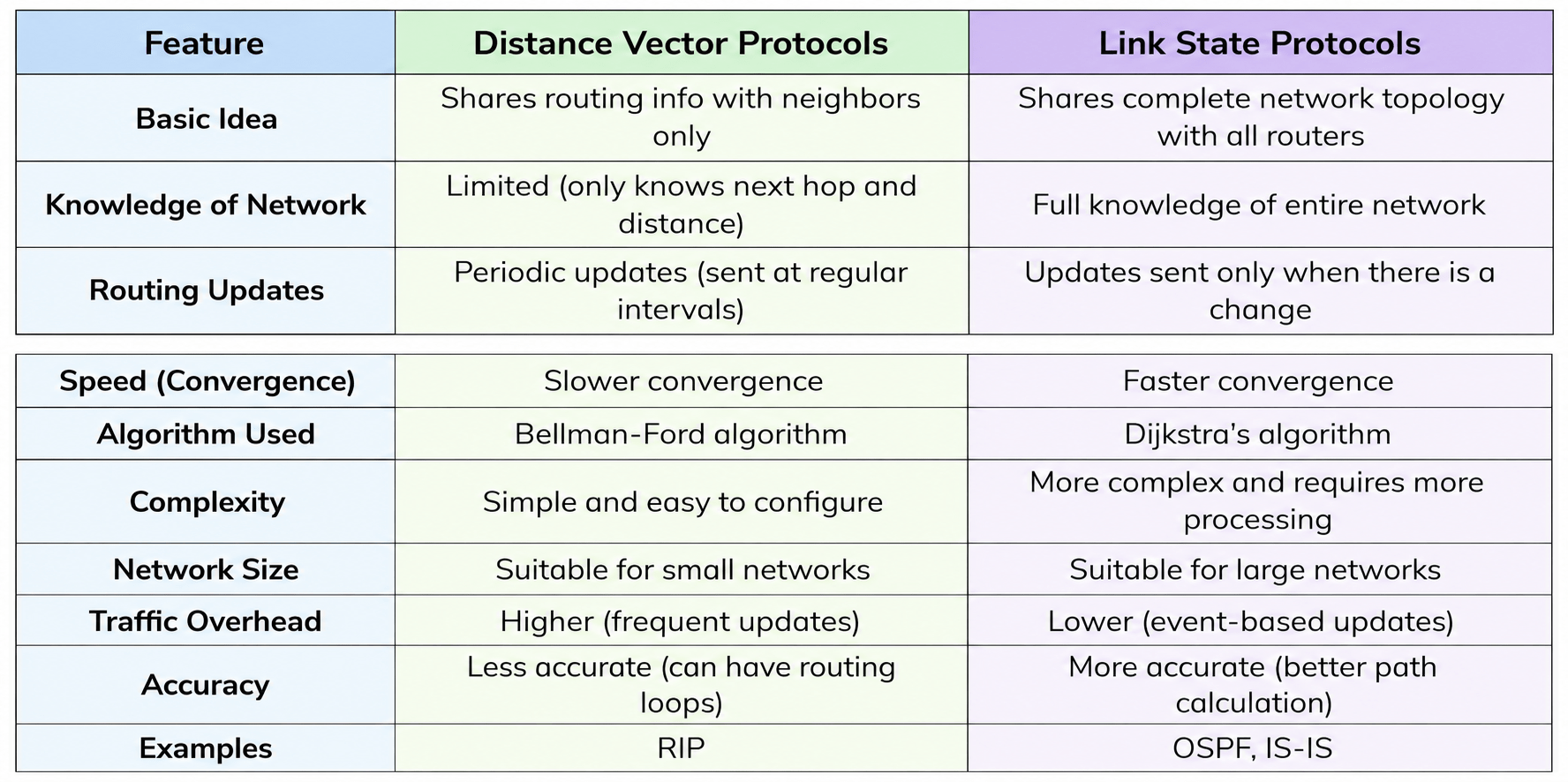
Distance Vector vs Link State Protocols
Distance Vector
A routing method where routers share their routing tables with neighbors and choose paths based on distance (hop count).

Routers share routing information only with their immediate neighbors
Each router knows limited information (next hop and distance)
Updates are sent periodically
Slower and can sometimes create routing loops
Link State Protocol
A routing method where routers build a complete map of the network and calculate the best path using algorithms.
Routers share information with all routers in the network
Each router builds a full network map (topology)
Updates are sent only when changes occur
Faster and more accurate

Introduction to BGP
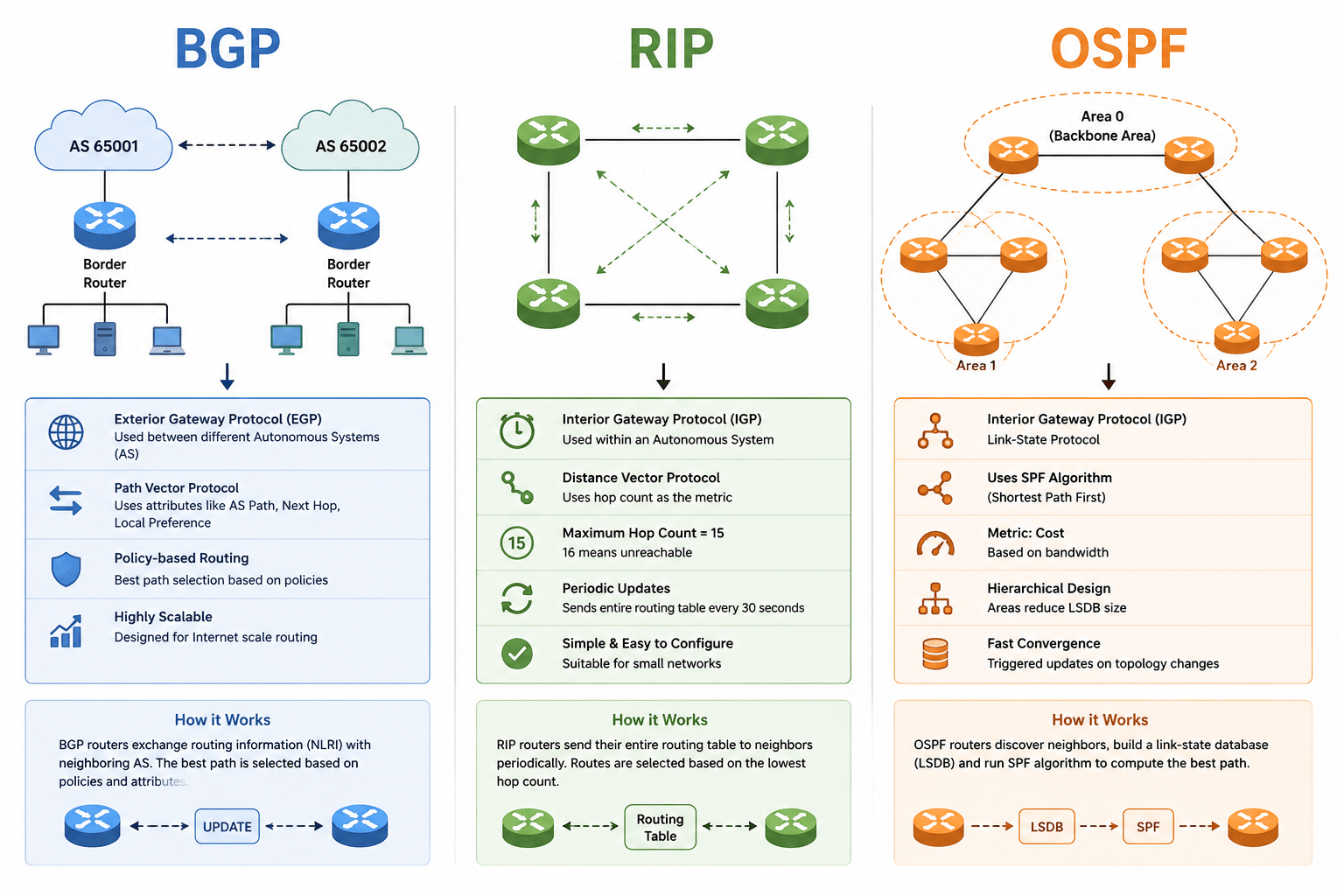
BGP is a dynamic routing protocol used to exchange routing information between different networks on the Internet. It is known as the “backbone of the Internet” because it connects large networks like ISPs.

BGP (Border Gateway Protocol) is a path vector routing protocol used to exchange routing information between different networks on the internet.
It is the main routing protocol of the internet, responsible for deciding how data travels between large networks.
Exterior Gateway Protocol (Internet-level routing)
An Exterior Gateway Protocol (EGP) is a type of routing protocol used to exchange routing information between different networks (Autonomous Systems). It operates at the internet level, connecting large networks like ISPs and enterprise networks.
EGPs help determine how data travels across the global internet, not just within a single network.
Works between networks, not inside one network
Uses Autonomous Systems (AS) to identify networks
Main example: BGP (Border Gateway Protocol)
It connects large entities like:
- ISPs - (Internet Service Providers)
- Data centers
- Enterprise networks

Each network (called an Autonomous System – AS) has its own routing

EGP shares route information between these AS
Routers decide the best path based on:
Policies
Path information
Data travels across multiple networks to reach its destination
How it Works?
Path Vector Concept
The Path Vector Concept is a routing method where the entire path to a destination network is stored and shared and used by BGP where each route includes the complete path (list of Autonomous Systems - AS) that data must travel through.
Instead of using only distance or cost, BGP includes a list of Autonomous Systems (AS) that the data must pass through. This helps routers make better decisions and avoid routing loops.

A BGP router advertises a route with its AS number
The route is passed along to other AS

Routers check the AS path list to:

Choose the best path
Avoid loops

Routers check the AS path list to:
Choose the best path
Avoid loops
How it Works?
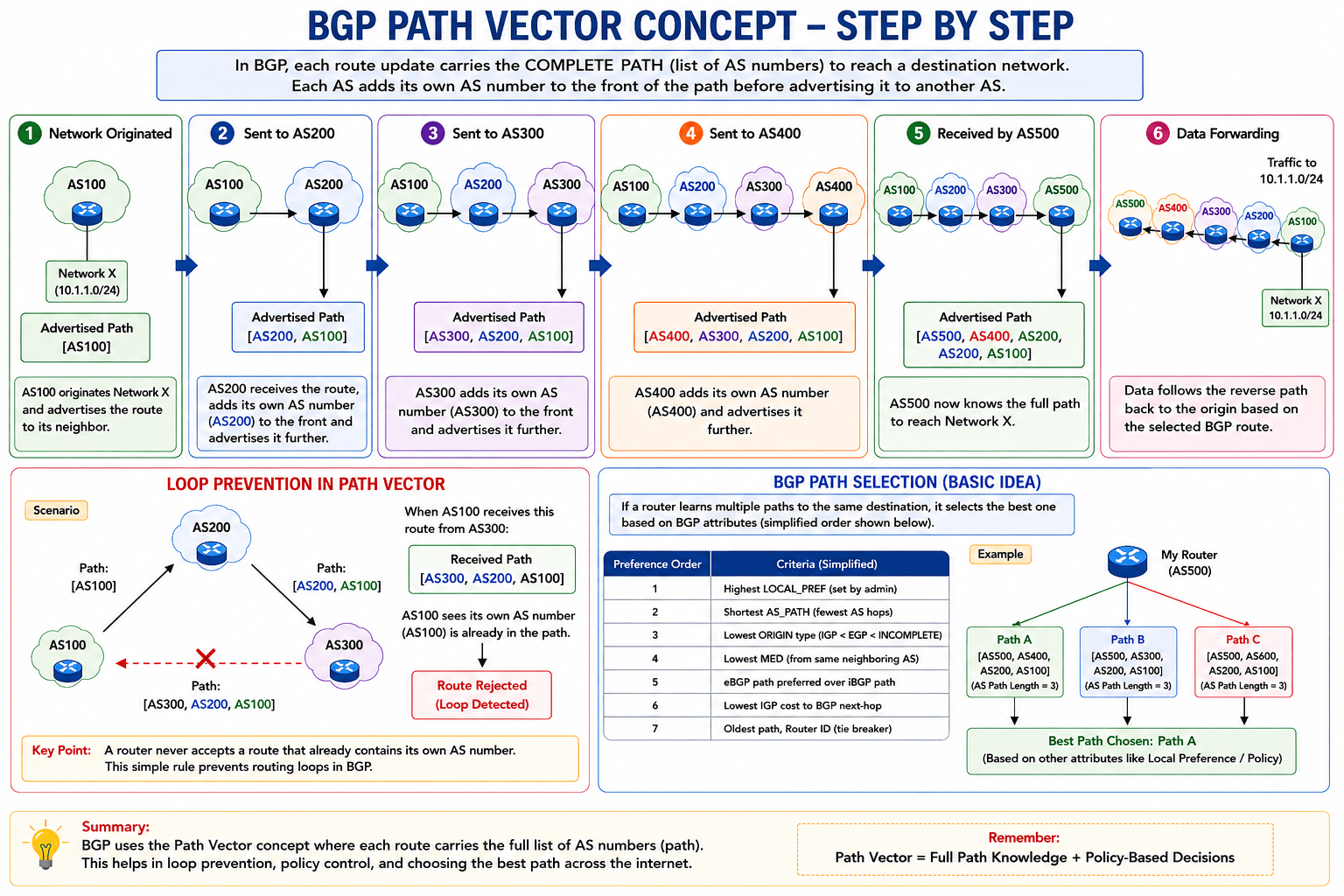
BGP Path vector concept - Step by step
Autonomous System (AS) in BGP
An Autonomous System (AS) is a group of networks and routers that are managed by a single organization and follow a common routing policy. Each AS is identified by a unique number called an Autonomous System Number (ASN).
In BGP, AS is the basic unit of routing on the Internet.
BGP uses these AS numbers to exchange routing information between different networks.
-
One AS = one administrative control (like an ISP or large company)
-
Each AS has a unique ASN
-
BGP uses AS numbers to track and manage routing paths
Why AS is Important in BGP?

-
Helps organize the internet into manageable sections
-
Allows routing decisions based on policies and rules
-
Prevents routing loops using AS path checking
AS Number (ASN)
Every AS is identified by a unique AS Number (ASN).
Types:
-
Private ASN: Used inside organizations
-
Public ASN: Used on the Internet (assigned globally)
How BGP Controls Internet Routing
BGP controls internet routing by exchanging network paths between Autonomous Systems (AS) and selecting the best route based on policies and path attributes, not just distance. Unlike other protocols, BGP focuses on policy-based routing, not just the shortest path.
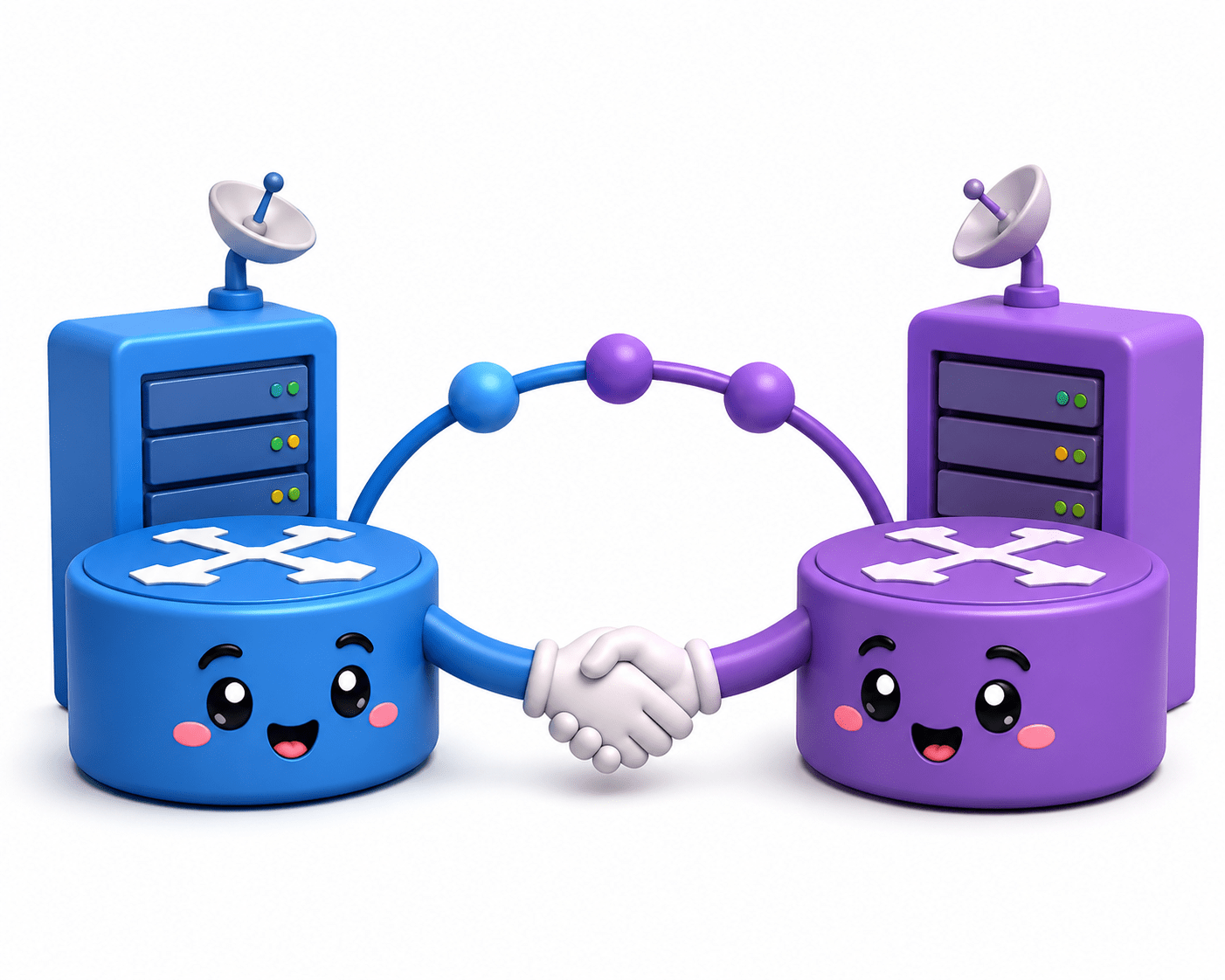
Establishing Connections (Peering)
-
BGP routers connect with other BGP routers (called peers)
-
These connections are formed between different AS (eBGP) or within the same AS (iBGP)
Exchange of Routing Information
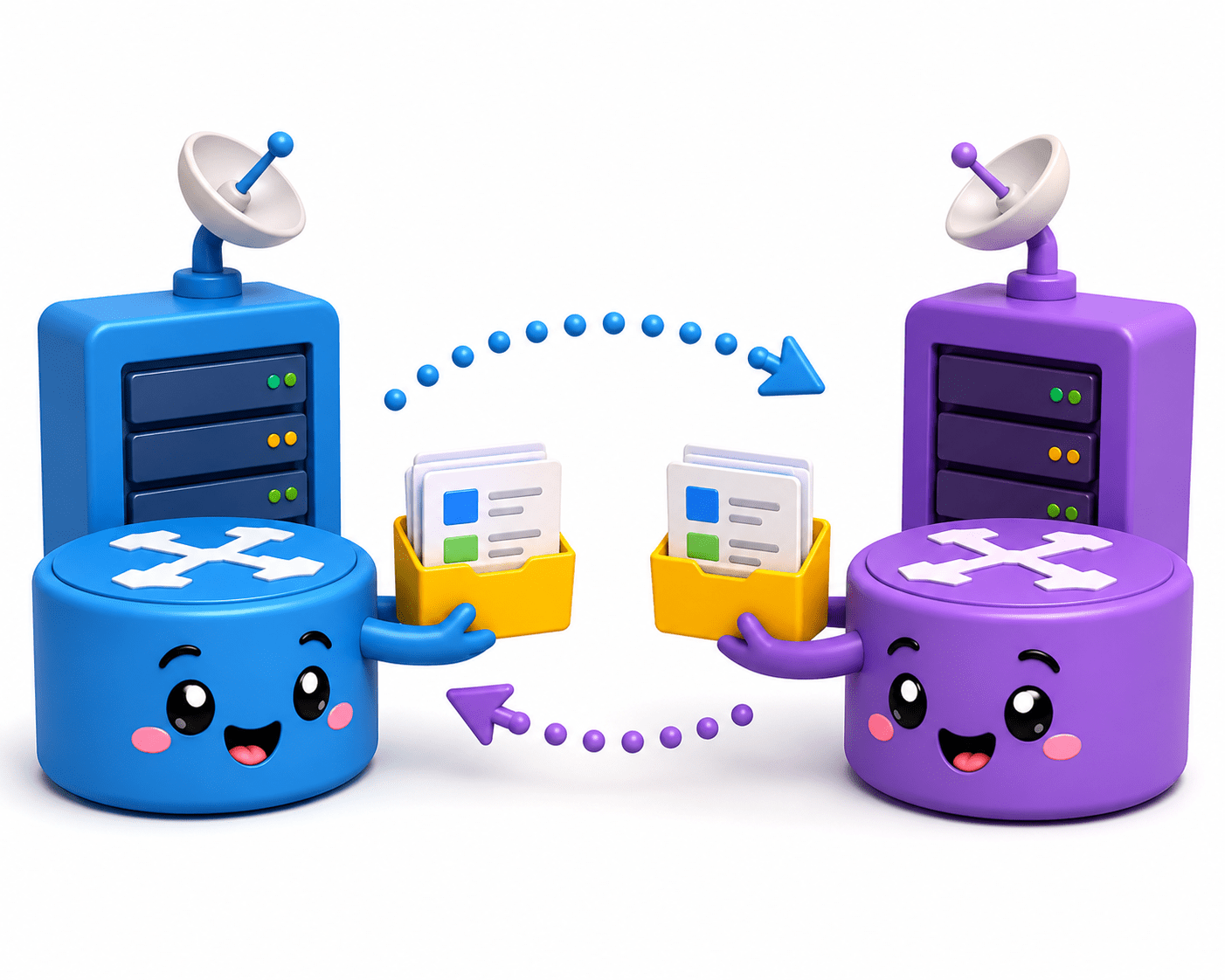
-
Routers share available network paths along with AS path information
-
Each route includes attributes like:
-
AS Path
-
Next Hop
-
Origin
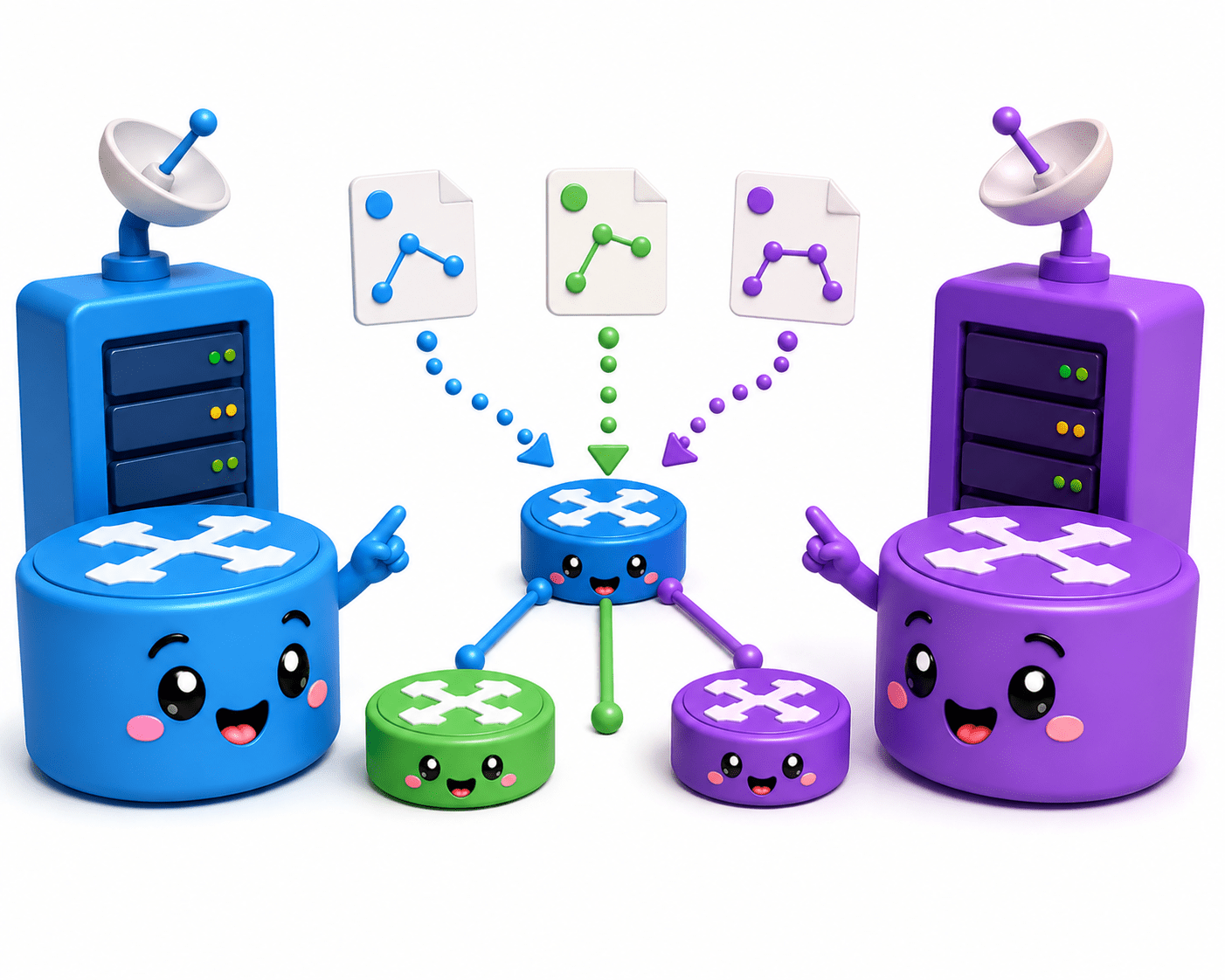
Storing Multiple Paths
-
A BGP router can store multiple routes to the same destination
-
This gives flexibility in choosing the best path
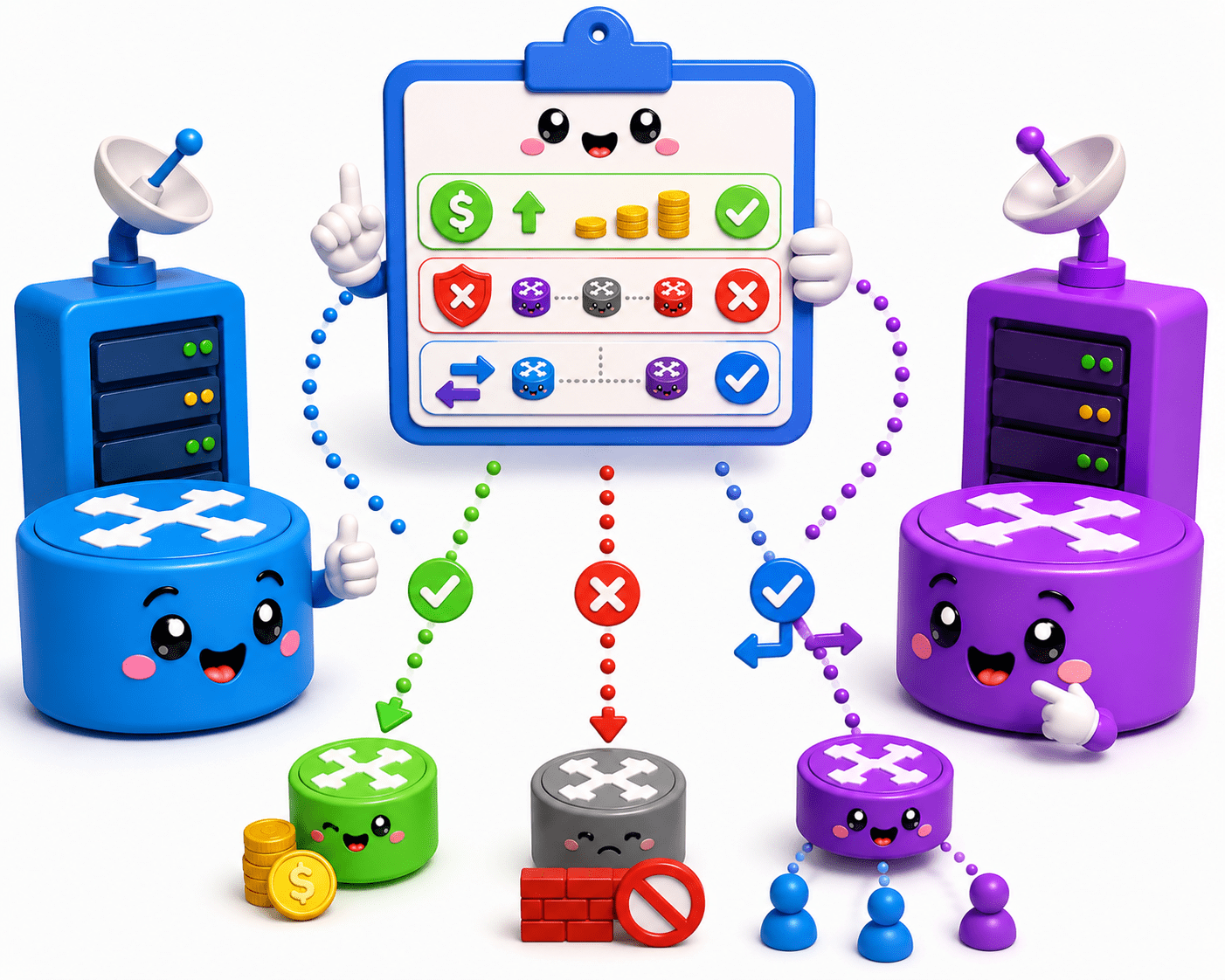
Routing policies (admin rules)
-
Path attributes
-
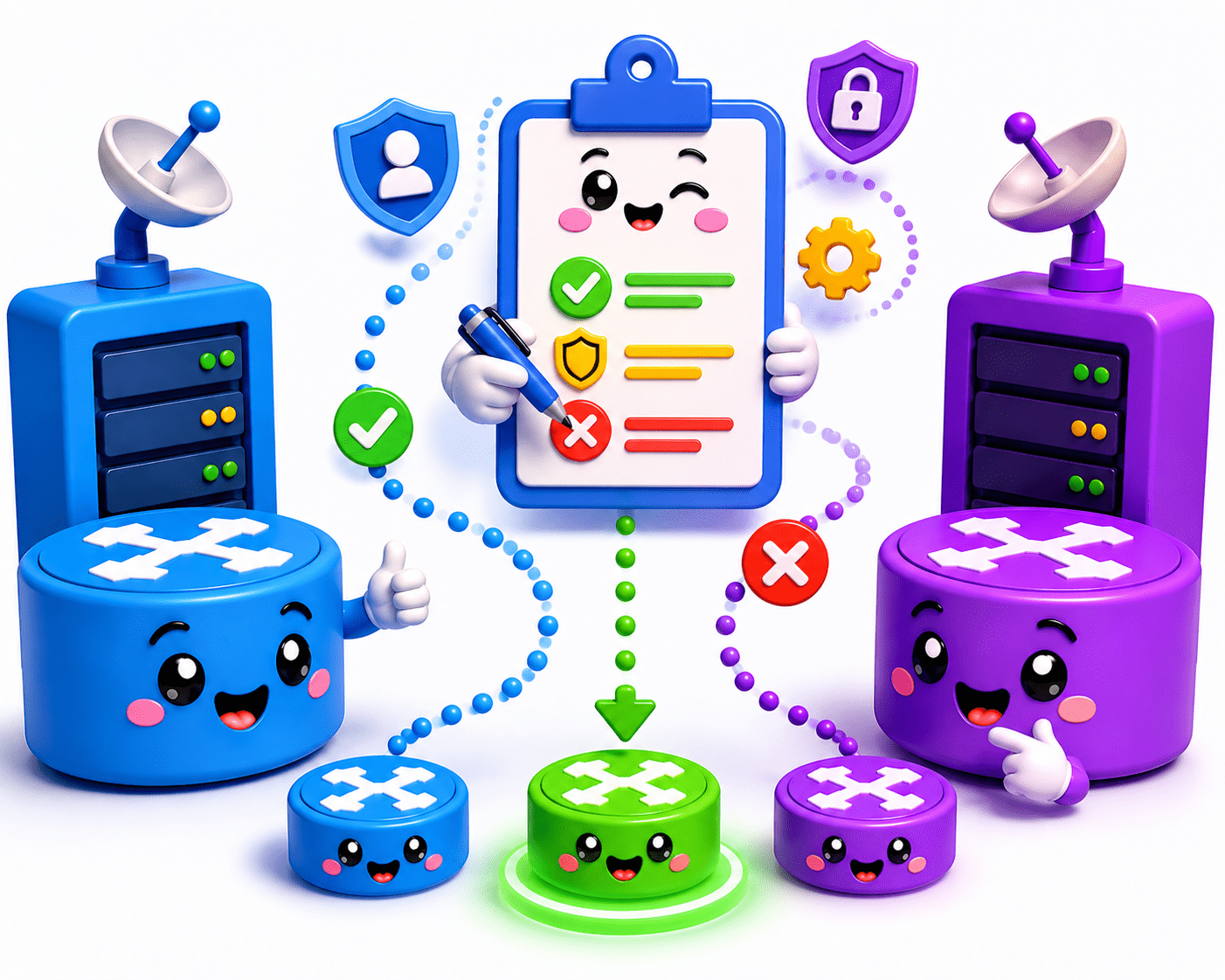
Applying Policies (Control Mechanism)
-
Network administrators can control routing using policies
Best Path Selection
- BGP selects the best route based on:
- Shortest AS path

Example:
-
Prefer cheaper routes
-
Avoid certain networks
-
Control incoming/outgoing traffic
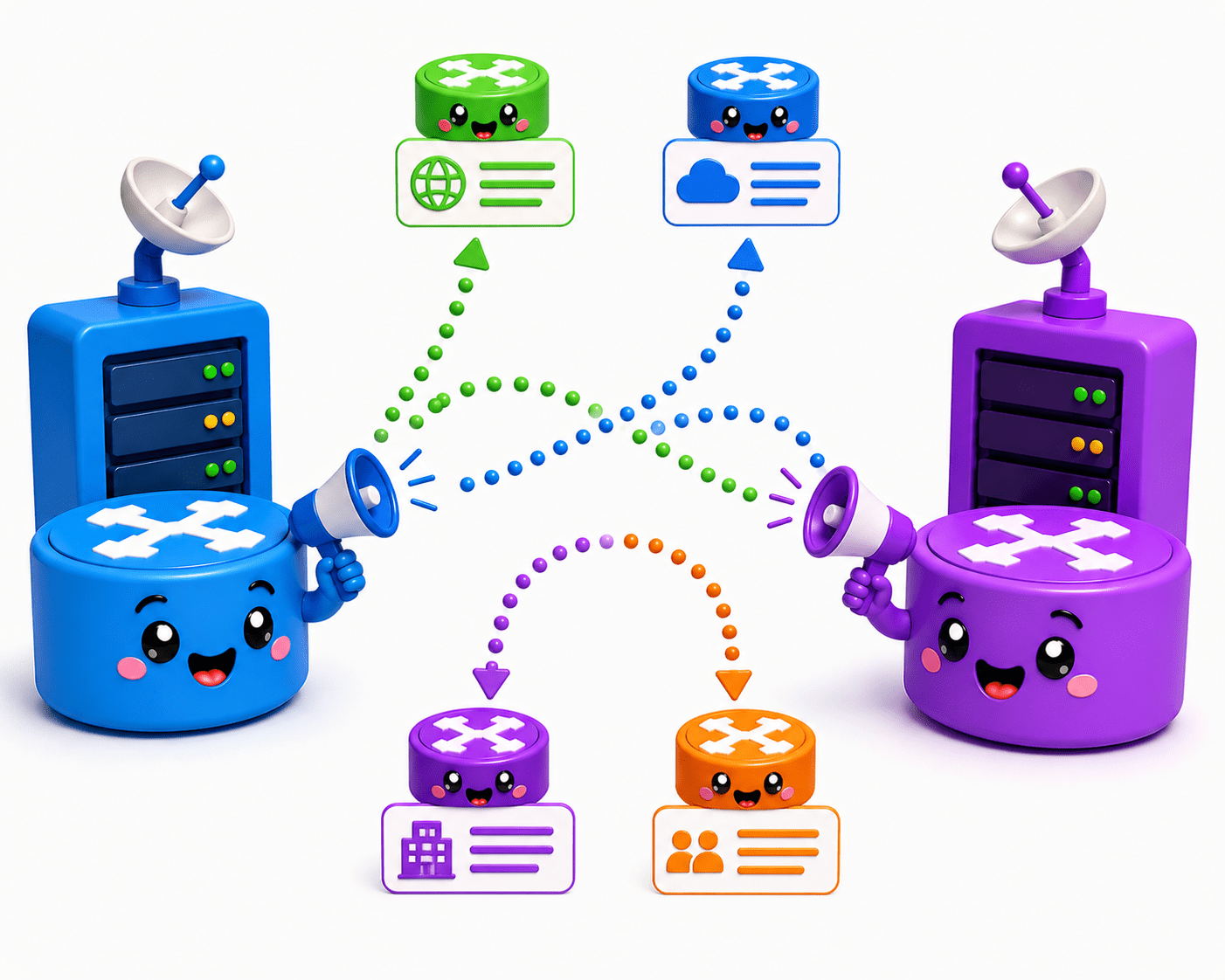
Route Advertisement
- After selecting the best path, the router advertises it to other peers
- This spreads routing decisions across the internet
Basic Working Idea of BGP
BGP works by connecting different networks (Autonomous Systems) and exchanging routing information to decide the best path for data.
Routers communicate with each other, share available routes, and select the most suitable one based on rules and path attributes.
It ensures data travels efficiently across the internet between multiple networks.

Neighbor Connection (Peering)
-
BGP routers first establish a connection with other routers (called peers)

Route Exchange
-
Routers share information about the networks they can reach
-
This includes the AS path and other attributes

Path Storage
-
A router may receive multiple paths to the same destination
-
It stores all possible routes

Best Path Selection
-
The router selects the best path based on:
-
AS path length
-
Policies (rules set by admin)
-
Other attributes
-

Route Advertisement
-
The selected best route is shared with other routers
-
This spreads routing information across networks
Introduction to OSPF
OSPF (Open Shortest Path First) is a dynamic routing protocol used to find the best path in a network. It uses a more advanced method than RIP and is suitable for large and complex networks. OSPF is a link-state routing protocol used to find the most efficient path for data in a network.

It calculates the best path using an algorithm called Shortest Path First (SPF)
Works within a single organization (Interior Gateway Protocol)

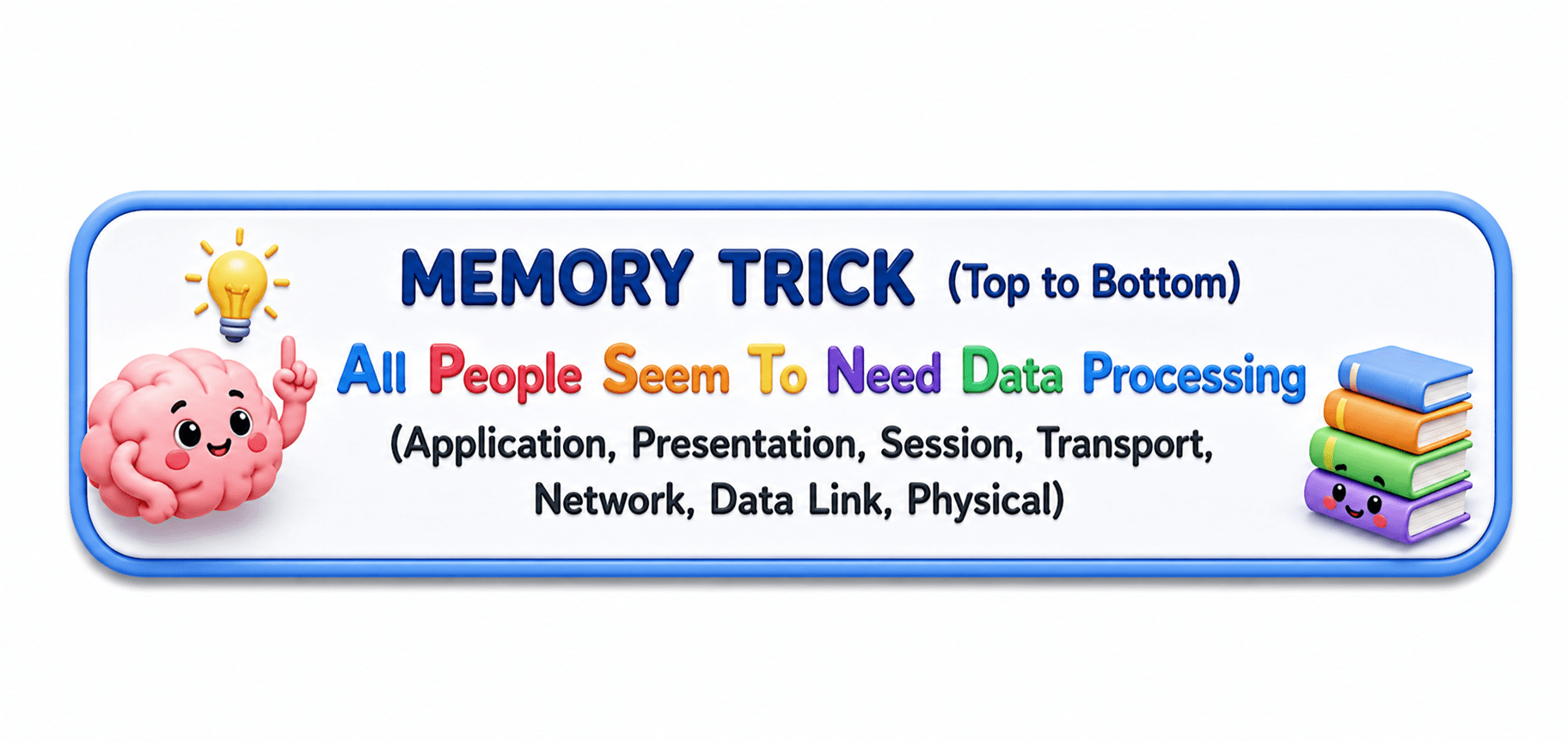
7 - APPLICATION LAYER
6 - PRESENTATION LAYER
SENDER: Your Phone

- You send a WhatsApp message “Hi!” to your friend.
- Provides network services directly to user applications.
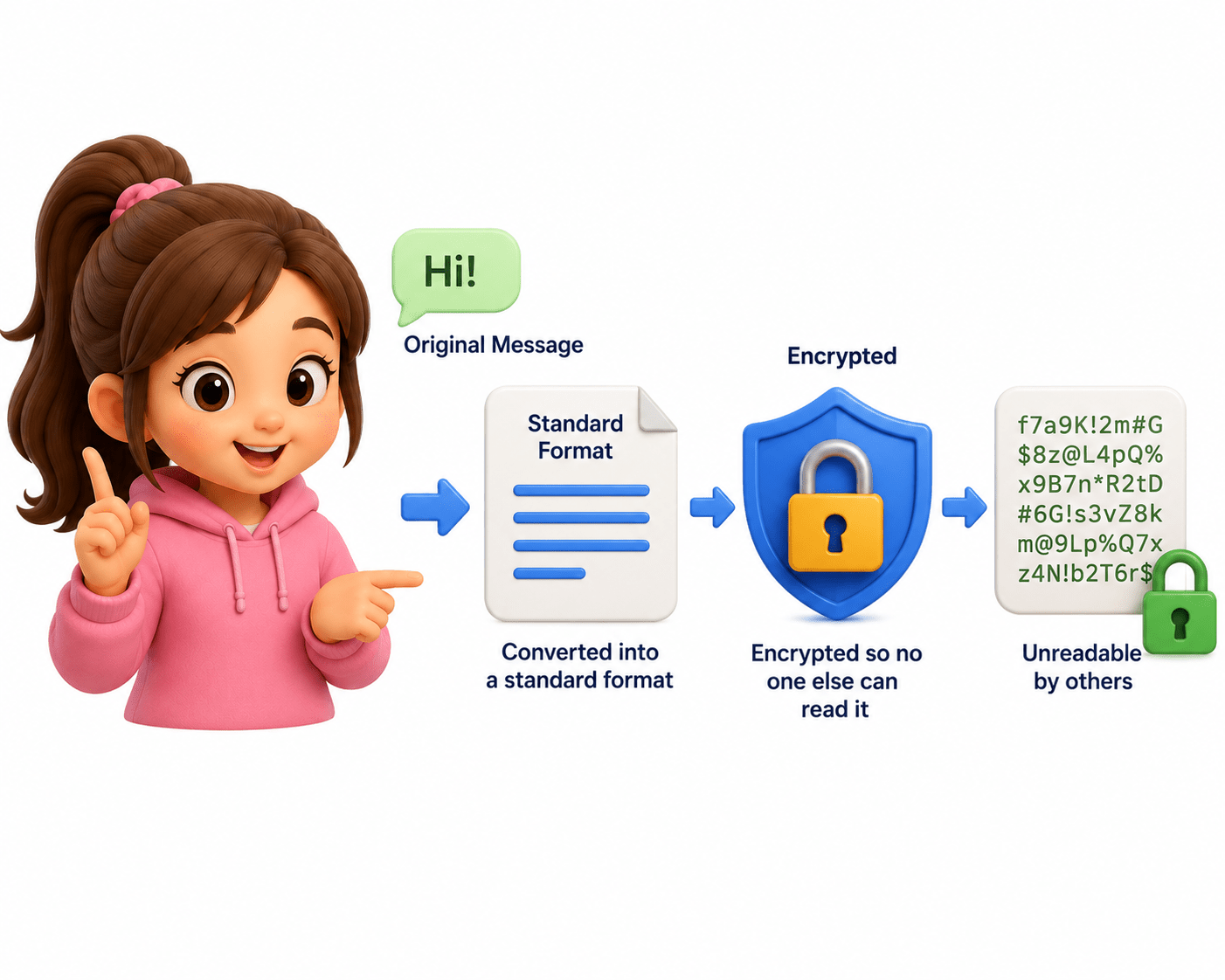
- Converts data into a readable format and handles encryption/decryption.
- Encrypting the message
5 - SESSION LAYER
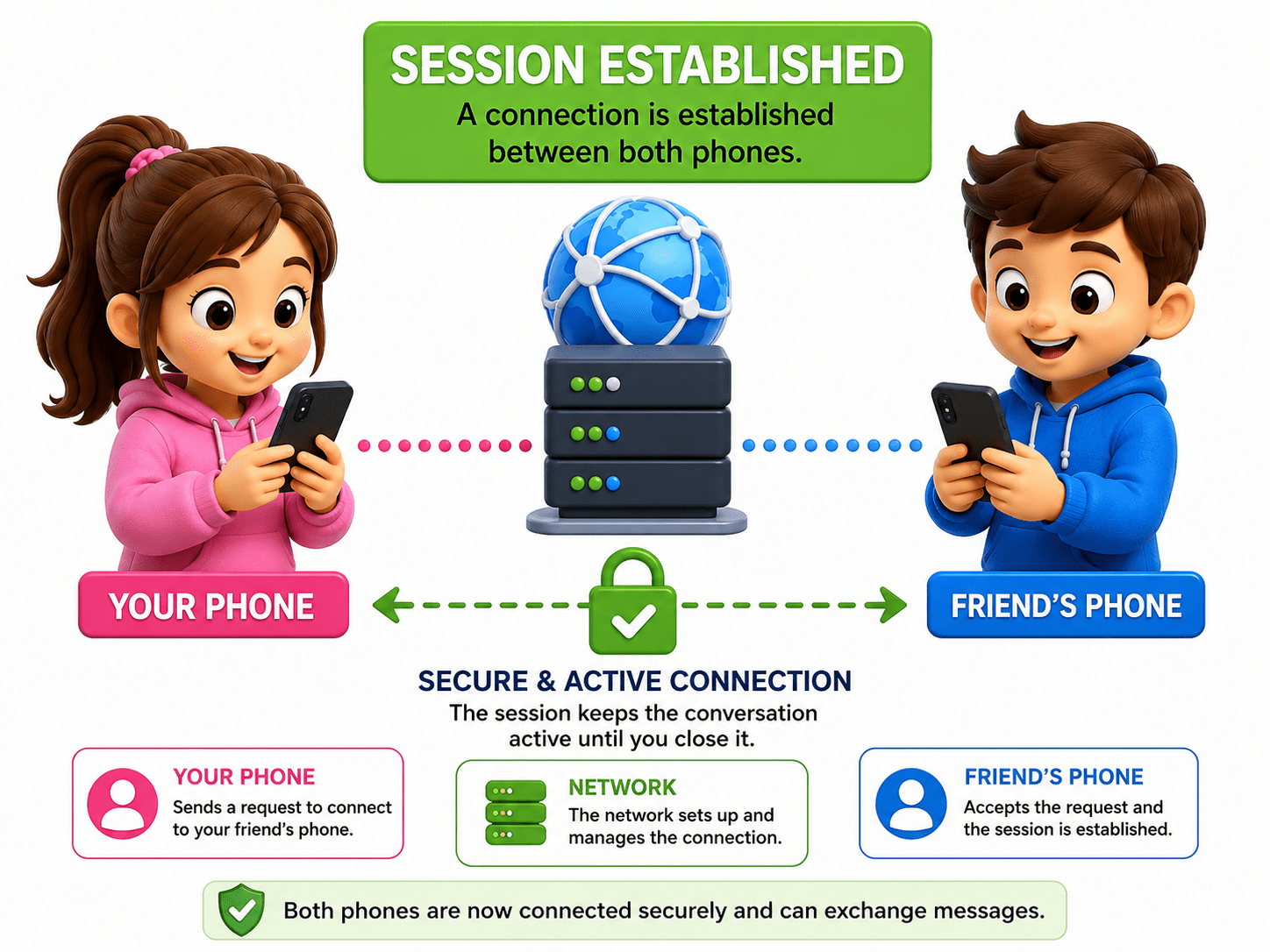
- Creates, manages, and ends communication sessions between devices.
- Keeping chat session active.
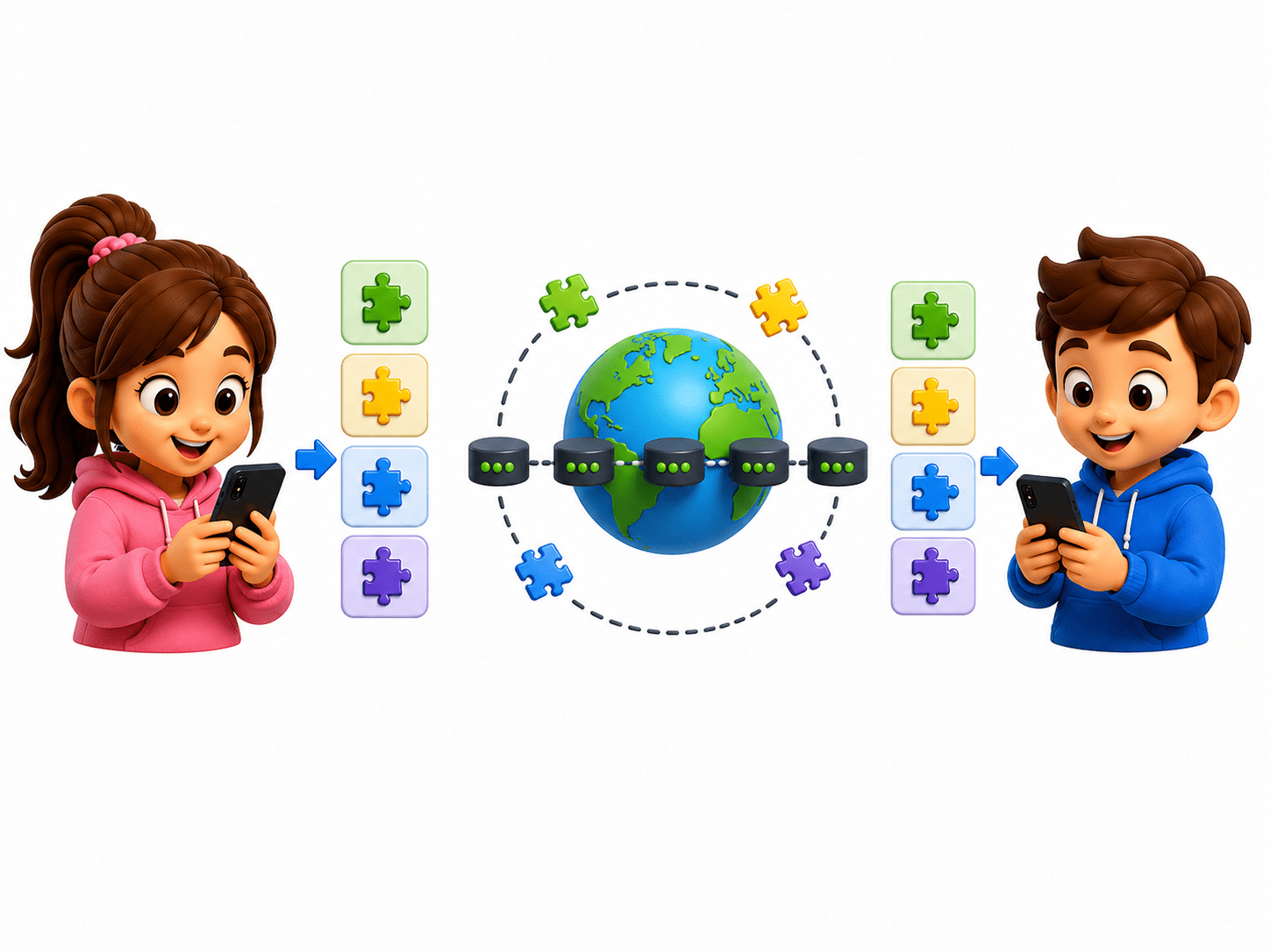
4 - TRANSPORT LAYER
-
Breaks data into smaller segments and ensures reliable delivery.
-
TCP checks if all data reaches correctly.
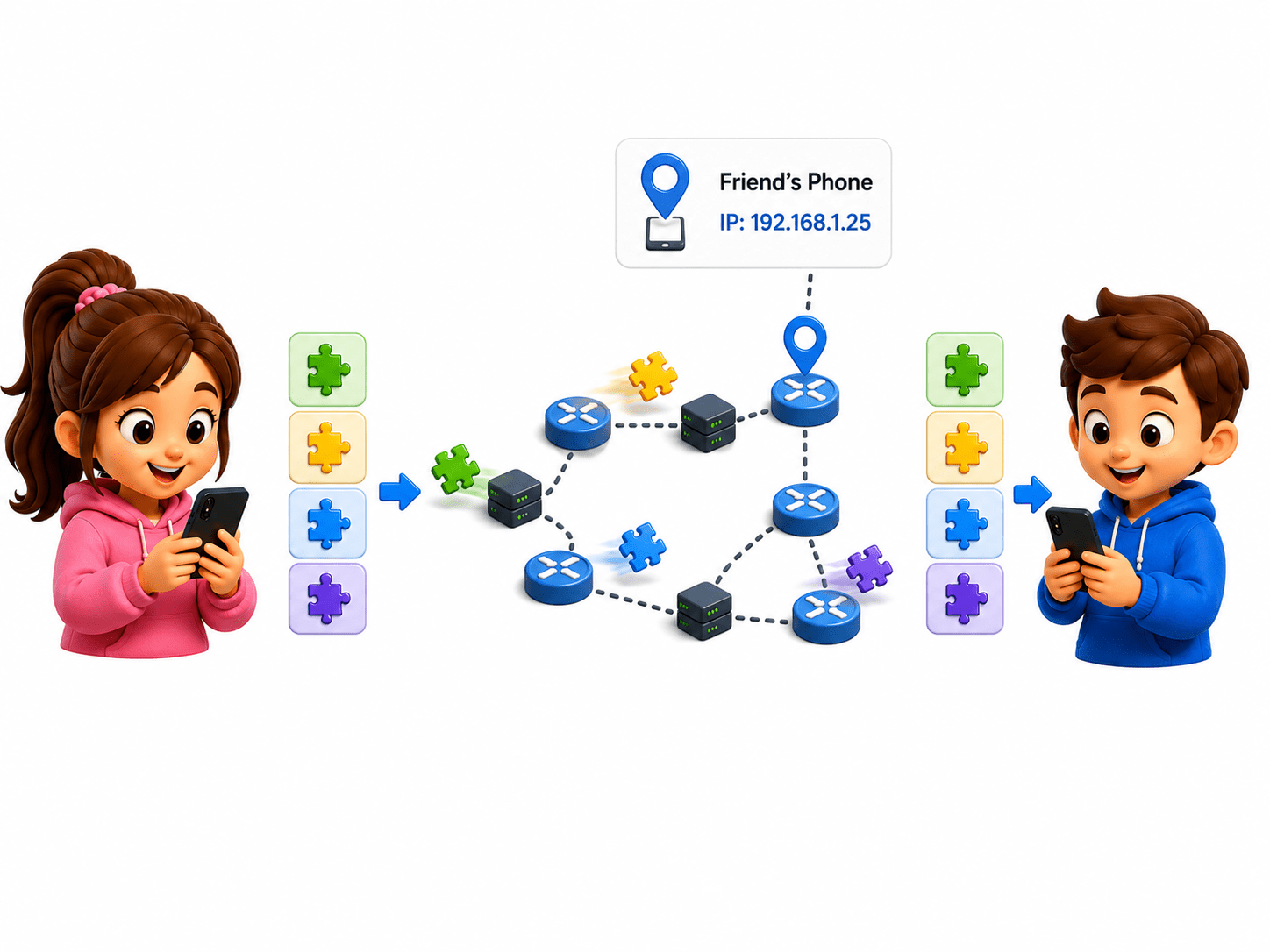
3 - NETWORK LAYER
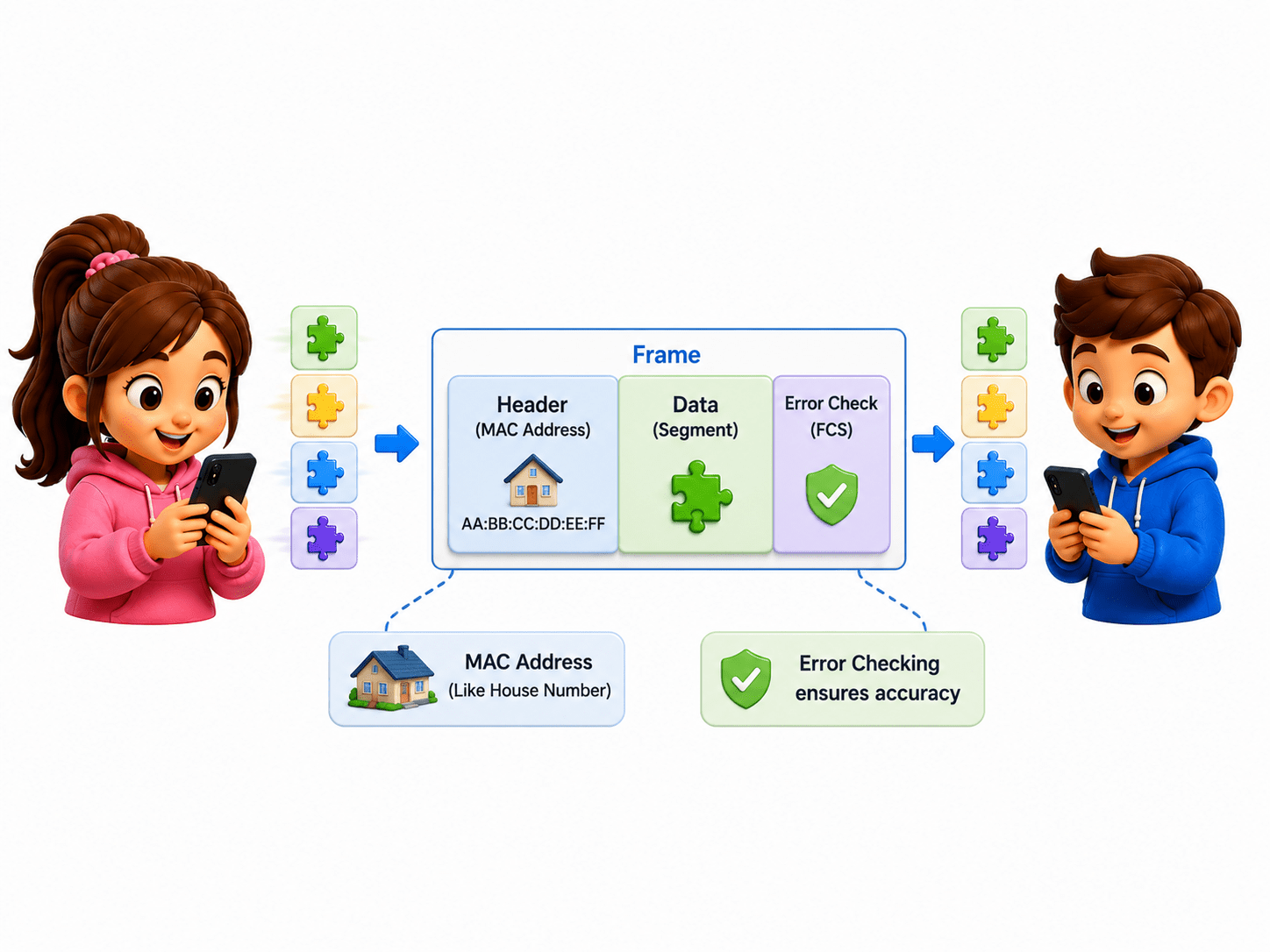
2 - DATA LINK LAYER
-
Adds IP addresses and finds the best route to the destination.
-
Routers forwarding packets across the internet.
-
Adds MAC addresses and creates frames for local network communication.
-
Example: Ethernet and Wi-Fi communication.
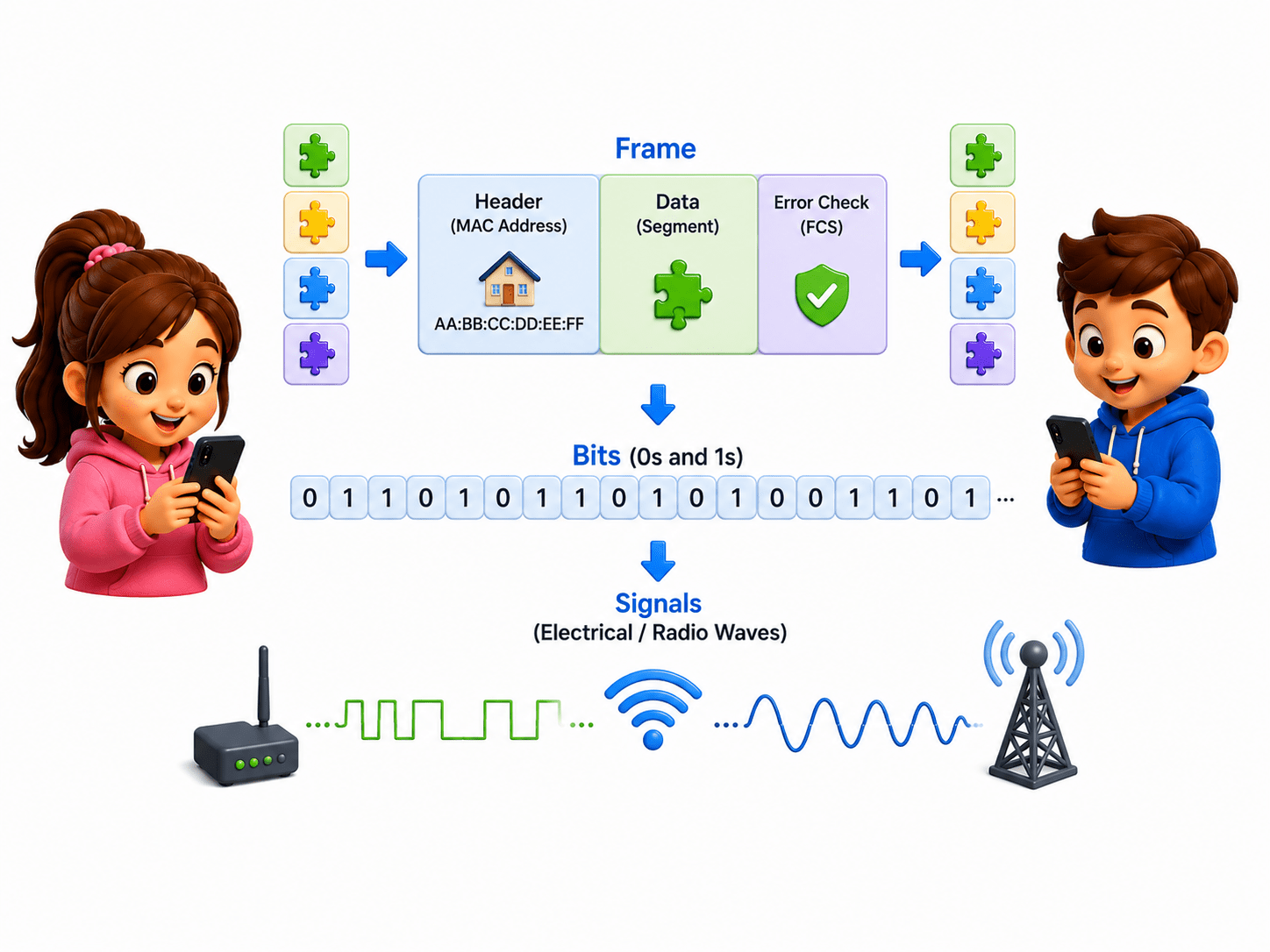
1 - PHYSICAL LAYER
-
Converts data into electrical, optical, or radio signals for transmission.
-
Network cables, switches, radio waves.
RECEIVER: Friend’s Phone

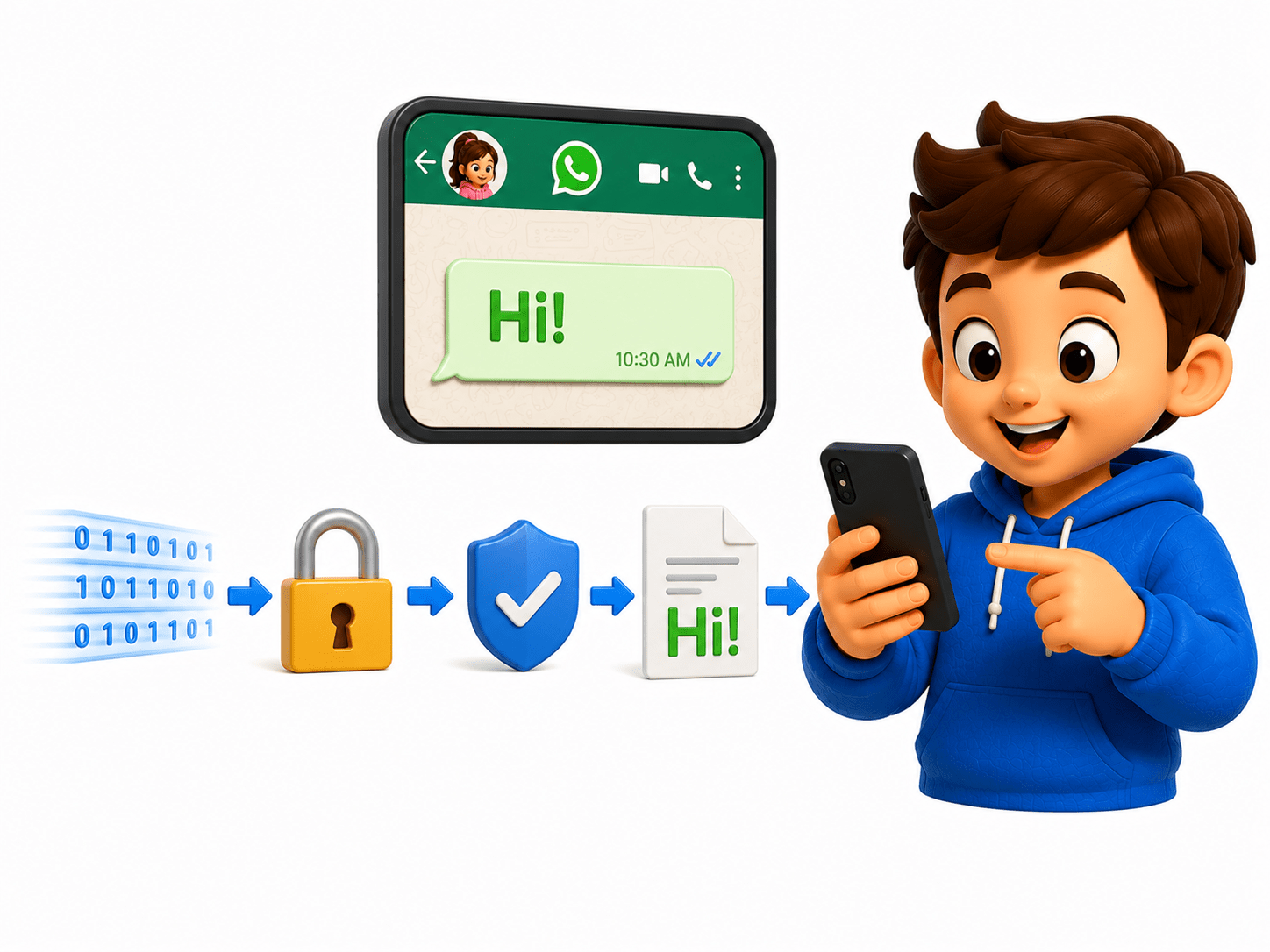
7 - APPLICATION LAYER
6 - PRESENTATION LAYER
-
Delivers the final readable data to the user application.
-
Displaying WhatsApp message.
-
Decrypts and converts data into a usable format.
-
Decrypting whatsapp message
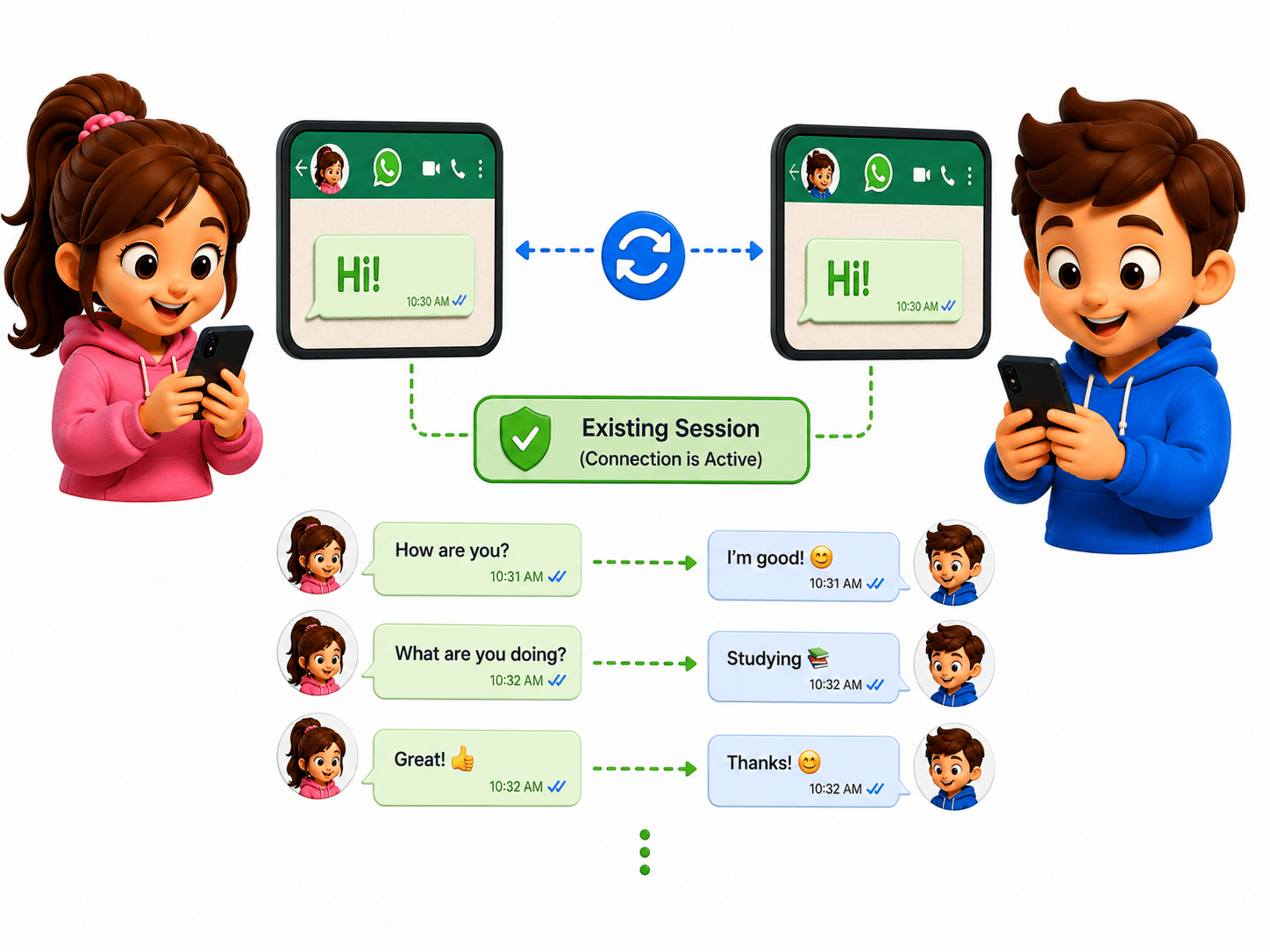
5 - SESSION LAYER
-
Maintains and manages the communication session.
-
Keeping chat sessions active.
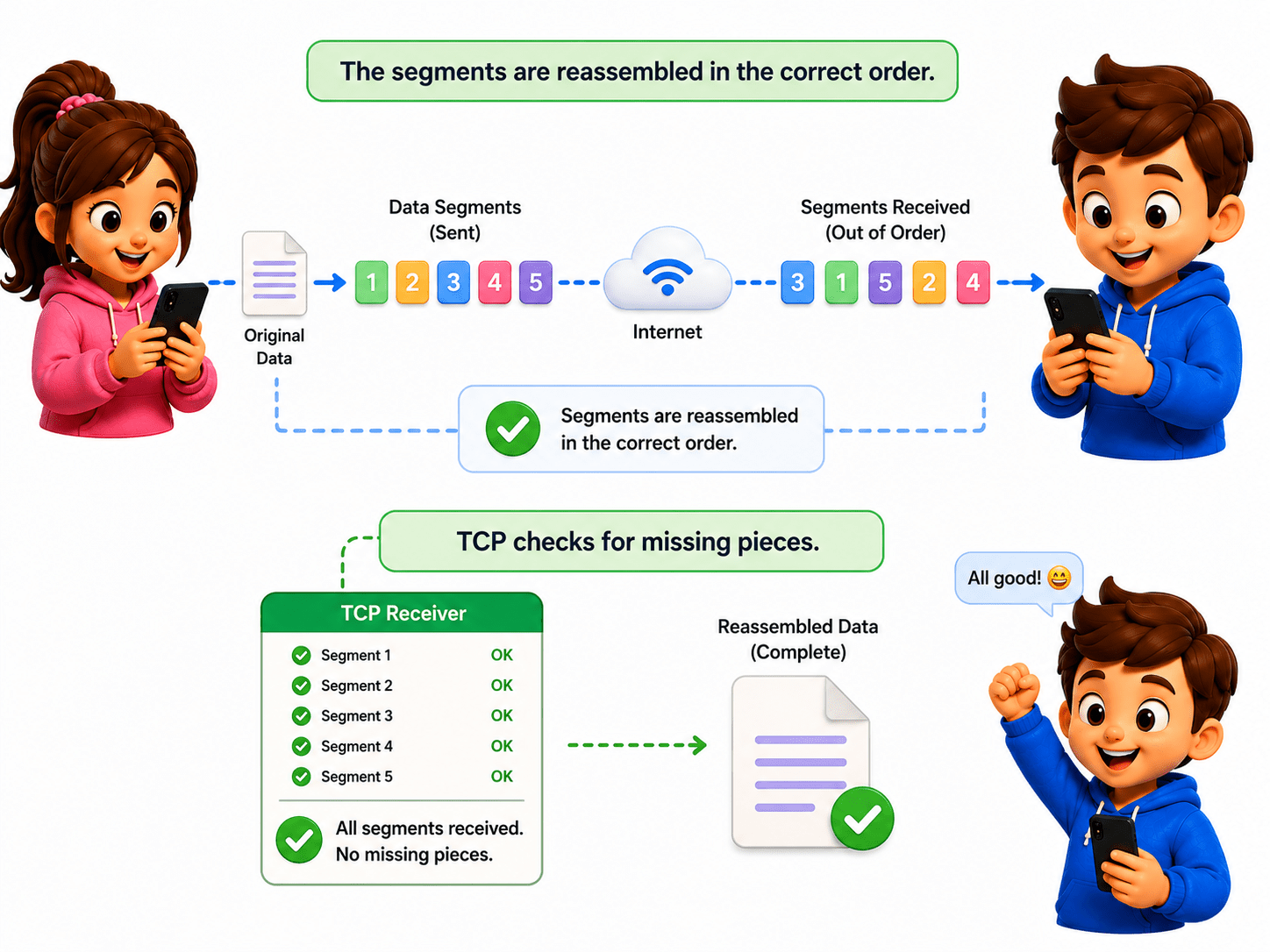
4 - TRANSPORT LAYER
-
Reassembles segments and checks for missing or damaged data.
-
TCP ensuring complete file delivery.
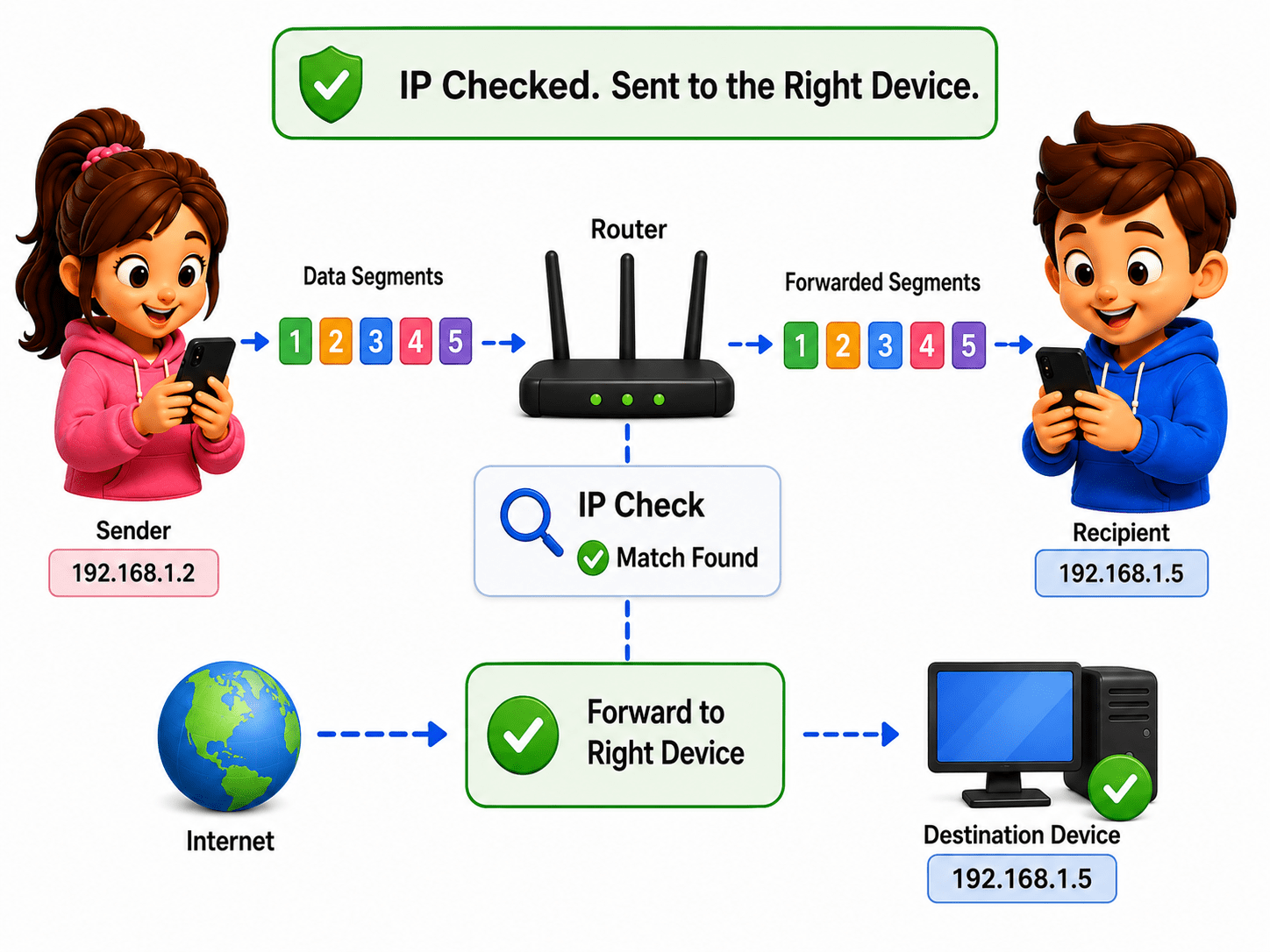
3 - NETWORK LAYER
-
Reads IP addresses and delivers packets to the correct device.
-
Identifying destination IP address.
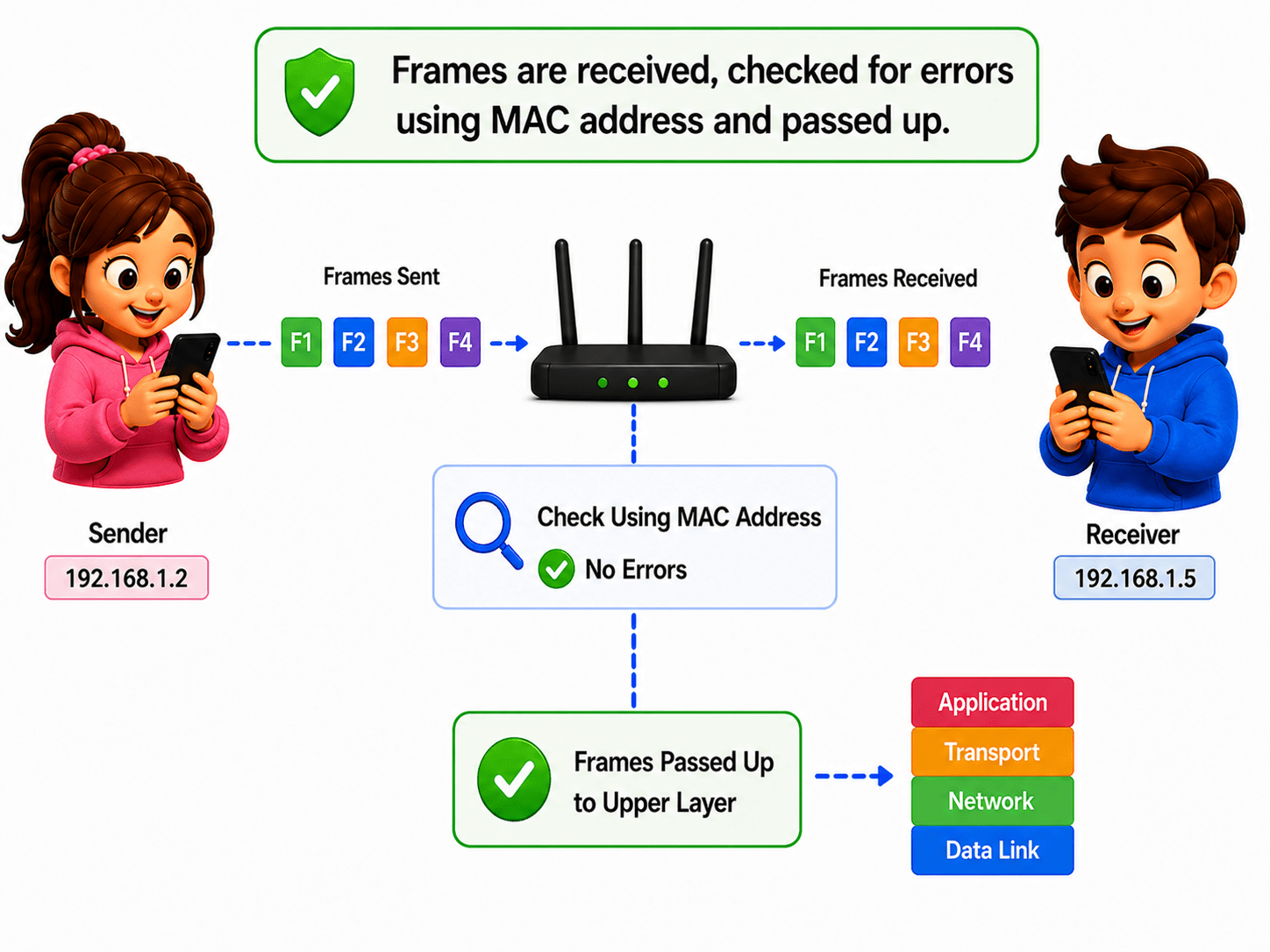
2 - DATA LINK LAYER
-
Checks frames for errors and reads MAC addresses.
-
Verifying data received from the local network.
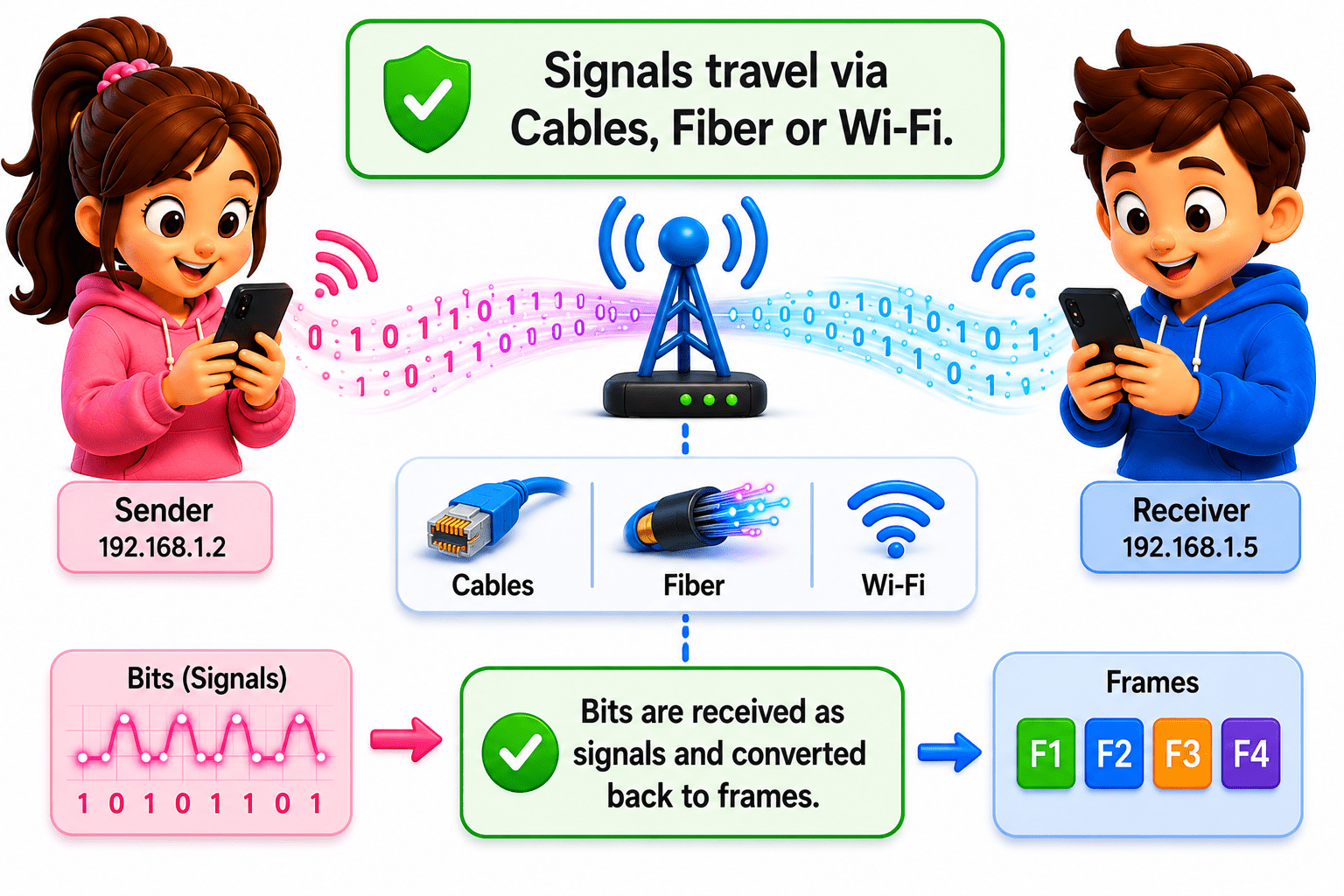
1 - PHYSICAL LAYER
-
Receives raw signals and converts them back into bits (0s and 1s).
-
Receiving signals through cables or Wi-Fi.
Advantages of OSI Model

Simplifies complex network communication
Helps in troubleshooting (identify the layer of Issue easily)
Allows different vendors and technologies to work together.
Each layer can be developed, tested, and updated independently.
Good learning model for students and beginners.
Summary
5
It enables different devices to communicate using common protocols.
4
It helps identify network issues quickly.
3
Each layer has a specific networking function.
2
Layered architecture divides networking into smaller tasks.
1
OSI Model is a 7-layer framework for network communication.
Quiz
Which layer would you investigate if there is NO network signal at all?
A. Network Layer
B. Transport Layer
C. Physical Layer
D. Data Link Layer

Quiz-Answer
C. Physical Layer

Which layer would you investigate if there is NO network signal at all?
A. Network Layer
B. Transport Layer
D. Data Link Layer