Deep Dive into Component & Props

React Basics
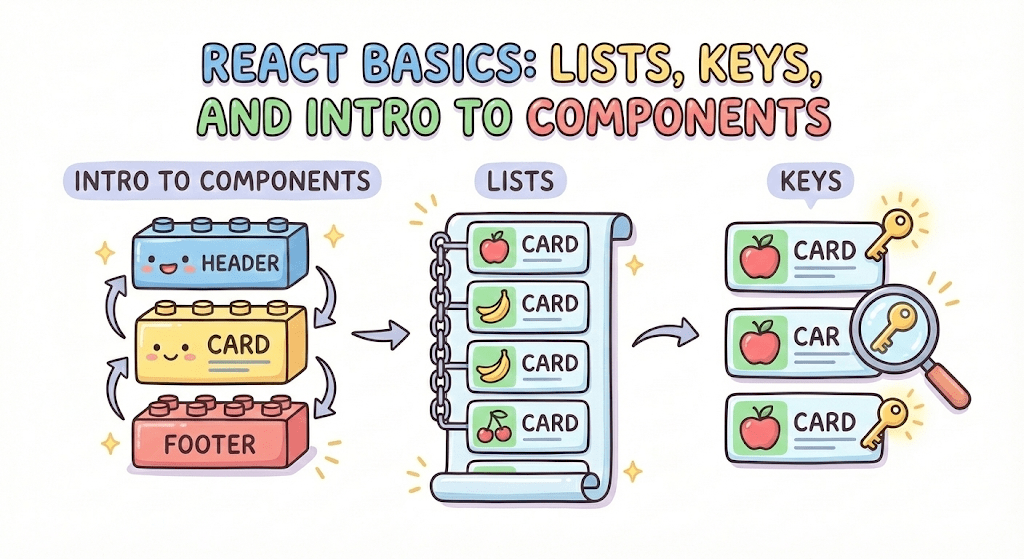

By the end of this session, learners will
5
Understand the purpose of keys in lists
4
Render dynamic data using arrays and map()
3
Learn JSX essentials: comments, attributes, and naming
2
Render JSX inside a component
1
Understand what a React component is
Recall: JavaScript Basics
Before moving to React lists, let’s quickly recall
JavaScript Arrays
const fruits = ["Apple", "Banana", "Mango"];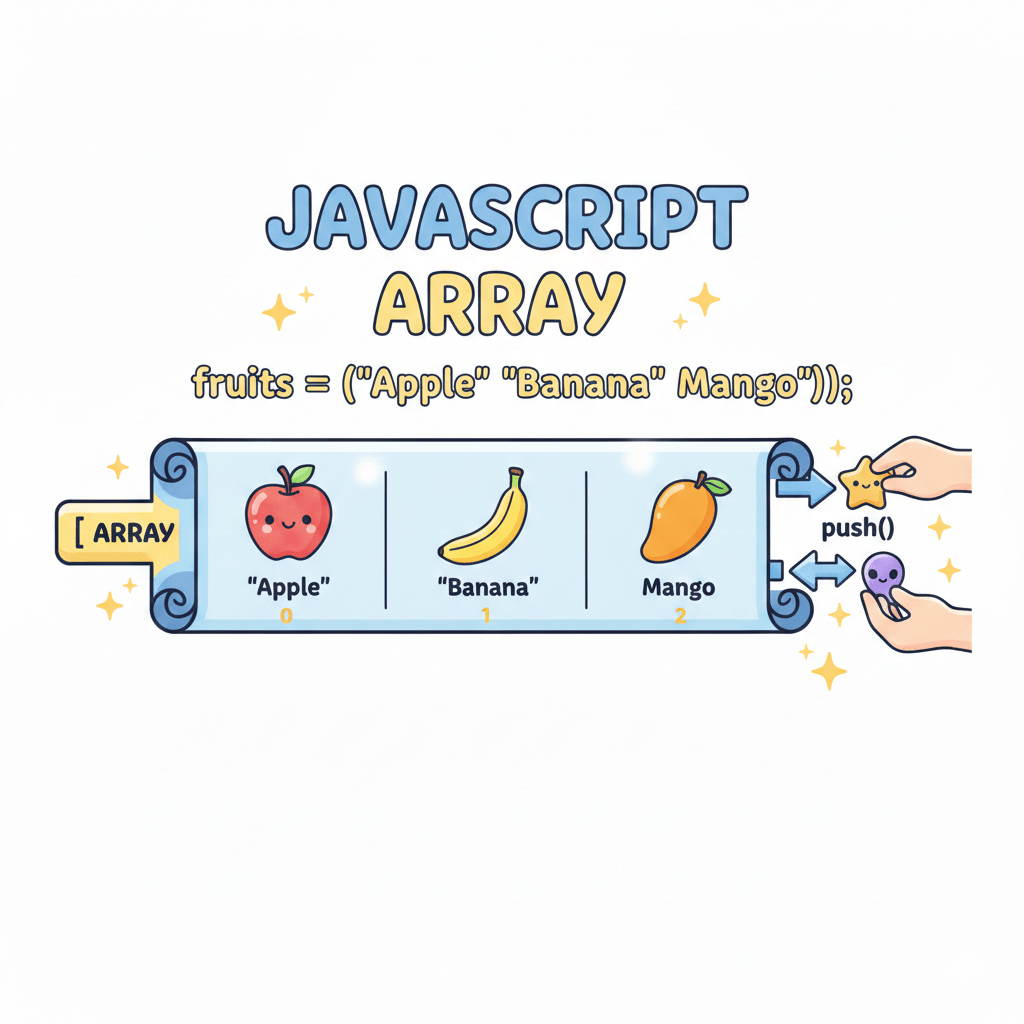
const fruits = ["Apple", "Banana", "Mango"];array.map()
- Used to loop through arrays
- Returns a new array
- Does not modify the original array
fruits.map(fruit => fruit.toUpperCase());In React, we use array.map() to convert data into JSX elements while rendering lists.
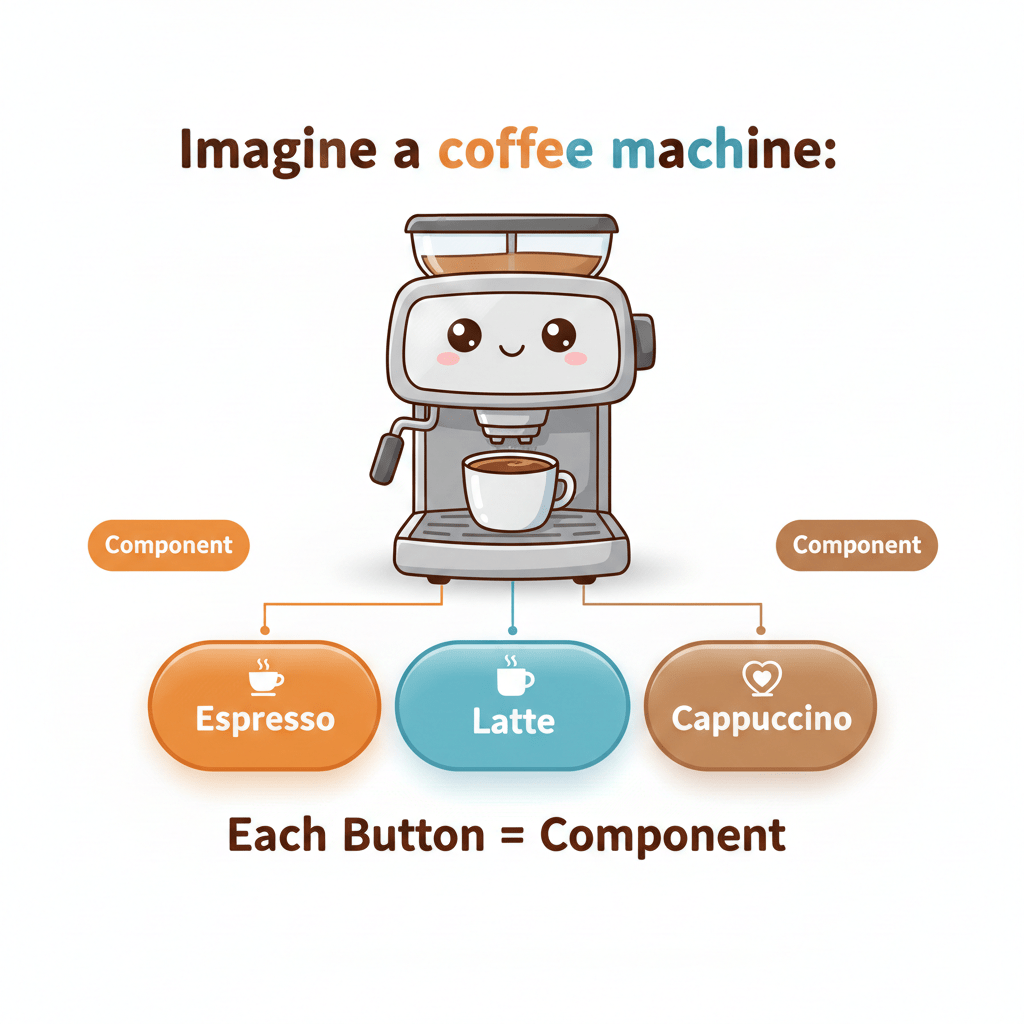
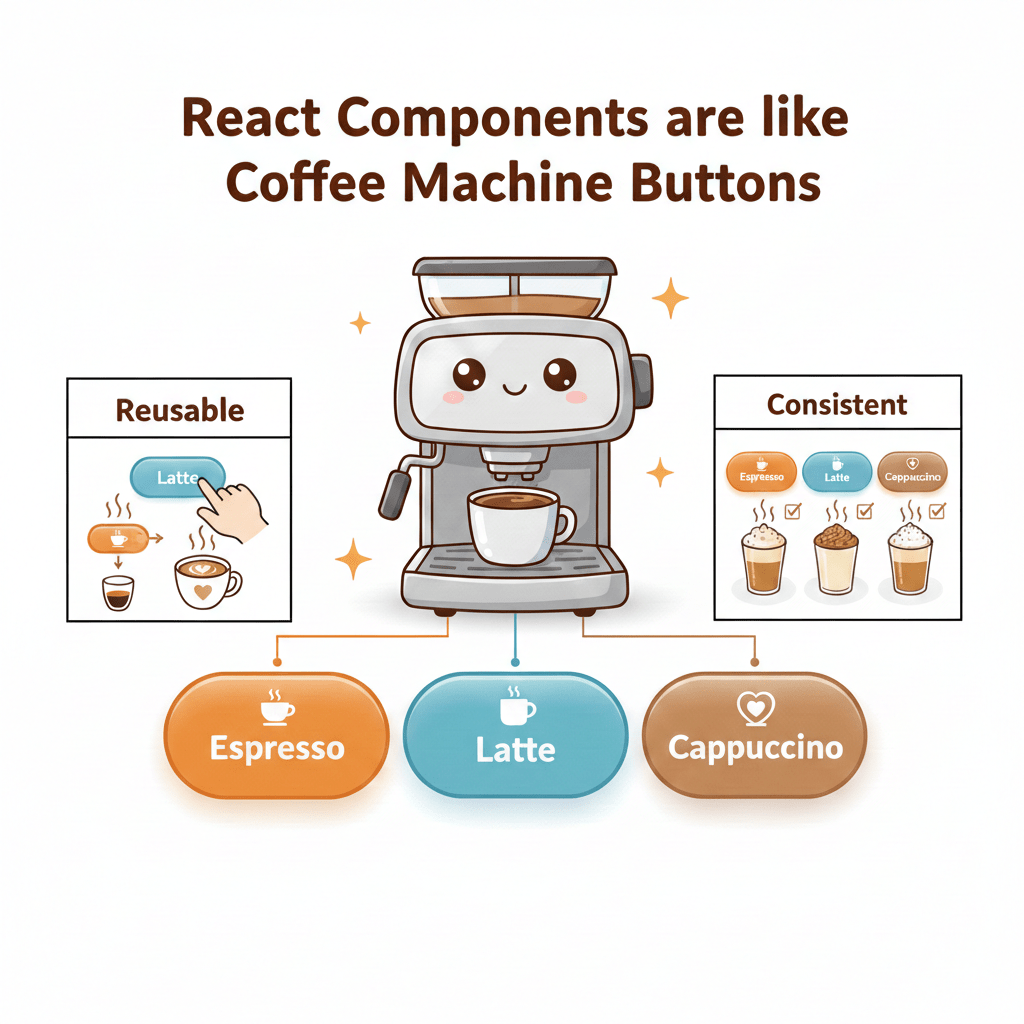
Imagine a coffee machine
-
You press the same button multiple times to get the same drink
- Each drink is made independently
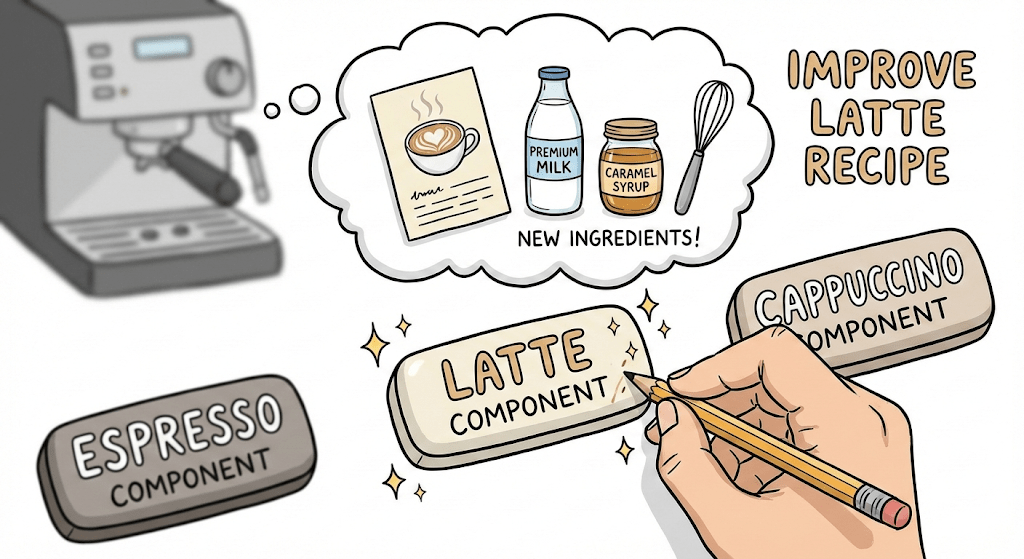
If you improve the recipe for Latte:
-
Every Latte automatically tastes better
-
You don’t redesign the whole machine
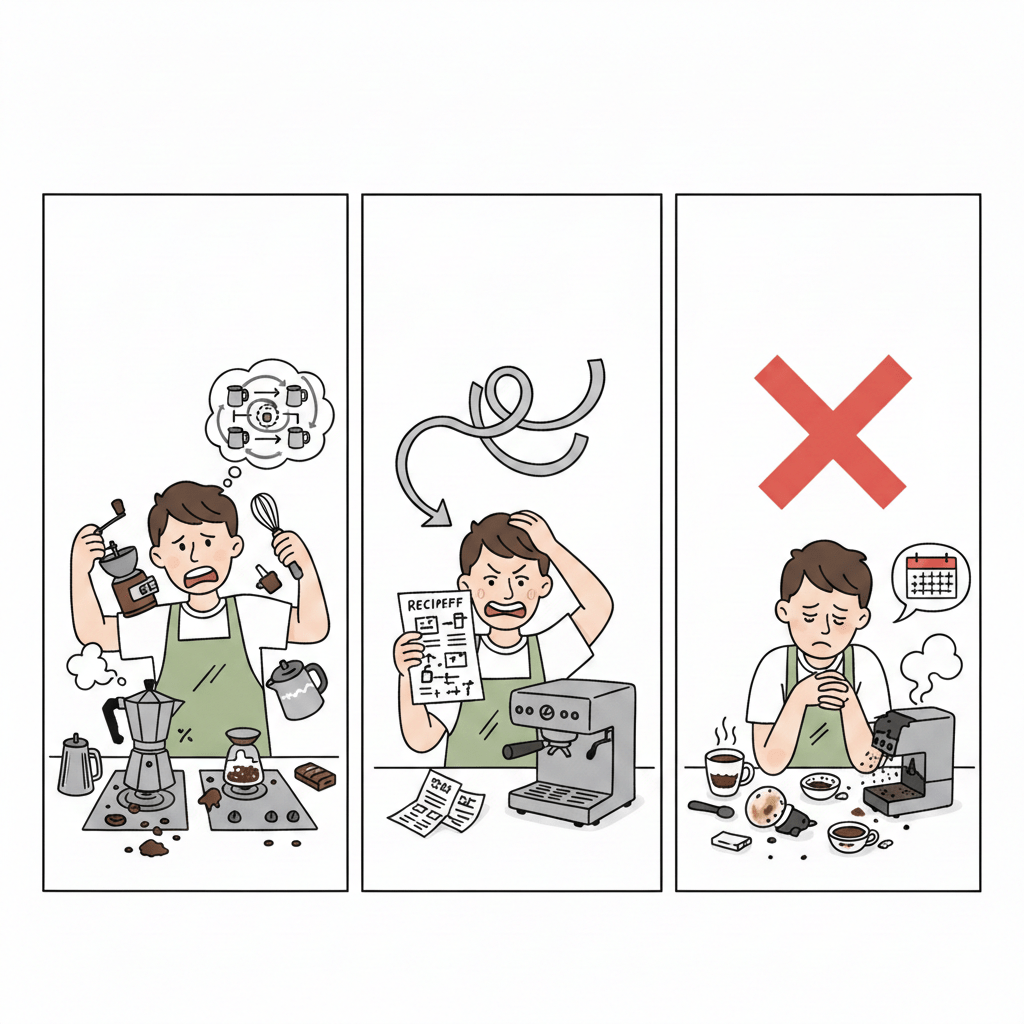
Problem without components:
-
You make coffee manually every time
-
Any change means relearning the entire process
-
Easy to make mistakes and waste time
WHY use components?
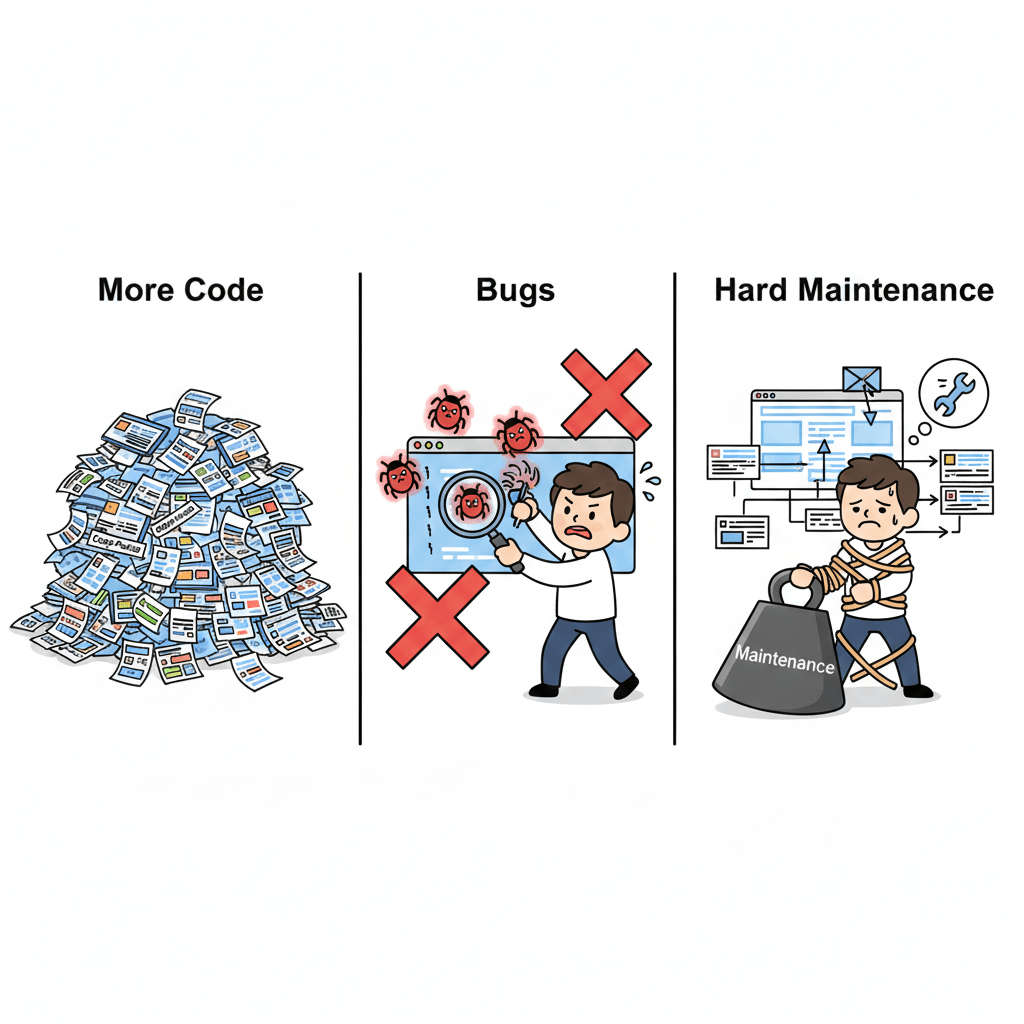
Copy-pasting UI leads to:
React solves this:
-
Components = small functions that return JSX
-
Build once, reuse everywhere
-
Change once, update everywhere
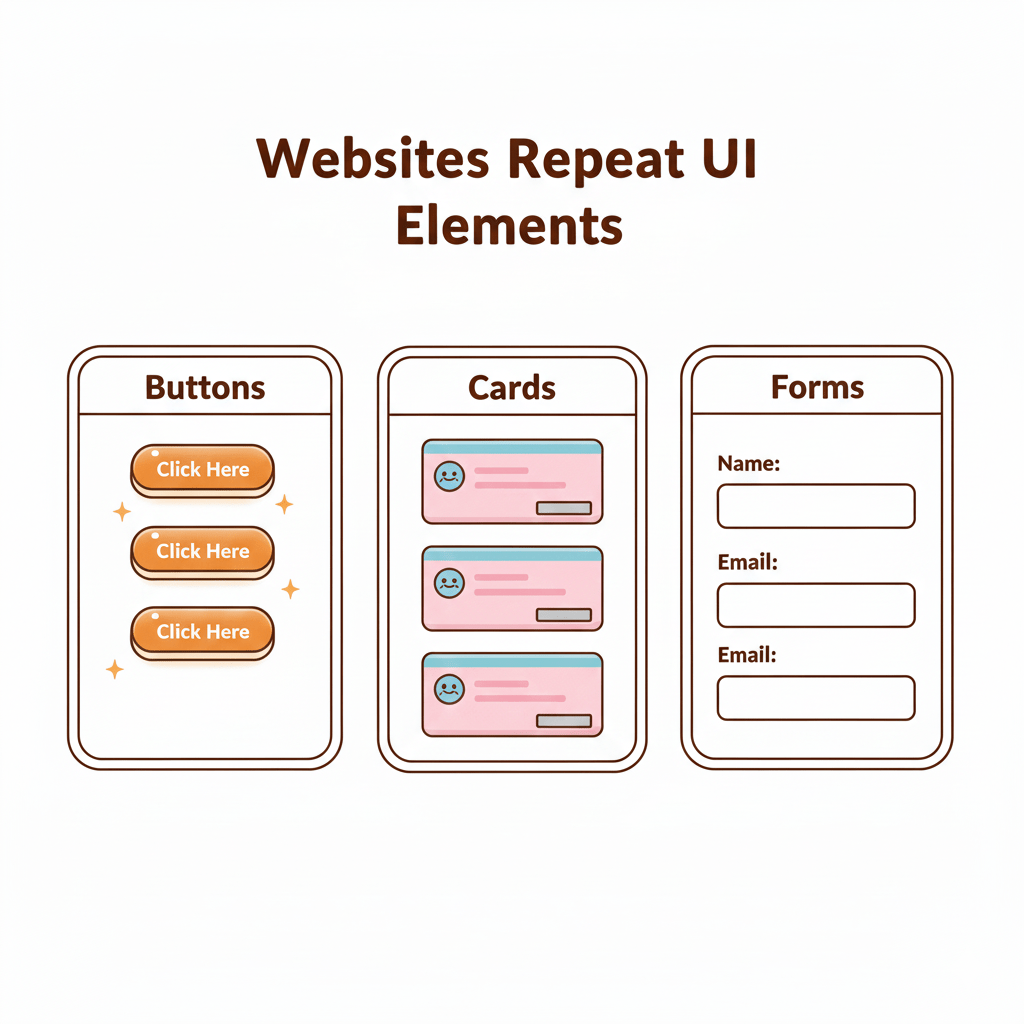
Websites repeat UI elements
Component Basics
A component is a reusable JavaScript function that returns JSX to create a part of the user interface
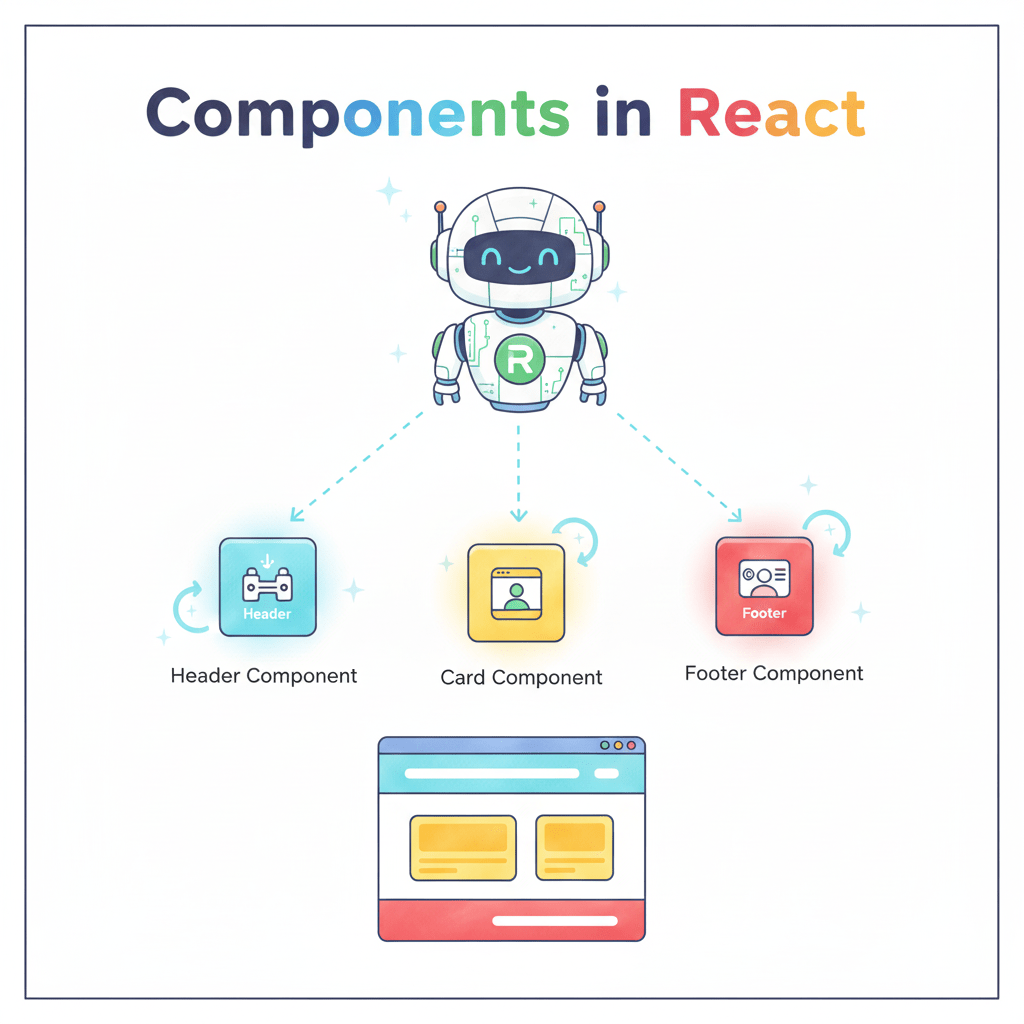
function Header() {
  return <h1>Itvedant</h1>;
}
Example :
Rendering JSX Inside a Component
JSX looks like HTML
JavaScript expressions go inside {}
function App() {
  const name = "Vedant";
  return <h2>Welcome, {name}</h2>;
}
JSX Essentials
1. Comments
{/* This is a JSX comment */}2. Attributes
<div className="card" onClick={event}></div>className instead of class
Use camelCase
Rendering JSX Inside a Component
JSX Essentials
1. Comments
{/* This is a JSX comment */}2. Attributes
<div className="card" onClick={event}></div>className instead of class
Use camelCase
3. Rules
JavaScript expressions inside {}
Boolean attributes:
<button disabled={true}>Submit</button>Rendering List in React
Rendering a list item using map():
function FruitList() {
  const fruits = ["Apple", "Banana", "Mango"];

  return (
    <ul>
      {fruits.map((fruit) => (
        <li>{fruit}</li>
      ))}
    </ul>
  );
}

export default FruitList;
Key idea:
- map() converts array items into JSX elements
- Used for rendering lists dynamically
Rendering Array of Objects Using map() + Key
const users = [
  { id: 1, name: "Amit", email: "amit@gmail.com" },
  { id: 2, name: "Neha", email: "neha@gmail.com" }
];

return (
  <>
    {users.map((user) => (
      <ul key={user.id}>
        <li>{user.name}</li>
        <li>{user.email}</li>
      </ul>
    ))}
  </>
);

Note :
Prefer id over index as key
Why key is used here
- Helps React identify each item uniquely
- Improves performance during re-render
Summary
4
JSX requires small syntax rules: comments, attributes, camelCase
3
Keys help React update UI without unnecessary re-rendering
2
Use .map() to render dynamic lists efficiently
1
Components = reusable UI building blocks
Quiz
Why do we use keys in lists?
A. For styling
B. To identify elements uniquely
C. To sort the list
D. Both B & C

Quiz-Answer
Why do we use keys in lists?
A. For styling
B. To identify elements uniquely
C. To sort the list
D. Both B & C
