Process Ticket Information Using String Operations

Business Scenario

Welcome!
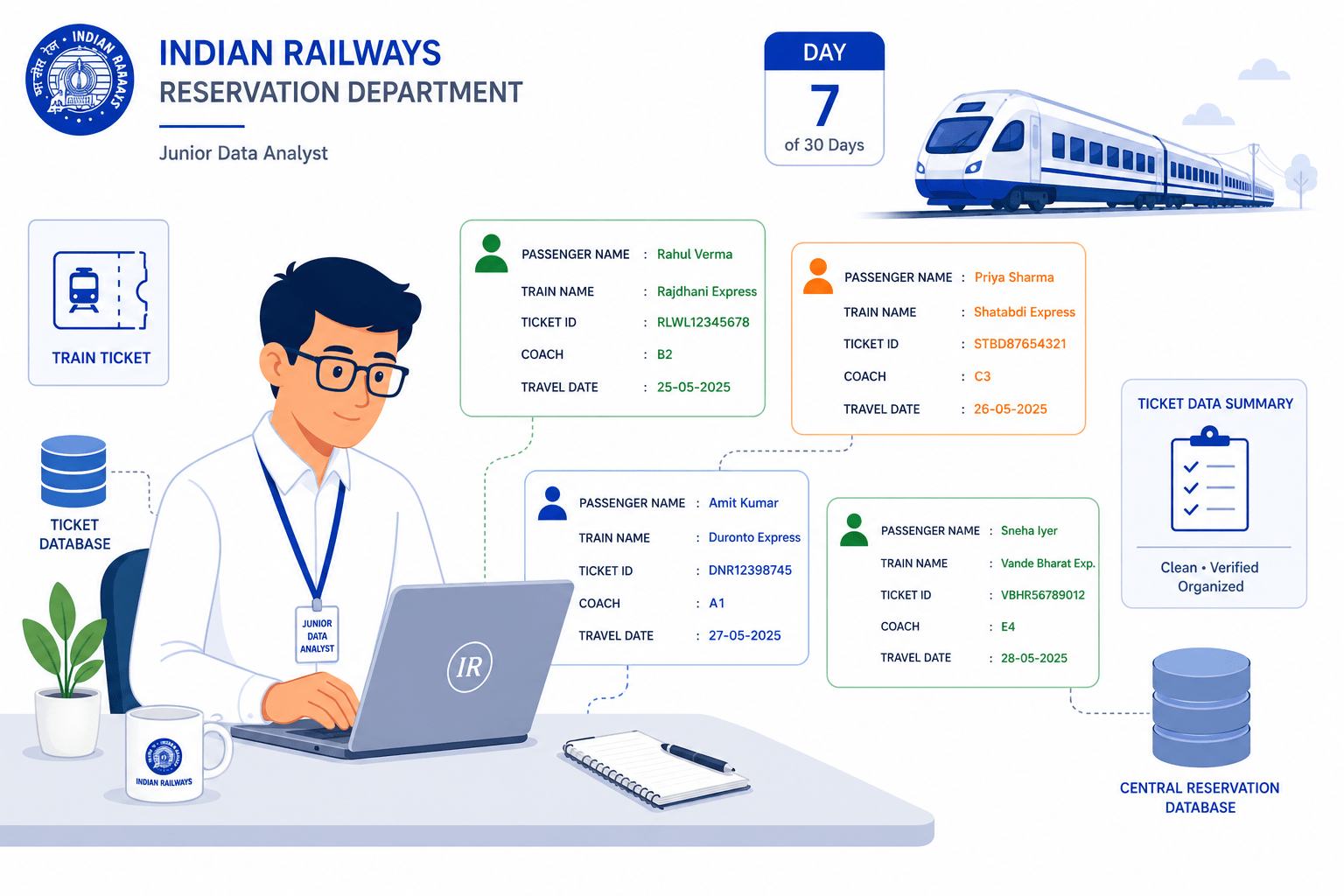
Today is your seventh day as a Junior Data Analyst at the Indian Railways Reservation Department.
The railway reservation system stores passenger ticket details such as passenger names, train names, ticket IDs, coach numbers, and travel dates in text format.
To Complete This Task Successfully, You Will Need Python To:
-
Manipulate strings using Python methods
-
Format passenger ticket information
-
Extract required data from ticket records
-
Display ticket details in a professional format
Pre-Lab Preparation
Topic: Understanding loops in Python
1) Introduction to Strings
2) String Manipulation Methods
3) String Formatting Techniques
4) String Slicing and Extraction
Click here to download previous lab file: Python Lab 6
git pull origin branchNameTask 1: Manipulate Ticket Information Using String Methods

Git Pull
In the Railway Reservation System, thousands of passenger ticket records are generated every day. These records contain important information such as passenger names, train names, station names, coach numbers, and ticket IDs.
Most of this information is stored in text format (strings).
To process and clean ticket information so that all records appear professional, accurate, and consistent across the reservation system.
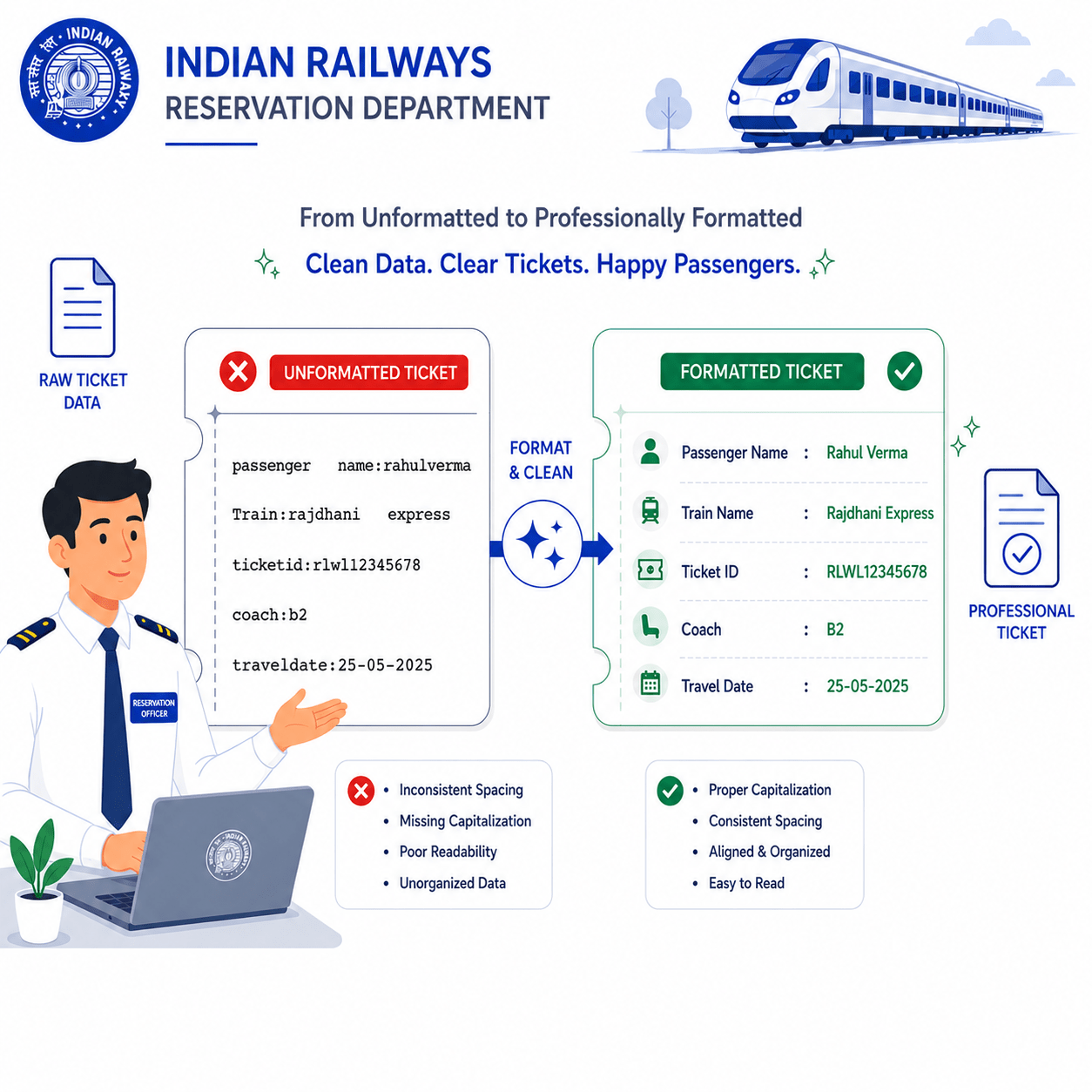
String manipulation means modifying or processing string data using built-in methods.
1
Write the Program
2
passenger_name = "  rahul sharma  "
train_name = "rajdhani express"

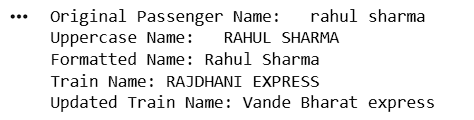
print("Original Passenger Name:", passenger_name)

print("Uppercase Name:", passenger_name.upper())

print("Formatted Name:", passenger_name.strip().title())

print("Train Name:", train_name.upper())

updated_train = train_name.replace("rajdhani", "Vande Bharat")

print("Updated Train Name:", updated_train)
Save the File
ticket_string_operations.ipynb3
Output
Task 2: Format Ticket Details Using String Formatting
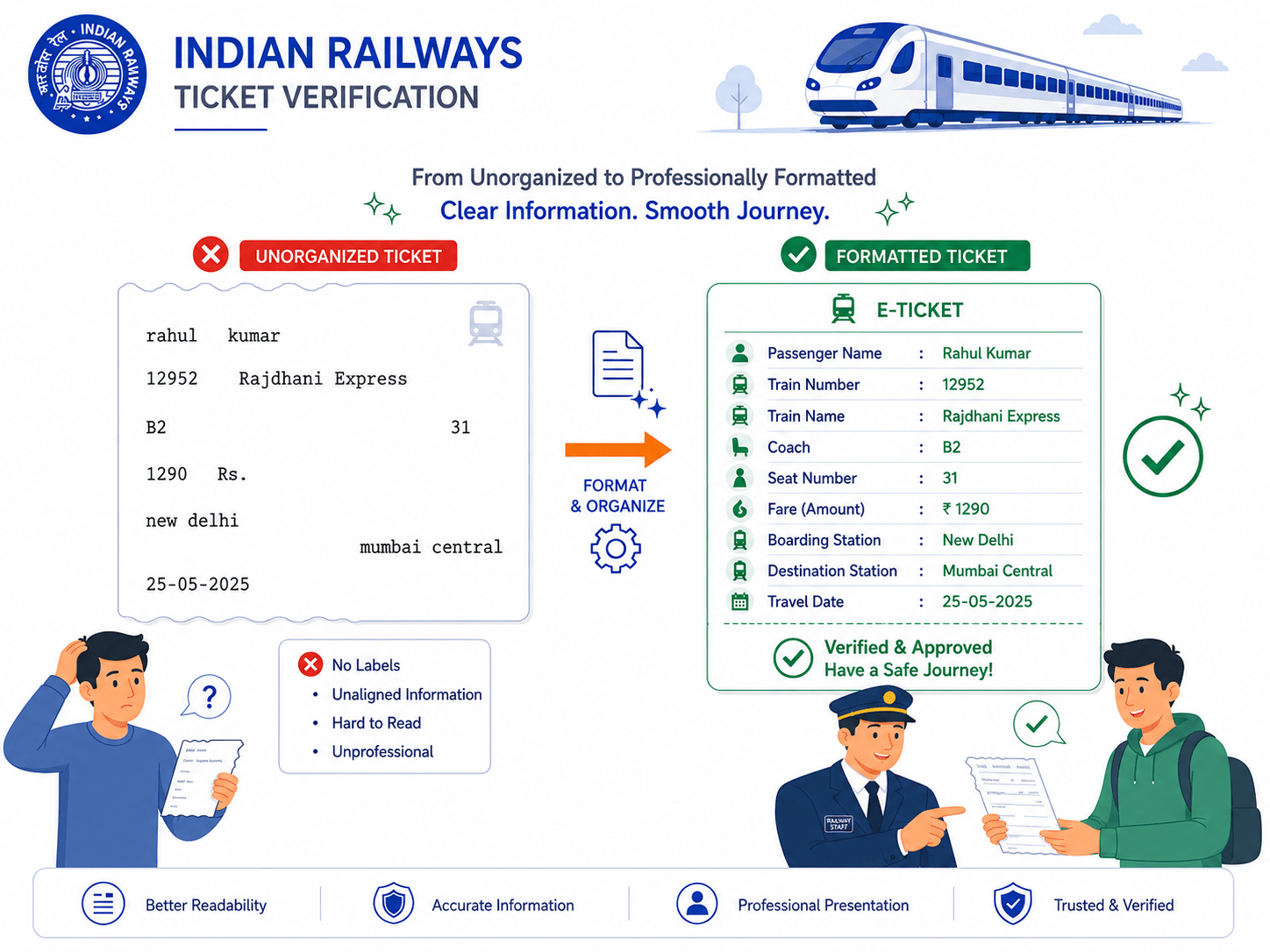
In the Railway Reservation System, passenger ticket details must be displayed clearly and professionally for both passengers and railway staff. Every ticket contains important information such as passenger name, train number, coach number, seat number, fare amount, boarding station, and travel date.
String formatting is used to insert variables into strings in a readable format.
Syntax of f-string :
f"text {variable}"For example, values printed randomly without labels or alignment can create confusion for passengers during ticket verification and boarding.
If ticket details are displayed without proper formatting, the information may look disorganized and difficult to read.
passenger_name = "Priya Patel"
train_number = 12951
seat_number = "B2-45"
fare = 1250

print(f"Passenger Name : {passenger_name}")
print(f"Train Number   : {train_number}")
print(f"Seat Number    : {seat_number}")
print(f"Ticket Fare    : ₹{fare}")
1
Write the Program
2
Save the File
ticket_string_operations.ipynb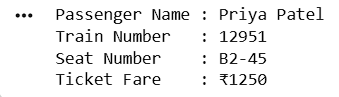
3
Output
Task 3: Extract Ticket Data Using String Slicing
String slicing is used to extract specific parts of a string.
Syntax of String Slicing :
string[start:end]In the Railway Reservation System, every passenger ticket is assigned a unique Ticket ID that contains multiple pieces of information combined into a single string. These ticket IDs help the railway department identify important booking details quickly and efficiently.
Python String Slicing helps extract specific portions of a string using index positions. By using slicing techniques, the analyst can separate different parts of the ticket ID without manually typing each value.
1
Write the Program
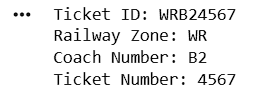
ticket_id = "WRB24567"

zone = ticket_id[0:2]

coach = ticket_id[2:4]

ticket_number = ticket_id[4:]

print("Ticket ID:", ticket_id)

print("Railway Zone:", zone)

print("Coach Number:", coach)

print("Ticket Number:", ticket_number)
2
Save the File
ticket_string_operations.ipynb3
Output
Great job!
You have successfully completed your lab on Process Ticket Information Using String Operations. In this lab, you used String Manipulation Methods, String Formatting, String Slicing, Data Extraction Techniques
You are now ready to move to the next stage of Junior Data Analyst.
Checkpoint
Git Push
git push origin branchNameNext-Lab Preparation
Topic: Understanding Lists in Python
1) Introduction to Lists
2) Creating and Accessing Lists
3) List Operations and Methods
4) Updating and Removing List Elements