Social Media Marketing


Meta (Instagram & Facebook)


Use this slide if there is no Heading
Note - Create Content inside Red Layout
[Delete Red Outline After creating slide]
Learning Outcome
6
Control default browser behavior using preventDefault()
5
Identify and use common mouse,keyboard,form and window events
4
Explain why addEventListener is preferred over onclick
3
Use addEventListener() and removeEventListener() correctly
2
Connect user actions to Javascript using event listeners
1
Explain what browser events are and why they exist
Choose cool, soft colors instead of vibrant colors
Max 6 Points for Summary & Min 4
Topic Name-Recall(Slide3)
Text
Hook/Story/Analogy(Slide 4)
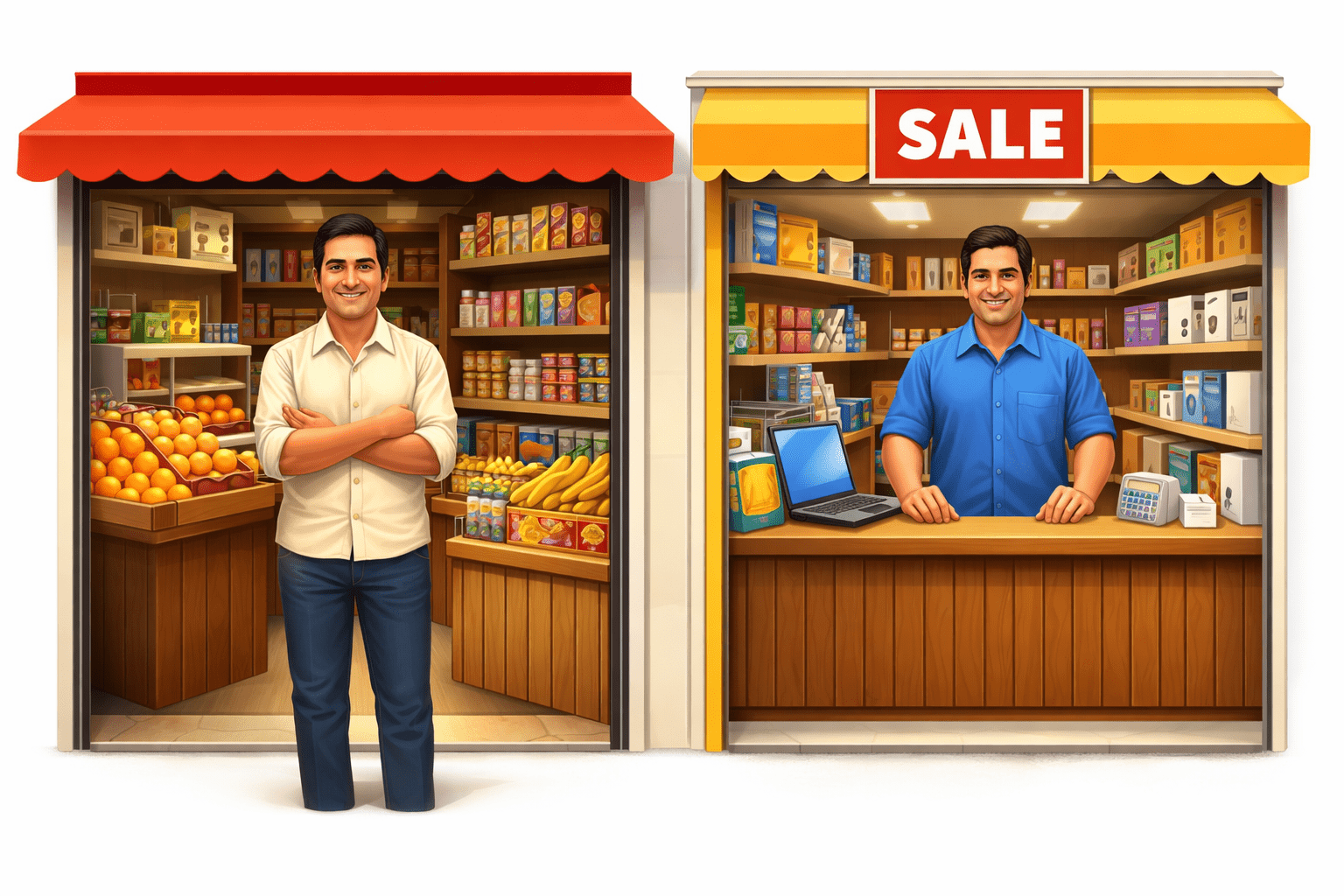
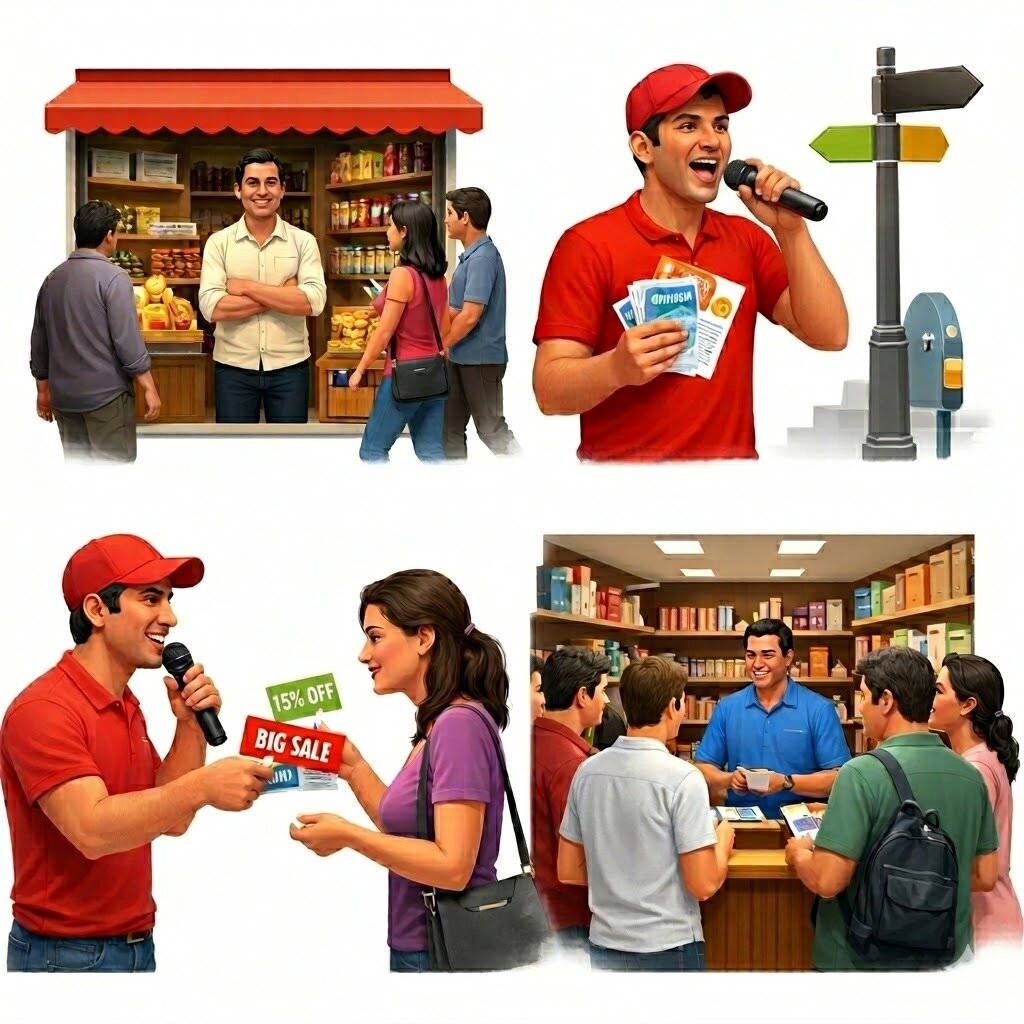
In a busy market, there are two shop owners — Ramesh and Suresh.
Hook/Story/Analogy(Slide 4)
Ramesh opens his shop, arranges everything nicely, and waits for customers to walk in. Some people pass by, a few notice, and even fewer enter. His business grows... but very slowly.
Hook/Story/Analogy(Slide 4)
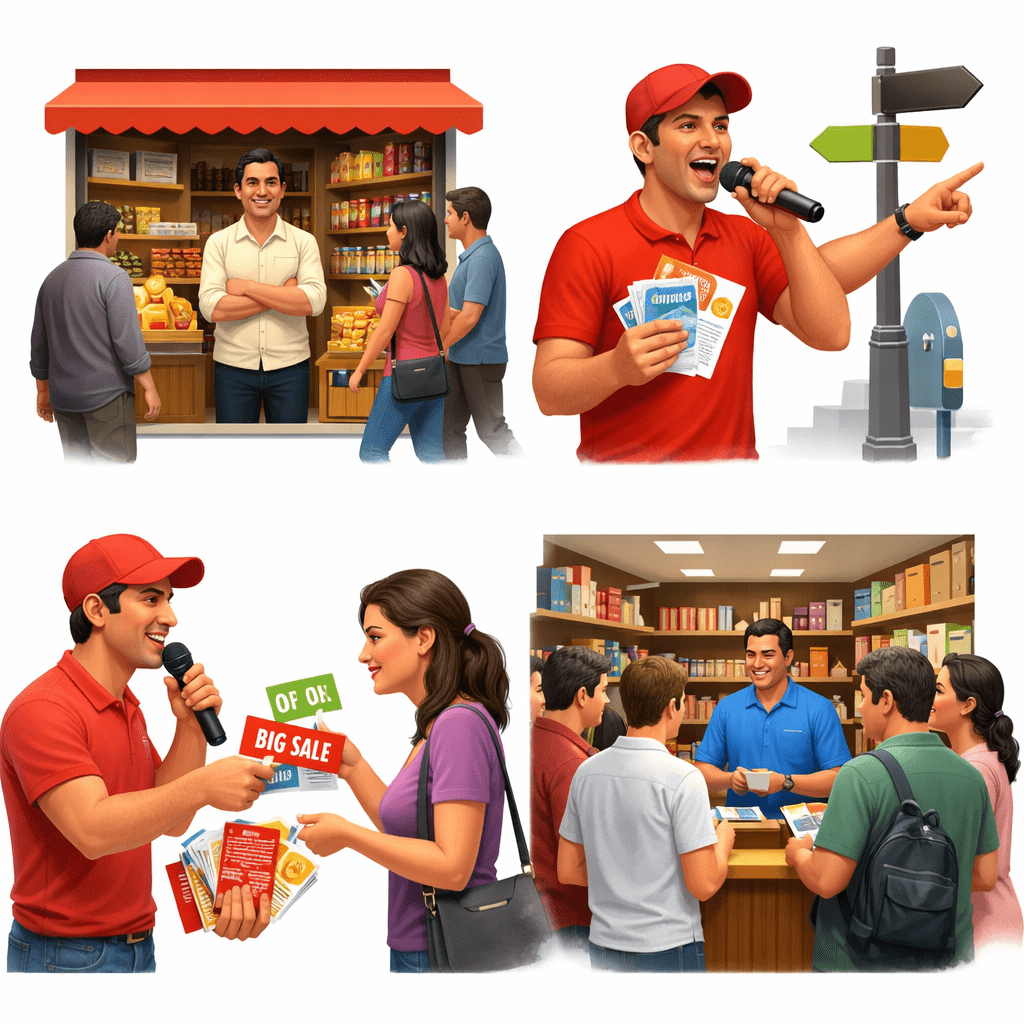
Suresh, on the other hand, does something different.
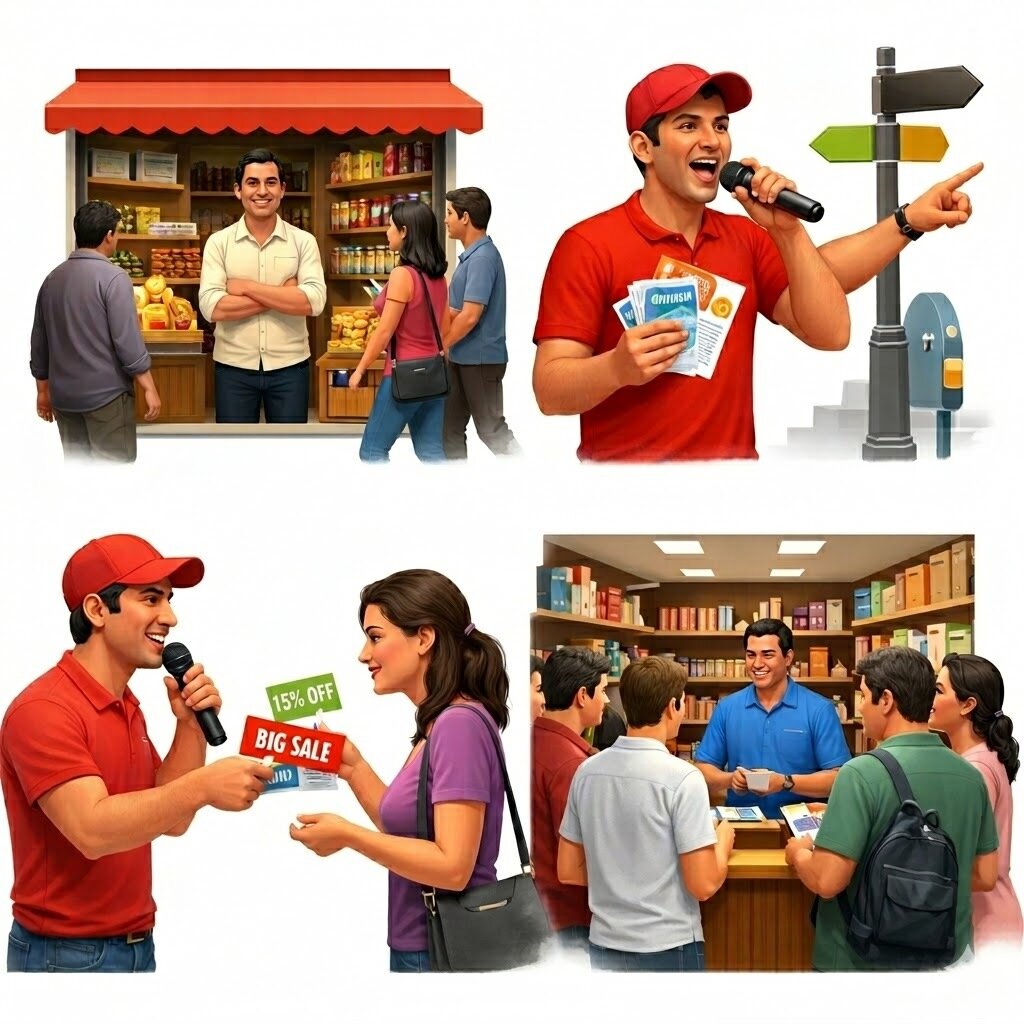
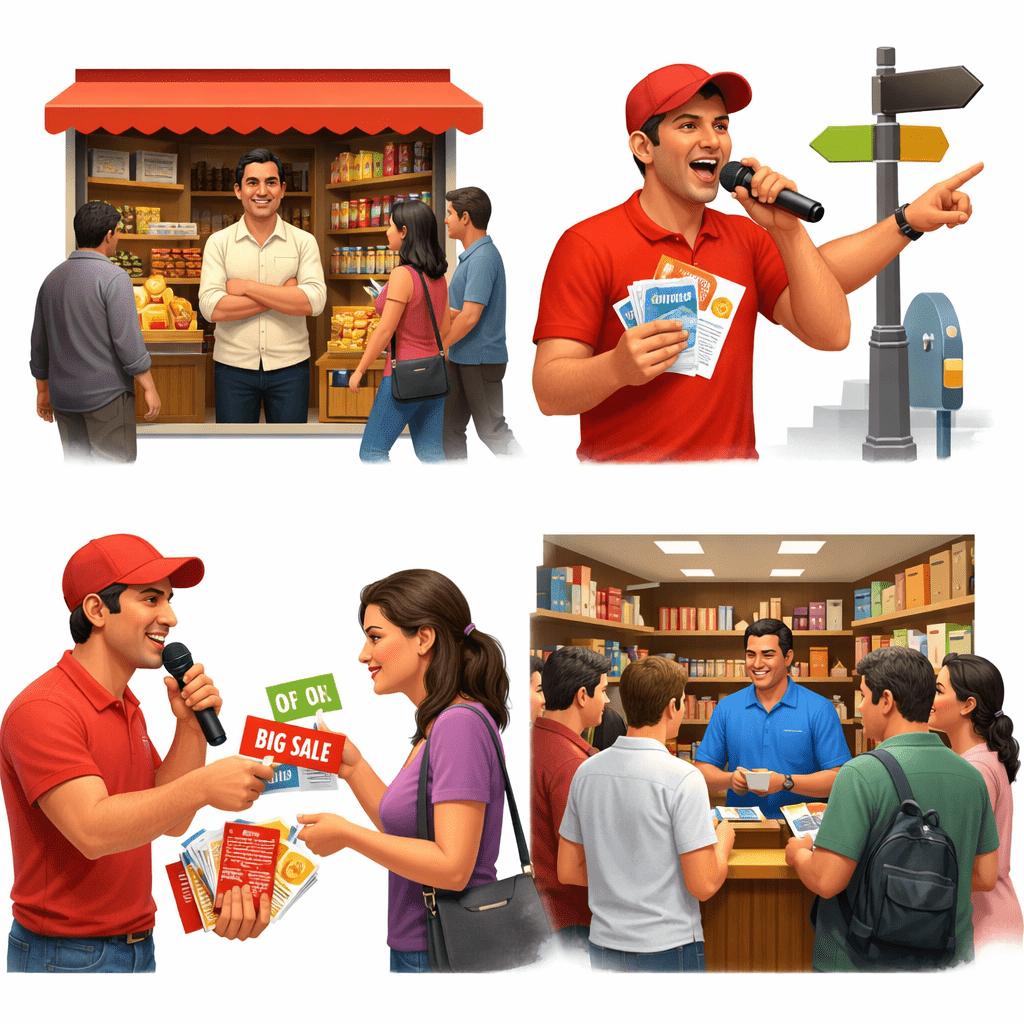
He hires a person to stand at the busiest crossroads with a mic and flyers. That person loudly announces offers, directs people to the shop, and even hands out discount coupons.
Hook/Story/Analogy(Slide 4)
Suddenly, more people start coming to Suresh’s shop — not just random people, but the right people who are interested in his products.
Transition from Analogy to Technical Concept(Slide 5)
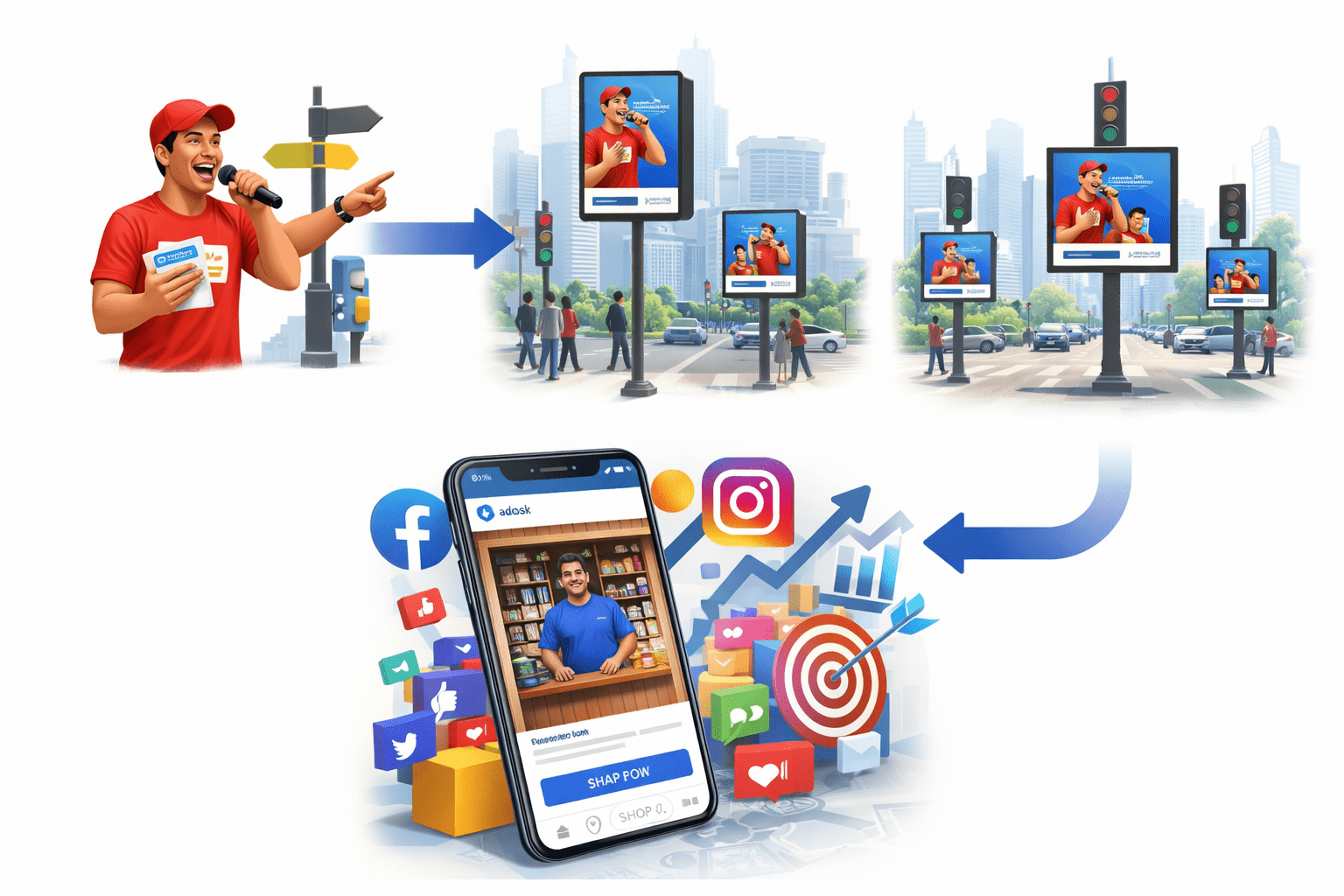
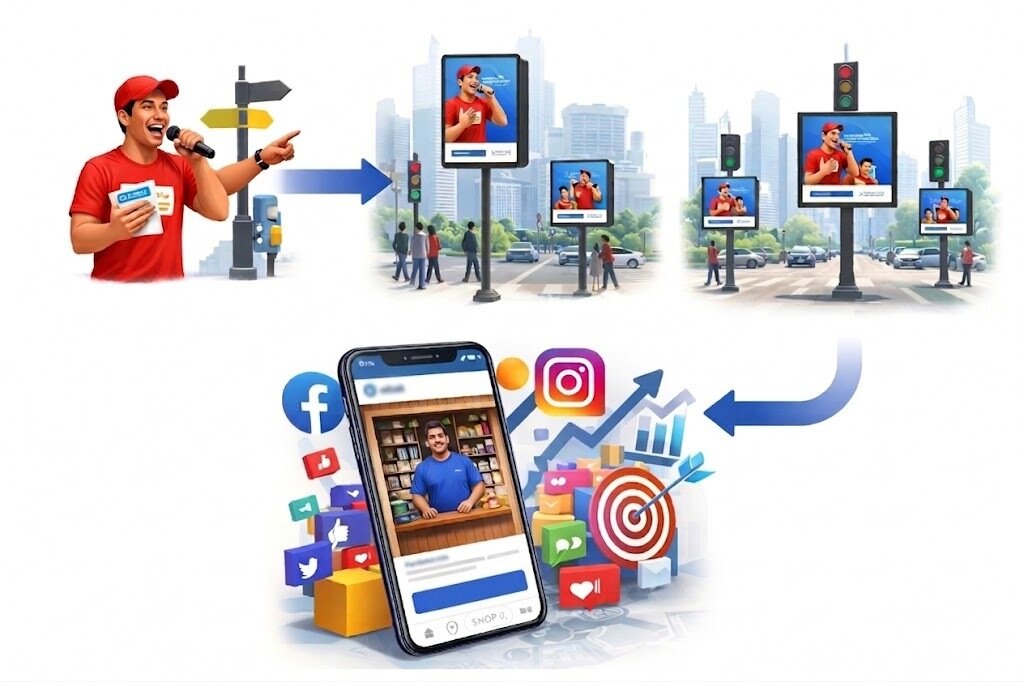
In the offline world, Suresh hired a promoter to stand at a busy signal and attract people.
Now imagine... instead of one person at one signal, you have a smart digital promoter who can stand at every signal in the city at the same time.
Transition from Analogy to Technical Concept(Slide 5)
Instead of shouting randomly → it speaks only to interested people
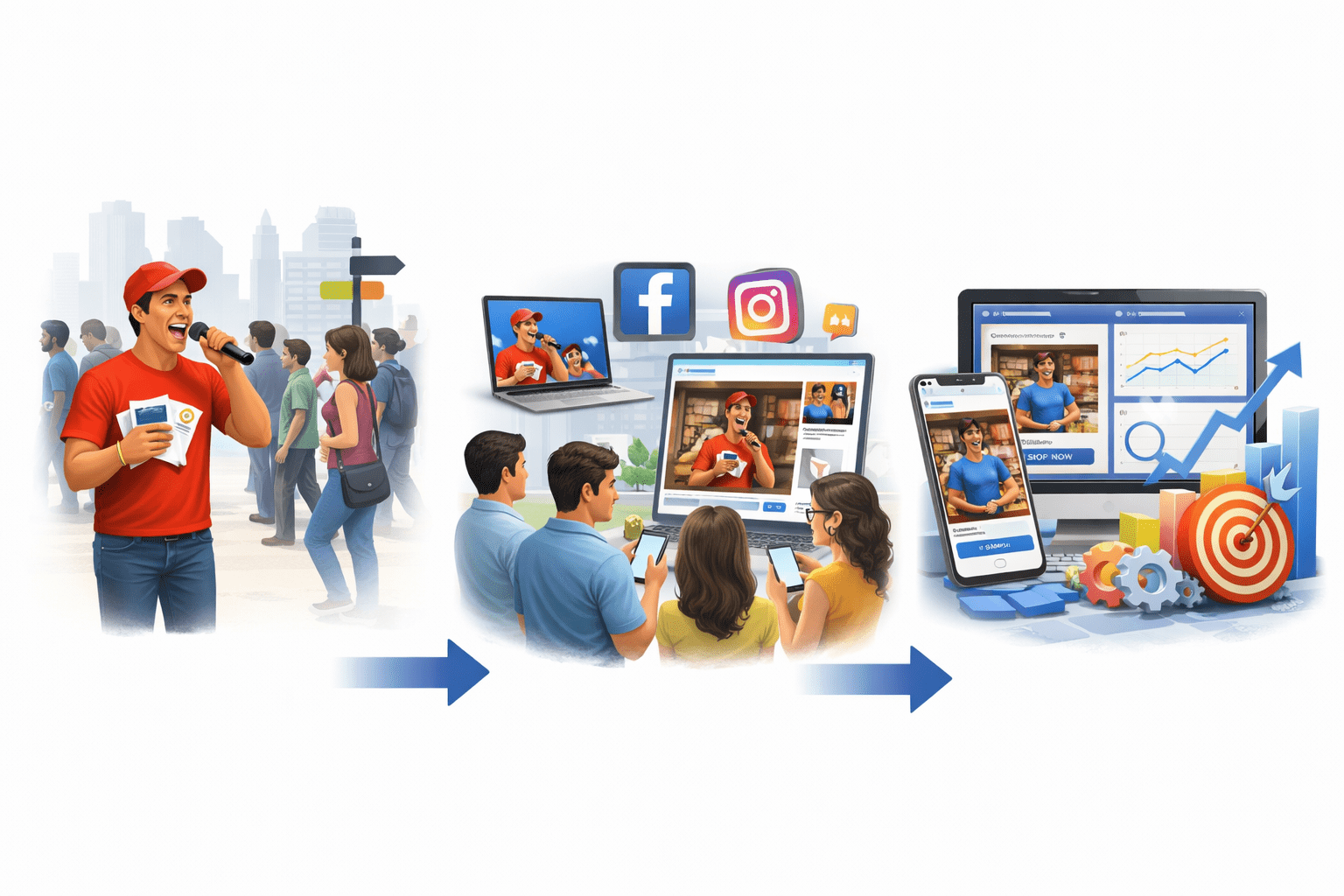
Instead of one location → it works across multiple platforms
Instead of guessing → it uses data to improve daily
Transition from Analogy to Technical Concept(Slide 5)
That smart promoter is nothing but paid ads on platforms like Facebook & Instagram.
Setting Up Meta Business Manager
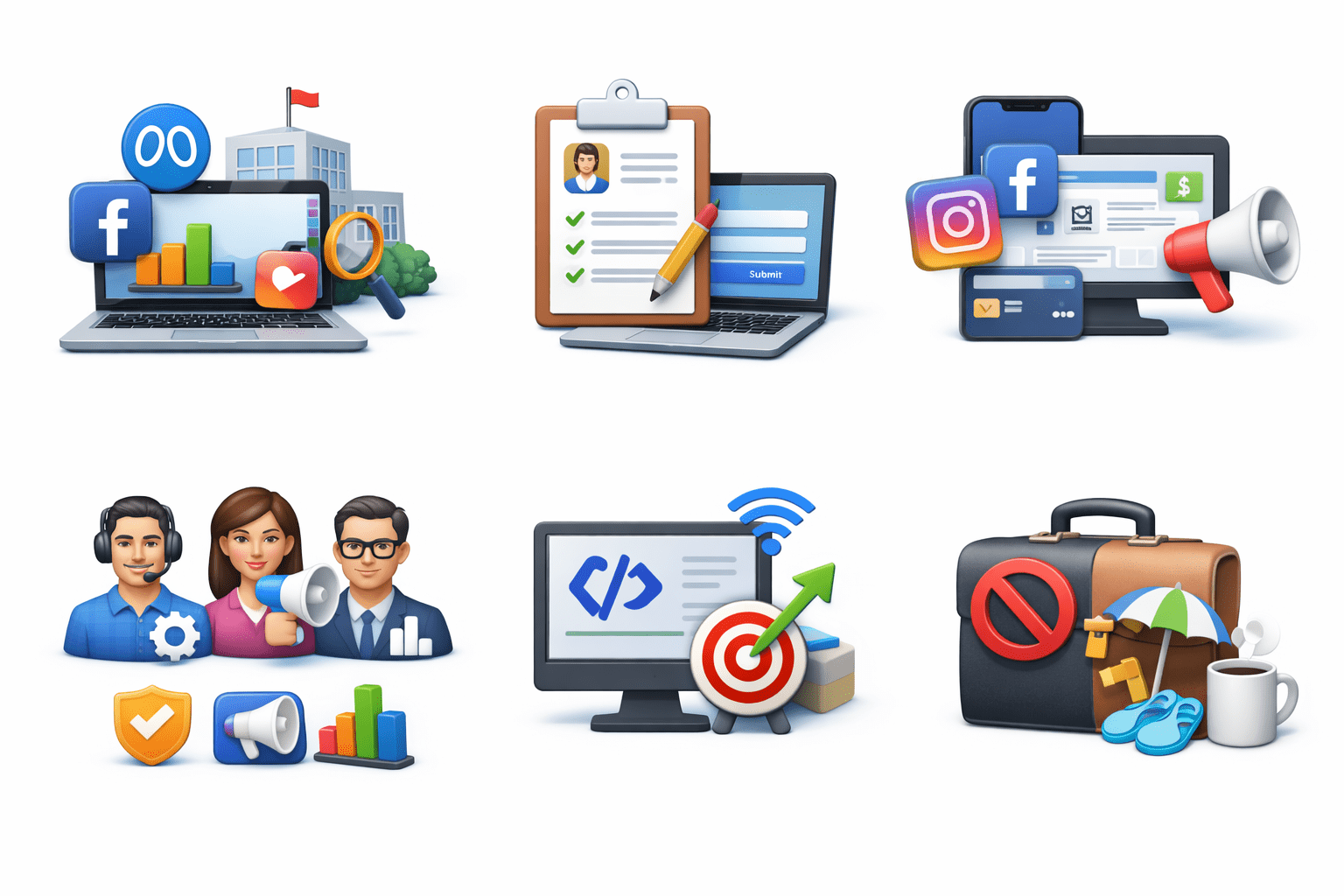
Meta Business Manager is the central hub to manage Facebook & Instagram ads, assets, and teams.
Setting Up Meta Business Manager
Create Account: Go to business.facebook.com, add business details
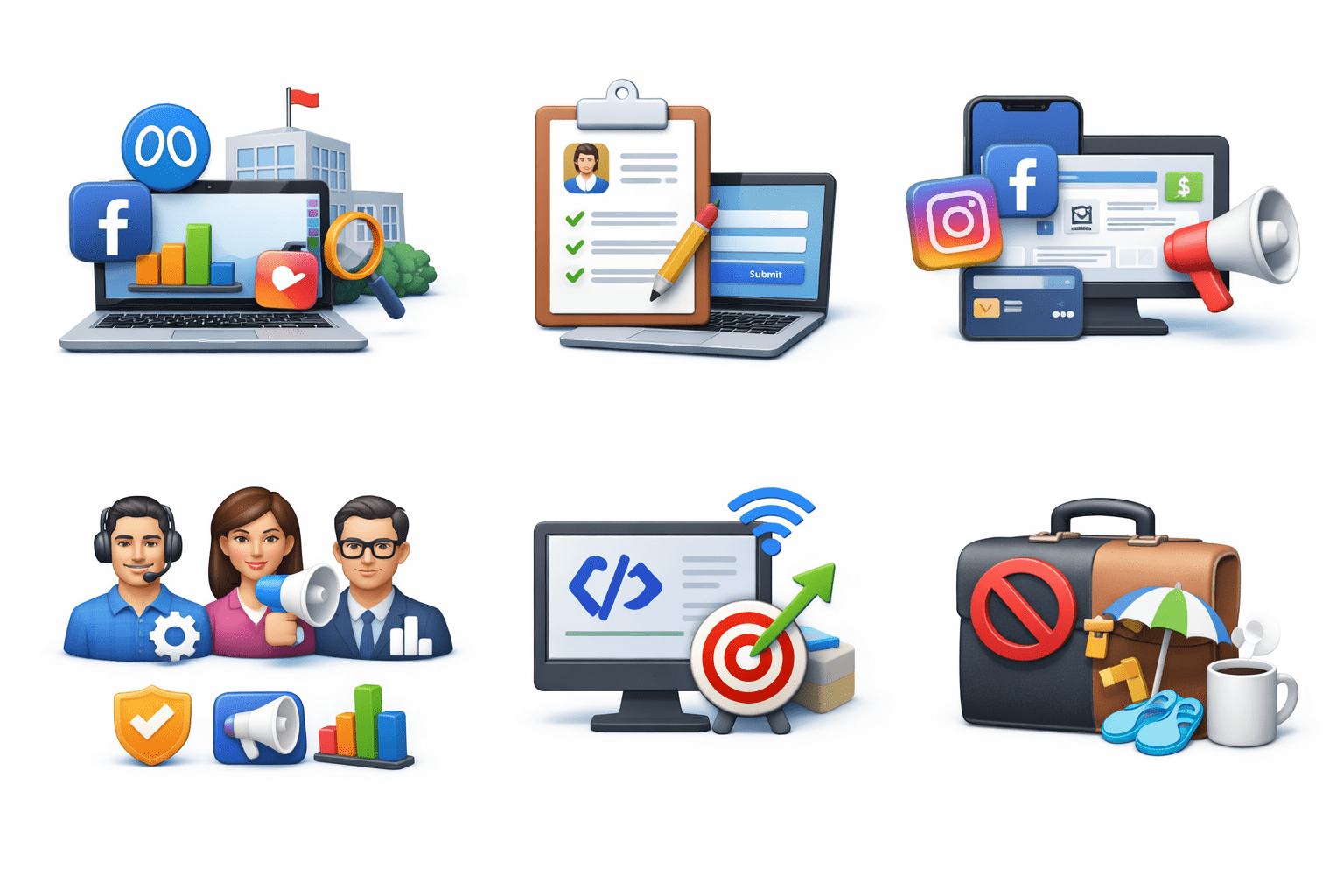
Add Assets: Connect Facebook Page(s), Instagram, Ad Account
Assign Roles: Admin, advertiser, analyst access levels
Install Meta Pixel: Track conversions, build audiences
Tip: Keep business and personal activities separate
Ad Types: Choosing the Right Format
Use mix of formats for engagement and A/B testing.
Image Ads:
Product highlights, announcements
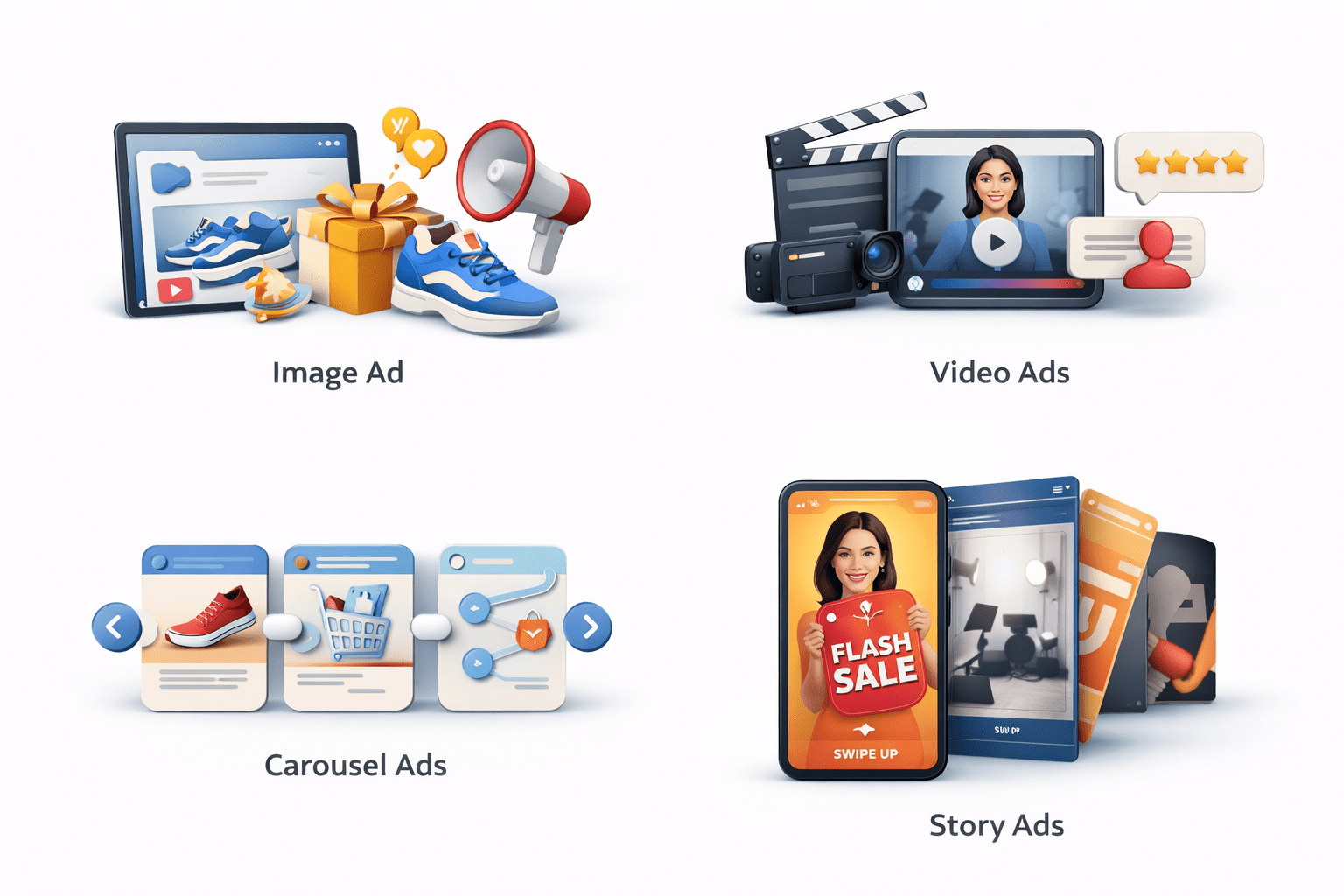
Video Ads:
Storytelling, demos, testimonials
Carousel Ads:
Collections, step-by-step
Story Ads:
Flash sales, behind-the-scenes, CTAs
Audience Targeting Strategies
Pro Tip:
Start core → scale with custom & lookalike
Core Audience: Demographics, interests, behaviors
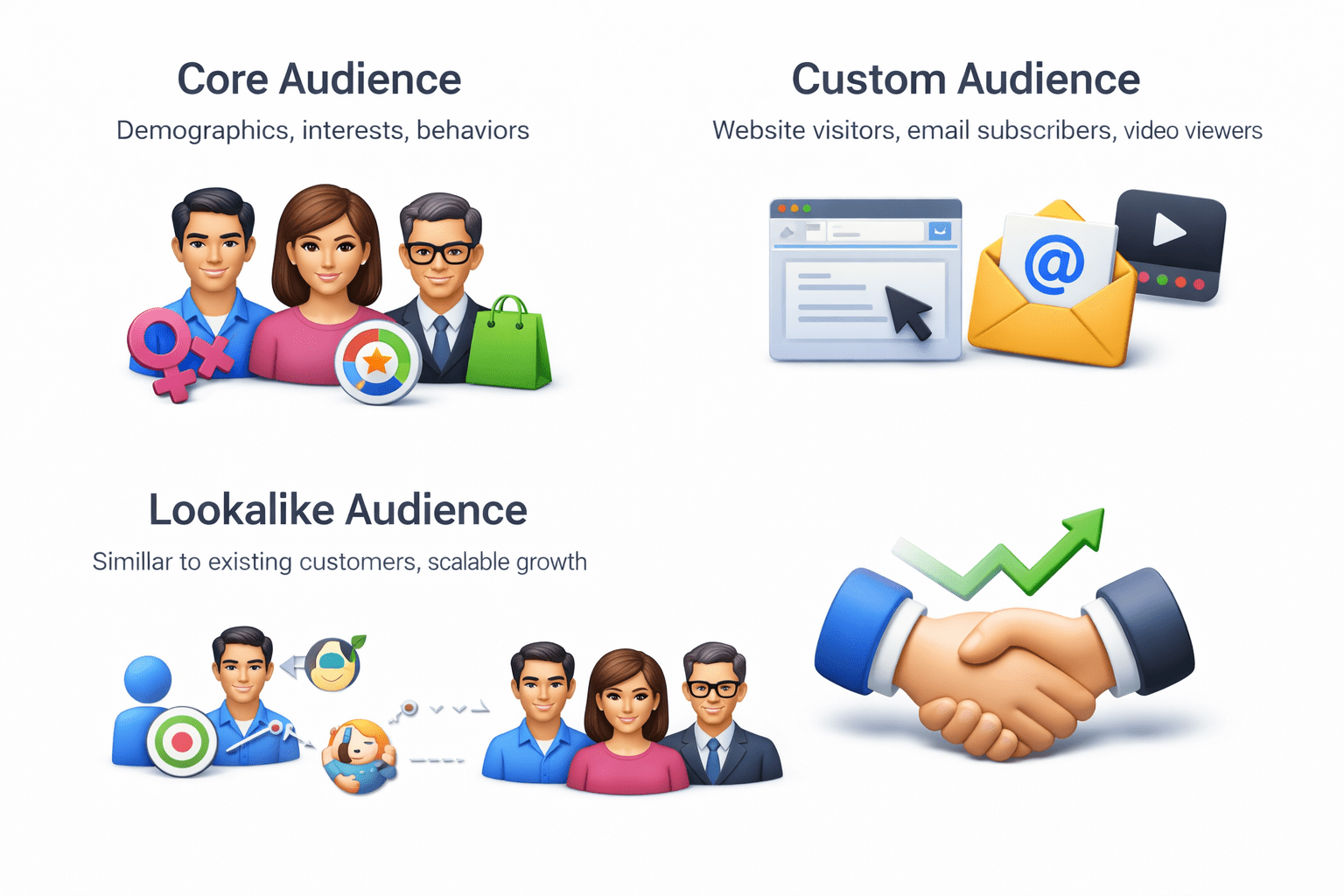
Custom Audience: Website visitors, email subscribers, video viewers
Lookalike Audience: Similar to existing customers, scalable growth

Budget, Duration & Placement
Budget Types:
Duration:
Set start & end dates or run continuously
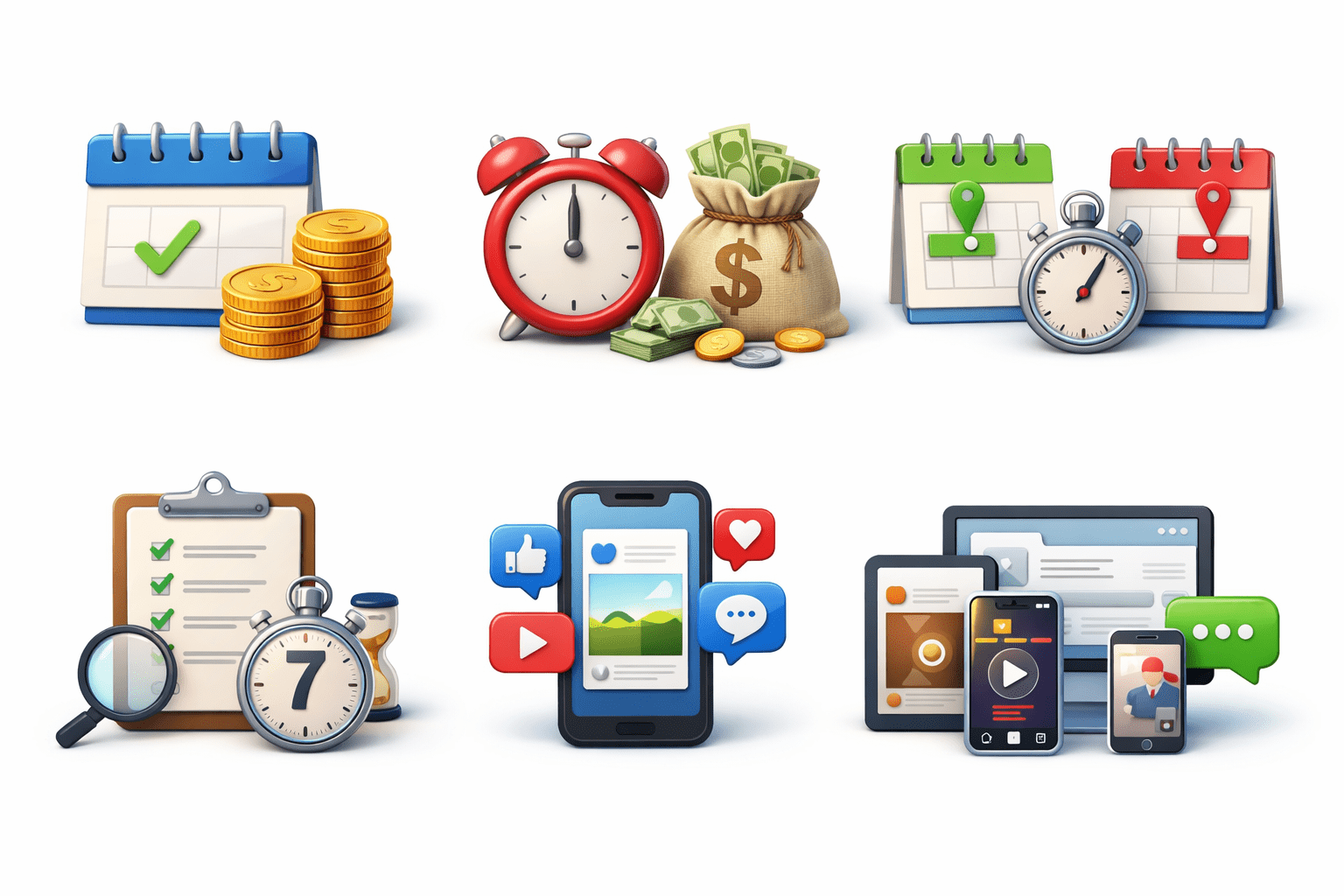
Test 5–7 days for accurate results
Daily:
Fixed per day
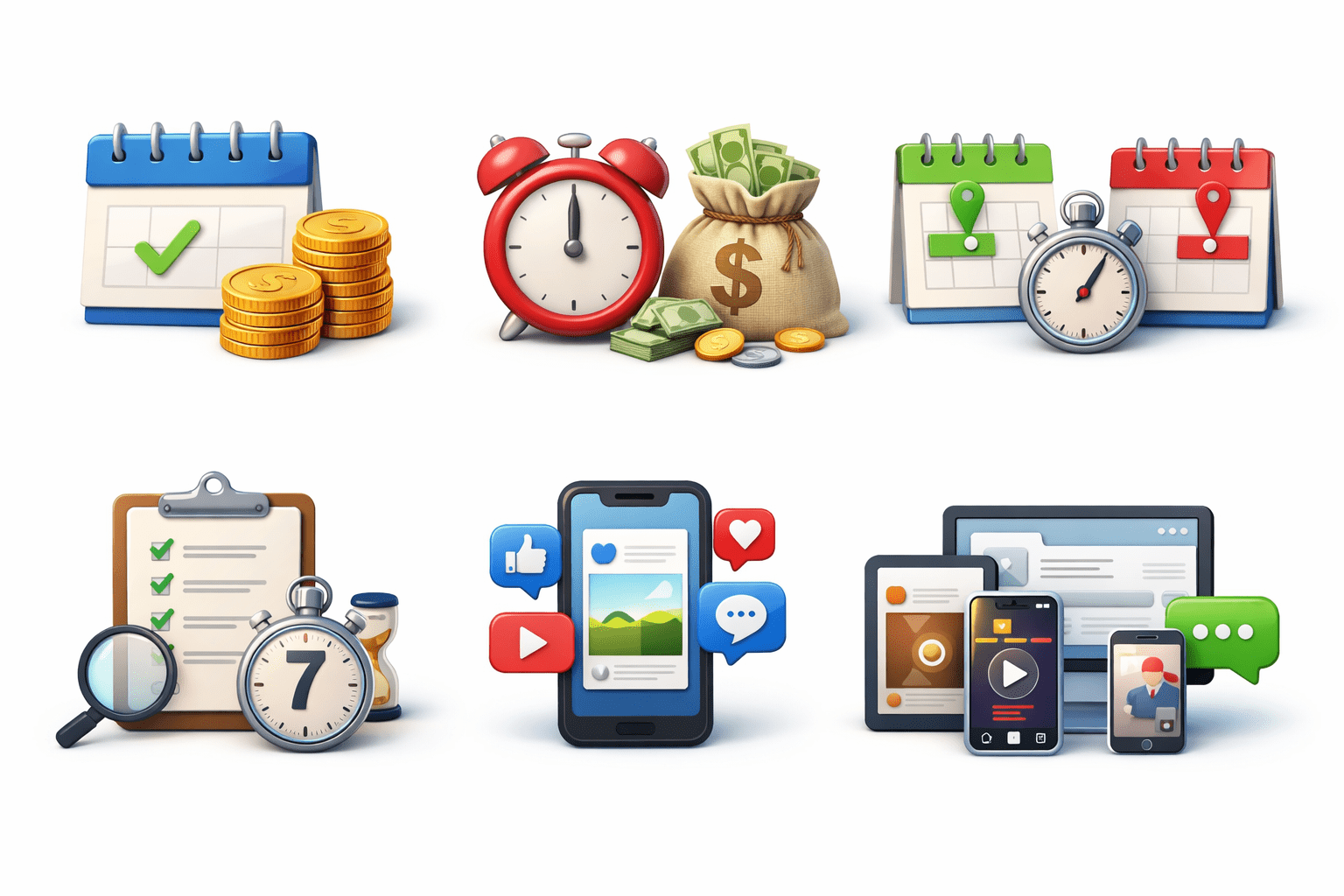
Lifetime:
Spend across duration
Budget, Duration & Placement
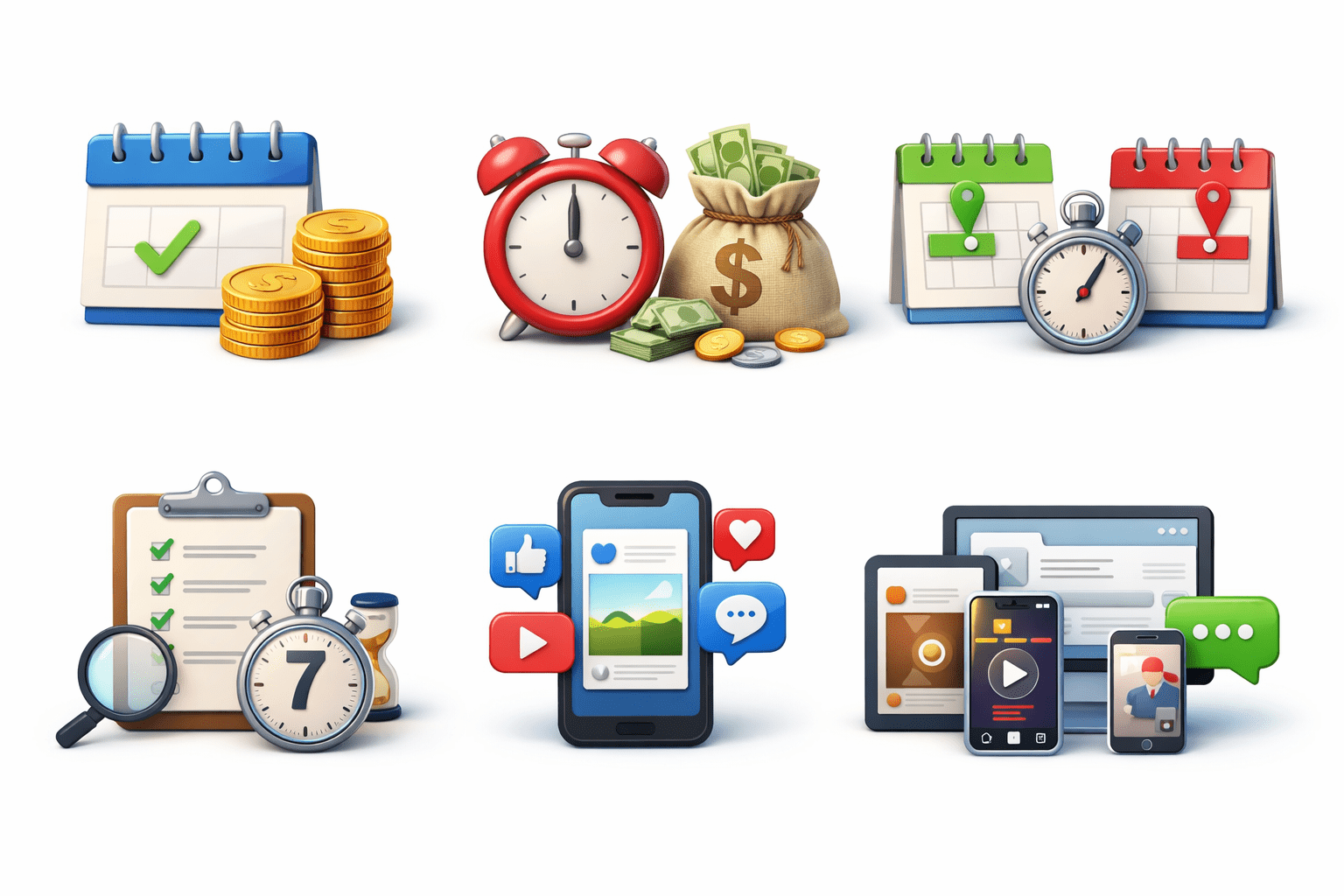
Placement Options:
Automatic:
Meta optimizes (recommended)
Manual:
Feed, Stories, Reels, Messenger
Tracking Performance via Ads Manager
Meta Ads Manager provides real-time analytics and reporting
ROAS:
Revenue per spend (profitability)
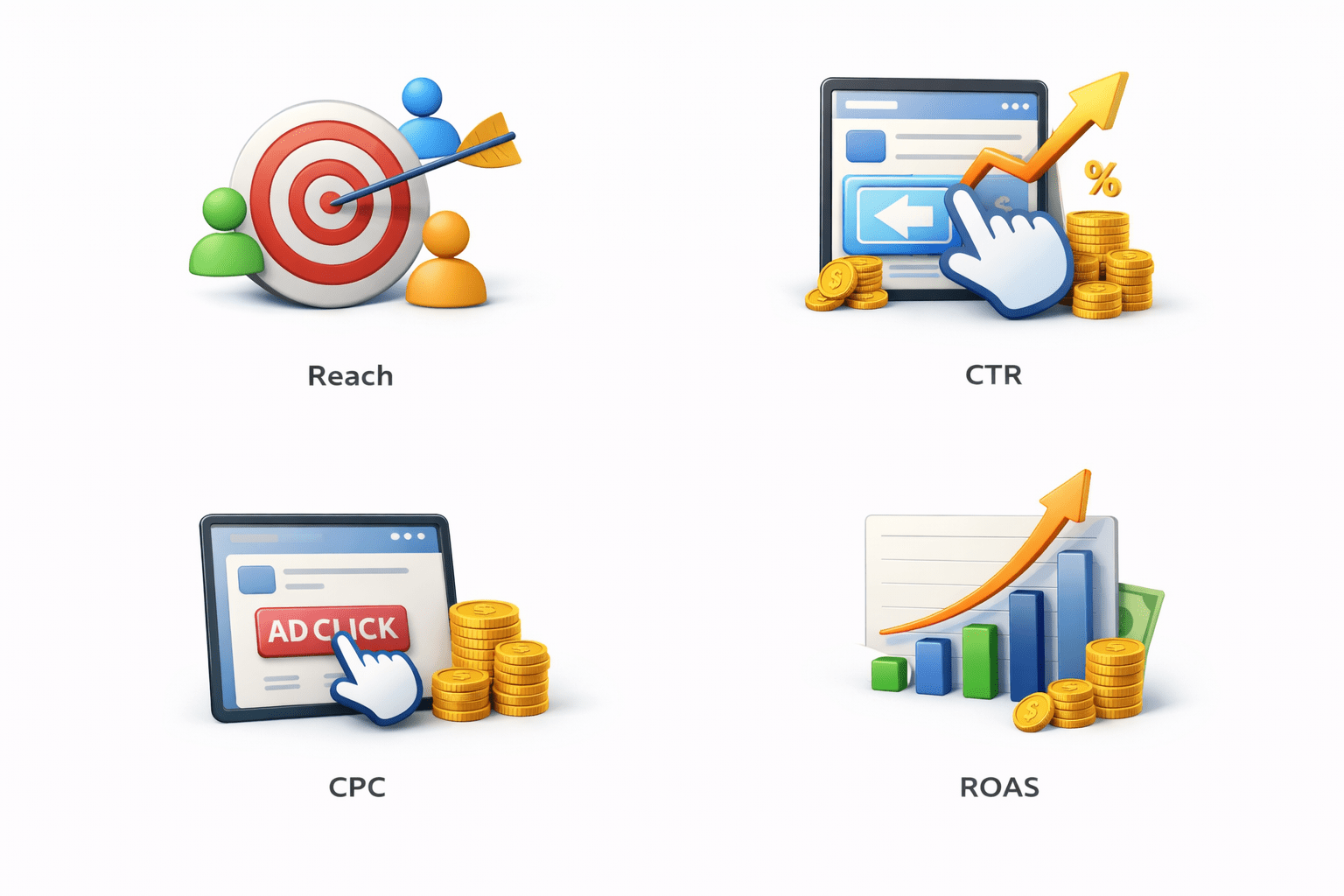
CPC:
Cost per click (efficiency)
Reach:
Unique users (visibility)
CTR:
Click percentage (engagement)
Dynamic Creative
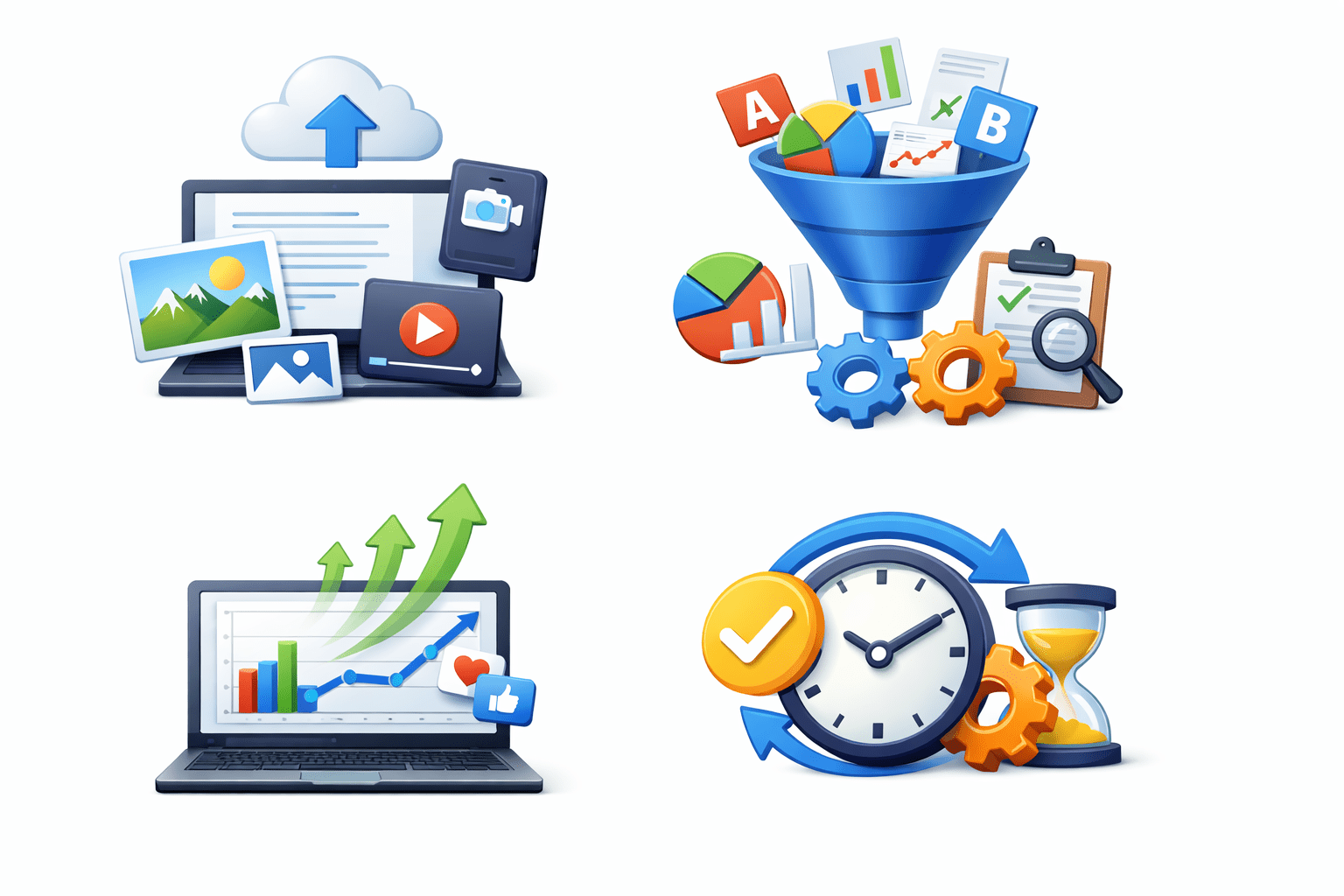
Upload multiple headlines, descriptions, images, videos
Meta tests combinations automatically
Shows best-performing variations frequently
Saves time, improves performance via automation
A/B Testing (Split Testing)
Campaign Budget Optimization (CBO)
Campaign Budget Optimization (CBO)
Ad Scheduling (Dayparting)
Summary
5
Build strong branding
4
Use different marketing channels
3
Target the right audience
2
Create and communicate value
1
Understand customer needs
Choose cool, soft colors instead of vibrant colors
Max 5 Points for Summary & Min 2
Quiz
Which platform is mainly used for professional networking and B2B marketing ?
A. Facebook
B. Instagram
C. LinkedIn
D. Snapchat

Quiz
Which platform is mainly used for professional networking and B2B marketing ?
A. Facebook
B. Instagram
C. LinkedIn
D. Snapchat
Quiz-Answer
Which platform is mainly used for professional networking and B2B marketing ?
A. Facebook
B. Instagram
C. LinkedIn
D. Snapchat
