Playwright Basics & Browser Actions


Navigation Commands
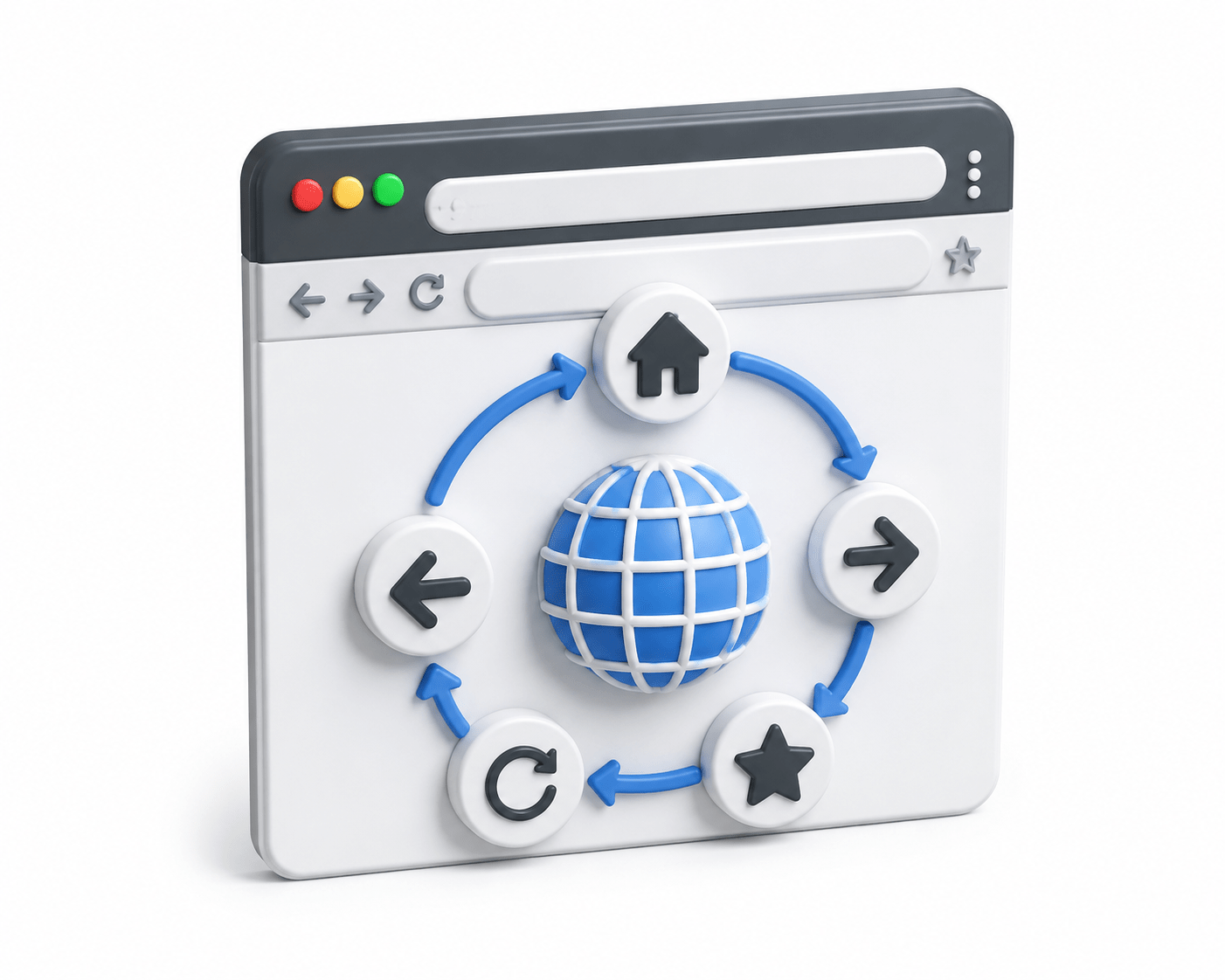

Learning Outcome
6
Build complete browser navigation workflows.
5
Navigate backwards and forward
4
Retrieve the page title.
3
Retrieve the current URL.
2
Navigate to a website
1
Explain Navigation Commands
Why Do We Need Navigation Commands?
When users browse the internet, they constantly perform navigation operations such as:
Opening websites
Moving between pages
Refreshing pages
Going back
Going forward
Checking URLs and page titles
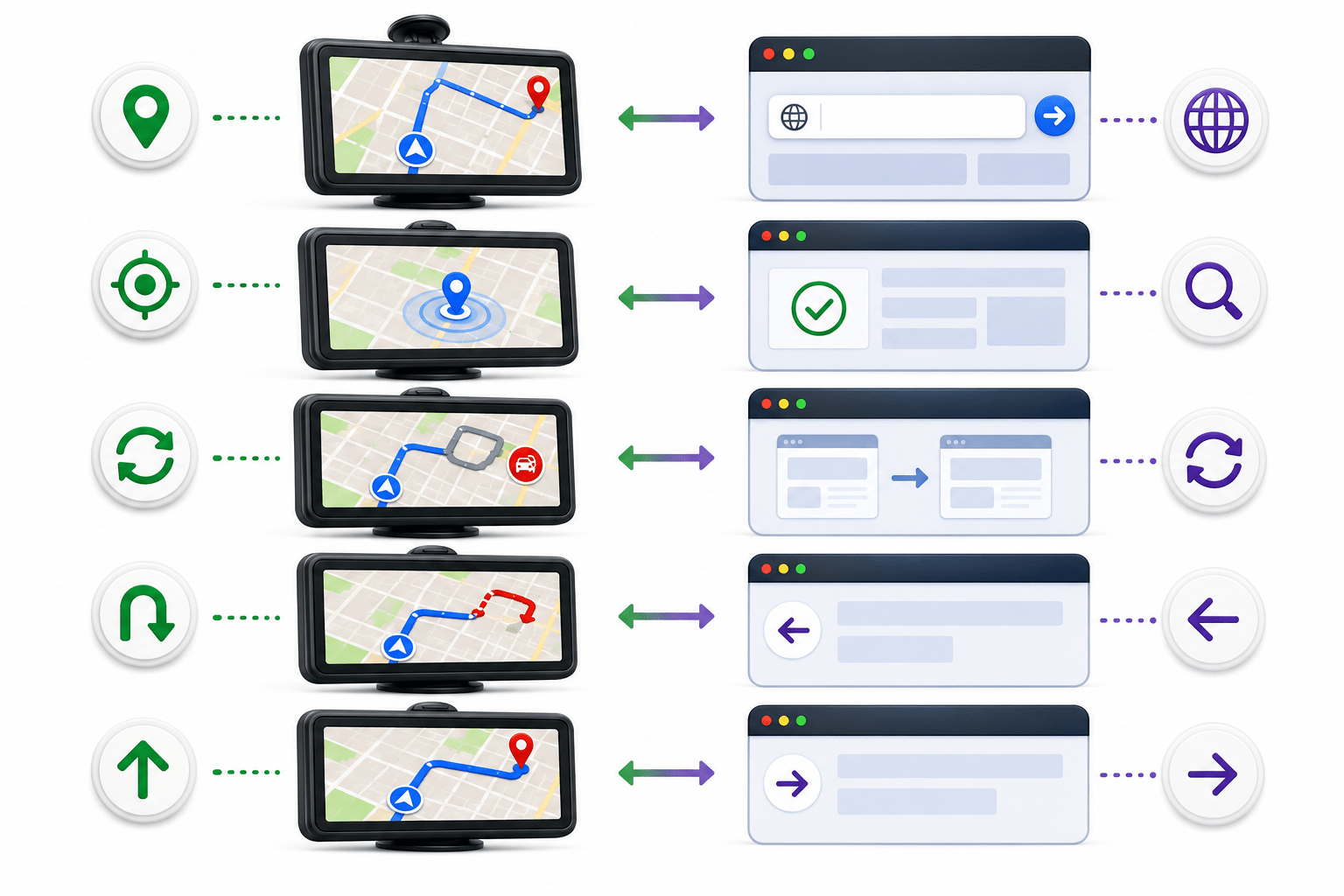
Imagine you are driving to different destinations using Google Maps.
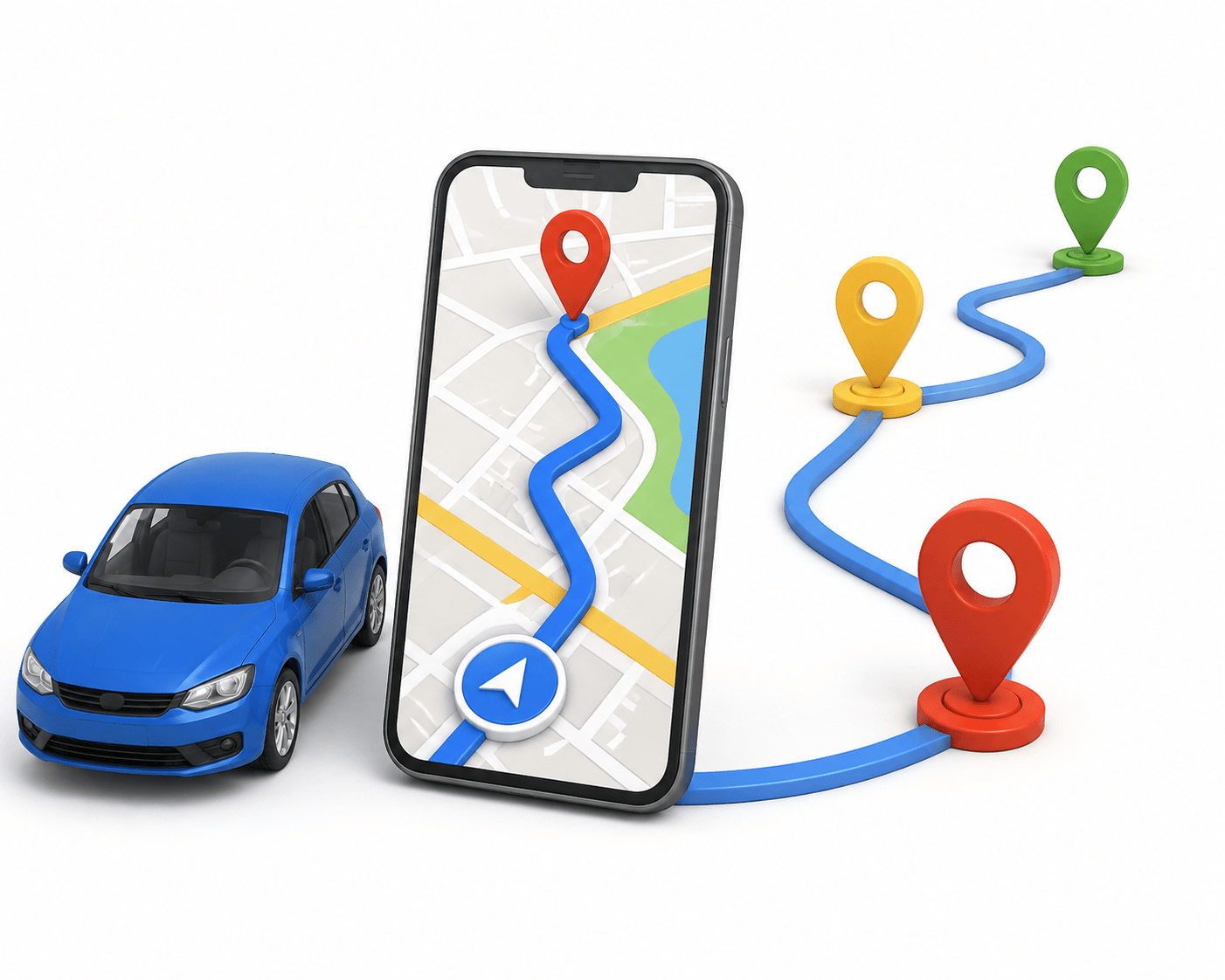
During your journey, you:
Enter a destination into the GPS
Check your current location.
Read the destination name.
Refresh the route if traffic changes.
Go back if you miss a turn
Move forward to continue your journey
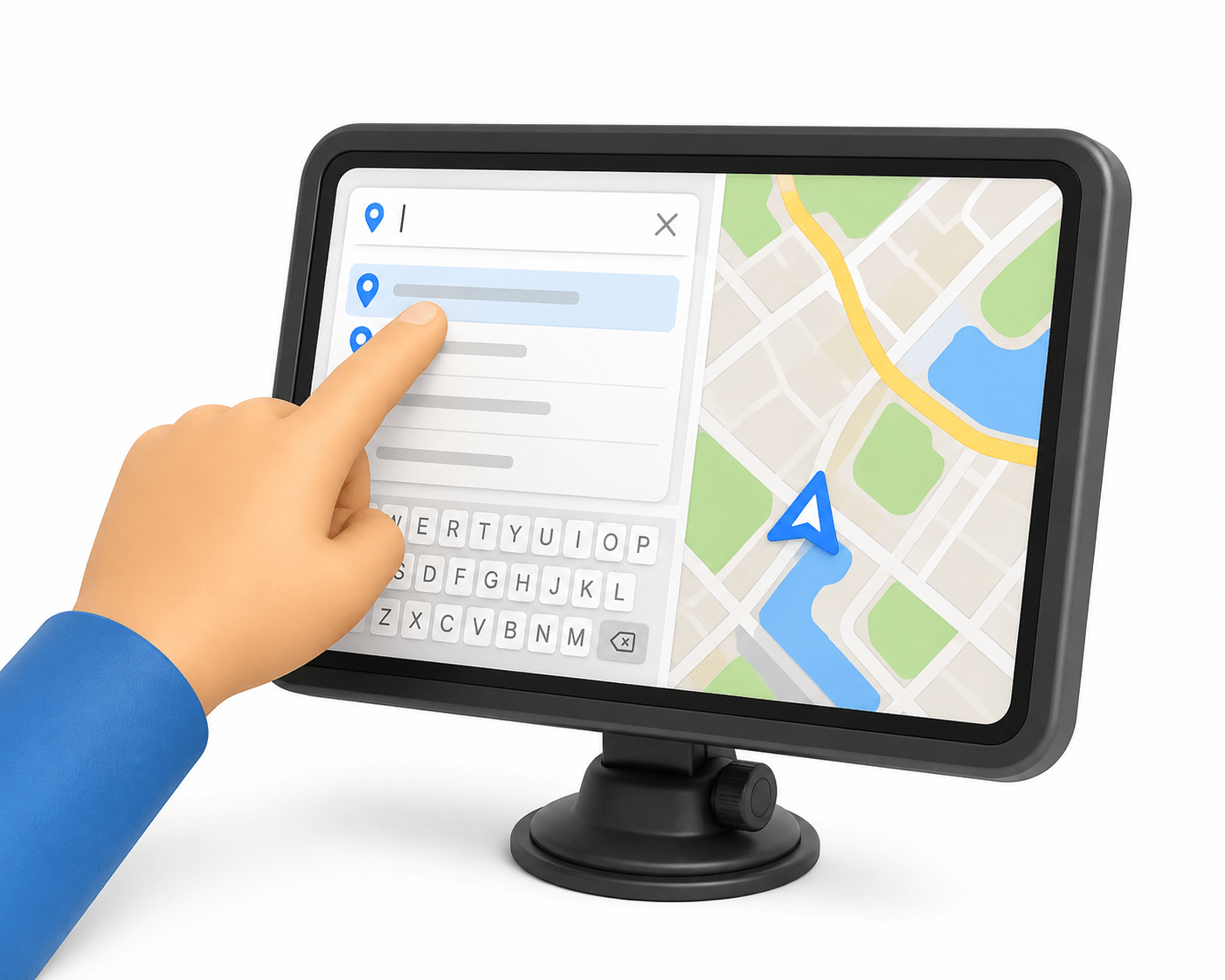
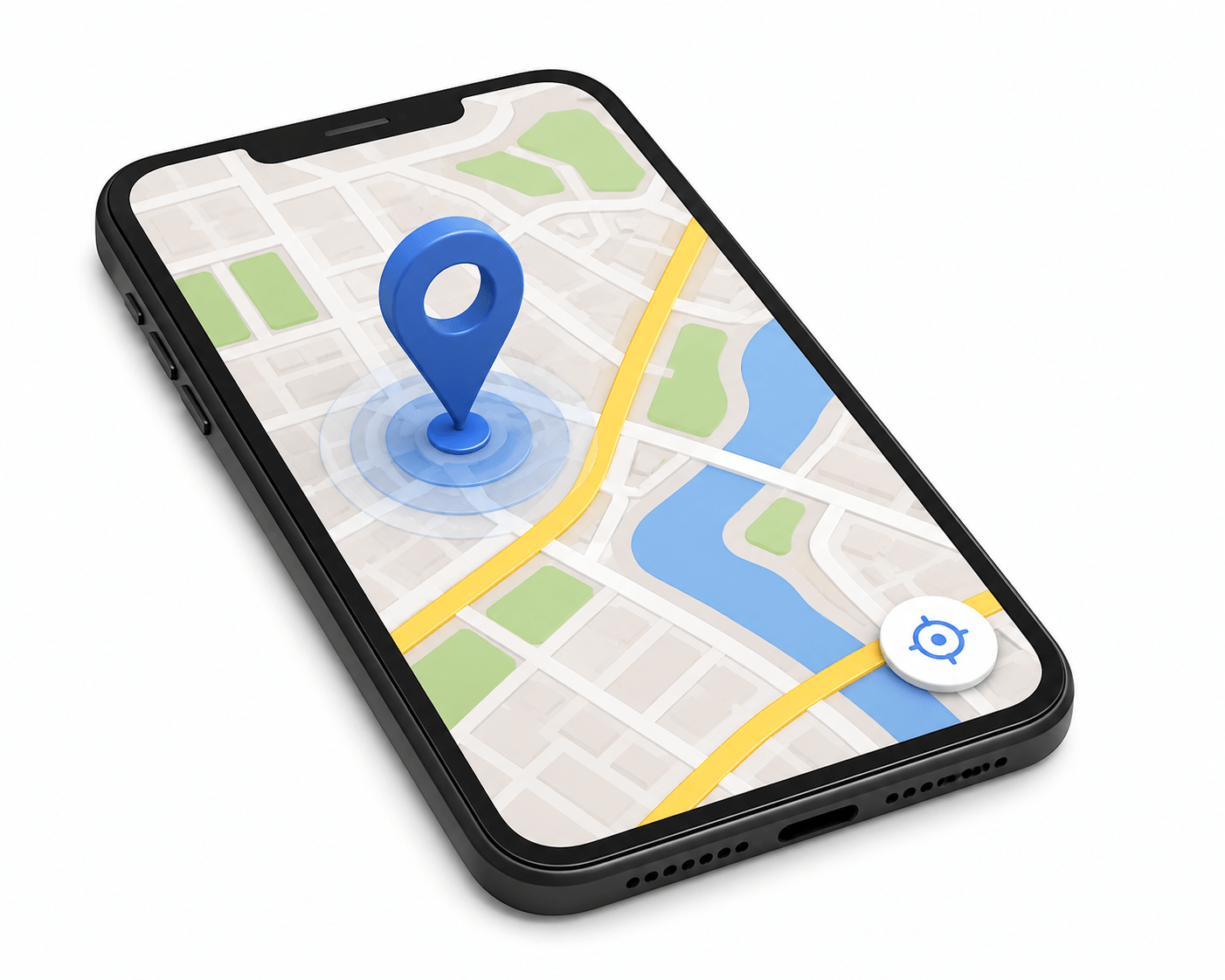
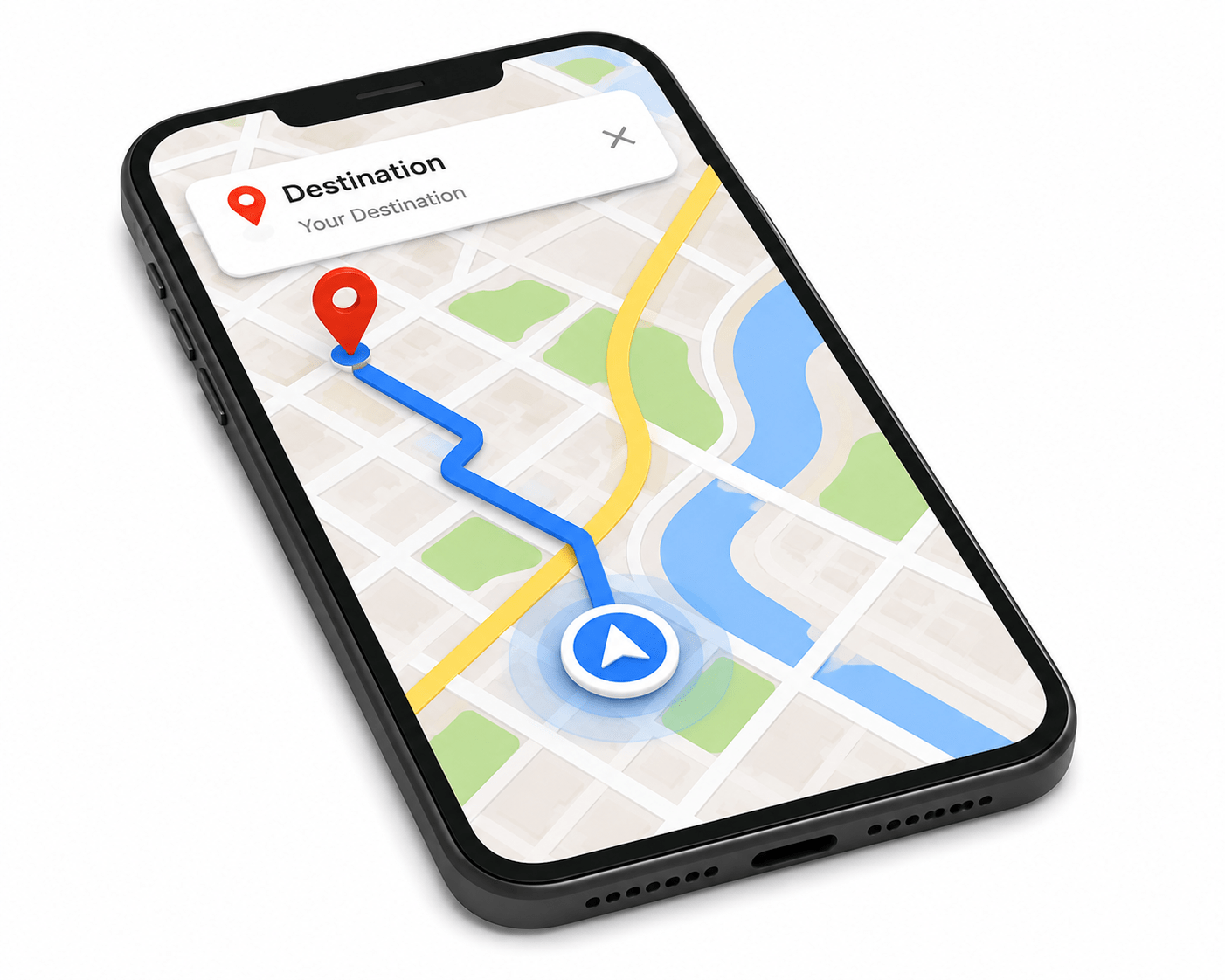
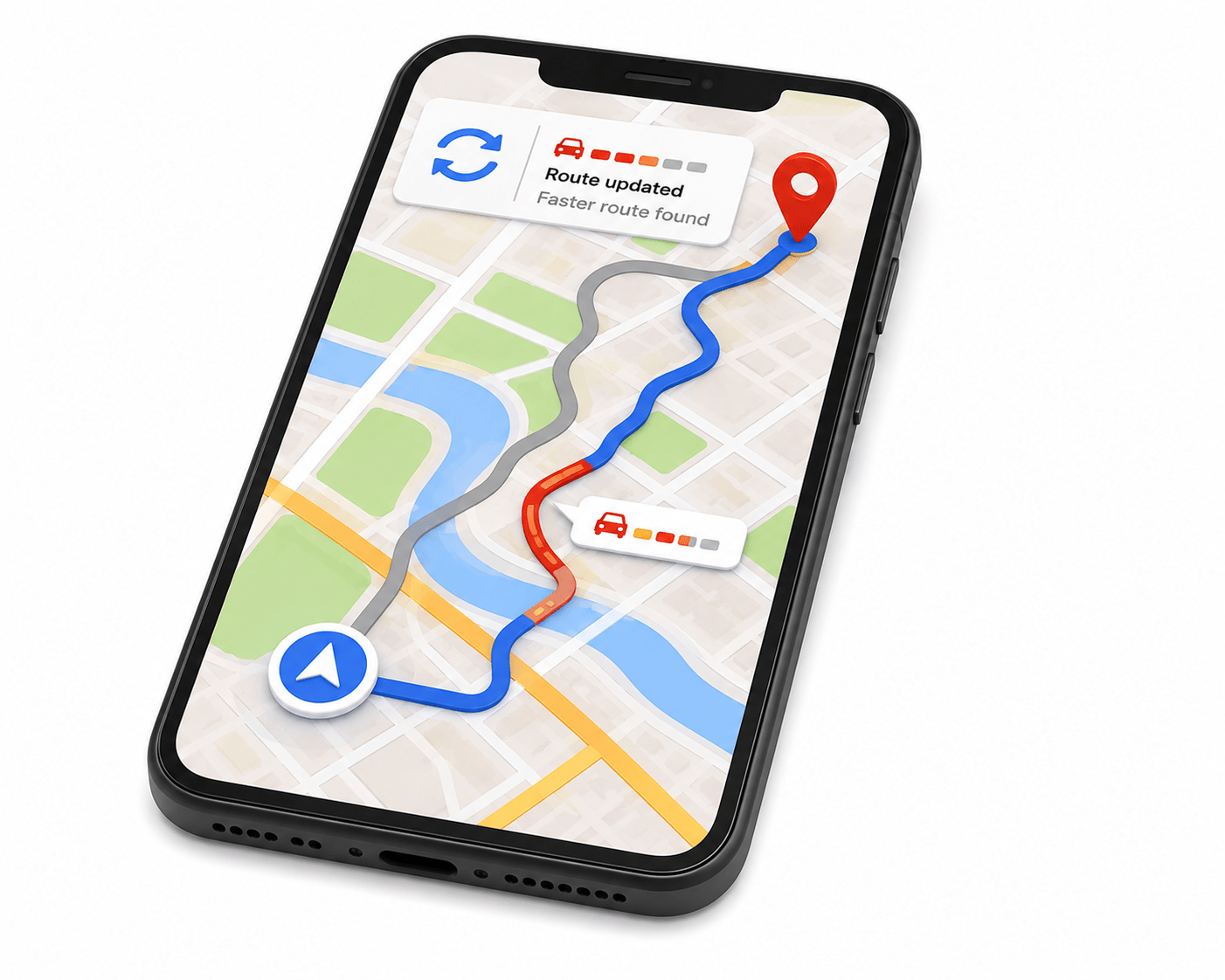
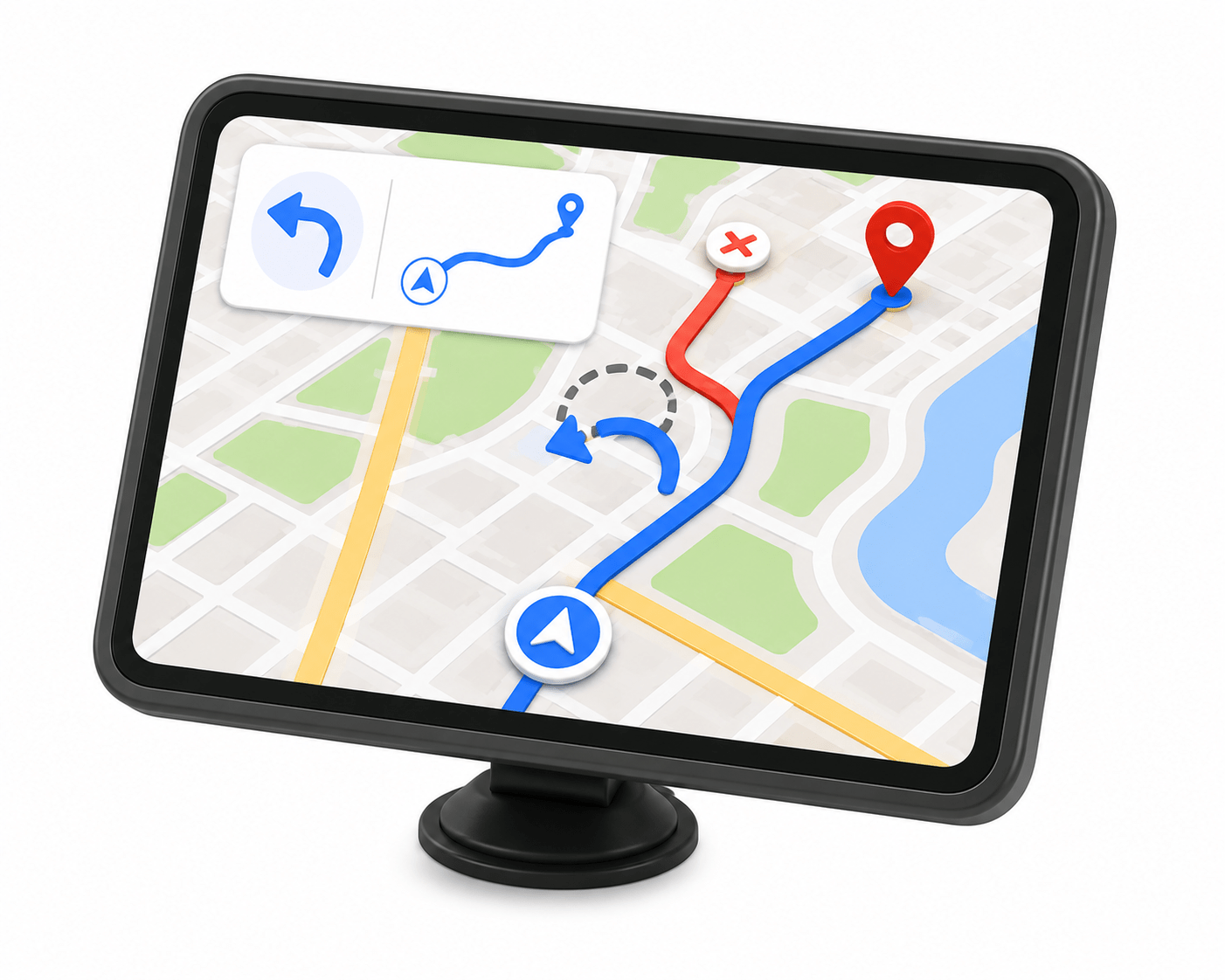
Playwright uses Navigation Commands to move between web pages and validate user journeys automatically.
Just as a driver uses GPS to travel from one destination to another,
What are Navigation Commands?
Navigation Commands are Playwright methods used to:
Retrieve page titles and URLs
5
Open URLs
1
Move between web pages
2
Refresh pages
3
Navigate backwards and forward
4
Text
They simulate the same navigation actions that users perform in a web browser.


Navigation Workflow
ghvghvv
Launch Browser
ghvghvv
Navigate to Google
ghvghvv
Navigate to Google
ghvghvv
Navigate to Flipkart
ghvghvv
Go Back
ghvghvv
Go Forward
ghvghvv
Print URL & Title
ghvghvv
Navigate to Amazon
ghvghvv
Navigate to Amazon
Common Navigation Commands
Purpose
Opens a website
Refreshes the page
Returns page title
Returns the current URL
Command
page.navigate()
page.url()
page.title()
page.reload()
page.goBack()
page.goForward()
Moves to the previous page
Moves to the next page
Common Navigation Commands
Login workflows
Shopping websites
Banking applications
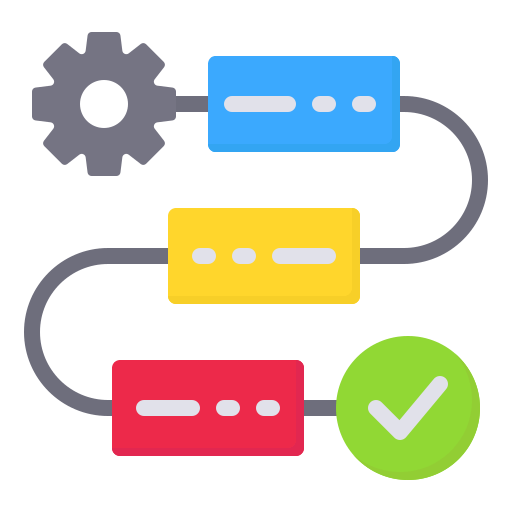


Travel booking portals
Multi-page form submissions
Browser history validation
End-to-end user journey testing


Summary
5
They are essential for end-to-end automation
4
Use different marketing channels
3
They help testers verify URLs, titles, history, and page refreshes
2
They simulate real user navigation
1
Navigation Commands automate browser movement.
Quiz
Which method opens a website?
A. page.open()
B. page.url()
C. page.navigate()
D. page.visit()

Quiz-Answer
Which method opens a website?
A. page.open()
B. page.url()
C. page.navigate()
D. page.visit()
