Learn how to Install and use Burp Suite

Business Scenario

Text
Pre-Lab Preparation
Topic : Web Application Testing Techniques
1) Manual vulnerability testing techniques.
2) Introduction to Burp Suite.
Task 1: Burpsuite Installation
1
Open your kali linux browser
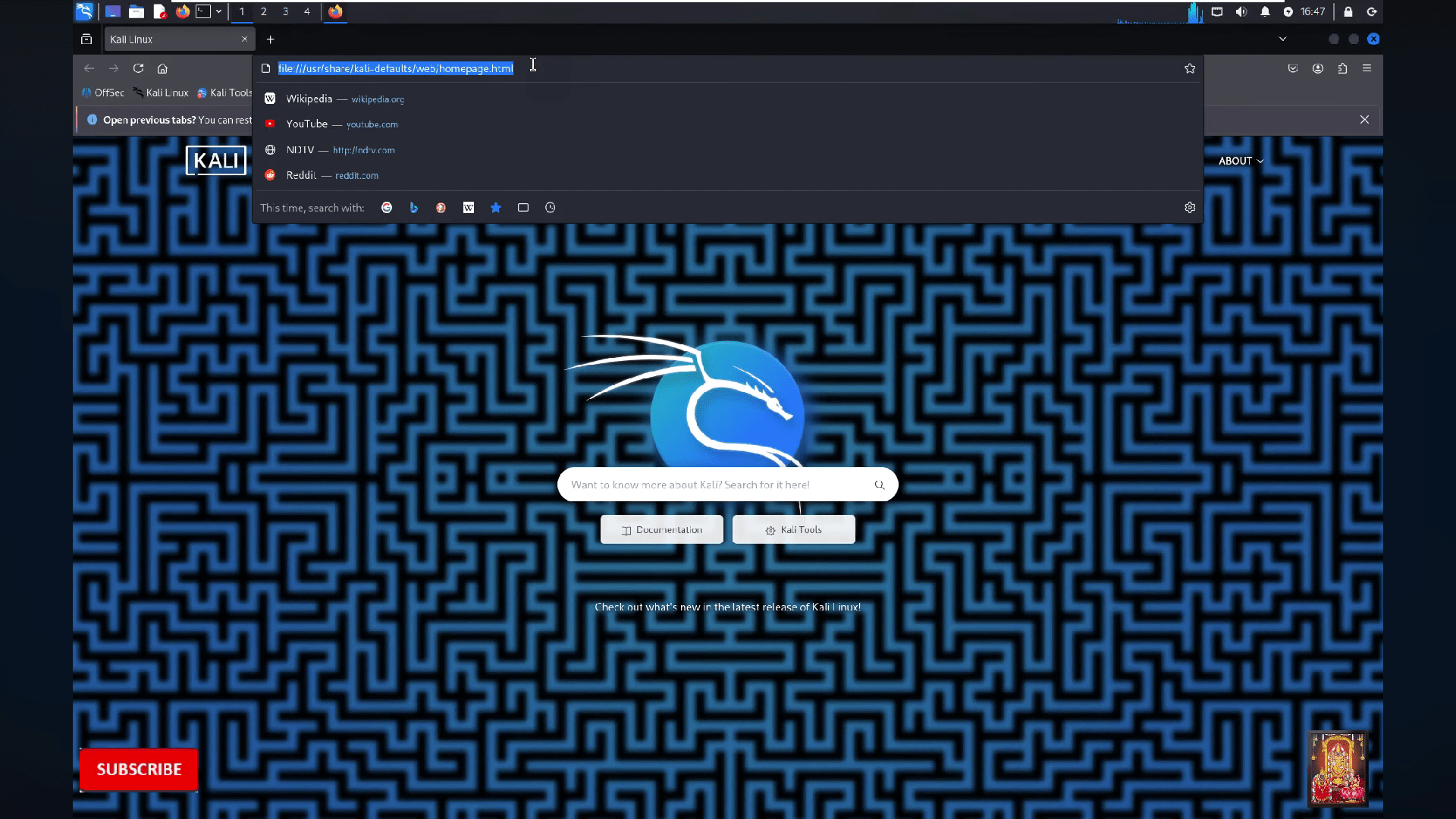
2
Search download burpsuite
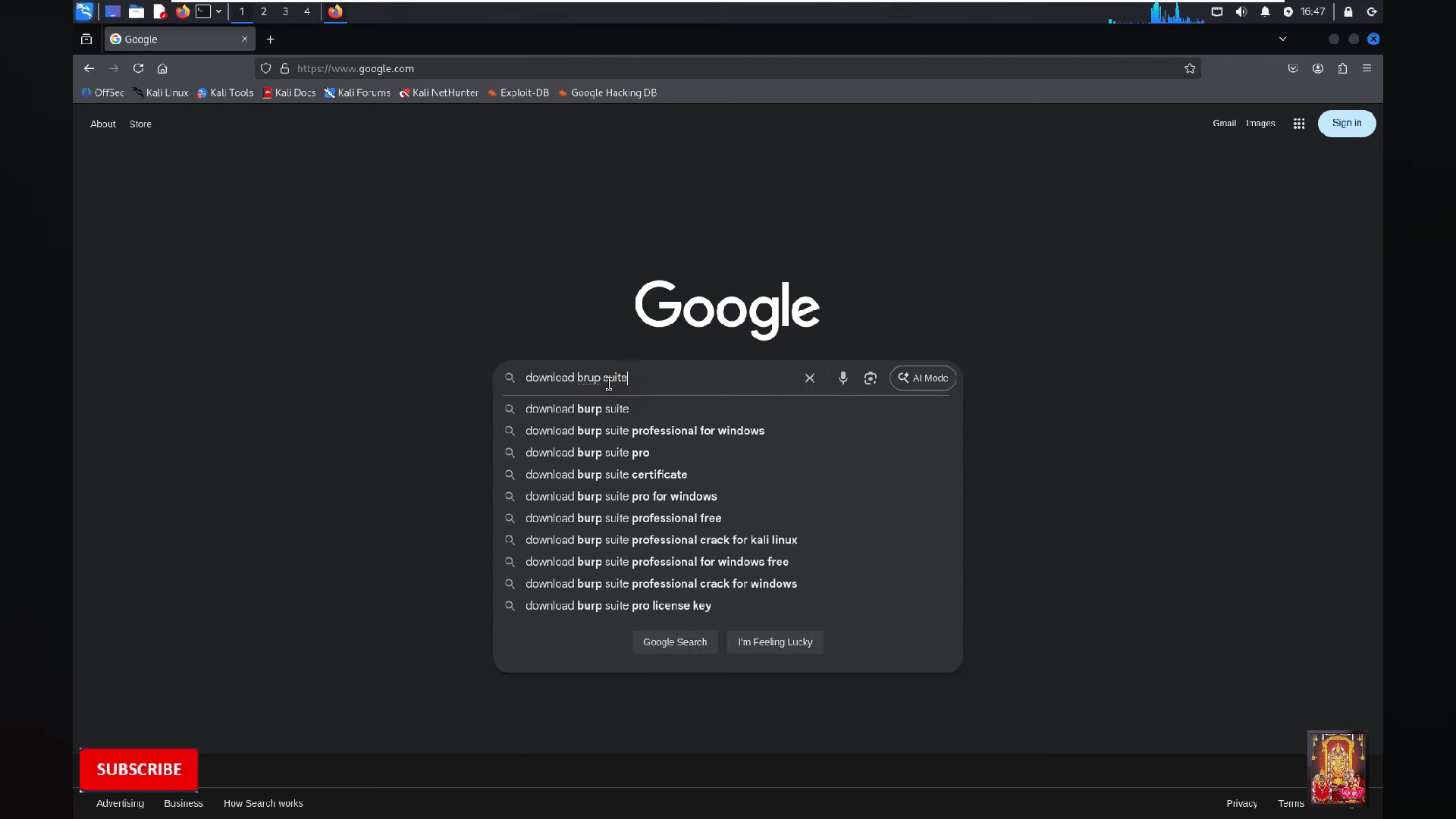
3
Click on the first website
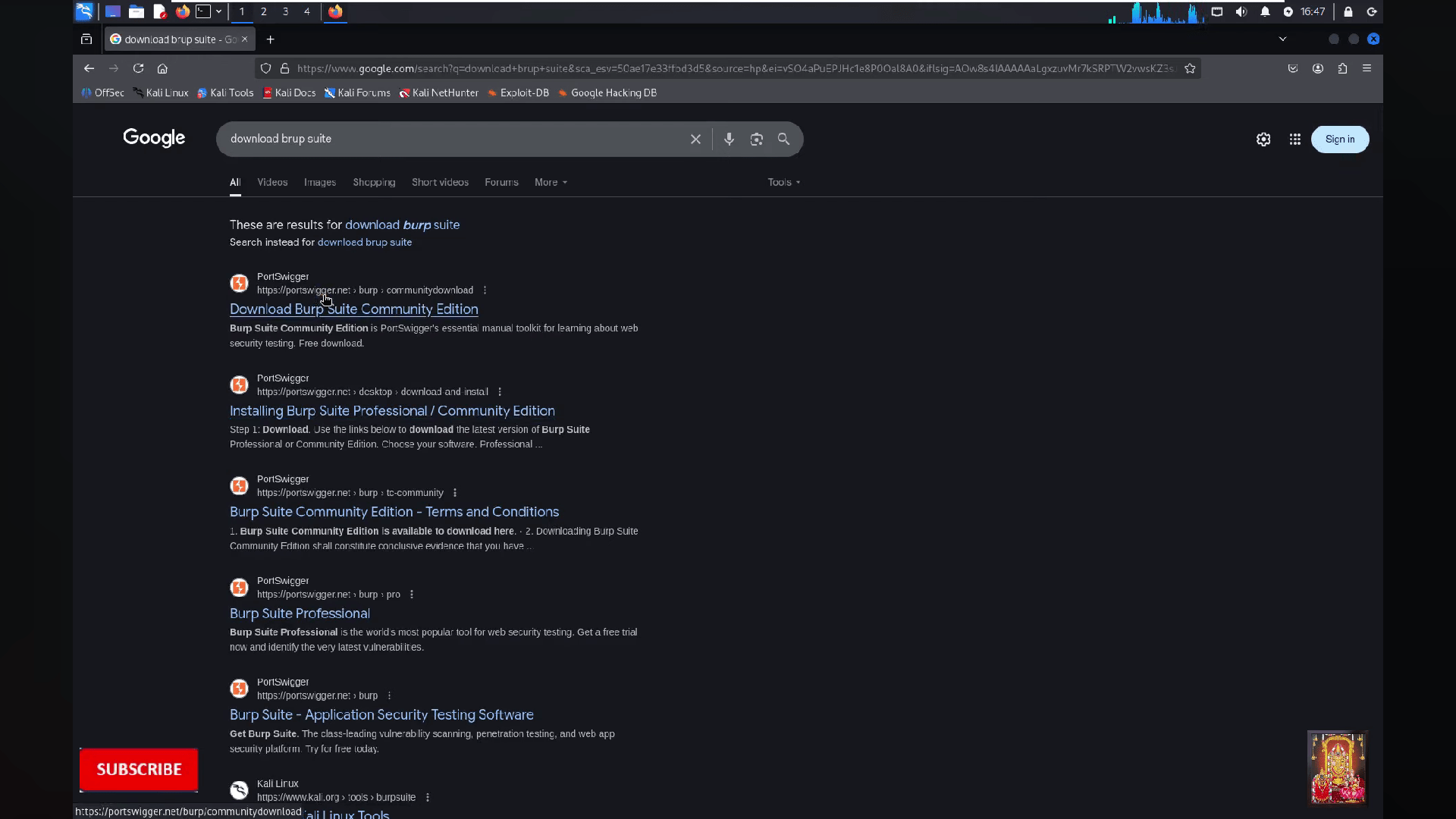
4
Now click on "Go straight to download"
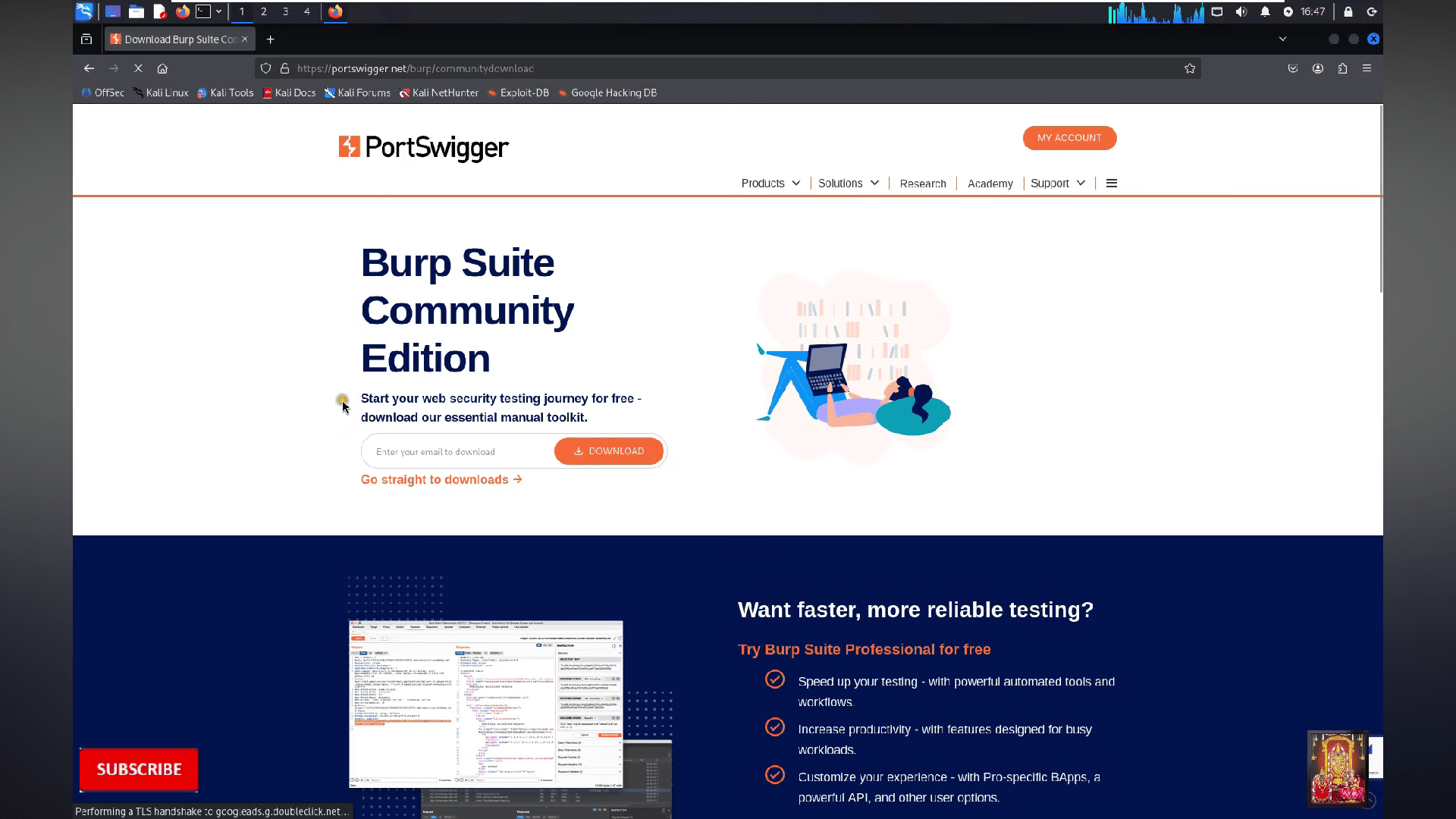
5
Wait for the file to get download
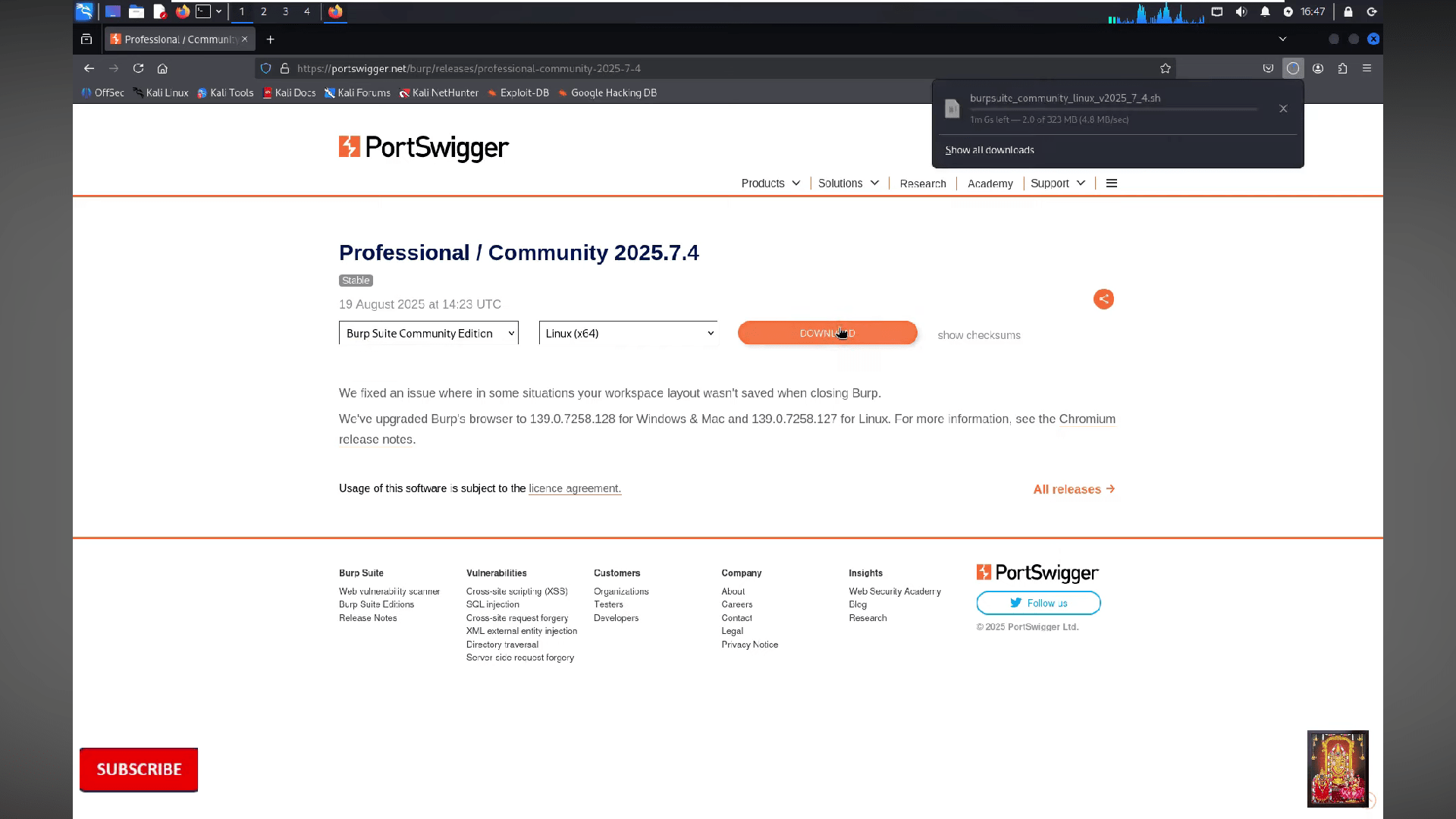
6
Now the file will be successfully download
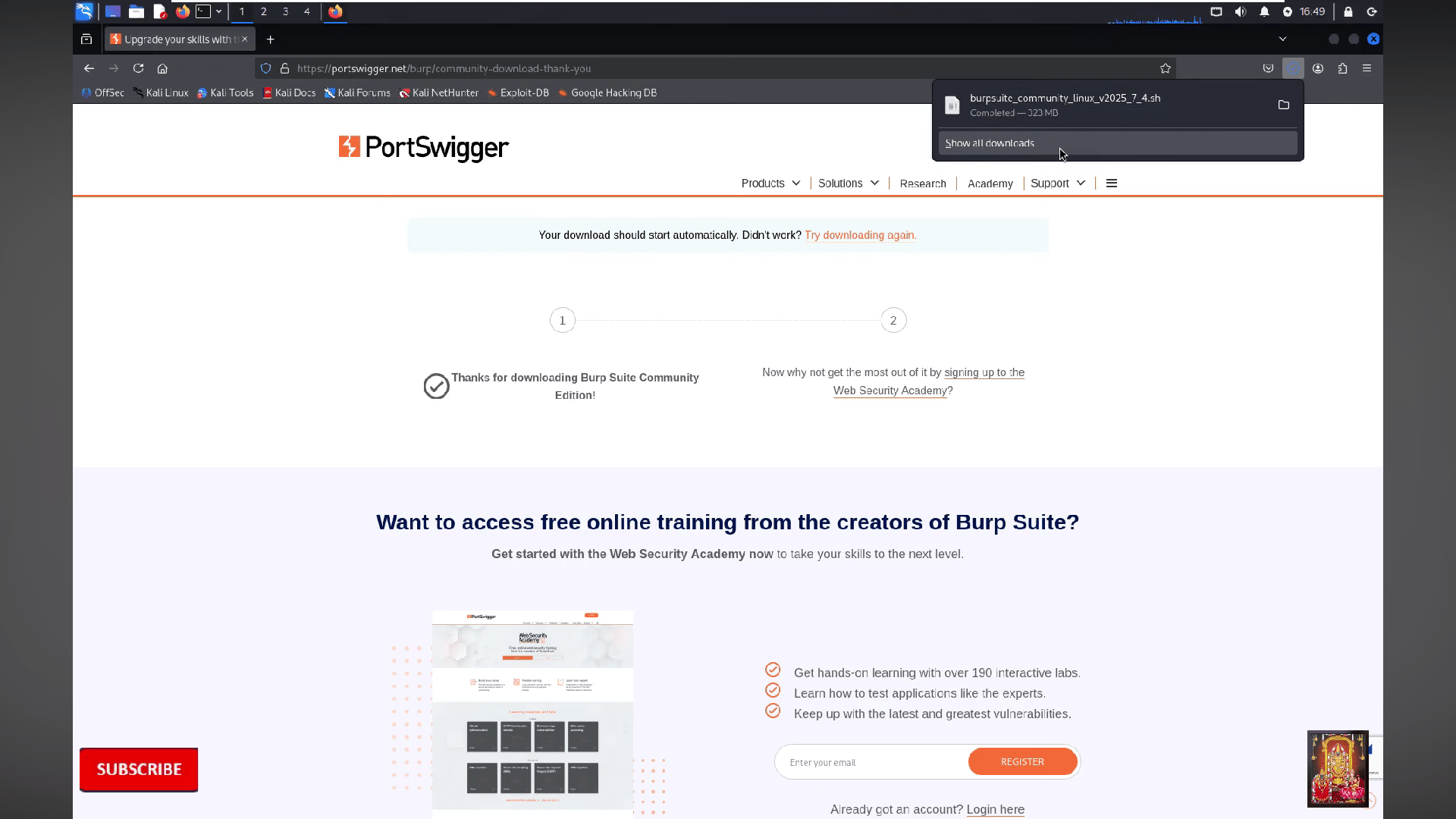
7
After go to the home on the deskstop
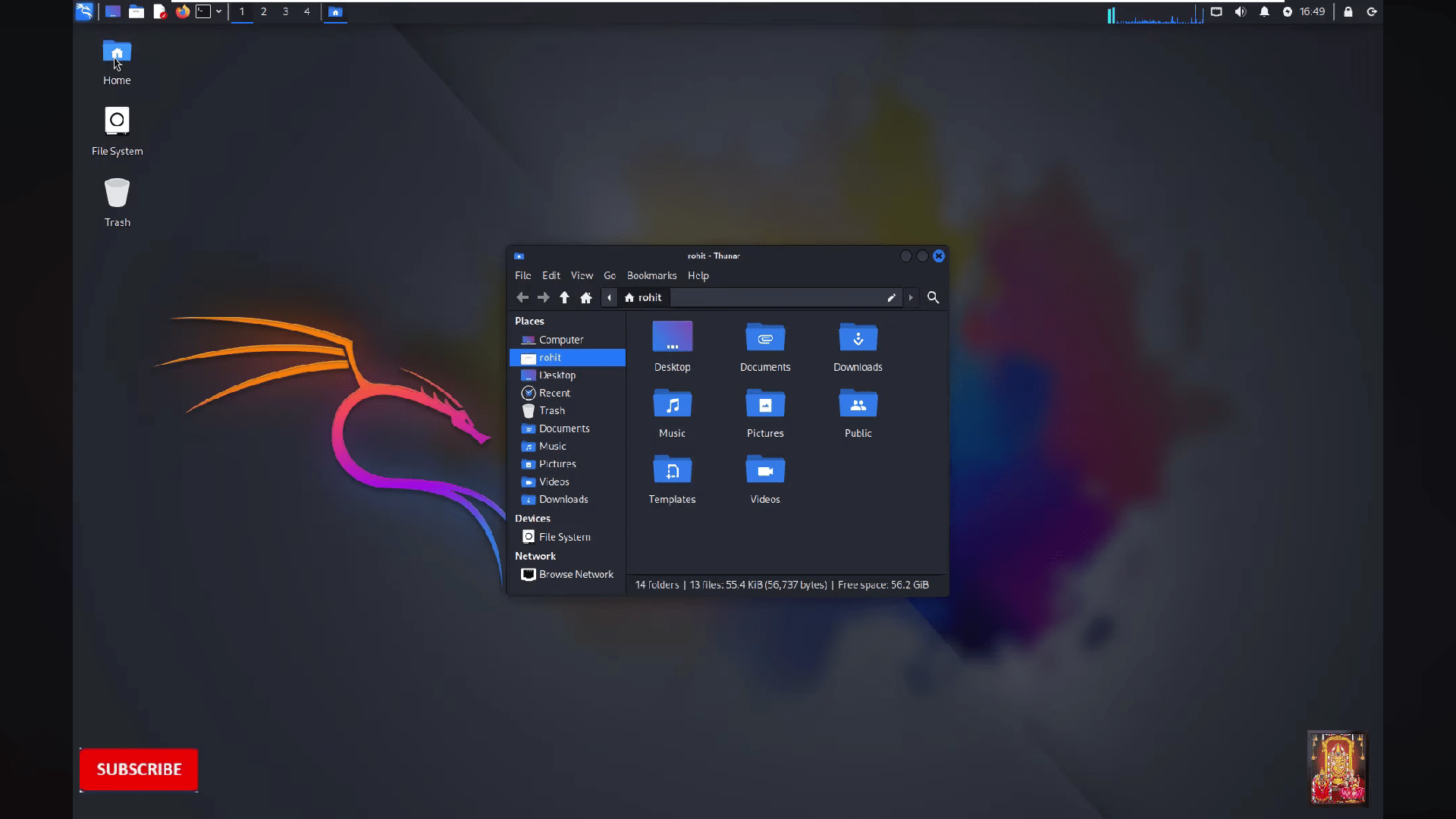
8
Go to the Downloads
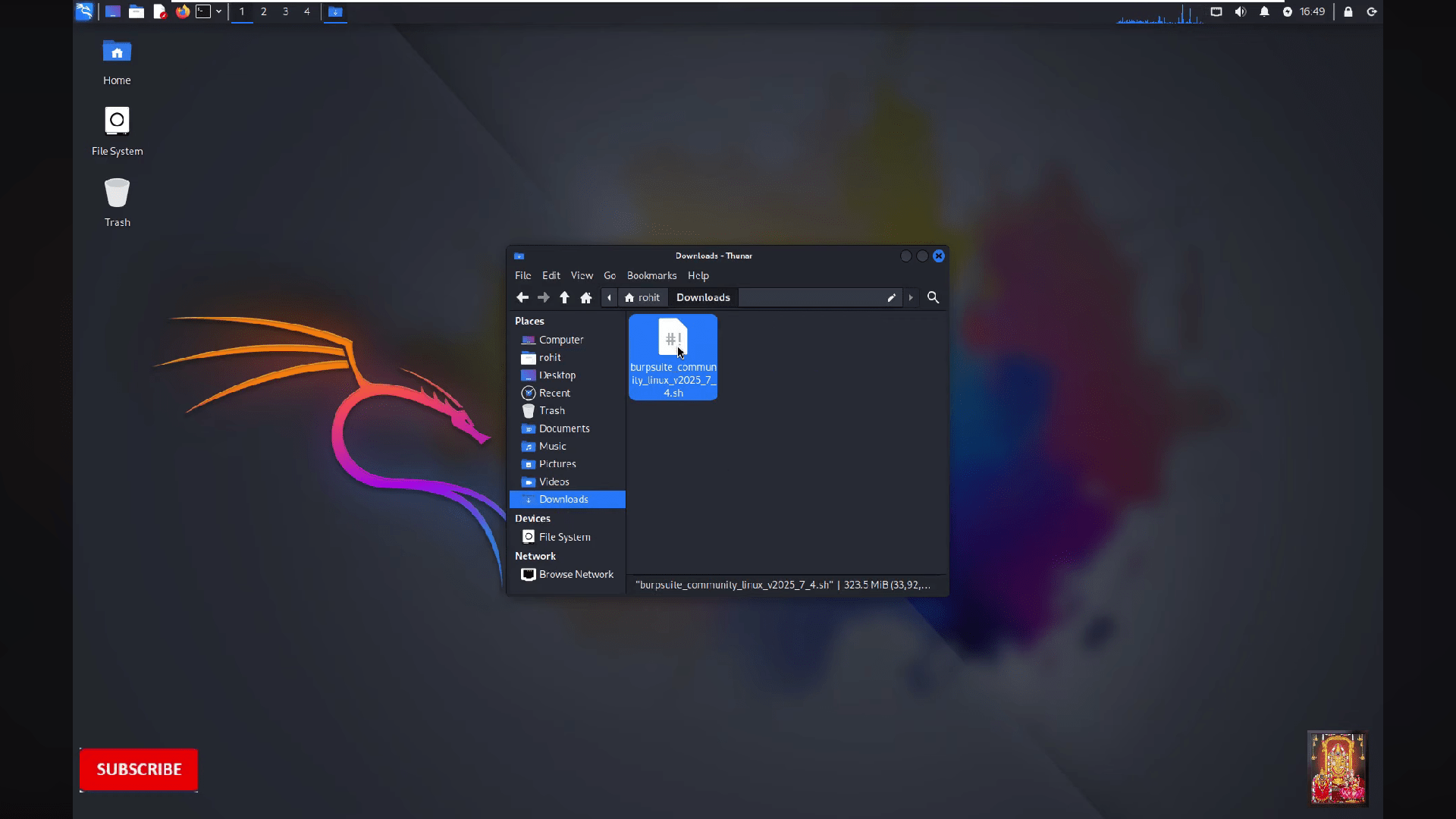
9
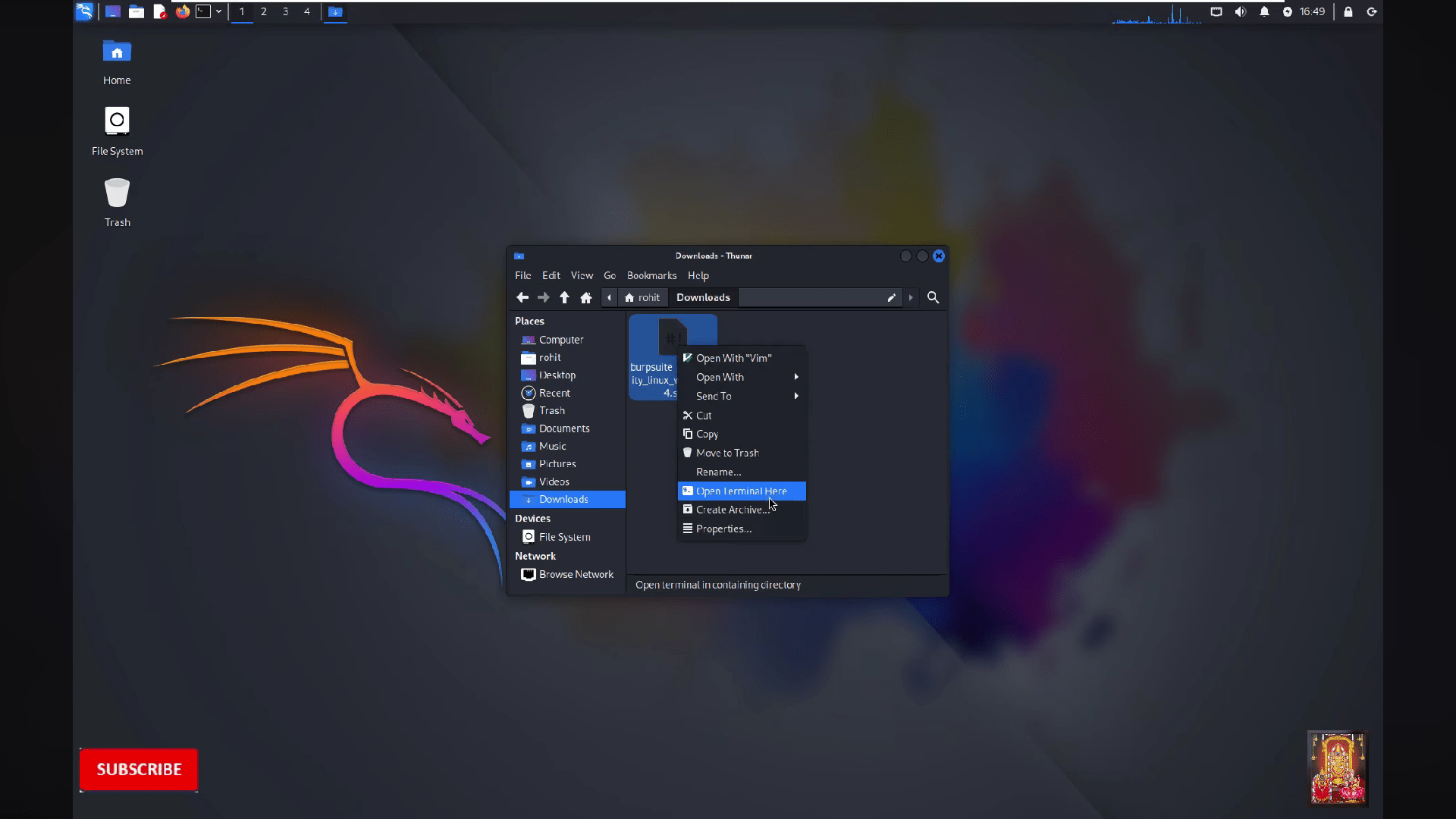
Open the burpsuite file by clicking on "open terminal here"
10
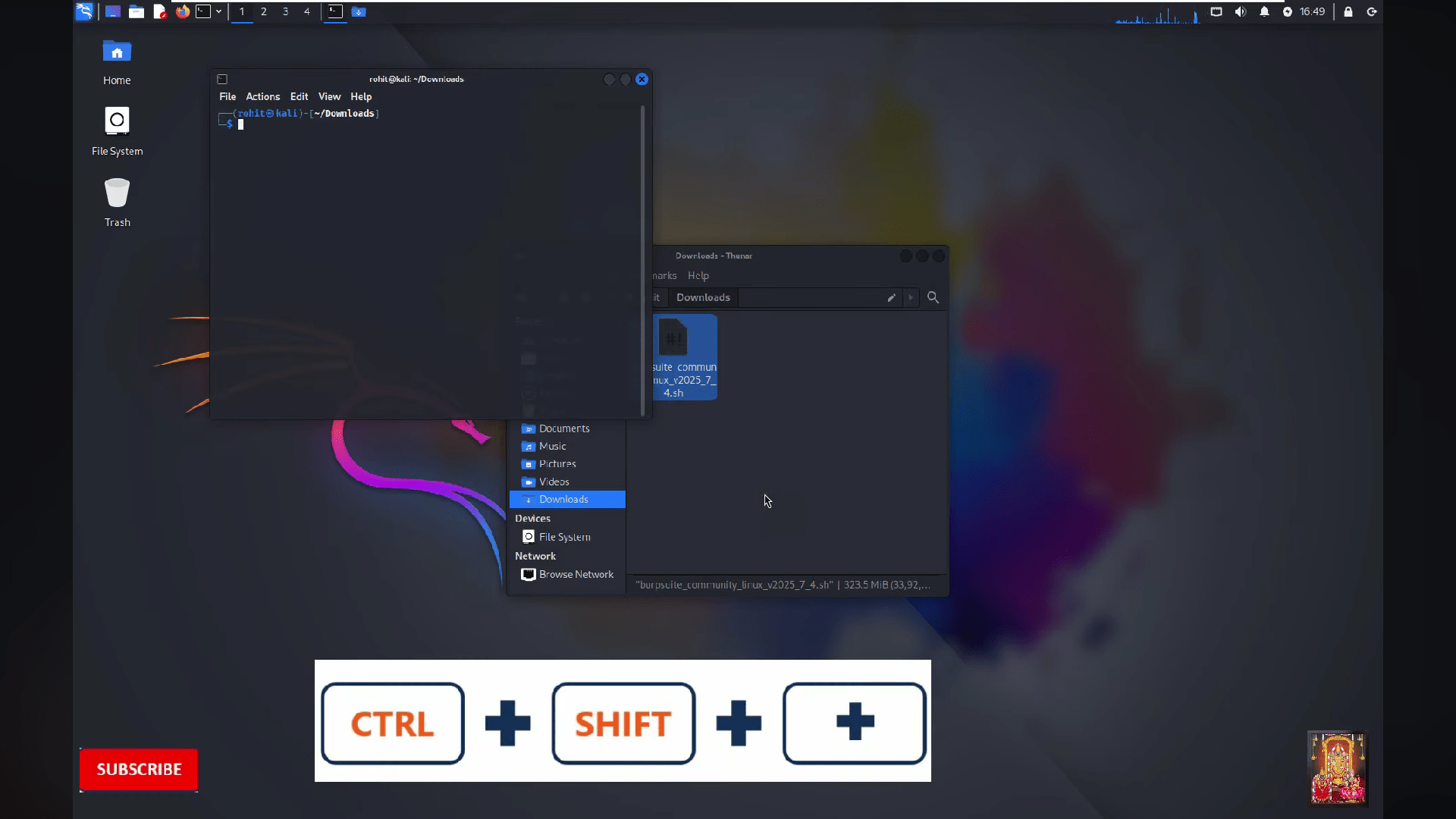
Then terminal will be opened
11
Now on terminal run the following commands and click on "Next"
ls
chmod +x burpsuite_community_linux_v2025_7_4.sh
sudo ./burpsuite_community_linux_v2025_7_4.sh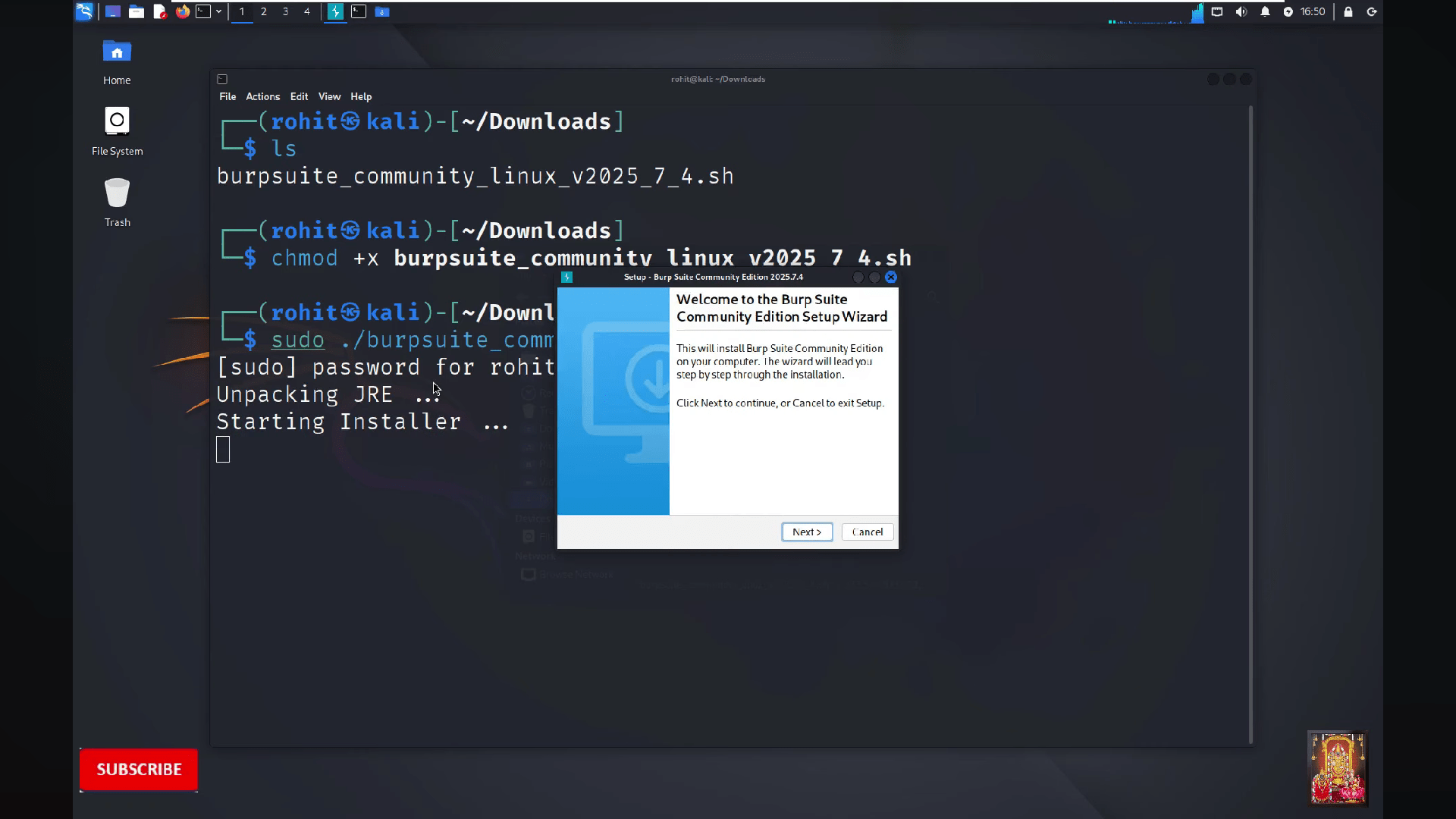
12
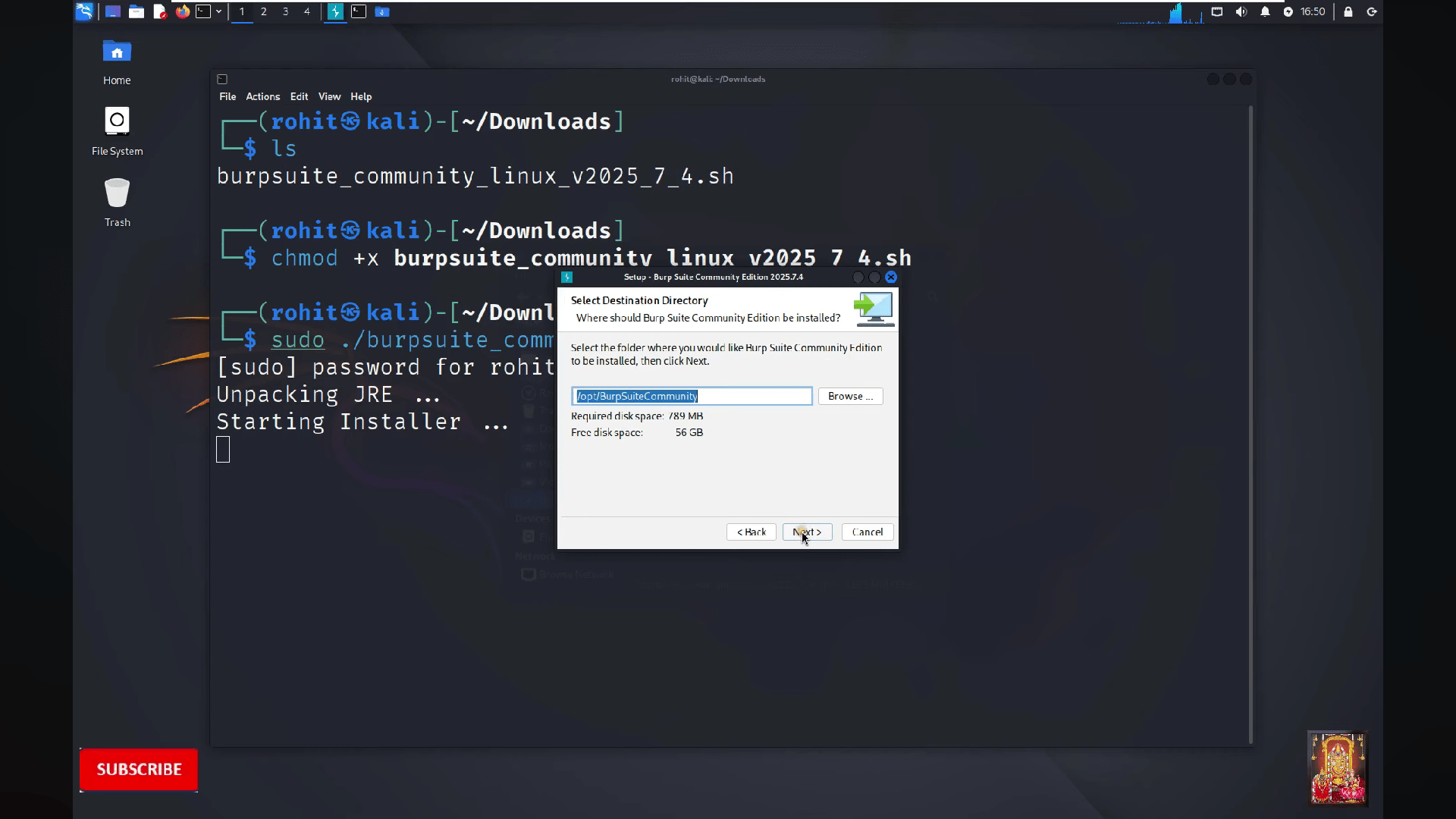
Click on "Next"
13
Then click on "Next"
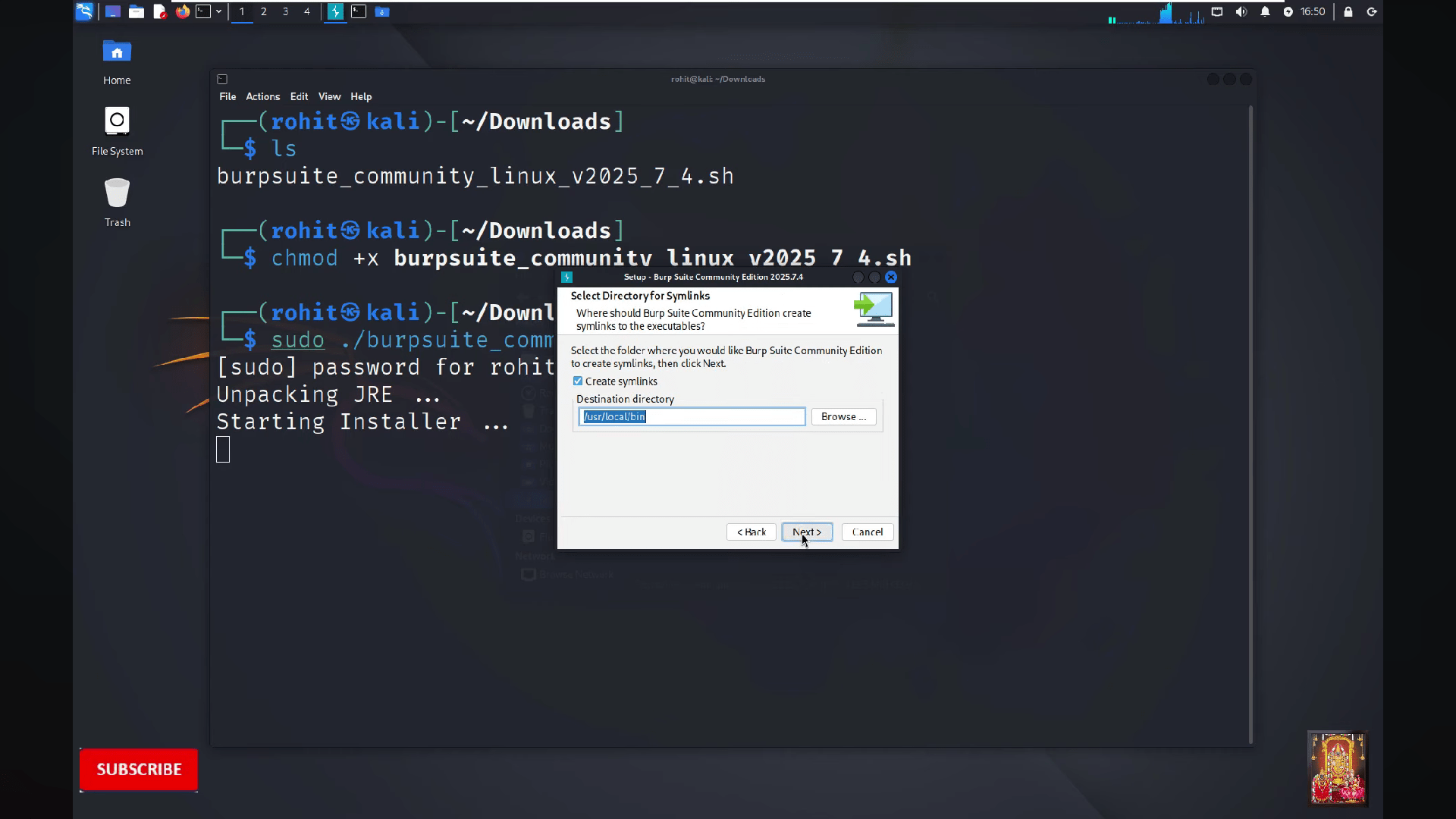
14
Wait to complete the process
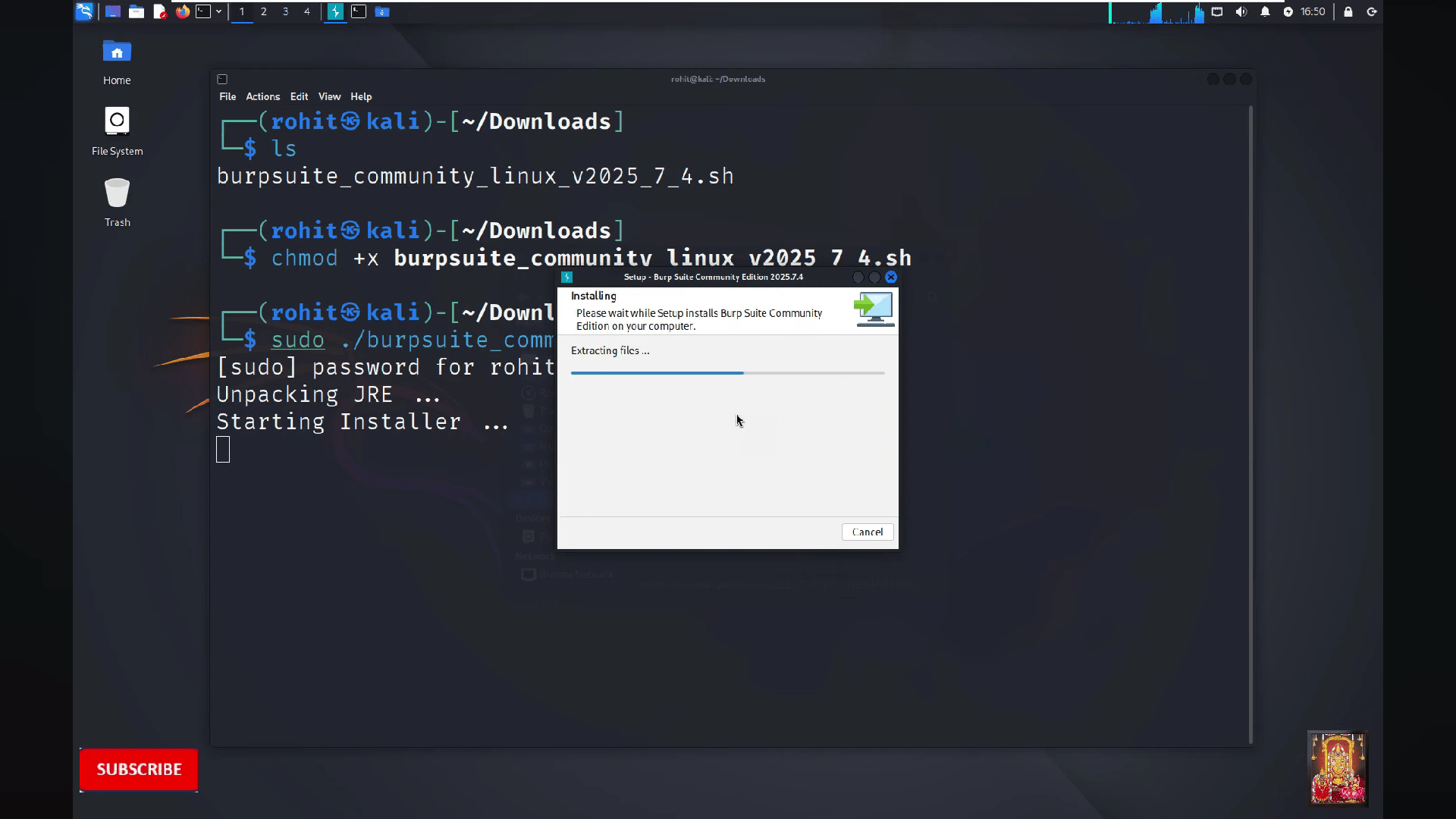
15
Click on "Finish"
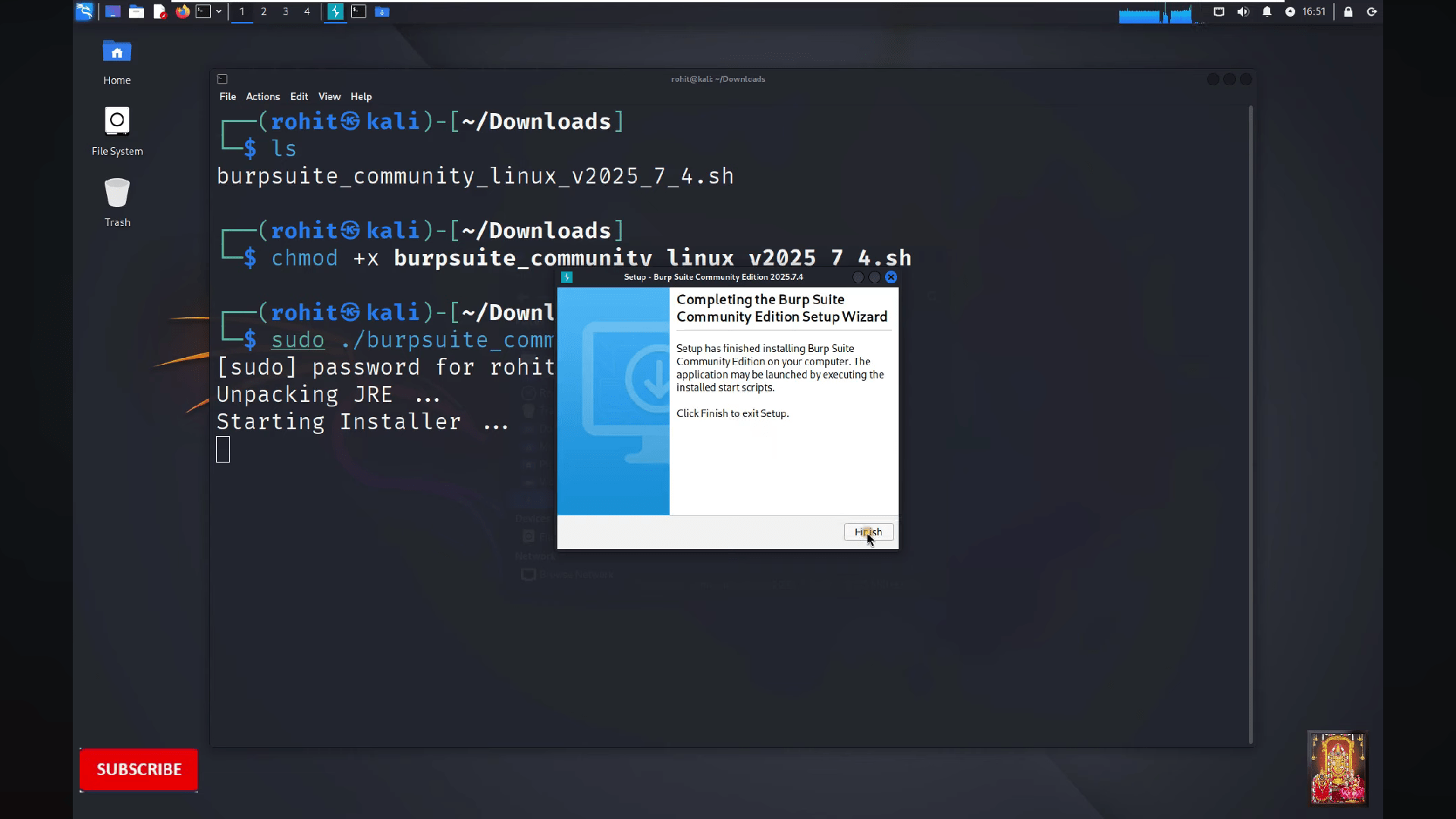
16
Search "Burpsuite" on your linux
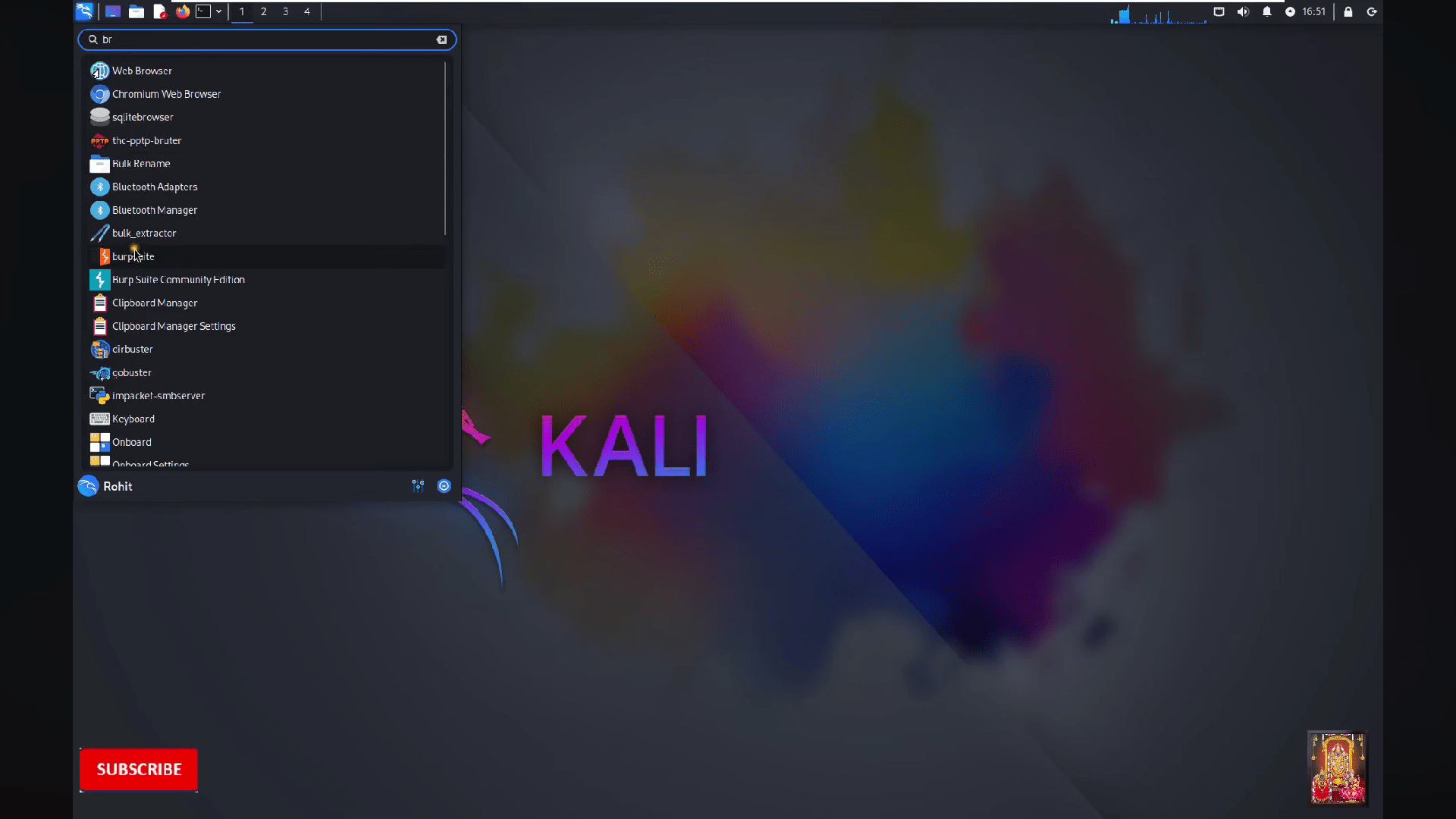
17
Open the burpsuite
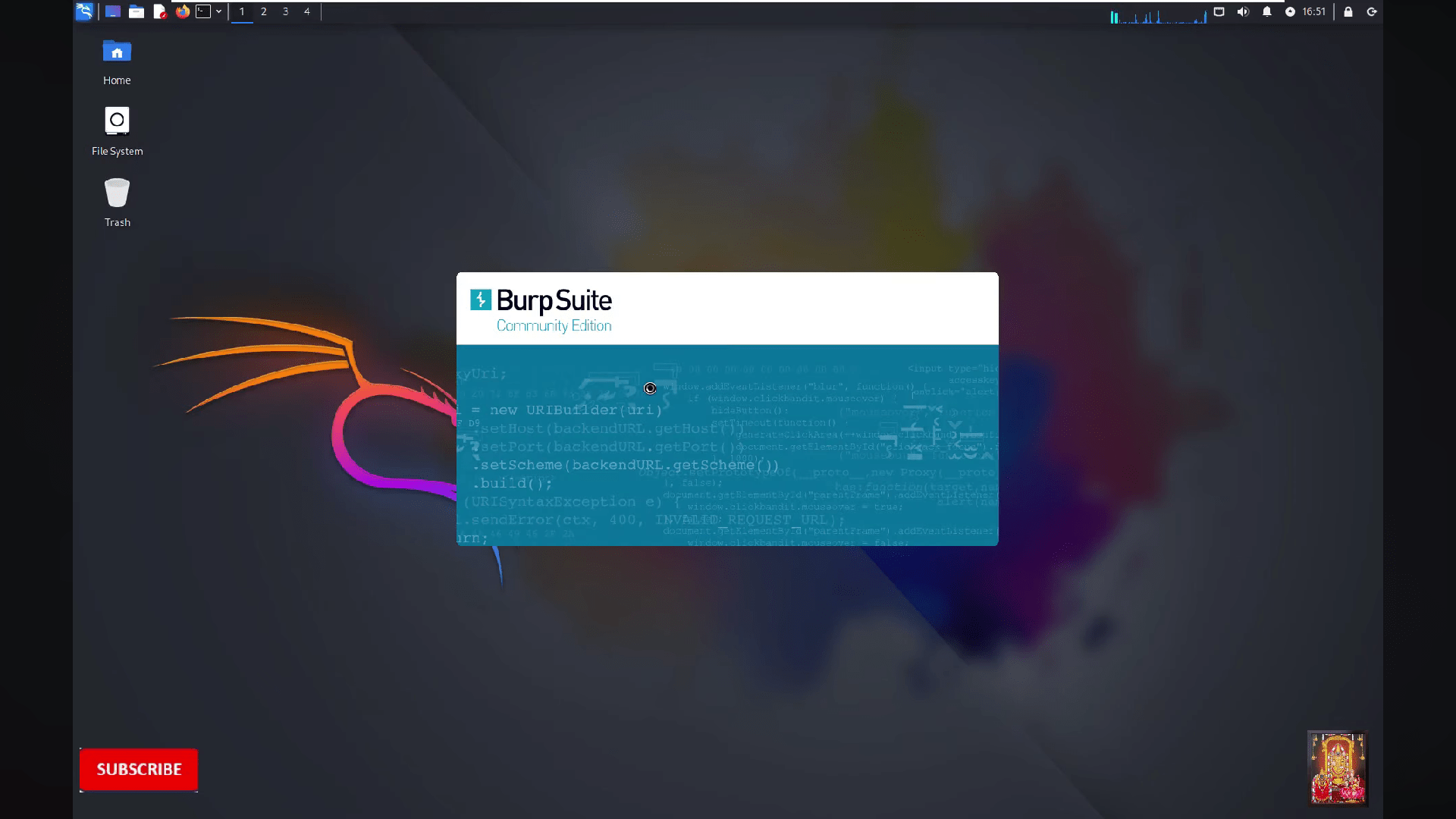
18
Accept the terms and conditions
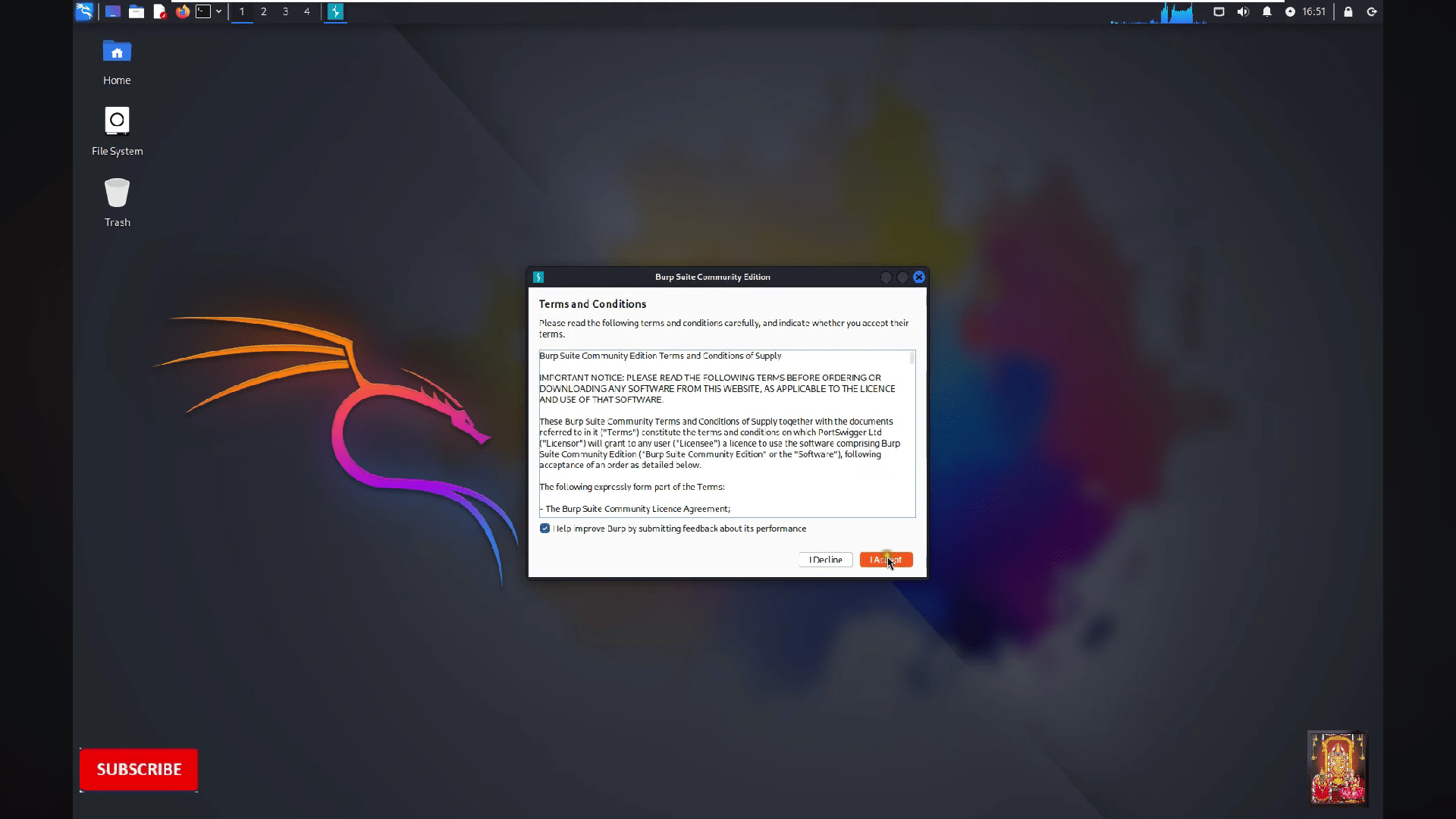
19
Click on "Start burp"
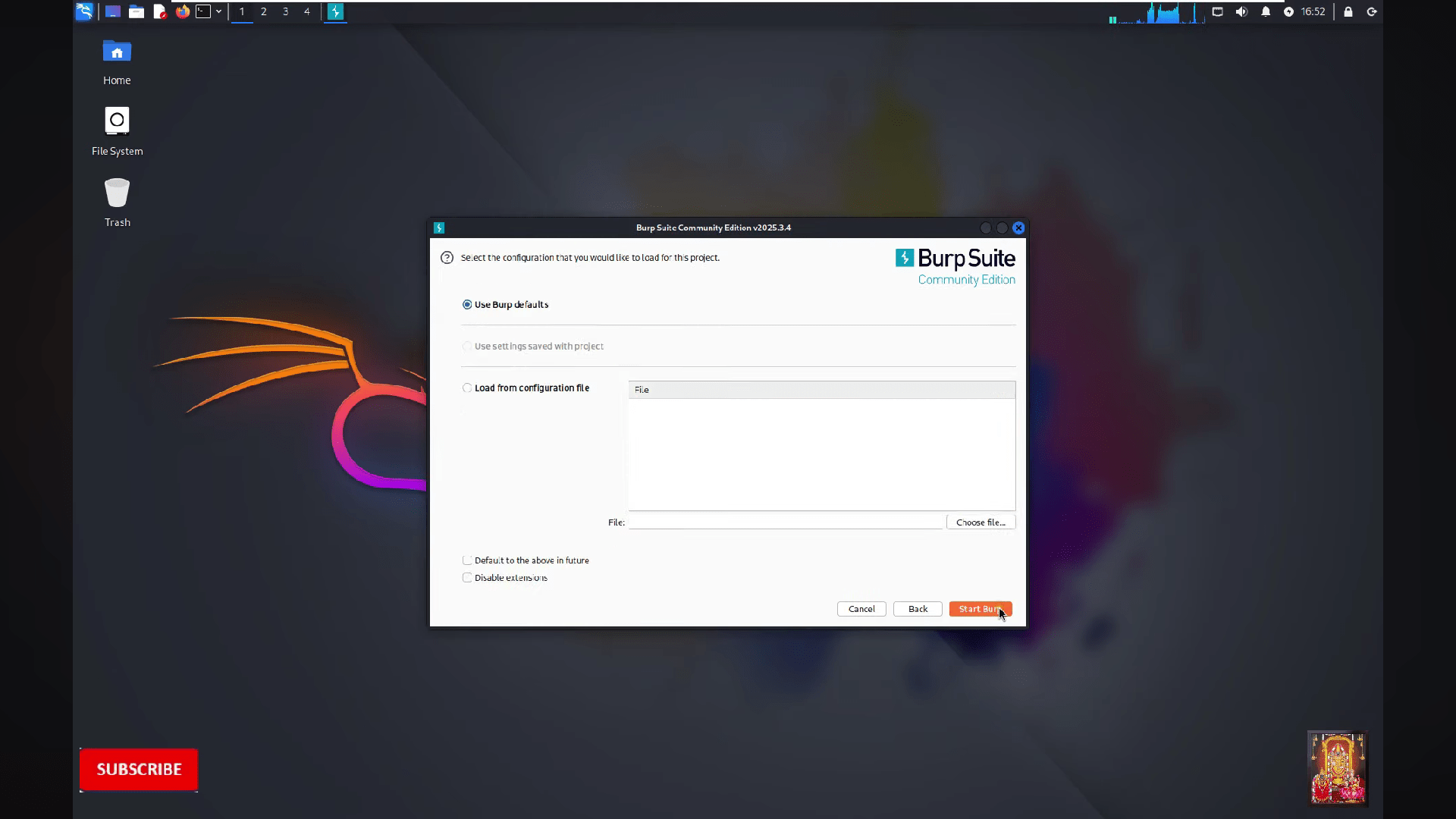
20
Wait for the burpsuite to start
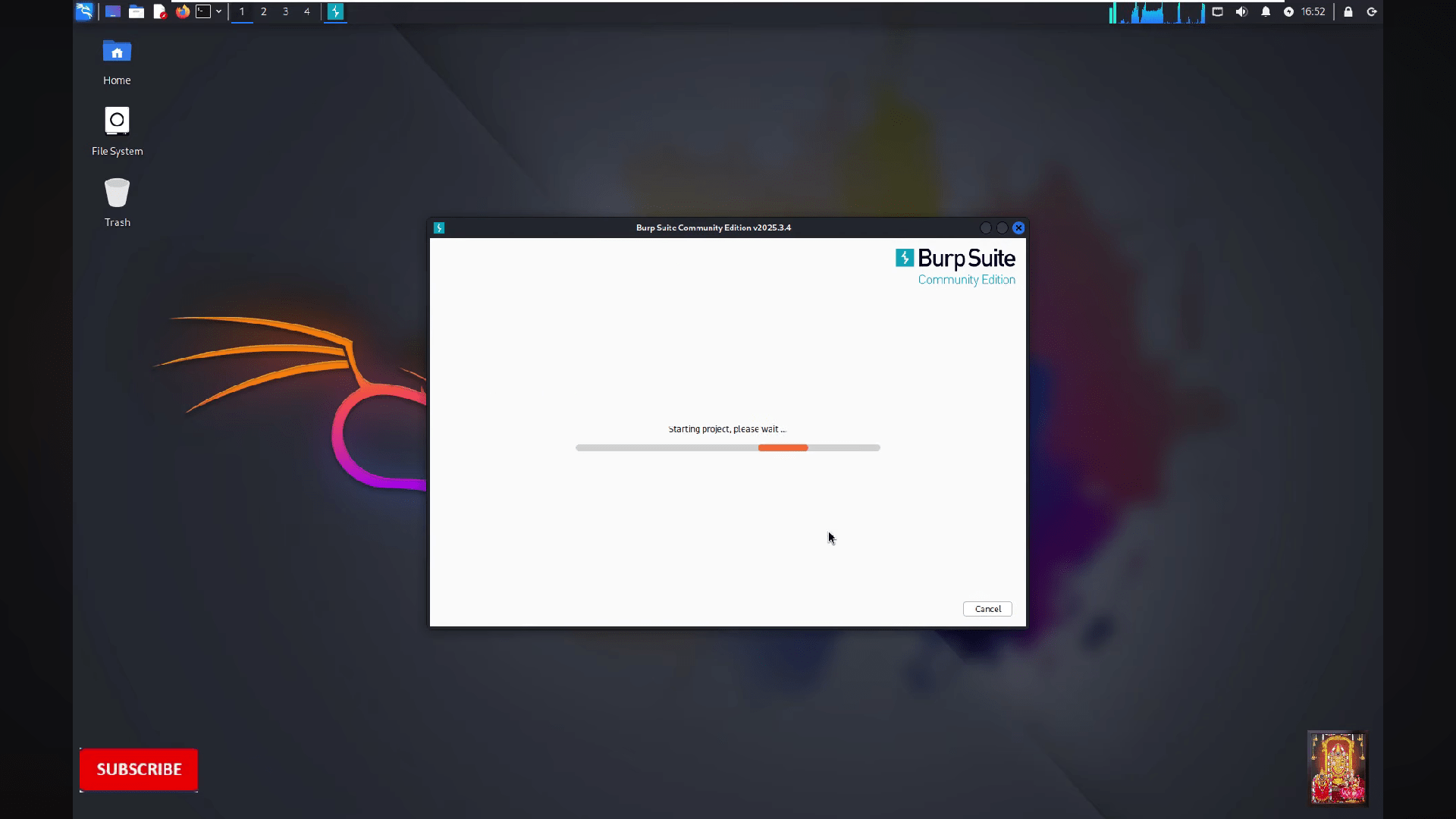
21
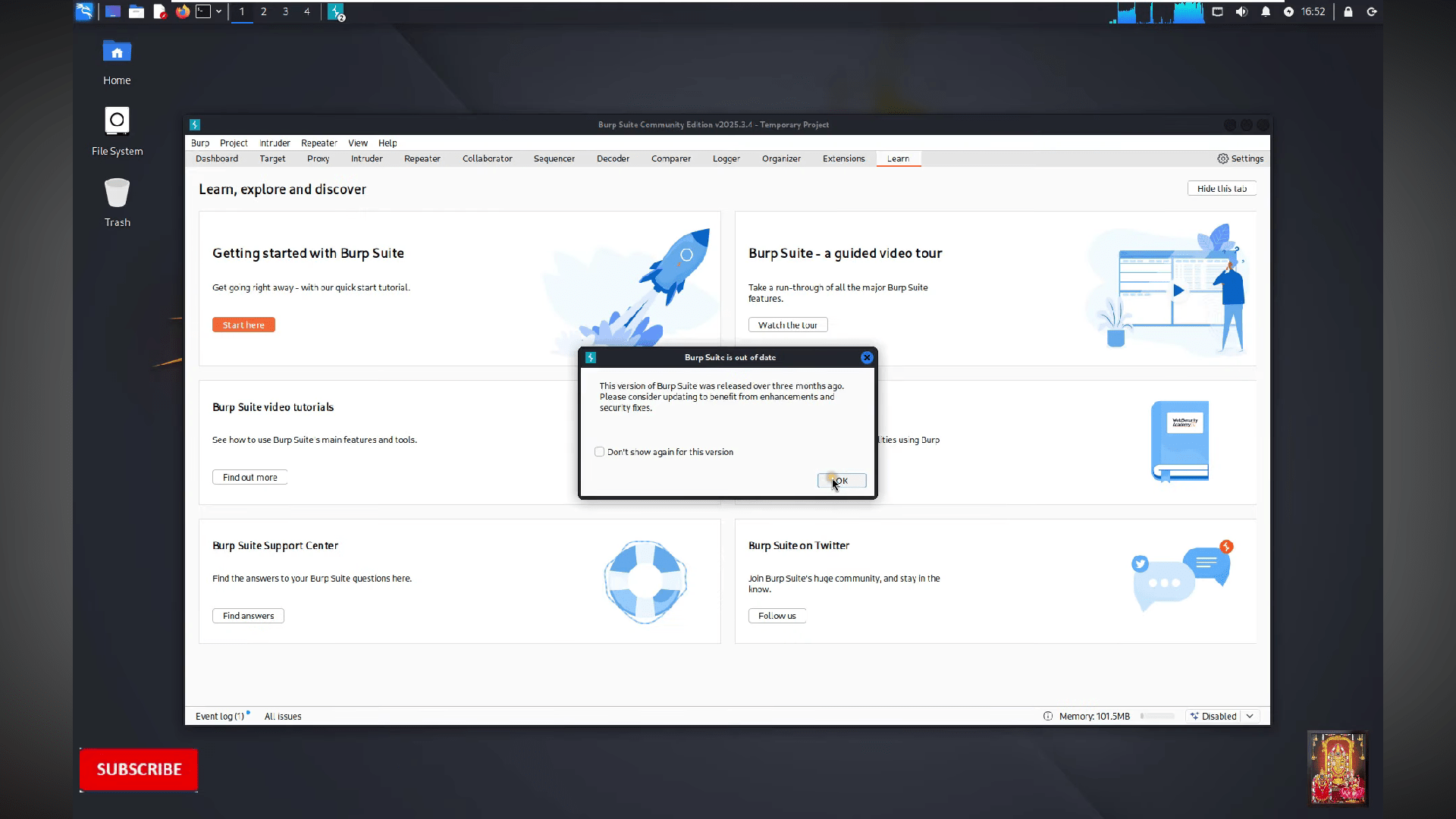
Click on the "OK"
22
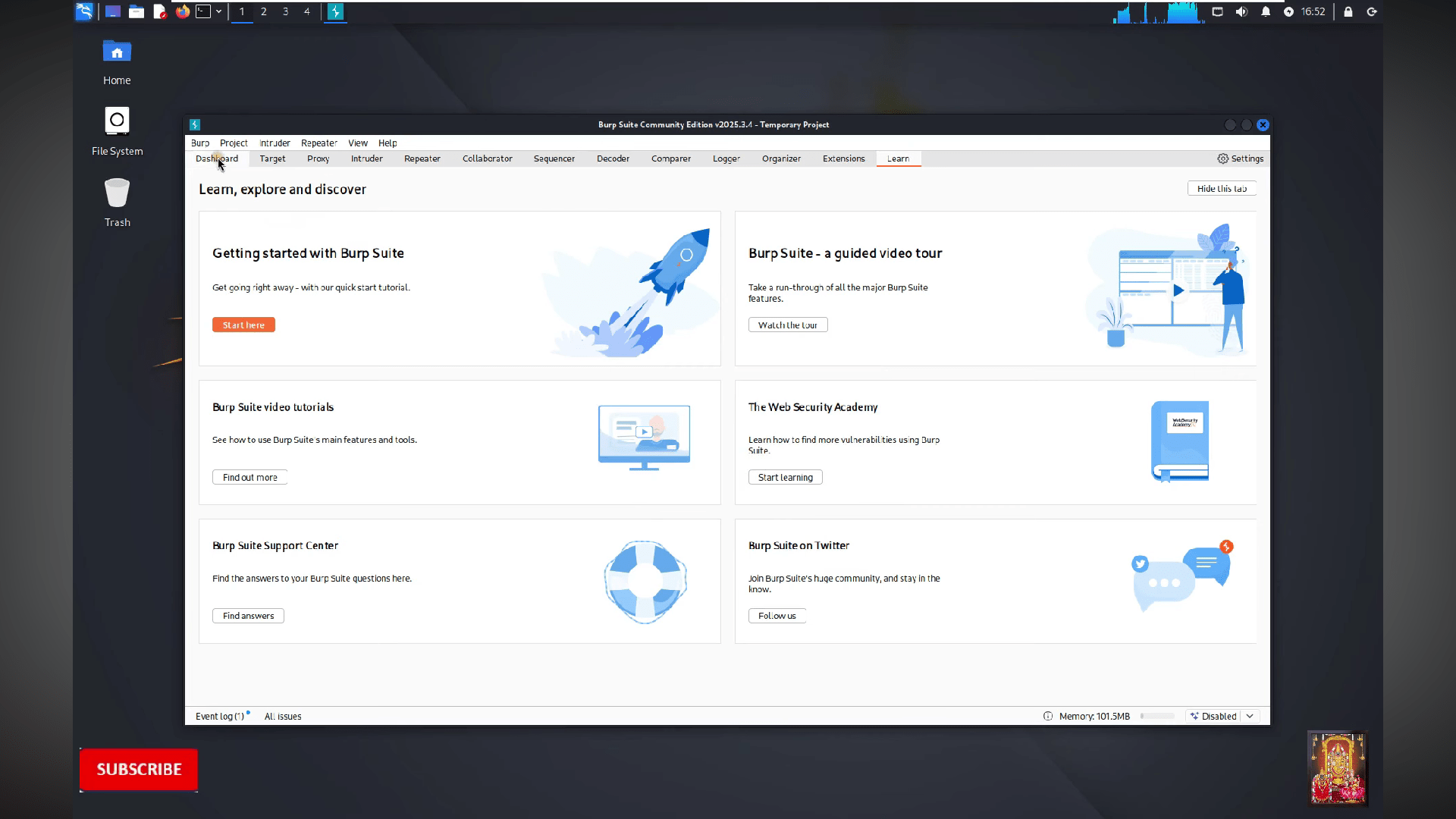
Go to the Dashboard
23
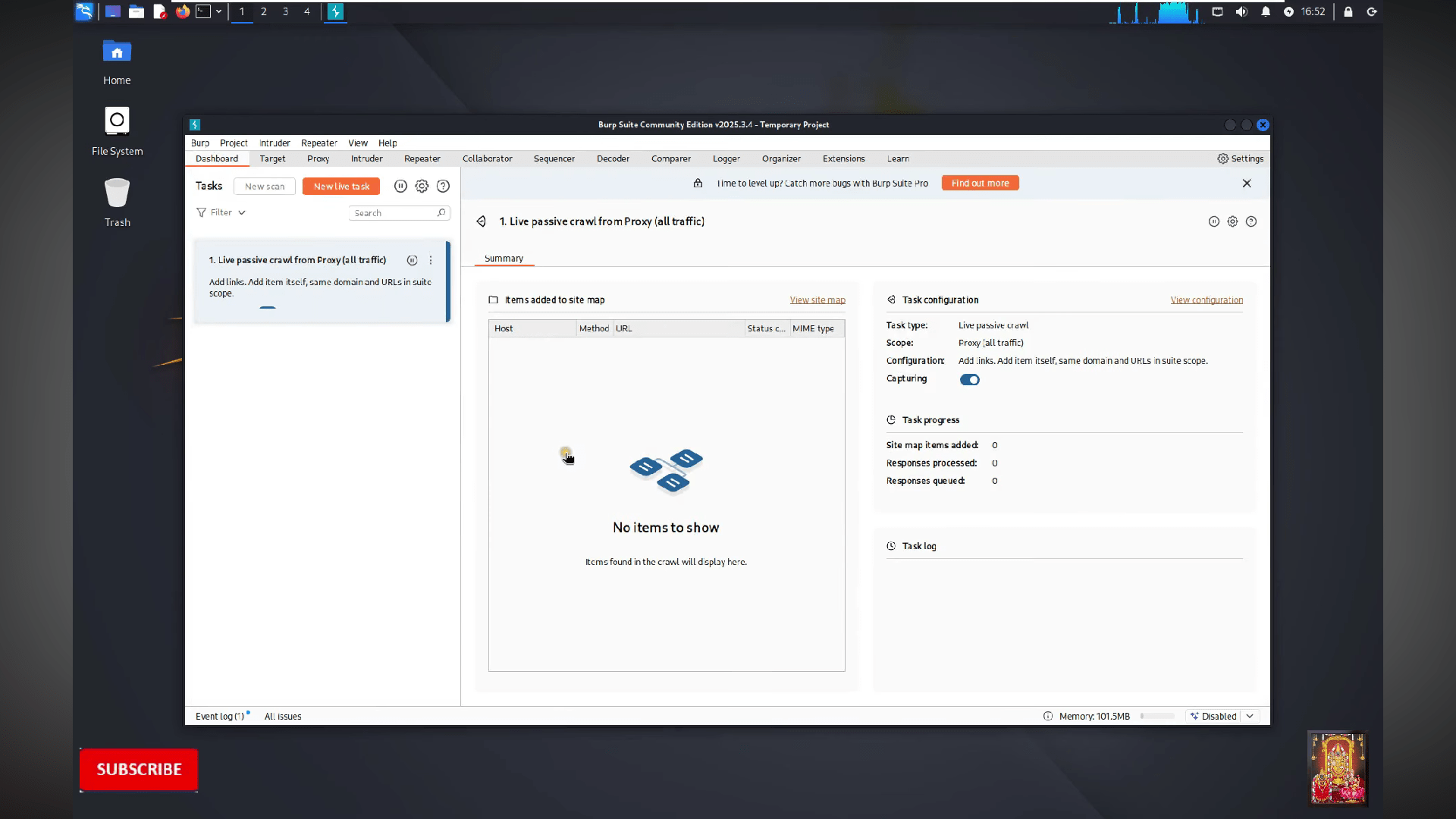
Now you are able to use the burpsuite
Task 2: Use of Burpsuite
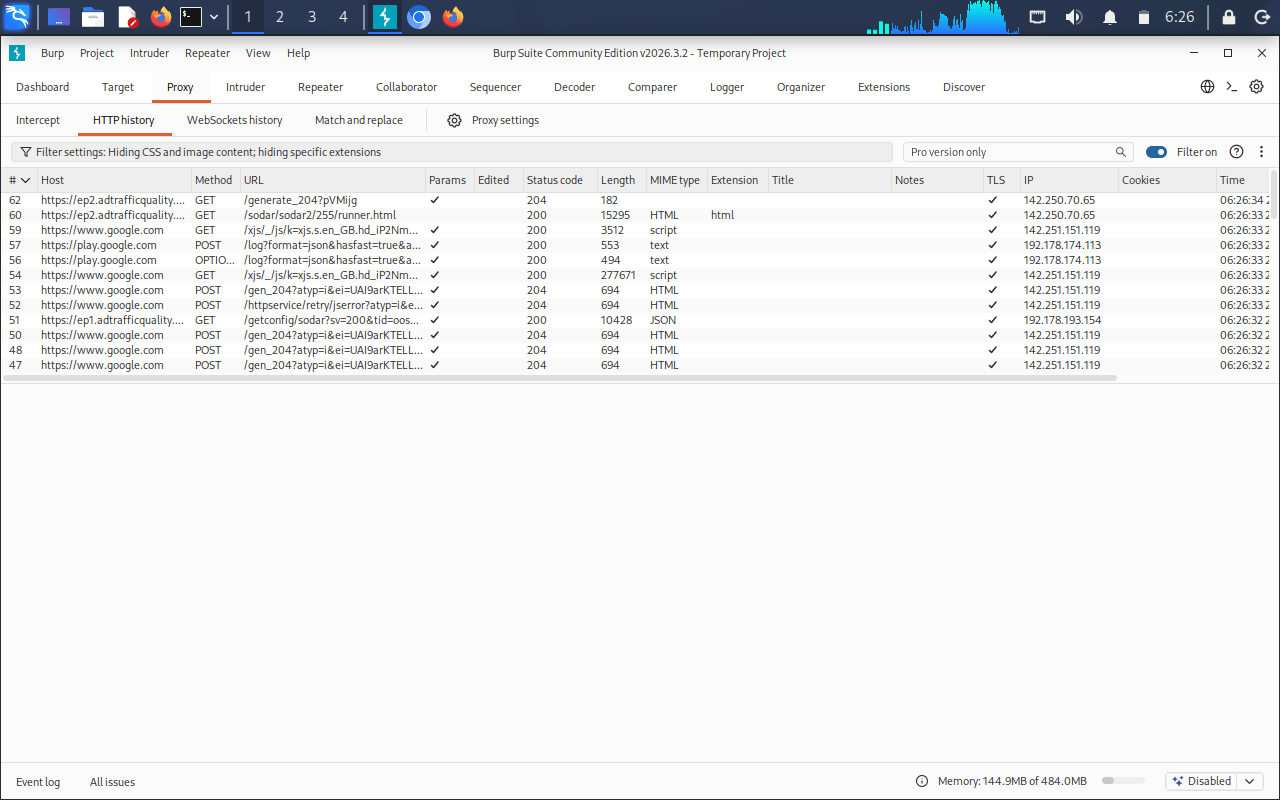
The HTTP History tab displays all requests sent from the browser to the web application and the corresponding responses received from the server.
It helps you monitor and analyze web traffic to understand how a website communicates with the server.
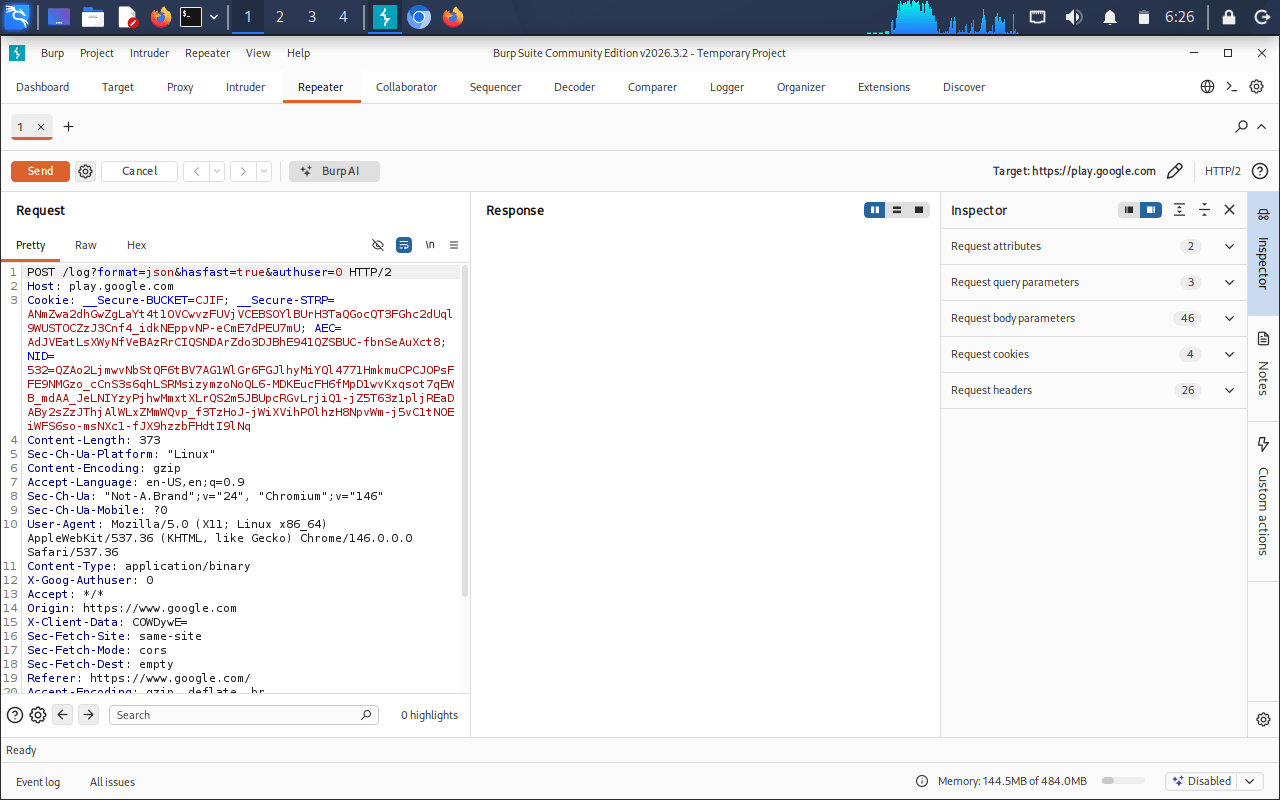
The Repeater tool allows you to resend a captured request after modifying its contents.
It is useful for testing how the application responds to different inputs without repeatedly performing actions in the browser.
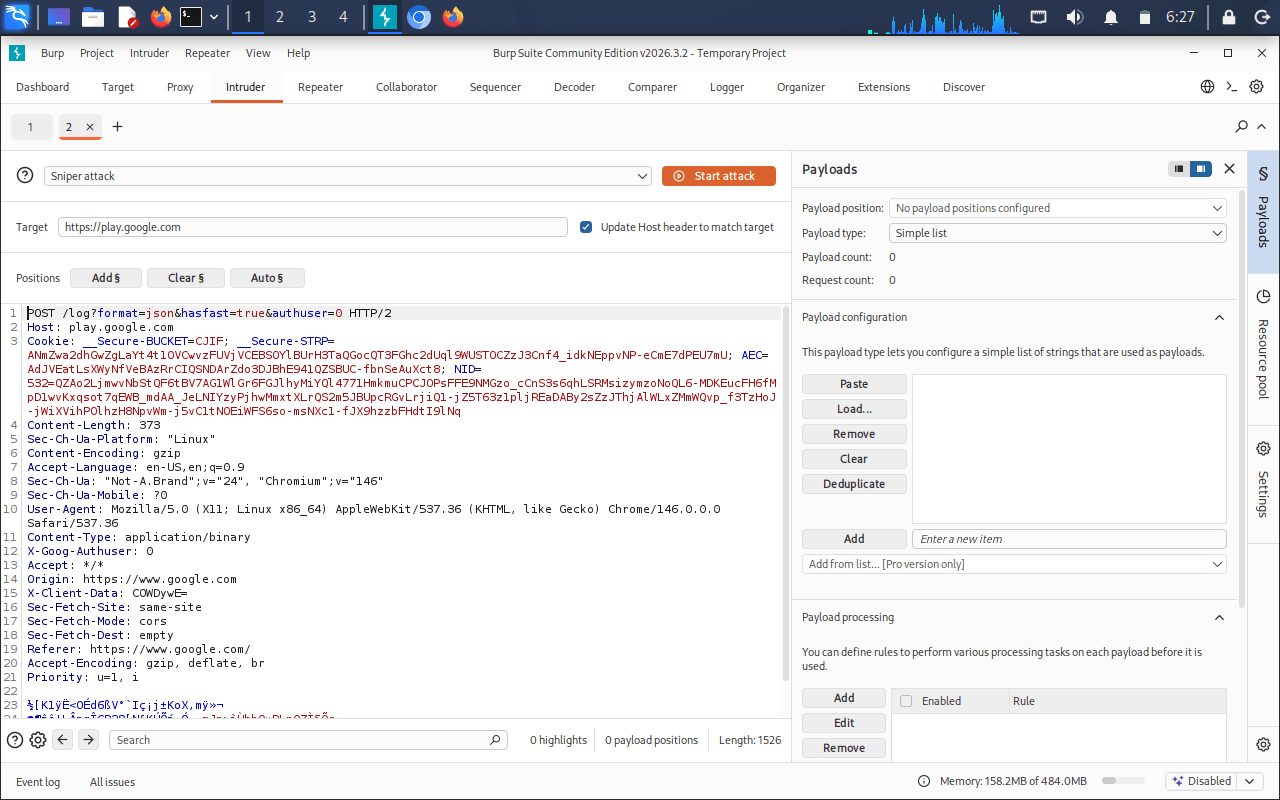
The Intruder tool automates sending multiple requests with different payloads or input values.
It helps test application functionality, discover hidden parameters, and identify security weaknesses such as weak authentication mechanisms.
Great job!
You have successfully completed your lab on Cloud Computing Fundamentals and AWS Infrastructure Deployment.
In this lab, you have: Created and Configured an AWS Account, Launched and Connected to an EC2 Instance, Explored Basic Linux System Information, Built a Secure VPC with Public and Private Subnets, Configured Route Tables and an Internet Gateway, Deployed Resources in a Custom Cloud Network, and Validated Network Connectivity and Routing Configurations.
You are now ready to move to the next stage of Cloud Security and Access Management.
Checkpoint
Next-Lab Preparation
Topic : Cryptography and Cloud Security
1) Cryptography.
2) Cloud Computing Fundamentals.
3) Cloud Security Core Concepts.
4) Major Cloud Platforms Overview.
5) Cloud Vulnerabilities & Risks.
Topic : Cryptography and Cloud Security
1) Cryptography.
2) Cloud Computing Fundamentals.
3) Cloud Security Core Concepts.
4) Major Cloud Platforms Overview.
5) Cloud Vulnerabilities & Risks.