K8s Commands & Implementation


kubectl commands - (kubectl get pods, kubectl create, kubectl logs, kubectl apply, kubectl delete, kubectl config)

Learning Outcome
5
Configure kubectl contexts
4
View logs and troubleshoot applications
3
Manage pods, deployments, and services using CLI
2
Use essential kubectl commands
1
Understand what kubectl is
Topic Name-Recall(Slide3)
Hook/Story/Analogy(Slide 4)
Transition from Analogy to Technical Concept(Slide 5)
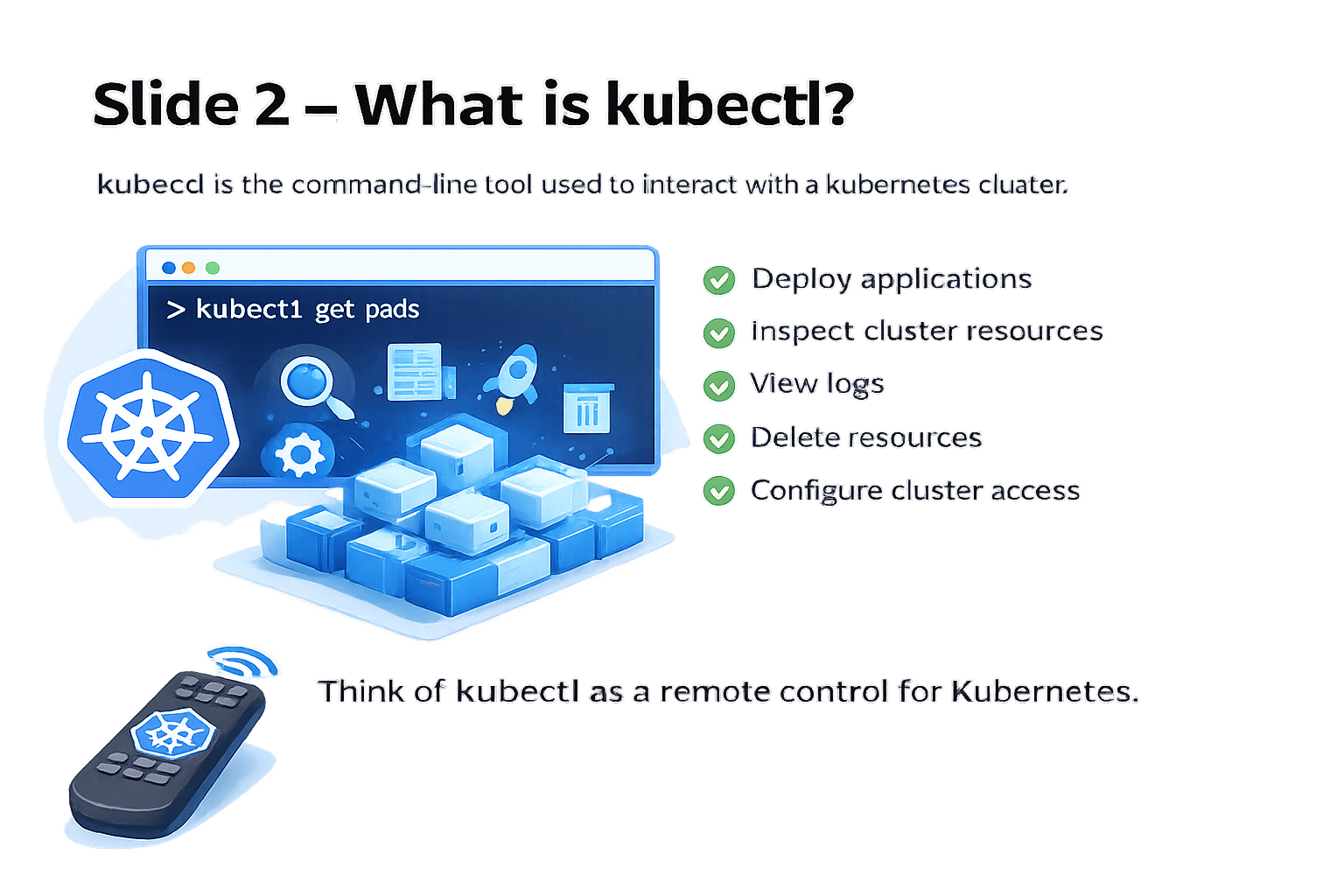
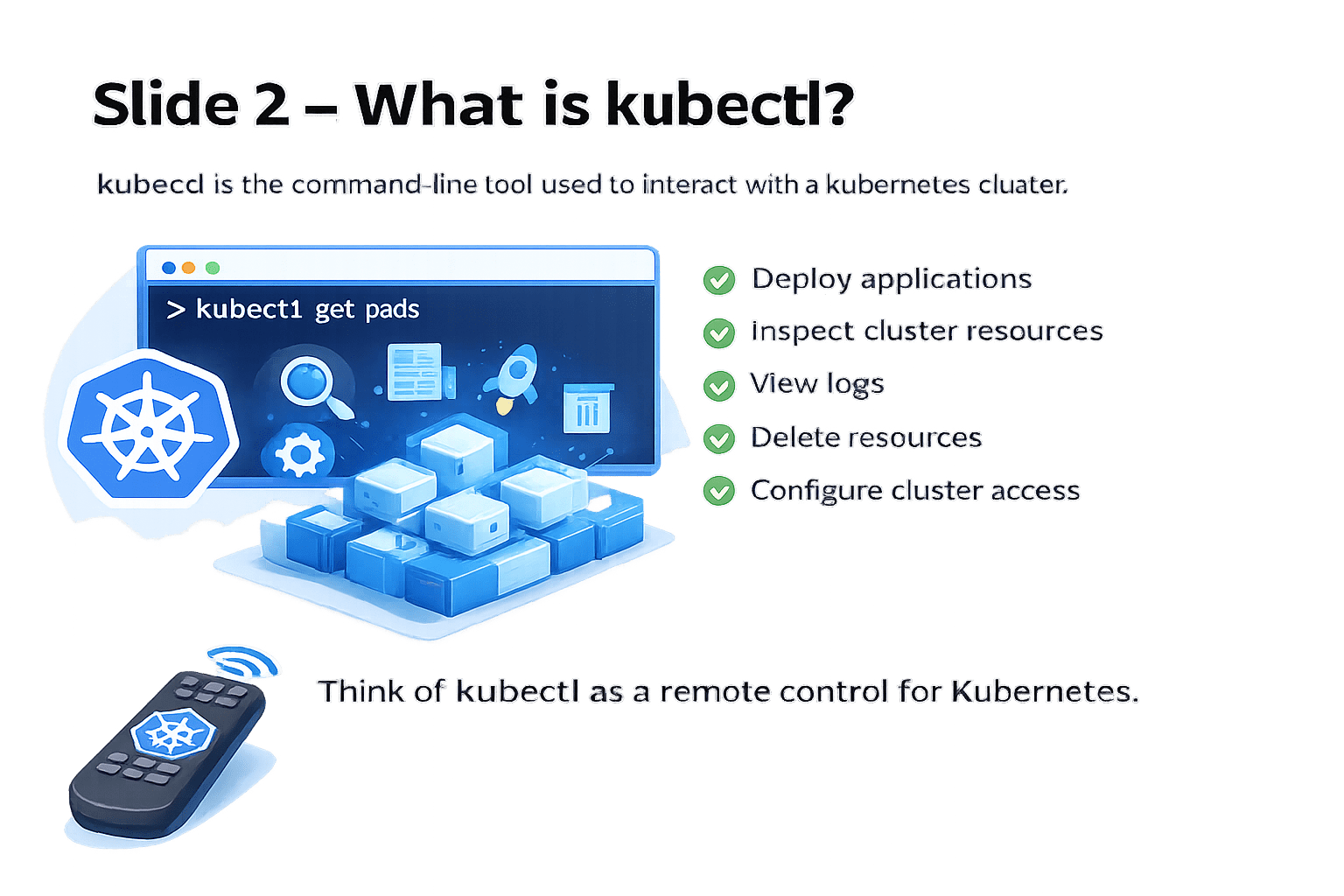
What is kubectl?
Kubectl is the command-line tool used to interact with a Kubernetes cluster.
Deploy applications
It helps you:
Inspect cluster resources
View logs
Delete resources
Configure cluster access
Think of
kubectl as a remote control for Kubernetes
Essential kubectl Commands
Here are the most important kubectl commands:
> kubectl get
> kubectl apply
> kubectl delete
> kubectl logs
> kubectl describe
> kubectl create
> kubectl exec
> kubectl config
> kubectl scale
> kubectl rollout
kubectl Get Pods
Used to view resources in the cluster
Used for:
Checking running pods
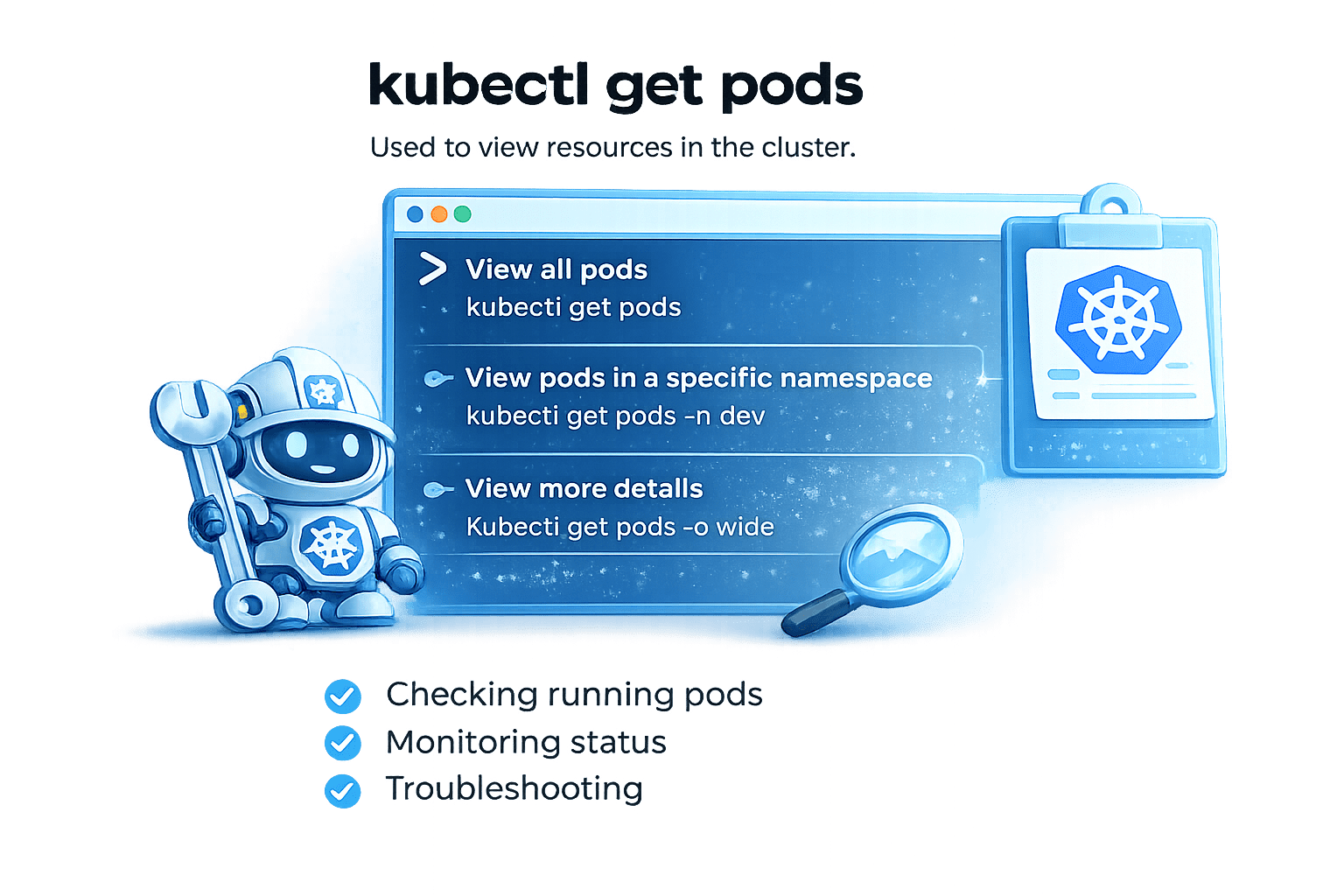
Monitoring status
Troubleshooting
View all pods
kubectl get pods
View pods in a specific namespace
kubectl get pods -n dev
View more details
kubectl get pods -o wide
kubectl create
Used to create resources
Create a namespace
> kubectl create namespace dev
Define a new Namespace in your Cluster
> kubectl create deployment nginx --image=nginx
Deploy application with a single command
Create a deployment quickly
Used for:
Creating resources directly from CLI
Quick testing
kubectl apply
Used to create or update resources using YAML files
Difference:
create → Creates new resource
apply → Creates or updates resource
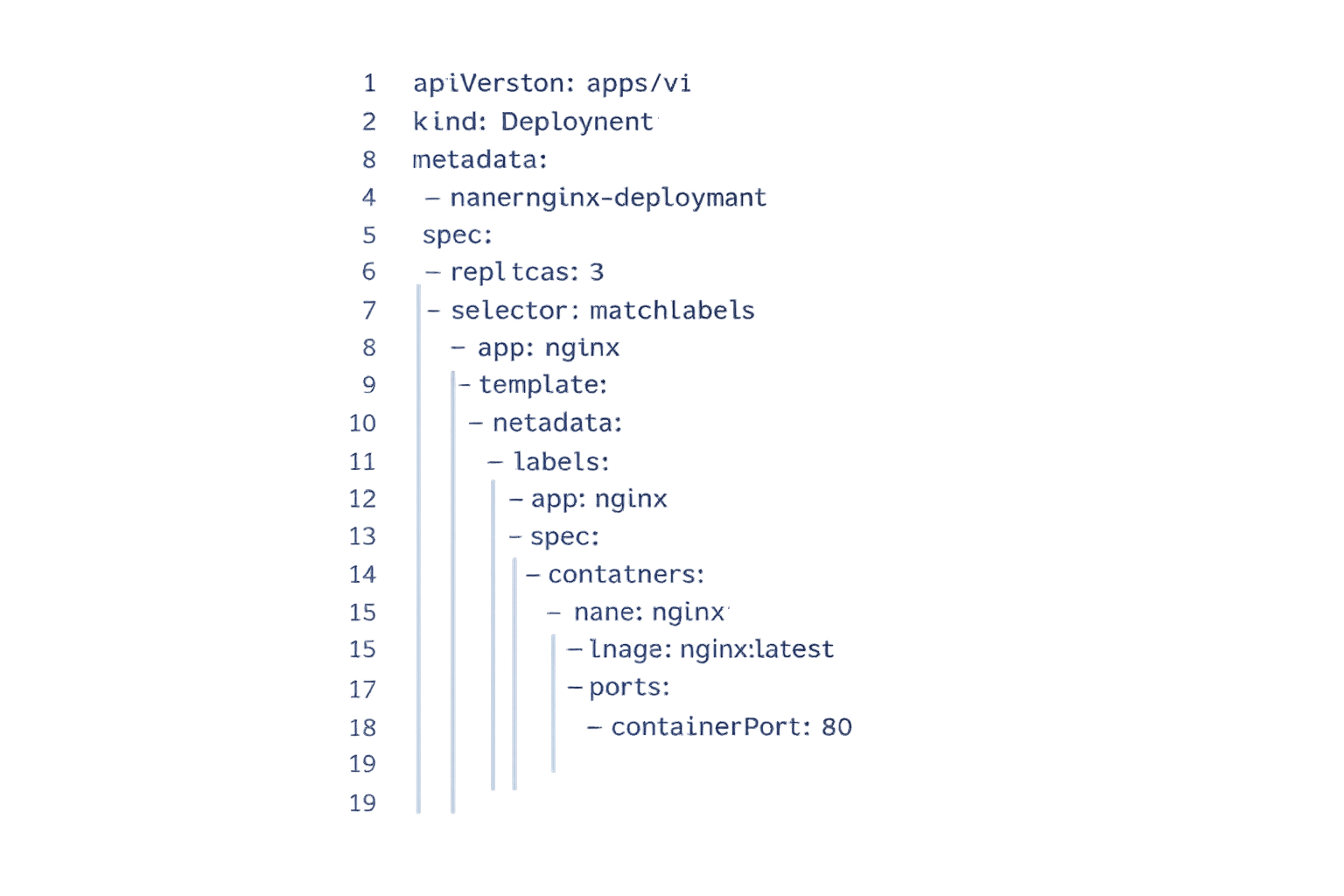
Used for:
Production environments
Updating configurations
Infrastructure as Code
kubectl logs
Used for:
Debugging
Checking application errors
Monitoring output
Multi container Pod
> kubectl logs nginx-pod -c container-name
TIP: Use kubectl logs to read logs generate by containers within a pod
How to view logs of a pod
Single container Pod
> kubectl logs nginx-pod
kubectl delete
Delete a Pod
To delete a specific Pod use this command :
kubectl delete pod nginx-pod
Delete a Deployment
To delete a deployment use this command :
kubectl delete deployment nginx-deployment
Delete using YAML file
To delete resources defined in a YAML file, use :
kubectl delete -f deployment.yaml
TIP : The kubectl delete command can remove Pods, Deployment, Services, ReplicaSets and more
kubectl config
View Current Context
To see your current cluster context use:
kubectl config current-context
TIP
Working with multiple clusters
Switching between dev and prod
View All Context
To list all available context use:
kubectl config get-contexts
Switch context
To switch to another context use:
kubectl config use-context minikube
kubectl describe
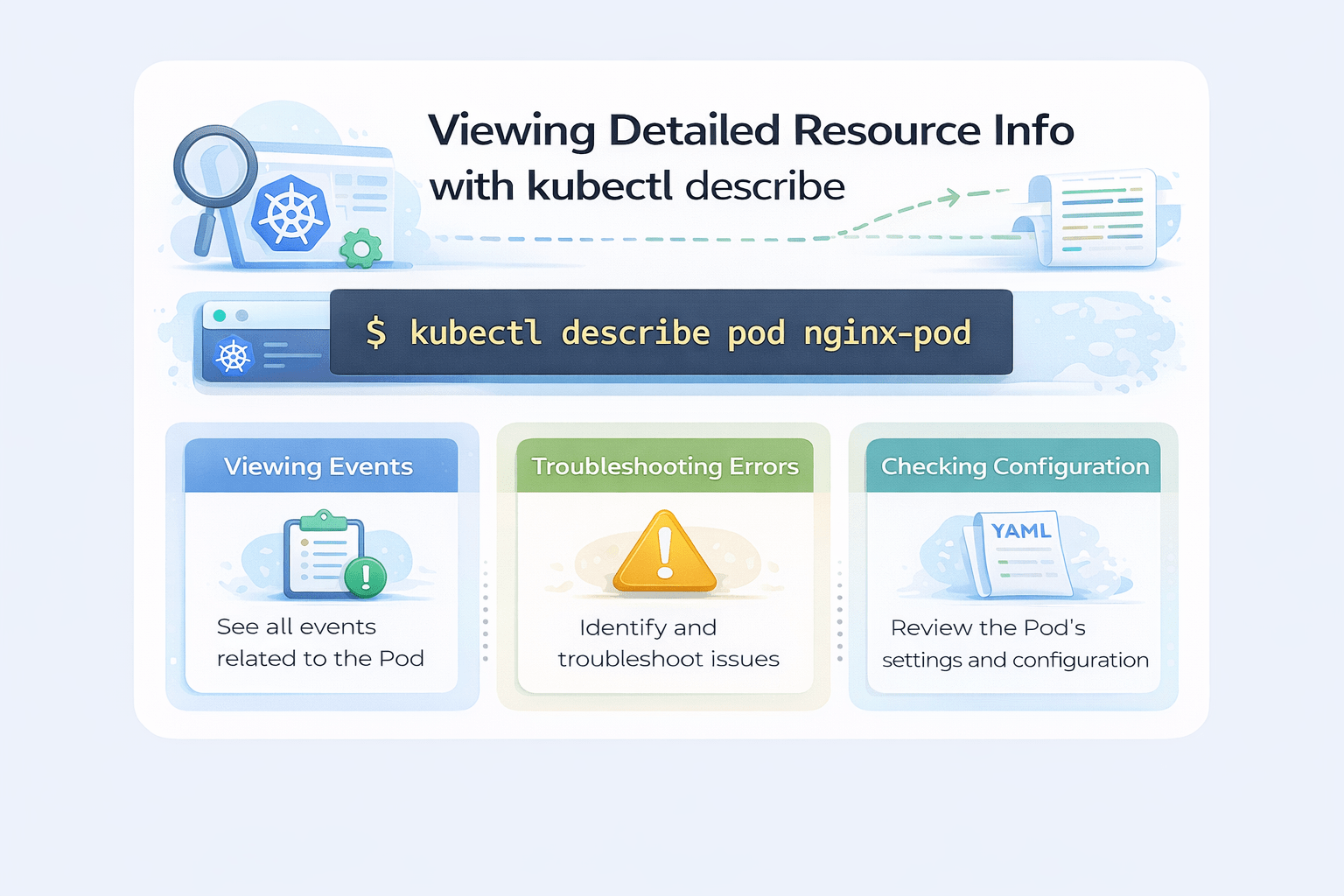
kubectl describe pod nginx-pod
Shows detailed information about a resource
Viewing events
See all events related to Pod
Troubleshooting errors
Identify and troubleshoots issue
Checking configuration
Review the Pod's setting and configuration
kubectl exec
Used to access inside a running pod
kubectl exec -it nginx-pod -- /bin/bash
kubectl exec
Command to access a pod
-it
nginx-pod
-- /bin/bash
interactive terminal mode
kubectl config
Core Concepts (Slide 7)
Quick Summary Table
Commands
Purpose
kubectl get
View resources
kubectl create
Create resource
kubectl apply
Create or update resource
kubectl delete
Remove resources
kubectl logs
View logs
kubectl describe
Detailed info
kubectl exec
Access container
kubectl scale
Change replicas
kubectl rollout
Manage updates
kubectl config
Manage cluster settings
Summary
4
Used daily in real-world Kubernetes environments
3
Essential for DevOps and Cloud Engineers
2
It allows creating, viewing, updating and deleting resources
1
kubectl is the main tool to manage Kubernetes
Quiz
Which command is used to view pod logs?
A. kubectl get
B. kubectl apply
C. kubectl logs
D. kubectl config

Quiz-Answer
Which command is used to view pod logs?
A. kubectl get
B. kubectl apply
C. kubectl logs
D. kubectl config
