Python Core Concepts


Hello Python

Decision-Making
What is Decision-Making?

Decision-making is a fundamental concept in programming that allows a program to:
Evaluate a condition (True or False)
Execute different blocks of code based on the result

Example
age = 18

if age >= 18:
    print("You can vote")
Decision-Making – Steps :
Condition is checked → (age >= 18)
If True → code block executes.
If False → block is skipped.



if, elif, else
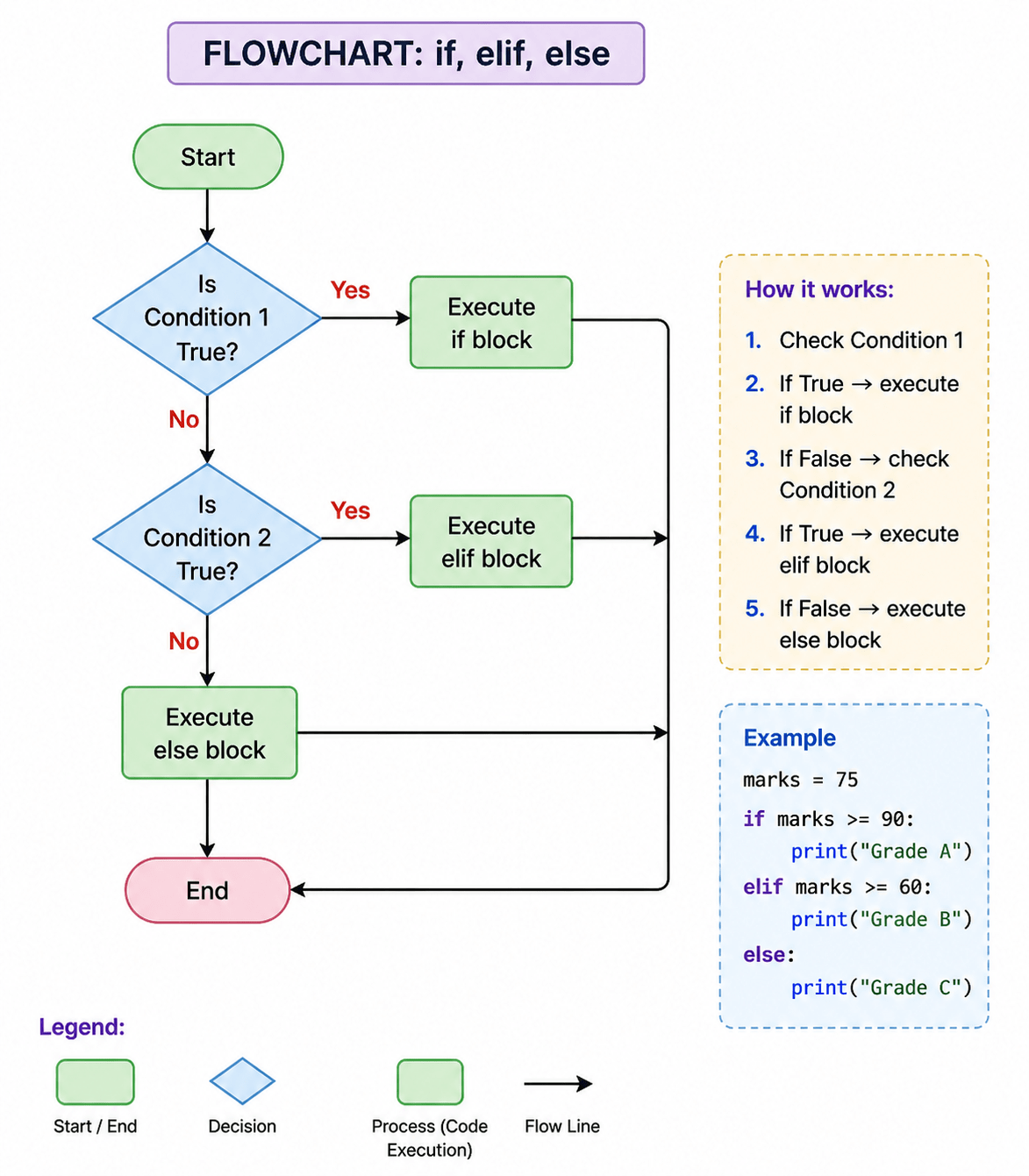
if, elif, and else are control statements used in programming to check conditions and execute different blocks of code based on whether those conditions are true or false.
Example
marks = 75

if marks >= 90:
    print("Grade A")
elif marks >= 60:
    print("Grade B")
else:
    print("Grade C")
Flow:
Check first condition
If false → move to next condition
If none match → execute else



Importance of Indentation
What is Indentation?
Indentation means adding spaces at the beginning of a line of code to show its structure and grouping.
if True:
    print("Valid")
if True:
print("Error")Correct
Incorrect


Key points
Indentation = Structure of code
Without indentation → Syntax Error
It tells Python which statements belong together



Operators
Importance of Indentation
Types :

Comparison Operators:
== (equal), != (not equal), >, <, >=, <=
Logical Operators:
and, or, not
Operators are symbols or keywords used to perform operations on values and create conditions in a program.
Example
age = 20

if age > 18 and age < 60:
    print("Eligible")
what is Operators ?
Keywords
Importance of Indentation
What is Keyword ?
Keywords are reserved words in Python with special meaning.
Common Control Flow Keywords:
- if
- elif
- else
- and
- or
- not
if True:
    print("This uses a keyword")
Examples




Imagine you’re ordering food at a restaurant
If you have ₹200 → you order a burger
If you have ₹100 → you order a sandwich
Else → you just buy a drink
You are making decisions based on conditions-just like a program does.
History & Evolution of Python
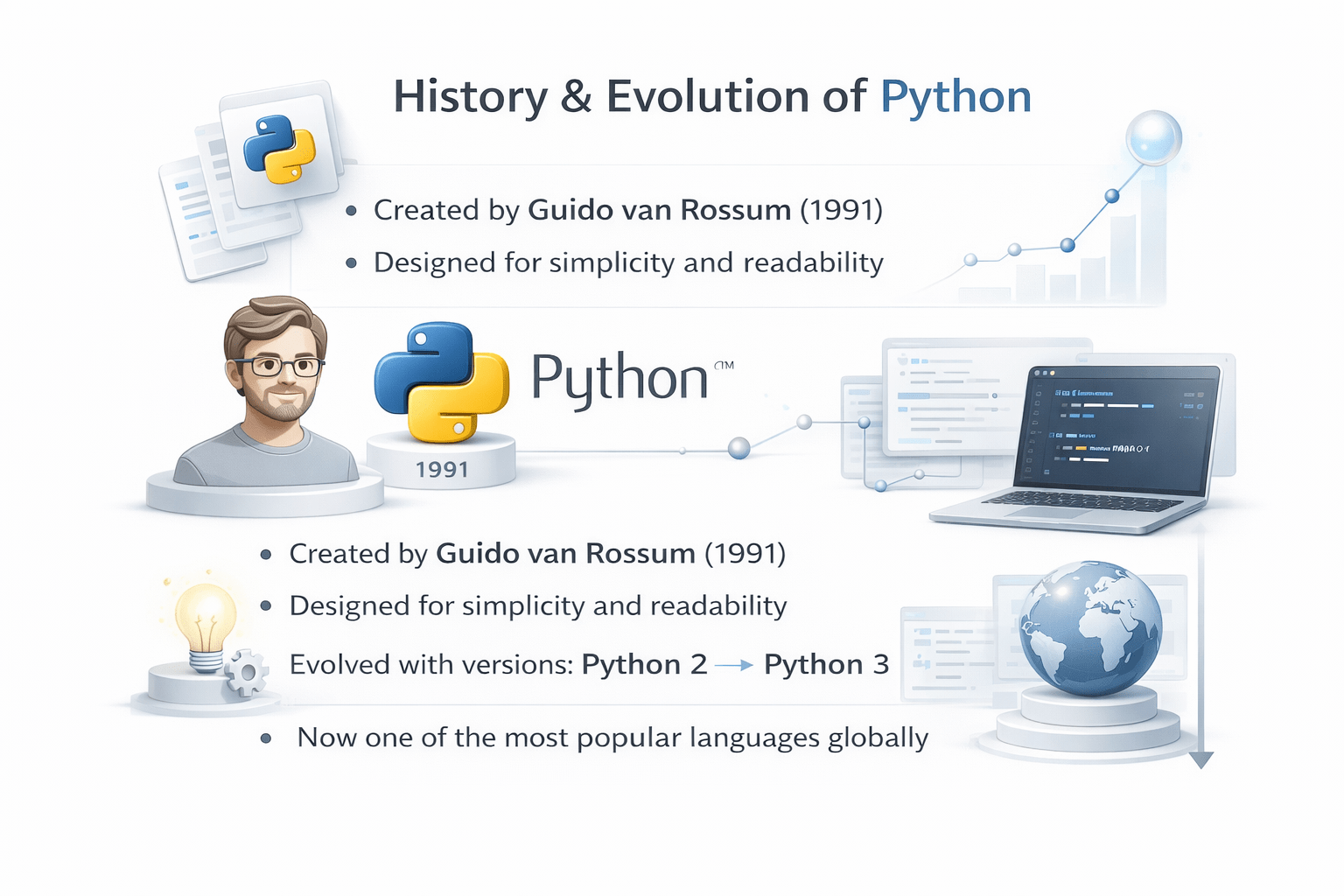
Created by Guido van Rossum (1991)

Designed for simplicity and readability
Evolved with versions: Python 2 → Python 3
Now one of the most popular languages globally



Python Community (2022)
Python has millions of developers worldwide (~8–10 million)
One of the fastest-growing programming communities
Strong support through forums, tutorials, and open-source projects




Insight:
A large community = better support + more opportunities

How to Interact with Python
You can run Python in different ways:
Command Line (Terminal)
IDLE (default Python editor)
Notebooks (interactive coding)


Installing Python & Tools
Install Python
Download from python.org
Install and check version
Default Editor
IDLE (comes with Python)
Other Tools
- ITV (learning environments)
- Google Colab (online coding)
- Anaconda (for data science)



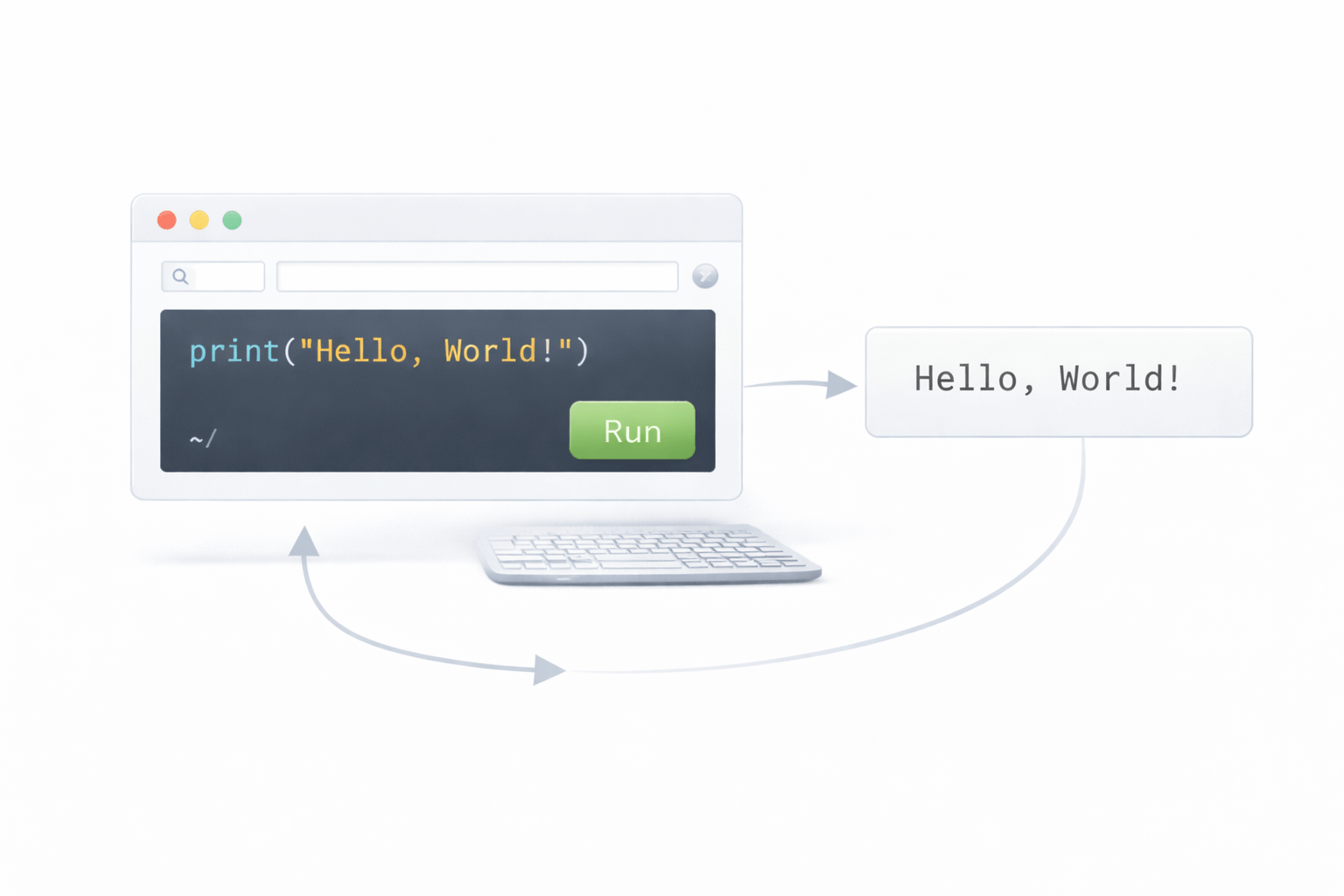
Colab Example:
Open browser
Write code
Run instantly (no installation)
Hello World Program
The first program everyone writes:
print("Hello World")
Output:
Hello World

Steps:
Open Python/Colab
Type code
Run → see output

Insight:
This confirms your Python setup is working correctly

Summary
4
It is used in web development, AI, data science, and automation
3
Python is simple, powerful, and widely used across industries
2
Languages are categorized into low, medium, and high-level based on abstraction
1
Programming languages help humans communicate with computers effectively
Quiz
Who created Python?
A. Bill Gates
B. Elon Musk
C. Guido van Rossum
D. Mark Zuckerberg

Quiz-Answer
Who created Python?
A. Bill Gates
B. Elon Musk
C. Guido van Rossum
D. Mark Zuckerberg
