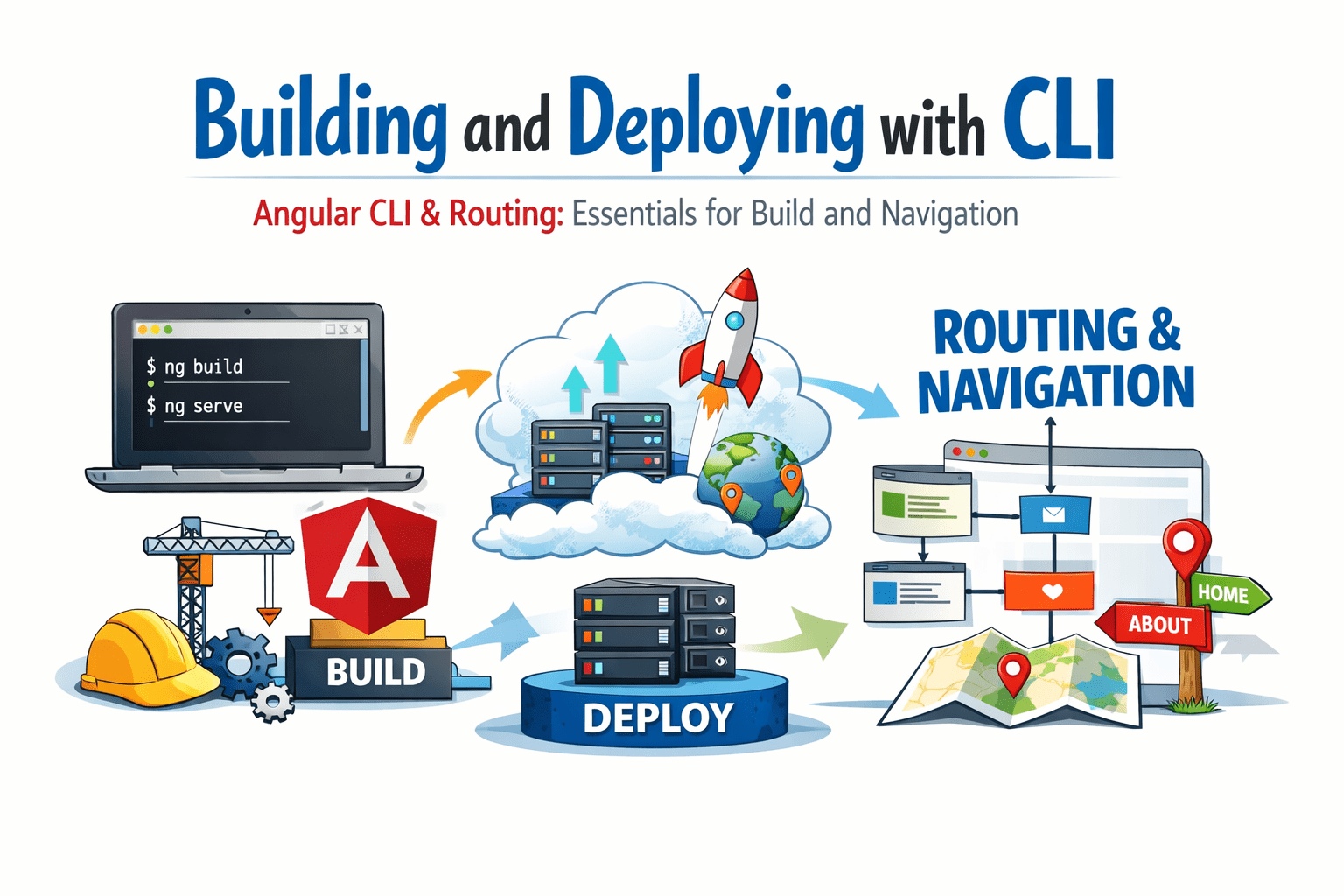
Building and Deploying with CLI


Angular CLI & Routing: Essentials for Build and Navigation

Learning Outcome
3
Understand server vs browser routing
2
Use important CLI commands
1
Understand Angular CLI and its importance
Why Angular CLI
Modern web applications demand:
-
Faster development
-
Structured and scalable code
-
Smooth and seamless navigation

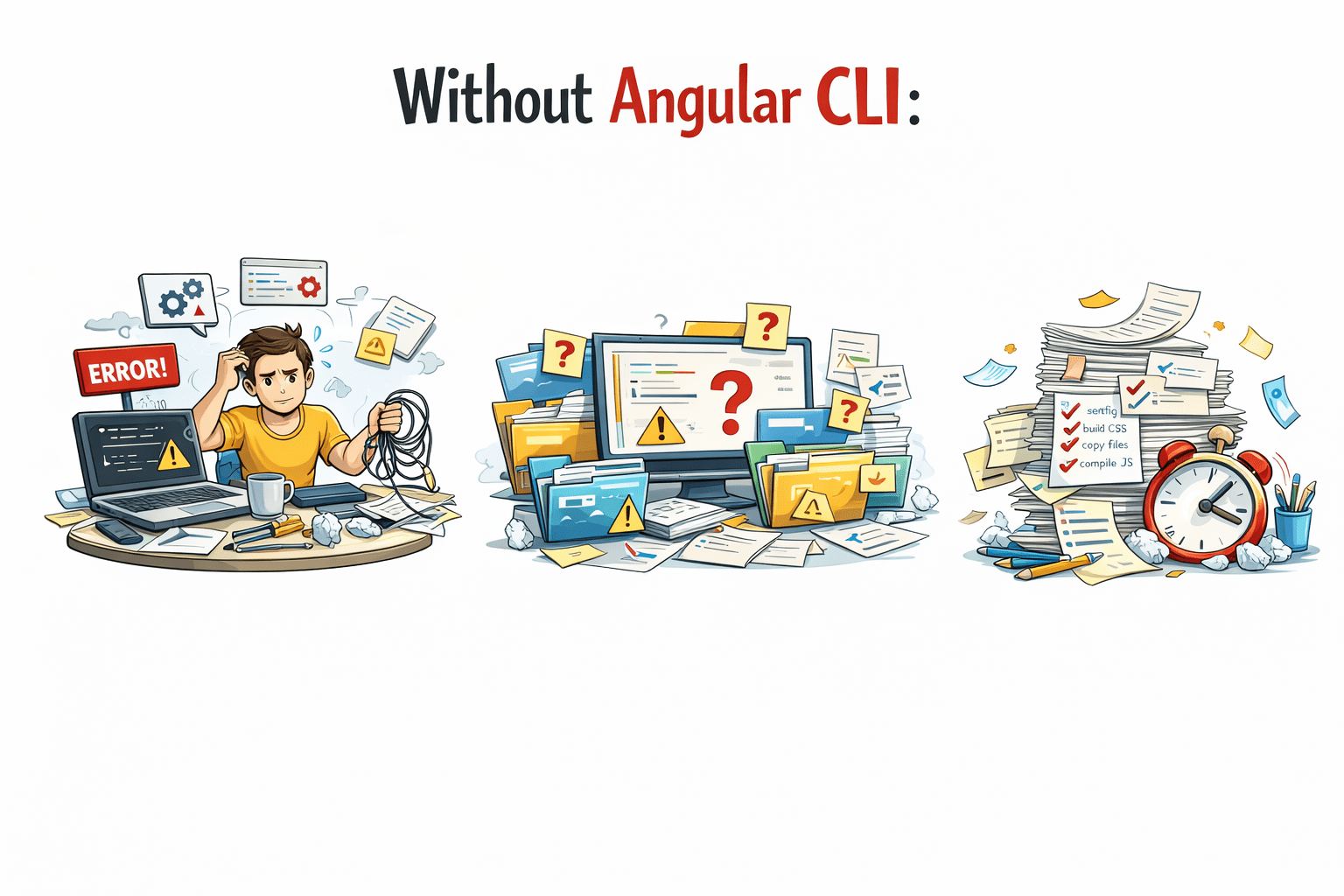
Without Angular CLI:
-
Developers need to manually configure project setup
-
No standard folder structure
-
Repetitive tasks consume time
Why Angular CLI
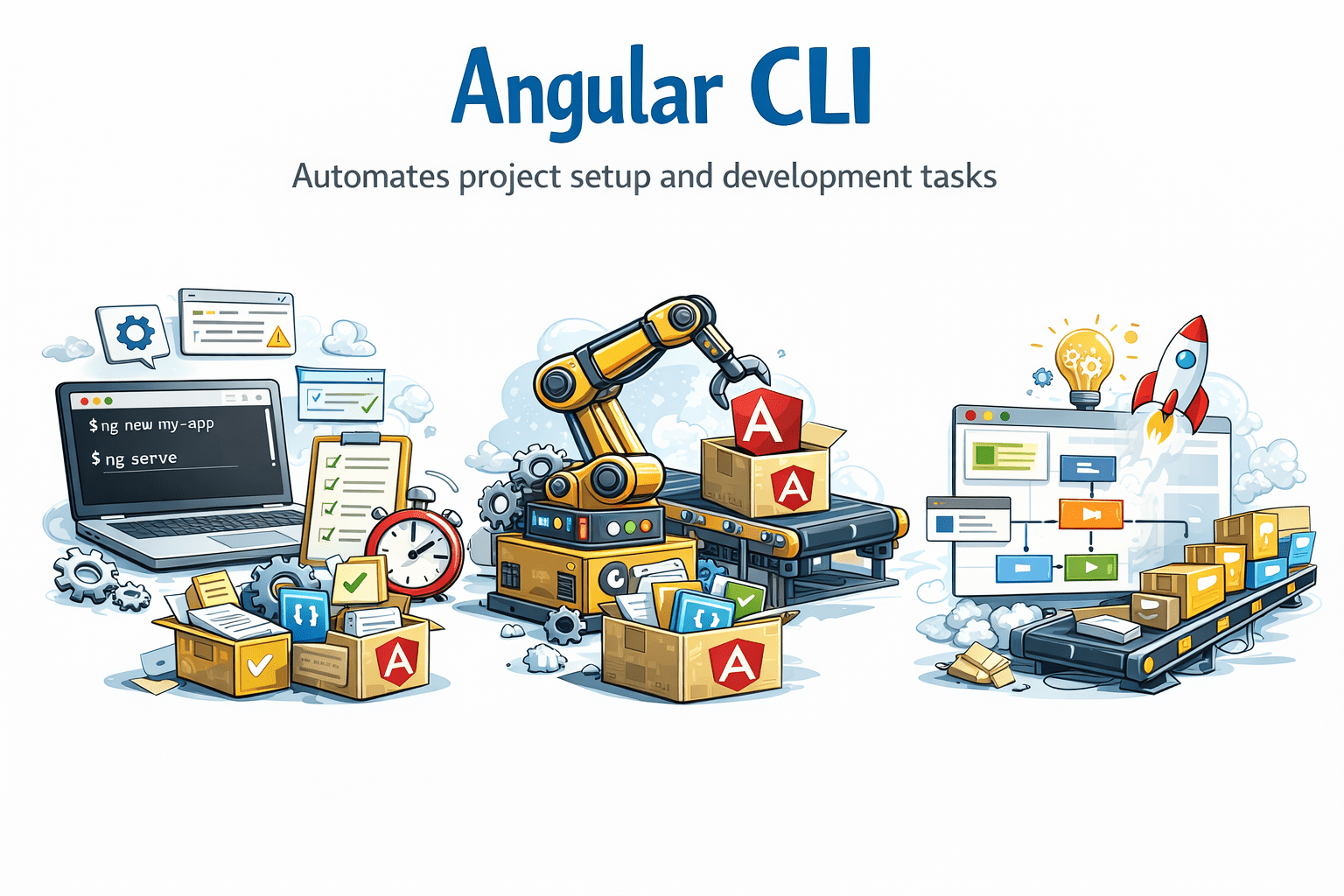
Angular CLI automates project setup and development tasks
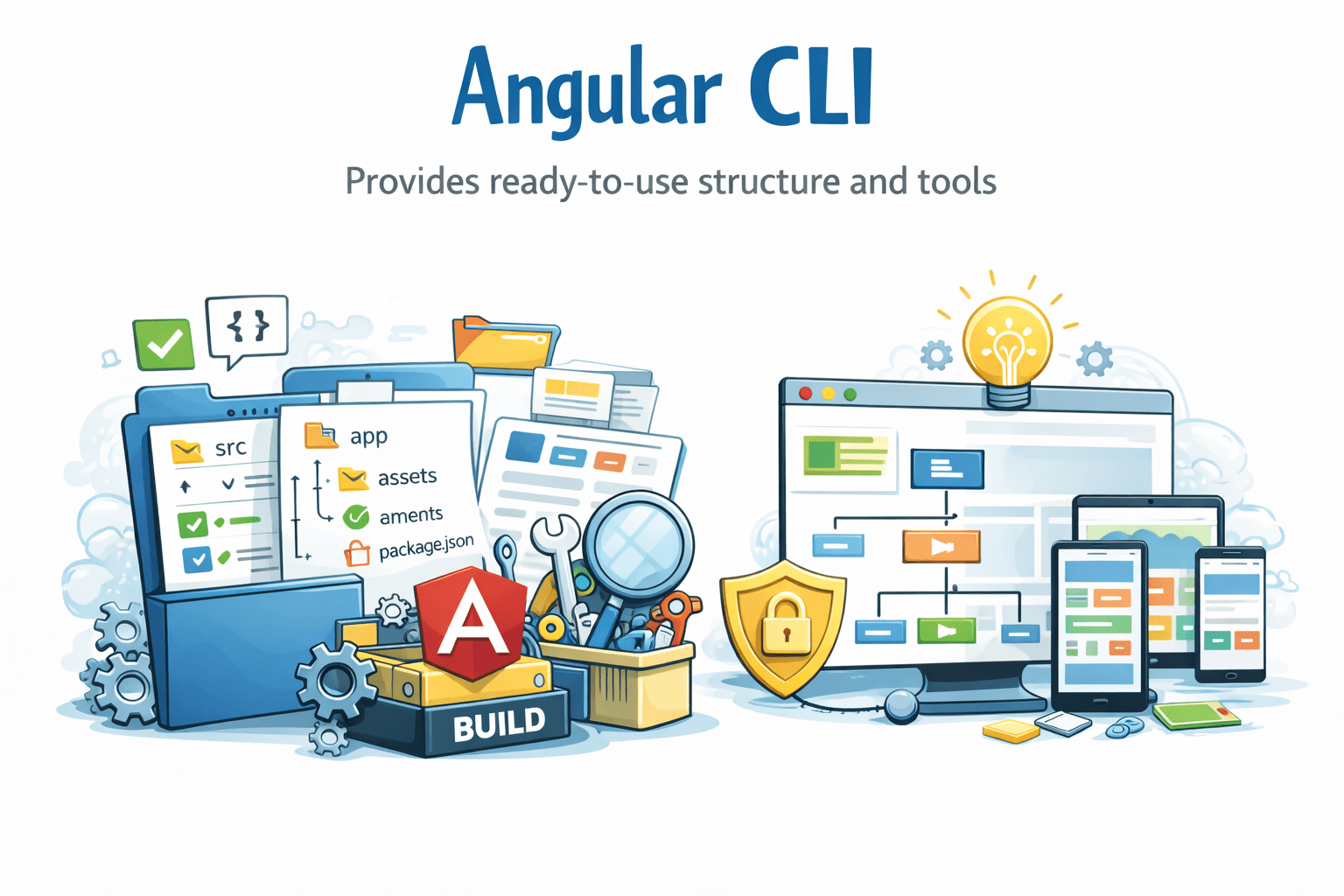
Angular CLI provides ready-to-use structure and tools
Angular Solution:

Angular CLI:
What is Angular CLI
Angular CLI is a command-line tool to manage Angular apps.

Features:
-
Create project
-
Generate components/services
-
Build application
-
Run development server
npm install -g @angular/cliInstall CLI
ng new my-app
cd my-app
ng serve
Create project
Key CLI Commands (Development)
Generate Guard
ng g guard authGenerate Directive
ng g directive highlight
ng g d highlight
Generate Components
ng generate component home
ng g c home
Generate Module
ng generate module admin
ng g m admin
Generate Service
ng generate service user
ng g s user
Generate Pipe
ng g pipe filter
ng g p filter
Key CLI Commands (Development)
Benefits

Faster development
Consistent & standard project structure

Reduces manual coding effort

Improves scalability

Server vs Browser Routing (Comparison)
Server Routing:
Page reload
Server handles logic
Slower
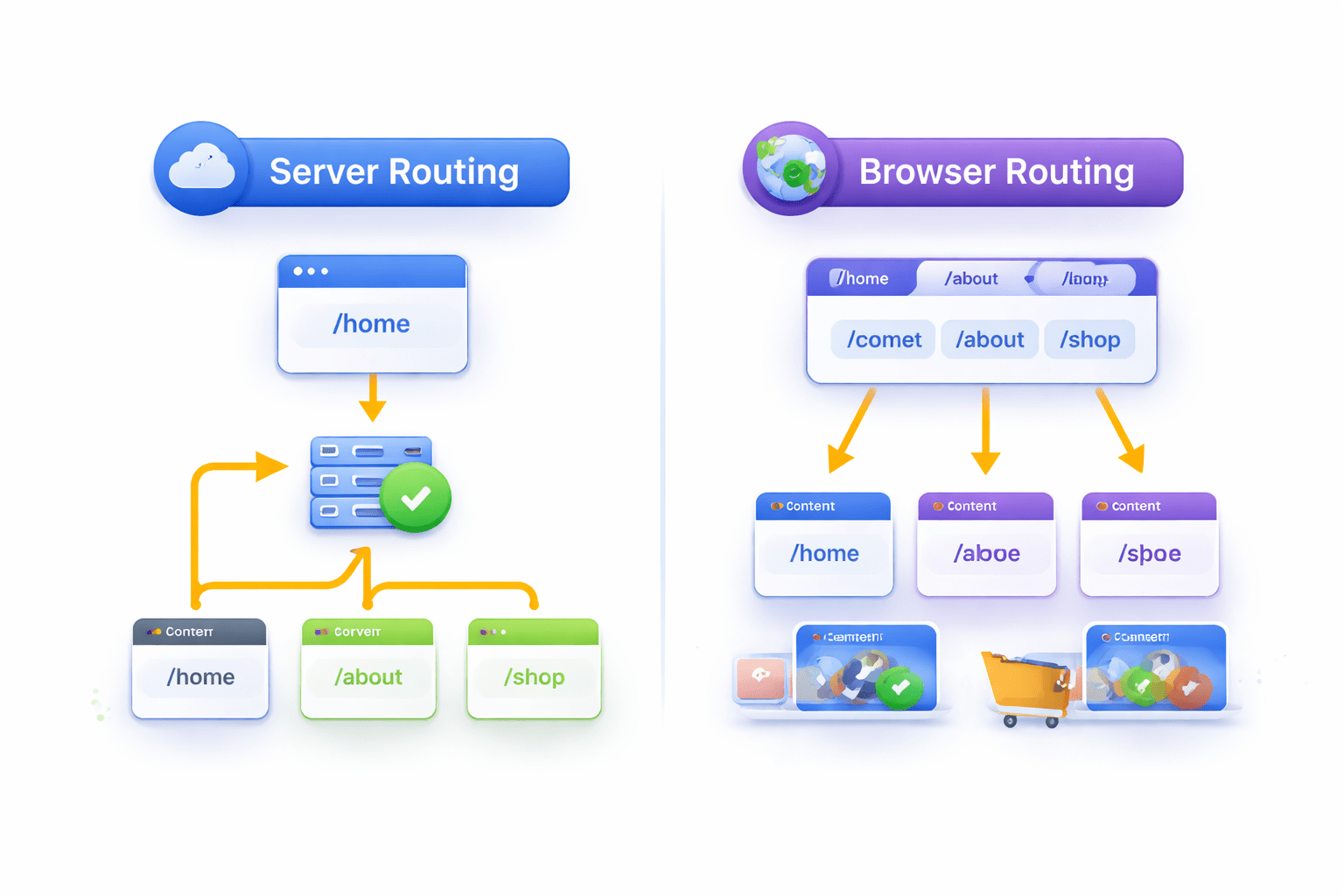
Browser Routing:
No reload
Angular handles logic
Faster
Angular uses : Client-side routing (SPA)

Summary
5
Angular uses client-side routing (SPA)
4
Routing enables smooth navigation
3
Build process optimizes app
2
Key commands help in fast project setup
1
Angular CLI simplifies development and deployment
6
Improves user experience and performance
Quiz
Which command creates a component?
A. ng build
B. ng serve
C. ng g c
D. ng start

Quiz-answer
Which command creates a component?
A. ng build
B. ng serve
C. ng g c
D. ng start
