Playwright Basics & Browser Actions


Browser Lifecycle


Learning Outcome
5
Follow best practices for efficient resource management.
4
Close browser resources in the correct order.
3
Create and manage Playwright, Browser, Context, and Page objects.
2
Understand each stage of the browser lifecycle.
1
Explain the Browser Lifecycle in Playwright
Imagine you are staying in a hotel.

To complete your stay, you follow a sequence of steps:
Arrive at the hotel
Check in at the reception
Receive your room
Enter the room
Stay and use the room.





Pack your belongings.
Check out.
Leave the hotel.



Similarly, Playwright follows a structured Browser Lifecycle where every object must be created and closed in the correct order.
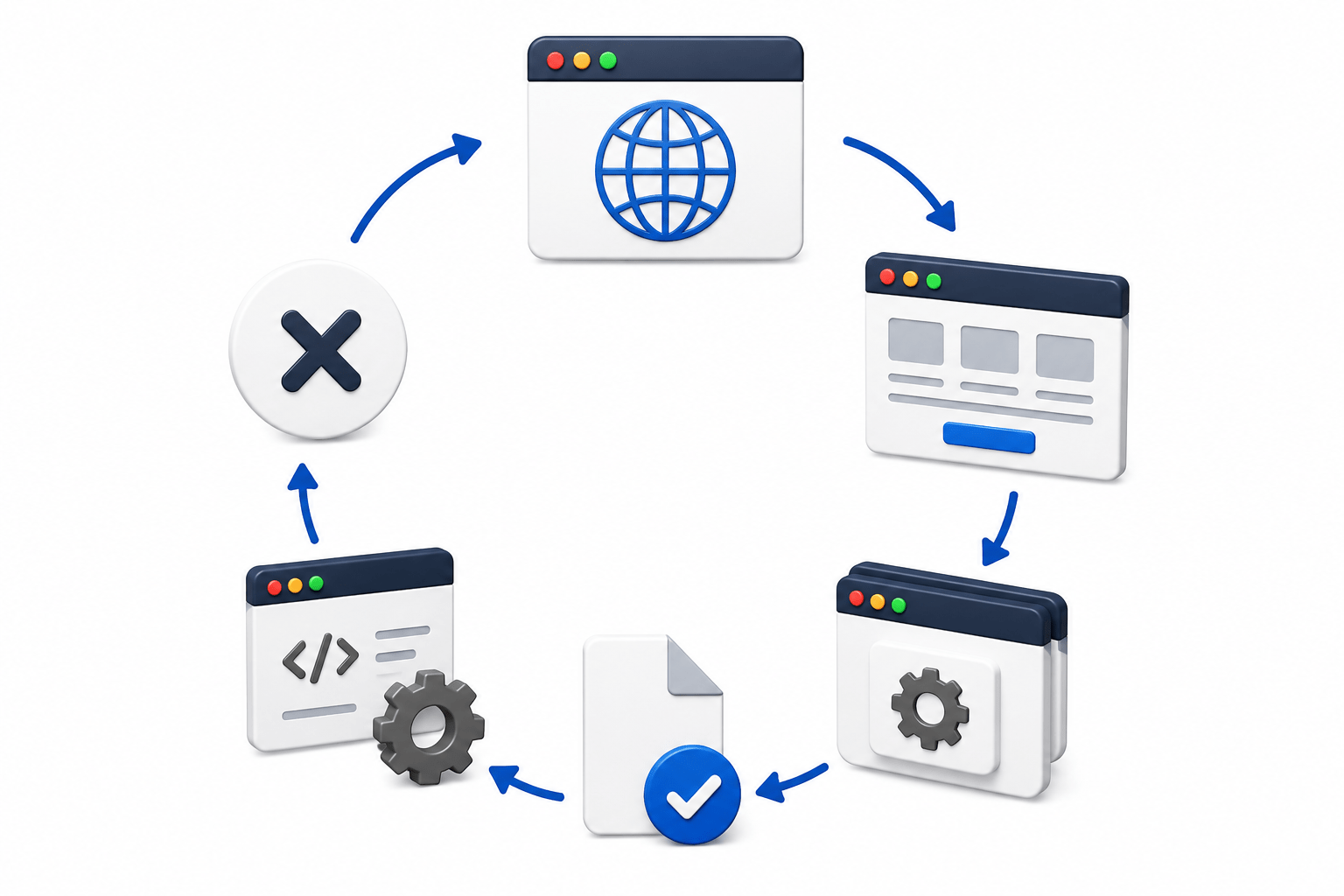
What is Browser Lifecycle?
Browser Lifecycle refers to the complete journey of a browser during test execution, from launching the browser until closing it.

What problems they are facing
Create Playwright Instance
Launch Browser
Create Browser Context
Create Page
Close Browser
Close Context
Close Page
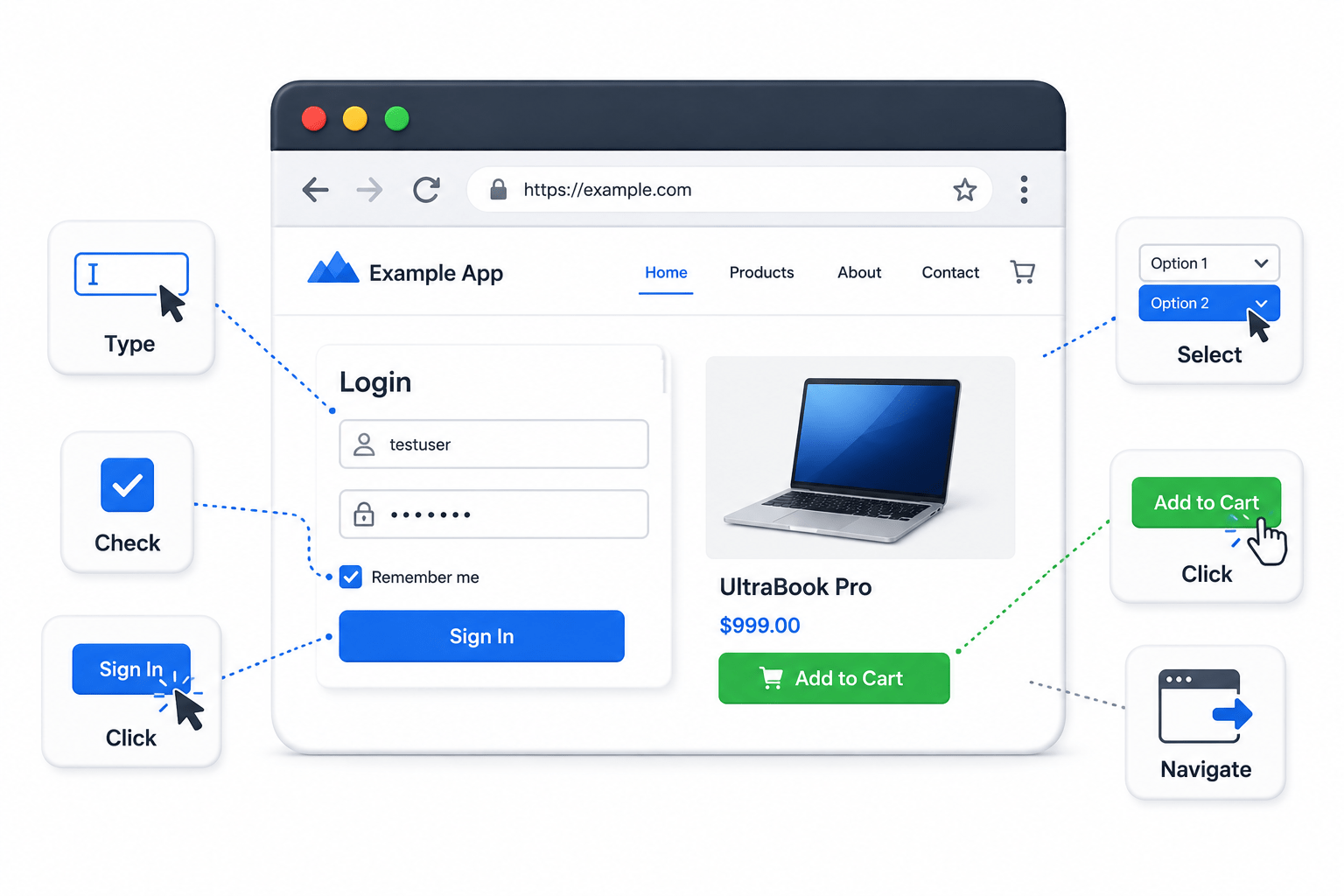
Perform Browser Actions
Close Playwright










Browser Lifecycle Flow
Create Page
5
Start Test
1
Create Playwright Instance
2
Launch Browser
3
Create Browser Context
4



Close Playwright
10
Perform Browser Actions
6
Close Page
7
Close Context
8
Close Browser
9
Browser Lifecycle Components
Component
Playwright
1.
2.
3.
Entry point for automation
Browser
Launches the browser
Browser Context
Creates an isolated session
Component
Page
4.
5.
6.
Represents a browser tab
Browser Actions
Performs user operations
Page Close
Closes the current tab
7.
Removes session data
Context Close
Component
Browser Close
8.
9.
Terminates the browse
Releases Playwright resources
Playwright Close
Component
Browser Lifecycle Components
Playwright playwright
Playwright.create();
Browser browser
playwright.chromium().launch();
BrowserContext context
browser.newContext();Page page
context.newPage();page.navigate
"https://www.google.com"page.close();context.close();browser.close();playwright.close();
Best Practices
Create a new Browser Context for isolated sessions
Close the Page before closing the Context
Close the Context before closing the Browser.
Always create Playwright first.
Always call playwright.close() at the end.

Best Practices
Create a new Browser Context for isolated sessions
Close the Page before closing the Context
Close the Context before closing the Browser.
Always create Playwright first.
Always call playwright.close() at the end.
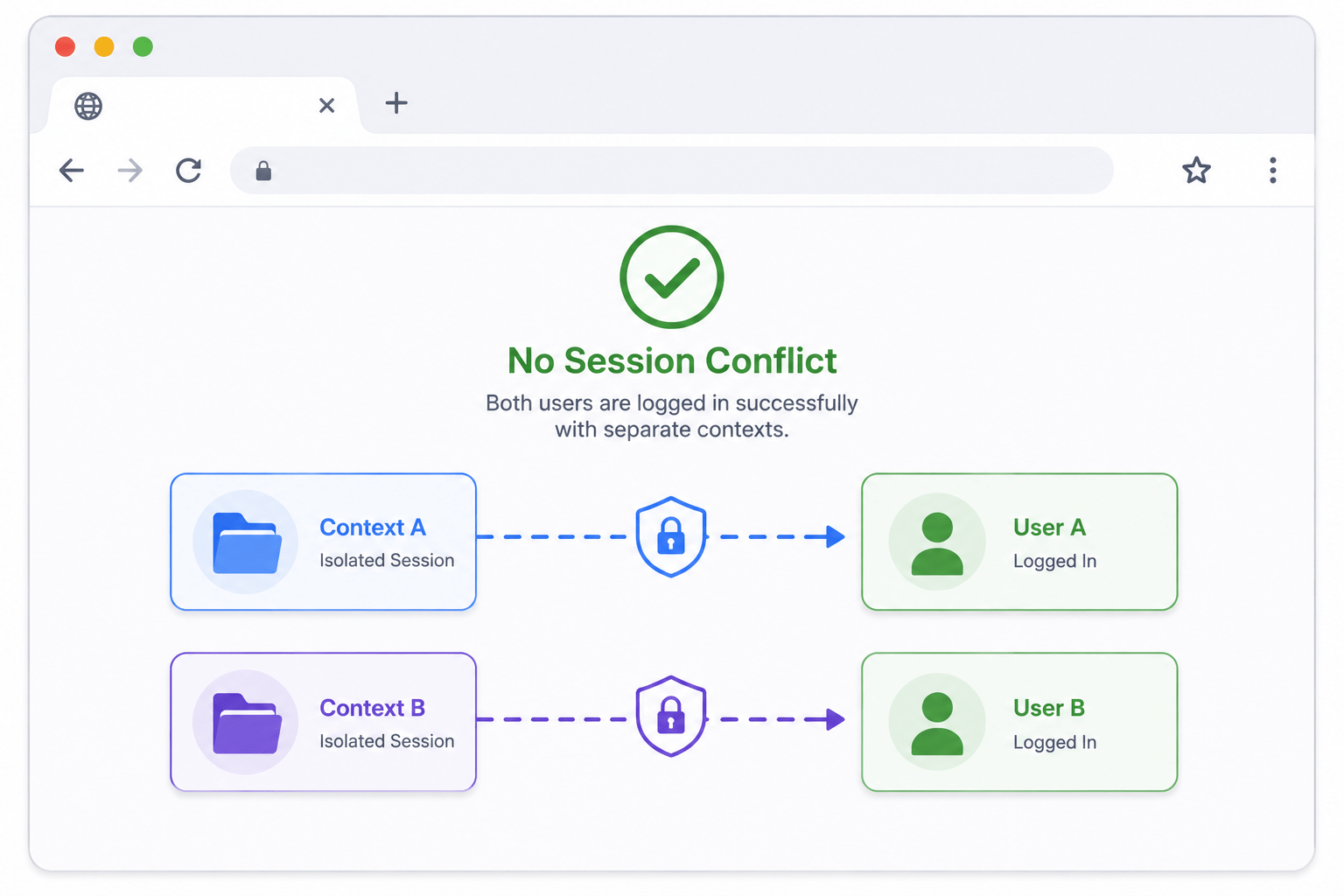
Browser Context
A Browser Context is an browser session.

Think of it as an independent browser profile.

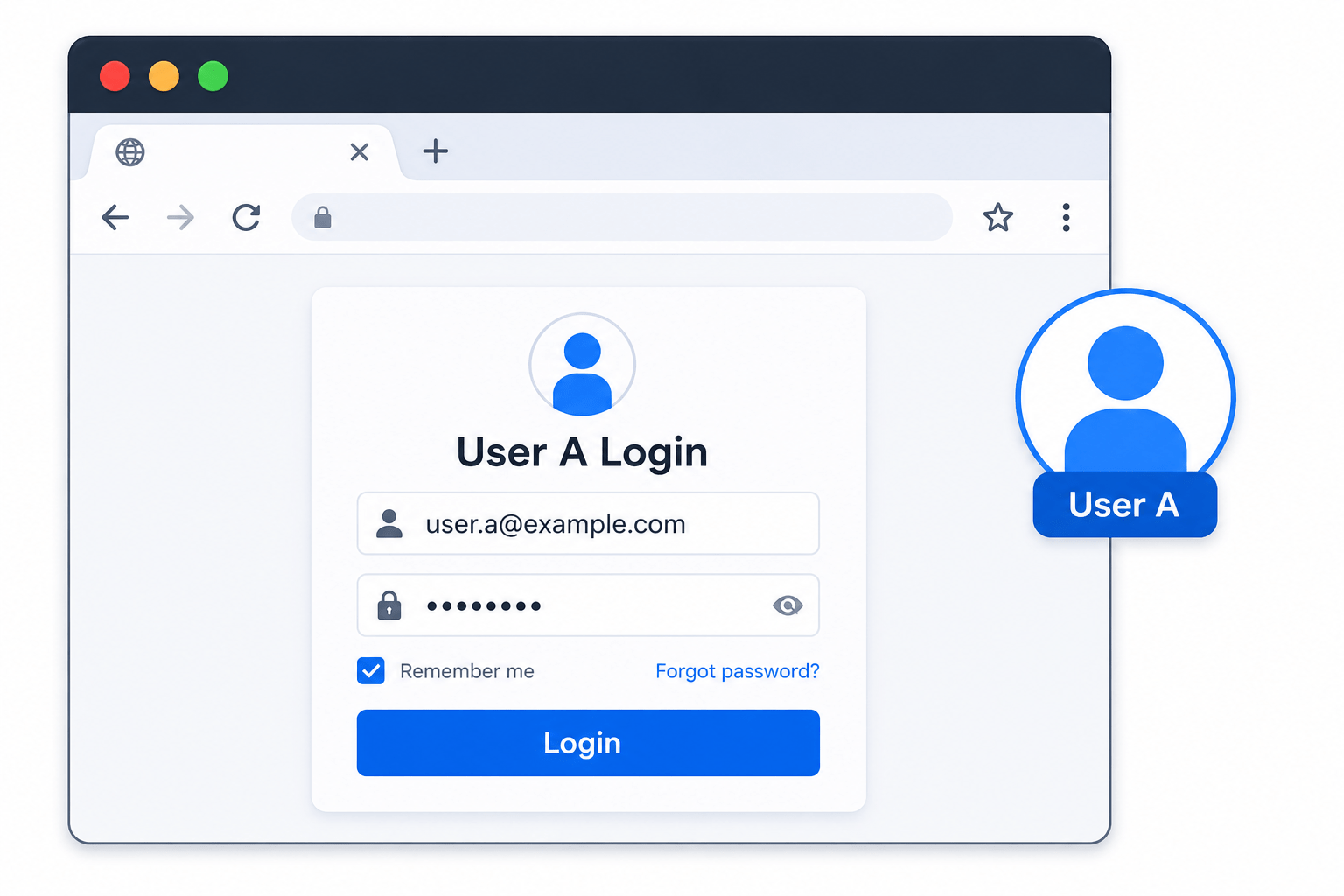
Without Browser Context
(Browser)
User A Login
User B Login
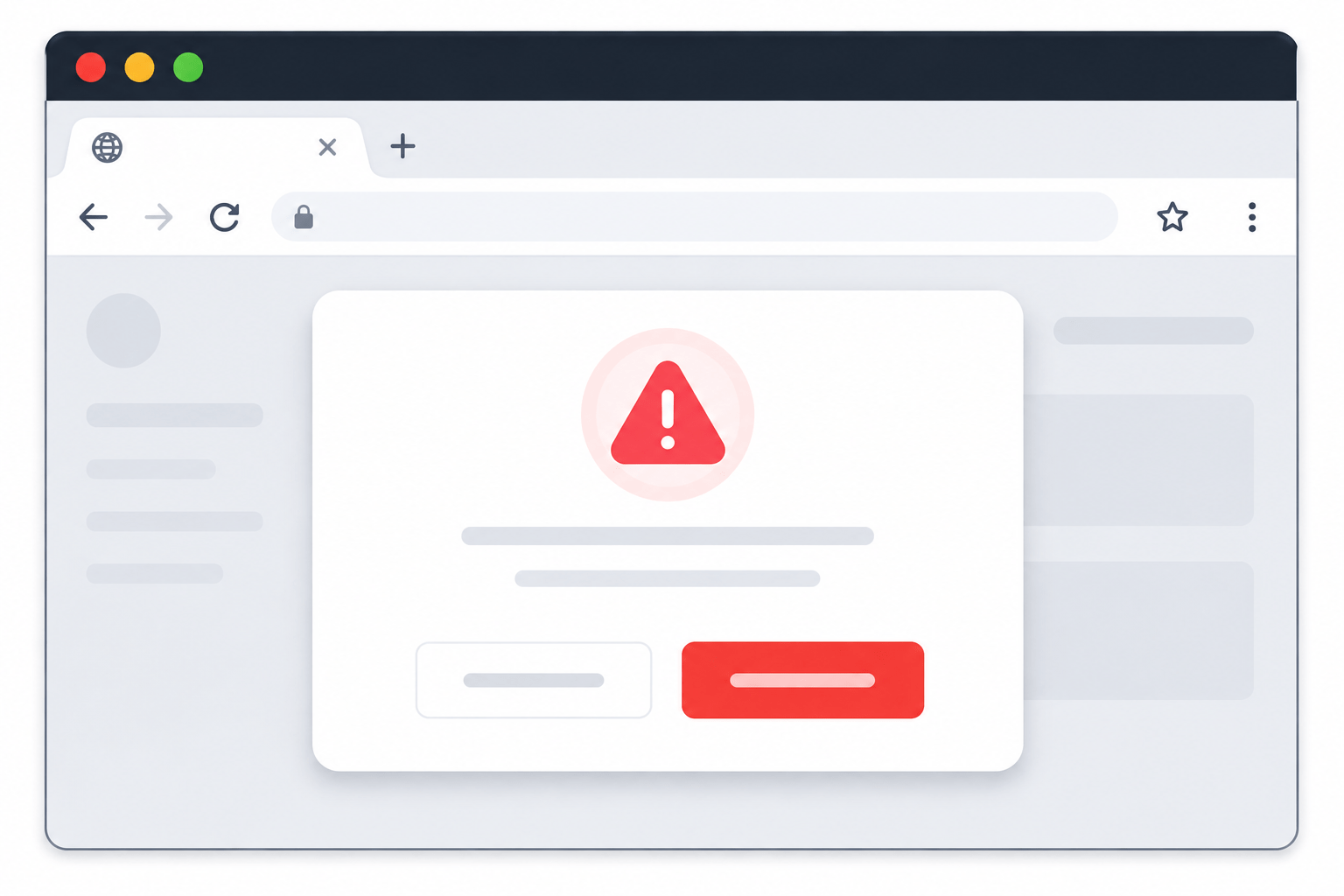
Session Conflict

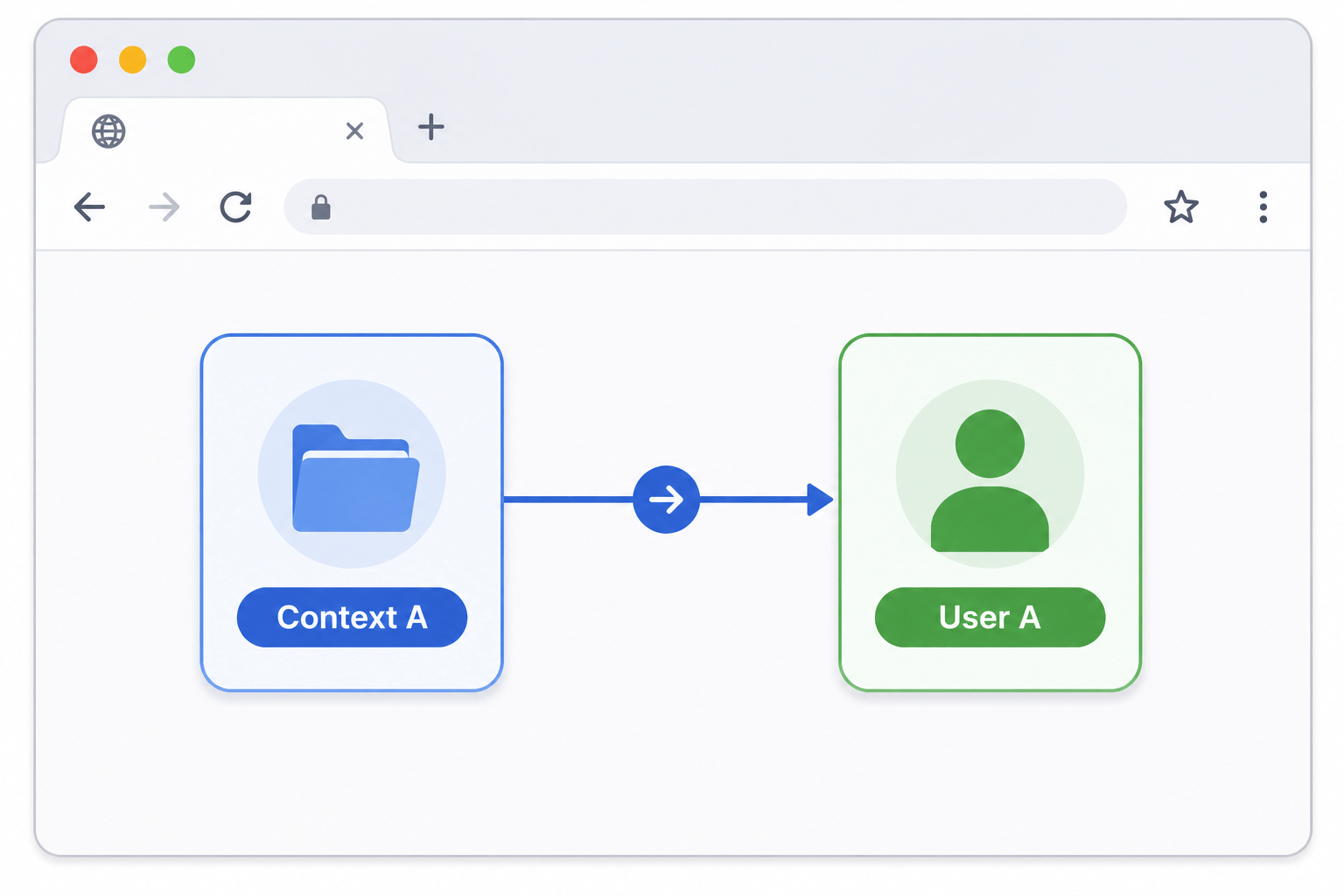
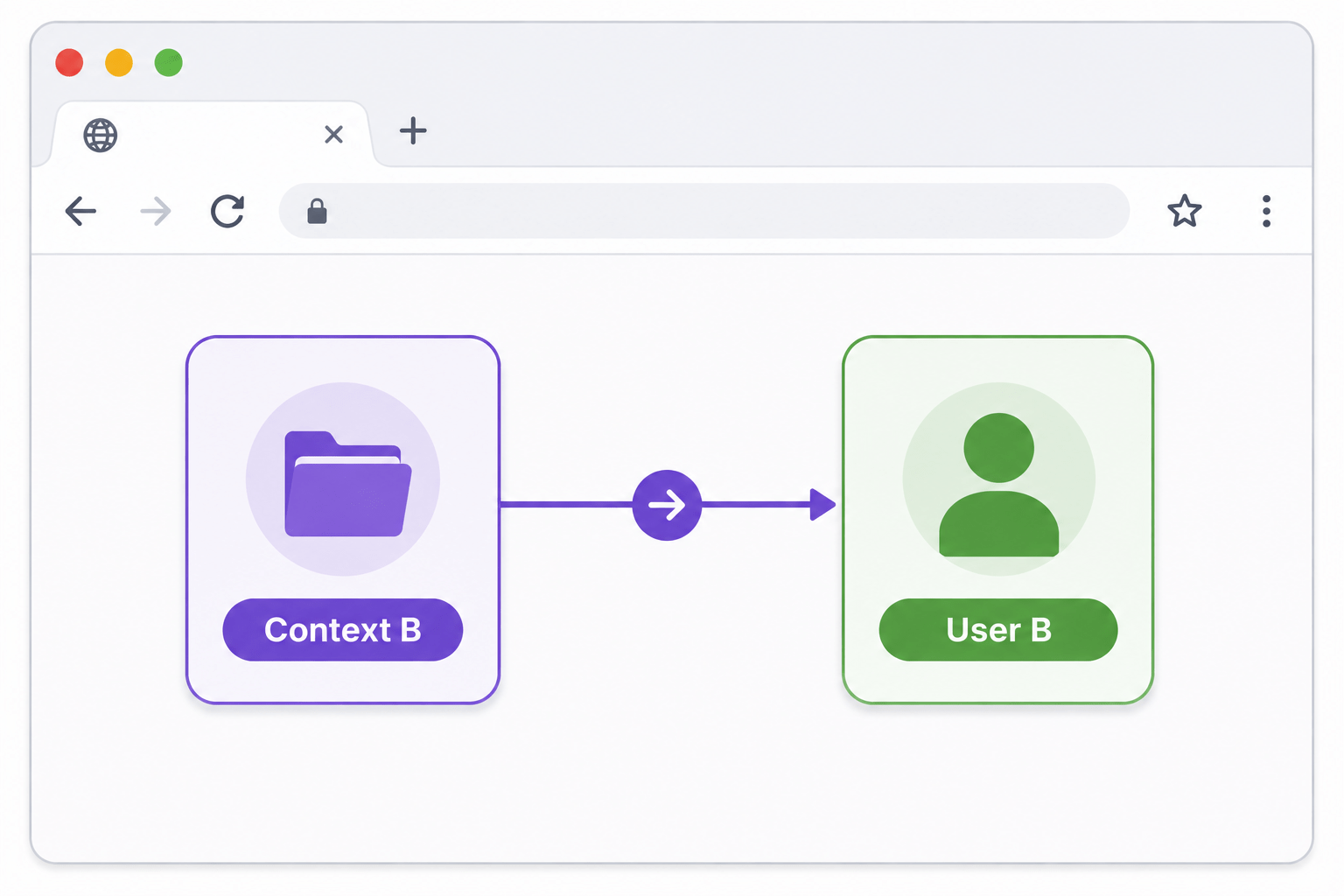
With Browser Context
(Browser)
Context A → User A
Context B → User B
No Session Conflict
Real-World Applications
Proper Browser Lifecycle management is important in:
Parallel Test Execution
Target Audience
Cross-Browser Testing
Large Enterprise Automation Projects
Regression Testing
CI/CD Pipelines
Summary
4
Proper lifecycle management improves stability and performance.
3
Resources should always be closed in the correct order
2
Every object has a specific responsibility
1
Browser Lifecycle is the complete journey of browser execution
Quiz
Which object is created first?
A. Browser
B. Context
C.Playwright
D. Page

Quiz-Answer
Which object is created first?
A. Browser
B. Context
C.Playwright
D. Page
