Introduction to Zapier


App Connections and Authentication
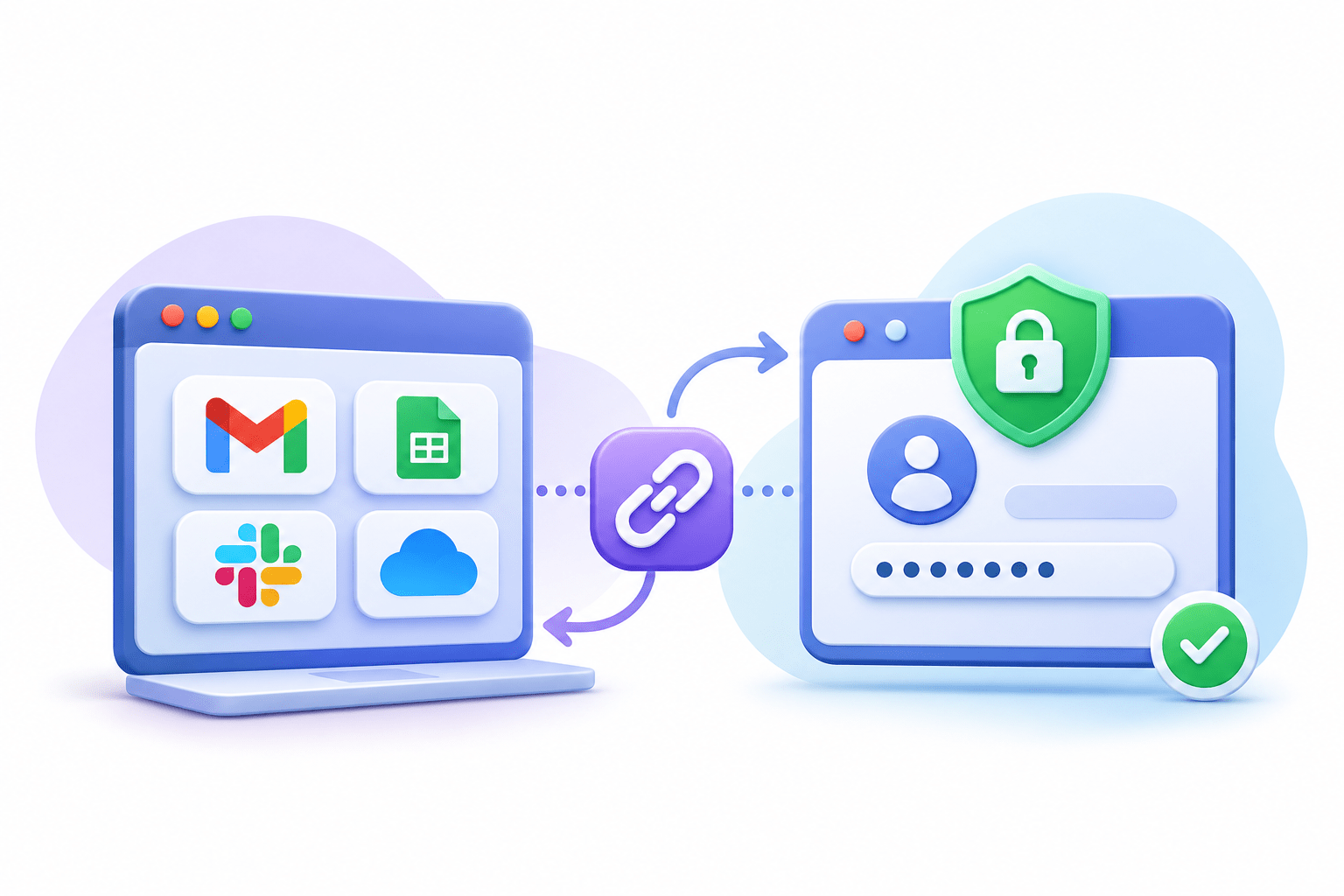

Learning Outcome
5
Connect role-based accounts to reliable Zaps.
4
Apply OAuth vs API key to real situations.
3
Recognize why connections expire.
2
Identify the three main authentication methods.
1
Understand what an App Connection is.
Imagine you are staying at a hotel where housekeeping needs access to your room.
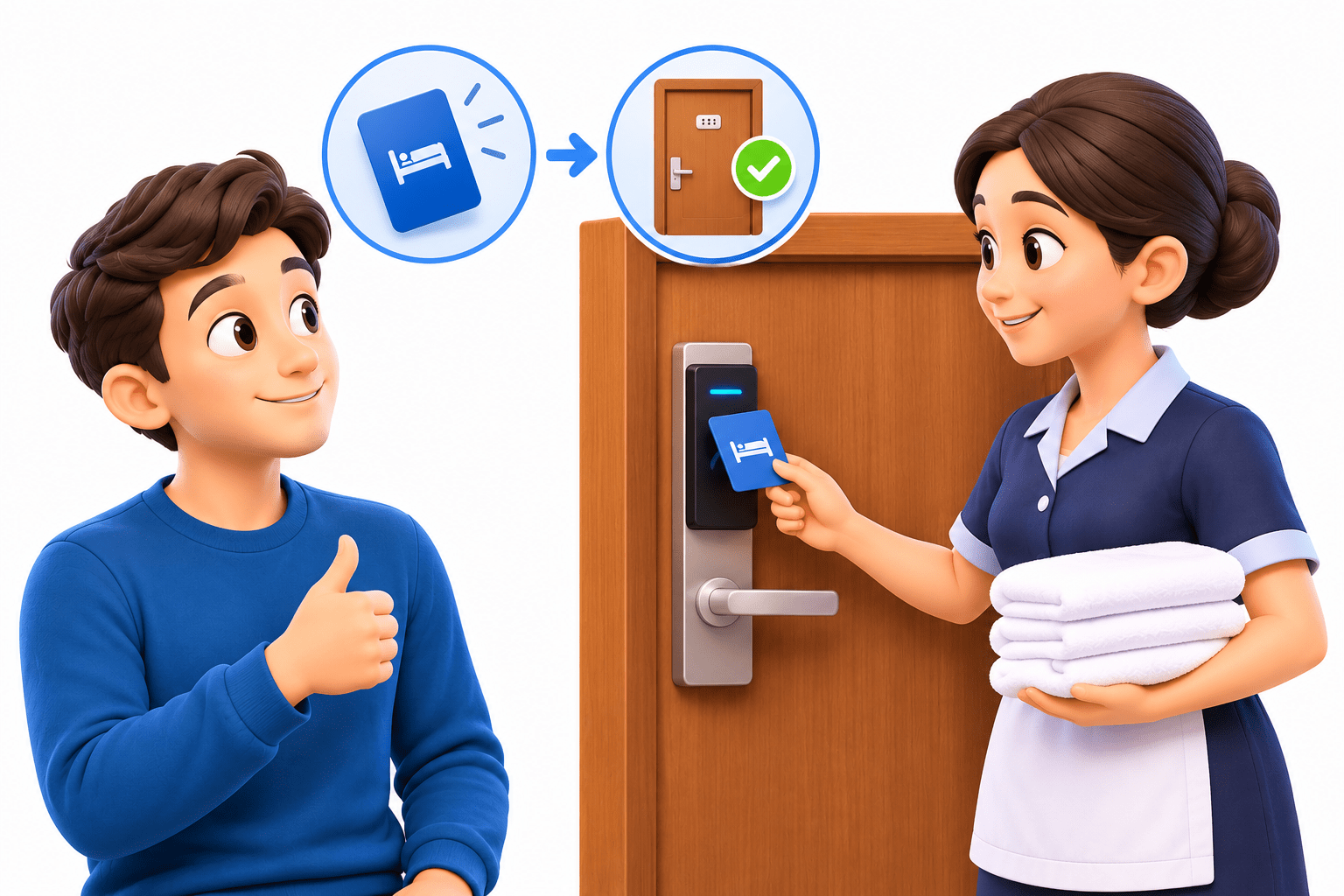
Protect Your Main Credentials
You don’t give housekeeping your personal keys or PIN, just like you don’t expose your username and password.
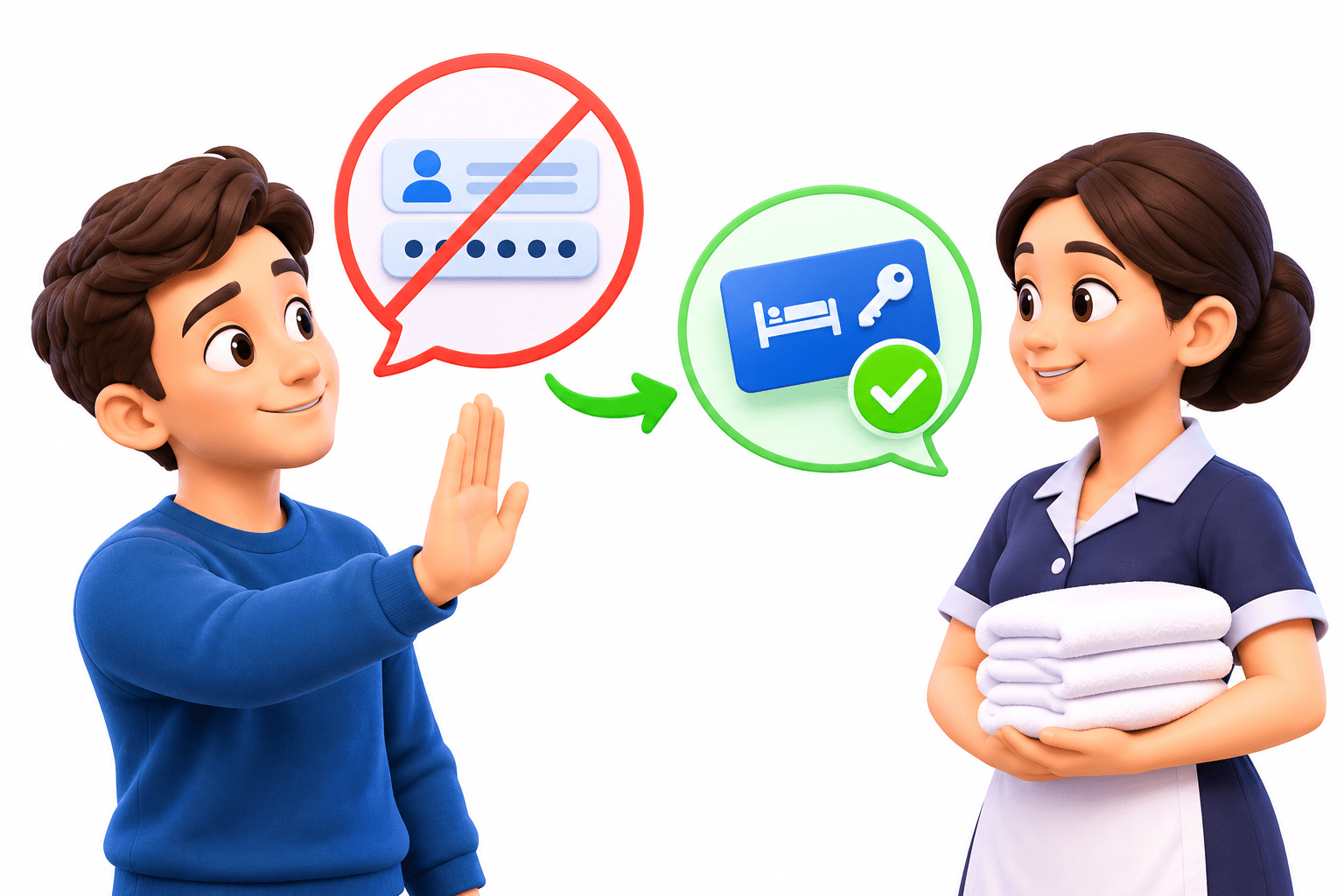
Give Limited Access
Reception provides a key card, like an access token, that grants only the required permission.
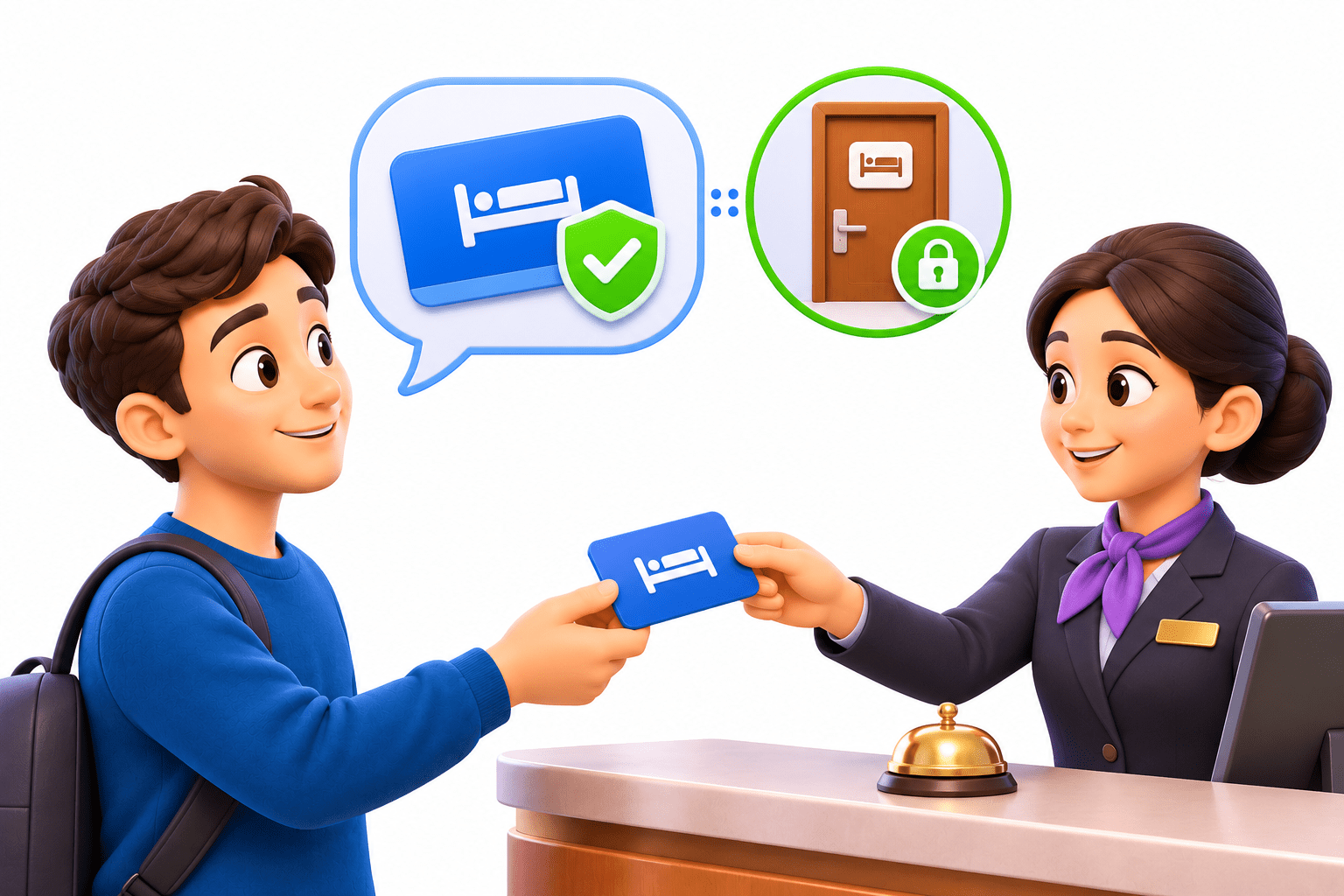
Control the Access
The card can be revoked and expires automatically, just like a token can be revoked or expire.
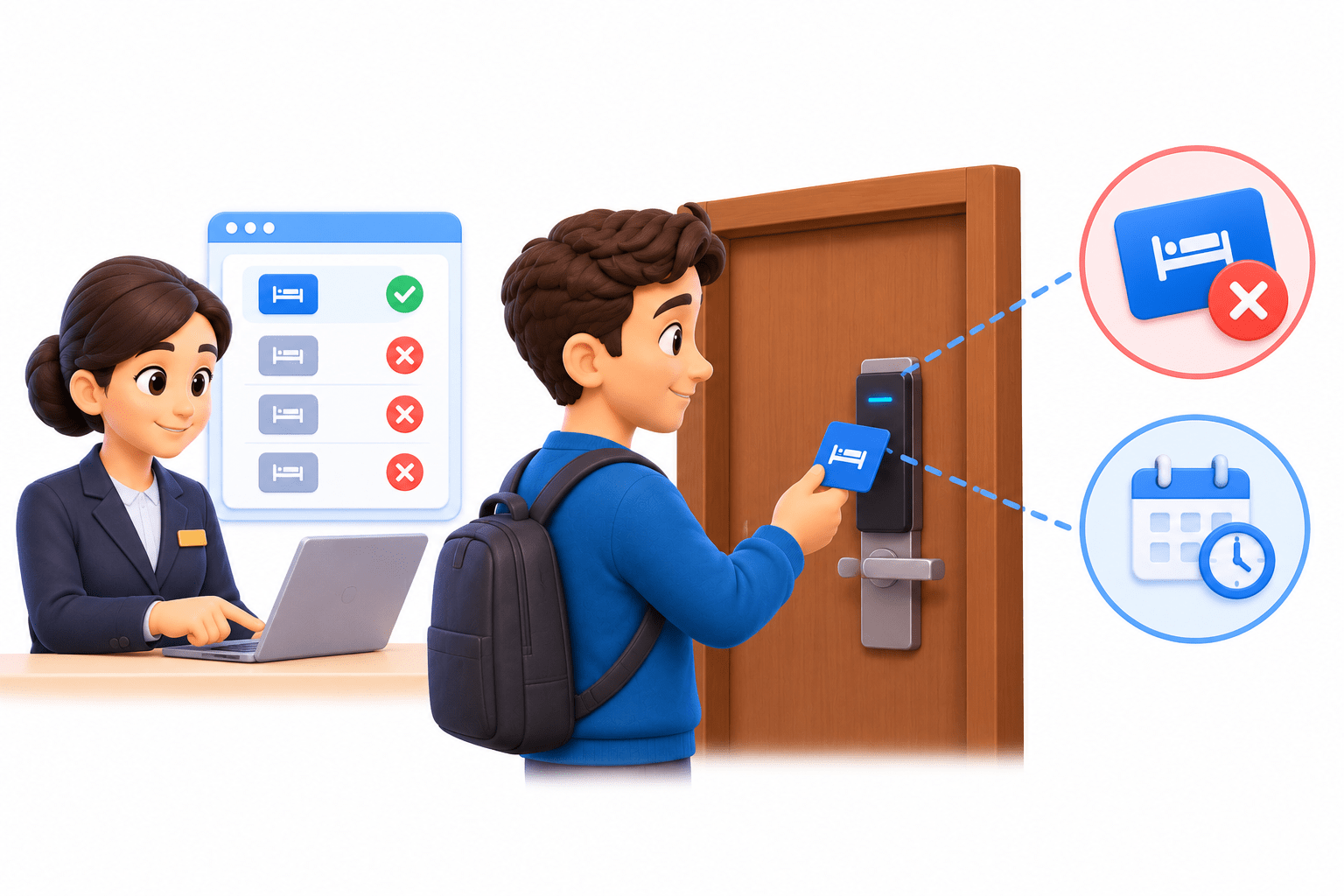
Now Zapier is the housekeeping staff, and it needs to send emails from your Gmail. Should you hand it
your Gmail password, like giving away your house keys?
No. Give it a key card: limited, cancellable, and expiring.
That limited permission is an App Connection.

What is an App Connection?
A saved, authorised link between Zapier and one account, e.g. admissions@yourinstitute.com.
One account:
two Gmail accounts means two connections
Reusable:
connect once, use in any Zap
Defines permissions:
what Zapier can see and do
Managed in one place:
the App Connections page

What is Authentication?
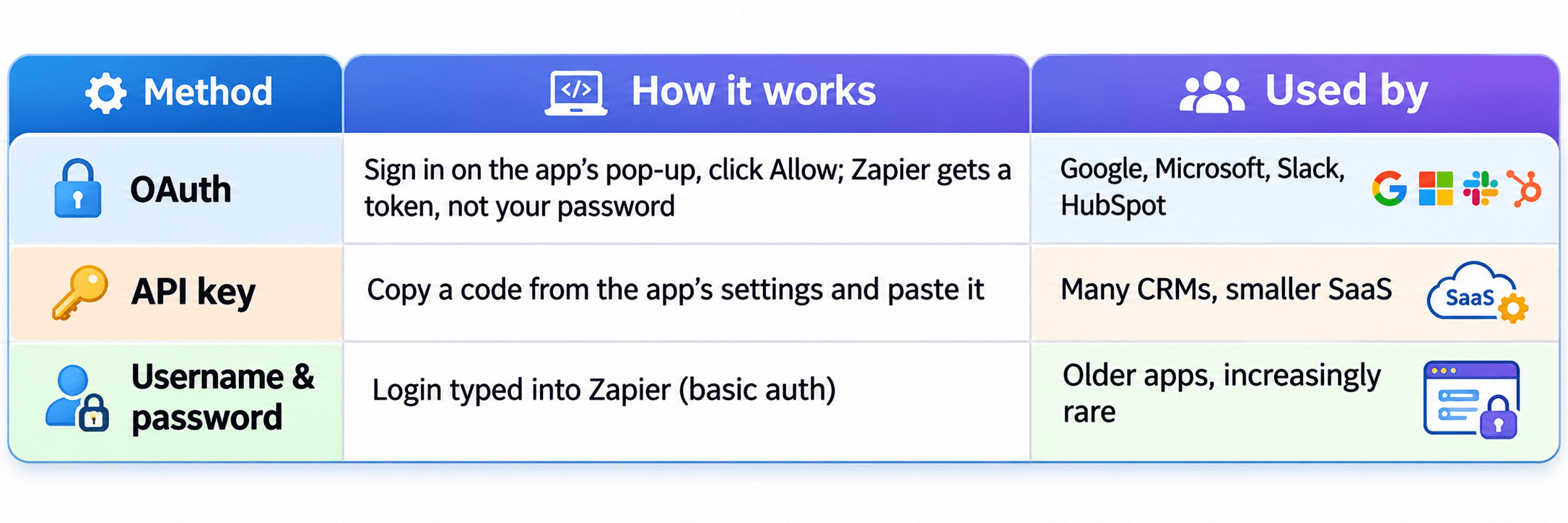

The app decides the method. You just follow its screen.
Managing App Connections
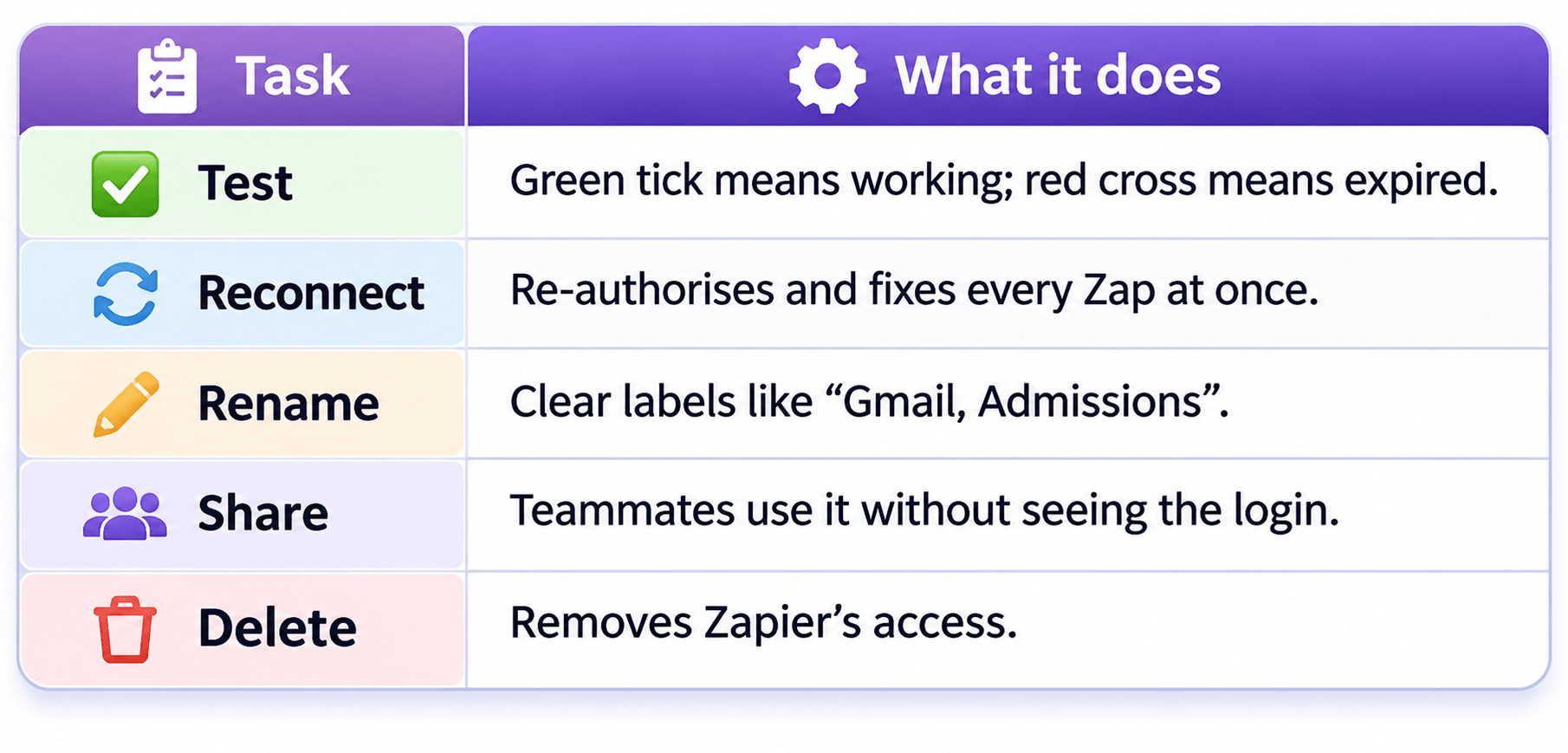
Why Connections Expire
Security rules change (e.g. two-step verification)
Access is revoked or the API key is regenerated
The password changes


The account owner leaves
Expired connections cause “Not authenticated” or “Unauthorized” errors. Build on role-based
accounts like admissions@, not a person’s account.


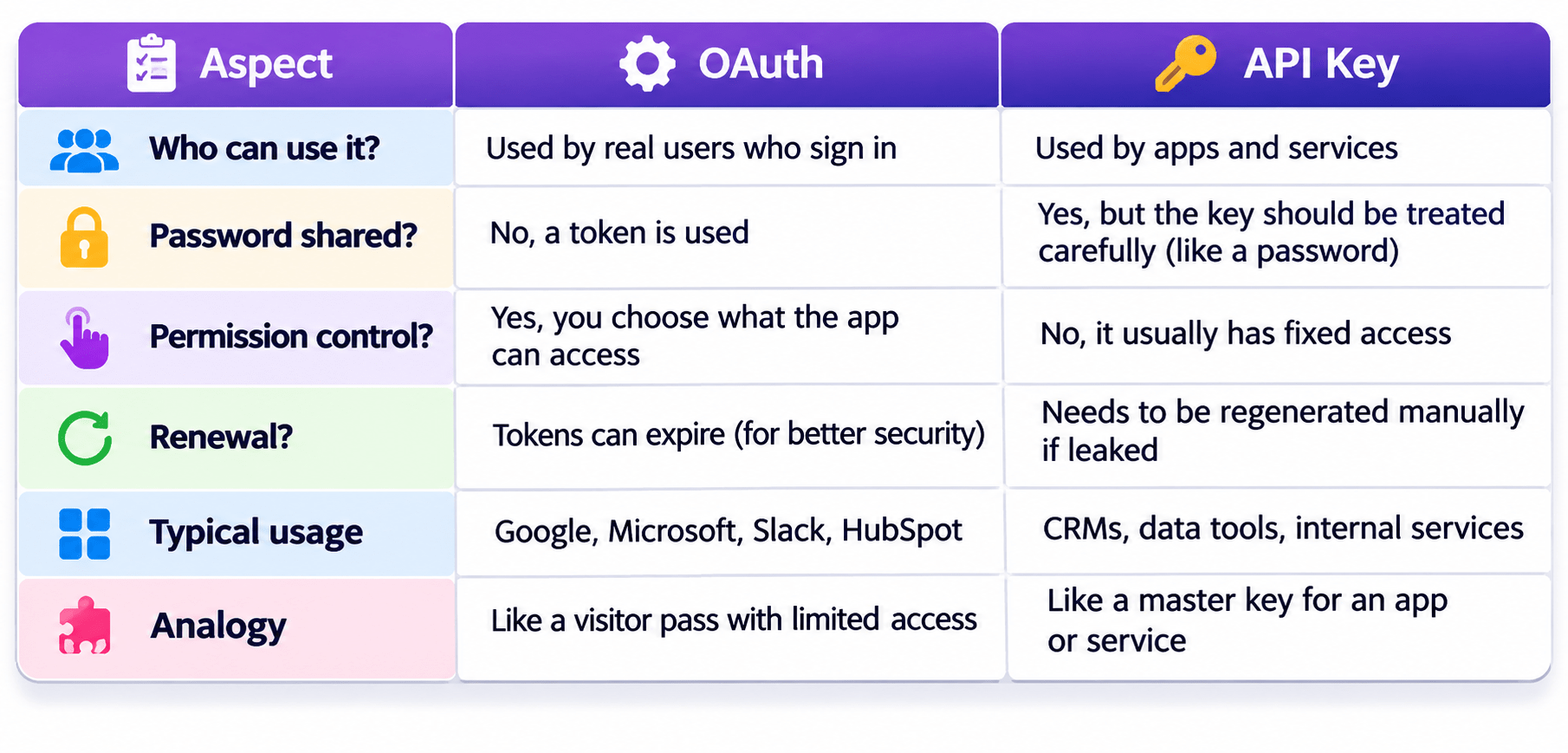
OAuth vs API Key
A Simple Way to Remember
Sign in and click Allow? That’s OAuth. Copy and paste a code? That’s an API key. Either way, it’s a key to your account.
Your own account takes seconds to connect; a shared account needs IT approval. Why
does the 5-minute shortcut cause bigger problems later?
Real-World Applications: OAuth or API Key?
Google pop-up lists access and asks you to click Allow
OAuth
Code copied from the email tool’s Integrations settings
API Key
Access stopped by regenerating the code
API Key



Real-World Applications: OAuth or API Key?
Zapier removed from Microsoft’s third-party apps list
OAuth

Troubleshooting Connections
Counsellor resigns, all Zaps fail reconnect using admissions@
“Unauthorized” after a password reset reconnect once, which fixes every Zap
Emails sent from your personal Gmail select the right account; rename both connections
Summary
5
Build business Zaps on role-based accounts.
4
OAuth means sign in and Allow; an API key means copy and paste.
3
Password resets, revoked access, or departures break connections.
2
Apps authenticate with OAuth, API keys, or username/password.
1
A connection is a reusable, authorised link to one account.
Quiz
A Zap shows “Unauthorized” right after the sheet owner reset their Google password. What is
the fix?
A. Rebuild every Zap
B. Reconnect the connection once
C. Delete the sheet
D. Switch to a polling trigger

A Zap shows “Unauthorized” right after the sheet owner reset their Google password. What is
the fix?
A. Rebuild every Zap
B. Reconnect the connection once
C. Delete the sheet
D. Switch to a polling trigger
Quiz-Answer