Introduction to Zapier


Anatomy of a Zap: Triggers, Actions and Field Mapping

Learning Outcome
5
Connect testing to safe, personalised Zaps.
4
Apply static and mapped values to fields.
3
Recognize create, update, and search actions.
2
Identify instant vs polling triggers.
1
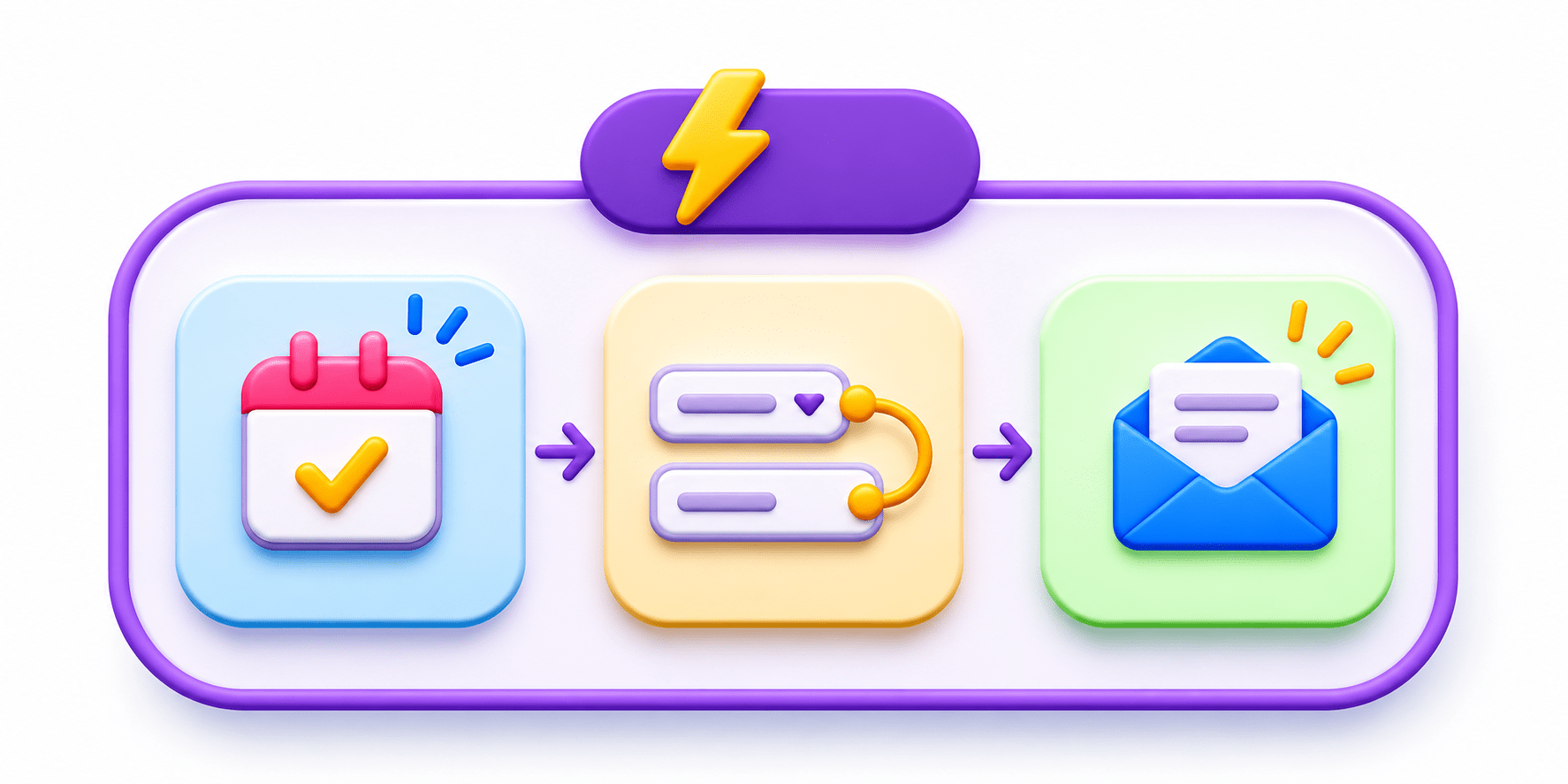
Understand the Setup, Configure, Test pattern.
Imagine a family is preparing 500 wedding invitations for their guests.

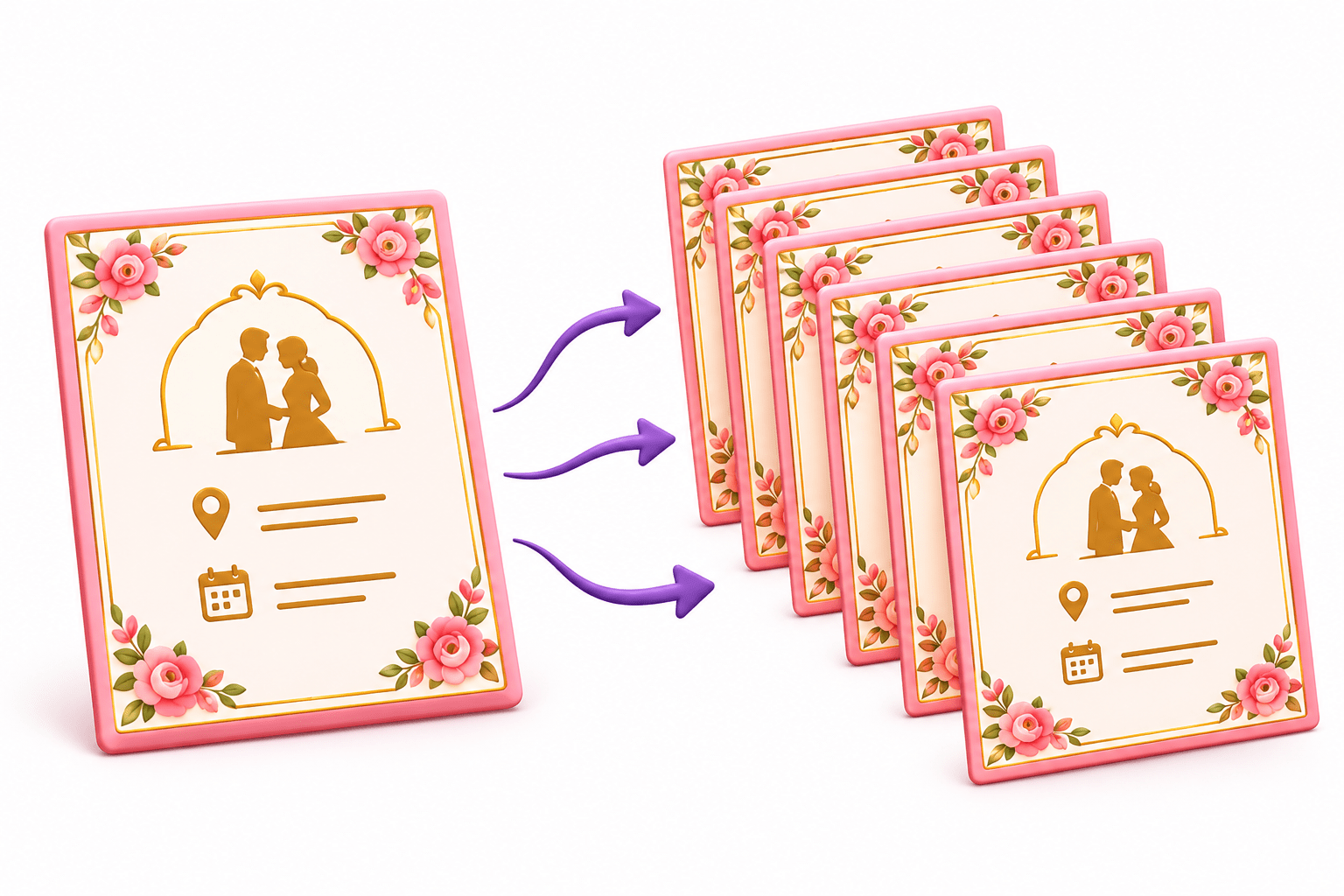
Keep the Invitation Same
The design, venue, and message stay unchanged for every guest.
Use the Guest List
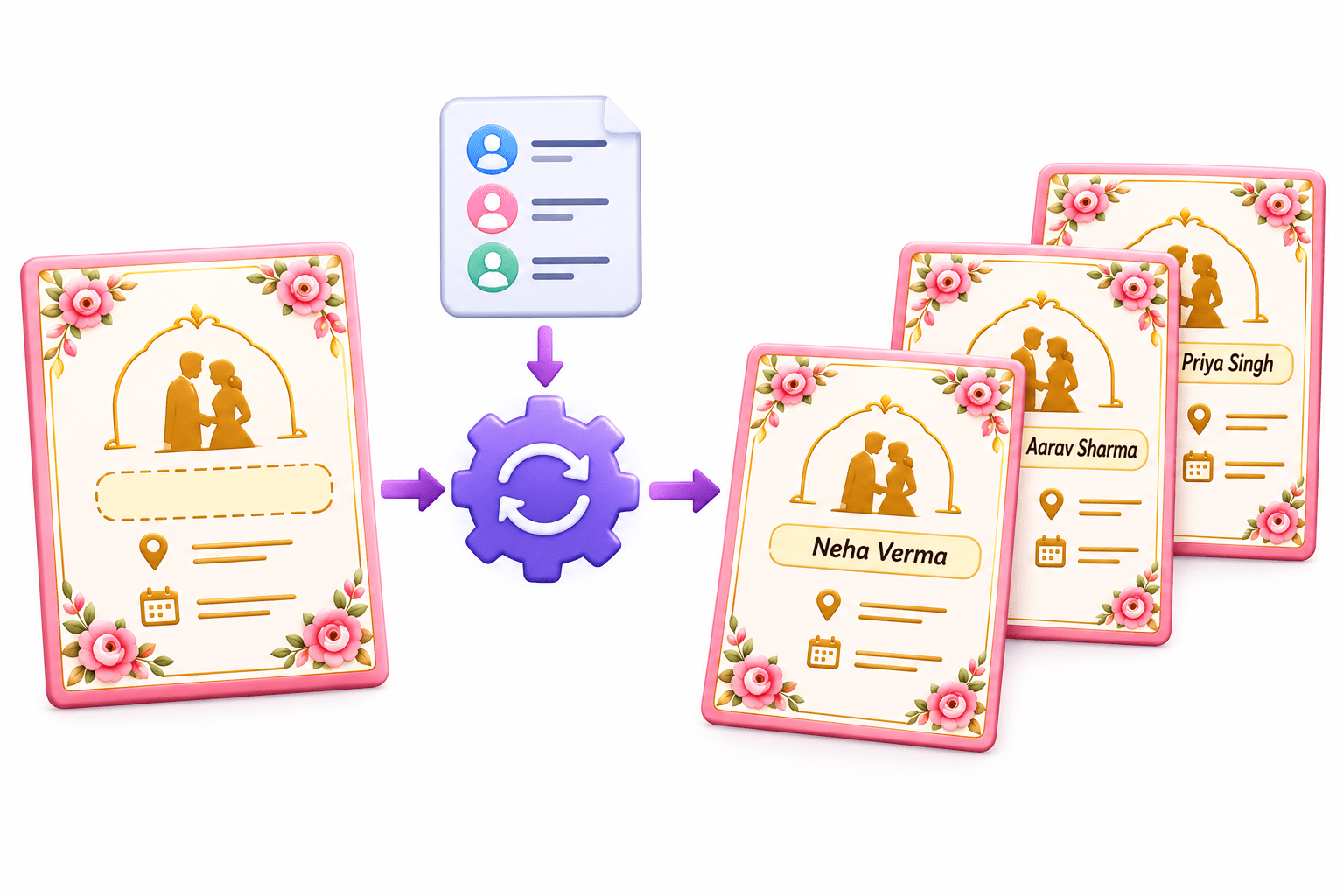
Each guest’s name is picked one by one from the list.

Fill Only What Changes
The same invitation is reused while only the guest name changes automatically for each person
A Zap sends “Hi Priya” to every new lead, even to Rahul. What went wrong?
The name was typed in once instead of being picked from the guest list (the triggerdata).
Let’s open a Zap and see how data flows.



What is the Anatomy of a Zap?
01
02
03
Every step, trigger or action, uses the same three tabs in order:
Setup:
choose the app, event, and account
Configure:
fill in the step’s fields
Test:
run it once to confirm it works

Learn this pattern once and every app feels familiar. Only the fields change.



Inside a Trigger Step
03
Trigger data:
fields like Full Name, Email, Phone, Course, City.
Test record:
a real sample to map from. With no test, there’s nothing to map.
Instant triggers:
the app notifies Zapier and it runs within seconds.
Polling triggers:
Zapier checks at intervals, every 15 minutes on the free plan.




Inside an Action Step
03
Create:
add a row, send an email, create a contact (the most common)
Update:
change an existing record, such as a lead status
Search:
find a record, such as a contact by email



Action tests are real. Test with your own email or a test sheet.

Required fields
must have values; optional fields can stay empty.

What is Field Mapping?
Fill action fields with trigger data by clicking + or typing /.
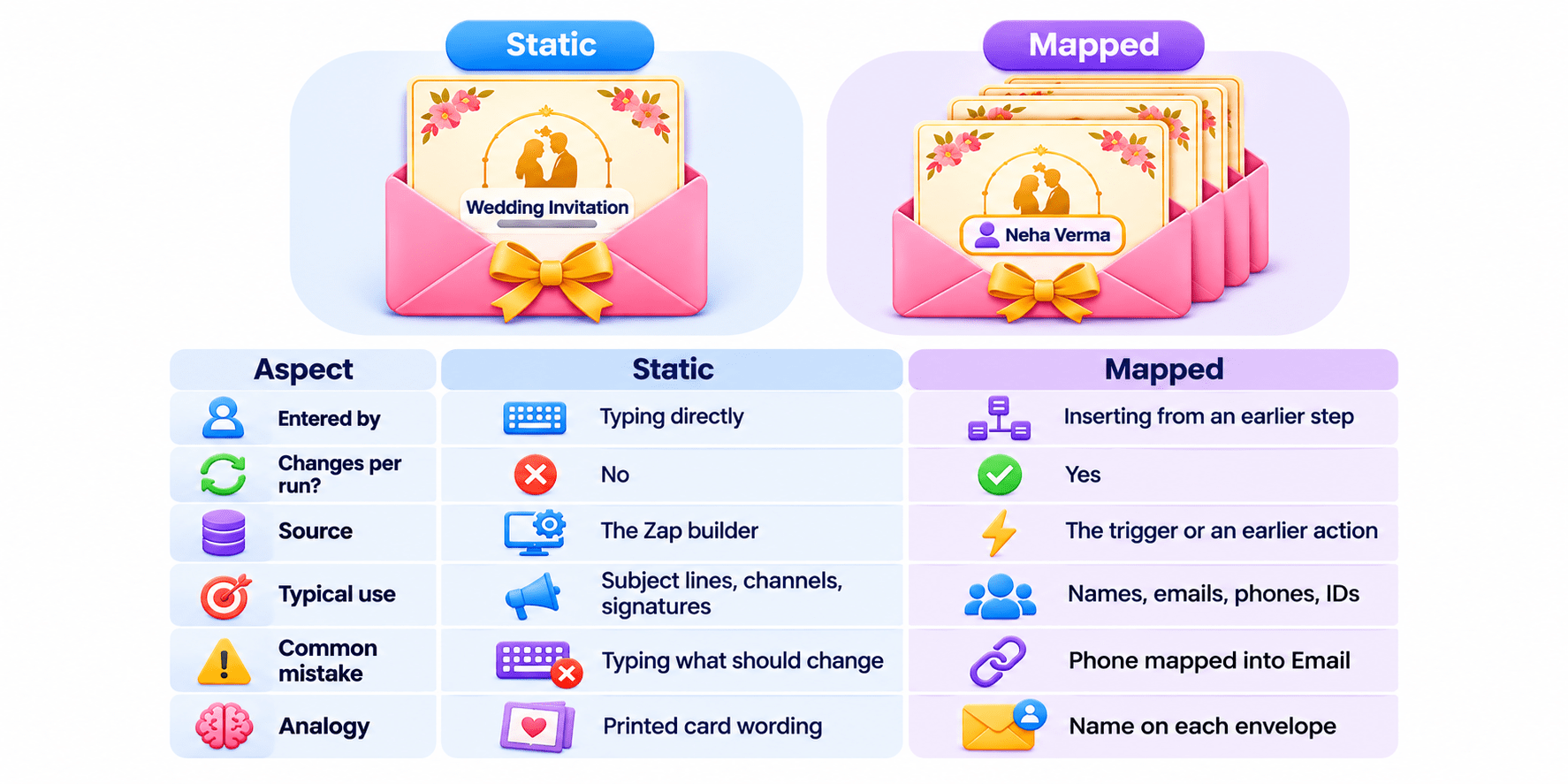
- Static: “Thank you for your enquiry”
- Mapped: {Email}
- Combined: “Hi {Full Name}, thanks for your interest in {Course of Interest}.”
Mapping flows forward only, needs tested sample data, and breaks if you move steps. An empty
mapped field produces “Hi ,” or a failed step.

Static Value vs Mapped Value
A Simple Way to Remember
Same for everyone? Type it. Changes per person? Map it. Most fields mix both.

Action tests send real emails. Why doesn’t Zapier offer a “preview only” test, and how
would you keep customers from seeing your tests?
A Simple Way to Remember
“To” field of the welcome email Mapped
Slack channel #new-enquiries Static
Signature “Team Admissions, Mumbai Branch” Static
“Phone” column in Sheets
Mapped



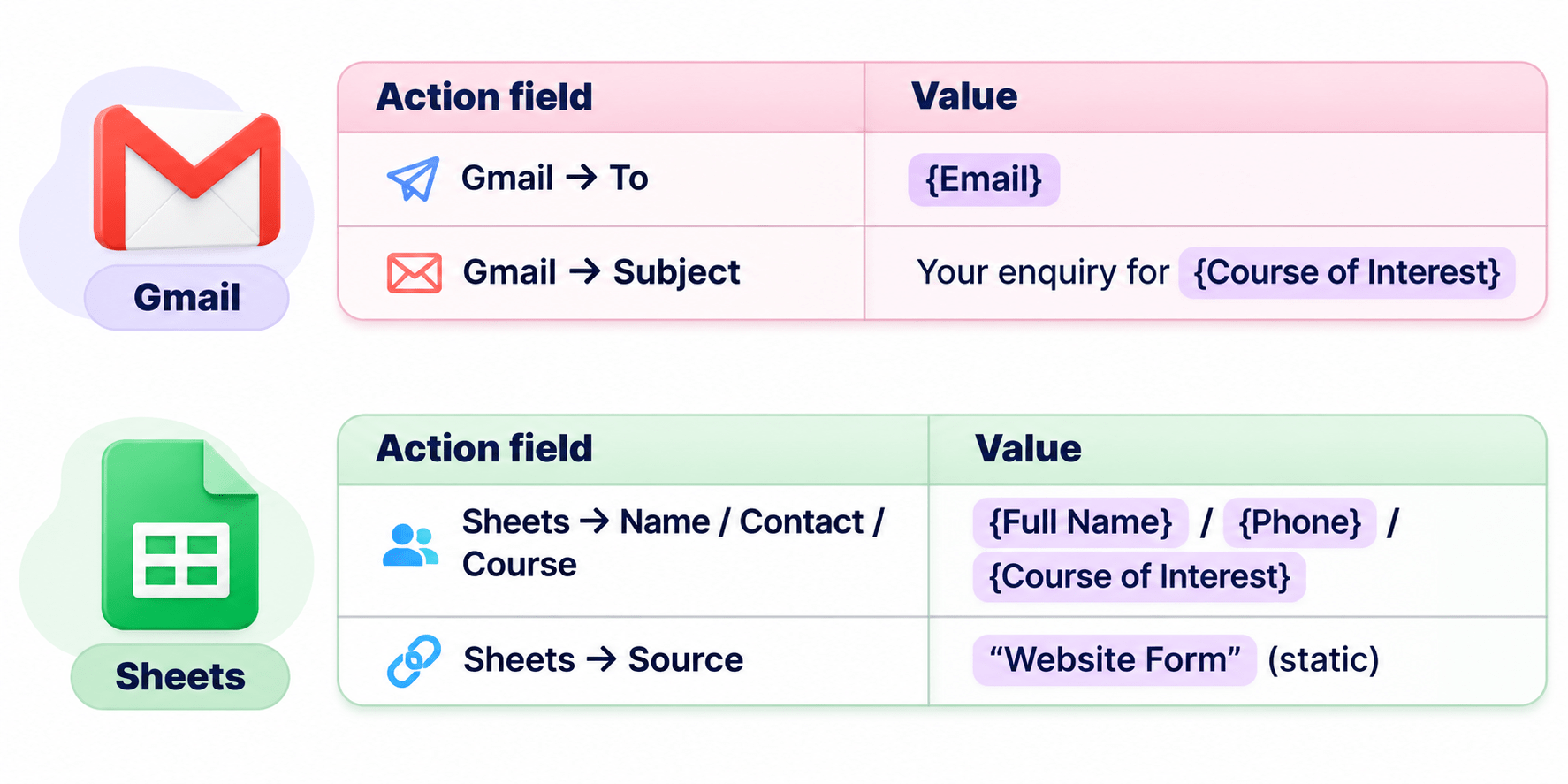
Putting It Together: Mapping a Real Zap
Trigger: New Google Form response
Summary
5
Action tests are real, so test with your own data.
4
Type what stays the same; map what changes.
3
Actions create, update, or search records.
2
Instant triggers run in seconds; polling ones wait.
1
Every step follows Setup, Configure, Test.
Quiz
Every welcome email lands in the Zap builder’s inbox. What is the likely cause?
A. Polling trigger
B. “To” typed as a static email
C. Trigger not tested
D. Wrong Slack channel

Every welcome email lands in the Zap builder’s inbox. What is the likely cause?
A. Polling trigger
B. “To” typed as a static email
C. Trigger not tested
D. Wrong Slack channel
Quiz-Answer