Containerization with Docker


Dockerfile, requirements.txt & Version Pinning for Reproducibility

Learning Outcome
4
Apply exact pins and lock files for reproducible builds.
3
Recognize how instruction order affects layer caching.
2
Identify the core instructions: FROM, WORKDIR, COPY, RUN, CMD.
1
Understand how a Dockerfile builds an image.
5
Connect version pinning to stable GenAI apps.
Getting a Wall Painted

You ask a painter for "light blue" paint.
A year later, you need a touch-up, and the new patch doesn't match the old wall.
If you had written down the exact shade code and the painting steps, any painter could get the same colour again.
Why doesn't "light blue" give the same colour next time?

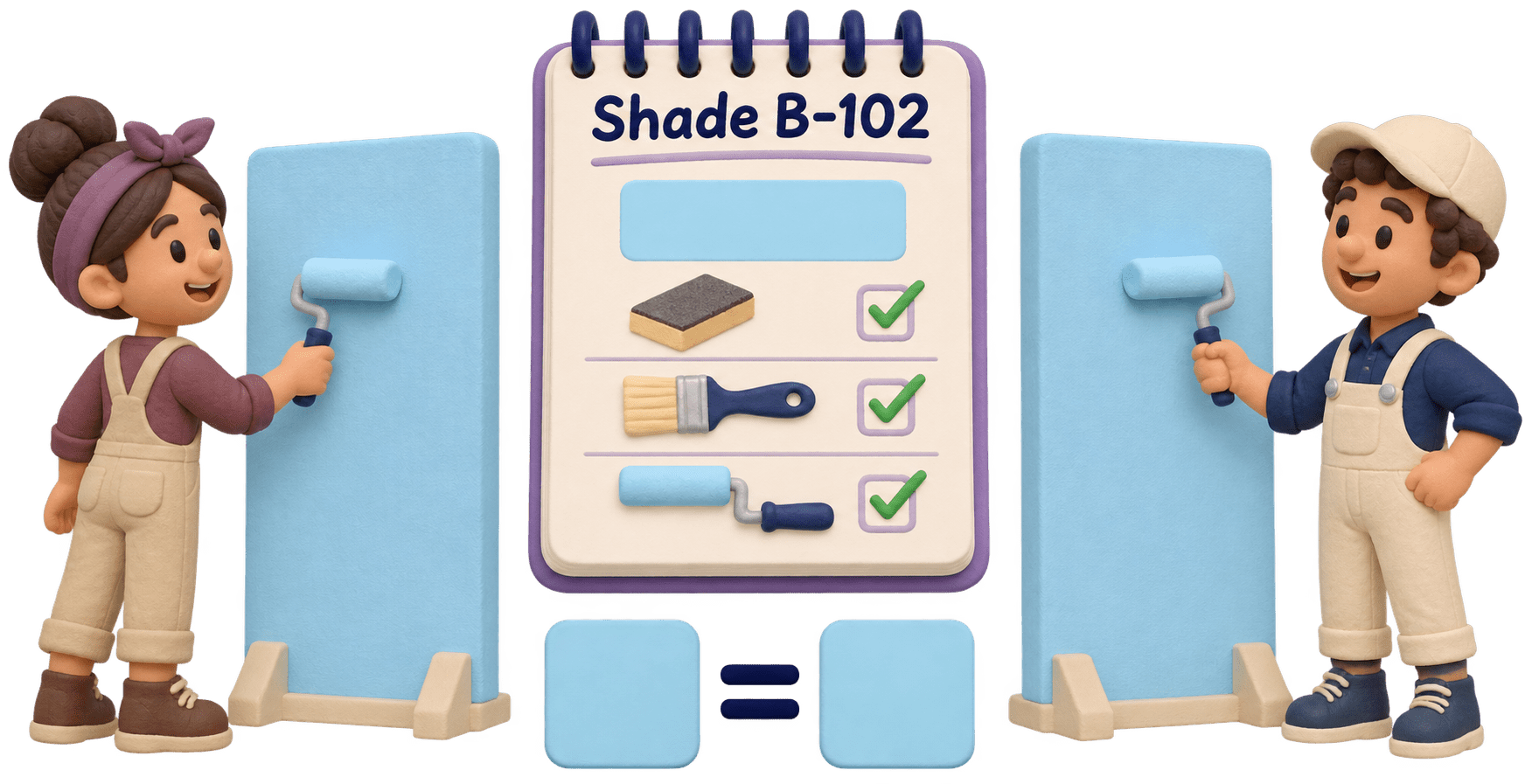
Exact, written instructions give the same result every time.
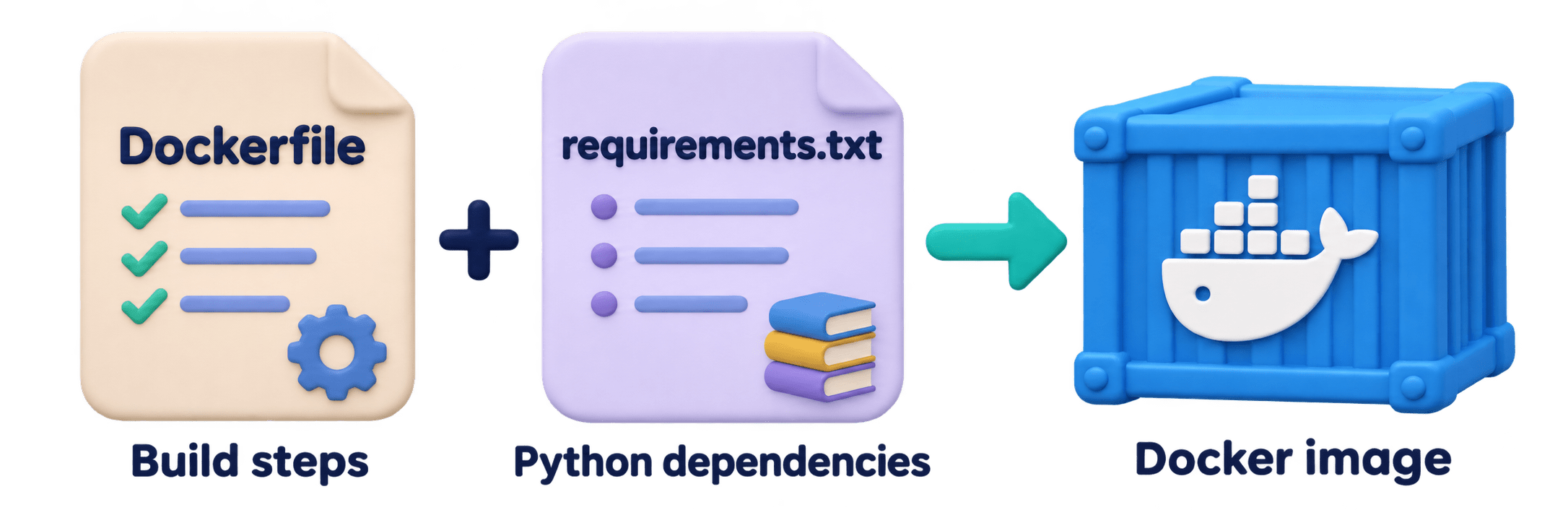
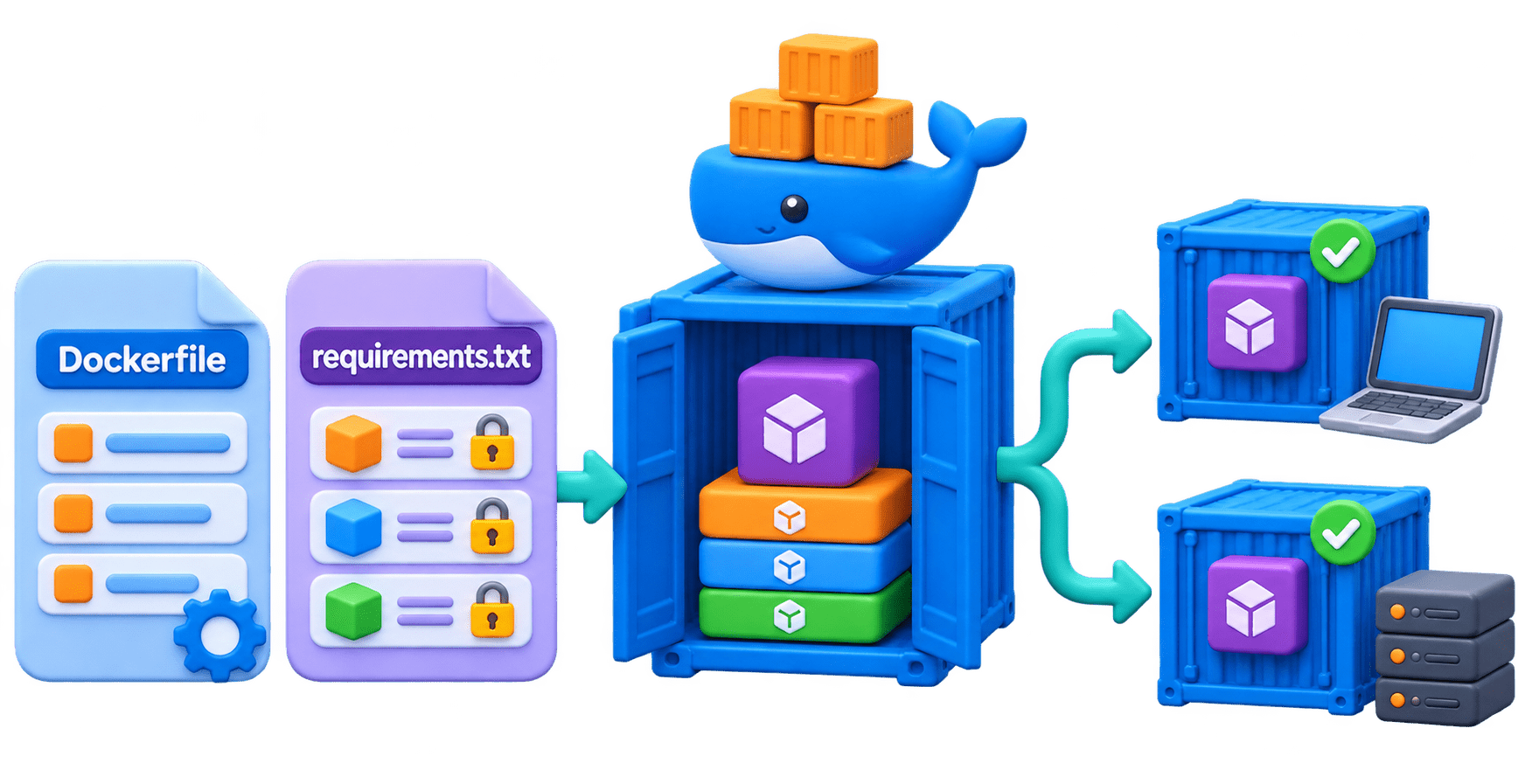
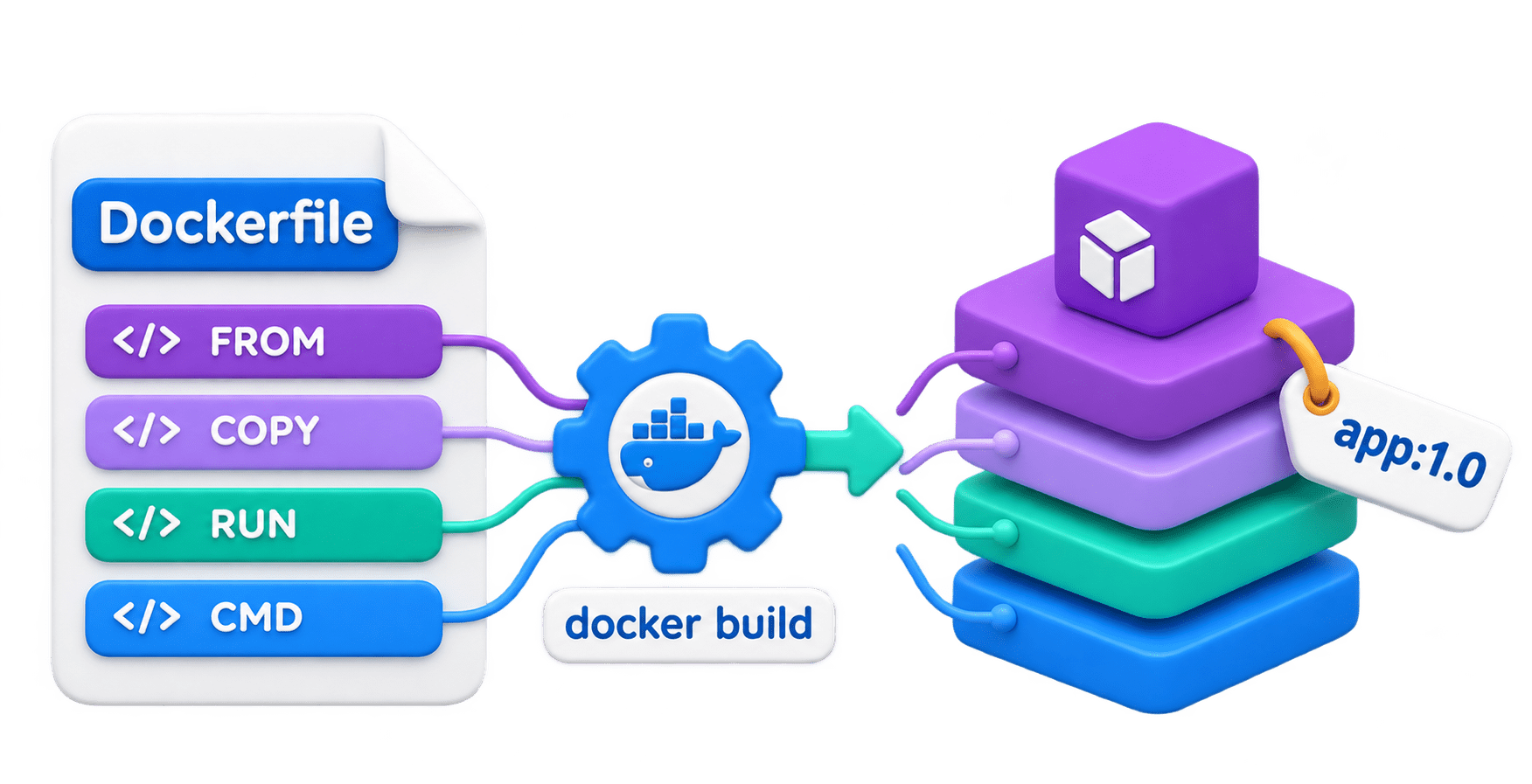
Similarly, to build our Docker image, we write the steps in a file called a Dockerfile and list every library in requirements.txt.
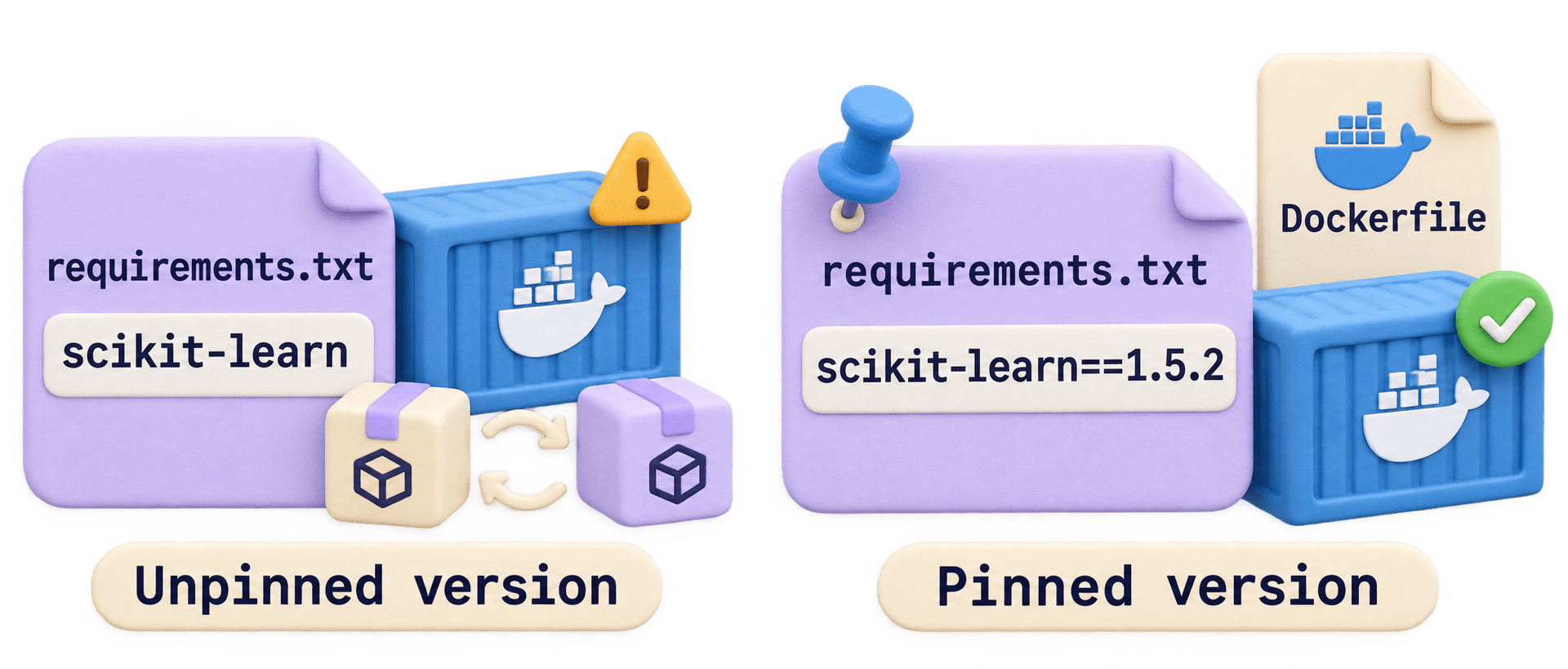
If we write only "scikit-learn", a newer version may be installed later and break our model. Writing the exact version, like scikit-learn==1.5.2, builds the same image every time.This is called Version Pinning for Reproducibility, using a Dockerfile and requirements.txt.
What is a Dockerfile ?

A plain text file, named exactly Dockerfile, listing the instructions to build an image.
Docker build reads it and produces a named, tagged image.
Each instruction creates a layer in the image.

Why it matters ?
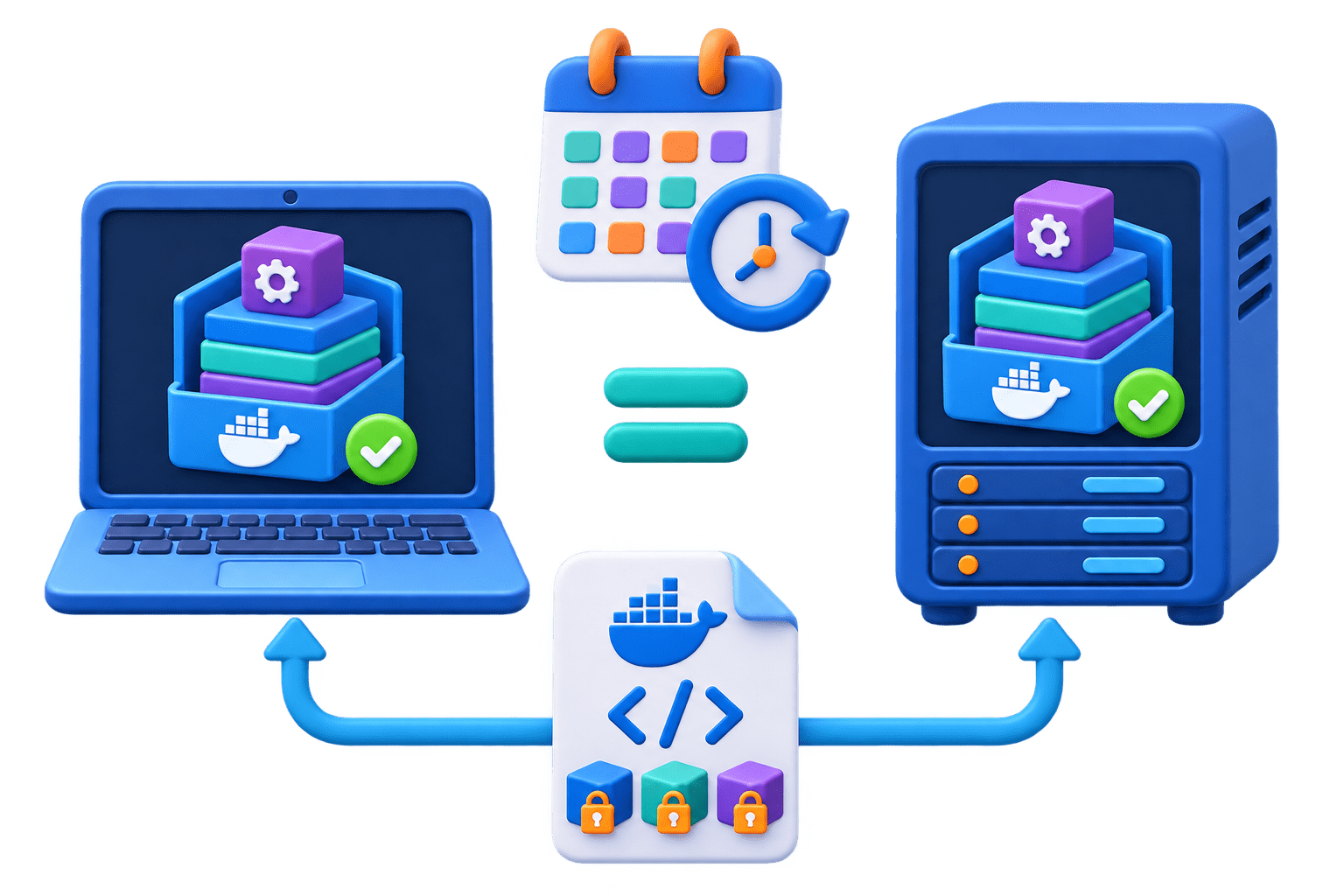
Your own API image must come out identical on your laptop today and on a build server months later.
Code
docker build -t churn-api:1.0 .Core Dockerfile Instructions
FROM
WORKDIR
COPY
RUN
The base image to start from. Every Dockerfile begins here.
The folder inside the image where later steps run.
Copy files from your project into the image.
Run a command at build time, e.g., pip install. Each RUN adds a layer.
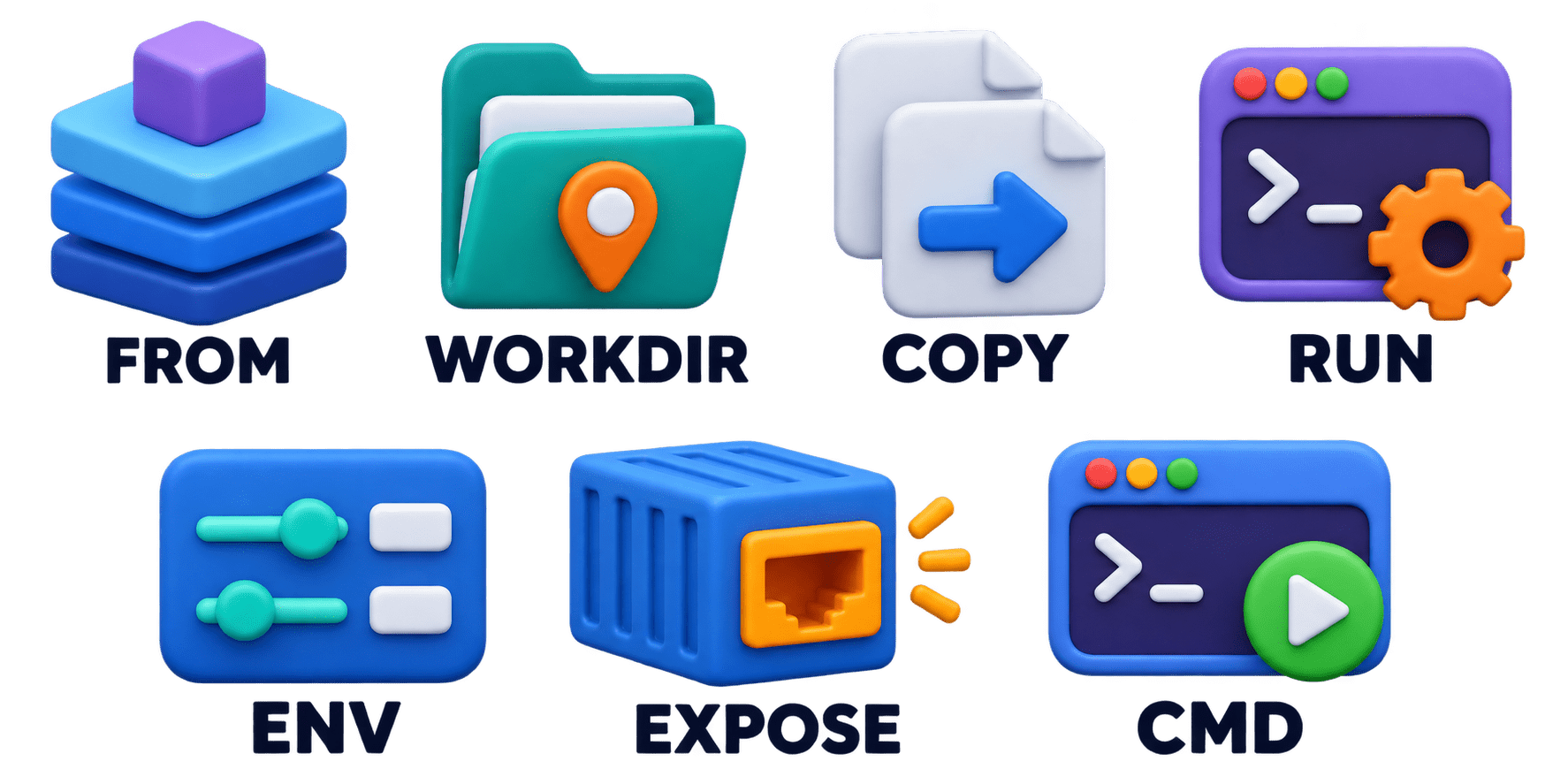
ENV
EXPOSE
CMD
Set an environment variable, e.g., PYTHONUNBUFFERED=1 for instant logs.
Documents the port; it doesn't publish it (you still need -p).
The default command when the container starts.
Layer Caching and Instruction Order (Core Mechanism)
Step 5
Step 4
Step 3
Step 2
Step 1
FROM and WORKDIR set the stable base.
COPY requirements.txt alone.
RUN pip install. This layer is reused until dependencies change.
COPY . . brings in the code last, so code edits rebuild only this small layer.
CMD starts the API on 0.0.0.0.
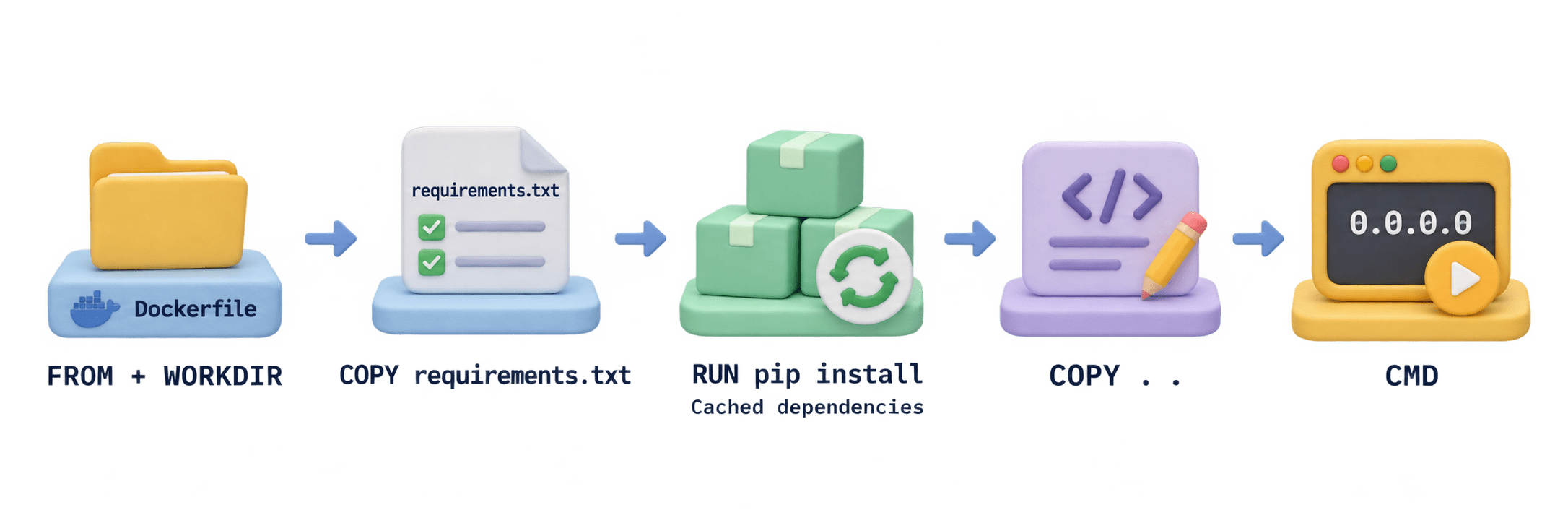
Putting COPY . . before pip install turns a 5-second rebuild into a 5-minute one. A .dockerignore keeps .git, venv, datasets, and .env out of the image.

Code
FROM python:3.11.9-slim
WORKDIR /app
COPY requirements.txt .
RUN pip install --no-cache-dir -r requirements.txt
COPY . .
CMD ["uvicorn", "main:app", "--host", "0.0.0.0", "--port", "8000"]
Requirements.txt
A text file listing the packages a project needs, installed with pip install -r requirements.txt.
Unpinned
Fastapi – newest version on build day.
For a deployed model, exact pins are the safe default. MLflow even saves a requirements.txt with each logged model.
Range
Scikit-learn>=1.4 – any future version, including breaking ones.
Compatible release
Pydantic~=2.7 – 2.7 and later 2.x, not 3.0
Exact pin
Scikit-learn==1.5.2 – that version, every time.




Version Pinning for Reproducibility
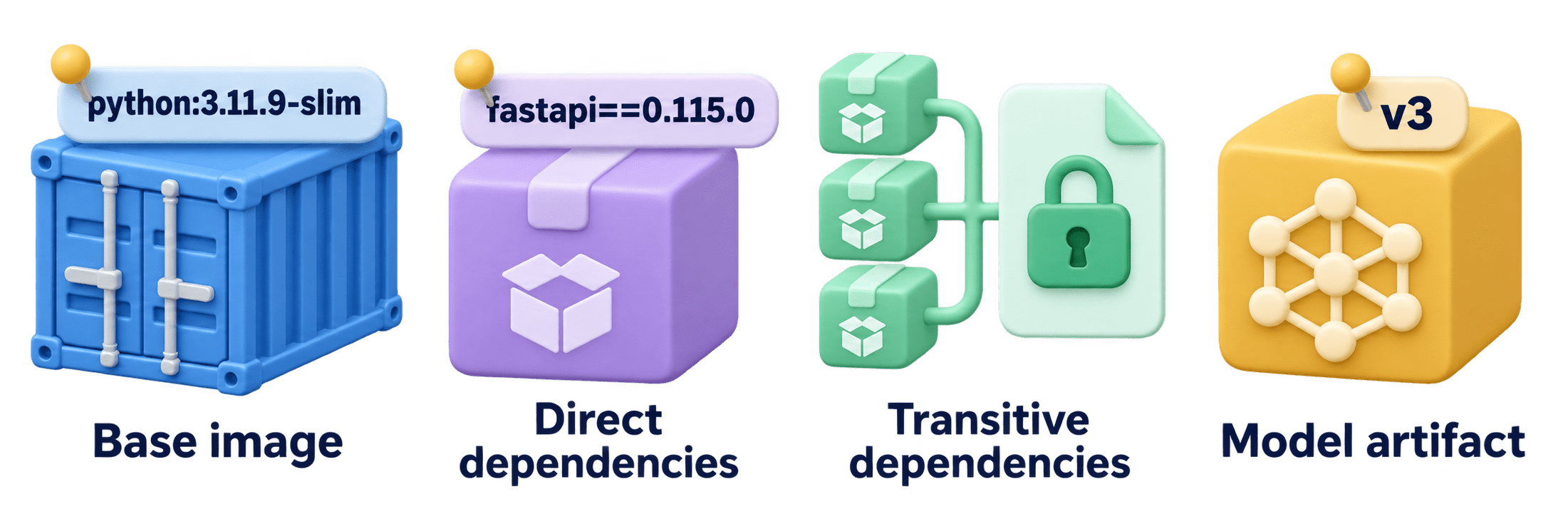
Pin the model artifact
Load a fixed version or an alias you control in MLflow.
4
Pin the base image
python:3.11.9-slim, not python:latest. Strictest: add the digest @sha256:….
1
Pin direct dependencies
fastapi==0.115.0.
2
Lock transitive dependencies
Pip freeze in a clean venv, or pip-tools / uv lock files.
3
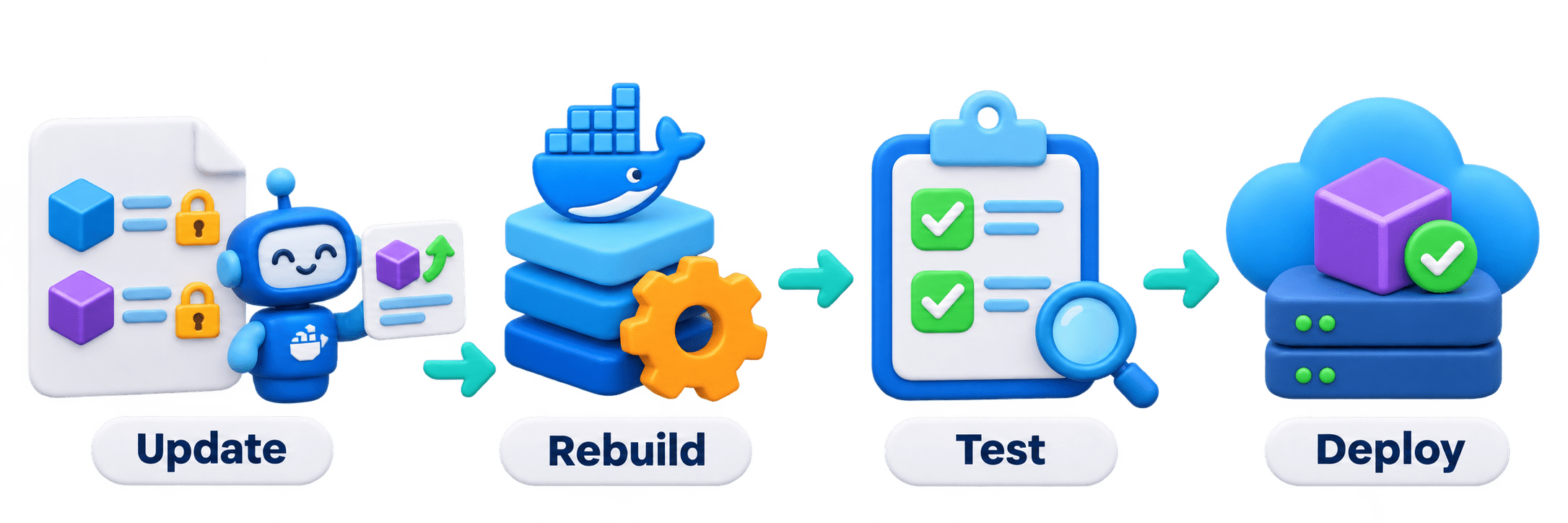
Pinning doesn't mean never updating: change a version, rebuild, test, then deploy. Dependabot can open those update requests for you.
Smaller and Safer Images
Slim base images
Skip the pip cache
Multi-stage builds
Non-root user
Python:3.11-slim is several times smaller; Alpine often breaks scientific packages.
No-cache-dir keeps downloads out of the image.
Compile in one stage, copy only the result into a clean final stage.
USER appuser limits damage if the container is compromised.
Unpinned vs Pinned Dependencies (Comparison)
| Aspect | Unpinned | Pinned |
|---|---|---|
| What installs | Newest on build day | Exactly the listed versions |
| Same build next month | May differ | Identical |
| Model compatibility | Can silently break a saved model | Matches the training environment |
| Updating | Happens by accident | Happens deliberately, with tests |
| Typical use | Throwaway notebooks | Deployed APIs, CI builds, shared projects |
| Analogy | "Light blue, nicely" | Reservation counter |
Think About This: Spotting the Difference
FROM python:latest
Not reproducible: latest moves to new Python versions over time.
Not reproducible: both resolve to newer versions on every build.
scikit-learn>=1.3 and fastapi
Reproducible: The digest identifies one exact image.
Pin everything that could change underneath you.
FROM python:3.11.9-slim@sha256:…
Pin everything that could change underneath you.

Real-World Applications
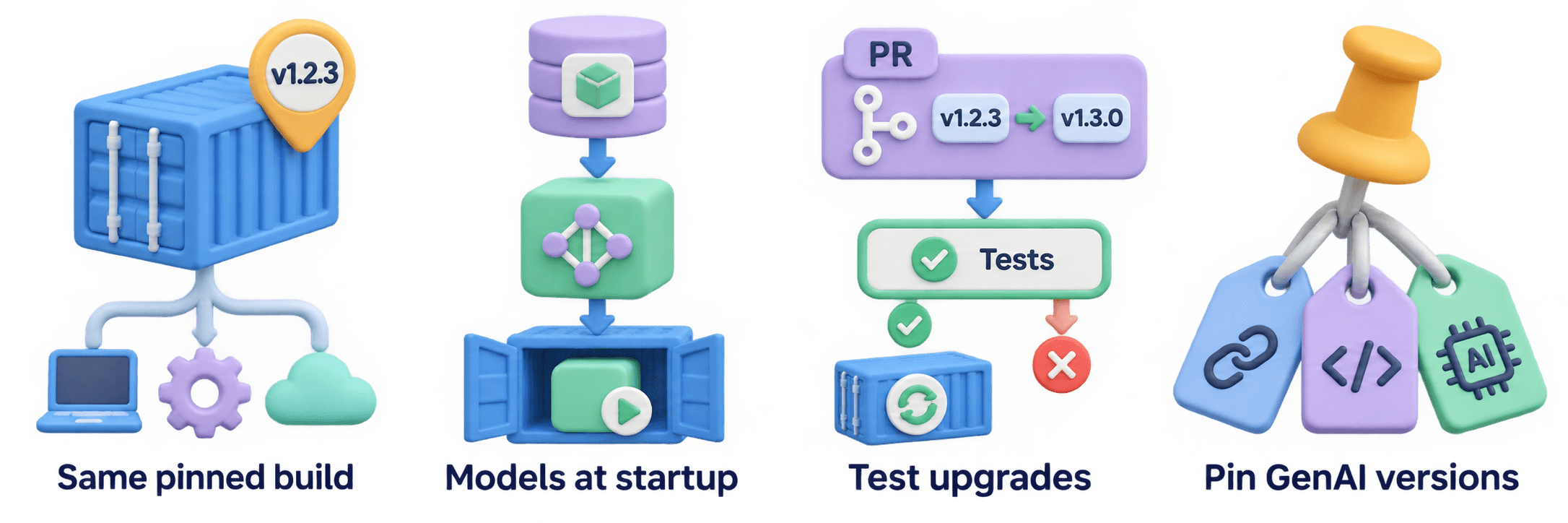
One image everywhere
Laptop, CI, and cloud run the same pinned build.
01
Large models
Downloaded at startup from the MLflow Registry instead of baked into huge images.
02
Safe upgrades
Dependabot opens a version-bump PR; tests decide if it ships.
03
GenAI apps
Pin LangChain, LLM SDKs, and model names; they change interfaces often.
04
Summary
5
Pin GenAI SDKs; they change fast.
4
Pin the base image tag or digest.
3
Pin with ==; lock transitive packages.
2
Stable steps first, code last.
1
Dockerfile: step-by-step image build instructions.
Quiz
Every small edit to main.py triggers a 5-minute pip reinstall during docker build. What is the most likely cause?
A.The base image is python:3.11-slim
B.The Dockerfile has no EXPOSE line
C.COPY . . comes before RUN pip install
D.requirements.txt uses exact pins

Quiz-Answer
Every small edit to main.py triggers a 5-minute pip reinstall during docker build. What is the most likely cause?
A.The base image is python:3.11-slim
B.The Dockerfile has no EXPOSE line
C.COPY . . comes before RUN pip install
D.requirements.txt uses exact pins