Containerization with Docker


Environment Variables & Secrets Management

Learning Outcome
4
Apply pydantic-settings and runtime injection safely.
3
Recognize where secrets leak: code, images, Git, and logs.
2
Identify the difference between configuration and secrets.
1
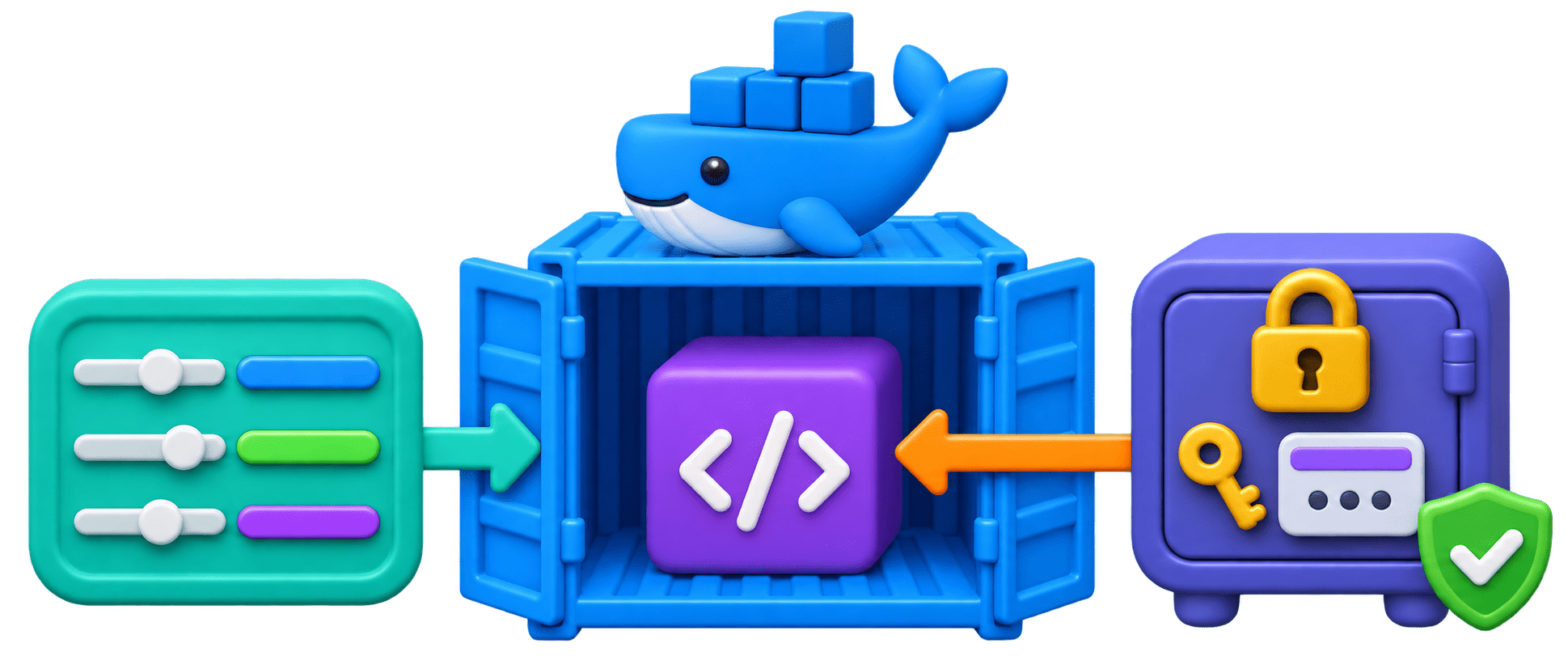
Understand how environment variables configure one image.
5
Connect secrets management to protecting LLM API keys.
What are Environment Variables?
Named values the operating system gives a running program,
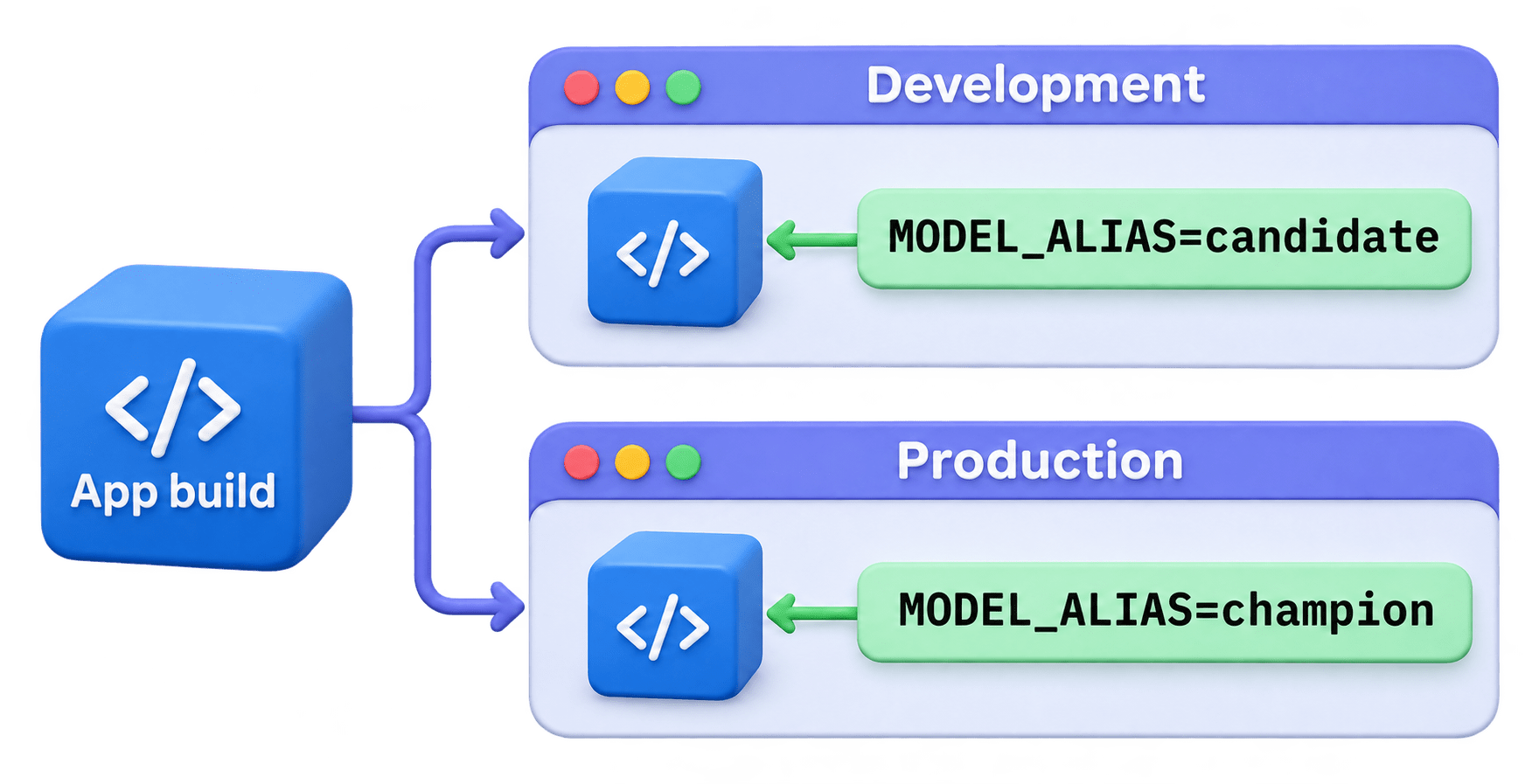
e.g., MODEL_ALIAS=champion.

One build behaves differently per environment without code changes
(Twelve-Factor App principle).
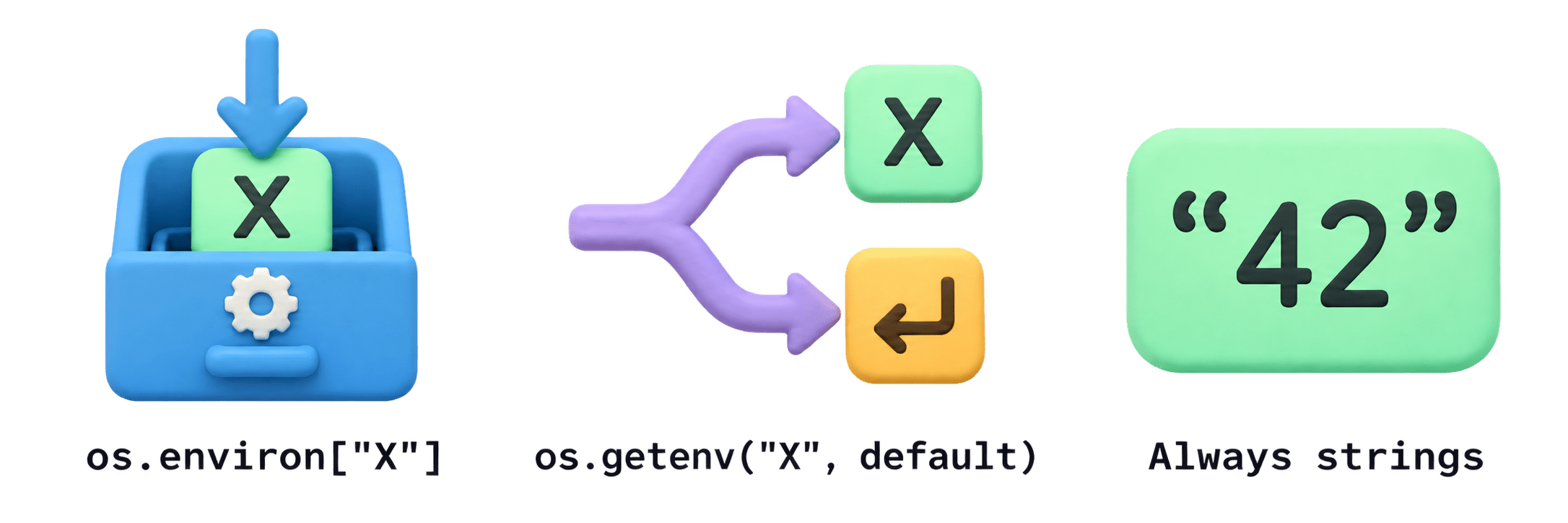
os.environ["X"]
os.getenv("X", default)
Always strings
Raises KeyError if missing; use for required settings.
falls back to a default; use for optional settings.
"1000" must be converted with int().
alias = os.environ["MODEL_ALIAS"]
level = os.getenv("LOG_LEVEL", "INFO")
Code
Validating Settings with pydantic-settings
A BaseSettings class declares every setting with a type and default.
It reads matching environment variables, converts types, and applies defaults.
SecretStr hides the value when printed or logged.
Fails at startup with a clear error if a required setting is missing or invalid.
class Settings(BaseSettings):
    model_alias: str = "champion"
    batch_limit: int = 1000
    llm_api_key: SecretStr
Code
Failing at startup is a feature: easier to fix than a crash on the first prediction.
Passing Environment Variables to Containers
ENV in the Dockerfile
-e at run time
--env-file
Locally
Safe, non-secret defaults only.
Set or override one value per container.
Load many KEY=value lines from a file.
a .env file with python-dotenv or pydantic-settings; for your machine only.
Code
docker run -e MODEL_ALIAS=challenger -e LOG_LEVEL=DEBUG churn-api:1.0
docker run --env-file .env churn-api:1.0
What Counts as a Secret?
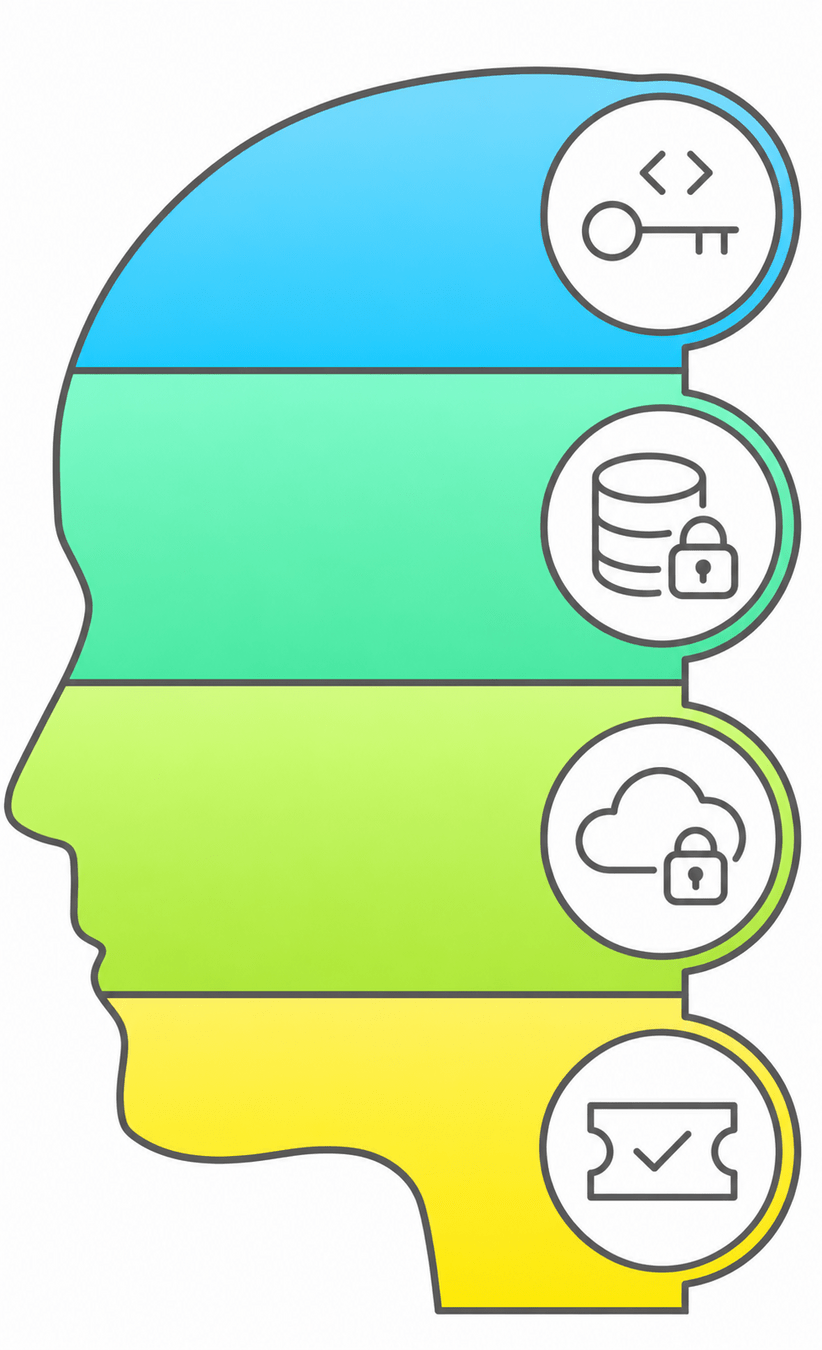
API keys
LLM providers, payment gateways, SMS and email services.
Database credentials
Passwords or connection strings for prediction and student data.
Cloud credentials
AWS, Azure, or GCP keys that can control whole accounts.
Service tokens
MLflow server, container registries, internal APIs.
LOG_LEVEL, MODEL_ALIAS, and BATCH_LIMIT
are ordinary configuration; safe in logs and docs.
A secret is any value that grants access or causes harm if someone else sees it.
The Golden Rules of Secrets
Never hardcode
Never commit .env
Never bake into images
A key in main.py spreads to every copy, image, and screenshot.
Add it to .gitignore; commit .env.example with placeholders.
ENV and COPY leave secrets readable via docker history.
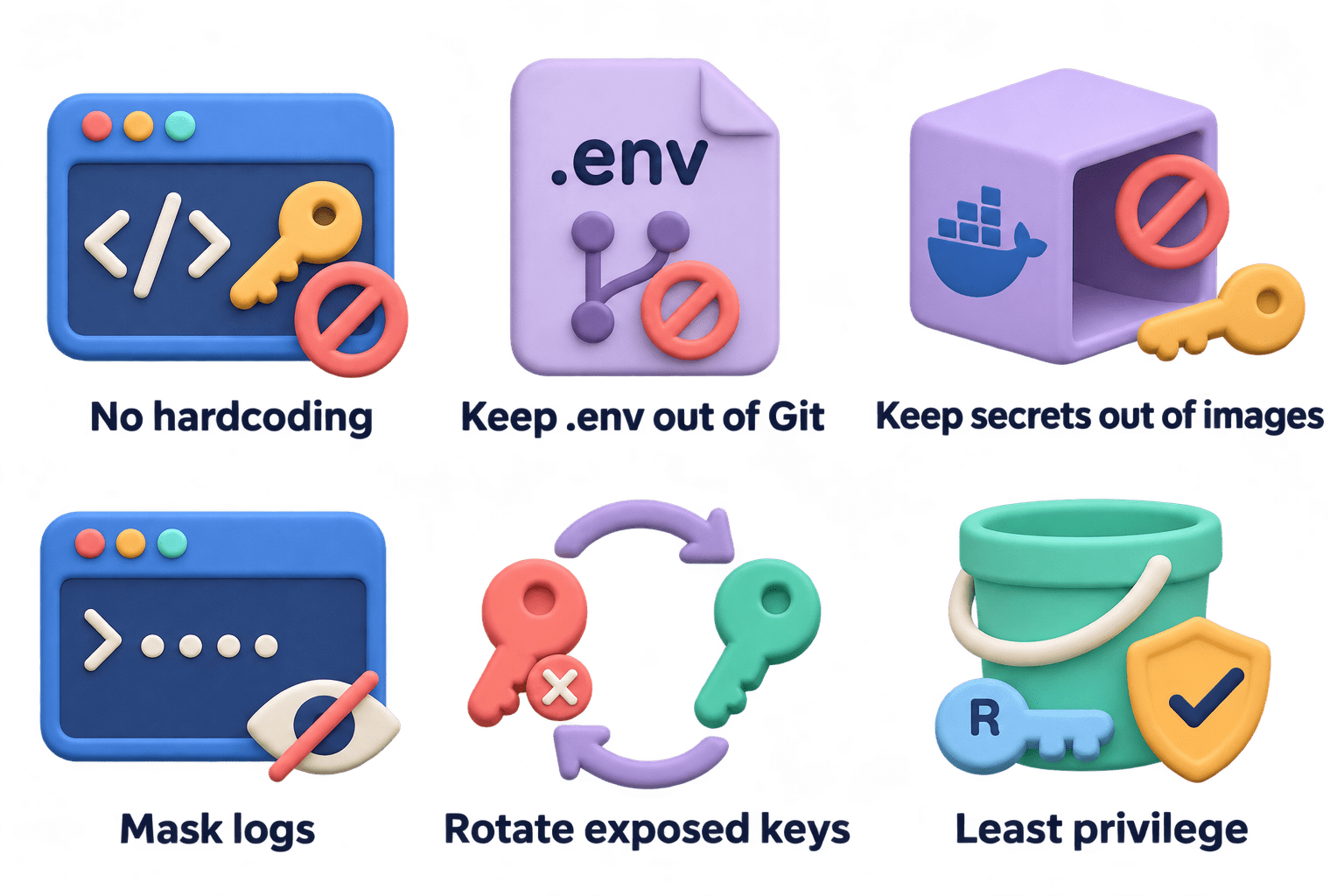
Never log secrets
Rotate when exposed
Least access
Mask them; SecretStr helps.
Revoke with the provider first; Git history still holds the old key.
A read-only key on one bucket beats an admin key.
Secrets in Production (Core Mechanism)
Step 4
Step 3
Step 2
Step 1
Store the secret in a manager (AWS Secrets Manager, Azure Key Vault, Google Secret Manager) or encrypted platform settings like Render's.
Inject it into the container at runtime as an environment variable or file.
Read it through settings, typed as SecretStr.
Rotate on a schedule or on exposure, with no rebuild needed.
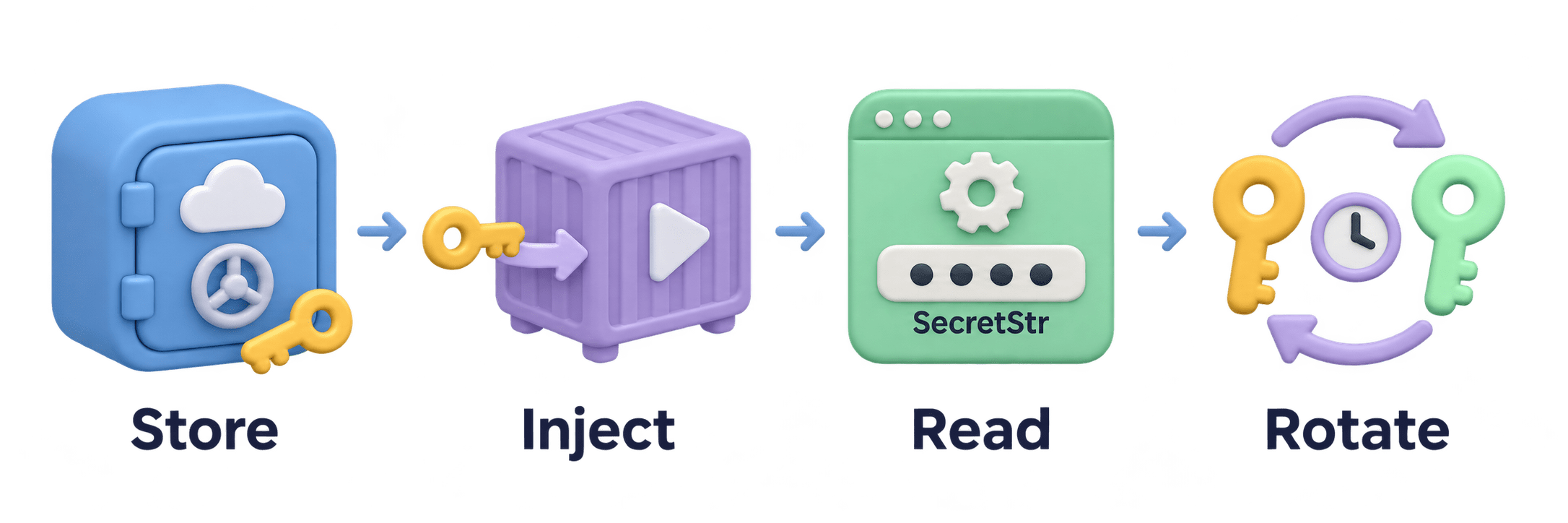
The secret never appears in the code, the image, or the repository. Build-time secrets use Docker BuildKit secret mounts.

Configuration vs Secret (Comparison)
| Aspect | Configuration | Secret |
|---|---|---|
| Examples | LOG_LEVEL, MODEL_ALIAS, BATCH_LIMIT | LLM_API_KEY, DATABASE_PASSWORD, AWS keys |
| Harm if exposed | Little or none | Data leaks, account takeover, bills |
| In Dockerfile ENV? | Fine for safe defaults | Never |
| Commit to Git? | Yes, in .env.example or config | Never; placeholders only |
| Production home | Platform settings or config files | Secret manager or encrypted secrets |
| Analogy | Your Wi-Fi network name | Your Wi-Fi password |
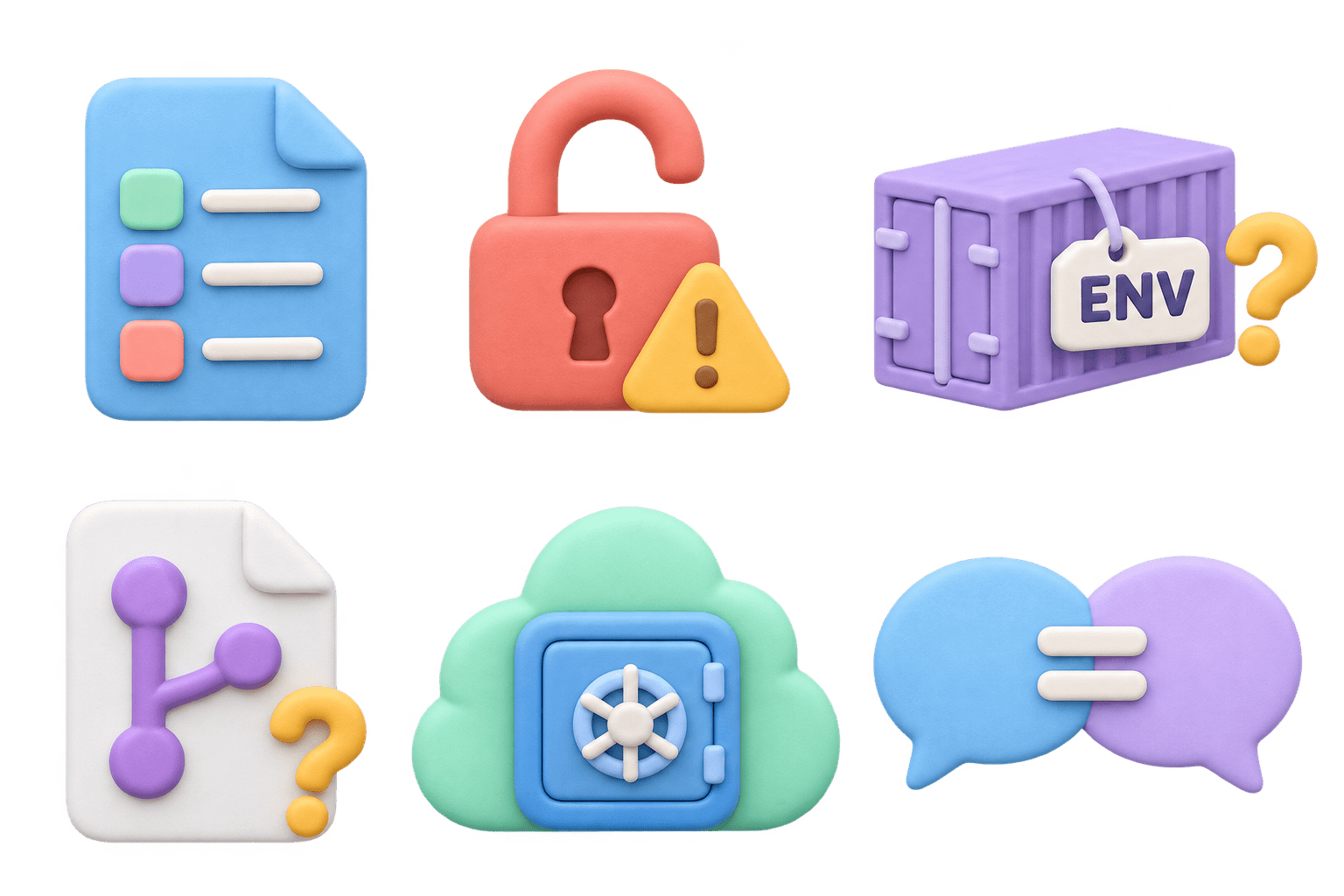
Think About This: Spotting the Difference
Configuration: knowing the alias grants no access.
MODEL_ALIAS=champion
Secret: The credentials open student and prediction data
DATABASE_URL with username and password
Secret: anyone holding it makes paid calls on your account.If exposing it would cause harm, it's a secret.
The LLM provider API key


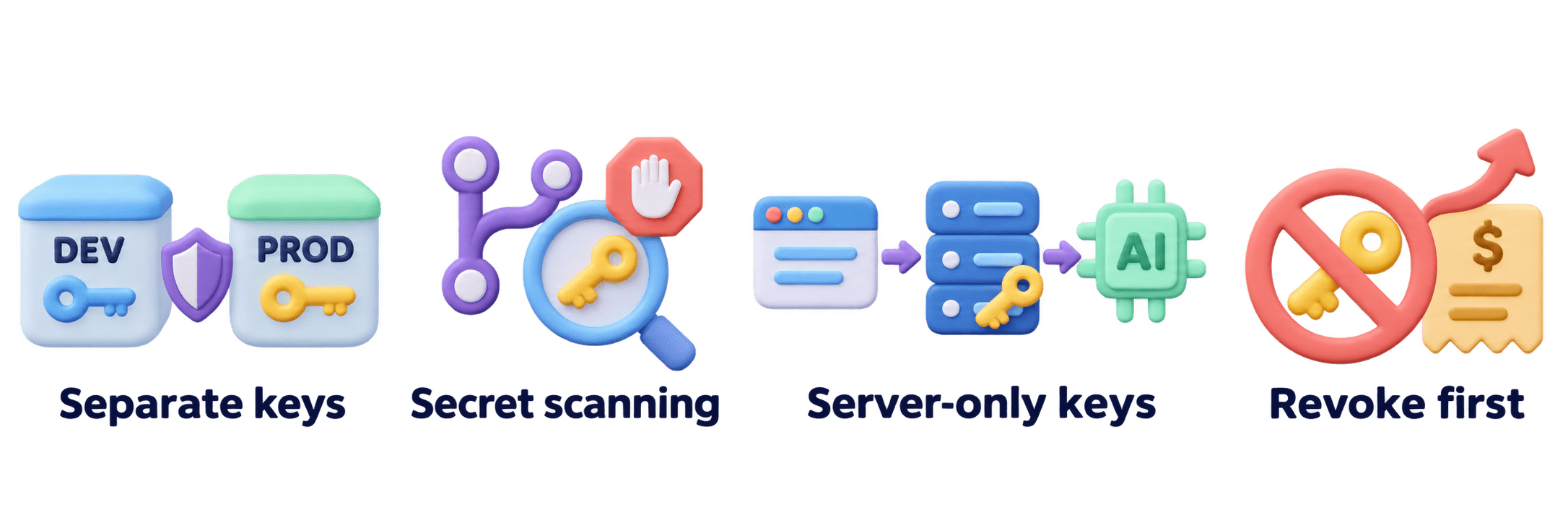
Real-World Applications
Separate keys per environment
A leaked dev key can't touch production data.
01
GitHub secret scanning
Blocks pushes containing recognised keys; bots scan public repos in minutes.
02
LLM apps
Keys never go to the browser or mobile app; the front end calls your API, and only the server calls the LLM.
03
Leaked LLM key
Can run up a large bill within hours, so revoke first.
04
Summary
5
Leaked key: revoke first, clean up later.
4
Inject secrets at runtime from a vault.
3
No secrets in code, images, Git, logs.
2
Config is harmless; secrets grant access.
1
Build once; configure with environment variables.
Quiz
A developer pushes .env with an LLM API key to a public repo, notices, and deletes it in the next commit. What should happen first?
A. Revoke the key with the provider & issue new one
B. Rewrite the Git history to remove the commit
C. Make the repository private
D. Add .env to .gitignore

Quiz-Answer
A developer pushes .env with an LLM API key to a public repo, notices, and deletes it in the next commit. What should happen first?
A. Revoke the key with the provider & issue new one
B. Rewrite the Git history to remove the commit
C. Make the repository private
D. Add .env to .gitignore